QR Code Widget for Safari
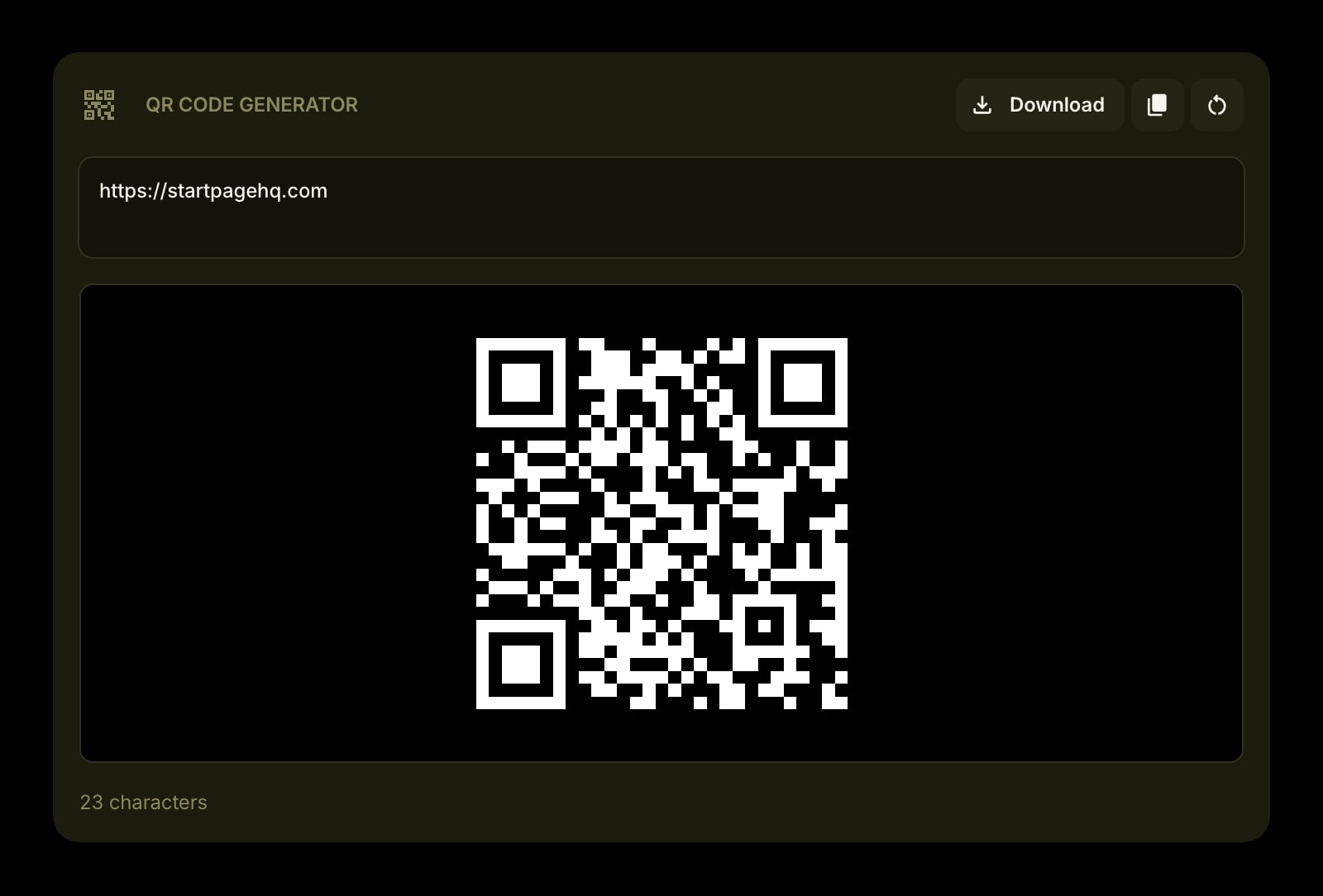
A QR code generator on Safari's new tab, on the Mac and the iPhone. On iPhone and iPad the Download button opens the share sheet, so a code goes straight to Photos, AirDrop, or Messages.
Install on Safari
The Safari-specific flow, start to finish.
- 1Install Start Page HQ from the Mac App Store and open it once. Then enable it under Safari → Settings → Extensions and allow its permissions.
- 2Open a new tab, click the gear icon in the bottom right of the dashboard, and choose Add Widget → QR Code Generator.
- 3Type or paste your text or link. The code is redrawn as you type.
- 4On the Mac, click Download and Safari saves qrcode.png to your download location, Downloads by default.
- 5On iPhone or iPad, install the same app, enable it under Settings → Safari → Extensions, and sign in. Tap Download there to open the share sheet.
What QR Code Generator Does
A short tour of the widget. Already sold? Skip ahead.
- Any text or link turned into a QR code while you type.
- High error correction, so the code still scans when part of it is scuffed or covered.
- A 512 × 512 PNG: saved to Downloads on the Mac, shared from the share sheet on iPhone.
- Copy the encoded text, or clear it in one click.
- The last text follows your account between Mac and iPhone.
Notes for Safari Users
Inside the Safari extension on iPhone and iPad, an ordinary file download does not work from the new tab, so the widget hands the image to iOS instead. Tapping Download opens the iOS share sheet with the PNG attached. Save Image puts the code in Photos, and AirDrop, Messages, or Mail send it on directly. On the Mac the same button is a normal download into the folder set under Safari → Settings → General → File download location.
The two devices also work as a pair. The text you typed is saved to your Start Page HQ account, not iCloud, so a code made on the Mac's new tab is already on the iPhone's. To move a link from the Mac to a phone that isn't yours, point the phone's camera at the code on screen. The camera app on iPhone and most Android phones reads QR codes without a separate app. In a dark theme the code is drawn white on black, and the saved PNG keeps those colors. Switch to the light theme before saving a code for print, since some scanners expect dark on light.
Other Widgets You Might Add
Pair the QR Code Generator widget with these. One install gets you all of them.
Links
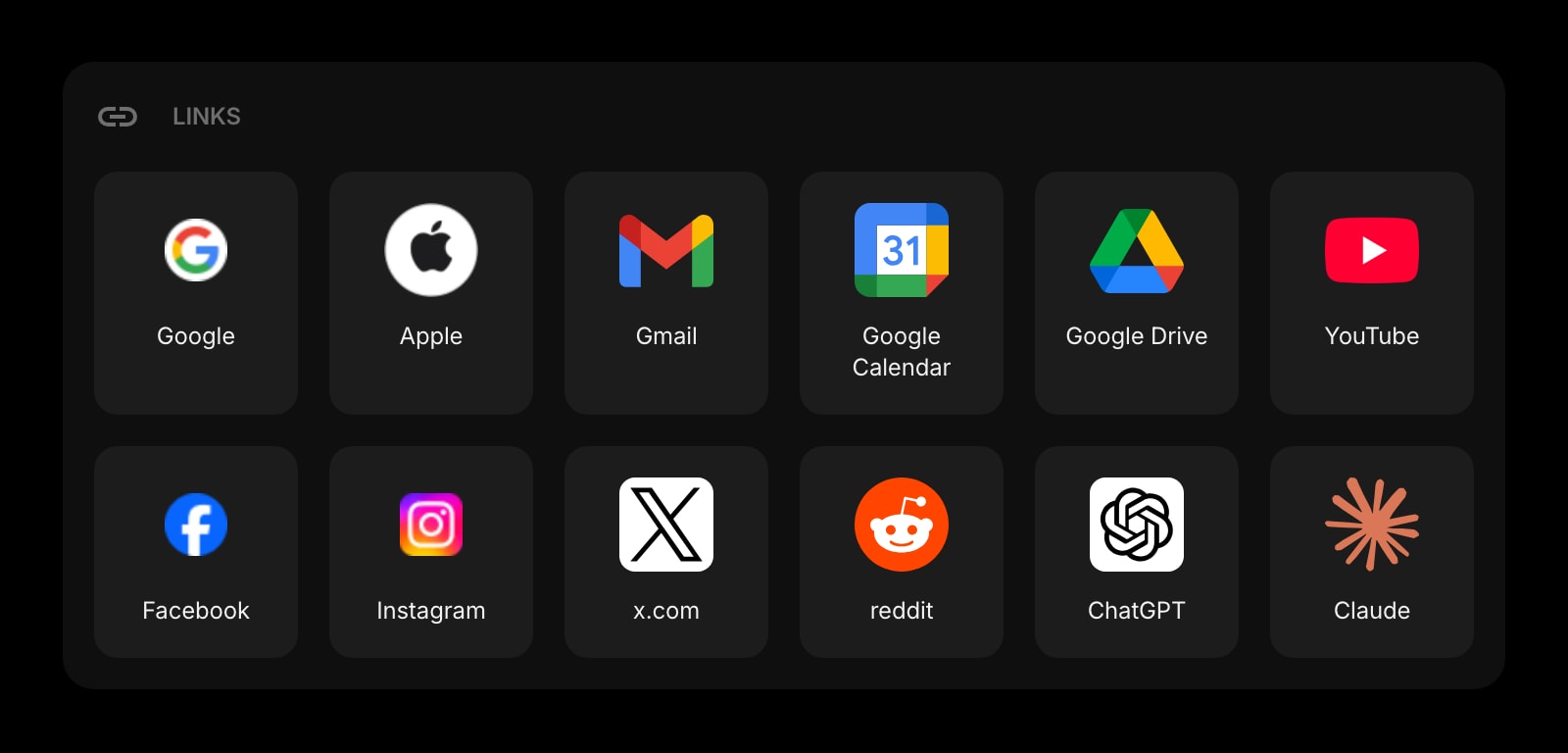
Bookmarks you can drop into the generator.
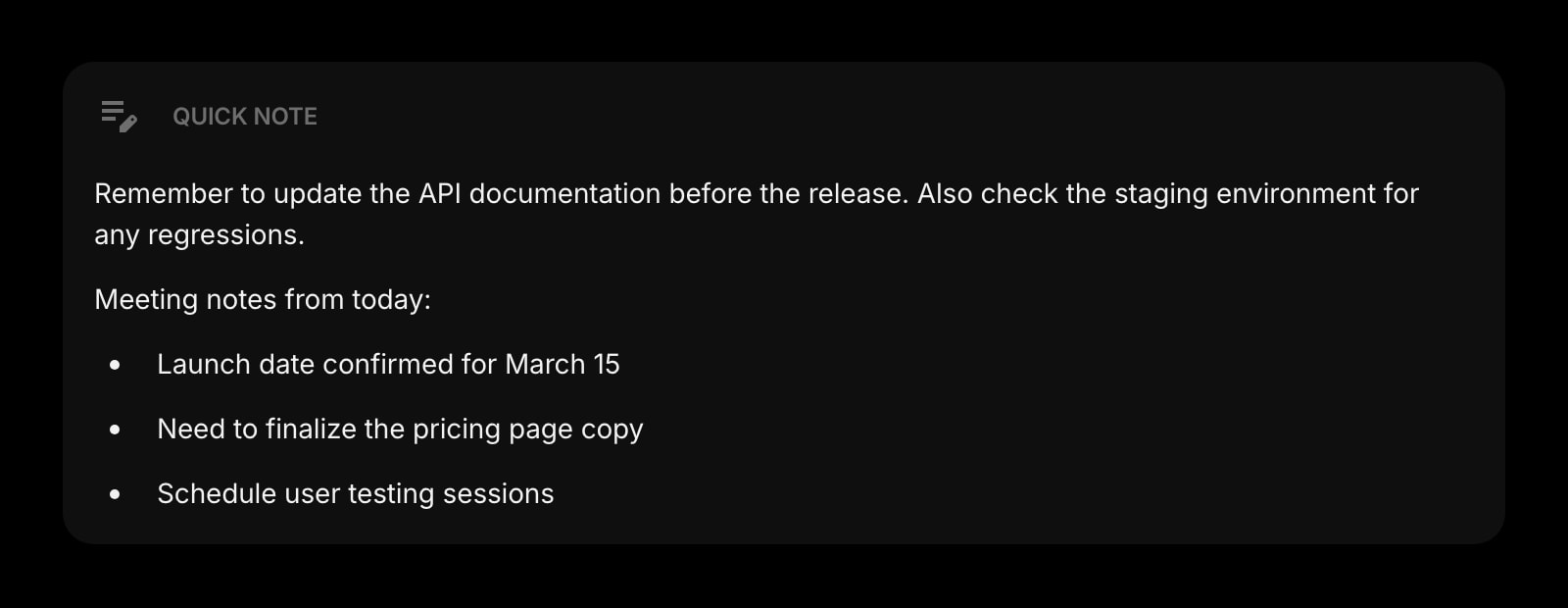
Quick Note
The text for the next code, ready on both devices.
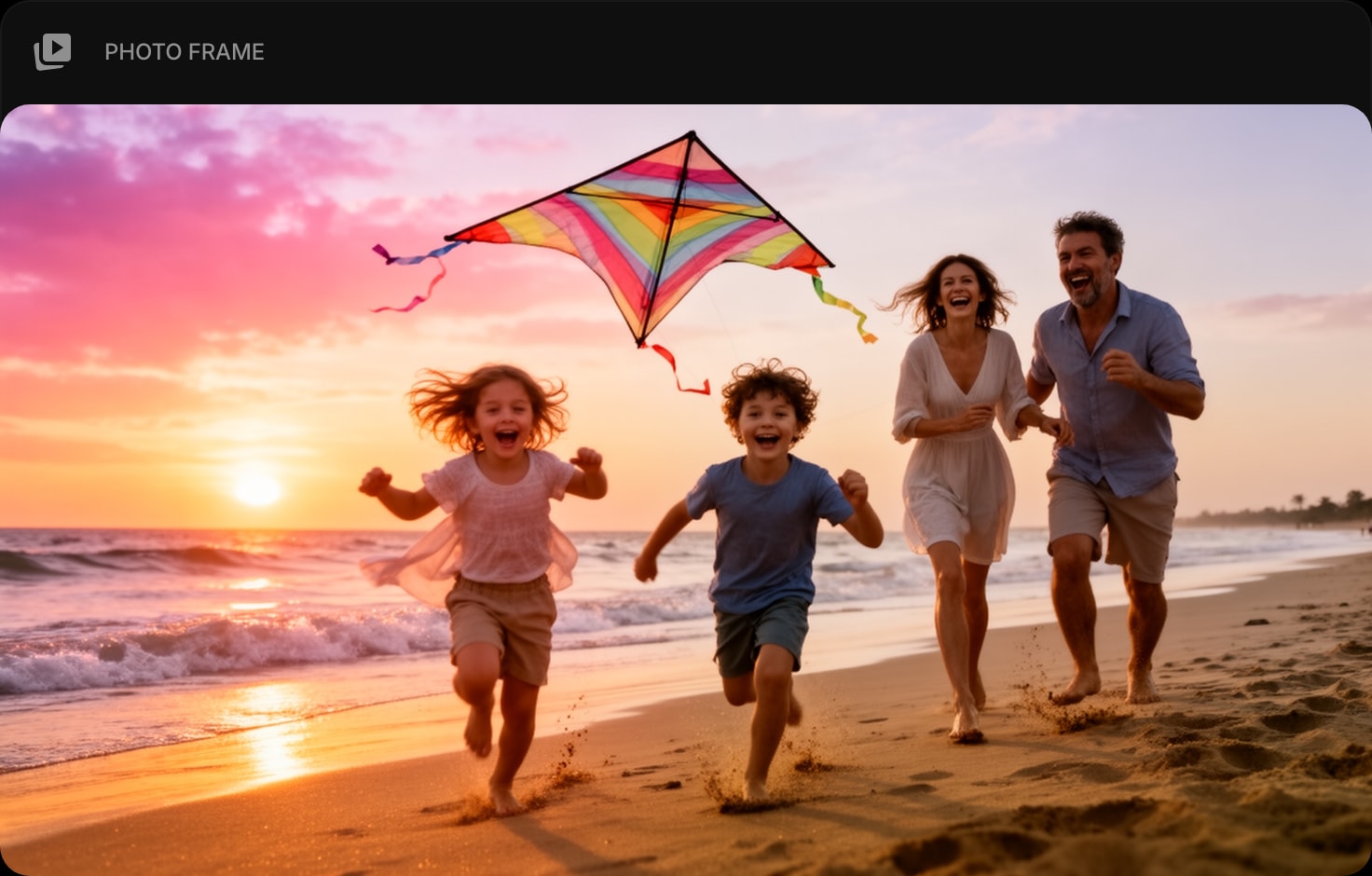
Photo Frame
Photos from iCloud on the same new tab.
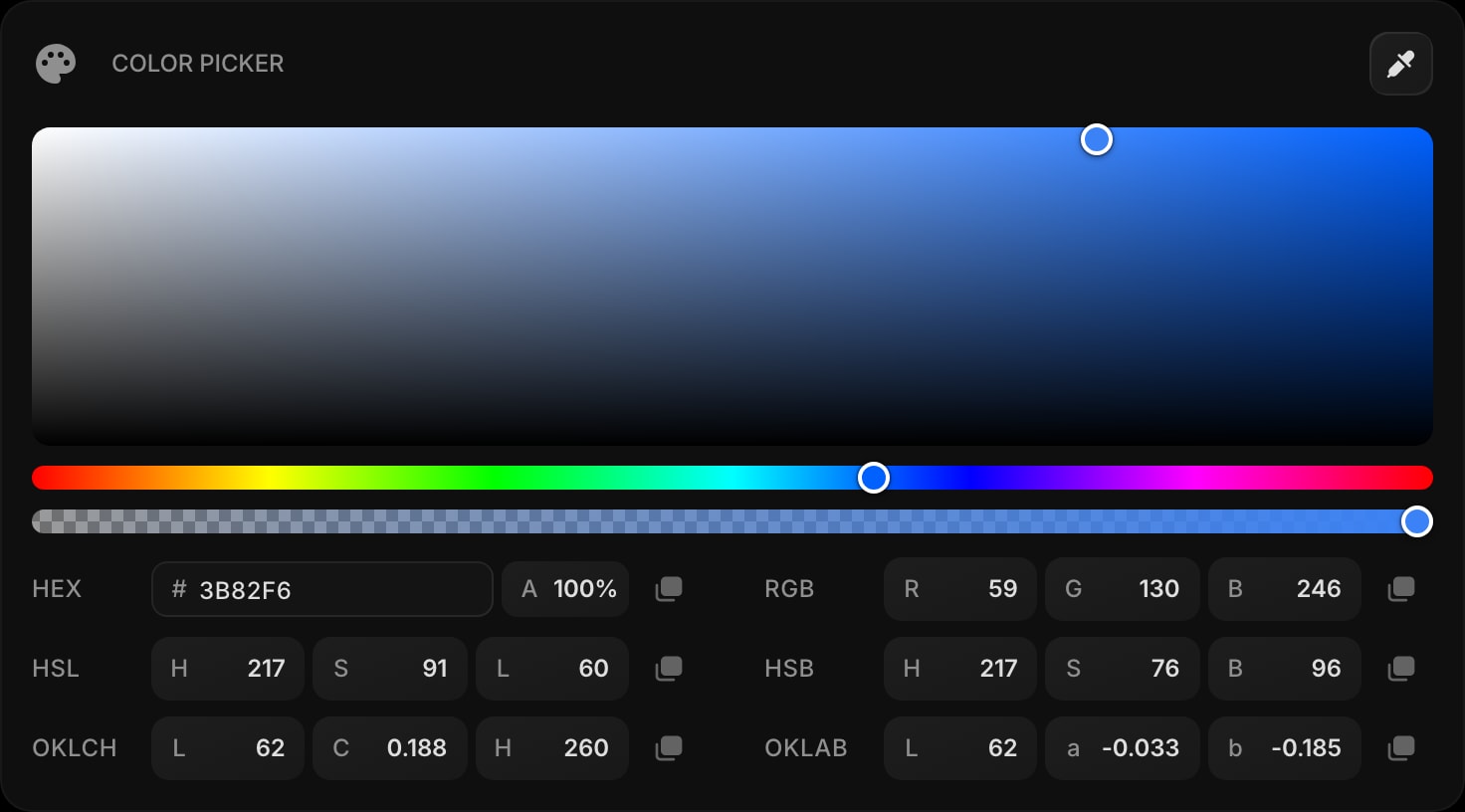
Color Picker
Colors for the card or sign the code goes on.
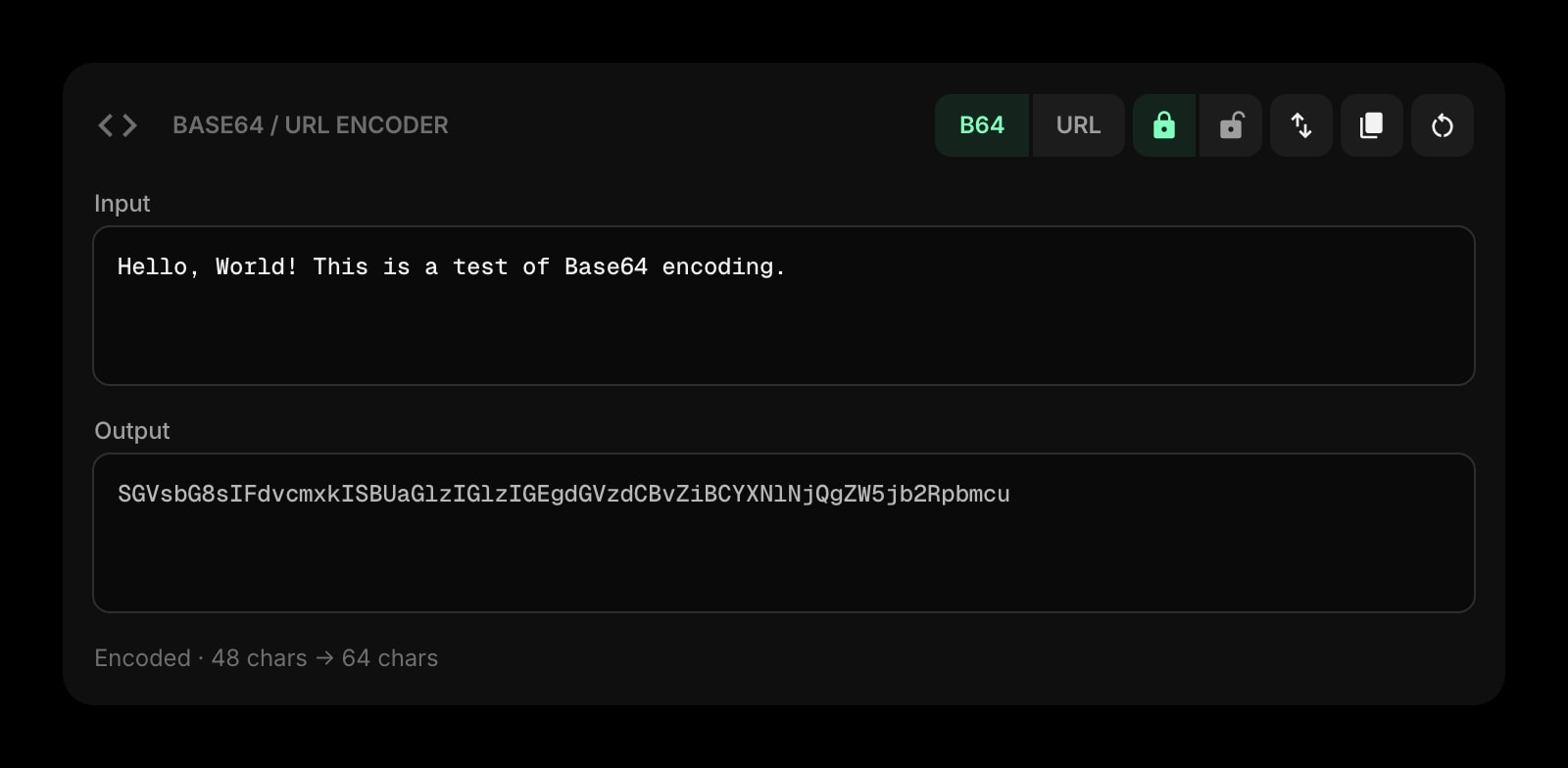
Base64 & URL Encoder
Fix a link with spaces before encoding it.
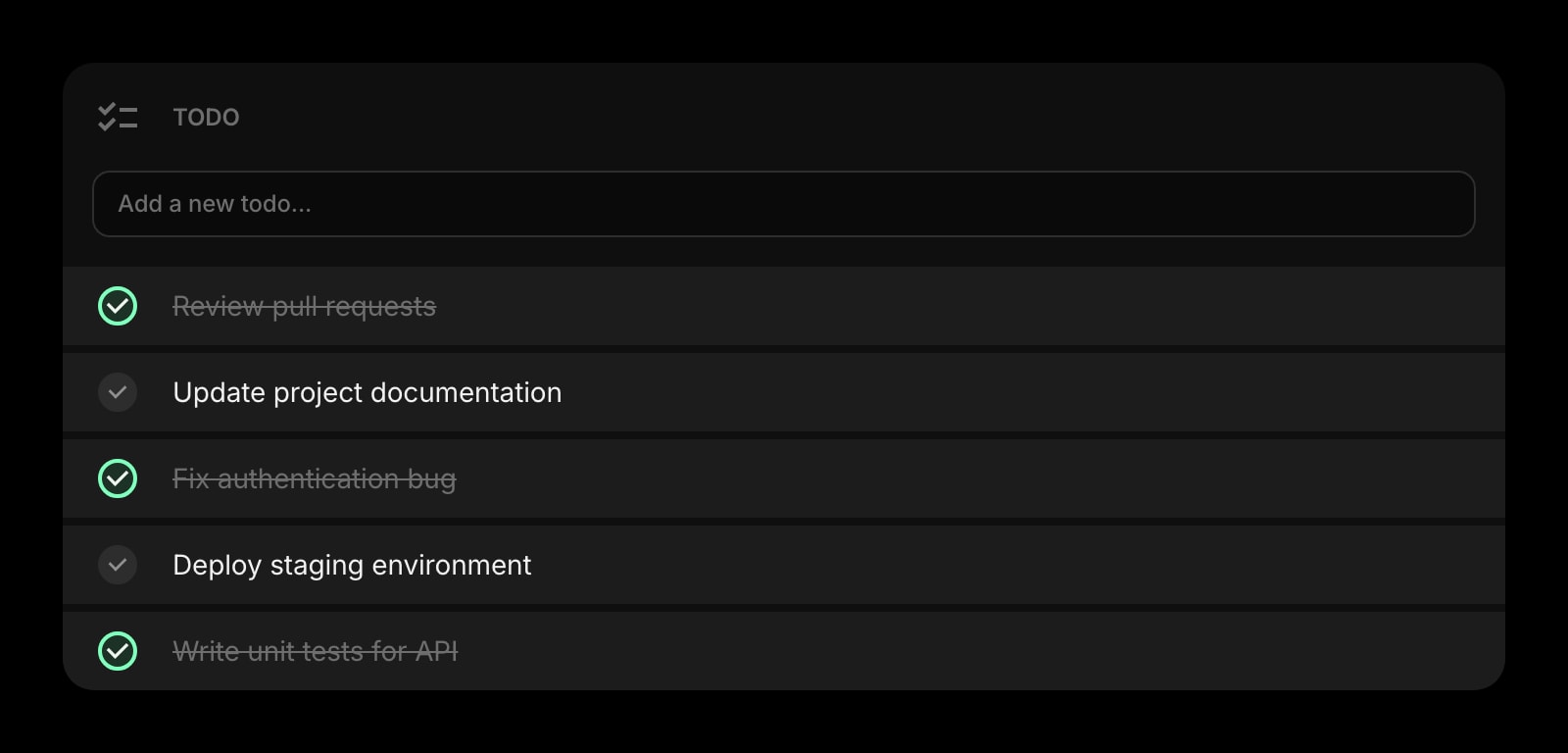
Todo
Remember to print the codes before the event.
The QR Code Generator widget is one of 50+ in Start Page HQ. Tasks, notes, RSS, AI tools, dev utilities — the same install gives you all of them. Start free with 8 widgets on a page, or lift every limit at $4/month, $24/year, or $48 lifetime.
Frequently Asked Questions
The iOS share sheet opens with qrcode.png attached. Choose Save Image to keep it in Photos, or send it with AirDrop, Messages, or Mail. On the Mac, Download saves the file to your Safari download folder instead.
Open the app once, then tick Start Page HQ under Safari → Settings → Extensions on the Mac. On iPhone or iPad, go to the Settings app → Safari → Extensions and turn it on with Allow.
No. It is saved to your Start Page HQ account, which is how it appears in Safari on your Mac and iPhone at once, and in other browsers if you use them. The code itself is drawn on your device.
In dark themes the widget draws white modules on a black background so the code is readable against the dashboard, and the downloaded PNG keeps that. Many phone cameras read it, but some scanners expect dark on light. For print, switch the dashboard to the light theme first to get black on white.
Add the QR Code Generator Widget to Safari
Free plan, no credit card — see plans or try the demo without installing.