QR Code Widget for Chrome
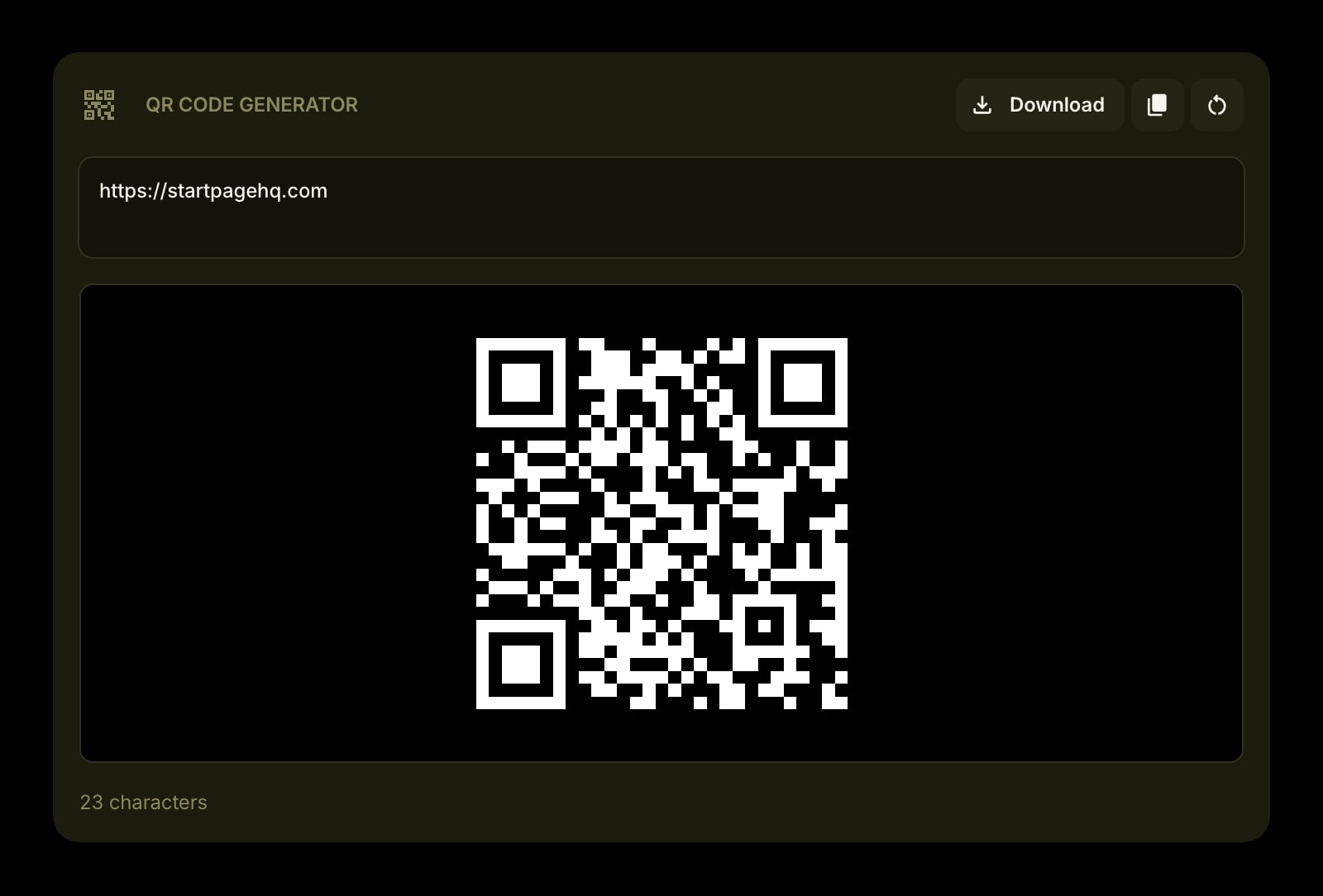
Chrome can make a QR code for the page you're on. This widget covers everything else: a link you haven't opened, an address, a phone number, a line of text. Type it on the Chrome new tab and download the code as a PNG.
Install on Chrome
The Chrome-specific flow, start to finish.
- 1Open the Start Page HQ listing in the Chrome Web Store, click "Add to Chrome", and confirm with "Add extension".
- 2Open a new tab. If Chrome asks whether to keep the changed new tab page, choose "Keep it".
- 3Click the gear icon in the bottom right of the dashboard and choose Add Widget → QR Code Generator.
- 4Type or paste the text or link into the box. The code redraws with every keystroke, with a character count underneath.
- 5Click Download to save it as qrcode.png. It lands in your Chrome downloads folder and appears in the download bubble at the top right.
What QR Code Generator Does
A short tour of the widget. Already sold? Skip ahead.
- Any text or URL, encoded as you type.
- 512 × 512 PNG download, built with the highest error correction level.
- Copy the encoded text back out, or clear the box in one click.
- The last text is kept on your account, so the code is waiting on the next new tab.
- Drawn in the browser by an open-source library, with no QR service in between.
Notes for Chrome Users
Chrome's own generator lives under ⋮ → Cast, save, and share → Create QR code. It starts from the page you're on and is gone when you close the dialog. The widget is for codes you come back to: the event link you hand out all week, the URL for a printed sign, the address of the office. Whatever you typed stays on the new tab, saved to your Start Page HQ account, so it is still there tomorrow and on Chrome on your other computer.
Downloads follow Chrome's settings. By default the PNG goes straight to your downloads folder. Turn on "Ask where to save each file before downloading" under Settings → Downloads to pick a folder every time. With the dashboard in a dark theme, the code is drawn white on black and the PNG is saved that way. Some scanners and most print shops expect dark on light, so switch the dashboard to the light theme before downloading a code you plan to print.
Other Widgets You Might Add
Pair the QR Code Generator widget with these. One install gets you all of them.
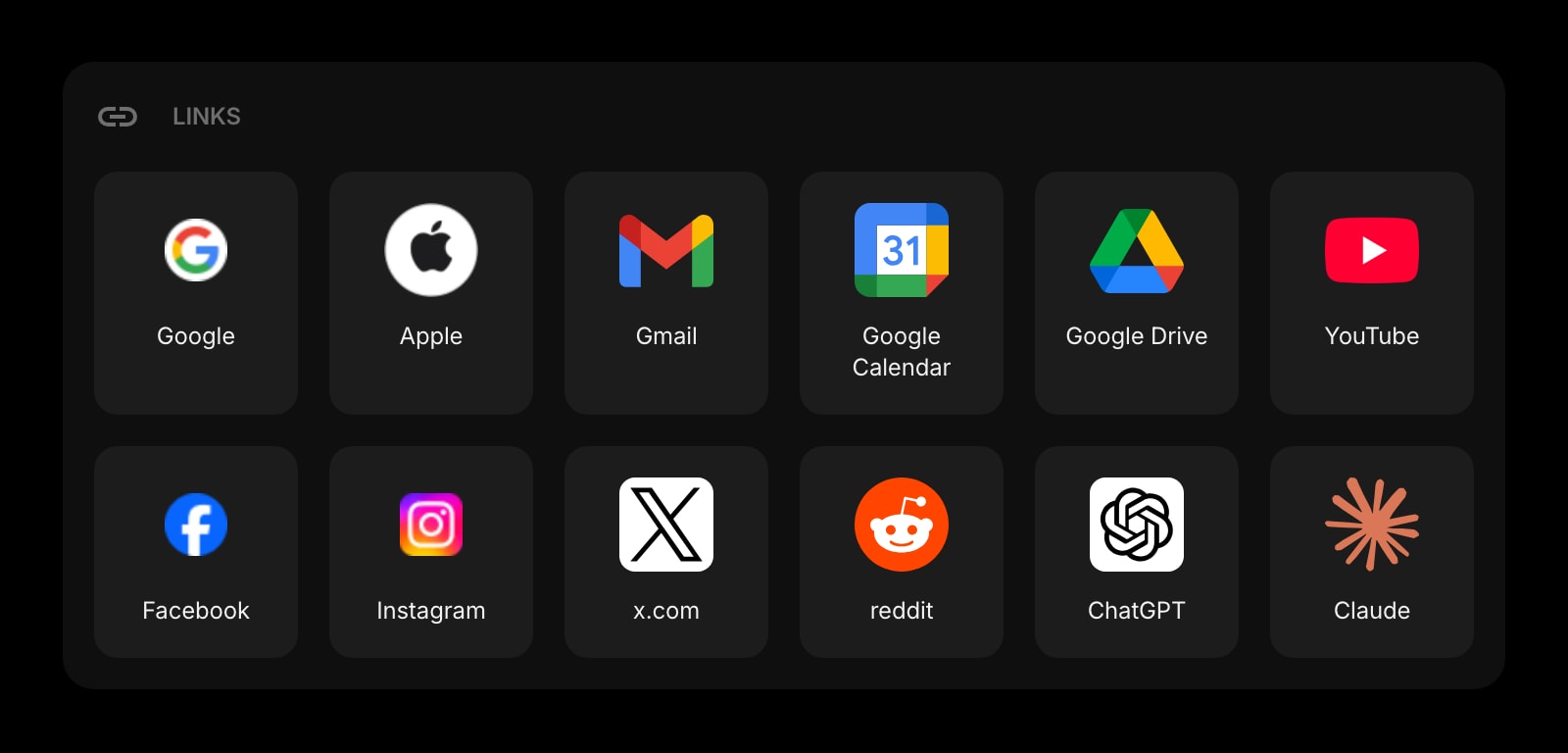
Links
The URLs you turn into codes most often, one click away.
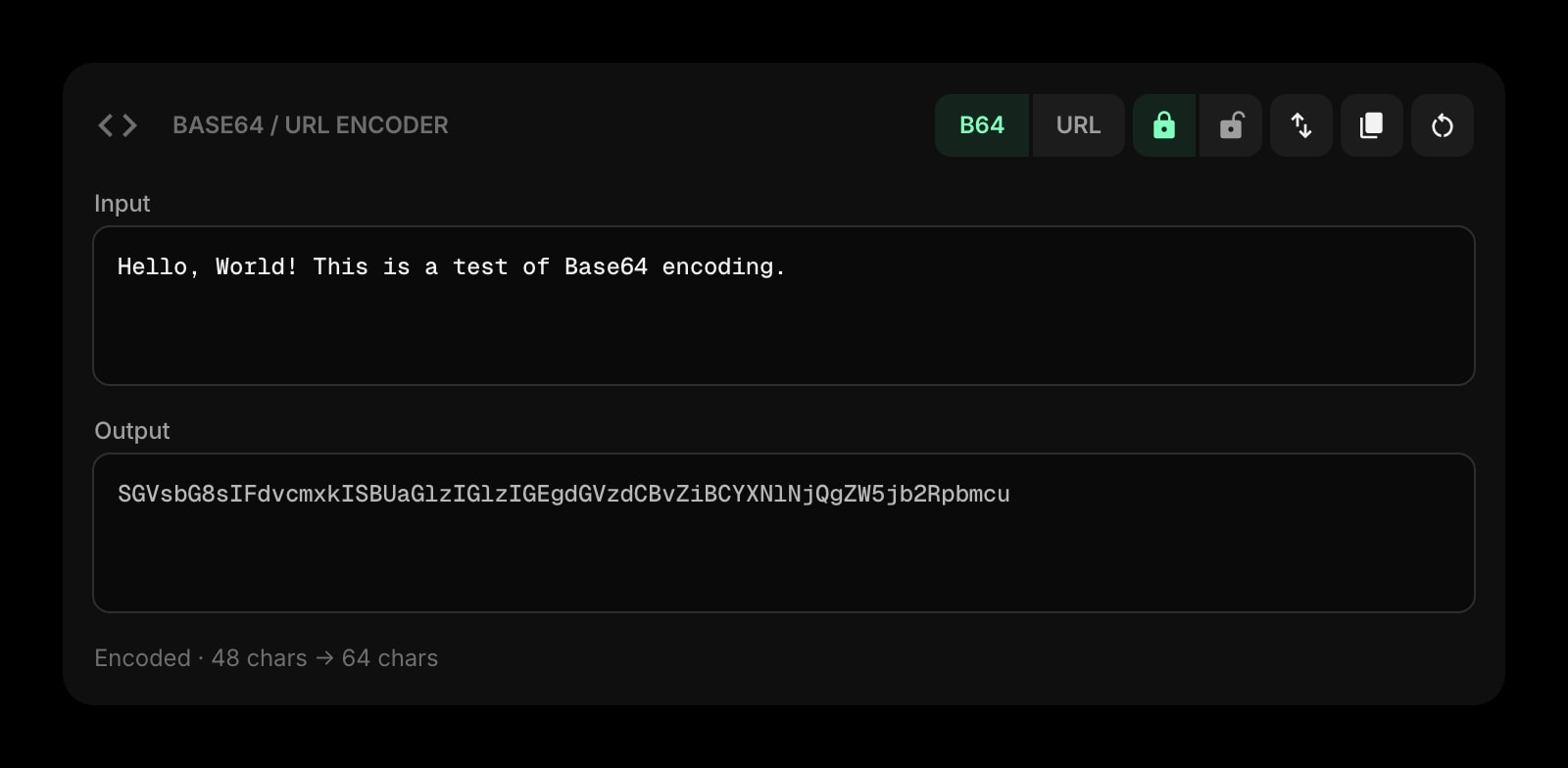
Base64 & URL Encoder
Clean up a messy query string before you encode it.
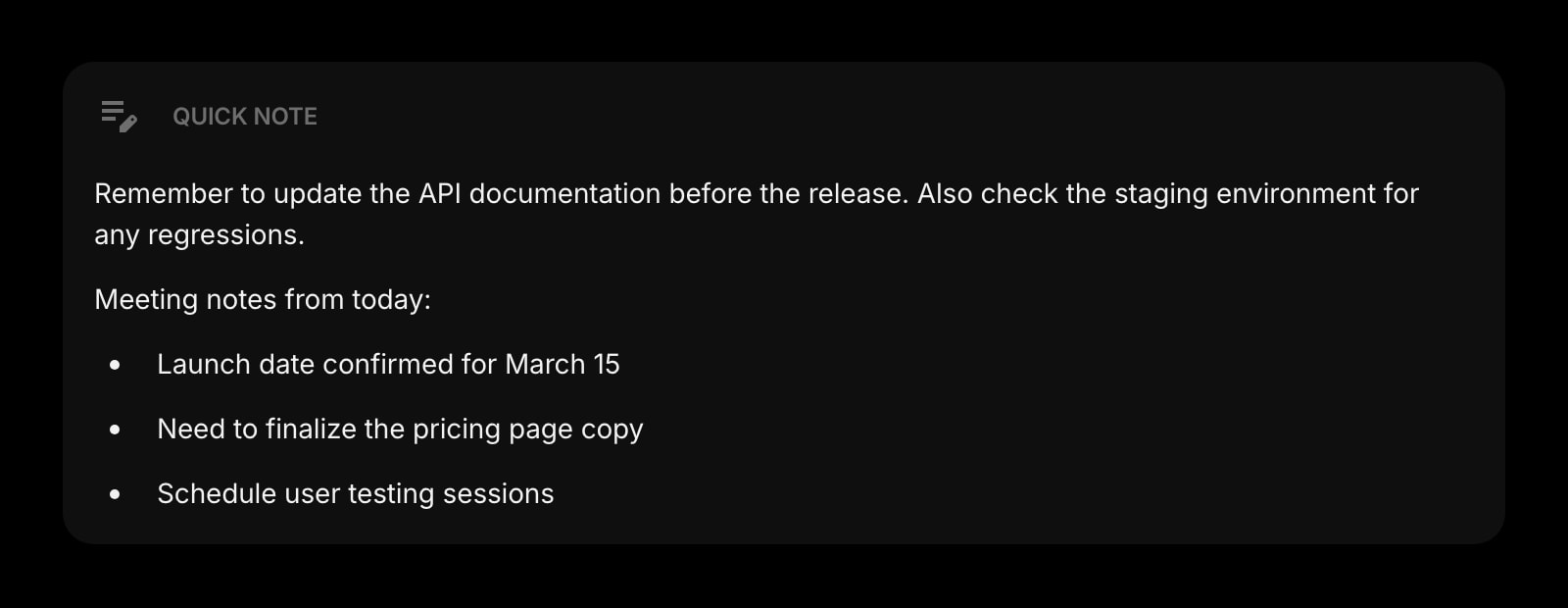
Quick Note
Keep the text of the next code ready to paste.
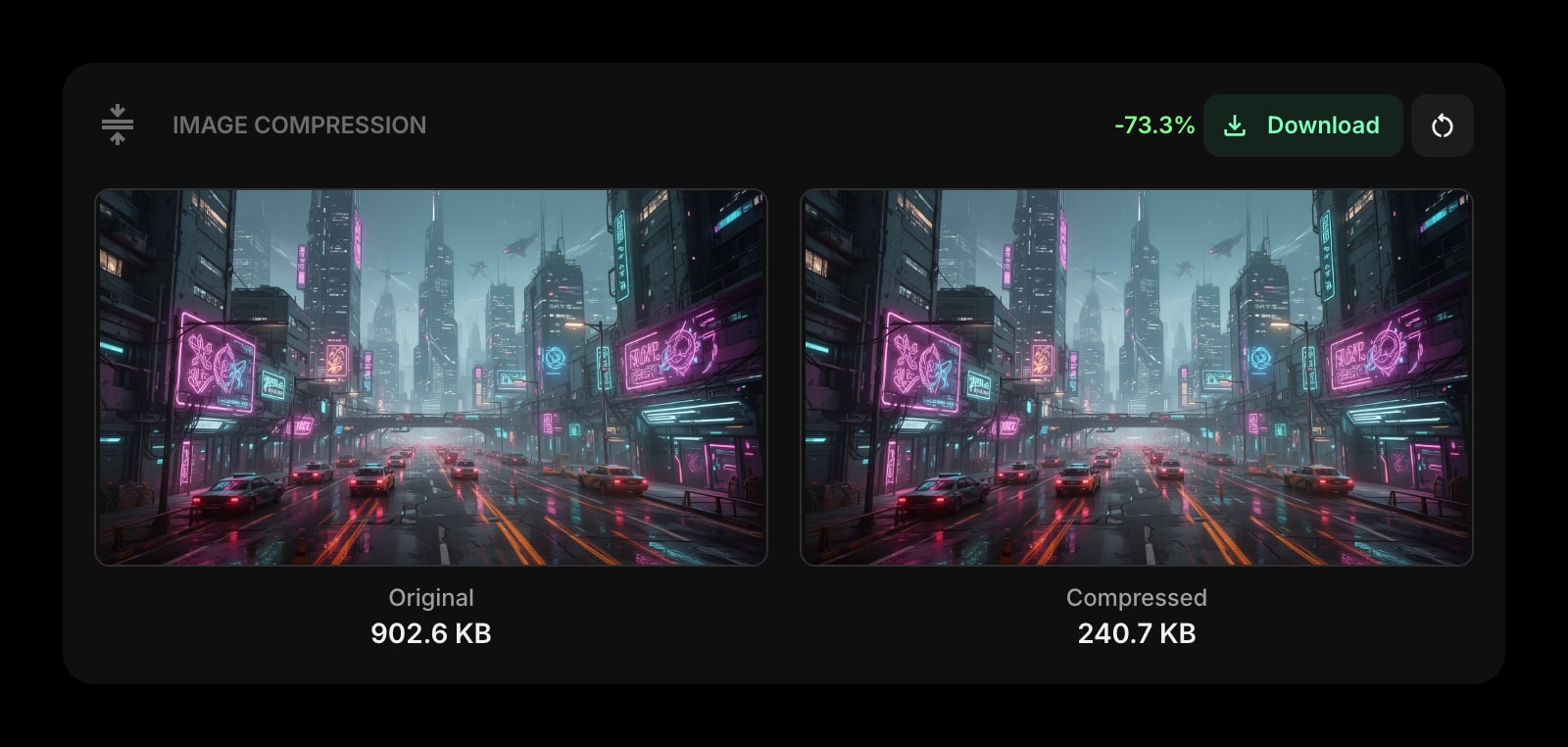
Image Compression
Shrink the flyer the QR code is going on.
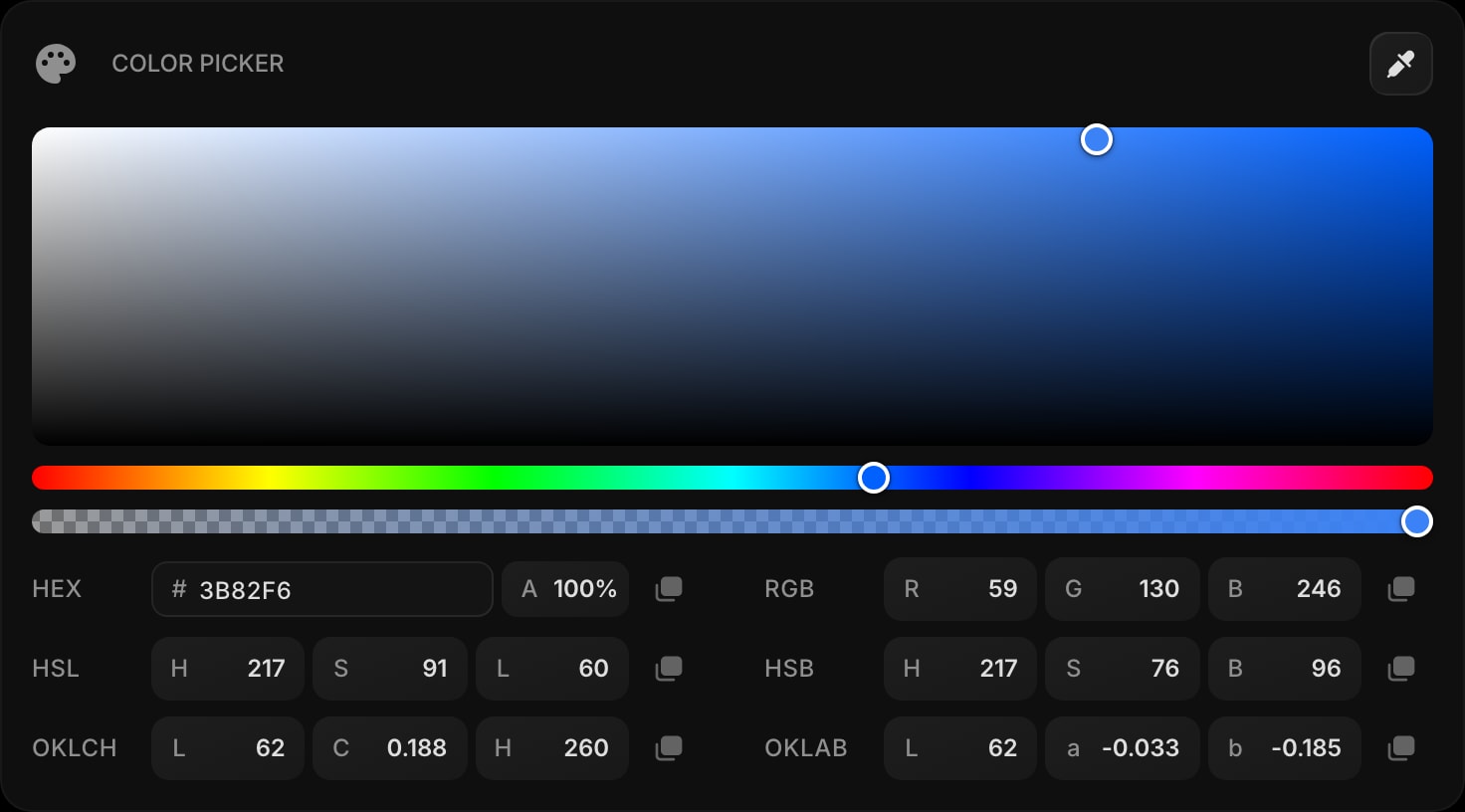
Color Picker
Match the brand colors around the printed code.
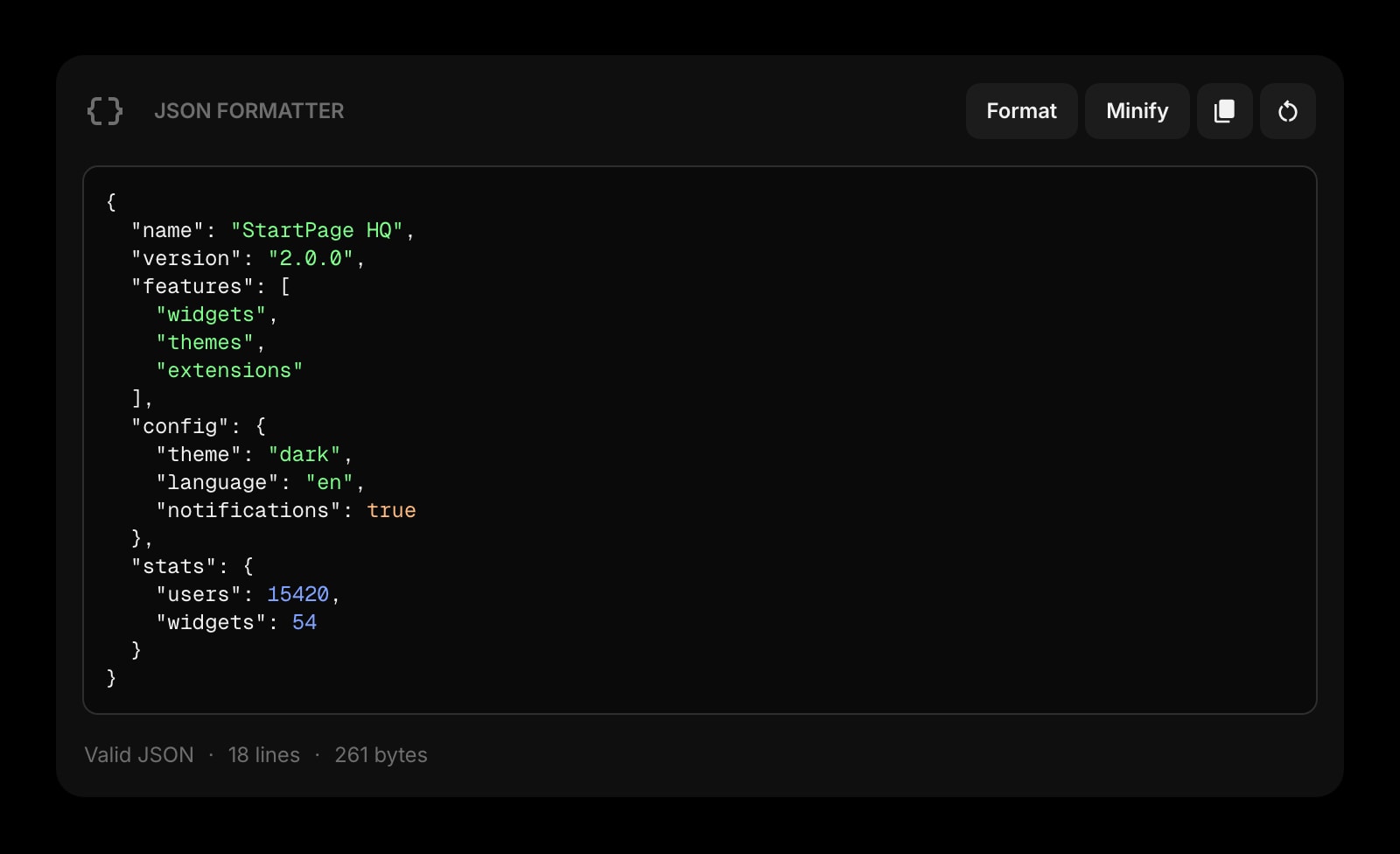
JSON Formatter
Another everyday developer tool for the same new tab.
The QR Code Generator widget is one of 50+ in Start Page HQ. Tasks, notes, RSS, AI tools, dev utilities — the same install gives you all of them. Start free with 8 widgets on a page, or lift every limit at $4/month, $24/year, or $48 lifetime.
Frequently Asked Questions
Chrome's option makes a code for the current page in a dialog that closes when you are done. The widget accepts any text, sits on every new tab, and keeps the last code on your account, so you can download the same code again later or from another computer.
In your Chrome downloads folder, as qrcode.png. Chrome shows it in the download bubble at the top right of the window. To choose the folder each time, turn on "Ask where to save each file before downloading" under Settings → Downloads.
No. The code is drawn in the browser by the open-source qrcode library, without calling any QR API. The text itself is saved to your Start Page HQ account so the widget keeps it between visits and devices. Clear the box if you do not want it kept.
Chrome on Android does not run extensions. Open startpagehq.com in Chrome on the phone and sign in. The hosted dashboard has the same widget and saves the PNG to your phone's Downloads.
Add the QR Code Generator Widget to Chrome
Free plan, no credit card — see plans or try the demo without installing.