

QR Code Widget for Firefox
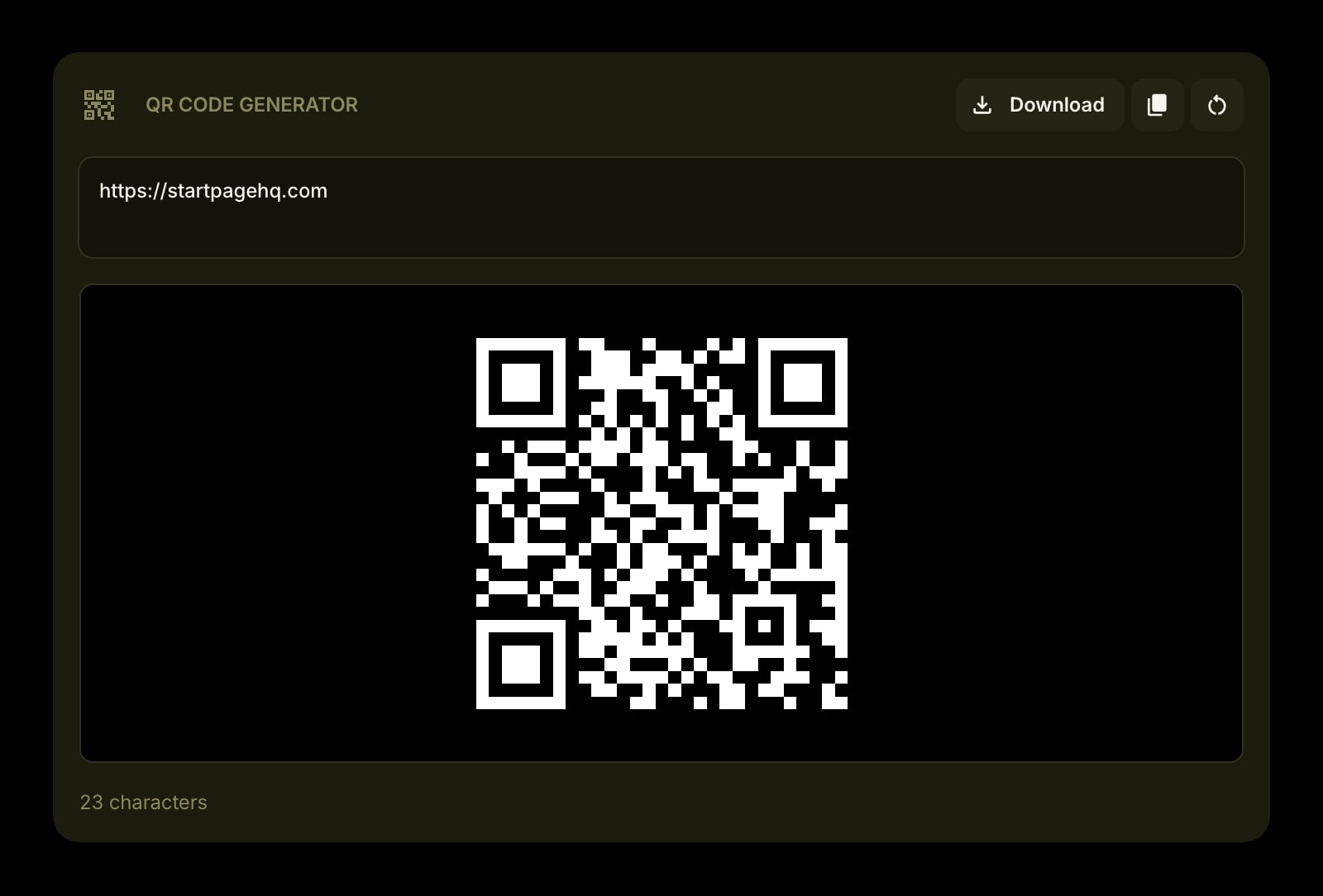
Firefox on the desktop has no built-in way to turn a link into a QR code, so most people add a single-purpose add-on. This one puts a generator on the Firefox new tab instead, drawn locally and saved as a plain PNG.
Install on Firefox
The Firefox-specific flow, start to finish.
- 1On the Start Page HQ page at addons.mozilla.org, click "Add to Firefox" and confirm with "Add". Firefox lists "Access browser tabs" as the single permission.
- 2Open a new tab and click "Keep Changes" when Firefox says the new tab page has changed.
- 3Click the gear icon in the bottom right of the dashboard and choose Add Widget → QR Code Generator.
- 4Paste a link or type any text. The code updates as you type.
- 5Click Download. Firefox saves qrcode.png and shows it in the Downloads panel, the arrow icon in the toolbar.
What QR Code Generator Does
A short tour of the widget. Already sold? Skip ahead.
- Text or links of any kind, re-encoded on every keystroke.
- A 512 × 512 PNG with error correction level H, which still scans with part of the code covered.
- Static codes: the content is in the code itself, so it never expires.
- Copy and Clear buttons next to Download.
- Your last text stays on your account, ready on the next new tab.
Notes for Firefox Users
Many QR sites send what you type to their server, and some return a "dynamic" code that points at their own redirect, which can be tracked or switched off later. The widget does neither. The open-source qrcode library draws the code in a canvas inside the new tab, and the code contains your text or link directly. The one thing that leaves the browser is the text itself, saved to your Start Page HQ account so it is still there next time. Clear the box when you are done if you would rather not keep it.
Firefox decides where the PNG goes. With the default settings it is saved to your Downloads folder straight away. If "Always ask you where to save files" is on under Settings → General → Files and Applications, Firefox asks for a folder each time. Firefox for Android does not let add-ons replace the new tab, so on the phone open startpagehq.com in Firefox and sign in. The same widget, and the text you last typed, are there.
Other Widgets You Might Add
Pair the QR Code Generator widget with these. One install gets you all of them.
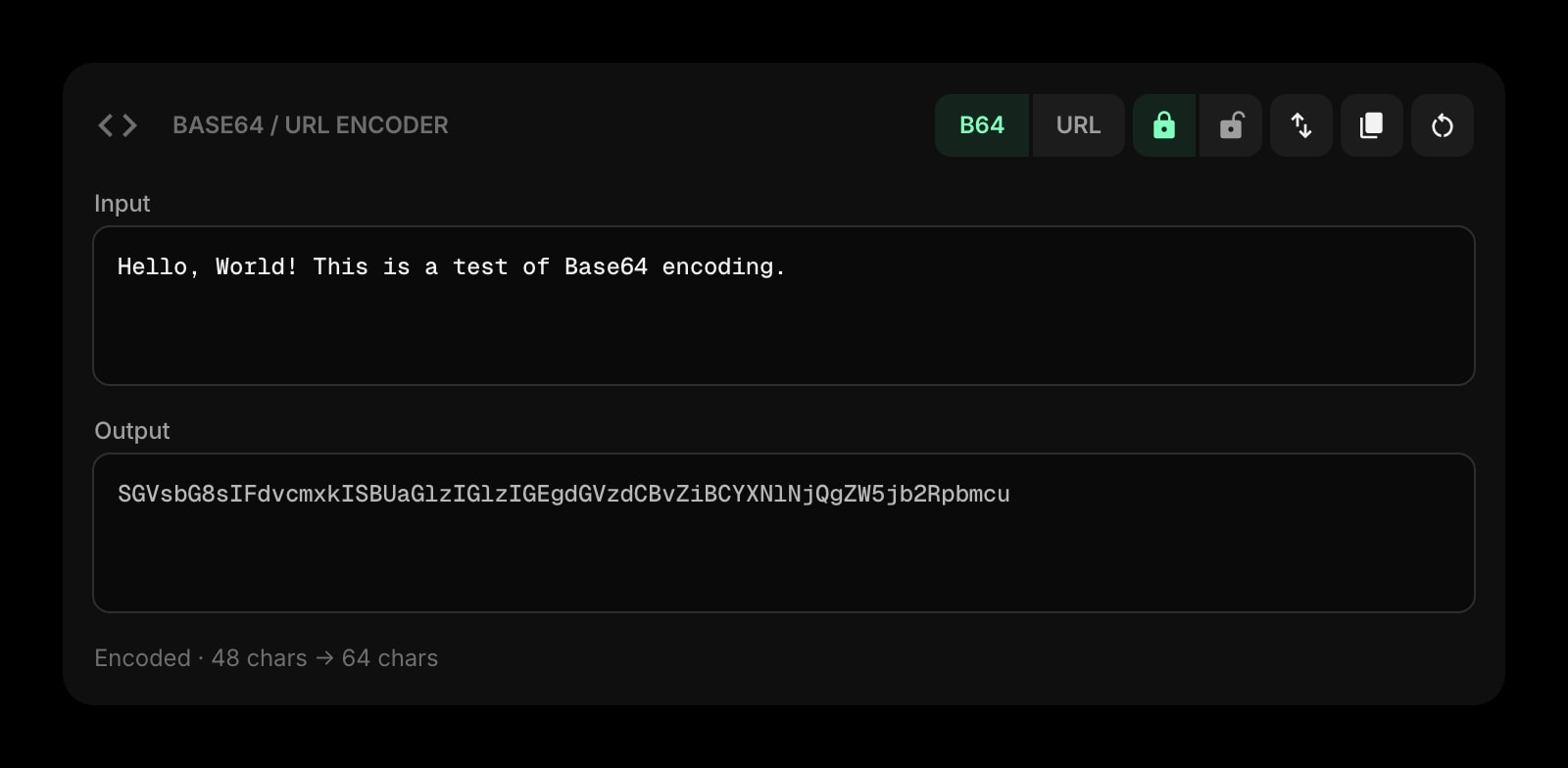
Base64 & URL Encoder
Encode the parameters before they go into the code.
Links
Your usual links, ready to copy into the generator.
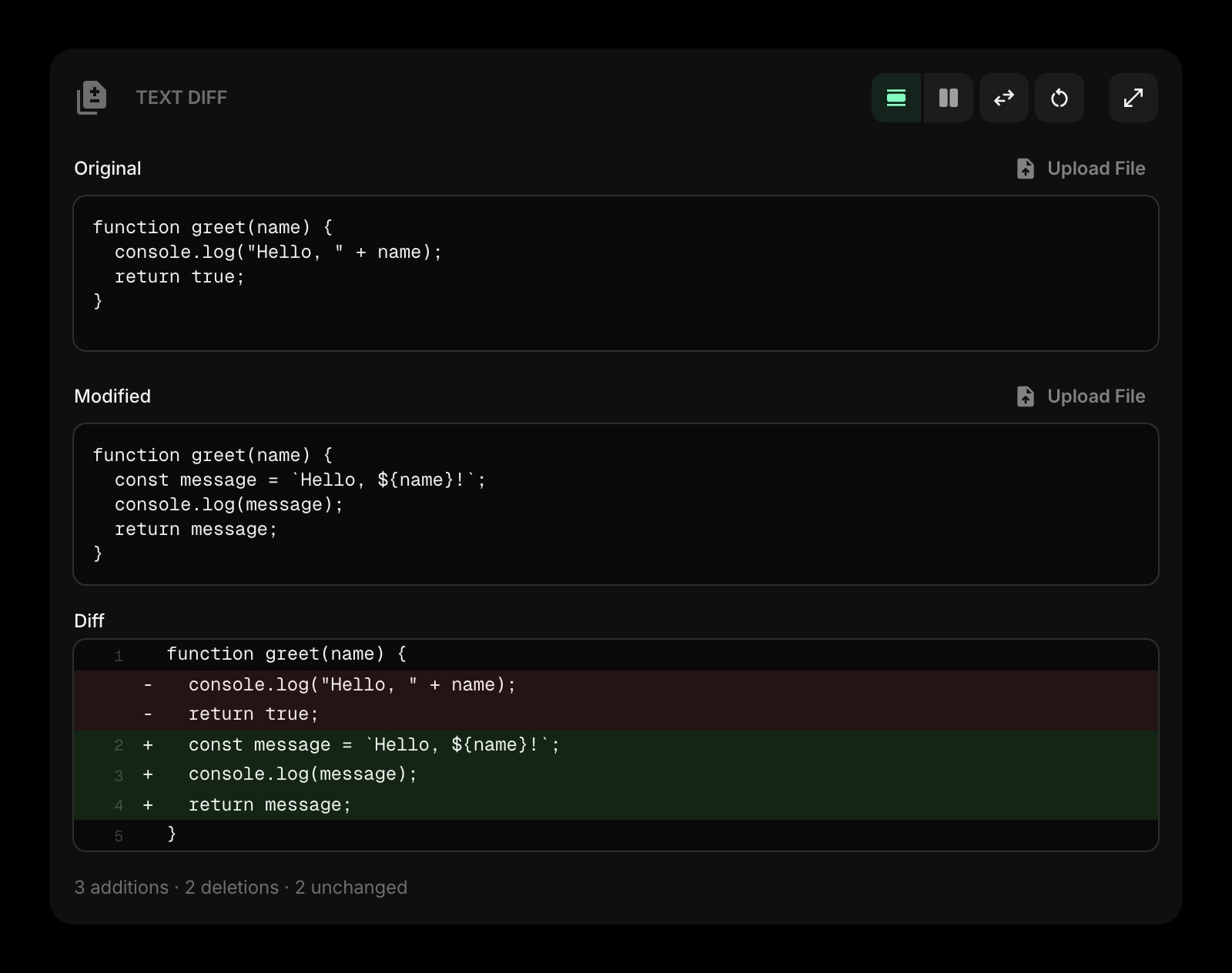
Text Diff
Check two versions of a long URL character by character.
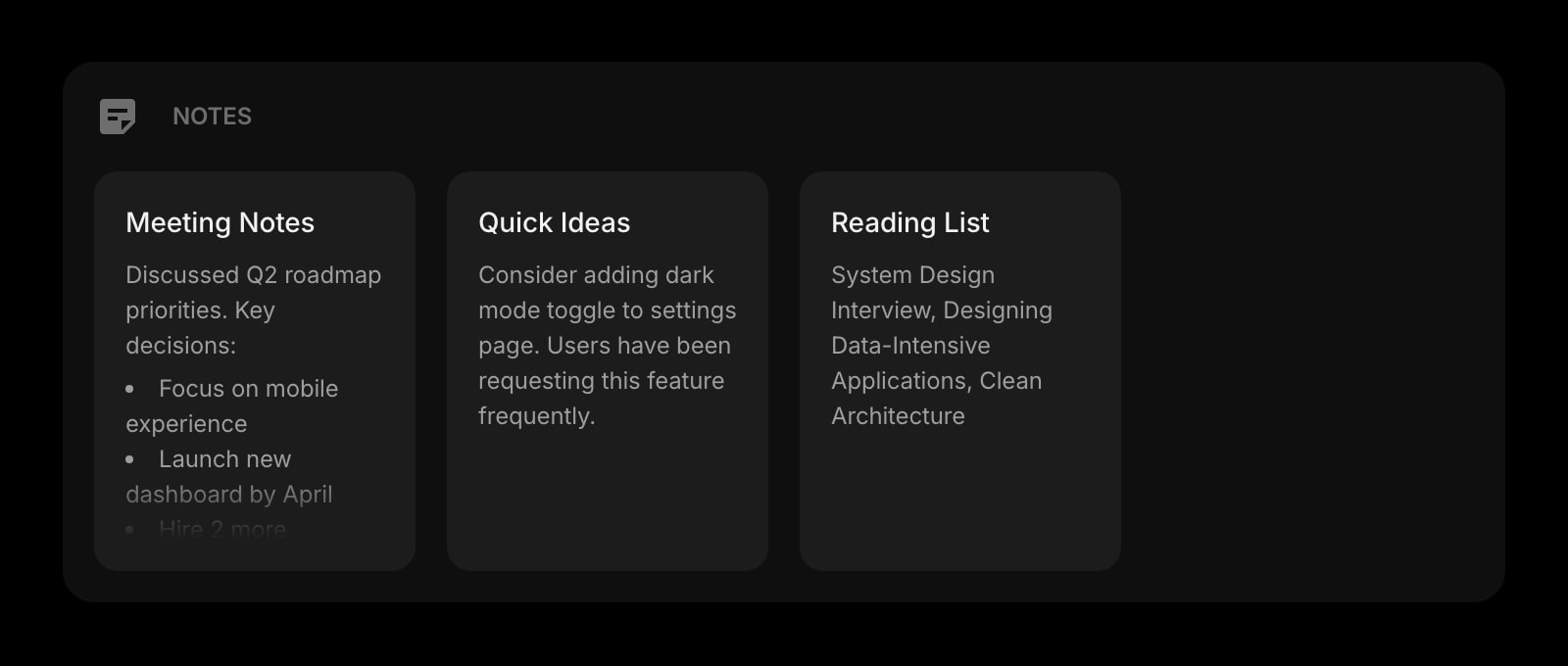
Notes
A list of the codes you have printed and where they point.
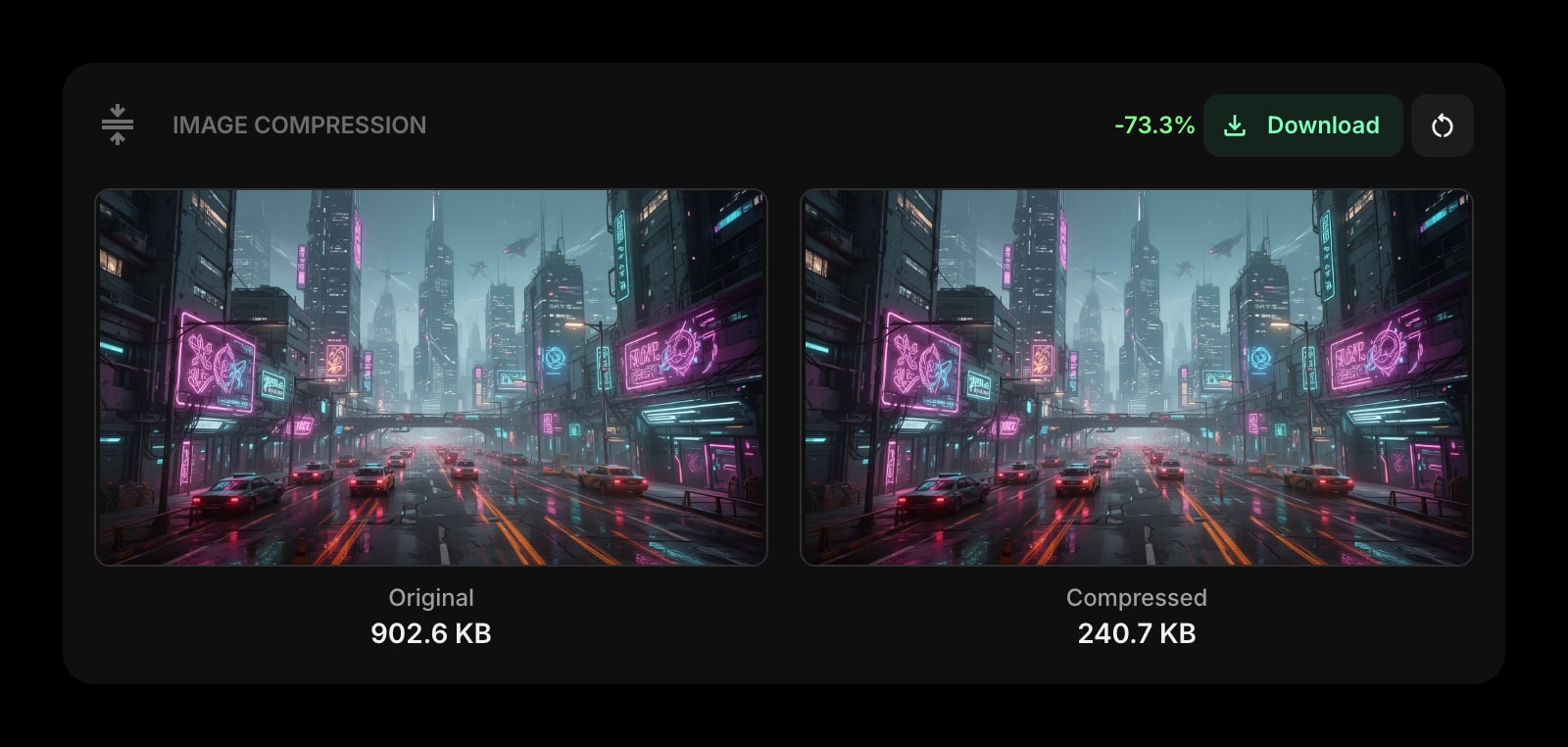
Image Compression
Make the poster with the code small enough to email.
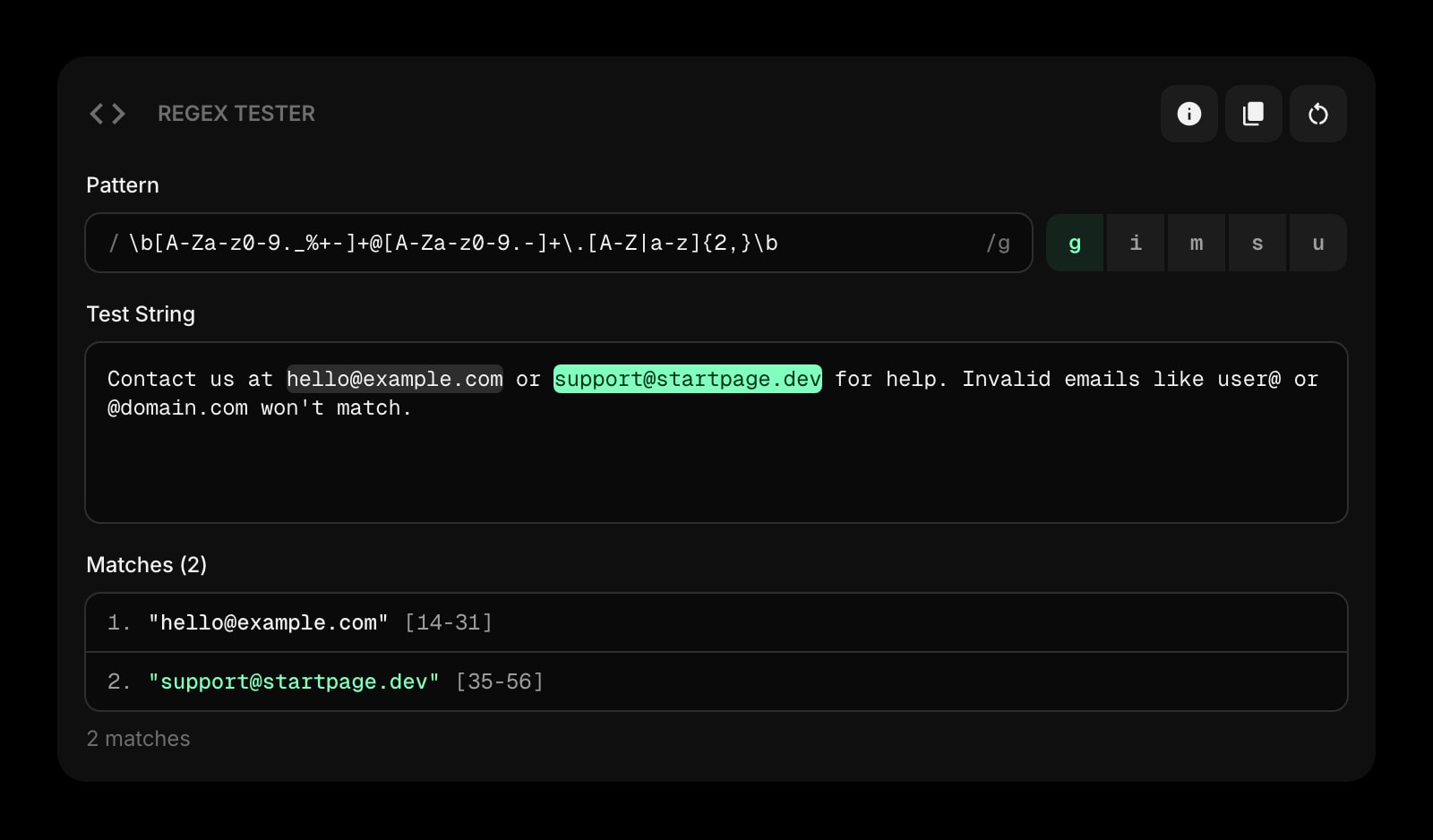
Regex Tester
Another local, no-signup developer tool for the new tab.
The QR Code Generator widget is one of 50+ in Start Page HQ. Tasks, notes, RSS, AI tools, dev utilities — the same install gives you all of them. Start free with 8 widgets on a page, or lift every limit at $4/month, $24/year, or $48 lifetime.
Frequently Asked Questions
Not on the desktop. Chrome and Edge have a "create QR code" option for the current page, while Firefox users usually install a separate add-on. Start Page HQ includes a generator on the new tab, along with the rest of the dashboard.
No. The code is drawn locally with the open-source qrcode library. The text is stored on your Start Page HQ account so it survives between visits, and is not passed to any QR service.
Not on our side. These are static codes: the link or text is written into the pattern itself, with no redirect in between. A code works for as long as the link it points to works.
Not as an extension, because Firefox for Android does not allow new-tab overrides. Open startpagehq.com in Firefox on the phone and sign in. The hosted dashboard has the same widget.
Add the QR Code Generator Widget to Firefox
Free plan, no credit card — see plans or try the demo without installing.