Free Online Markdown Editor
Write Markdown on the left, see it rendered on the right. Tables, task lists, code blocks, and GitHub-flavored syntax - with export to .md, HTML, or plain text.
What It Does
The capabilities you'd expect from a dedicated markdown editor tool — nothing less.
- Live side-by-side preview that re-renders as you type, so you never guess whether a table or a nested list came out right.
- GitHub-flavored Markdown: headings, emphasis, links, images, fenced code blocks, tables, strikethrough, and - [ ] task lists.
- Export the document as a .md file, a standalone HTML file, or plain text - no signup, straight to your downloads folder.
- Copy the raw Markdown to your clipboard in one click, ready to paste into GitHub, Slack, Notion, or a static site.
- A monospace editing pane with room to think, and a Markdown / Preview toggle that keeps both usable on a phone.
Common Use Cases
Specific scenarios where this tool earns its place.
Drafting a README or Pull Request Description
Write the install steps, the badges, and the usage example with the preview open, then copy the Markdown into GitHub. You see the rendered tables and code blocks before your reviewers do.
Writing a Blog Post for a Static Site
Hugo, Jekyll, Astro, and Next.js blogs all take Markdown. Draft the post here, check that the headings and images render, export the .md file, and drop it into your content folder.
Turning Meeting Notes Into a Shareable Document
Type your notes with quick # headings and - bullets during the call, then export as HTML and email it, or paste the Markdown into the team wiki. Task lists give you a checklist of follow-ups for free.
Learning Markdown Syntax
If you are new to Markdown, an instant preview is the fastest teacher there is. Type ** around a word, add a | table |, indent a nested list, and watch each change appear on the right.
Cleaning Up Markdown Pasted From Elsewhere
AI assistants, Slack, and documentation tools produce Markdown with odd spacing and broken tables. Paste it in, fix what the preview flags, and copy back a version that renders correctly everywhere.
The Bigger Story
StackEdit and Dillinger are fine "markdown editor online" tools if all you ever need is one page. The editor above is the Markdown Editor widget from Start Page HQ, running standalone so you can write without signing up. Inside the dashboard it does more - a full-screen split view, a rich-text preview you can edit directly, and PDF export - and it sits next to a text diff for comparing drafts, a notes widget for the ideas that do not fit yet, and 63+ other widgets on the new tab page you already open a hundred times a day. Write your document here; keep it in view tomorrow.
Start free — 1 page, 8 widgets, sync across devices, no credit card. Paid lifts the caps: $4/month, $24/year, or $48 lifetime.
Other Tools You Might Use
Tools developers and writers reach for next, all part of the same dashboard.
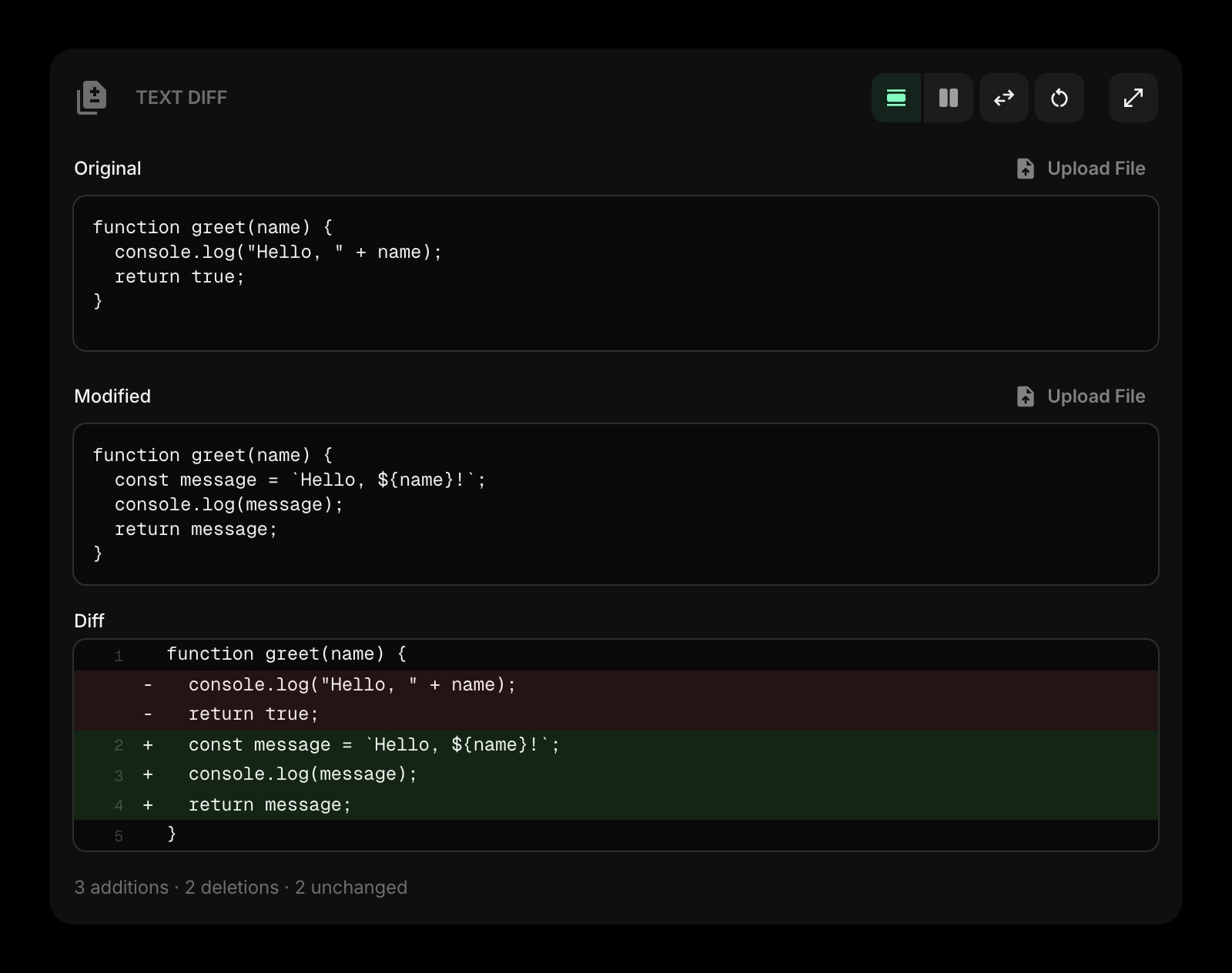
Text Diff
Compare two drafts of the same document line by line and see exactly what your edit pass changed.
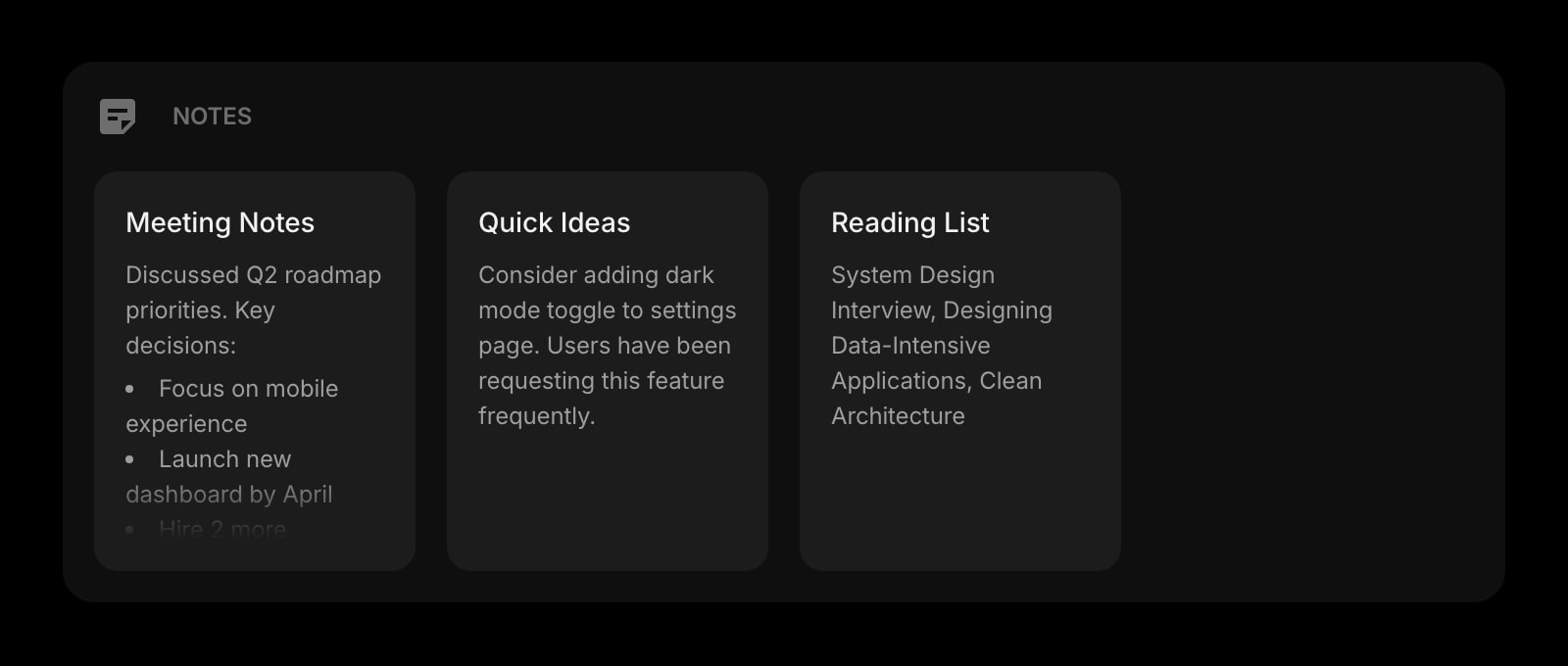
Notes
Rich-text notes with checklists and headings that persist on your dashboard. Where the finished document can live.
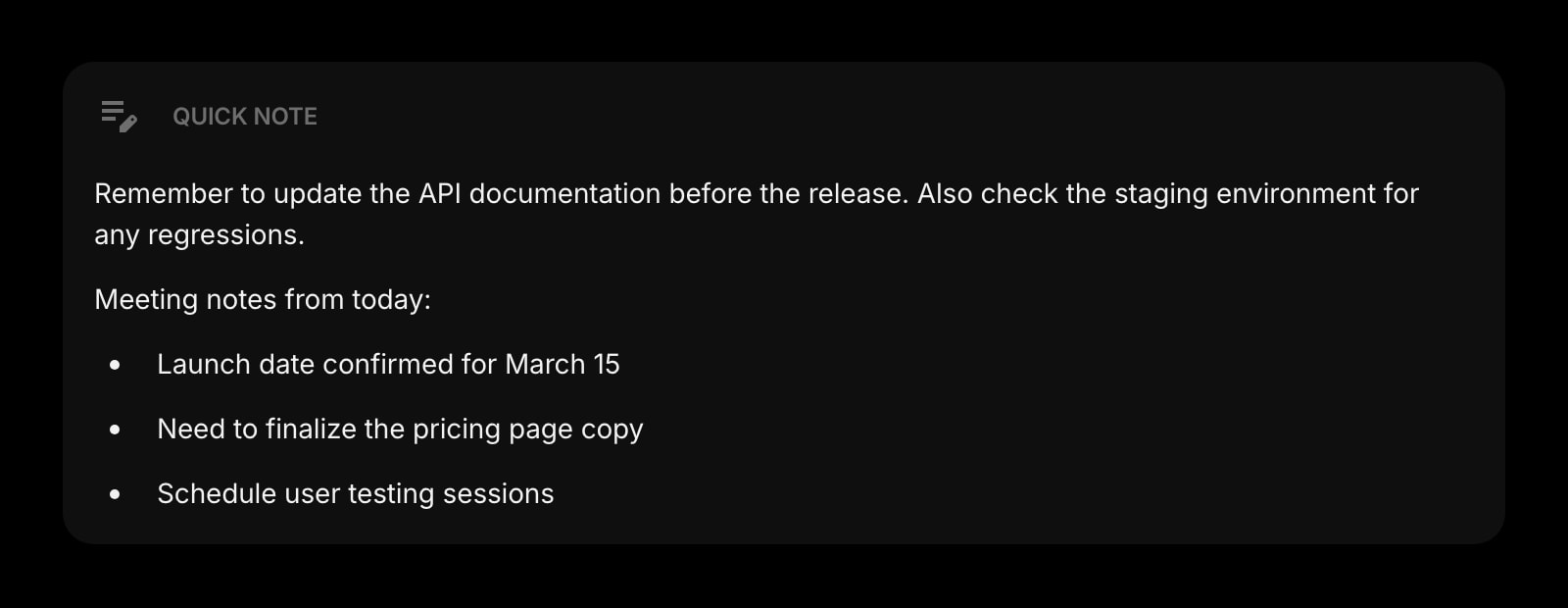
Quick Note
A scratchpad for the sentence you cut but might want back, or the link you need in the next paragraph.
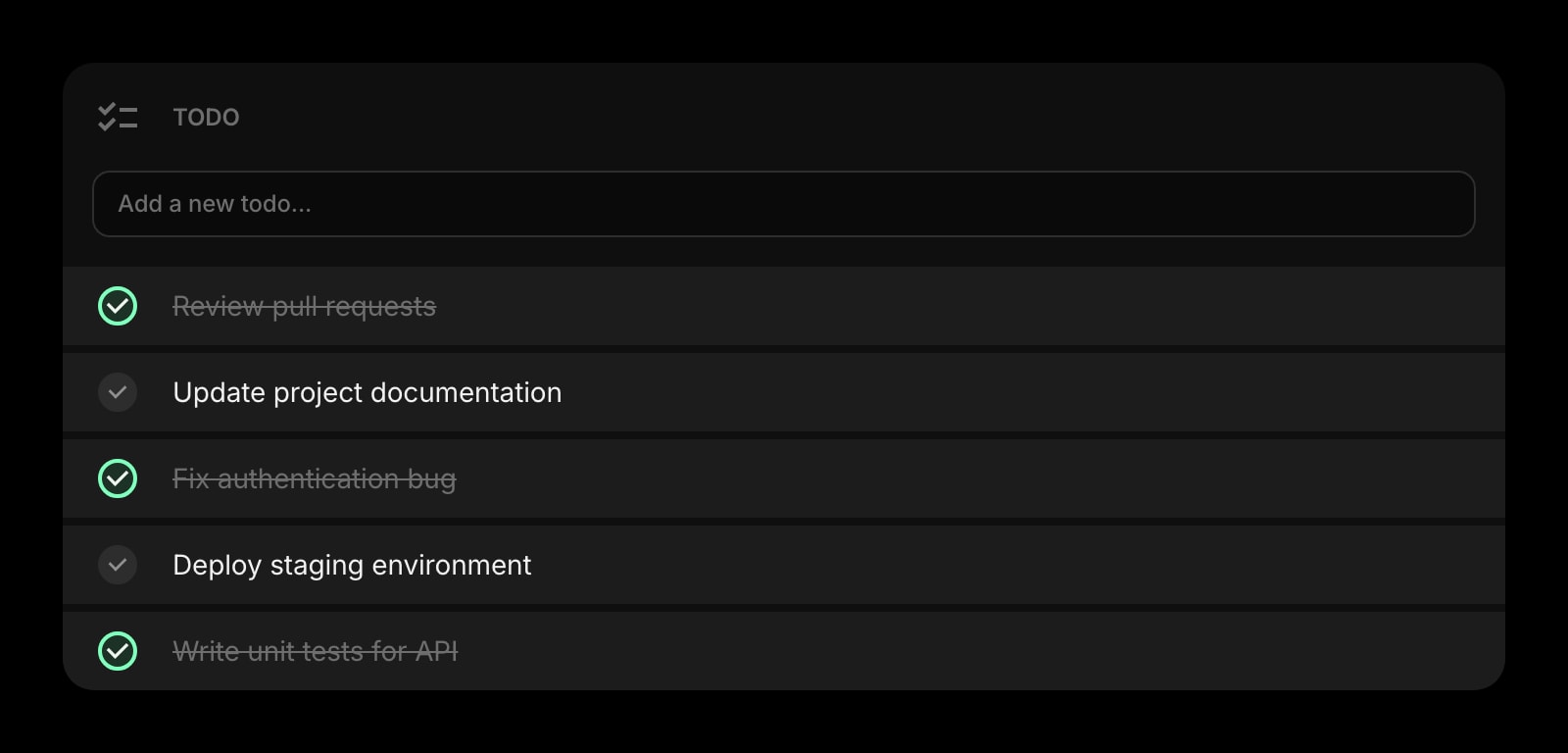
Todo
Turn the task list at the bottom of your notes into actual tasks with due dates and priorities.
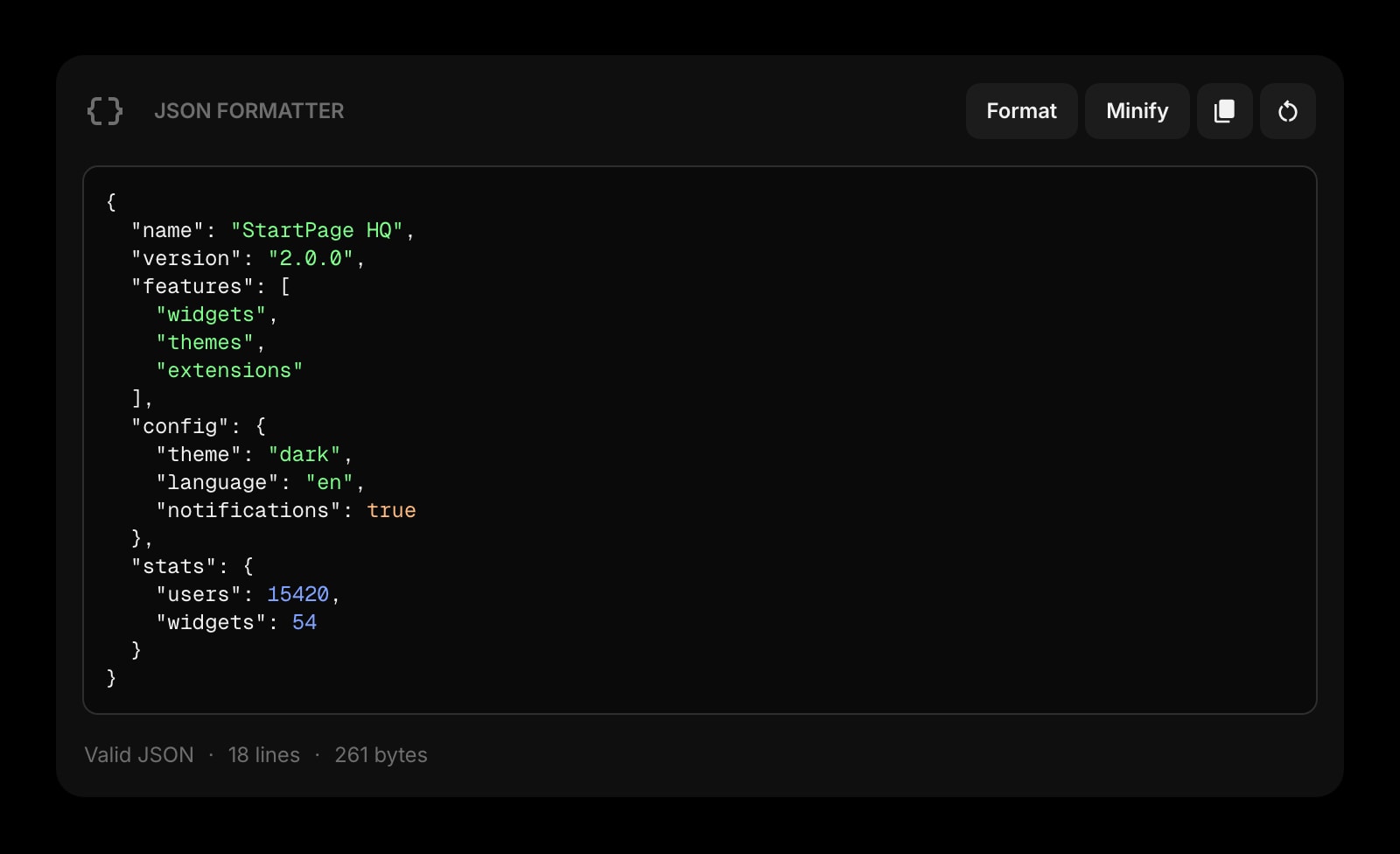
JSON Formatter
Format the JSON snippet before it goes into a fenced code block, so the docs show something readable.
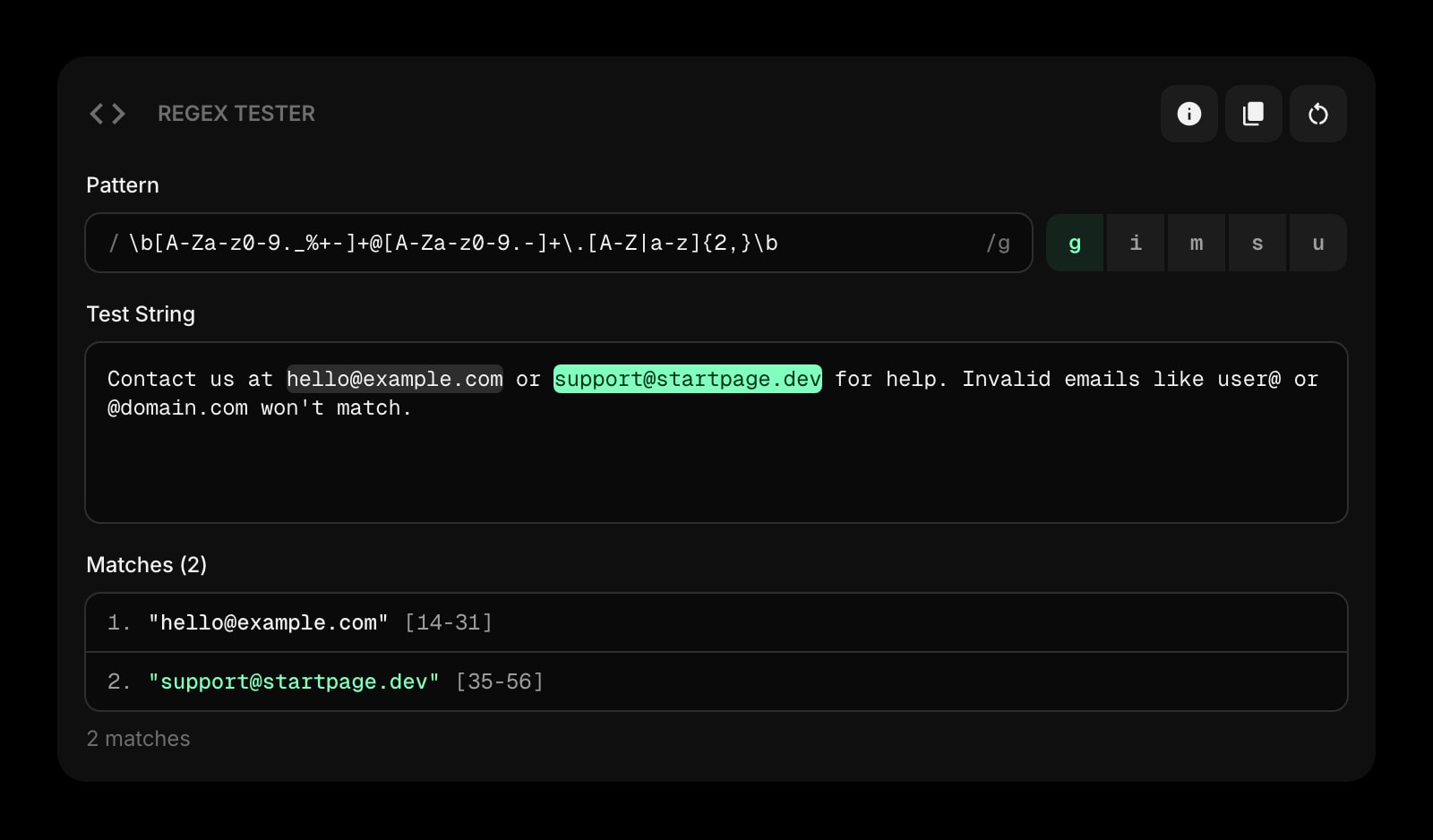
Regex Tester
Check the pattern you are documenting actually matches the examples you wrote for it.
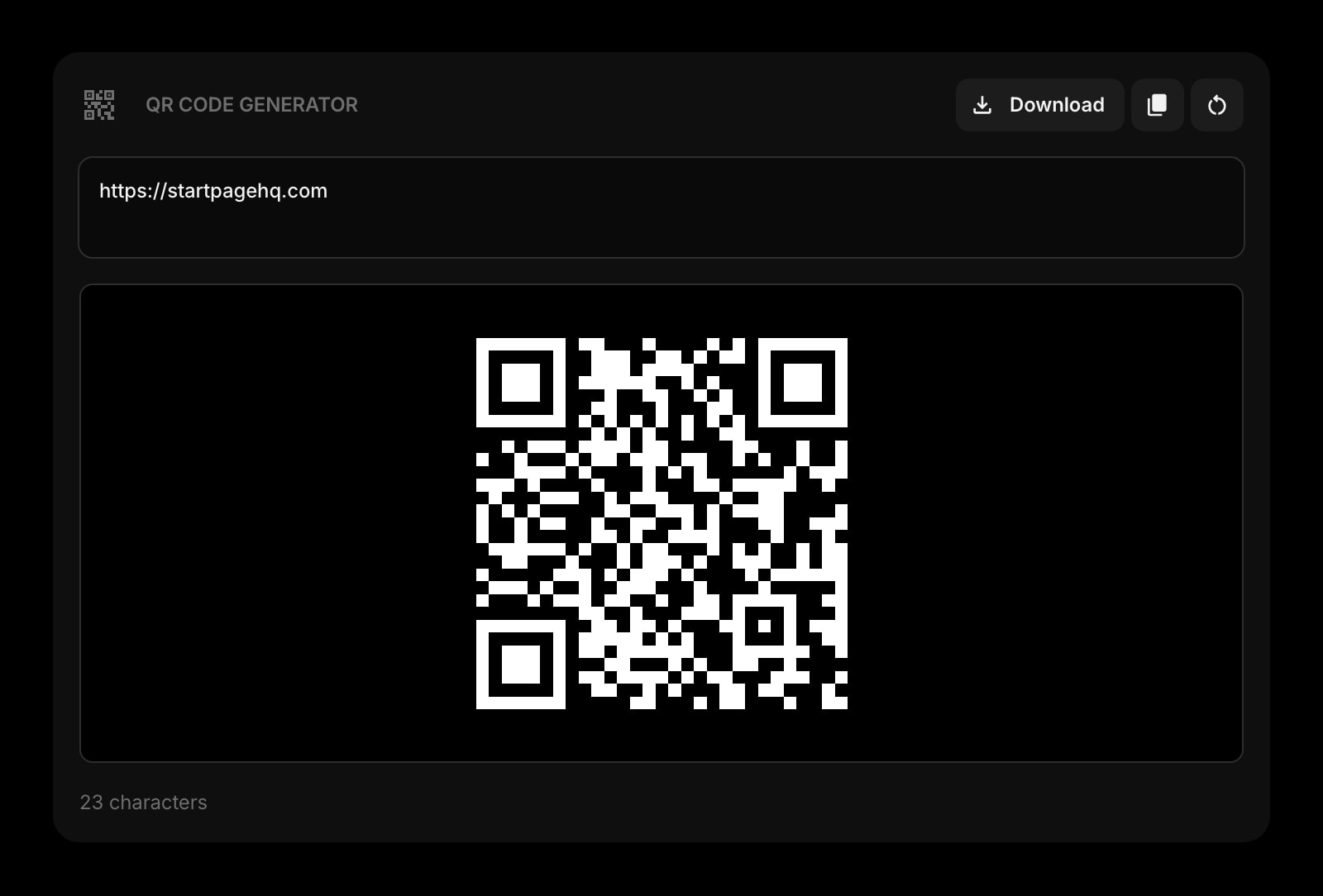
QR Code
Generate a code that points at the published page, for the slide or the printed handout.
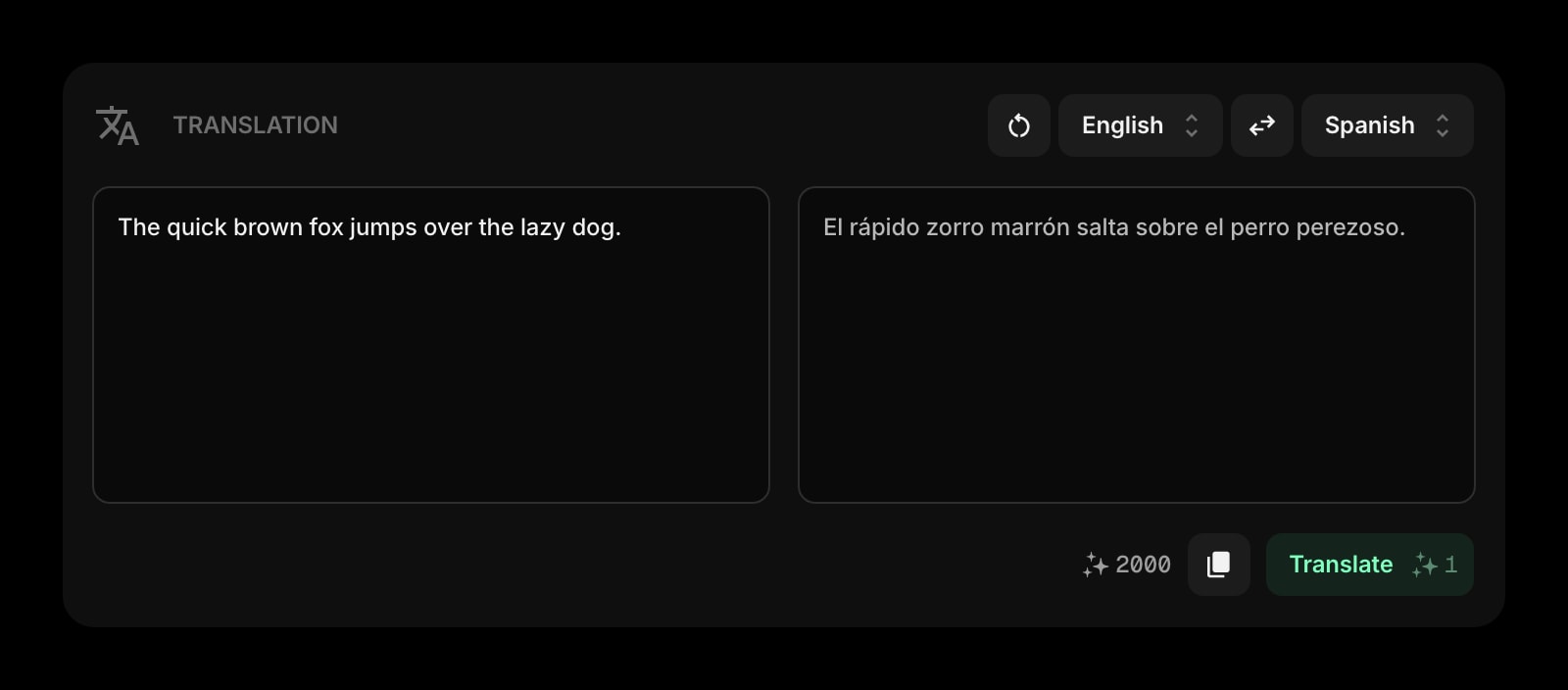
Translation
Translate a paragraph of the draft into another language without leaving the dashboard.
Frequently Asked Questions
Yes. The Markdown Editor above runs entirely in your browser with no document limit and no signup. The full Start Page HQ dashboard also has a free plan - 1 page, 8 widgets, sync across devices, every browser extension, and 50 AI credits to start, with no credit card. Paid lifts the caps to unlimited pages and all 63+ widgets at $4/month, $24/year, or $48 lifetime. There is also a public demo at startpagehq.com/demo with every widget unlocked.
No. Markdown is rendered in your browser with an open-source converter, exports are generated locally, and nothing you type is sent to a server or kept when you leave the page. If you want a document that persists between sessions, that is exactly what the widget does inside the Start Page HQ dashboard, where it also syncs across your devices.
GitHub-flavored Markdown: ATX headings, emphasis, links and images, ordered and unordered lists, fenced code blocks, tables, strikethrough, blockquotes, and task lists. Raw HTML in the source passes through to the preview. Footnotes and LaTeX math are not rendered.
On this page you can export .md, .html, and .txt. PDF export is available in the Markdown Editor widget inside the Start Page HQ dashboard, which also adds a full-screen side-by-side mode and a preview you can edit directly as rich text. The public demo at startpagehq.com/demo has it unlocked.
Yes, once the page has loaded. Rendering and export happen entirely in the browser, so you can lose your connection mid-draft and keep writing. Just do not close the tab - the page does not save your text anywhere.
Open the Full Dashboard
The markdown editor tool, plus 63+ widgets, on every new tab. Free plan, no credit card — or try the demo without an account.