Free Online Countdown Timer
Count down to a launch, a deadline, a holiday, or a birthday. Pick a date and time, name the event, and watch the days, hours, minutes, and seconds tick down live.
What It Does
The capabilities you'd expect from a dedicated countdown timer tool — nothing less.
- Count down to any date and time - days, hours, minutes, and seconds, updating every second in your local time zone.
- Three display styles: cards, animated flip cards like an airport departure board, or a compact one-line "12d 04h 30m 15s" format.
- Name the event so the countdown reads as "Product launch" over the numbers instead of an anonymous timer.
- Restart with a new date at any time - the form stays right above the countdown, so there is no reset flow to click through.
- Shows "Countdown complete!" the moment the target passes, so it doubles as a simple deadline marker on a second screen.
Common Use Cases
Specific scenarios where this tool earns its place.
Counting Down to a Product Launch or Release
Put the ship date on the wall. A visible "9 days" is a better motivator for the whole team than a due-date field nobody looks at, and it makes the last 24 hours feel appropriately urgent.
Tracking a Deadline for an Application or Exam
Tax filing, a grant submission, a conference CFP, the bar exam. Set the exact cutoff time and the countdown removes any ambiguity about how much time is left, down to the second.
Building Anticipation for a Trip or Holiday
Vacation in 42 days. Christmas morning. The wedding. A countdown you see every time you check the time is a small, reliable dose of looking forward to something.
Running a Live Countdown on a Big Screen
Full-screen the page on a TV before a keynote, a New Year party, or a hackathon submission deadline. The flip-card style is designed to be readable from across a room.
Timing a Fixed Window - a Sale, a Beta, a Sprint
A 72-hour sale, a two-week sprint, a 30-day challenge. Set the end time once and the countdown answers "how long is left?" for everyone, with nobody doing date math.
The Bigger Story
There is no shortage of "countdown timer online" pages. Most are a single giant number wrapped in ads, and the moment you close the tab the countdown is gone. The timer above is the Countdown Timer widget from Start Page HQ, running standalone. Inside the dashboard it keeps running on every new tab you open, next to a world clock, a pomodoro timer, your task list, and 63+ other widgets - and it syncs, so the same countdown is on your work laptop and your phone. Start your countdown here; if you find yourself coming back to check it, the dashboard is where it belongs.
Start free — 1 page, 8 widgets, sync across devices, no credit card. Paid lifts the caps: $4/month, $24/year, or $48 lifetime.
Other Tools You Might Use
Tools developers and writers reach for next, all part of the same dashboard.
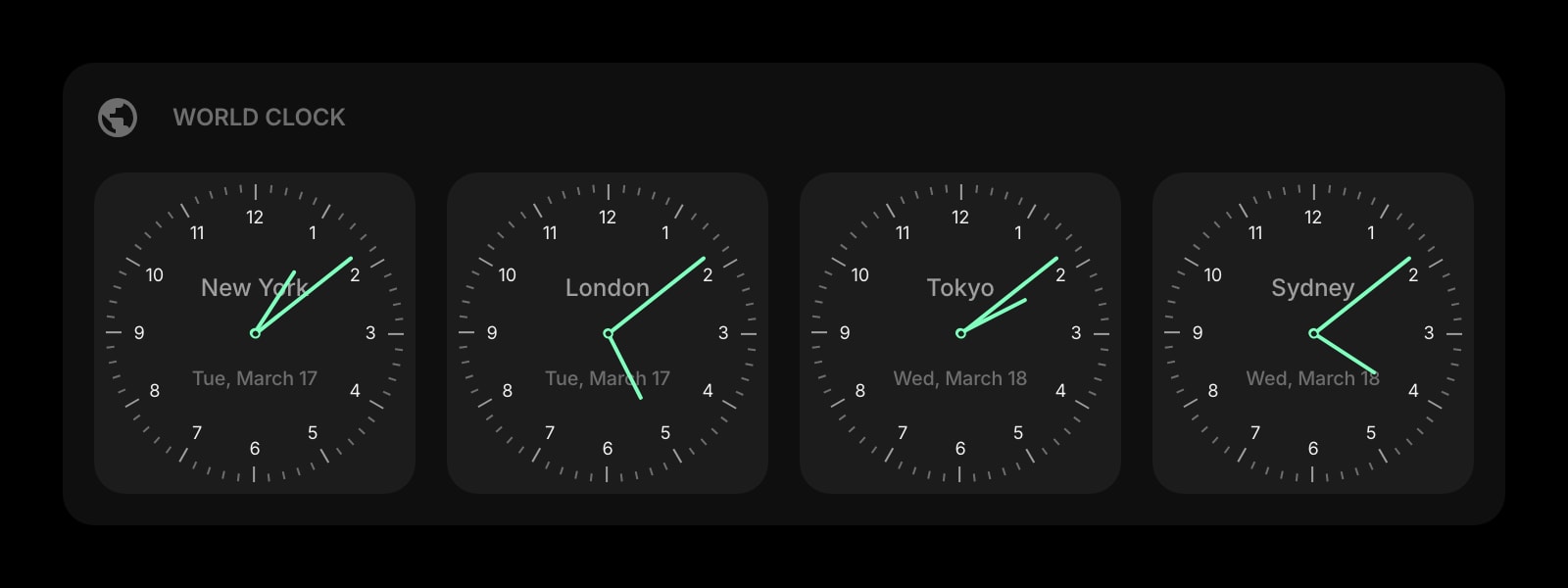
World Clock
The current time in any city. Convert the event time from another zone before you set the countdown.
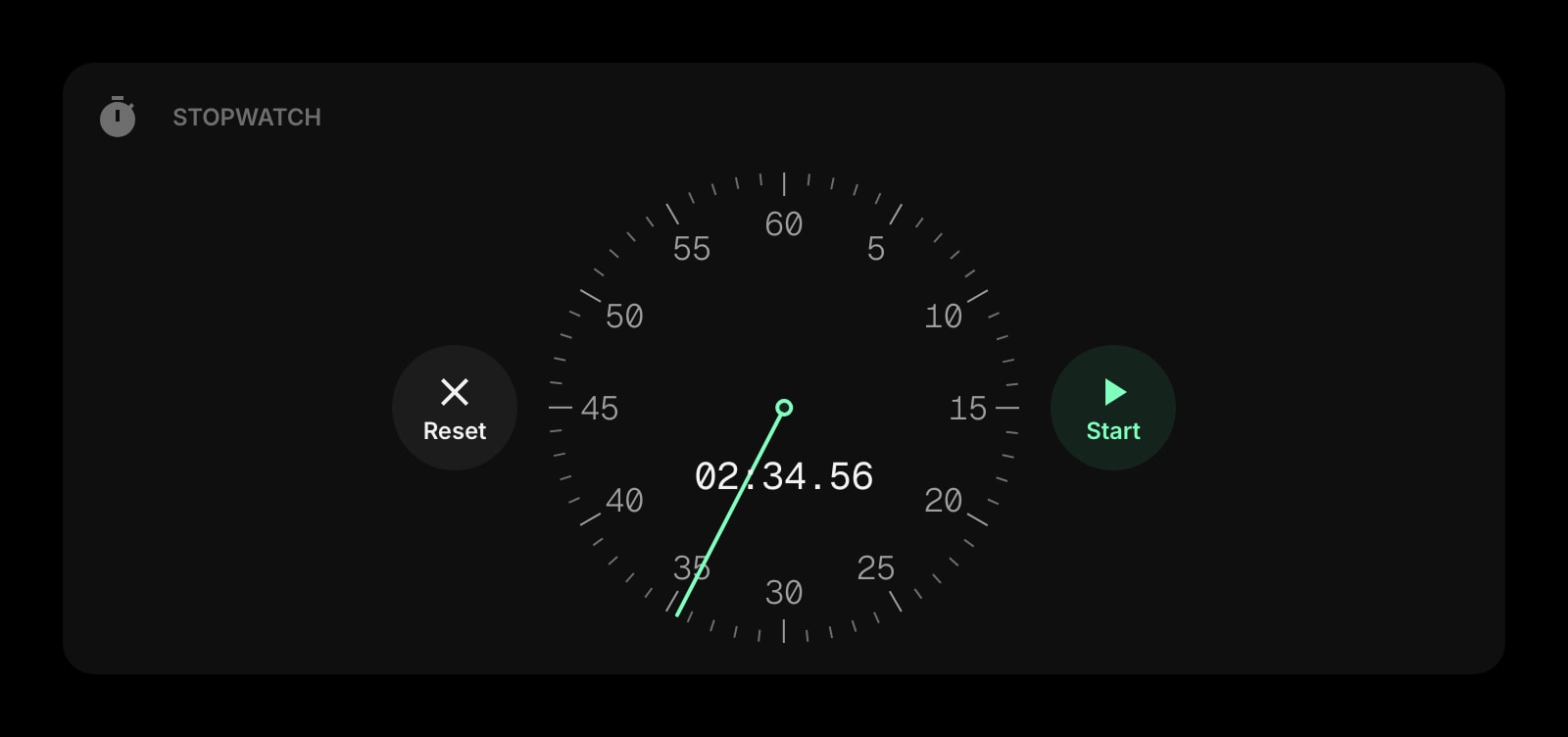
Stopwatch
Counting up instead of down: laps, splits, and how long that task really took.
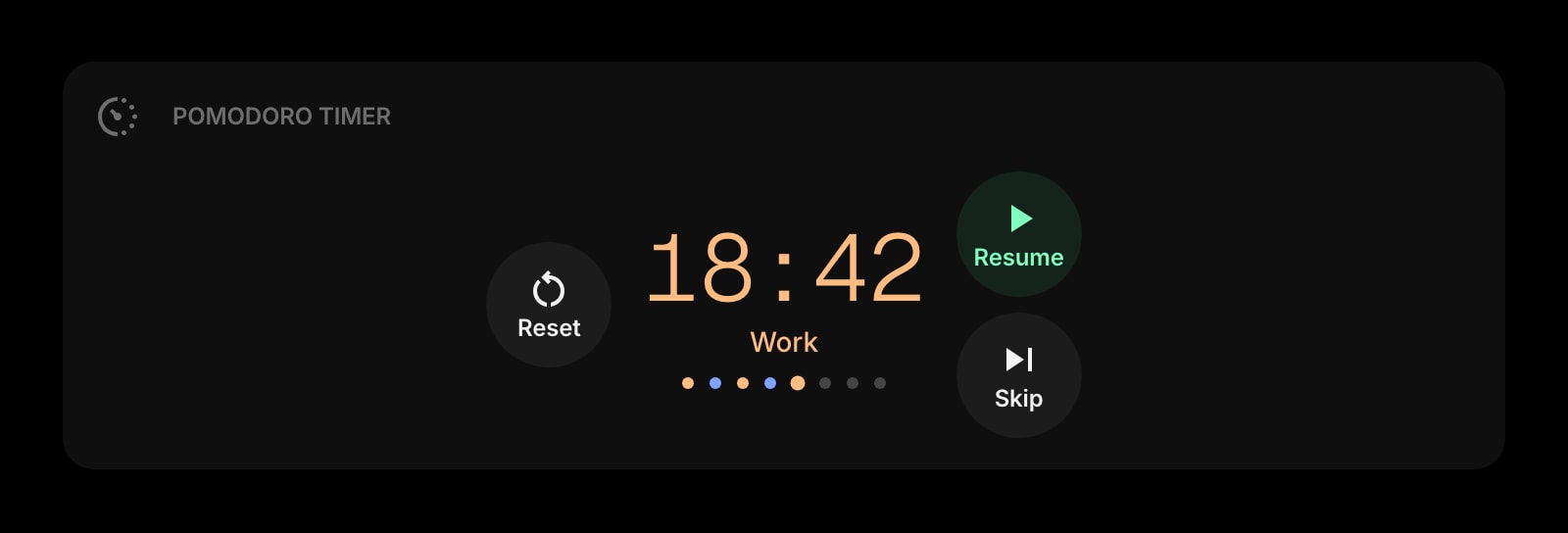
Pomodoro Timer
Focus sessions with breaks built in. The deadline is the countdown; this is how you get there.
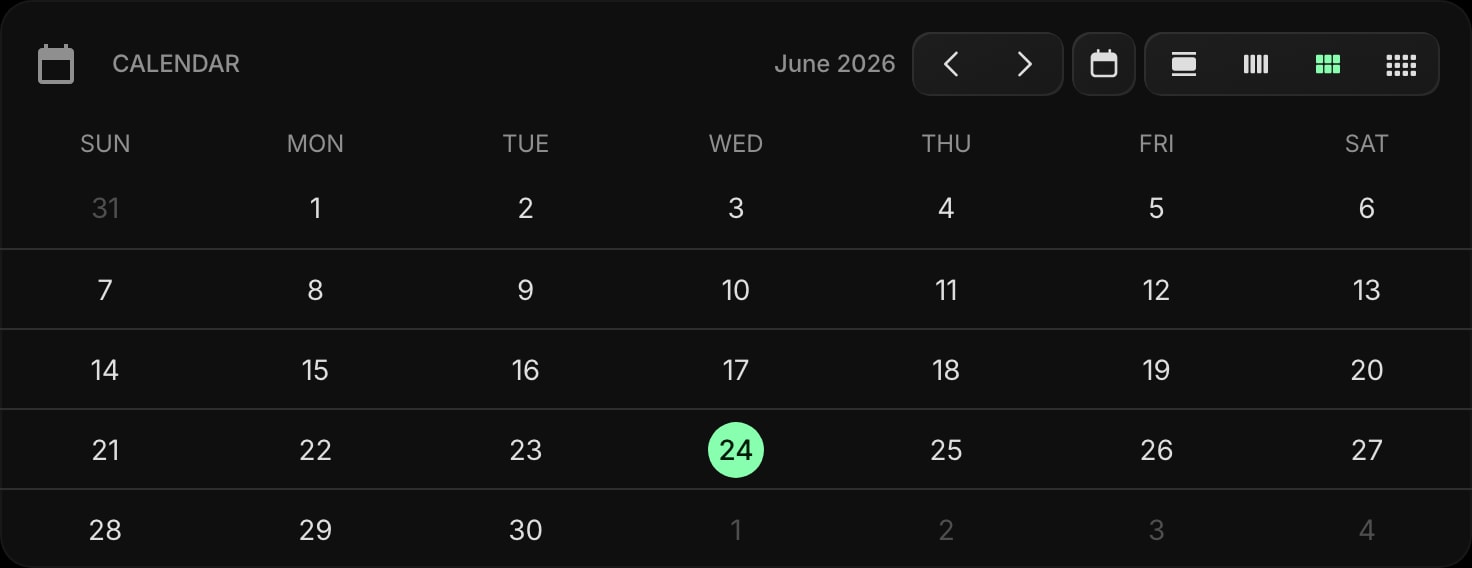
Calendar
The month view that shows where the target date falls among everything else you have on.
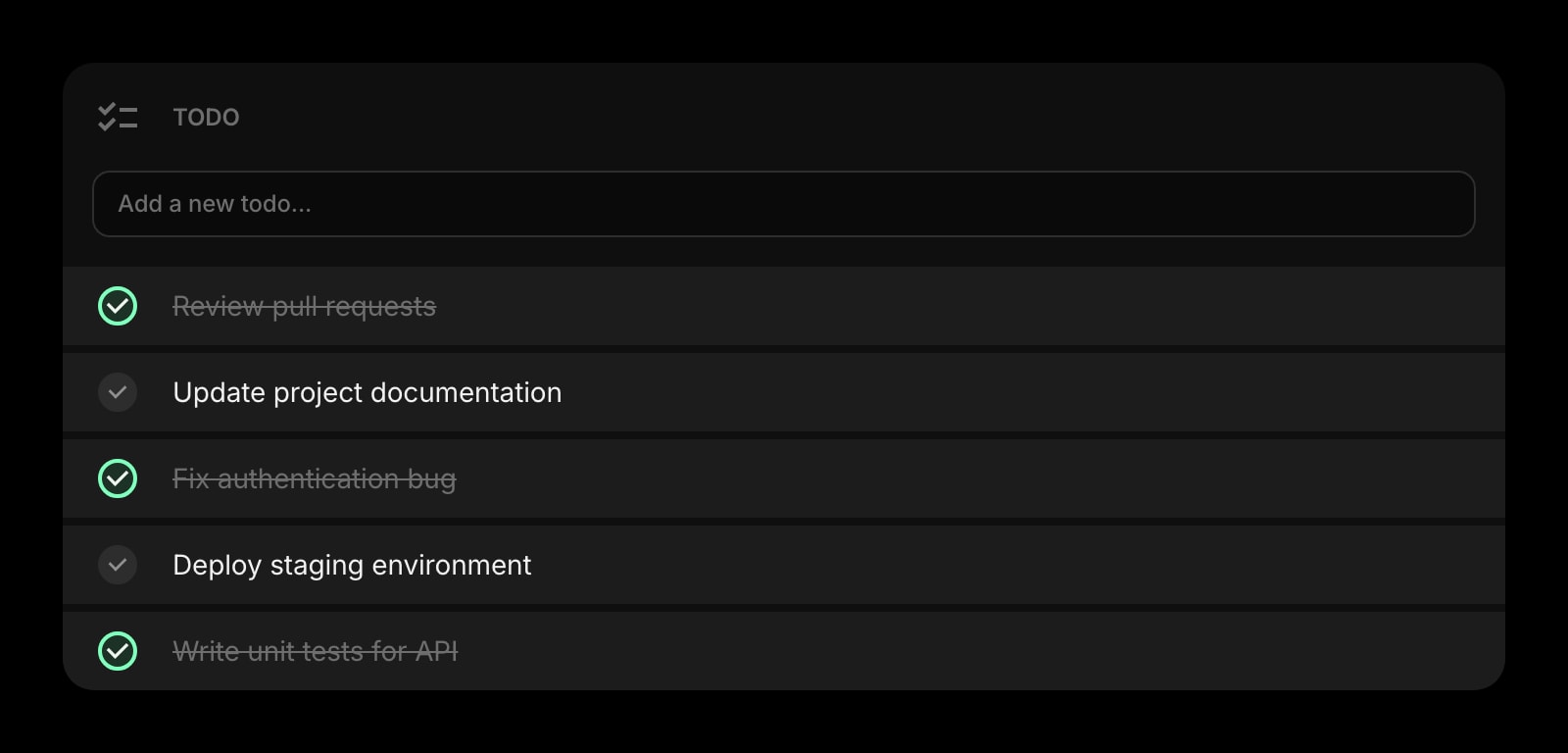
Todo
Everything that has to happen before the countdown hits zero, with due dates of its own.
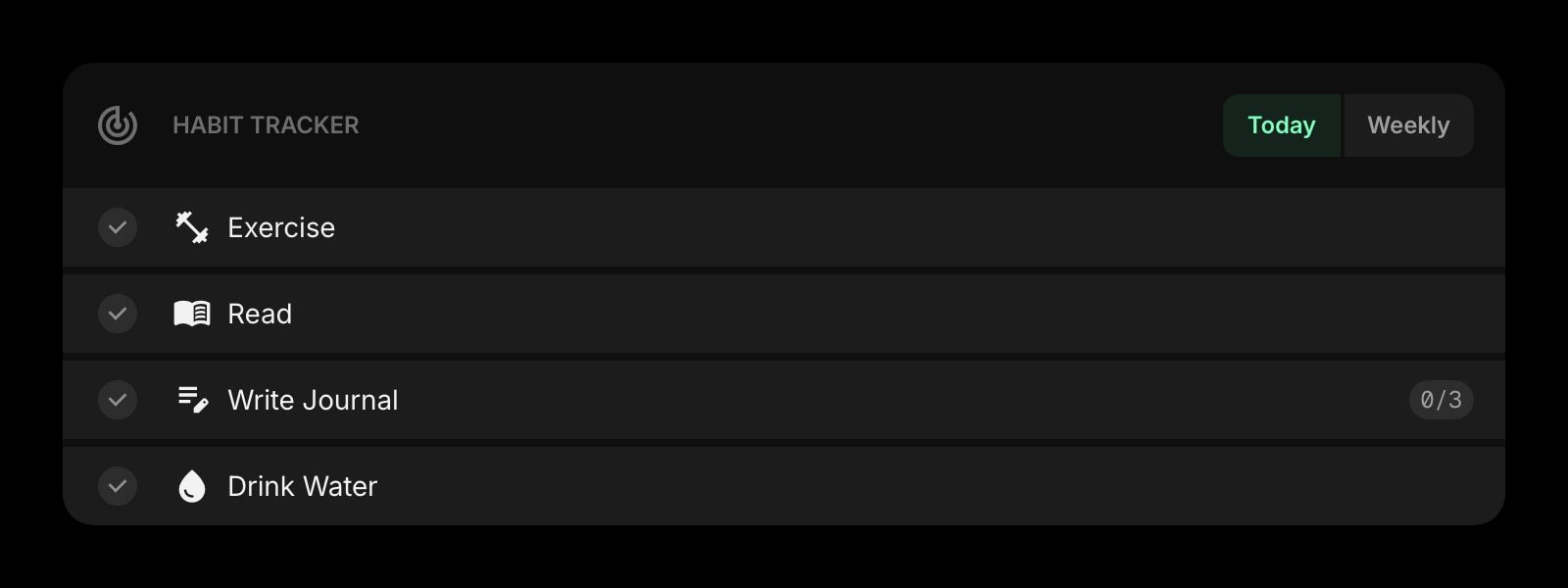
Habit Tracker
For the 30-day challenge behind the countdown: tick off each day and keep the streak alive.
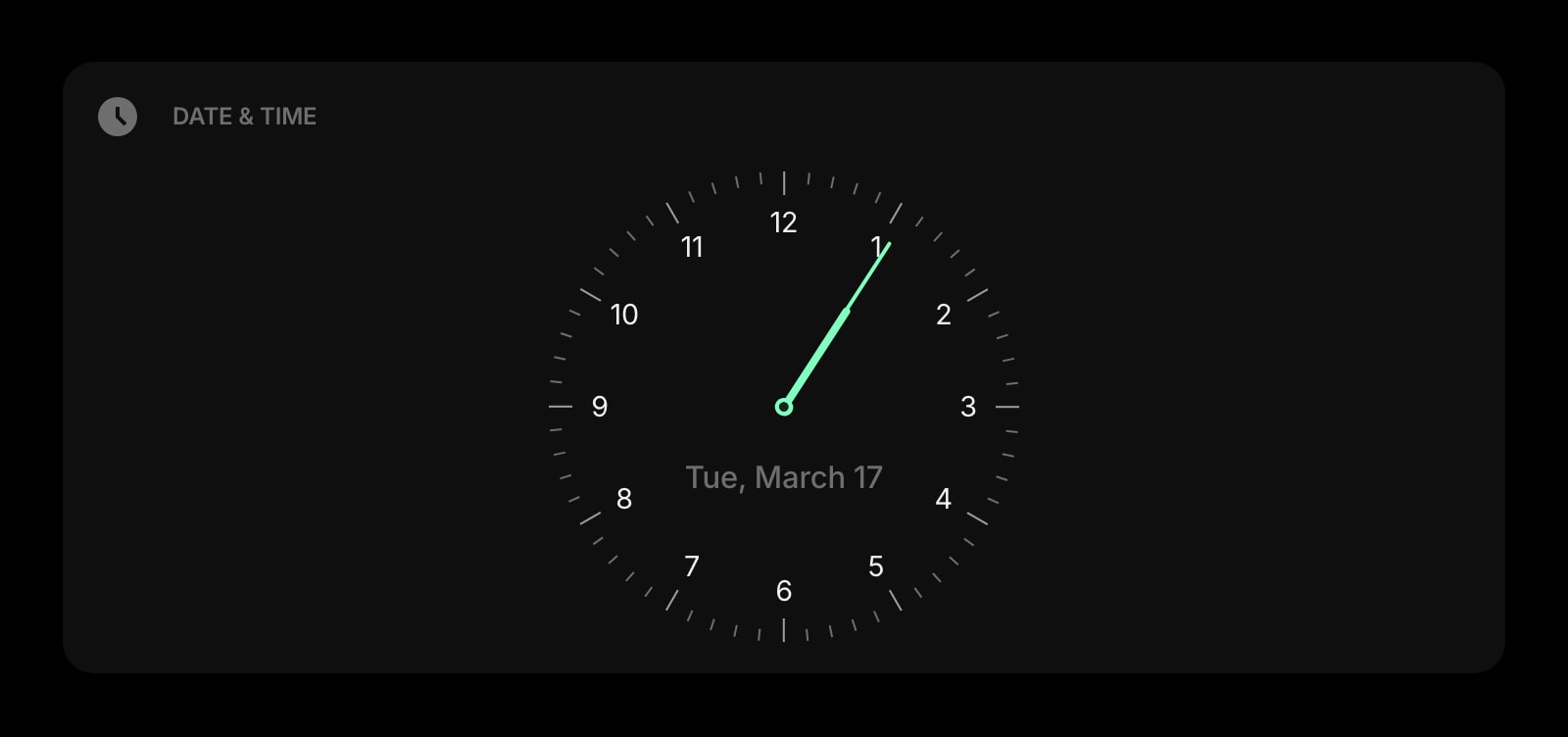
Date & Time
Today, large and legible, next to the countdown. The two numbers that answer "when is it?".
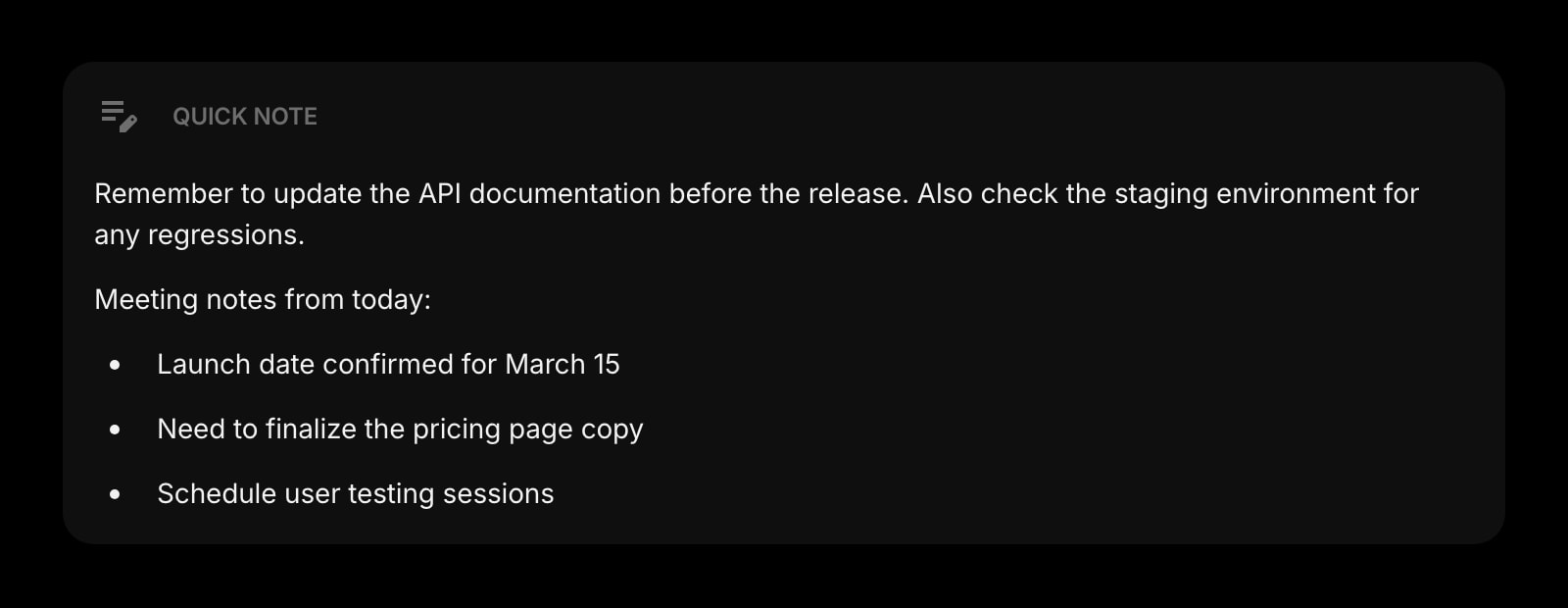
Quick Note
Jot the flight number, the venue, or the last-minute checklist right beside the timer.
Frequently Asked Questions
Yes. The Countdown Timer above runs entirely in your browser with no time limit and no signup. The full Start Page HQ dashboard also has a free plan - 1 page, 8 widgets, sync across devices, every browser extension, and 50 AI credits to start, with no credit card. Paid lifts the caps to unlimited pages and all 63+ widgets at $4/month, $24/year, or $48 lifetime. There is also a public demo at startpagehq.com/demo with every widget unlocked.
Not on this page - it lives in the browser tab only, and nothing you enter is sent to a server. To keep a countdown running permanently, add the Countdown Timer widget inside the Start Page HQ dashboard: it is stored with your account, appears on every new tab, and syncs across your devices.
Yes. The date and time you pick are interpreted in your browser's local time zone, and the countdown runs to that instant. If the event is in another zone, convert the time first - the World Clock tool on this site makes that easy - or enter the local equivalent.
The countdown is calculated from the target time and the current clock, not by subtracting one second at a time, so it is correct the moment the screen wakes up. Nothing drifts, even after hours of sleep or a tab left in the background.
Pick midnight (00:00) for date-only events. On this page the seconds are always shown; inside the dashboard the widget adds toggles for seconds, the event name, and the target date, plus solid, outline, and clear card styles to match your theme.
Open the Full Dashboard
The countdown timer tool, plus 63+ widgets, on every new tab. Free plan, no credit card — or try the demo without an account.