Free Online Audio Editor
Trim MP3, WAV, OGG, M4A, WebM, or FLAC files right in your browser. Drag the handles on the waveform, preview the cut, and export as MP3 or WAV - nothing is uploaded.
What It Does
The capabilities you'd expect from a dedicated audio editor tool — nothing less.
- Load audio files up to 50 MB in MP3, WAV, OGG, M4A, WebM, and FLAC formats by dropping them onto the page or browsing for them.
- An interactive waveform where you drag the start and end handles to pick the exact region to keep, down to a fraction of a second.
- Preview playback covers only the selected region, so you hear exactly what will be exported before you export it.
- Export as WAV for lossless quality or MP3 at 128, 192, 256, or 320 kbps - encoded on your own machine, then saved straight to your downloads.
- Start, end, and selection duration are shown live under the waveform, useful when you need a clip of a precise length.
Common Use Cases
Specific scenarios where this tool earns its place.
Making a Ringtone or Notification Sound
Load the song, drag the handles around the 20 seconds you want, export as MP3, and drop it onto your phone. No desktop software, no "convert to M4R" detour for a first pass.
Cutting the Dead Air From a Voice Memo or Recording
Interviews, lectures, and voice notes start with ten seconds of shuffling. Trim the silence off both ends and the file is ready to share, transcribe, or archive.
Pulling a Clip From a Podcast or Livestream
You need the 45-second quote for a social post or a slide. Find it on the waveform, tighten the selection while previewing, and export a small MP3 instead of sending around the whole two-hour file.
Trimming Sound Effects and Samples
Field recordings and downloaded sample packs are rarely cut to length. Isolate the hit, the loop, or the ambience you actually want, export as WAV to keep it lossless, and load it into your DAW or game engine.
Shortening Audio for a Presentation or Video
A slide needs 15 seconds of music, not the full track. Cut the intro to length, export, and drop it into Keynote, PowerPoint, or your video editor - all before the meeting starts.
The Bigger Story
Search "audio editor online" and you will find full-blown multitrack editors, uploaders that process your file on someone else's server, and download-a-desktop-app pages. The tool above is the Audio Editor widget from Start Page HQ, deliberately narrow: load, trim, export, done, without your audio ever leaving your machine. It is one of 63+ widgets on a new tab dashboard that also compresses images, generates QR codes, and formats JSON - the kind of small jobs you currently open a different site for each time. Trim your clip here now; the dashboard is there when you notice you do this every week.
Start free — 1 page, 8 widgets, sync across devices, no credit card. Paid lifts the caps: $4/month, $24/year, or $48 lifetime.
Other Tools You Might Use
Tools developers and writers reach for next, all part of the same dashboard.
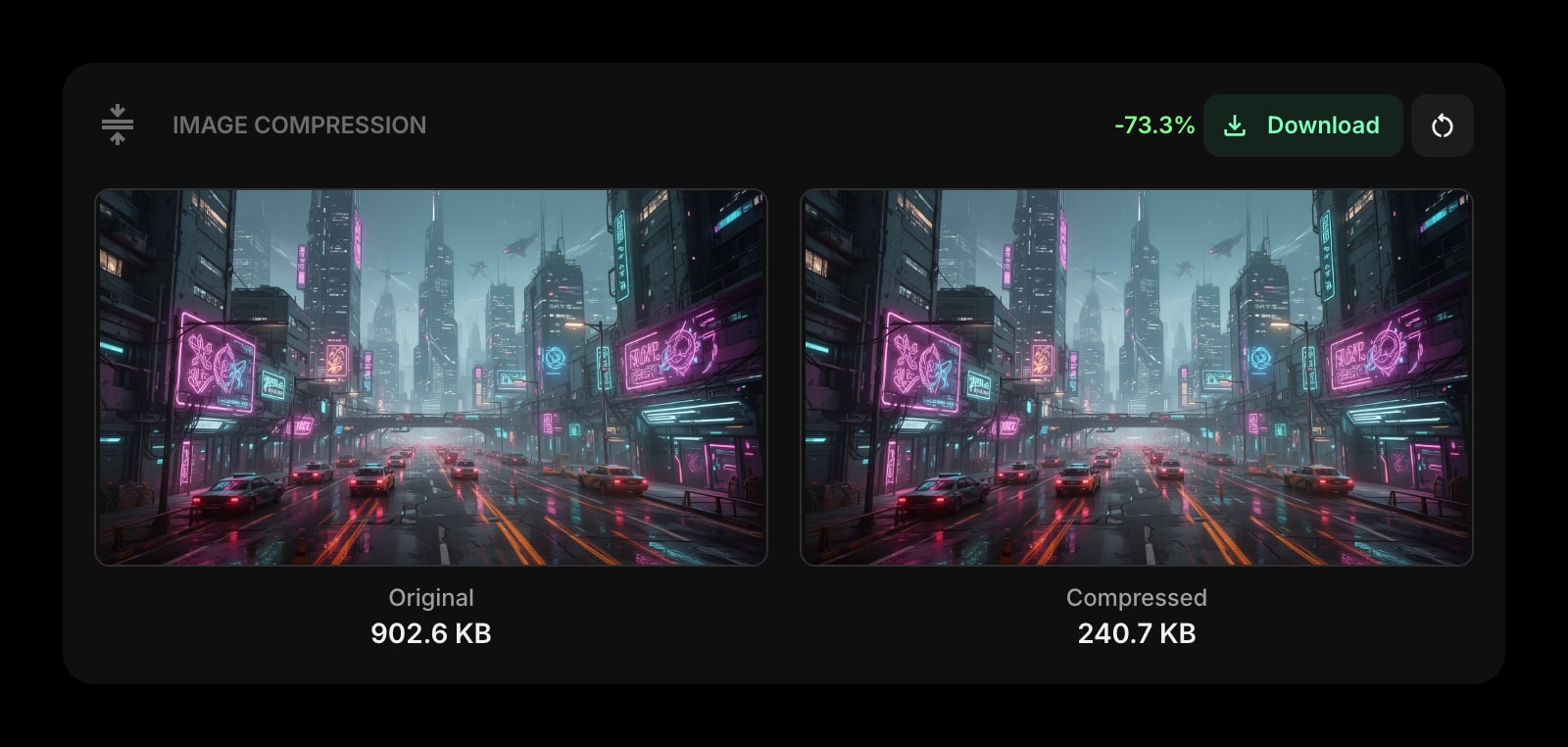
Image Compression
Shrink the cover art or the screenshots that go with the clip, in the browser, with no upload either.
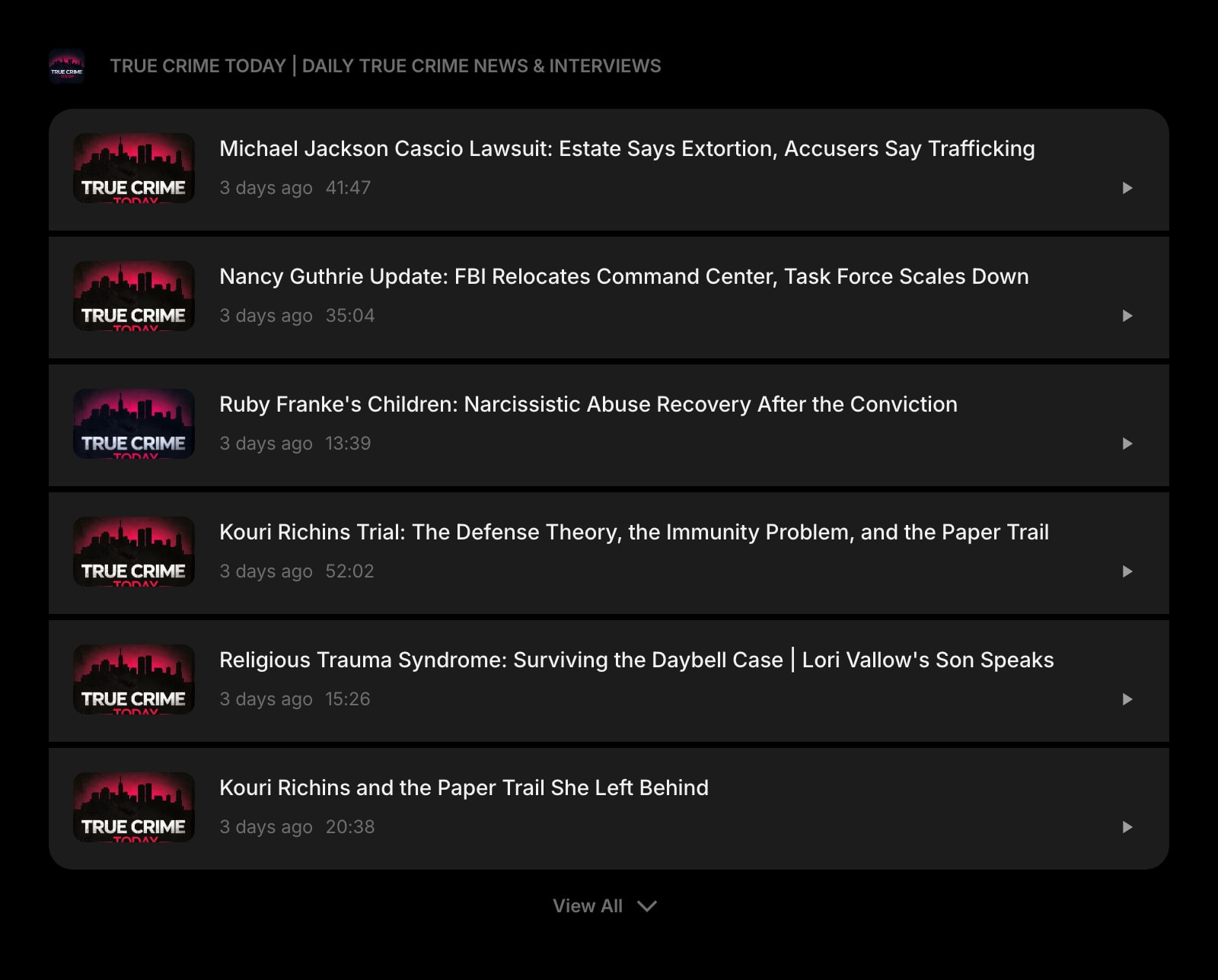
Podcast
Follow the shows you keep pulling quotes from, with new episodes listed on your new tab page.
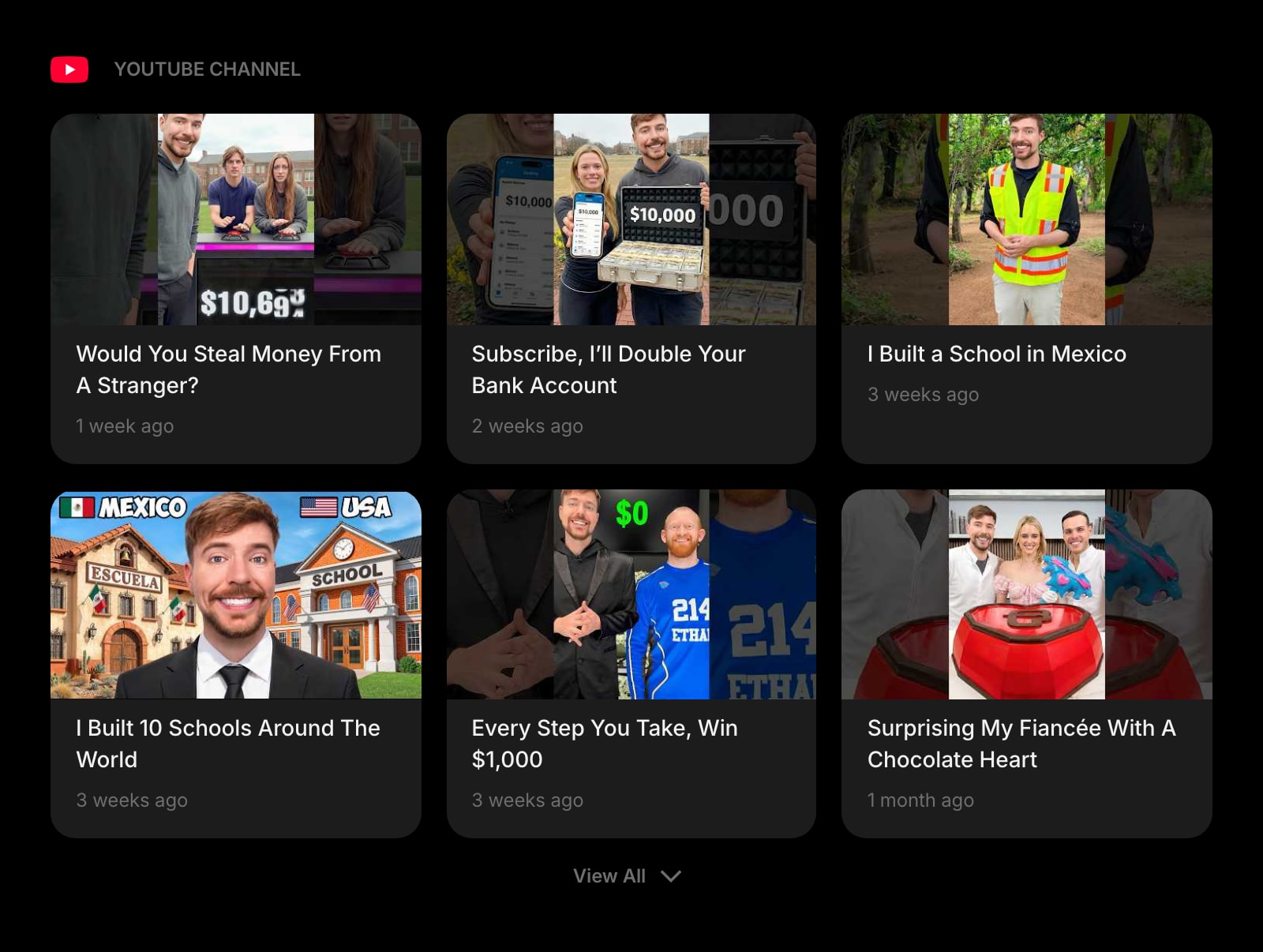
YouTube Channel
Latest videos from the channels you edit for or learn from, without opening the YouTube home feed.
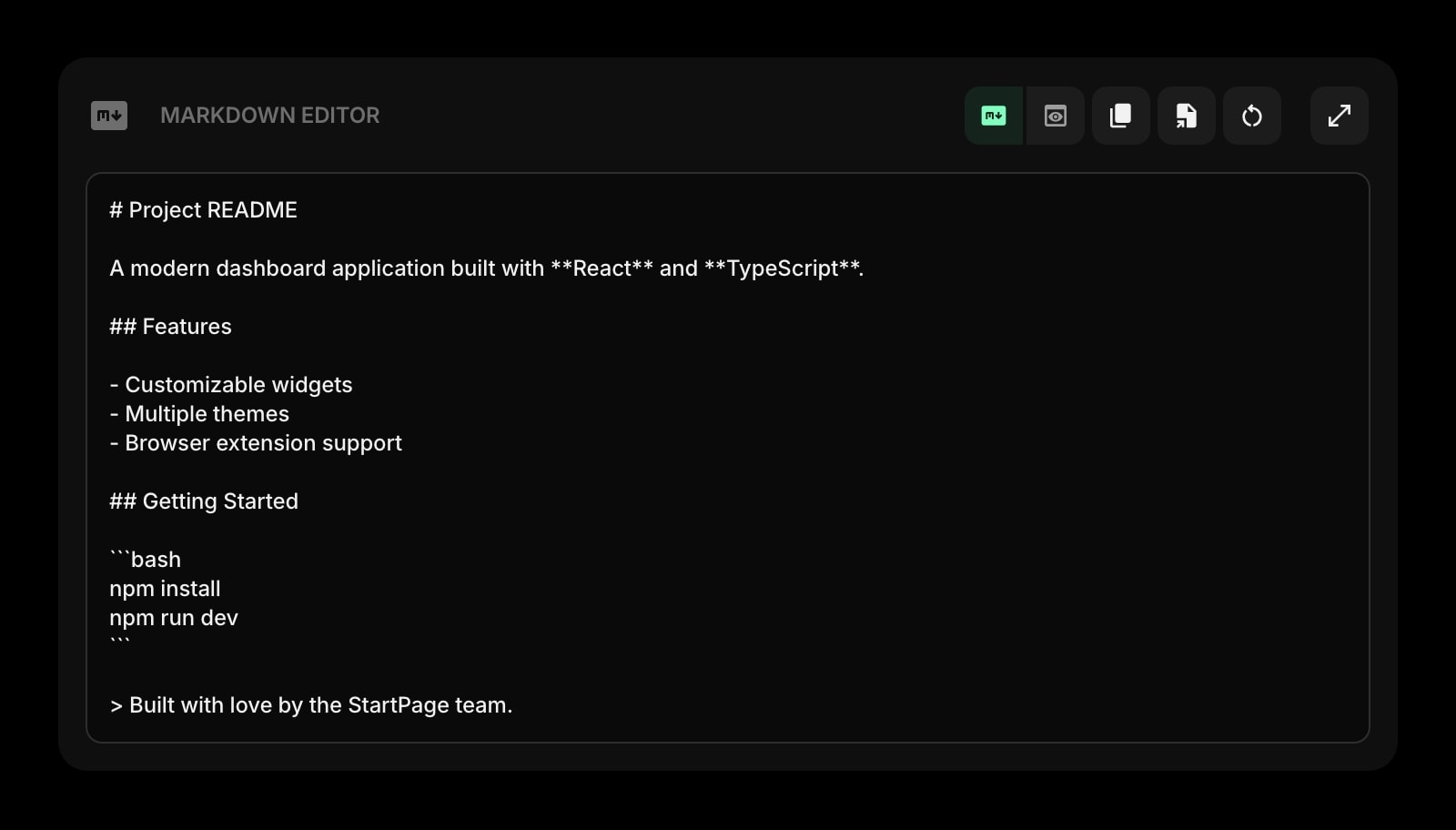
Markdown Editor
Write the show notes, the transcript summary, or the post the clip is going into, with live preview.
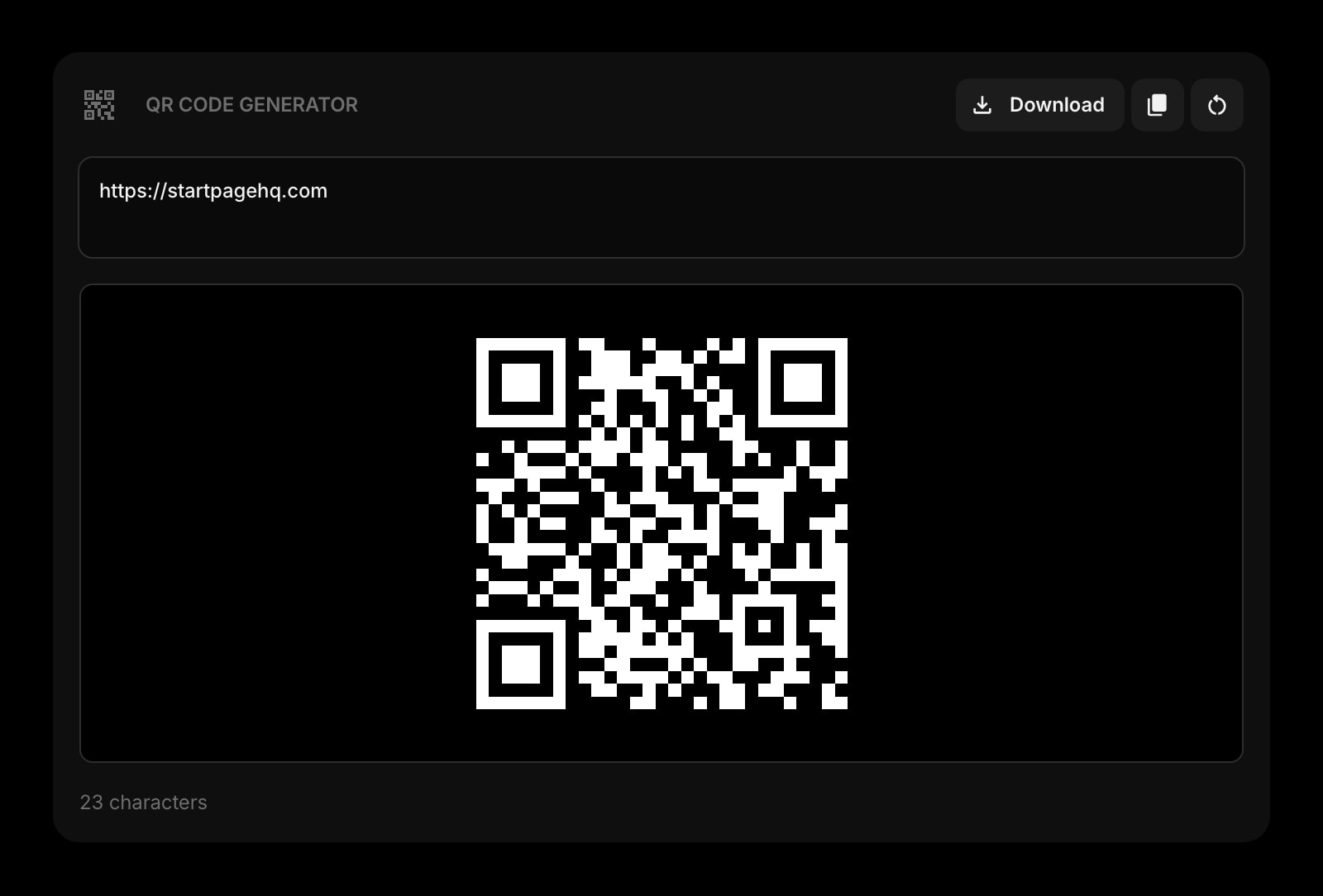
QR Code
Point listeners at the episode or the download link from a slide, a poster, or a business card.
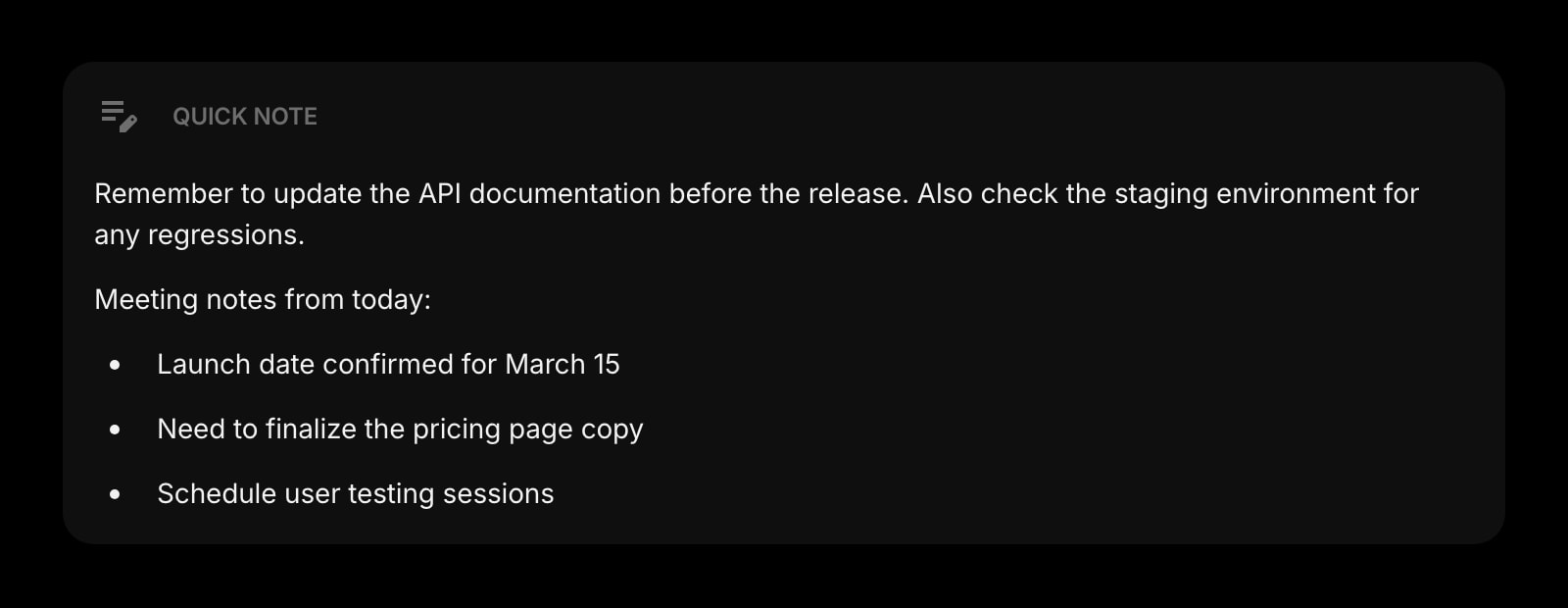
Quick Note
Timestamps worth cutting, the guest name spelled right, the export settings that worked last time.
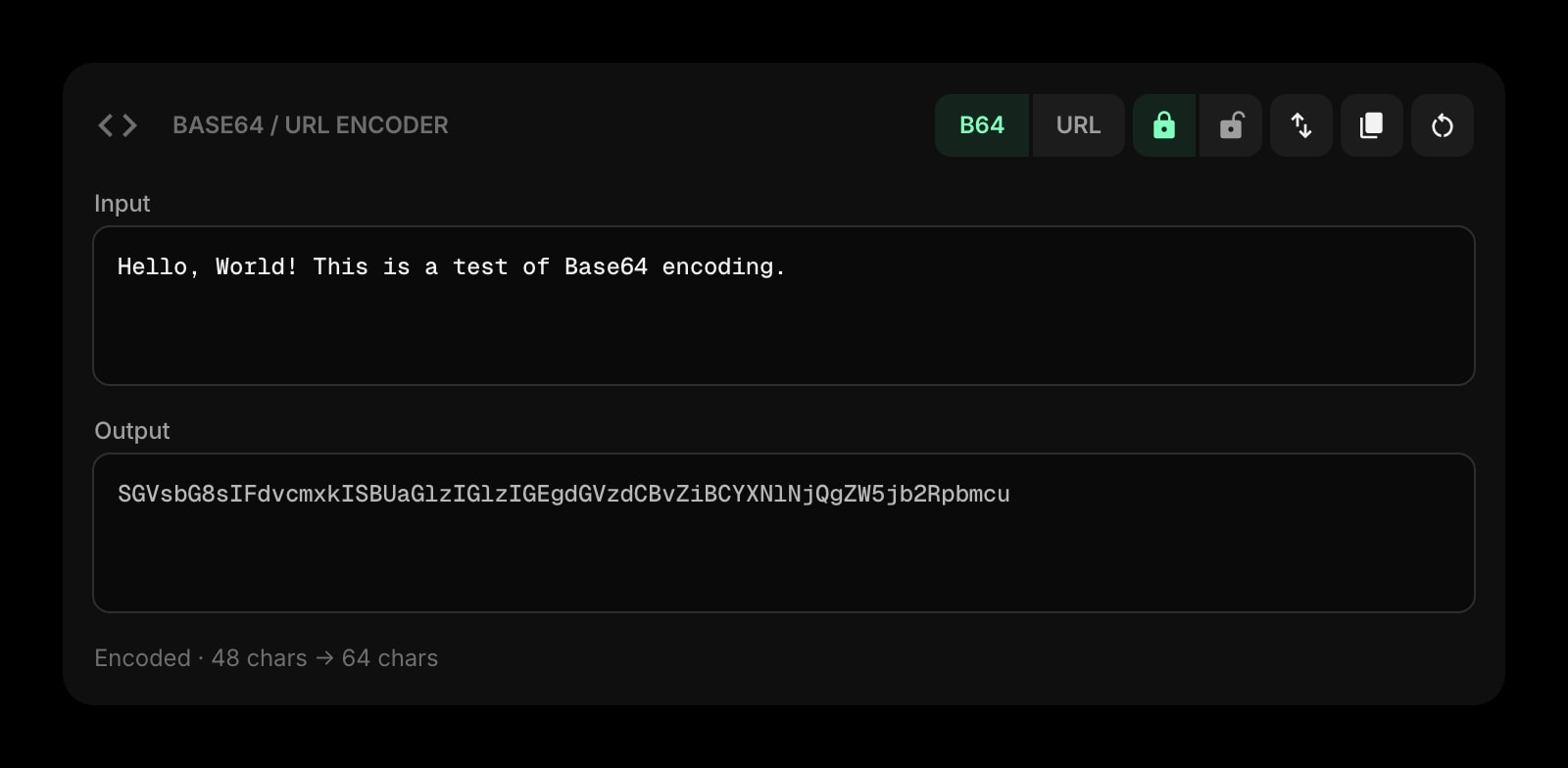
Base64 & URL Encoder
Encode a short clip as a data URI for an HTML email or a prototype, or fix the escaped URL in an RSS feed.
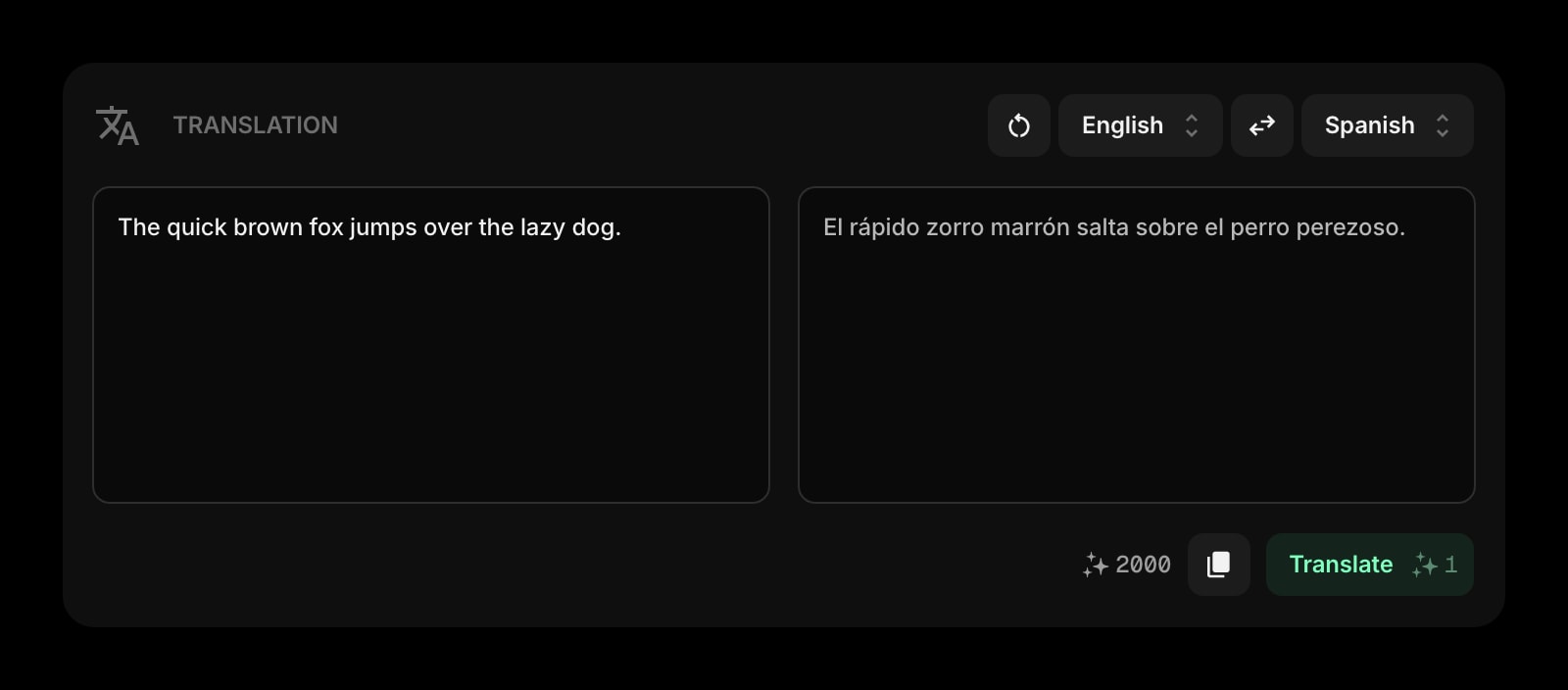
Translation
Translate the quote you just clipped, or the caption that goes under it, in the same tab.
Frequently Asked Questions
Yes. The Audio Editor above runs entirely in your browser with files up to 50 MB and no signup. The full Start Page HQ dashboard also has a free plan - 1 page, 8 widgets, sync across devices, every browser extension, and 50 AI credits to start, with no credit card. Paid lifts the caps to unlimited pages and all 63+ widgets at $4/month, $24/year, or $48 lifetime. There is also a public demo at startpagehq.com/demo with every widget unlocked.
No. The file is decoded with the Web Audio API in your browser, the waveform is drawn locally, and the trimmed MP3 or WAV is encoded on your own CPU before being saved to your downloads. Nothing is uploaded, so unreleased tracks, private voice memos, and client recordings stay private. It also means large files depend on your device's speed, not on our bandwidth.
Open MP3, WAV, OGG, M4A, WebM, and FLAC files up to 50 MB - anything your browser can decode. Export is WAV (lossless, larger) or MP3 at 128 to 320 kbps. Decoding FLAC and OGG depends on the browser; Chrome and Firefox handle all of them, Safari handles most.
No. This is a trimmer: you keep one continuous region and discard the rest. For splicing sections together, mixing tracks, or applying effects, you want a full editor such as Audacity. For "cut this down to the part I need", which is most of what people search for, this is faster.
MP3 is lossy, so re-encoding an MP3 loses a little each time; at 256 or 320 kbps the difference is inaudible for most uses. If the source is WAV or FLAC and you need to keep it perfect, export WAV. Trimming itself is lossless - only the encoding step changes the audio.
Open the Full Dashboard
The audio editor tool, plus 63+ widgets, on every new tab. Free plan, no credit card — or try the demo without an account.