The Biggest Start Page HQ Update Yet: A Fresh New Look, a Faster Dashboard, and 12 New Widgets
This is the biggest update to Start Page HQ we have ever shipped. The whole dashboard has a fresh new look, it is noticeably faster across the board, and there are 12 new widgets - from real-time TradingView charts and t0ggles task management to a built-in Color Picker and an AI Humanizer. Several existing widgets picked up upgrades too. Here is everything that is new.
#A Fresh New Look
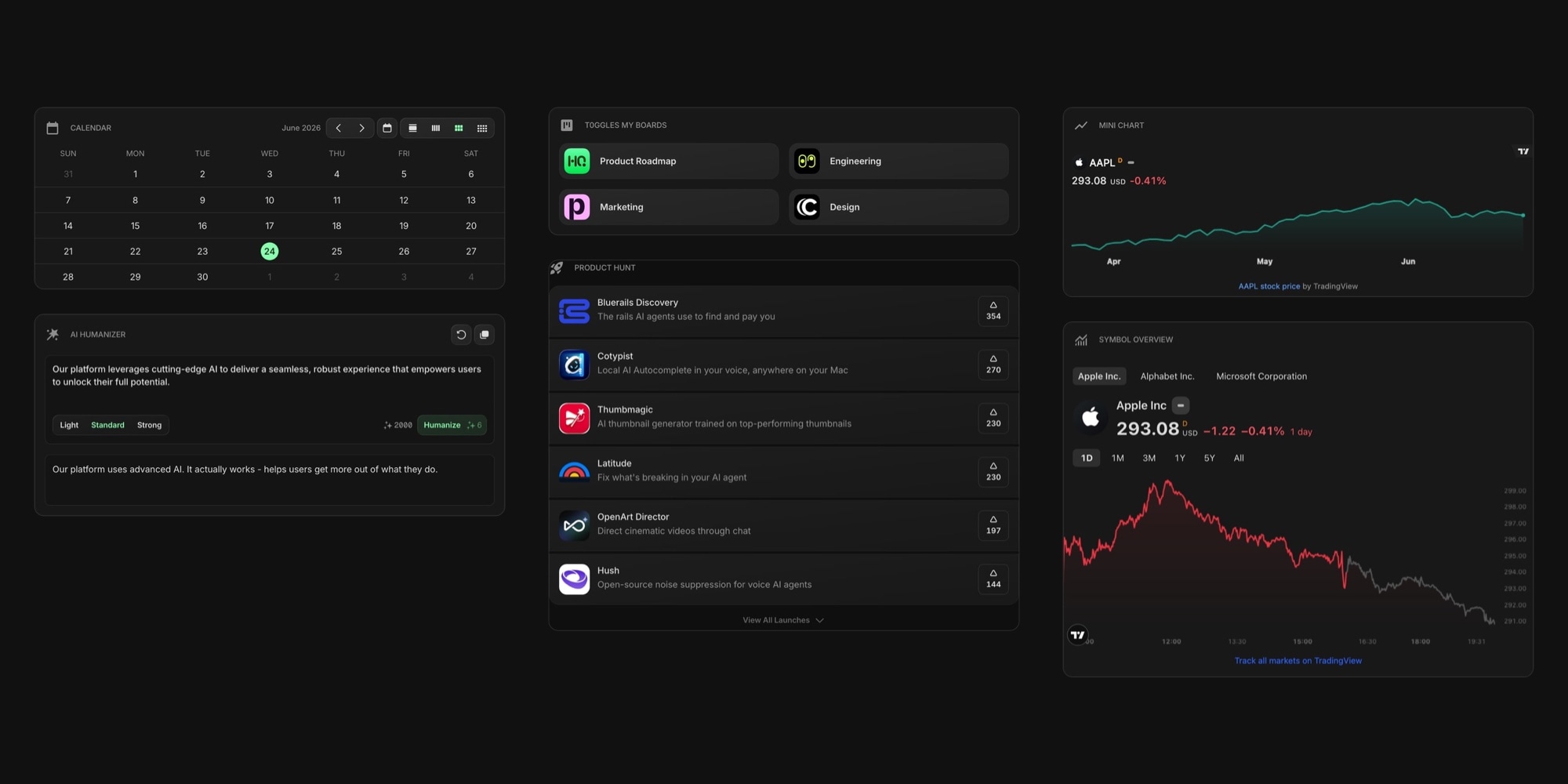
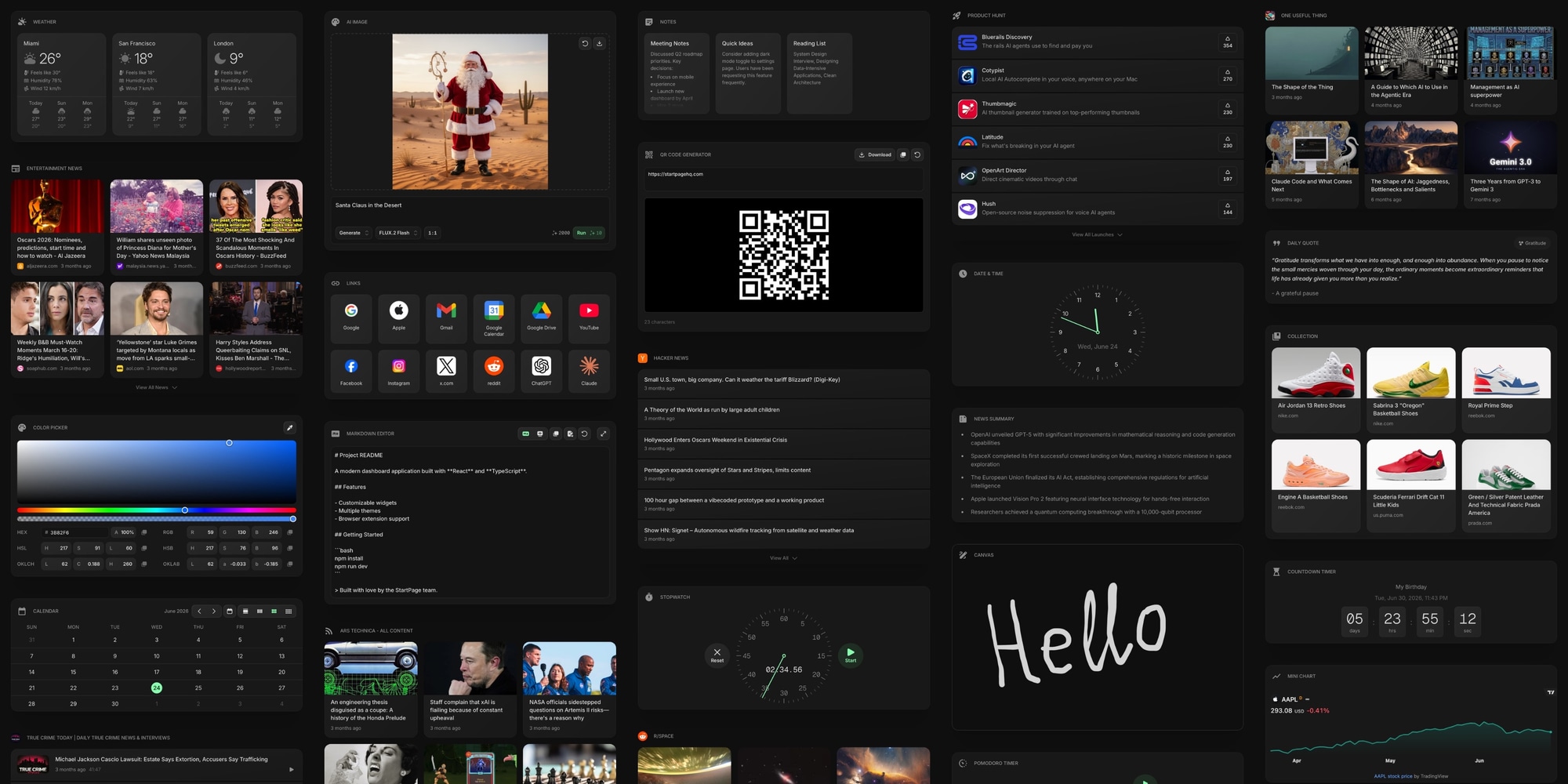
We rebuilt the interface with a cleaner, more modern design. Menus, panels, settings, and widgets were all refined, with better spacing, sharper typography, and tidier controls on every screen. The result is a dashboard that feels lighter and more focused, while everything stays right where you expect it.
#Faster, Smoother, and More Reliable
This is also a major performance release. Pages load and switch faster, widgets render more smoothly, and the app stays responsive even with a packed dashboard. We fixed a long list of issues reported by the community, from layout glitches to sync edge cases, making this the most stable version of Start Page HQ yet.
#Five New TradingView Widgets
If you follow the markets, you can now bring live, real-time data straight to your new tab, powered by TradingView. Five new widgets cover everything from a quick glance to deep analysis.
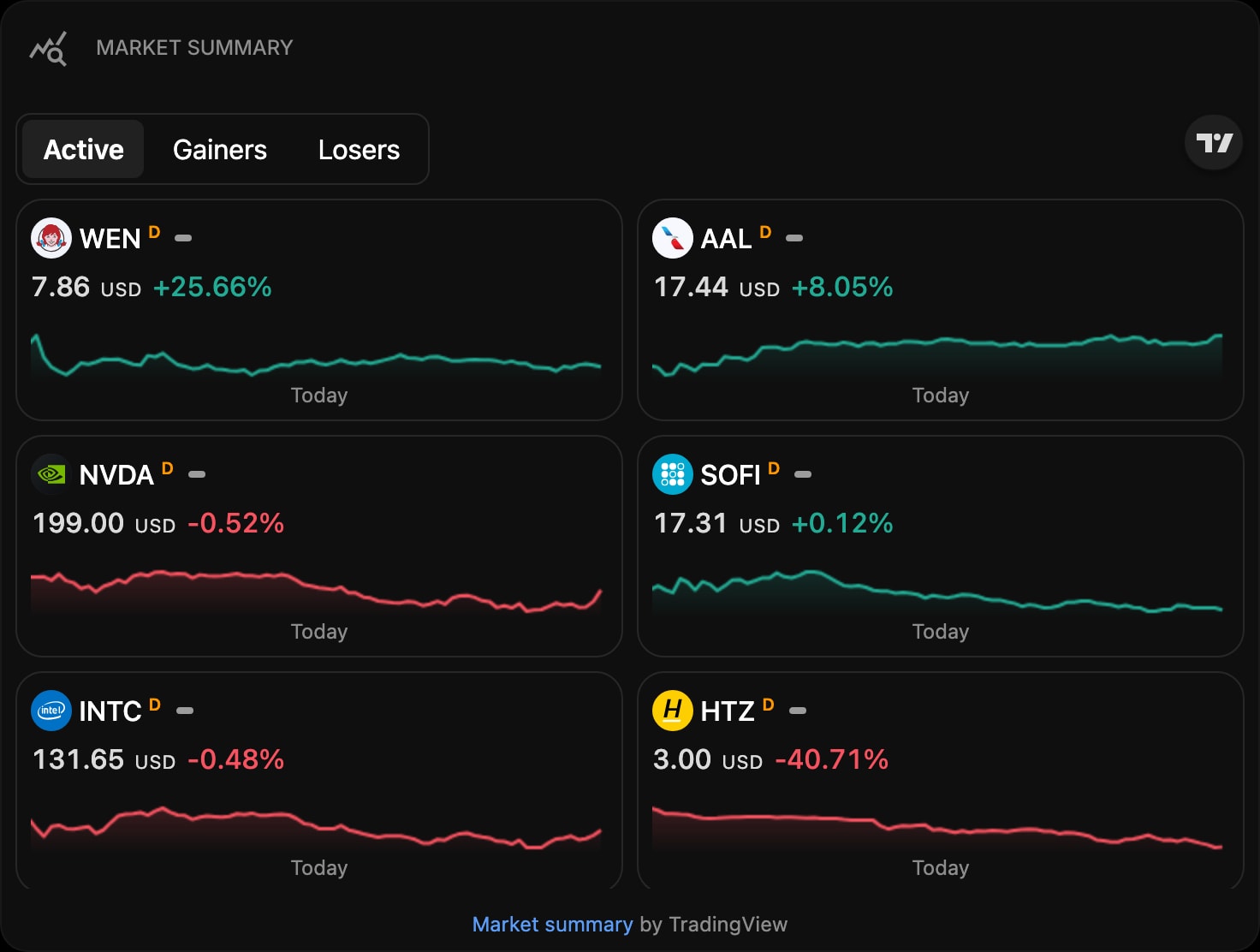
TradingView Ticker Tape - a scrolling strip of live quotes for the indices, stocks, crypto, and forex pairs you follow.
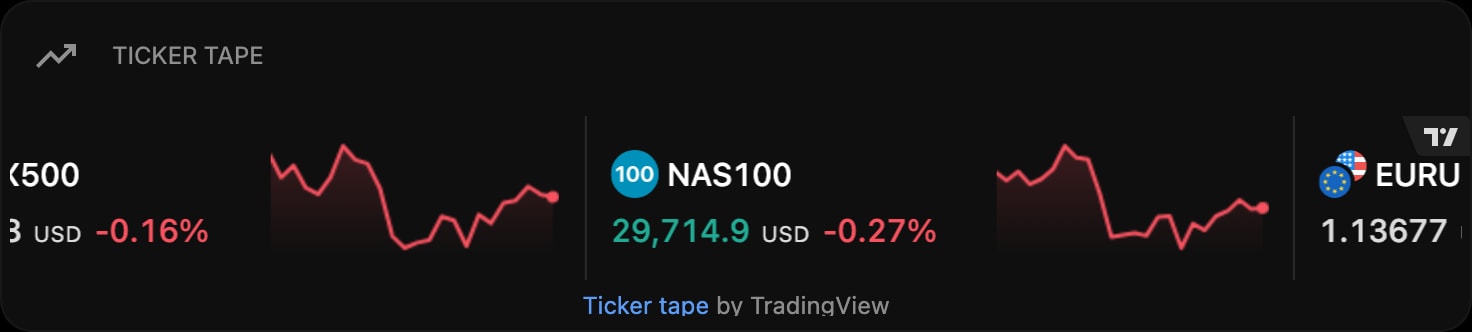
TradingView Market Summary - an at-a-glance overview of preset stocks or crypto, or your own grouped watchlist.
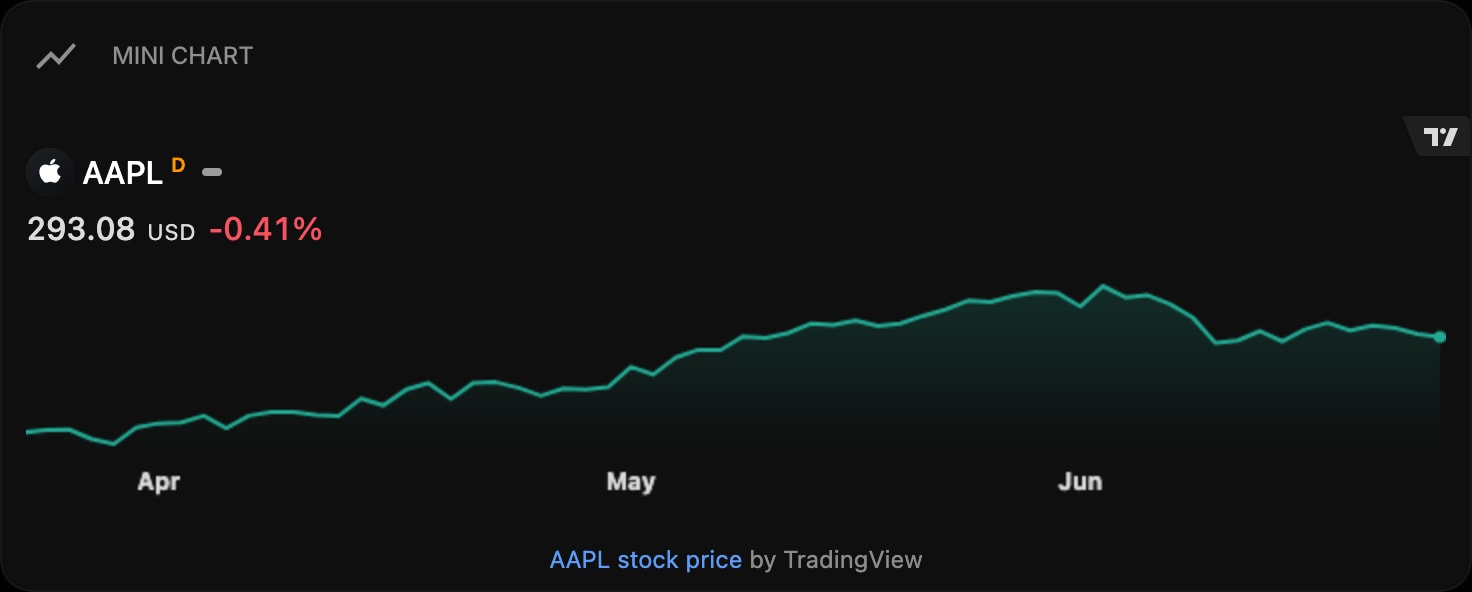
TradingView Mini Chart - a compact live price chart for a single symbol.
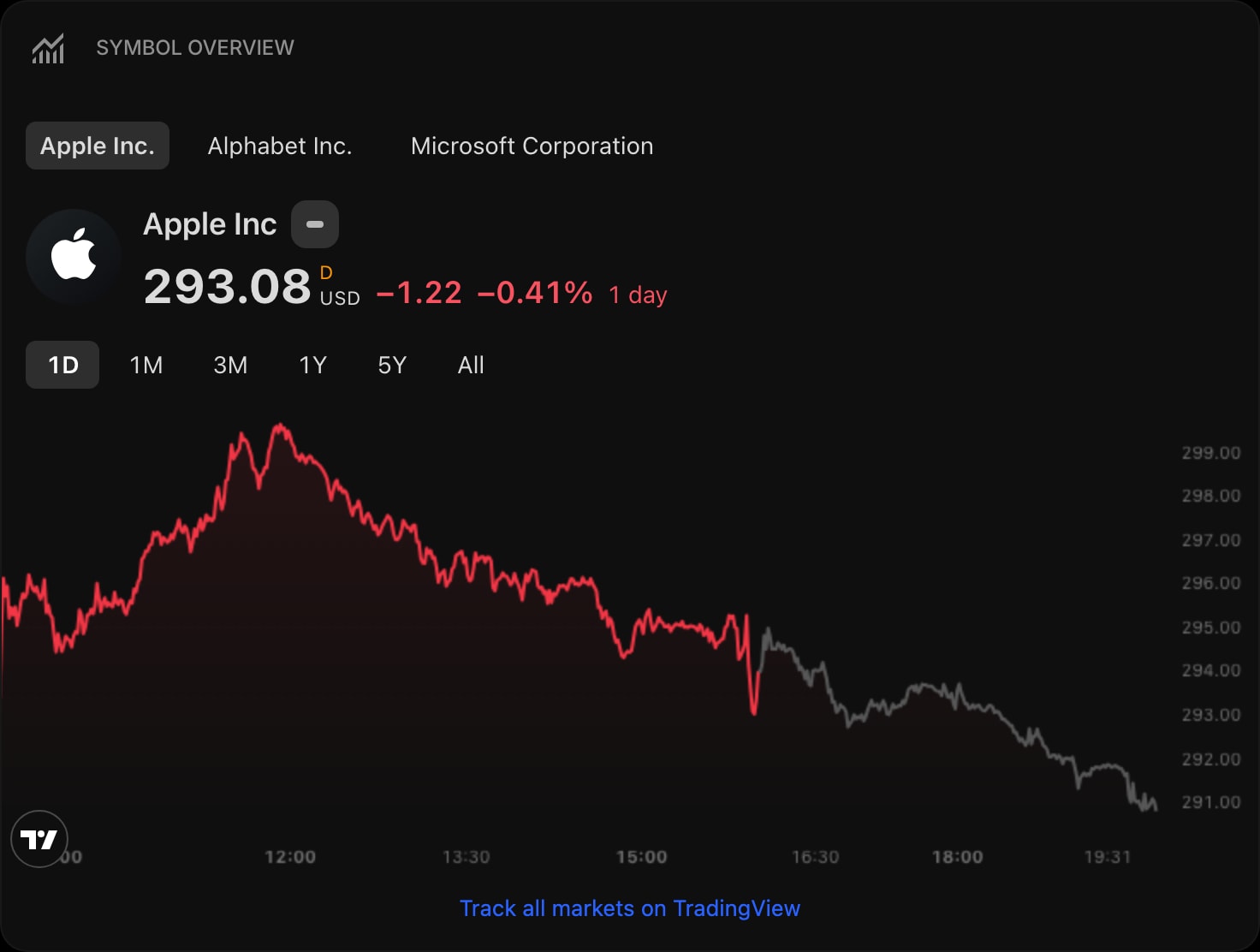
TradingView Symbol Overview - compare several symbols on one clean overview chart.
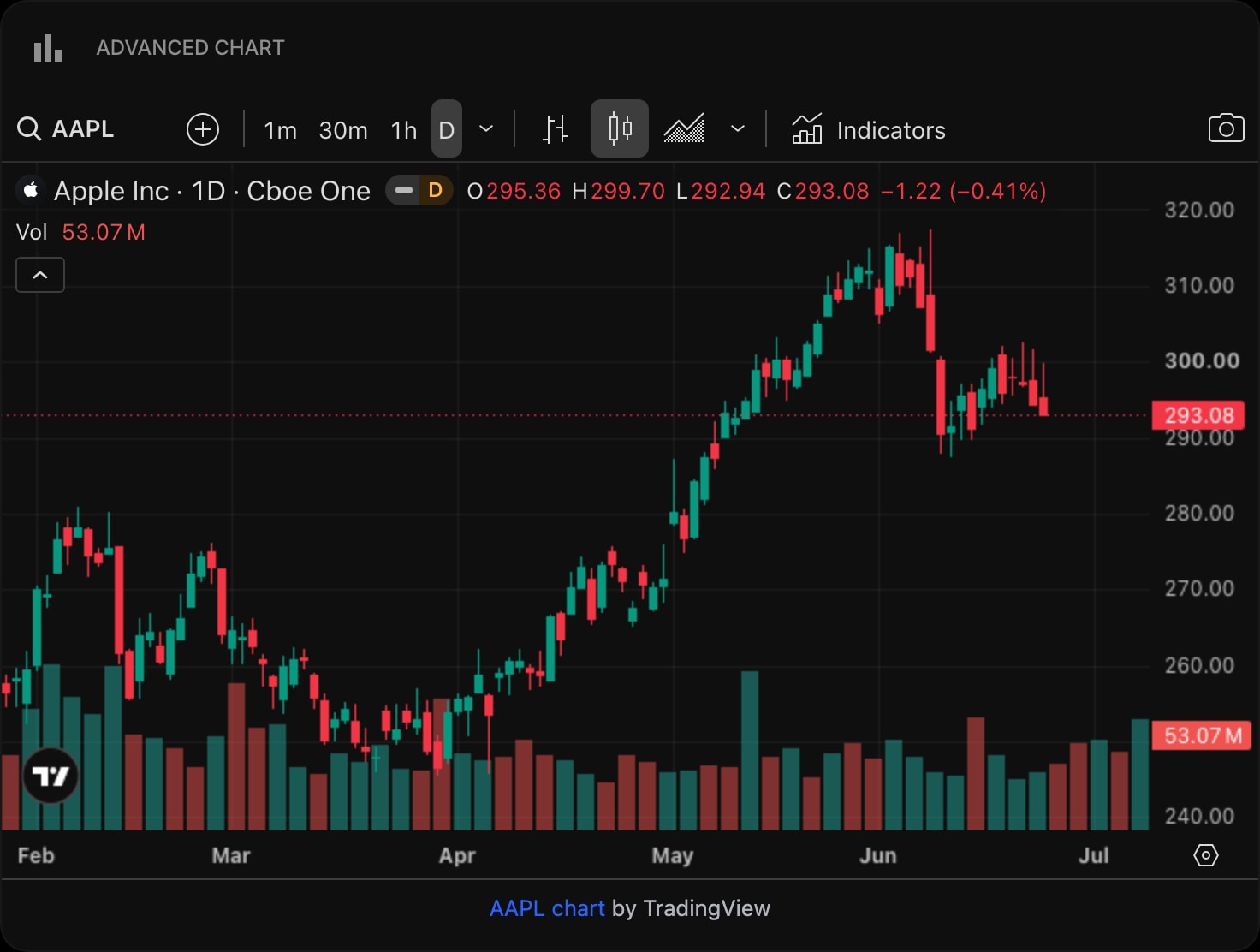
TradingView Advanced Chart - a full interactive chart with indicators and drawing tools for serious analysis.
#Stay on Top of Your Work with t0ggles
We connected Start Page HQ to t0ggles, the task and project management app, with three new widgets that keep your work front and center on every new tab.
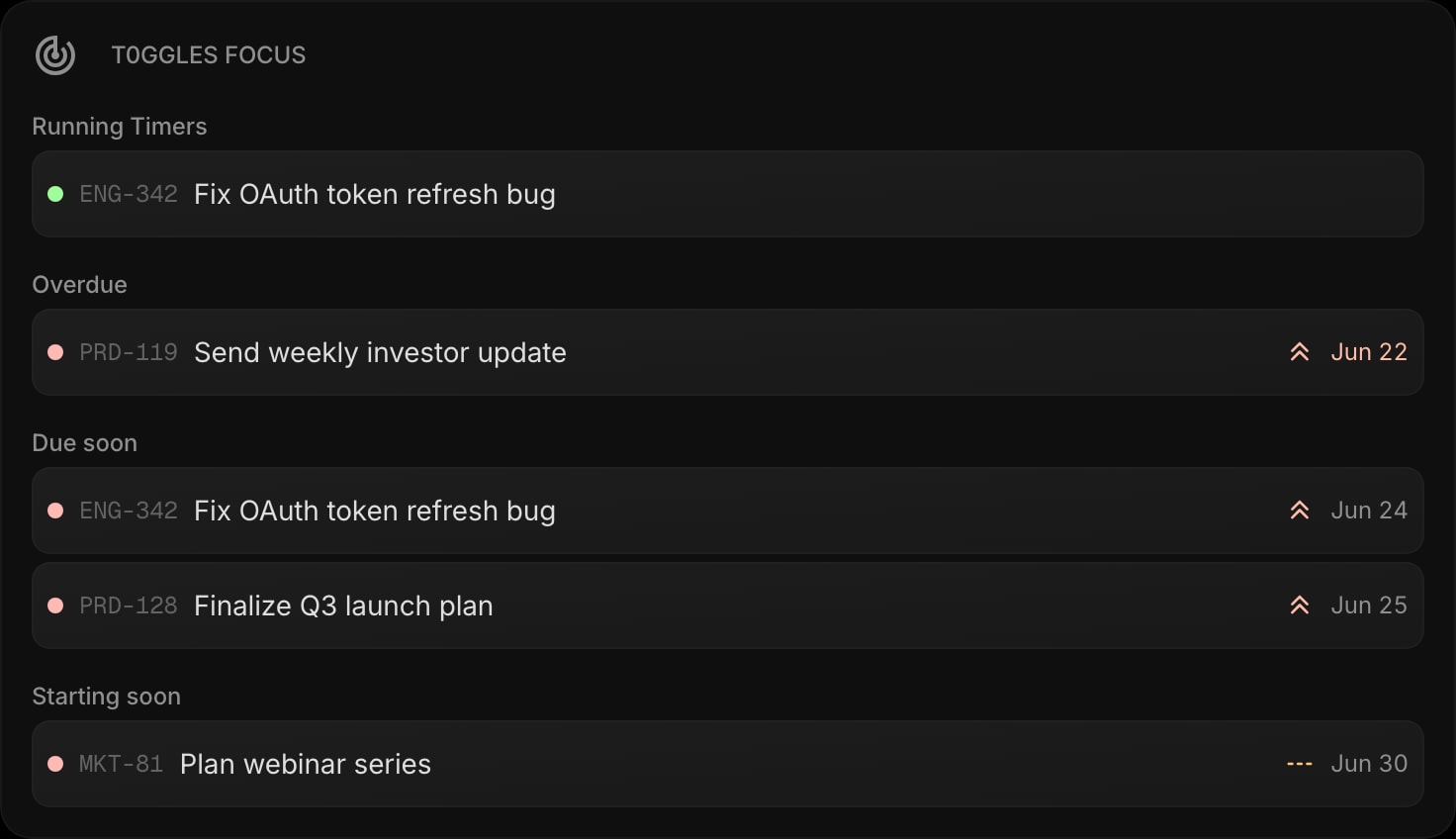
t0ggles Focus - your running timers plus the closest overdue, due-soon, and starting-soon tasks, so you always know what to work on next.
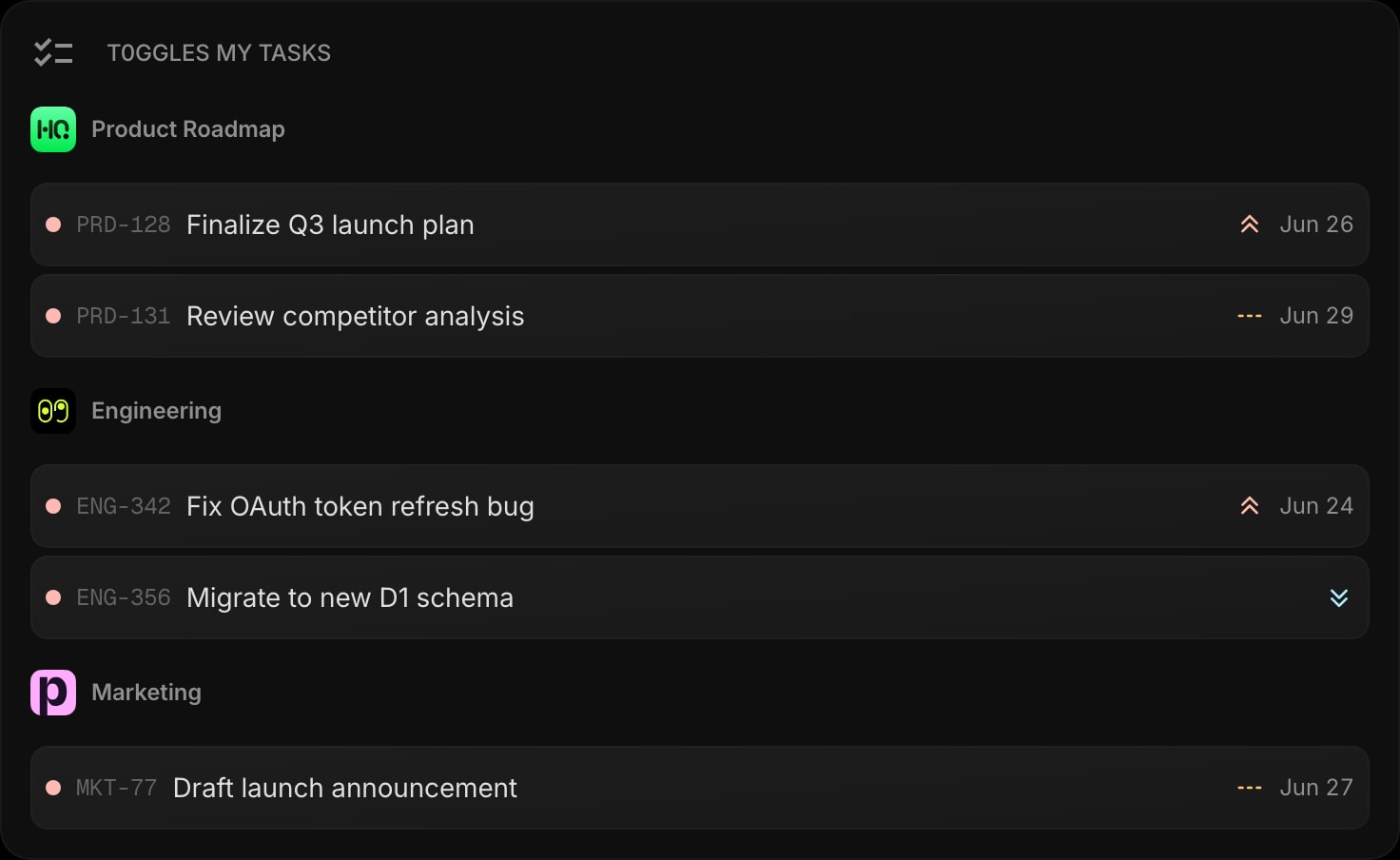
t0ggles My Tasks - every task assigned to you, grouped by board and ordered by priority.
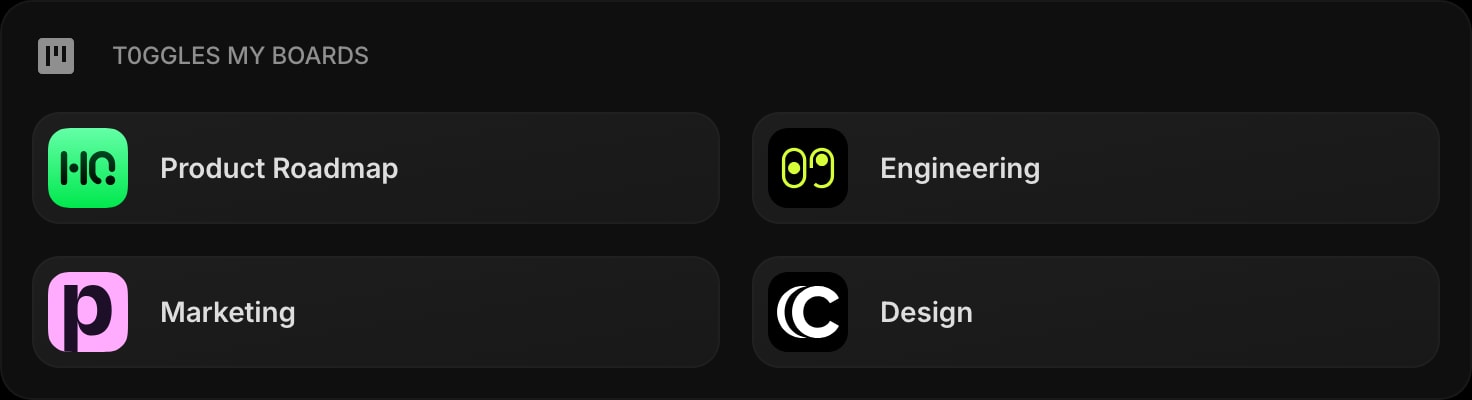
t0ggles My Boards - all of your boards one click away, each opening straight into t0ggles.
#A Built-In Color Picker
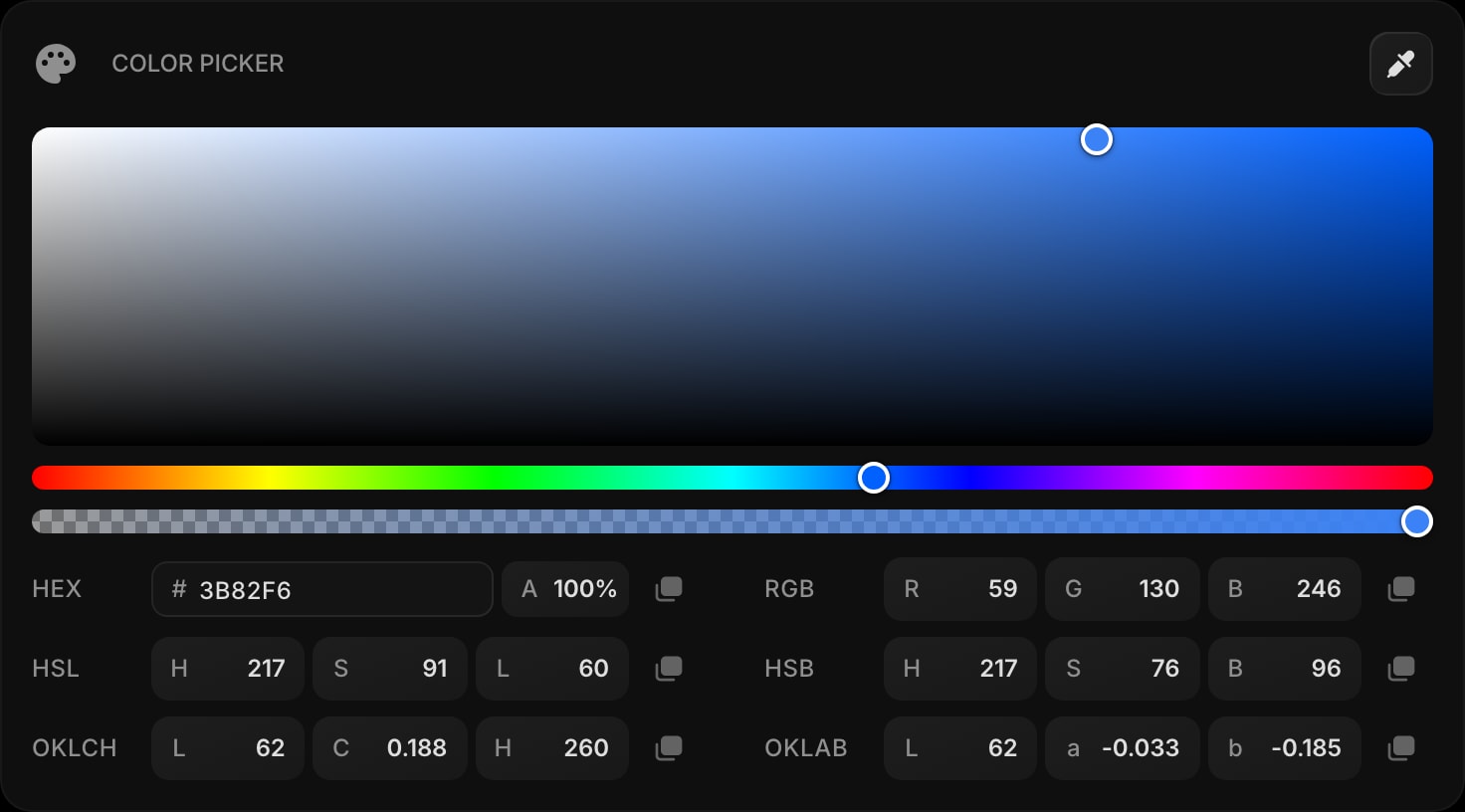
Color Picker is a designer and developer favorite, now right on your dashboard. Pick, convert, and copy colors across HEX, RGB, HSL, HSB, OKLCH, and OKLAB, with a built-in eyedropper and live two-way editing so every format updates as you go.
#Clean Up AI Writing with AI Humanizer
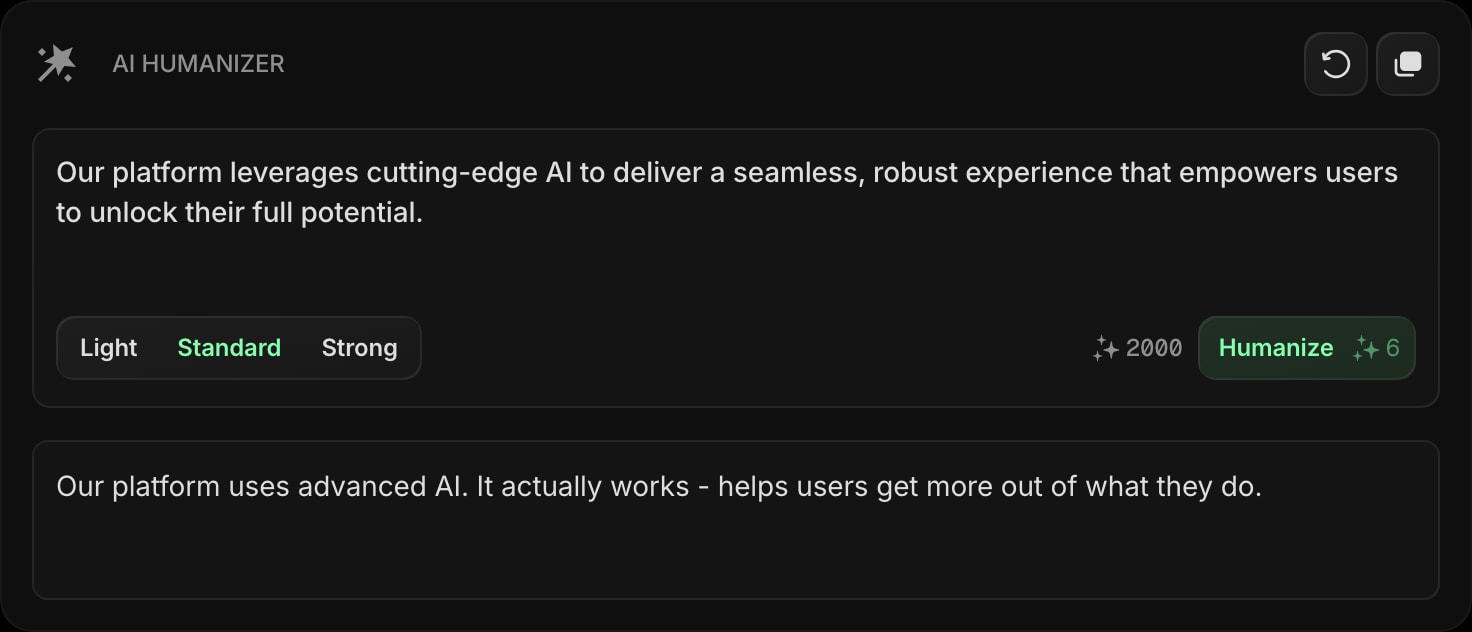
AI Humanizer rewrites AI-generated text so it reads naturally. Paste a draft, pick how strong you want the rewrite, and get a more human-sounding version in seconds, without leaving your new tab.
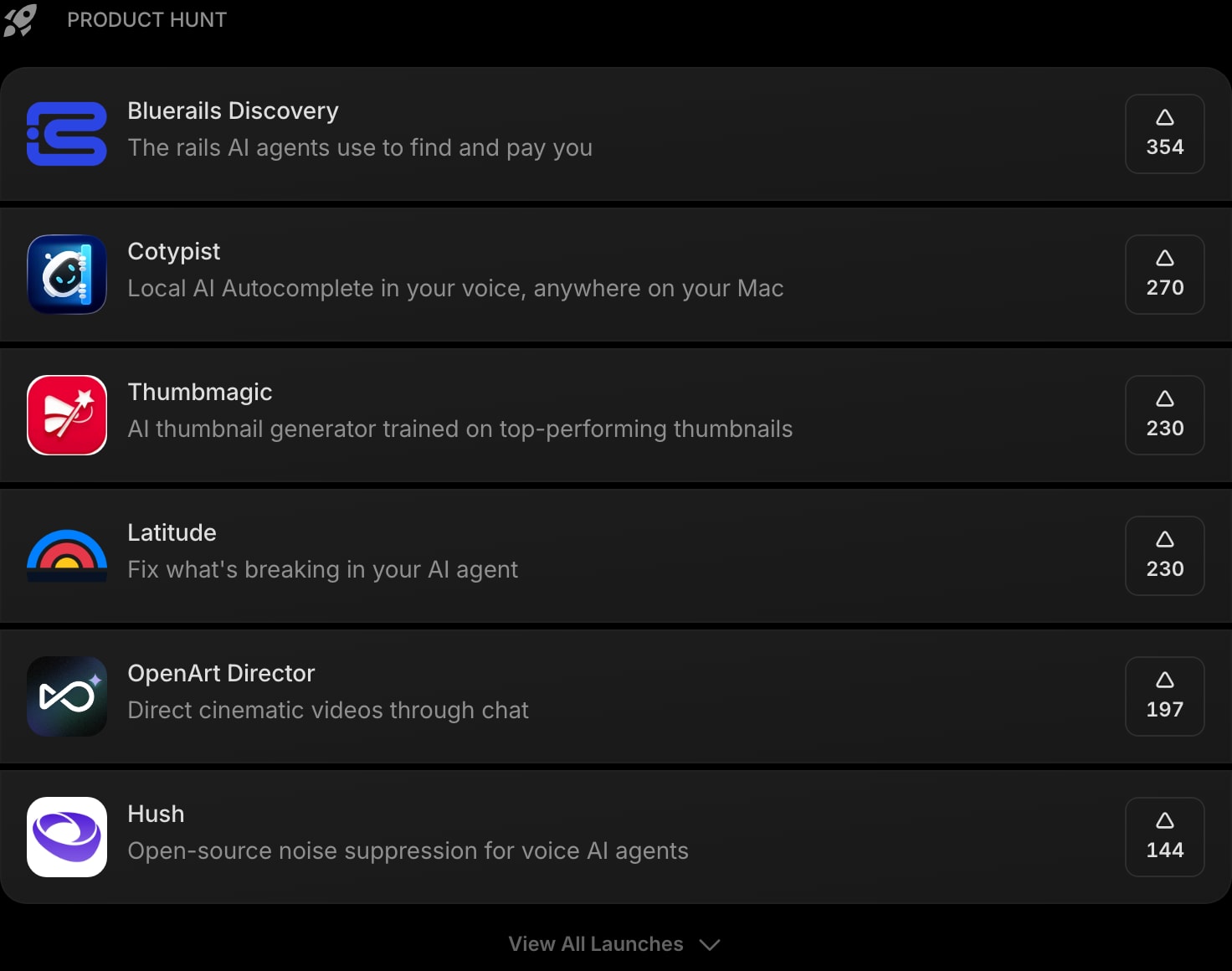
#Discover New Products with Product Hunt
Product Hunt brings today's top launches to your new tab, ranked by upvotes. Keep an eye on what is shipping without opening another tab.
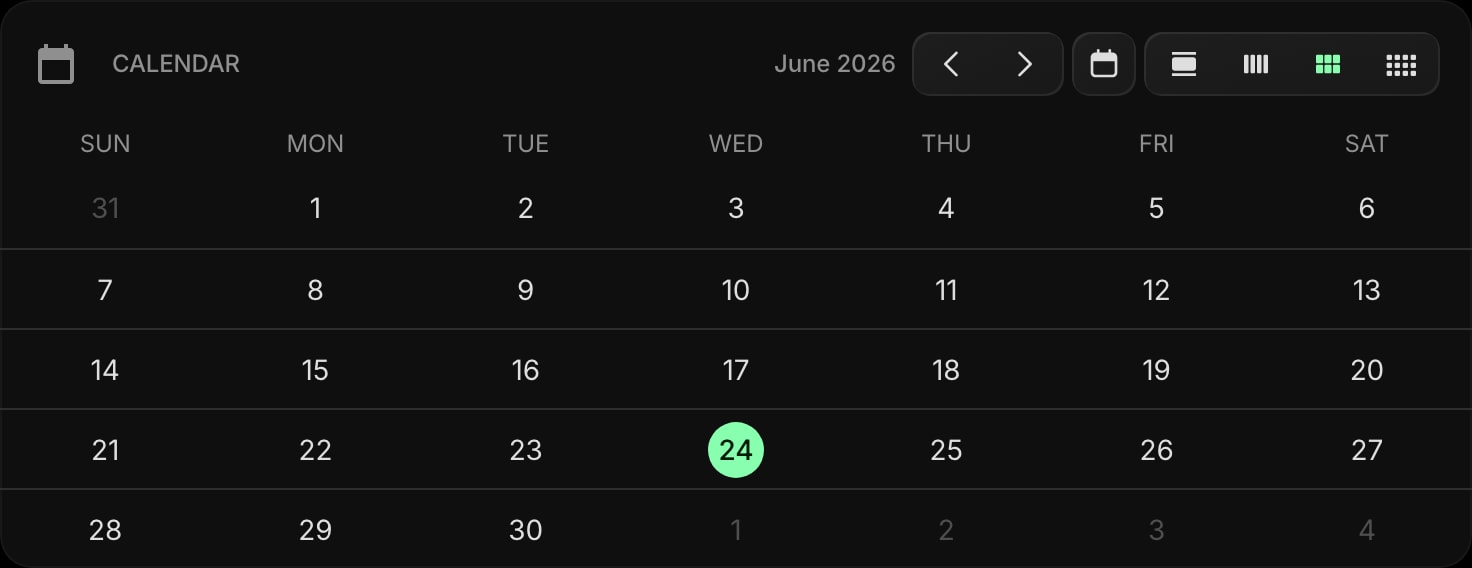
#A Simple Calendar Widget
The new Calendar widget gives you a clean, no-setup calendar on your dashboard. Switch between day, week, month, and year views from the toolbar, and set which day your week starts on.
#Updates to Existing Widgets
Alongside the new additions, several favorites got meaningful upgrades.
- AI Image - Upscale. Upload an image and enlarge it 2x, 3x, or 4x for a higher-resolution version.
- Habit Tracker - Habit Descriptions. Add an optional description to any habit and turn on "Show Description" to display it beneath the habit name.
- Google Calendar - Account Selection. Link multiple Google accounts and choose which account's calendar each widget shows.
- Translation - Auto Translate. Turn on Auto Translate to translate as you type or switch languages, with no button press needed.
#Try It Out
All of this is live now. Open your dashboard to explore the new look and add any of the new widgets, or start for free if you do not have an account yet. You can also browse the full widget library to see all 50+ widgets in one place, or look around in the live demo without signing up.
As always, a big part of what we build comes straight from the people using Start Page HQ every day. If there is a widget or improvement you would love to see next, tell us.