Start Page HQ for Teachers
Class calendar, lesson Kanban, daily warm-ups, resource links, lesson notes - the new tab page that holds the prep, the schedule, and the in-class tools you keep building from scratch.
The Problem
What the current setup costs teachers every day.
- Your prep workflow is scattered across six tools - Google Classroom for assignments, a personal Google Doc for the lesson plan, Google Keep for the supply list, a Slides deck for the room, a Drive folder for the worksheets, and a sticky note on the monitor for the period-six edit. Every Sunday night you start the puzzle over.
- You teach five periods a day, each with its own materials, and the browser bookmarks bar cannot tell them apart. You end up Googling "the textbook site we use in third period" twice a week.
- You want a quick warm-up to settle the class while attendance loads - a riddle, a quiz question, a quote to discuss - and you do not have one prepared. So the first three minutes get spent looking for one instead of teaching.
- You make a great lesson plan in October, lose track of which Google Doc it lived in by April, and rebuild it from memory the next year. The institutional memory of your own teaching does not have a home.
- The "teacher productivity dashboard" you tried last summer was a Notion template with sixteen linked databases. You spent three hours setting it up, used it for nine days, and went back to the bookmarks bar.
Widgets That Fit Teachers
A curated set, not a dump. Each one earns its place on the page.
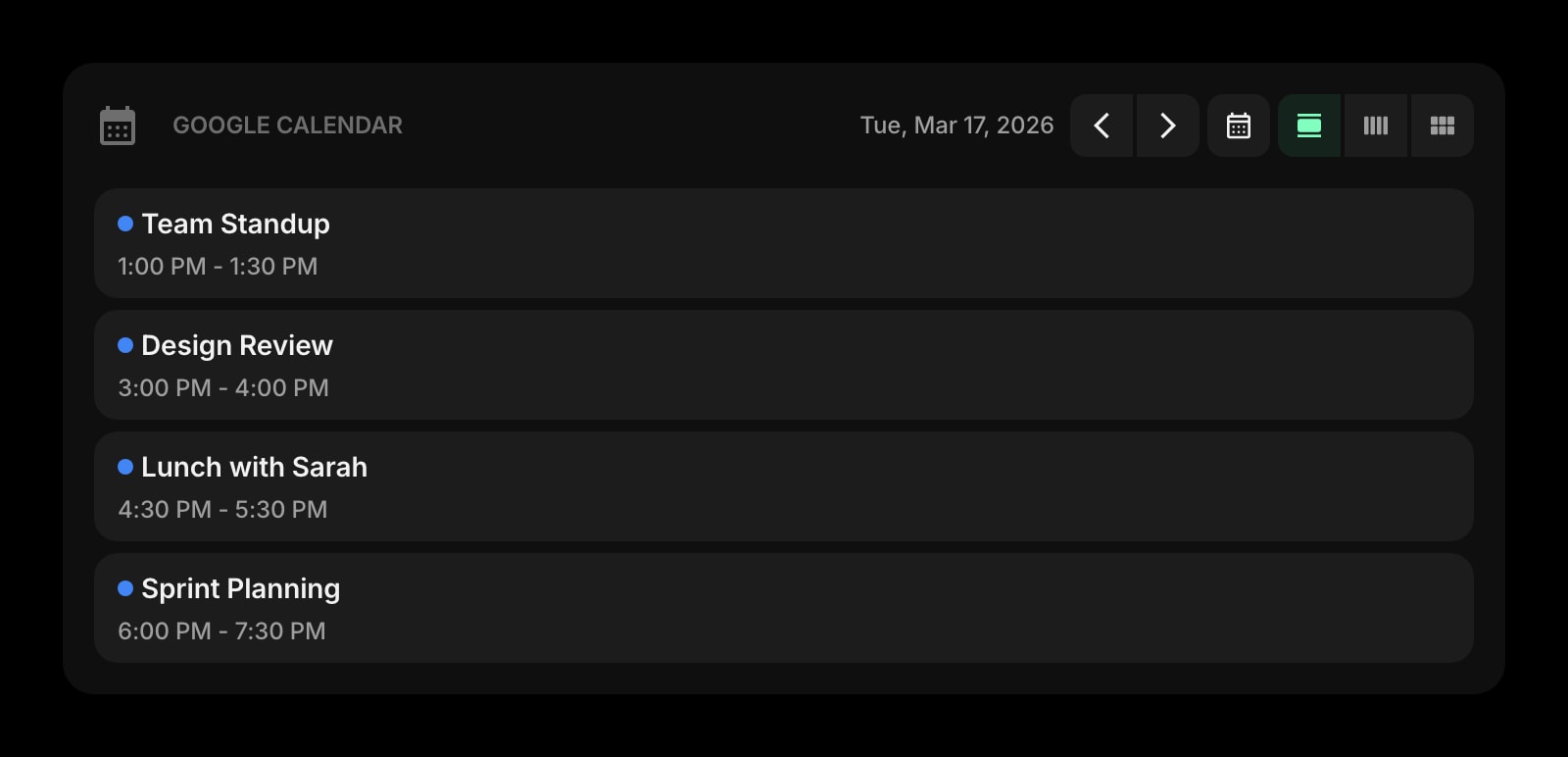
Google Calendar
Today's class periods, planning blocks, parent meetings, and after-school commitments at a glance. The schedule that runs your day, on the page you open between every period.
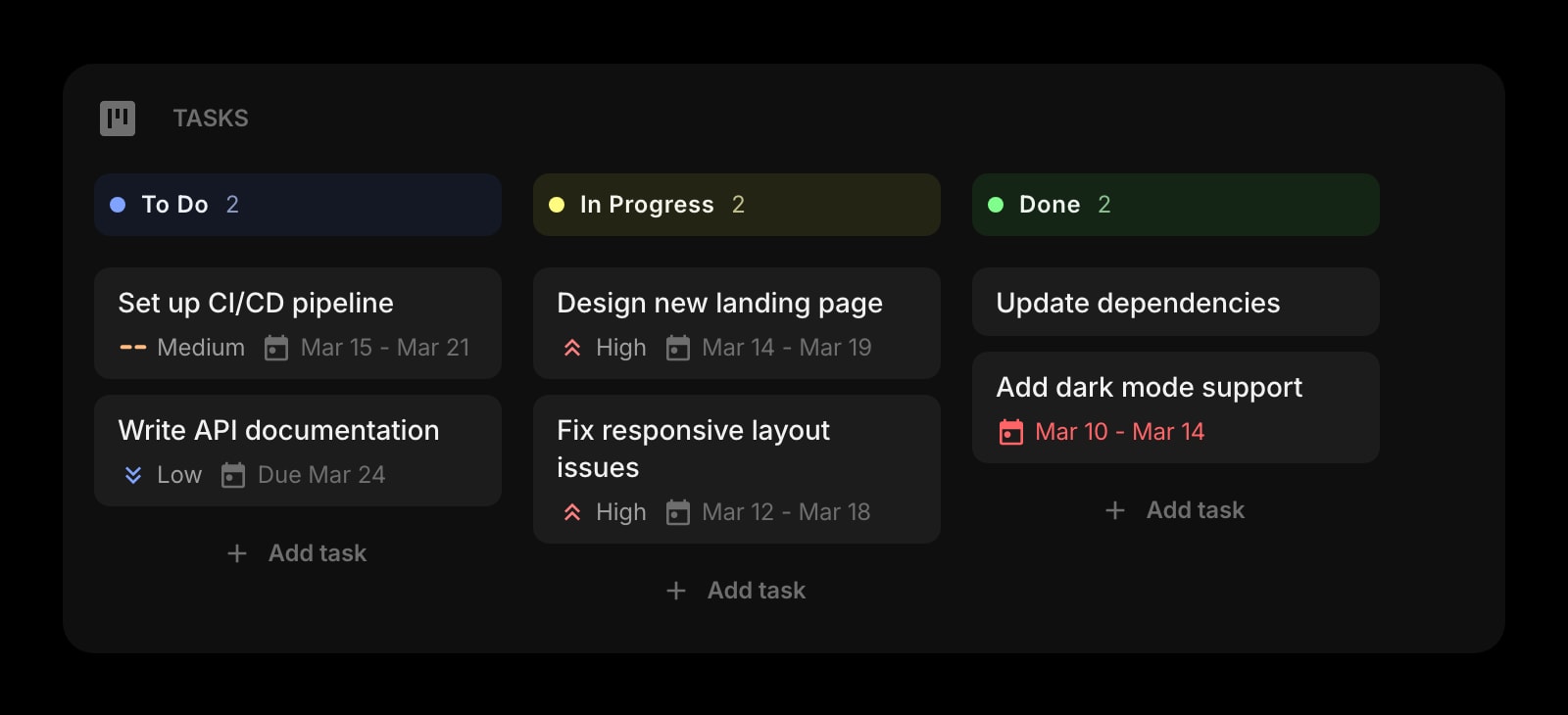
Tasks (Kanban)
A weekly Kanban for the lessons you are prepping. Drag a card from To Plan, to Materials Ready, to Taught, and the week's prep state is visible without opening a planner app.
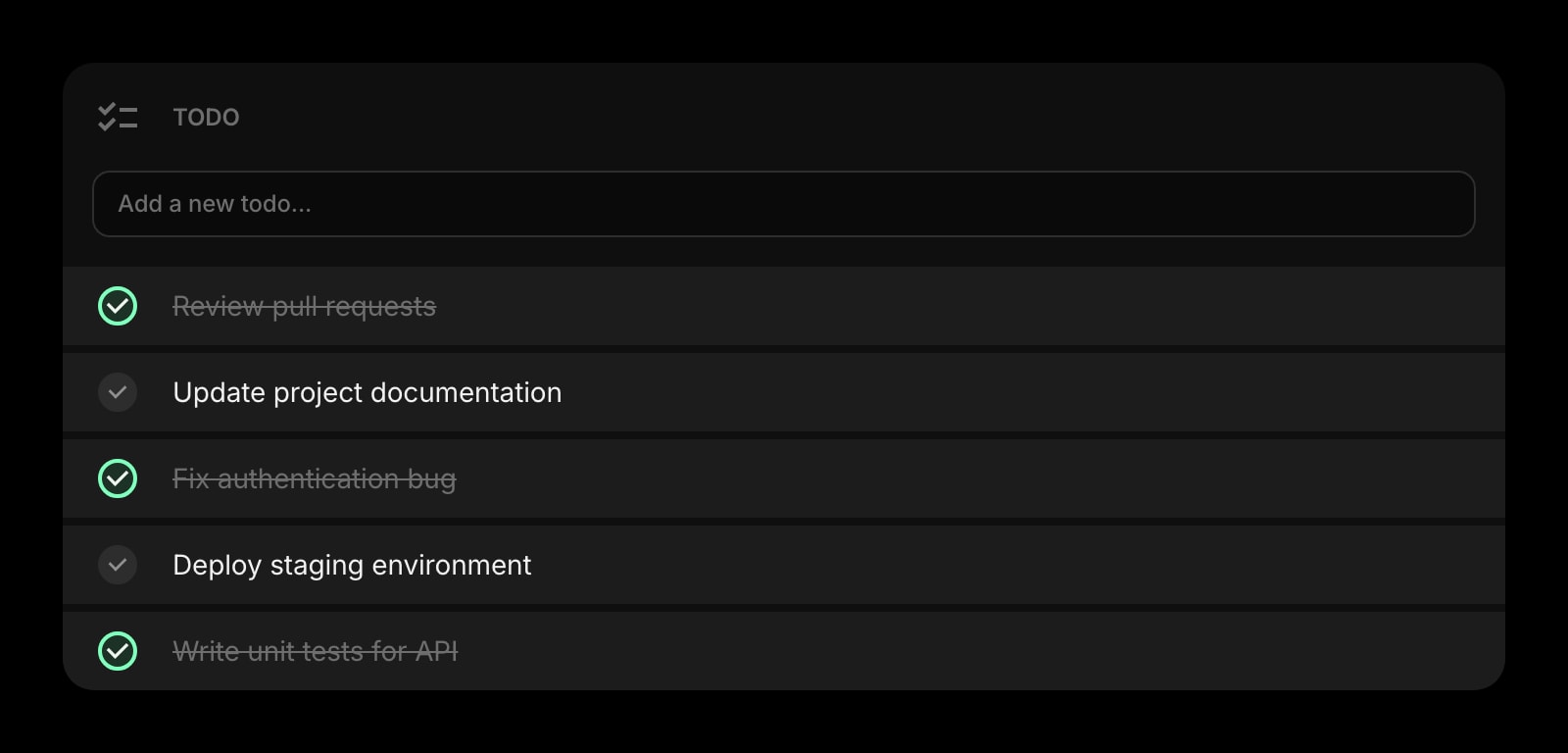
Todo
Today's short list - the worksheet to print, the email to a parent, the rubric to grade. Separate from the longer-running lesson Kanban so the next-action lives somewhere fast.
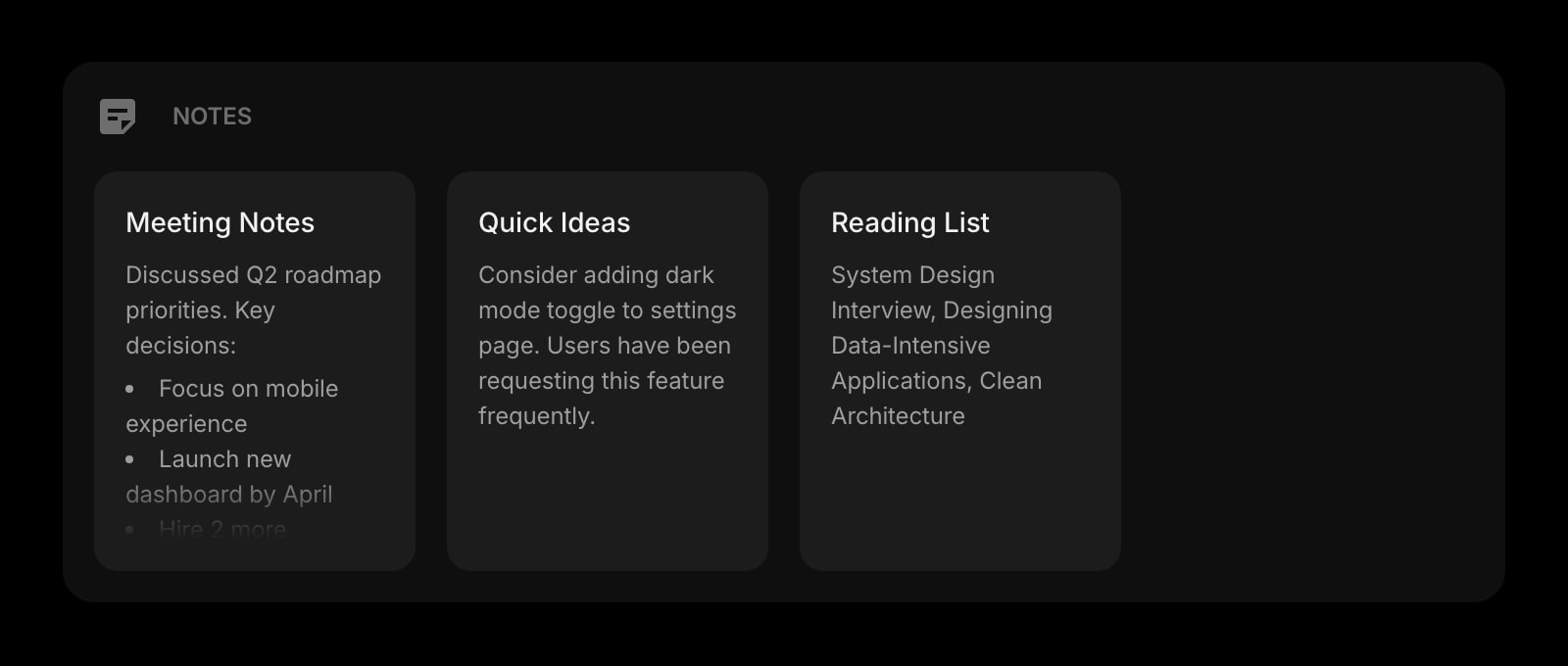
Notes
Rich text notes for the lesson plan, the discussion prompts, and the after-class reflection. Format with headings, lists, and links - same shortcuts you already know.
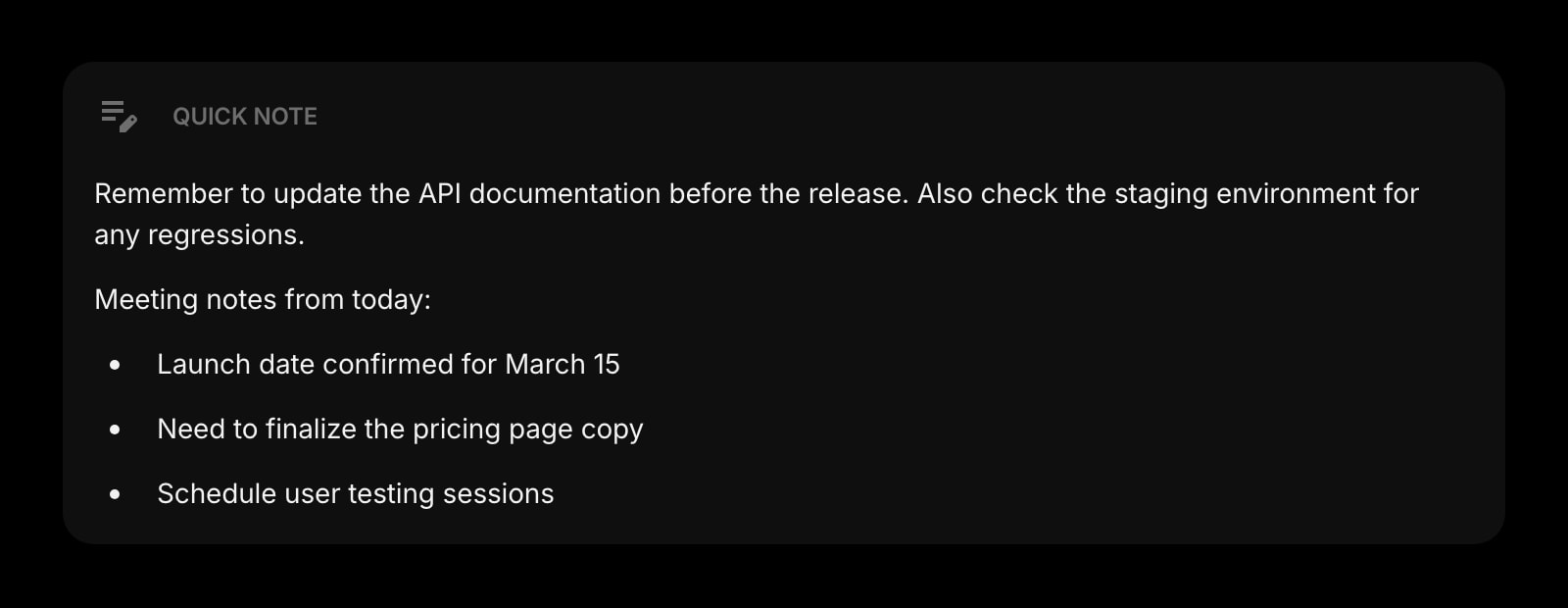
Quick Note
A scratchpad for the moment a student says something worth remembering, or the instant you spot a tweak the lesson needs for next year. Always there, no save button.
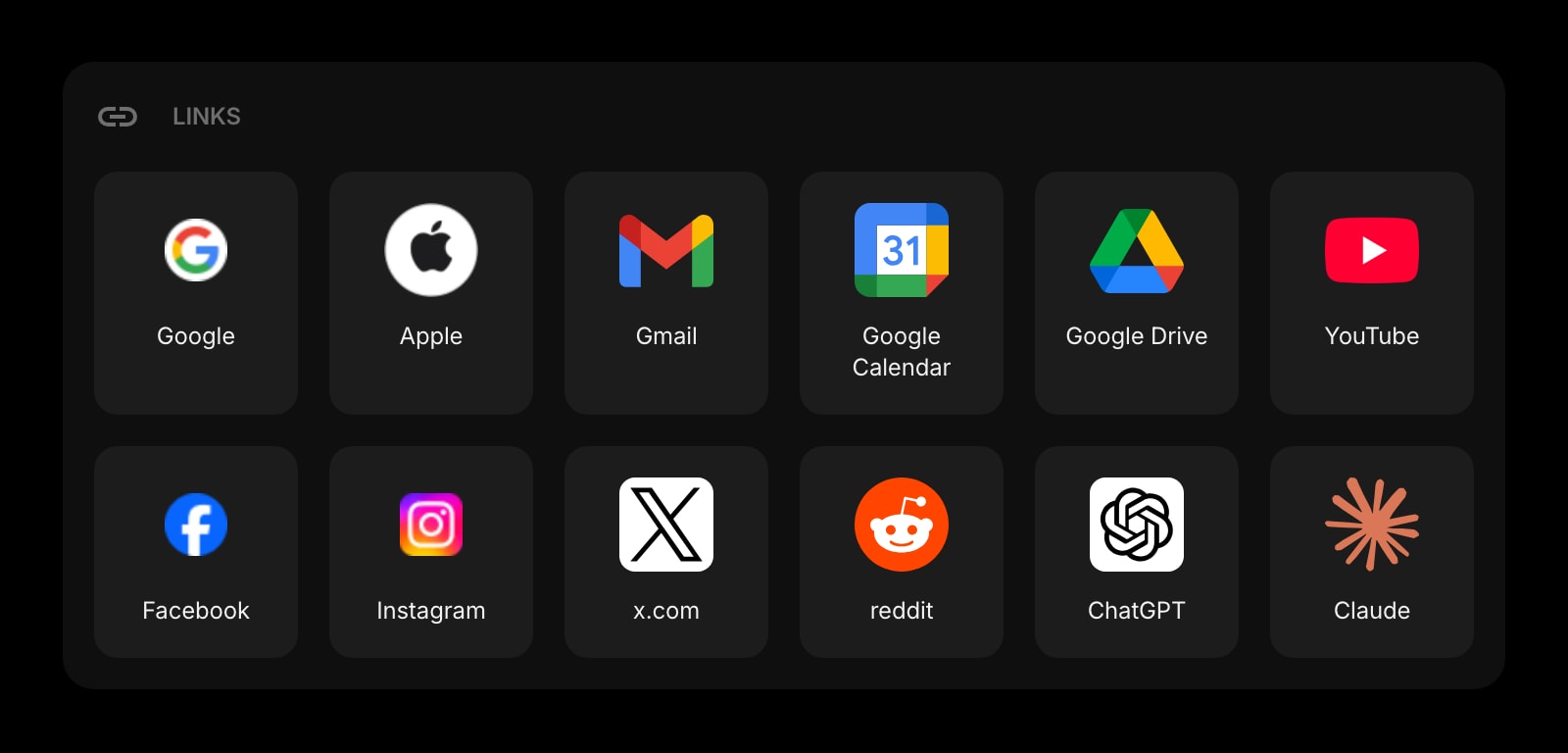
Links
Pinned shortcuts to your LMS, the textbook site, the worksheet generator, the standards reference, the staff intranet. The bookmarks bar without the noise.
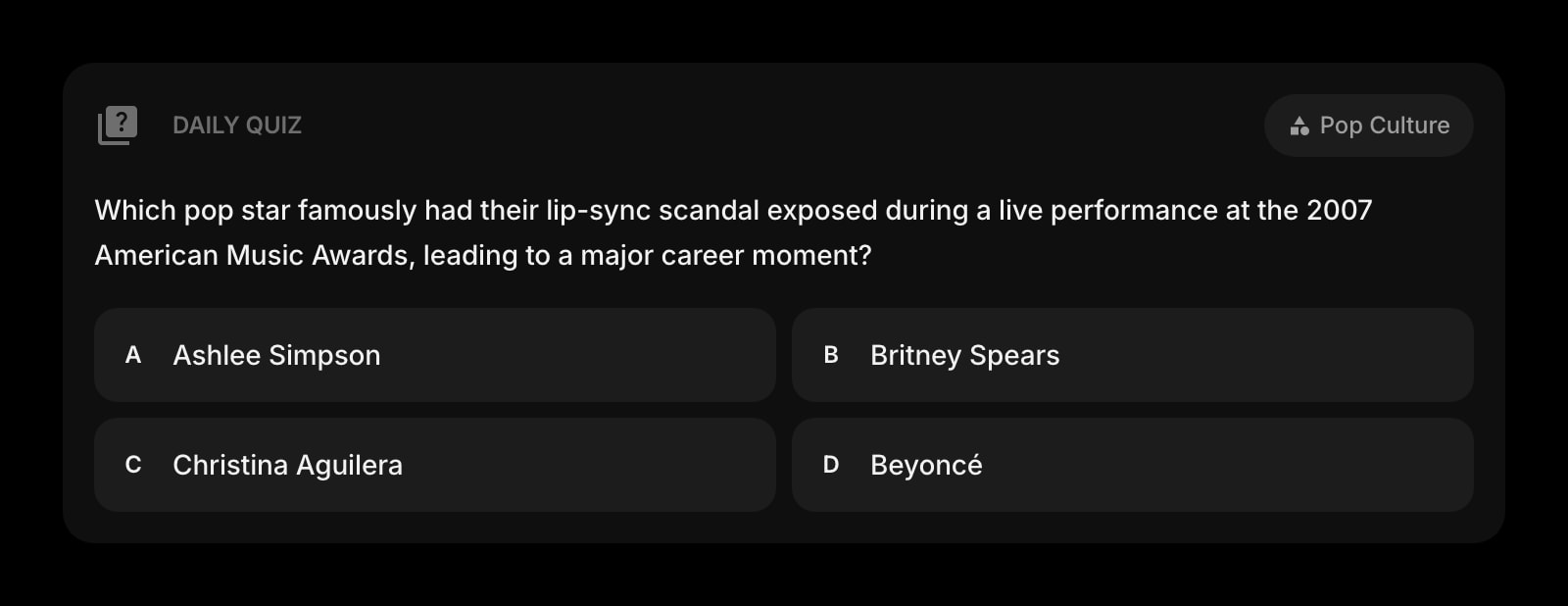
Daily Quiz
A trivia question per day, on the topic of your choice. Pull it up on the projector for a thirty-second warm-up while attendance loads, with a built-in discussion hook.
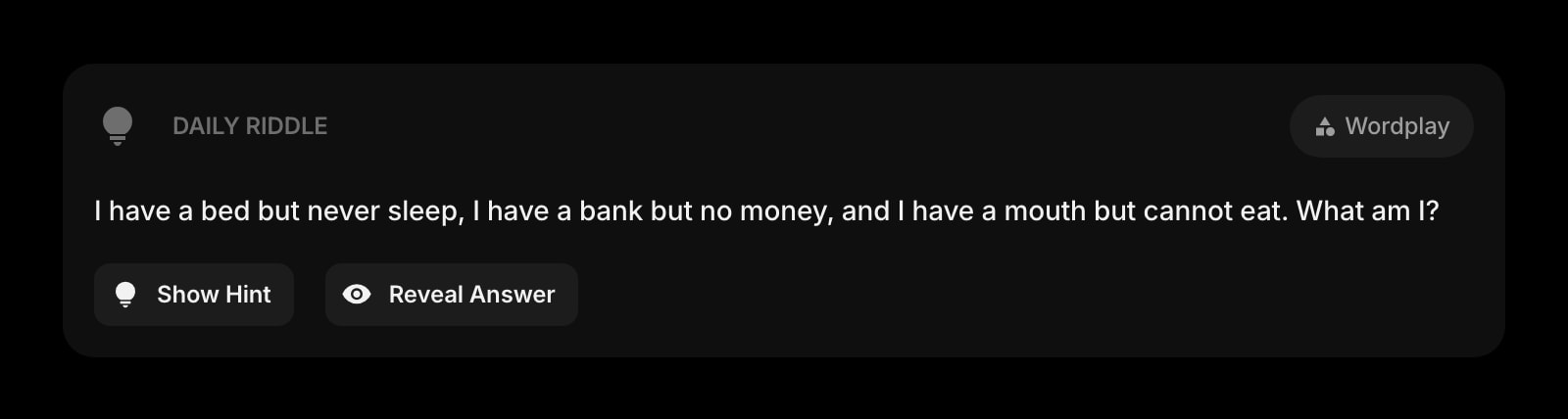
Daily Riddle
A daily logic puzzle to settle the room at the start of the period. Better than another Kahoot, and you do not have to write one from scratch.
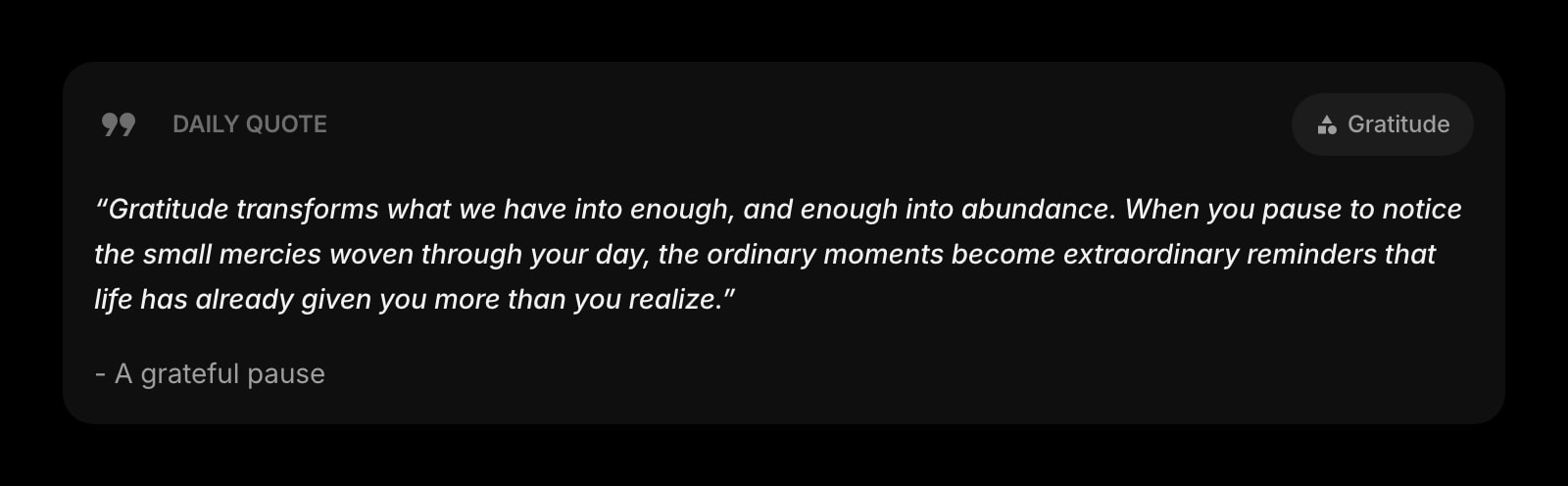
Daily Quote
A different quote on the board every morning. A two-minute discussion starter for English class, or a quiet moment for first-period homeroom.
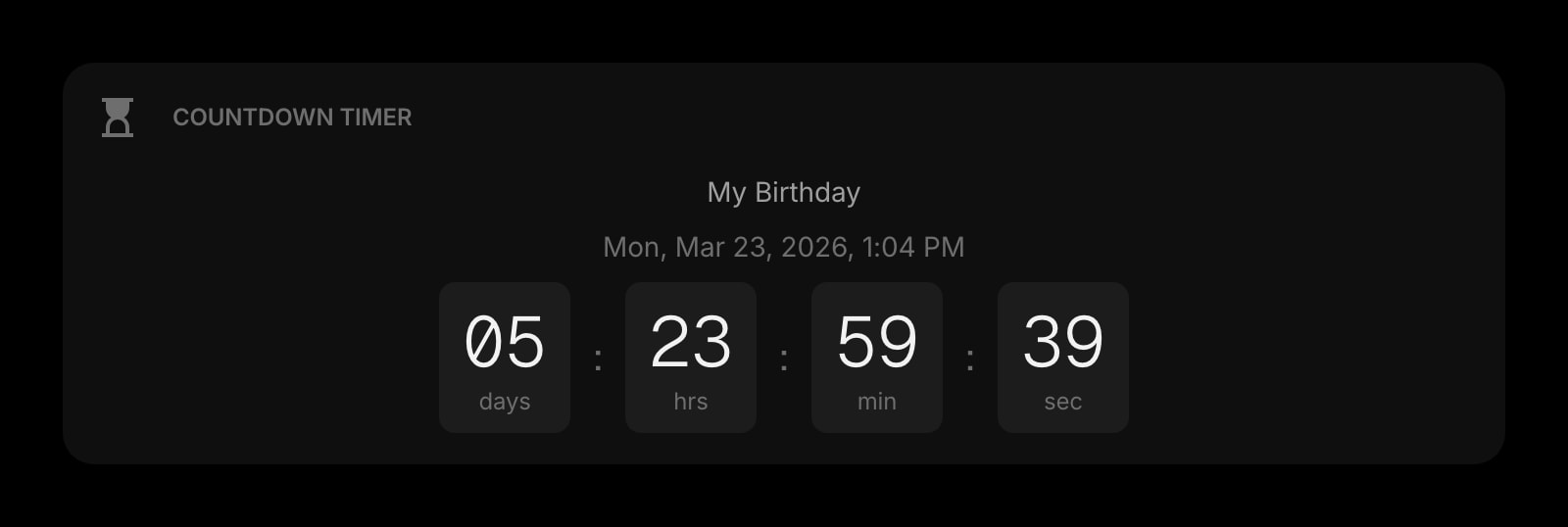
Countdown Timer
Days until the standardized test, weeks until the end of the unit, the parent-teacher night next Thursday. Persistent visual deadlines that live where you already look.
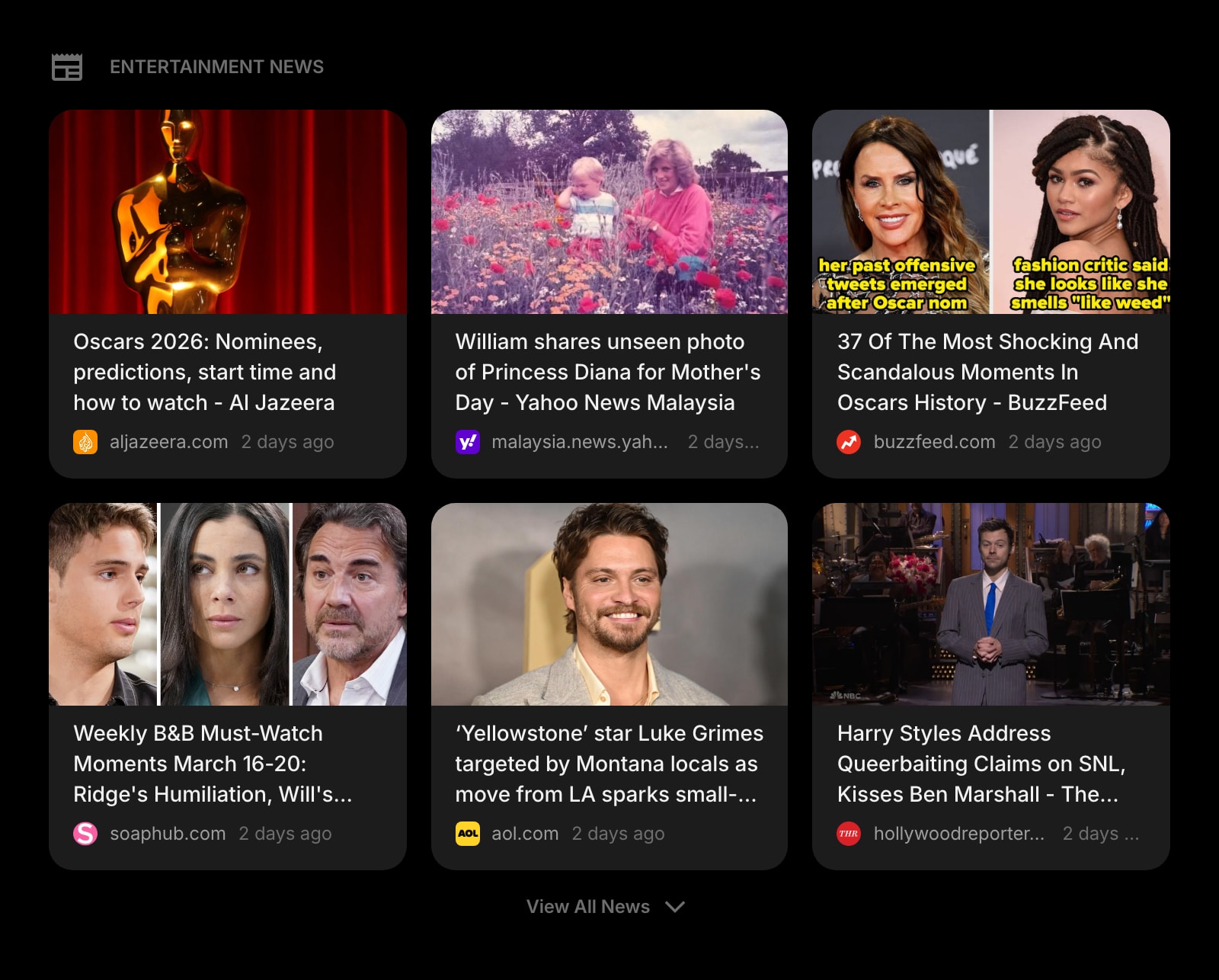
News
Curated headlines for current-events discussions and "what is happening in the world today" prompts. A real article instead of a five-minute Google trip during the prep period.
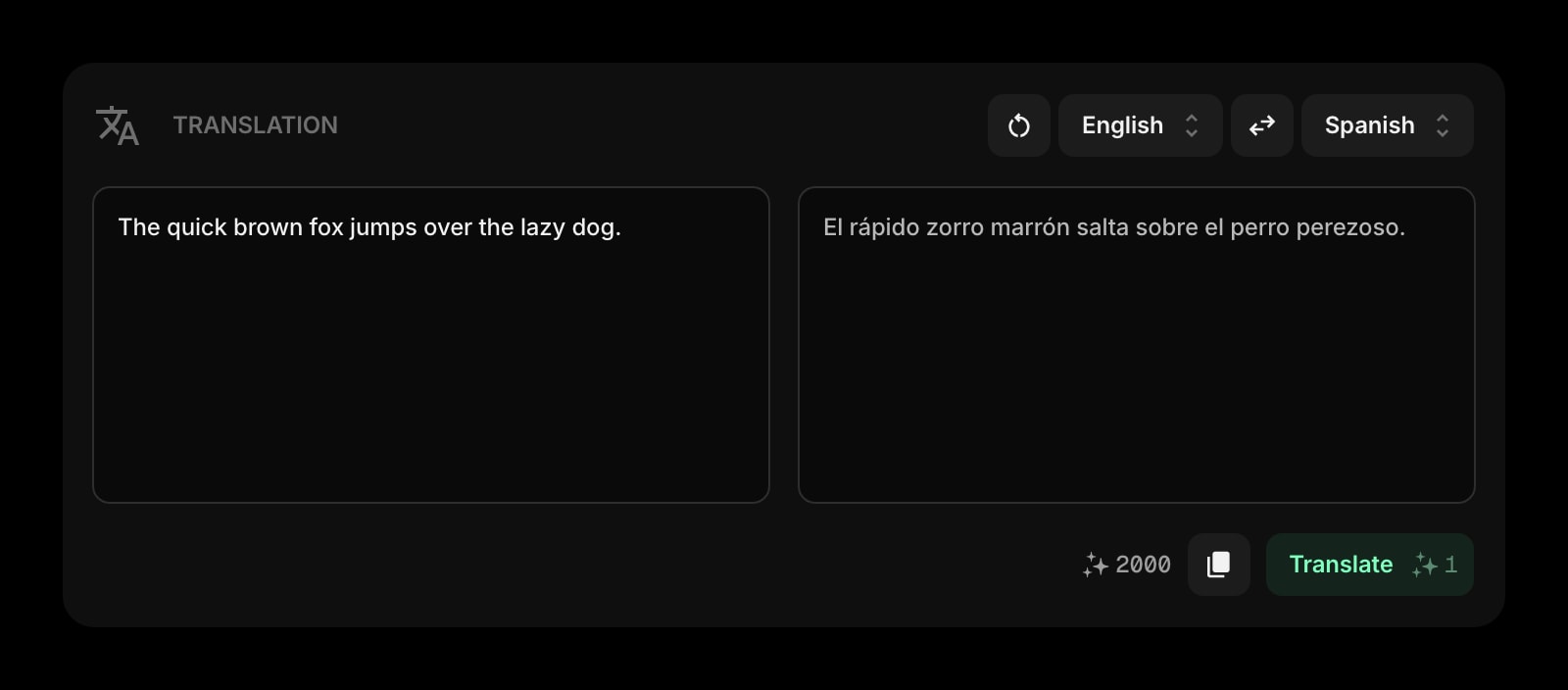
Translation
Drop a passage and get a quick translation in place. Useful for the multilingual classroom, ESL prep, foreign-language teachers, and parent communication that is not in English.
A Day in the Life
How Start Page HQ shows up across the moments that actually matter.
Sunday Night Lesson Planning
Open the new tab. The Tasks Kanban shows three lessons still in To Plan for the upcoming week. Drag the first one into In Progress, write the outline in the Notes widget, drop the worksheet link into Links, and the Sunday-night prep finally has a single place to live.
Between Periods
Five minutes before the next class. Glance at the Calendar to confirm which period is next, look at the Tasks card to remember tonight's homework assignment, and pull up Daily Quiz on the projector so the warm-up is loaded before students walk in.
During The Prep Period
You have forty minutes. Open the lesson Kanban, knock out two cards, jot a Quick Note about the third-period student who needs a check-in, and email two parents from the Calendar invite without ever leaving the new tab page.
End-Of-Year Planning For Next Year
Open the new tab. Scroll through the Notes widget for this year's lesson plans, copy the ones that worked into a fresh page for next year, and pin the keepers as Links. The institutional memory of your own teaching finally has a home that follows you to the next semester.
Why It Sticks for Teachers
Specific reasons it works for this audience - not generic productivity claims.
A Warm-Up Loaded Before The Bell Rings
Daily Quiz, Daily Riddle, and Daily Quote each refresh on a schedule you control. The first thirty seconds of the period stop being a frantic Google trip - the warm-up is already on the page when you open the projector tab.
A Page Per Class Period, Not One Stuffed Tab
A page for first-period English with its discussion prompts, reading list, and lesson notes. A separate page for fourth-period Algebra with its formula references and Khan Academy links. Switch with one click instead of fighting one overloaded layout.
Same Setup On The Classroom Computer And Your Laptop
Sign in once and your widgets, lesson notes, links, and Kanban sync across every browser and device. The classroom desktop, your laptop at home, the tablet at the kitchen table during grading - same view, same prep state.
Works On Locked-Down District Computers
Many district machines block extension installs. Start Page HQ runs as a hosted web app at startpagehq.com - just set it as the homepage and you have your full setup, no IT permissions required.
Cheaper Than One Year Of Most Planner Apps
Every widget unlocked, sync across every device, AI credits included. $4 a month, $24 a year, or $48 lifetime - cheaper than most teacher-planner subscriptions. Try it free at startpagehq.com/demo before paying.
Coming From Another Tool?
Already using a stack of notes apps and planner tools to hold your prep workflow together? The widgets below cover the same jobs in the same tab. See how they map.
Frequently Asked Questions
Start Page HQ is a hosted web app on a single domain (startpagehq.com) - the same kind of site district firewalls already let through for normal browsing. If your district blocks Chrome extensions, the web app still works. If they block specific domains, ask IT to allow startpagehq.com the same way they would Google Docs.
Yes - and that is the point for warm-ups. Pull up Daily Quiz, Daily Riddle, or Daily Quote on the projector and the class sees the prompt, not your inbox. Keep a separate page for personal grading and parent emails so you can switch with one click before plugging in the HDMI.
There is no direct Google Classroom integration today. Most teachers pin Google Classroom in the Links widget and use the Calendar widget for the Google Calendar entries that Classroom auto-generates. Deeper integration is on the roadmap, not shipped.
Yes. On a paid plan, any page can get a public share link - a live, read-only view another teacher opens without an account. For a department that plans together, Teams adds a shared staff workspace: the department calendar, the common resource links, and the unit notes on every colleague's new tab, with editors who keep it current and viewers who can only read. It is a shared dashboard for staff, not a classroom or assignment tool. Teams is $4 per seat a month or $40 per seat a year, minimum 2 seats.
Daily Quiz lets you pick the topic (history, science, vocabulary, geography, and more) so the warm-up matches your subject. Daily Riddle and Daily Quote rotate from curated pools. None of them require setup beyond adding the widget.
There is a free plan - 1 page, 8 widgets, sync across devices, every browser extension, and 50 AI credits to start. Paid lifts the limits at $4 a month, $24 a year, or $48 one-time (lifetime), unlocking unlimited pages, every widget including the premium ones, and a recurring pool of AI credits. A free public demo at startpagehq.com/demo unlocks every widget for evaluation - no signup.
Build Your Teachers Dashboard
Start free — 1 page, 8 widgets, sync across devices, no credit card. Or open the live demo first, no signup needed.