
Looking for a Microsoft To Do Alternative?
Microsoft To Do is a free task list that ships with every Microsoft account and integrates with Outlook. Start Page HQ is the new-tab dashboard that pairs that same simple todo list with weather, RSS, calendar, and 63+ other widgets.
What People Love About Microsoft To Do
Before we get into where Start Page HQ goes further, credit where it's due.
- Free with any Microsoft account — no separate subscription required.
- Tight Outlook integration — flagged emails and Outlook tasks land directly in your lists.
- A clean, lightweight interface focused on the daily list rather than complex projects.
- Native apps for Windows, Mac, iOS, Android, plus a polished web app.
- My Day planner with intelligent suggestions for the current day.
Where Start Page HQ Goes Further
Specific differences, not vague claims.
A Dashboard, Not Just a Todo App
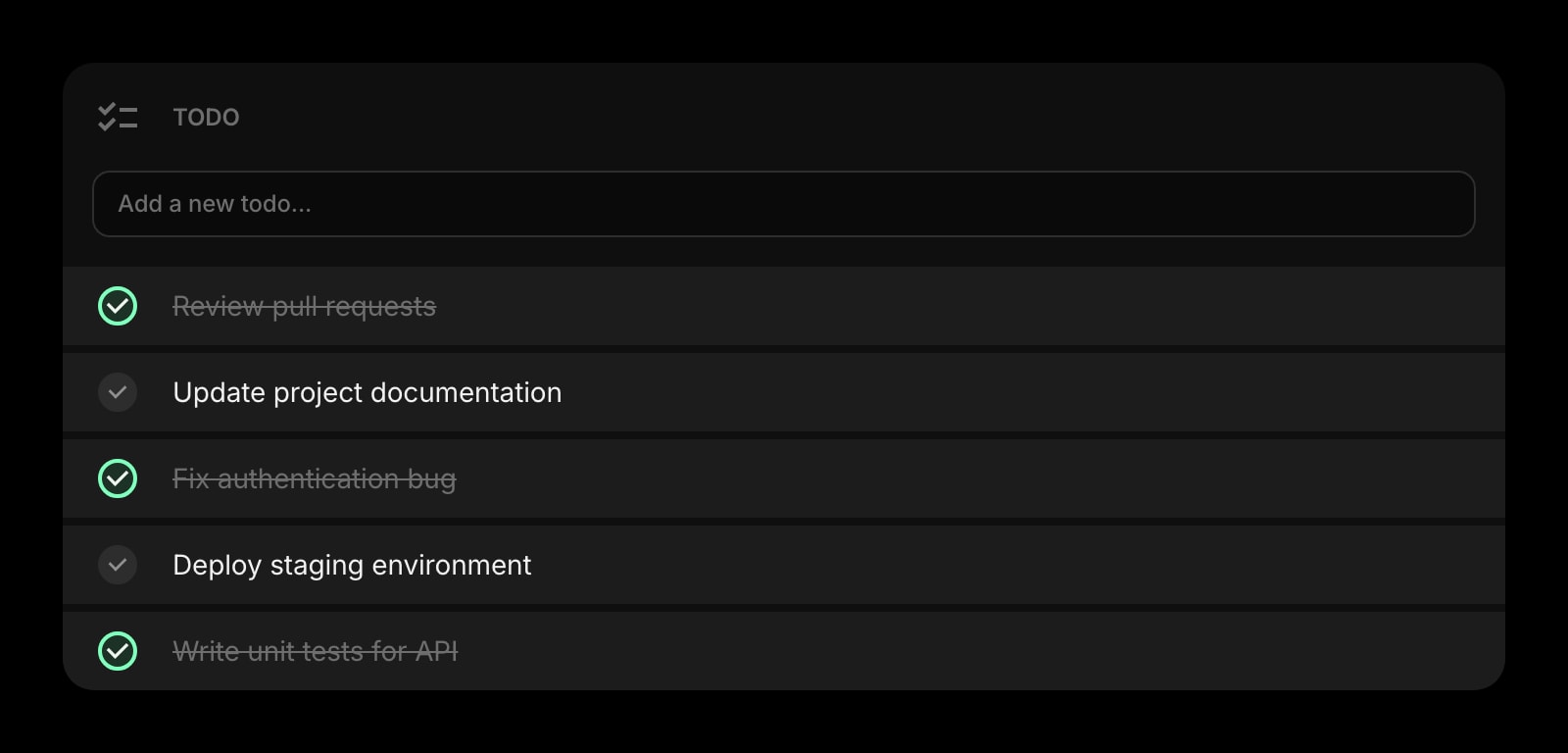
Microsoft To Do is a single-purpose task list. Start Page HQ puts a todo list alongside weather, RSS, calendar, habits, and 63+ other widgets — your tasks live in context with the rest of your day.
On Every New Tab, No App Launch
Microsoft To Do is a destination you have to open. Start Page HQ lives on every new tab in your browser — your todo list is visible the moment a tab opens.
63+ Widgets in One Plan
Microsoft To Do is one tool. Start Page HQ ships Todo plus Kanban tasks, habits, Pomodoro, calendar, notes, AI tools, RSS, and dev utilities — all included.
Multi-Page Dashboards by Context
Build a Work page, a Personal page, a Reading page. Switch with a click. Microsoft To Do is one list view at a time.
No Microsoft Account Required
Microsoft To Do requires a Microsoft account. Start Page HQ uses email or Google sign-in — no Microsoft 365 dependency, and the live demo runs without any signup.
Browser Extensions Across the Board
Native extensions for Chrome, Firefox, Safari, and Edge that put your dashboard on every new tab. Microsoft To Do has a web app and native installs but no new-tab integration.
Side-by-Side Comparison
An honest line-by-line look at how the two stack up.
| Feature | Microsoft To Do | Start Page HQ |
|---|---|---|
| Pricing | Free with Microsoft account | Free plan; $4/mo, $24/yr, $48 LTD |
| Free tier | Yes (full app) | 1 page, 8 widgets |
| Account requirement | Microsoft account | Email or Google |
| Lives on every new tab | No | Yes |
| Chrome | Web app | Yes |
| Firefox | Web app | Yes |
| Safari | Web app | Yes |
| Edge | Web app | Yes |
| Hosted web app | Yes | Yes |
| iOS / Android apps | Yes | Web app (PWA) |
| Native desktop apps | Windows, Mac | No |
| Cross-device sync | Included | Included |
| Outlook integration | Yes | No |
| My Day / smart suggestions | Yes | No |
| Todo / task list | Yes | Yes |
| Kanban tasks widget | No | Yes |
| Multi-page dashboards | No | Yes |
| Habit tracker / Pomodoro | No | Yes |
| Notes / quick capture widget | No | Yes |
| RSS / news / podcasts | No | Yes |
| AI tools (image gen, translation, summary) | No | Included |
| Developer tools (JSON, regex, diff) | No | Yes |
Widgets That Replace Microsoft To Do
Drop these onto your dashboard and you've covered Microsoft To Do's core features — plus a lot more.
Frequently Asked Questions
For the core todo list use case, yes — the Todo widget covers daily tasks, recurring items, and priorities. If you rely heavily on Outlook integration or My Day's smart suggestions, those are still Microsoft To Do's strengths. Many users keep Microsoft To Do for Outlook tasks and use Start Page HQ for the new-tab dashboard.
Yes — there is a free plan, and it needs no credit card. It gives you 1 page with up to 8 widgets on it, 55 of the 63 widget types (Todo included), cross-device sync, every browser extension, and 50 one-time AI credits. Extra pages, the 8 premium widgets — the Kanban Tasks board among them — and uploads need a paid plan: $4/month, $24/year, or $48 one-time. The public demo at startpagehq.com/demo still runs with no signup and unlocks every widget.
Microsoft To Do is free with any Microsoft account. Start Page HQ is free to start as well — 1 page, up to 8 widgets, Todo included, on a hosted dashboard and every browser's new tab. Paid plans are $4/month, $24/year, or $48 lifetime, and they add extra pages, the 8 premium widgets, uploads, and a refilling AI credit pool across 63+ widgets in total.
Yes. Cross-device sync is included on every plan, the free one included. Sign in once and your todos and dashboards sync across every browser and device automatically.
There is no automated Microsoft To Do importer. Most users export their lists or copy-paste them into the Todo widget — usually a couple of minutes per list. The Links widget is a handy place to pin your most-used Microsoft 365 URLs.
Yes. Start Page HQ supports email or Google sign-in — no Microsoft account or 365 subscription required. The free public demo at startpagehq.com/demo runs with no signup at all.
Ready to Try Start Page HQ?
Start free — 1 page, 8 widgets, sync across devices, no credit card. Or open the live demo first, no signup needed.