
The Google Keep Alternative for Your New Tab
Google Keep is a free, lightweight sticky-note app inside the Google ecosystem. Start Page HQ is the next step up — full notes, todos, and 63+ other widgets, all on every new tab in any browser.
What People Love About Google Keep
Before we get into where Start Page HQ goes further, credit where it's due.
- Genuinely free with no paid tier — every feature available to every user.
- Tight integration with the Google ecosystem (Docs, Calendar, Gmail).
- Color-coded sticky notes that are fast to scan visually.
- Voice notes, image notes, and OCR-powered text extraction from photos.
- A polished mobile experience on Android and iOS.
Where Start Page HQ Goes Further
Specific differences, not vague claims.
A Full New Tab Dashboard, Not Just Sticky Notes
Google Keep is a single notes app. Start Page HQ replaces your entire new tab with a dashboard of notes, todos, weather, RSS, calendars, and 63+ other widgets.
63+ Widgets, Not Just One Note Type
Google Keep gives you sticky notes and lists. Start Page HQ ships QuickNote, full Notes, Tasks (Kanban), Todo, Markdown editor, and many more — pick the right tool for each job.
Multi-Page Dashboards by Context
Build separate pages for Work, Personal, News, and Tools, and switch with a click. Google Keep is one flat board of notes.
Not Locked to a Google Account
Start Page HQ has its own account system, so you can sign in with email or Google. No assumption that all your data lives in one ecosystem.
Real Productivity Widgets
Pomodoro timer, habit tracker, countdown, calendar, search, currency converter, weather — productivity tools that go far beyond sticky notes.
AI Built In
AI image generation, translation, instant answers, and AI news summaries ship as widgets. None of these exist in Google Keep.
Side-by-Side Comparison
An honest line-by-line look at how the two stack up.
| Feature | Google Keep | Start Page HQ |
|---|---|---|
| Pricing | Free | Free plan; $4/mo, $24/yr, $48 LTD |
| Free tier | Yes (full app) | 1 page, 8 widgets |
| Lives on every new tab | No | Yes |
| Chrome | Yes | Yes |
| Firefox | Yes | Yes |
| Safari | Yes | Yes |
| Edge | Yes | Yes |
| Hosted web app | Yes | Yes |
| Cross-device sync | Via Google account | Included |
| Sticky-note style notes | Yes | Notes widget |
| Quick note widget | Native | Yes |
| Full notes widget | Limited | Yes |
| Markdown editor | No | Yes |
| Kanban tasks | No | Yes |
| Todo list | Checklist notes | Yes |
| Multi-page dashboards | No | Yes |
| Weather / RSS / podcasts | No | Yes |
| AI tools | No | Included |
| Developer tools (JSON, regex, diff) | No | Yes |
| Voice notes / OCR | Yes | No |
Widgets That Replace Google Keep
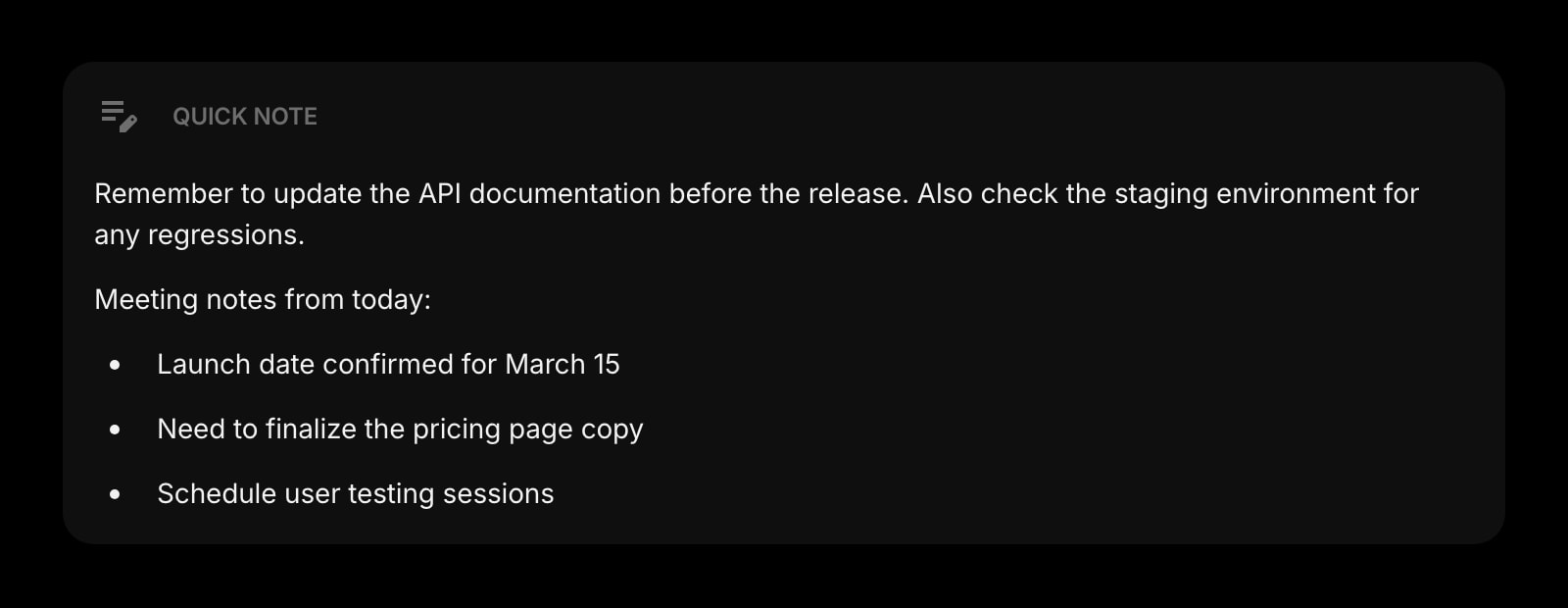
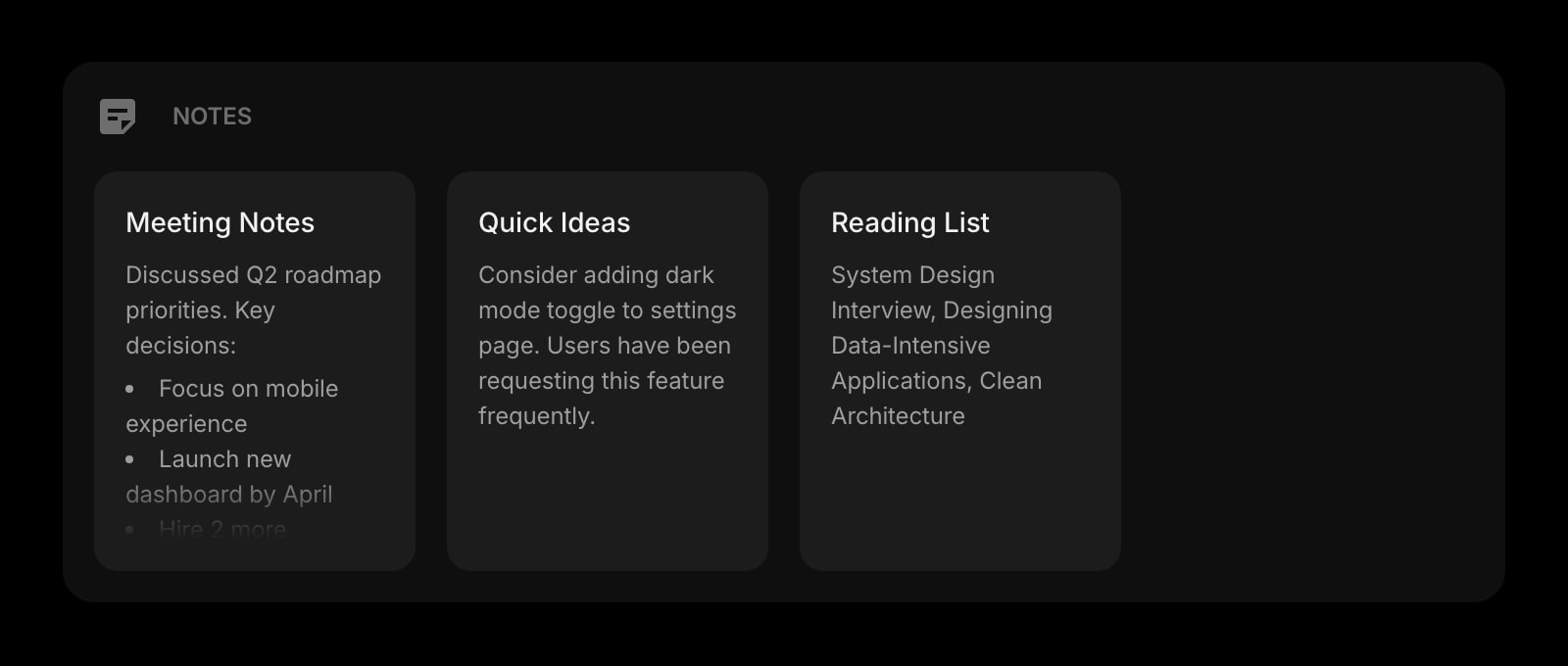
Drop these onto your dashboard and you've covered Google Keep's core features — plus a lot more.
Frequently Asked Questions
There is a free plan, though not an unlimited one the way Keep is. Signing up costs nothing and gets you 1 page with up to 8 widgets, 55 of the 63 widget types including Quick Note and Notes, sync, every browser extension, and 50 one-time AI credits. Extra pages, the 8 premium widgets, and uploads need a paid plan: $4/month, $24/year, or $48 one-time. The demo at startpagehq.com/demo needs no signup and unlocks every widget.
You do not have to pay at all to start — the free plan covers Notes and Quick Note on 1 page of up to 8 widgets. Paying is for scale, not for notes: extra pages, the 8 premium widgets, uploads, and the rest of the 63+ library — tasks, weather, RSS, AI tools, dev utilities. Keep is great for sticky notes; Start Page HQ is for everything you do every time you open a browser.
Yes. Sync is included on every plan, the free one too. Sign in once and your pages, widgets, notes, and links sync across every browser and device automatically.
There is no automated importer. Most users keep Google Keep for legacy notes and drag the most-used ones into Start Page HQ Notes or QuickNote manually — it takes a few minutes.
No. If voice memos and image OCR are core to your workflow, Google Keep is still better at those specific features.
Yes, with Start Page HQ Teams. Instead of sharing note by note, your team gets shared workspaces — whole dashboards with Notes, Todo, links, and every other widget — at $4 per seat per month or $40 per seat per year (minimum 2 seats). Each member is an editor or a viewer, and your personal dashboard stays private.
Yes. The hosted web app at startpagehq.com works in any mobile browser, and you can install it as a PWA for an app-like experience on both Android and iOS.
Ready to Try Start Page HQ?
Start free — 1 page, 8 widgets, sync across devices, no credit card. Or open the live demo first, no signup needed.