Start Page HQ for Crypto Investors
Crypto news feeds, AI Quick Answer for protocol deep-dives, multi-currency converter, 24/7 world clocks, news summary, thesis notes - the new tab page for the part of the workflow that is not the price chart.
The Problem
What the current setup costs crypto investors every day.
- You have CoinDesk, The Block, Cointelegraph, Bankless, and three Substacks bookmarked, plus r/CryptoCurrency and r/ethfinance, plus a half-dozen analyst Twitter accounts. The morning catch-up scan eats forty-five minutes and you still miss the headline that moved the market overnight.
- You manage exposure across three or four wallets, two CEX accounts, and a hardware device. The dashboards live in five different apps and none of them speak to each other. Net worth is something you guess at on a Sunday.
- You wake up to news that broke at 3am Tokyo time. By the time the US morning starts the price has already moved twice and the Reddit threads have a hundred comments arguing about a protocol you have never heard of - and you do not have a fast lookup for "what does this acronym actually mean" without falling into a forty-minute wiki hole.
- Your investment theses live as a mix of Notion pages, Apple Notes, and Telegram messages to yourself. When a coin pumps you cannot find the entry-thesis you wrote eight months ago to check whether the move actually invalidates it or confirms it.
- Most "crypto dashboards" you find are paid Bloomberg-for-crypto products at $400 a month, or free portfolio trackers that want twelve API keys to your exchanges. You wanted something between a Google search box and a hedge-fund terminal, and there is nothing in between.
Widgets That Fit Crypto Investors
A curated set, not a dump. Each one earns its place on the page.
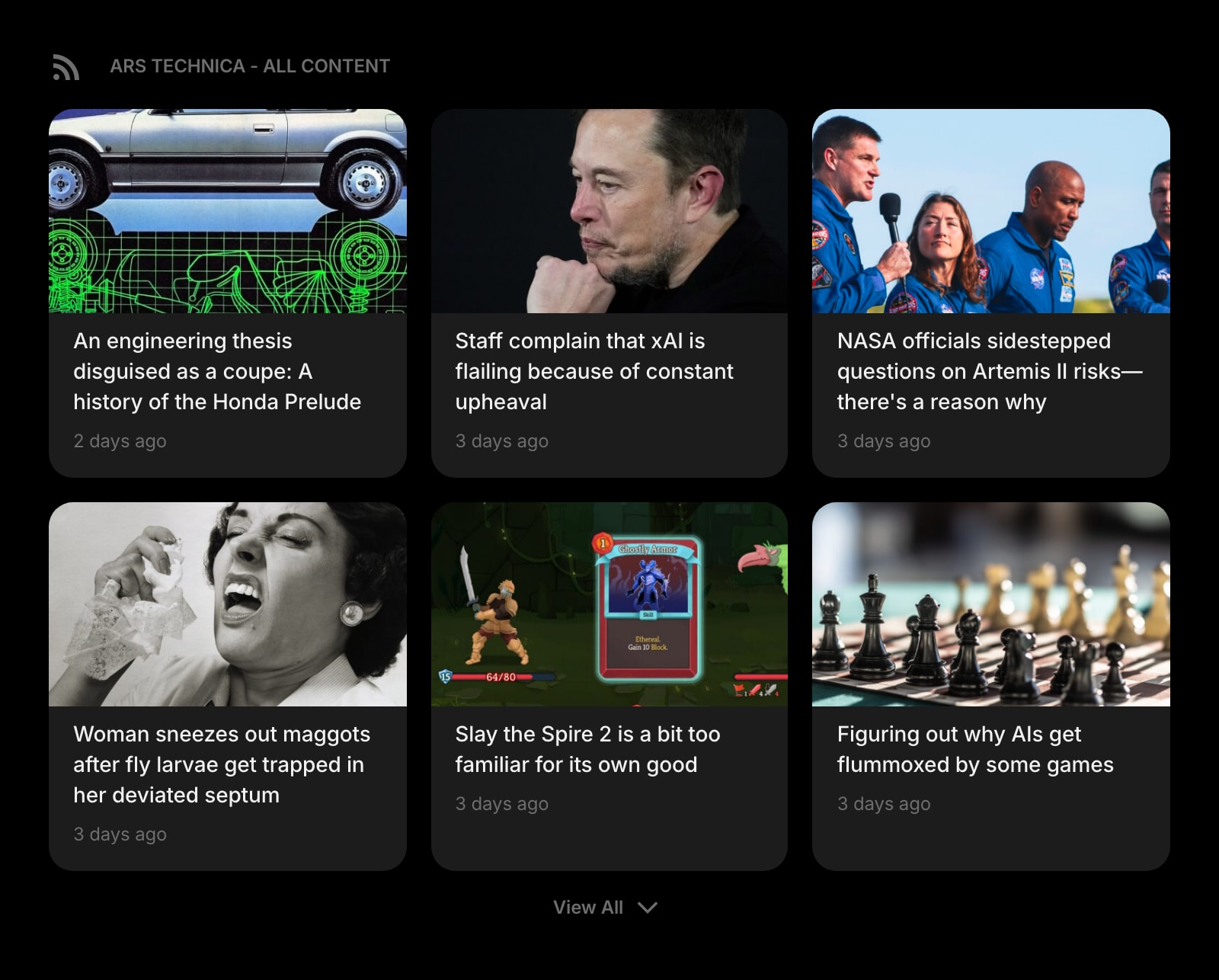
Feed (RSS)
Pull CoinDesk, The Block, Decrypt, Cointelegraph, Bankless, and any analyst RSS feed into one column. The market wire on the new tab, refreshed on a schedule, no separate reader app.
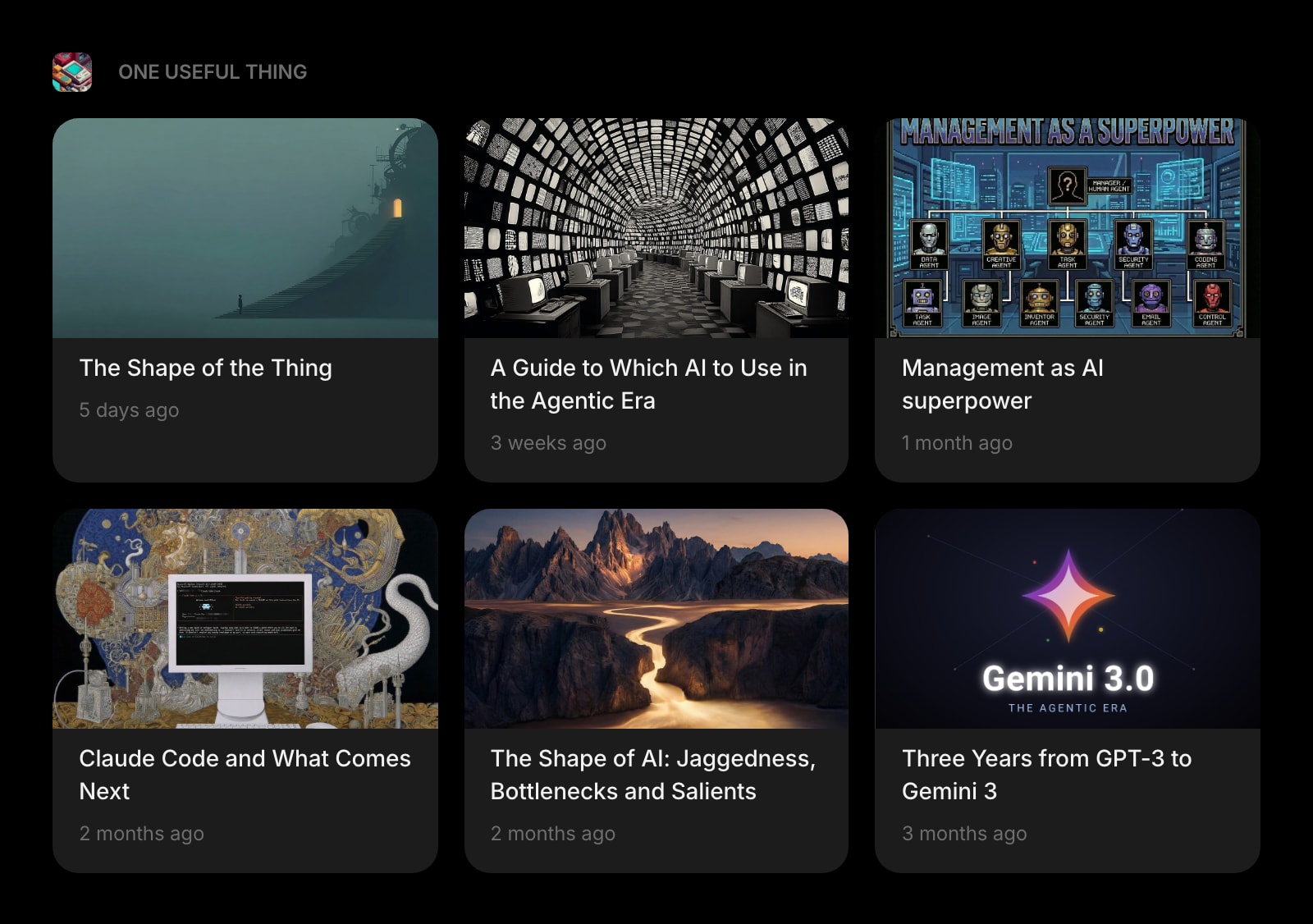
Substack
Every paid and free crypto Substack you actually read - Bankless, Milk Road, Castle Island, your favorite analyst - in one widget instead of fifteen unread emails.
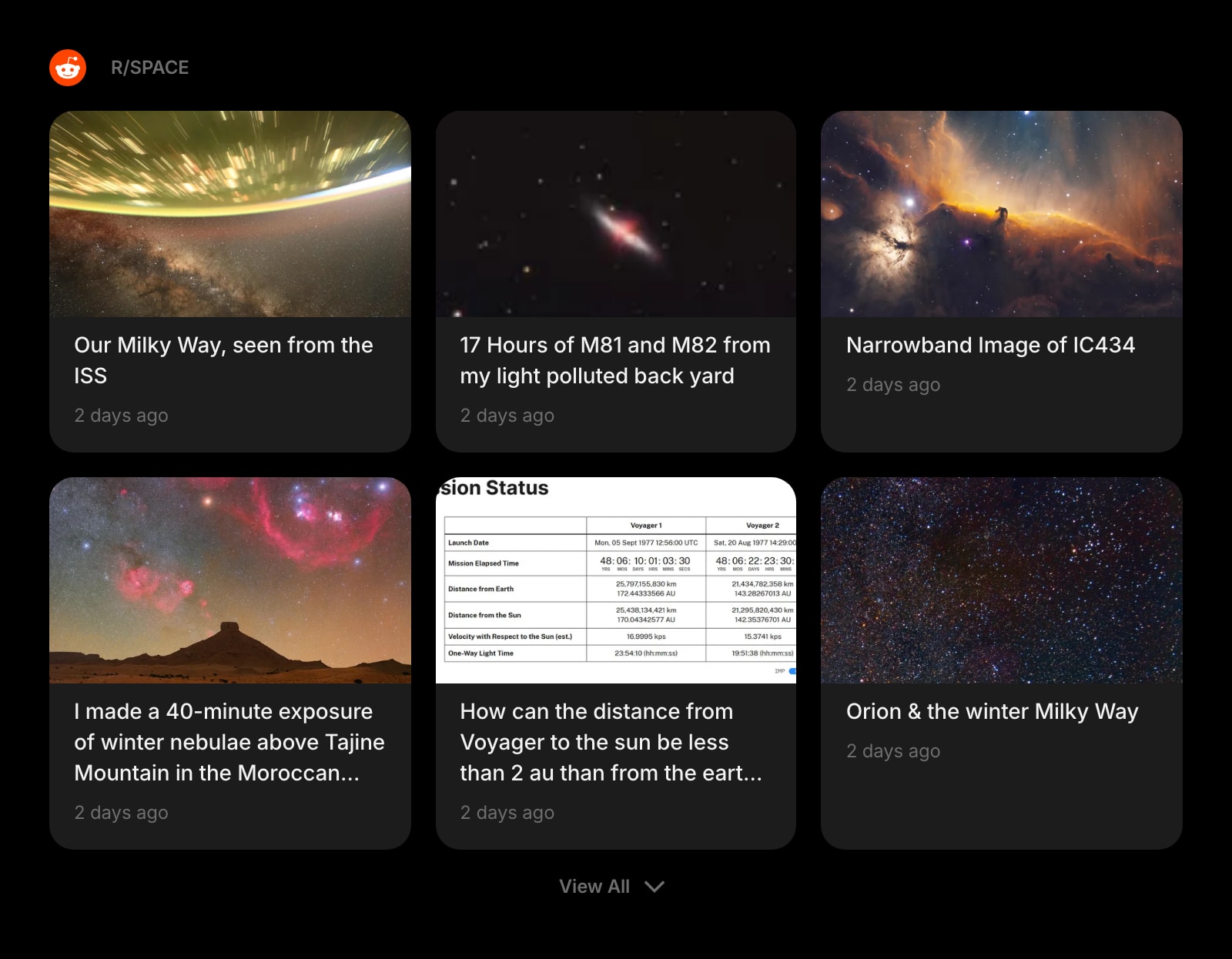
Subreddit
r/CryptoCurrency, r/ethfinance, r/Bitcoin, r/defi - the front-line discussion threads where breaking news actually surfaces, on the dashboard instead of in fourteen Reddit tabs.
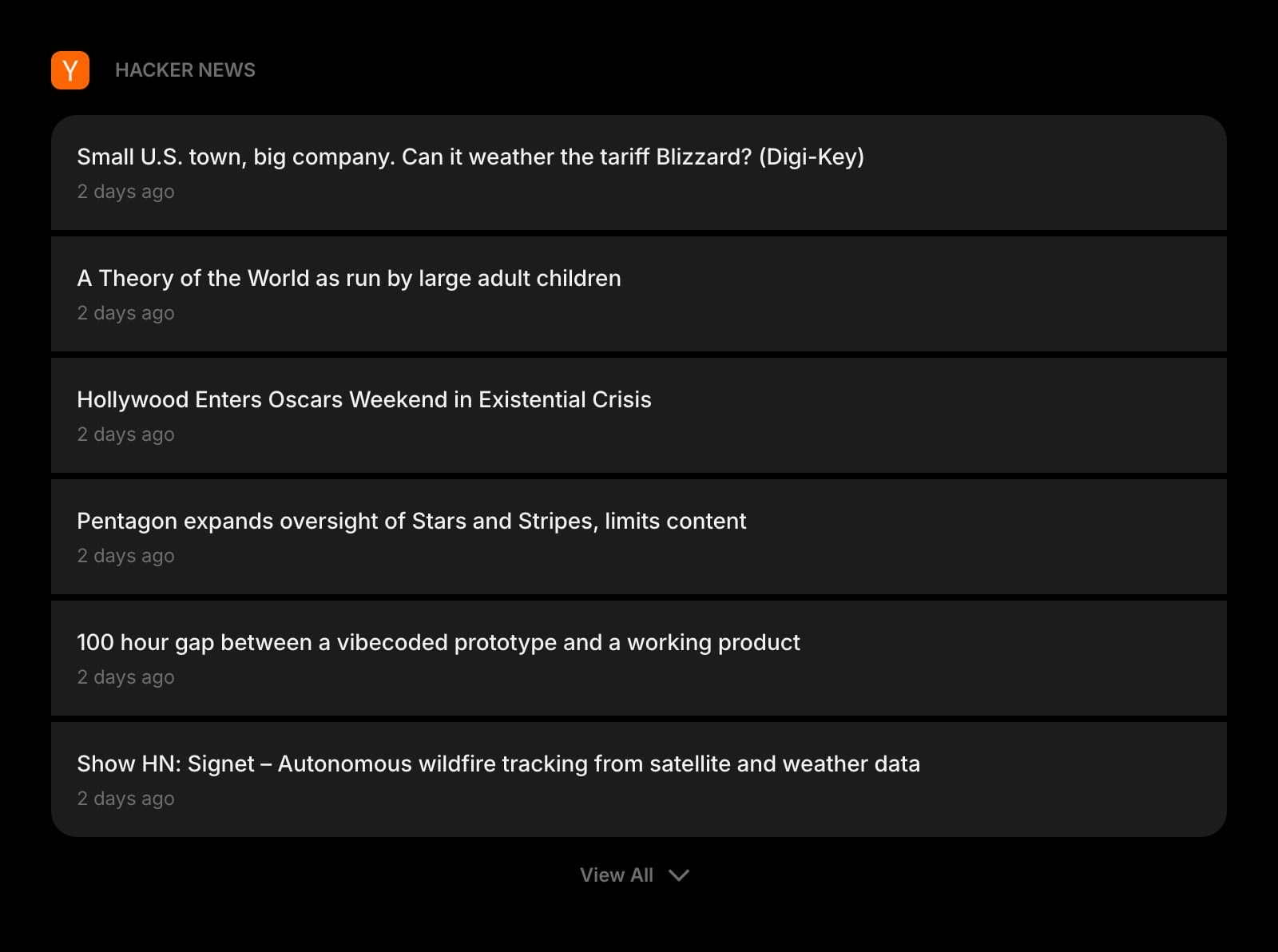
Hacker News
HN front page on the dashboard. For protocol-launch news and the technical post-mortems after a hack or a bridge exploit, HN gets there before crypto-native press.
News Summary
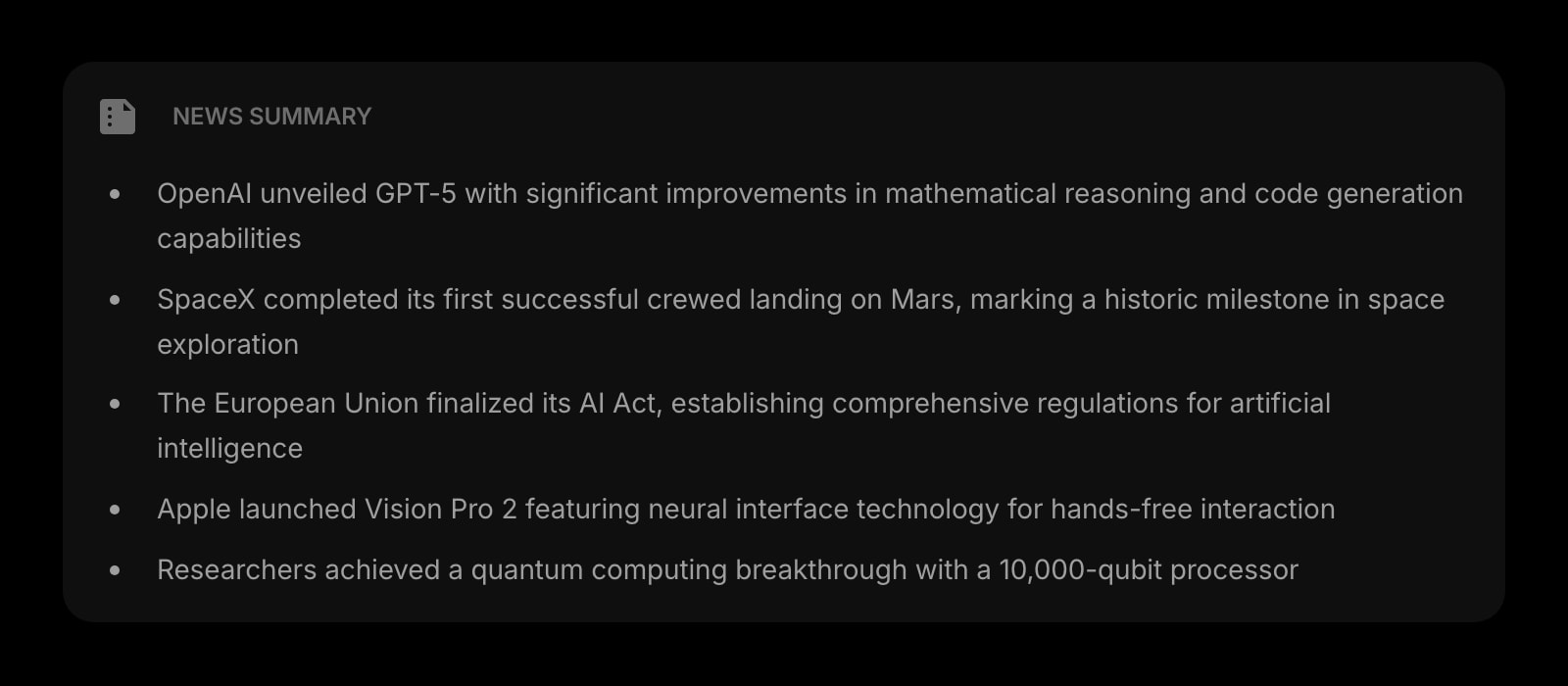
A daily AI-written digest of the headlines in your space. A three-minute brief on what shipped, what was hacked, and what was funded - so the morning scan does not eat the whole pre-market hour.
Quick Answer
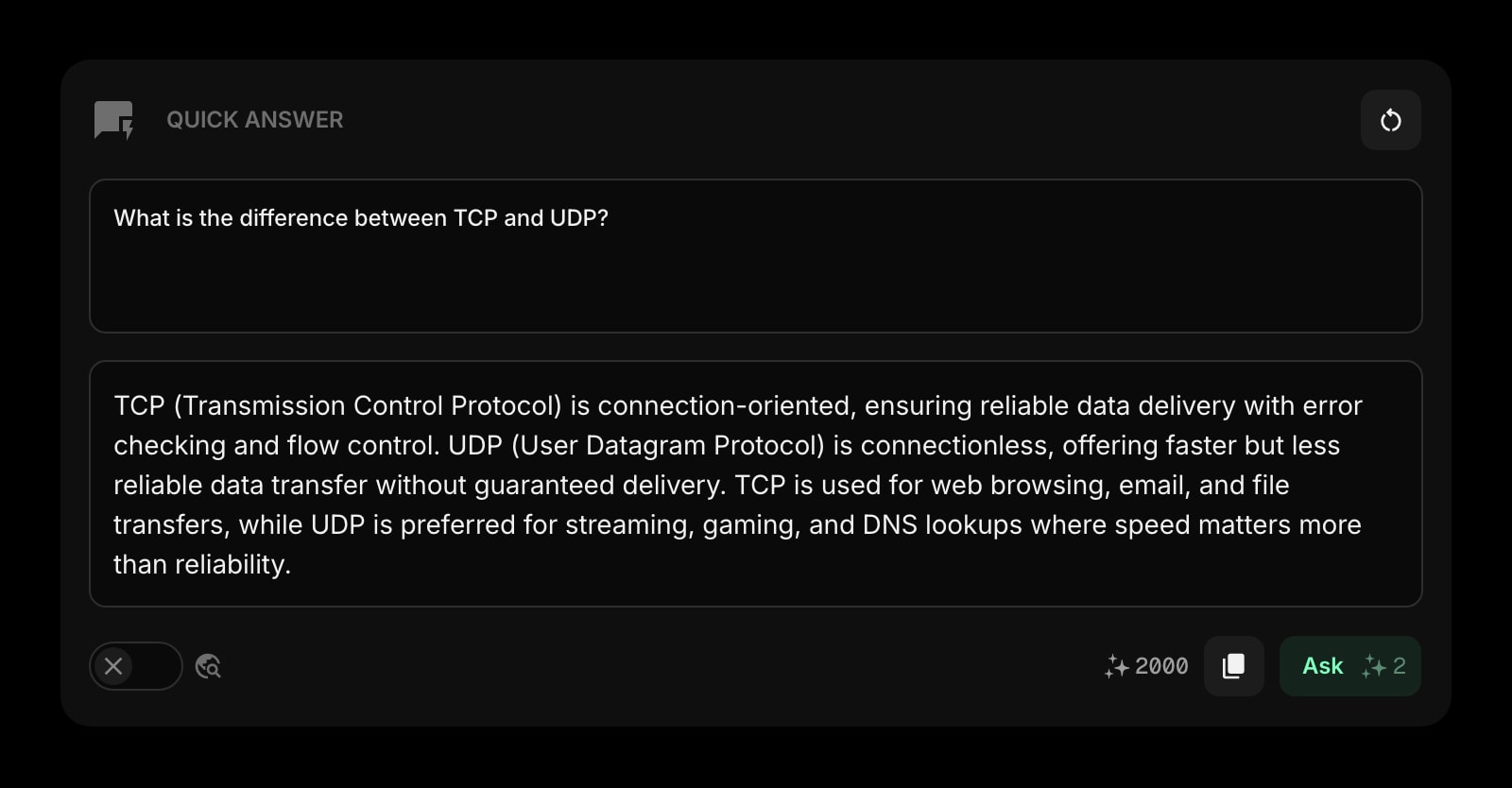
Ask the dashboard a quick AI question. "What is restaking", "explain EigenLayer in two sentences", "what is the canonical citation for the Curve hack" - answered in the same tab without losing the train of thought.
Currency Converter
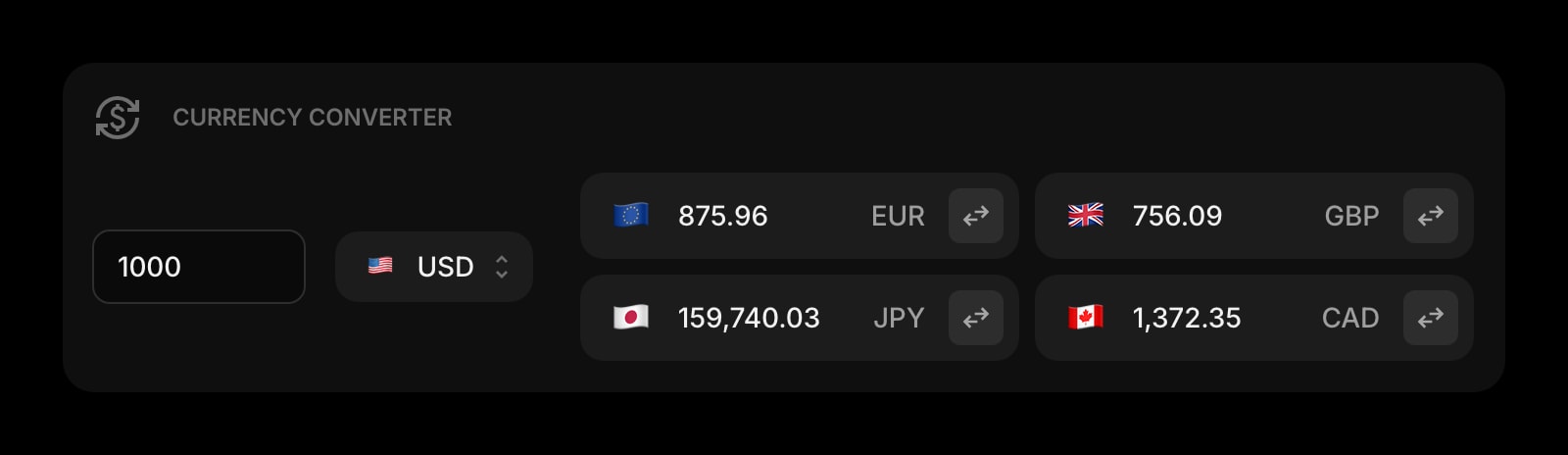
USD, EUR, GBP, JPY conversions for the off-chain side of the workflow. Useful when a payment shows up in stablecoin, a subscription bills in euros, or you are sizing a position against a fiat reserve.
World Clock
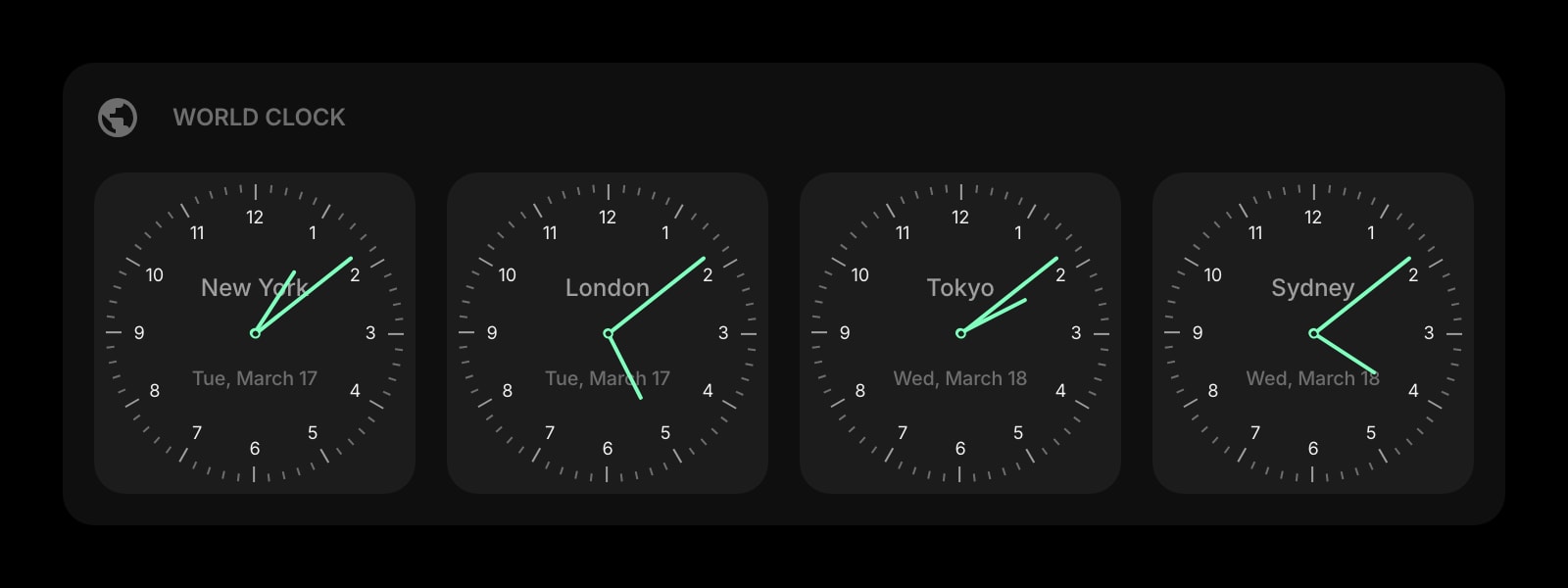
Crypto markets do not close. Tokyo, London, New York, San Francisco on the dashboard so you know which liquidity window is open and when an Asian-session move is likely to land.
Notes
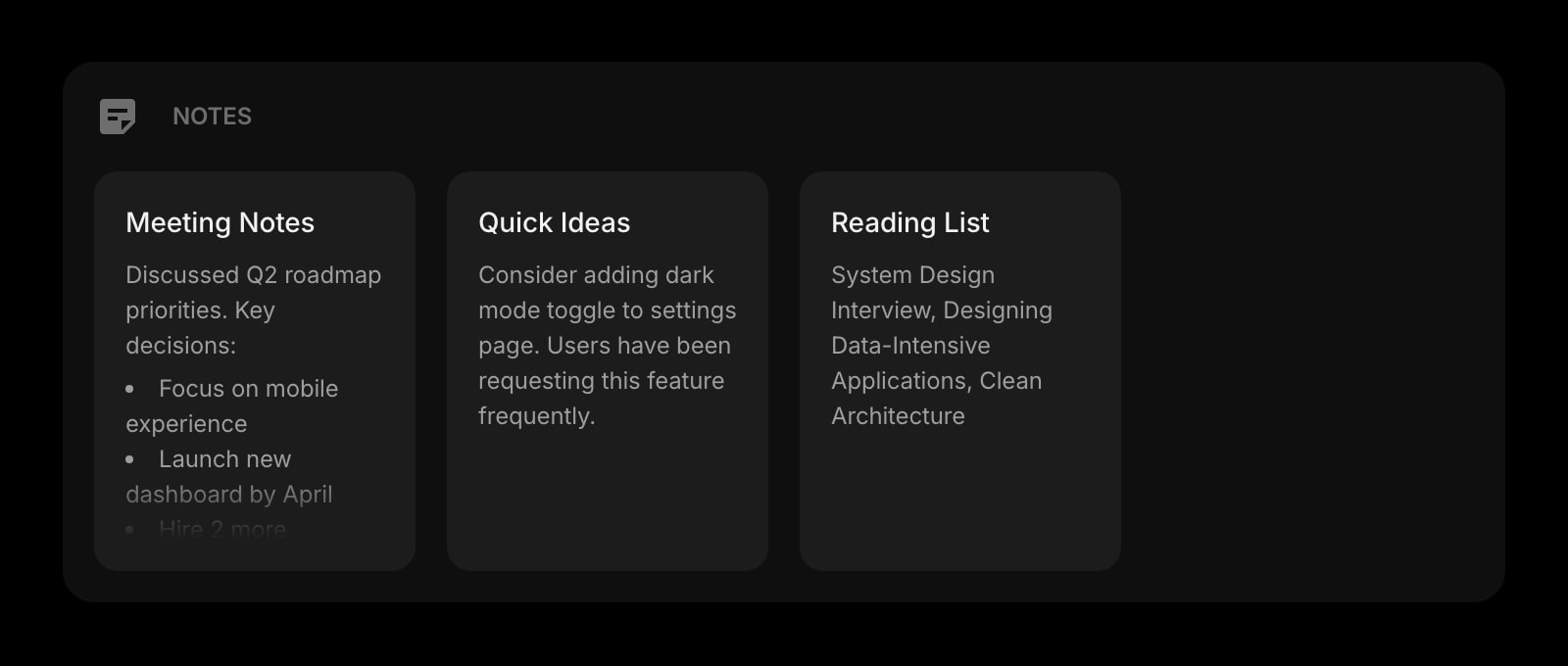
Rich text notes for your investment theses, coin write-ups, and protocol deep-dives. One page per position keeps the thesis findable when the price moves and you need to revisit the reasons.
Quick Note
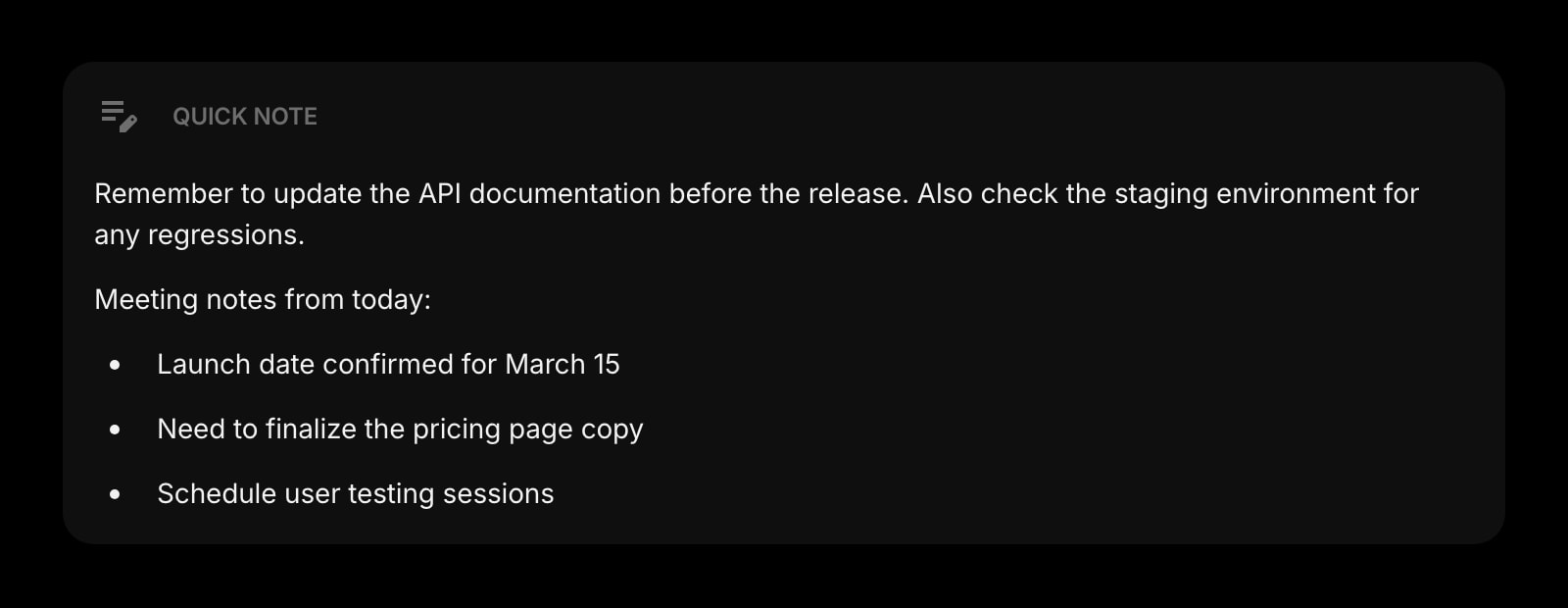
A scratchpad for the gut reaction to a 3am headline, the thread you want to come back to, the tweet to investigate later. Capture in one click, decide whether it deserves a thesis page once the dust settles.
Links
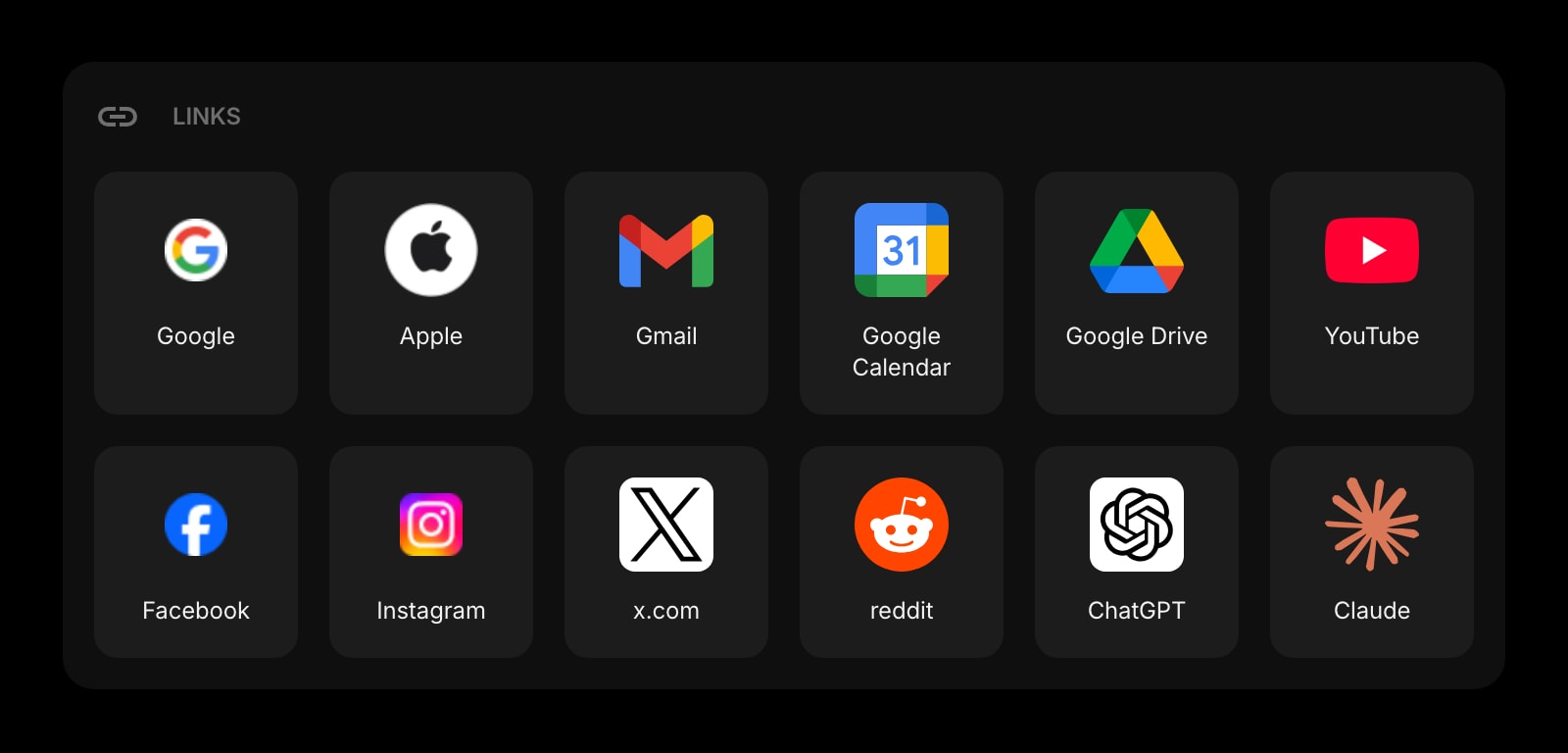
Pinned shortcuts to your portfolio tracker, the wallet UIs you use, the block explorers, your CEX dashboards, your tax tool. The mess of bookmarks gets one organized surface.
GitHub Releases
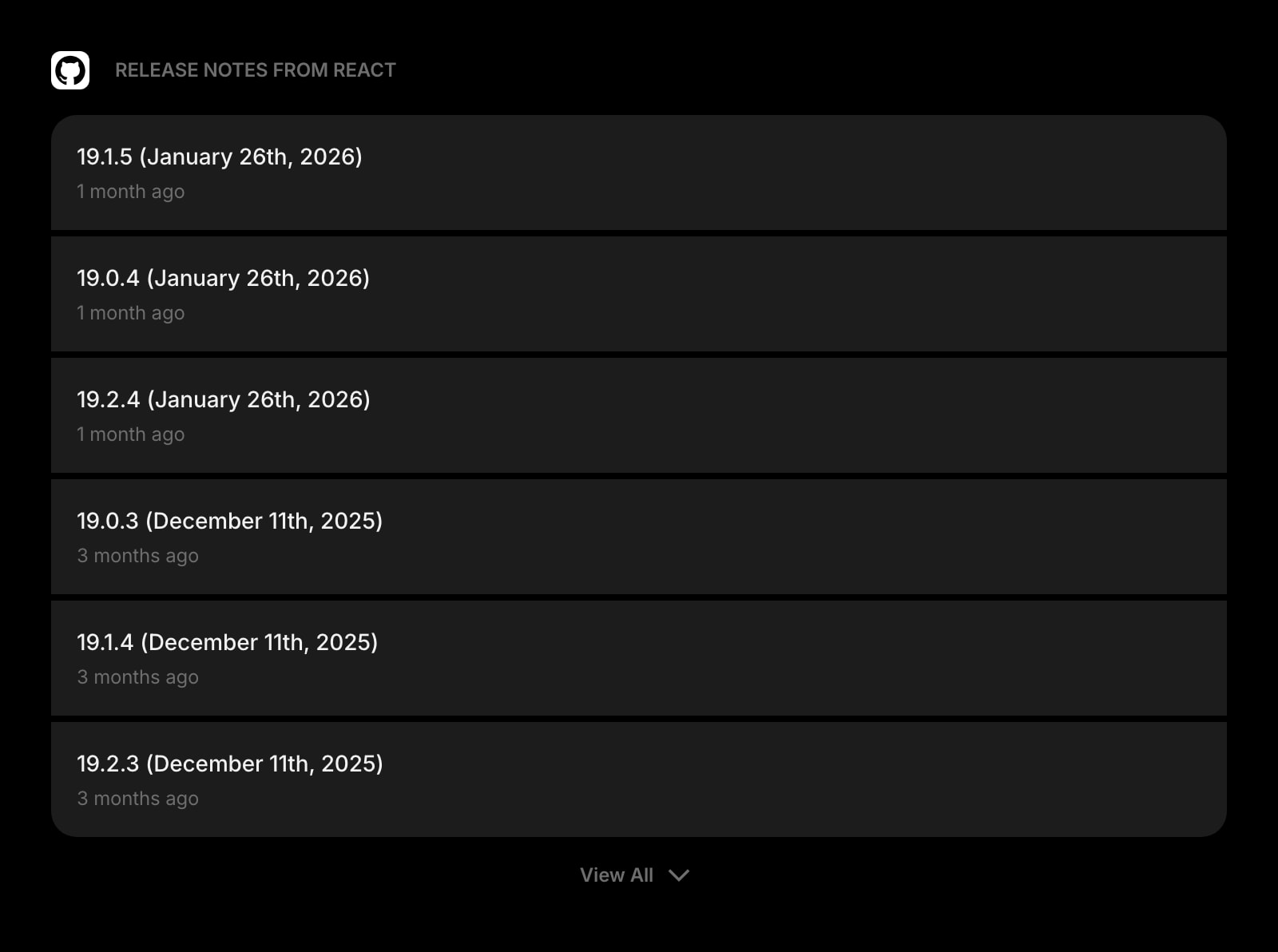
Track the GitHub release feed for protocols you hold. Smart-contract upgrades, client releases, governance-relevant code drops - the unfiltered upstream signal, on the dashboard.
A Day in the Life
How Start Page HQ shows up across the moments that actually matter.
Pre-Market Catch-Up
Open the new tab at 7am. The News Summary distilled the overnight tape into a paragraph; the Feed widget has the CoinDesk and Block headlines; the Subreddit widget shows what r/ethfinance is actually arguing about. Twelve minutes of reading and you walk into the morning informed instead of three hours behind.
A Protocol You Have Never Heard Of
A token is up forty percent overnight. Drop the project name into Quick Answer for a two-sentence explainer, pull the GitHub Releases feed onto the dashboard to see whether anything actually shipped, and skim the Subreddit thread for the discussion. Triage in five minutes instead of forty.
Writing An Investment Thesis
Open a fresh Notes page for the new position. Pull the Substack analyst pieces from the Feed into a citations section, paste a Quick Answer summary of the protocol mechanics, and link the GitHub repo and block explorer in the Links widget at the top of the page. The thesis has a home you can find again.
Tracking The 24/7 Markets
A Friday evening for you is Saturday morning in Singapore. The World Clock on the dashboard makes the Asia open visible, the News Summary briefs the next morning before the US is even awake, and the Subreddit feed surfaces the thread that broke the move. The dashboard does not sleep when the market does not sleep.
Why It Sticks for Crypto Investors
Specific reasons it works for this audience - not generic productivity claims.
A Reading Surface, Not A Price Terminal
Plenty of products show you the price chart. Few give you the news, the Substacks, the Reddit threads, and the AI lookup in the surface you already open thirty times a day. Start Page HQ owns the part of the crypto workflow that is not the candlestick.
No API Keys To Your Exchanges
We do not ask you to connect Binance or Coinbase. There are no API keys in your account, no read-only wallet credentials, no addresses to paste in. Your portfolio tracker stays where it is - the dashboard is the news, research, and thesis surface around it.
AI Lookup Without Twelve Open Tabs
Quick Answer turns the new tab into a research surface. Ask it for a protocol mechanics explainer, a definition, an event timeline - and get an answer in the same tab. AI hallucinations on novel protocols are real; treat it as a starting point and verify in the Substack and Subreddit feeds before sizing a position.
A Page Per Thesis, Not One Stuffed Tab
A page for the L1 portfolio with its Notes, Feeds, and GitHub Releases. A separate page for DeFi yield with its protocol Links and risk write-ups. A third page for the speculative bag with the Subreddit feed front and center. Switch with one click as the workflow shifts.
Cheap Enough Not To Move The P&L
Every widget unlocked, sync across every device, AI credits included. $4 a month, $24 a year, or $48 lifetime - the cost of one bad gas spike, less than one month of most paid analyst Substacks. Try it free at startpagehq.com/demo before paying.
Coming From Another Tool?
Already running the news side of your crypto workflow through a paid reader app or a free RSS reader you forget to open? The widgets below cover the same jobs in the same tab.
Frequently Asked Questions
No live crypto price tickers and no portfolio tracker today - that is honest. The dashboard owns the news, research, and thesis side of the workflow. Most users keep a price tracker (CoinGecko, CoinMarketCap, or a portfolio app) in a separate tab and pin it in the Links widget so it is one click away. Live tickers are on the roadmap.
No. Start Page HQ does not ask for wallet addresses, exchange API keys, or any on-chain credentials. Your portfolio data stays where it lives today. The dashboard is news, research, AI lookup, and thesis notes - it does not custody or read balances.
Quick Answer is a fast lookup AI - it gives plain-language answers about protocols, mechanics, and history. Treat it as a starting point. AI hallucination on novel protocols and recent events is real, so verify breaking news against the Subreddit and Feed widgets before sizing a position on its summary alone.
The Substack widget pulls the public RSS feed of any Substack you follow. Free posts surface in full; paid posts appear as headline plus excerpt, and you click through to read the gated content under your existing Substack login. The widget does not bypass paywalls.
Start Page HQ runs as a hosted web app at startpagehq.com - the same kind of site any browser already loads. The widgets fetch RSS, Substack, and Reddit content through our backend, so the dashboard works as long as our domain is reachable. If a specific source is geo-blocked at the upstream, the widget will show that source as empty until access is restored.
There is a free plan - 1 page, 8 widgets, sync across devices, every browser extension, and 50 AI credits to start. Paid lifts the limits at $4 a month, $24 a year, or $48 one-time (lifetime), unlocking unlimited pages, every widget including the premium ones, and a recurring pool of AI credits. A free public demo at startpagehq.com/demo unlocks every widget for evaluation - no signup.
Build Your Crypto Investors Dashboard
Start free — 1 page, 8 widgets, sync across devices, no credit card. Or open the live demo first, no signup needed.