

Looking for an Excalidraw Alternative?
Excalidraw is the open-source virtual whiteboard that nailed the hand-drawn sketch aesthetic — collaborative, fast, free. Start Page HQ is the canvas widget that lives on every new tab — quick visual notes alongside your todos, notes, and weather.
What People Love About Excalidraw
Before we get into where Start Page HQ goes further, credit where it's due.
- An iconic hand-drawn aesthetic that genuinely makes diagrams look thoughtful instead of corporate.
- Free and open source under the MIT license, with a generous hosted version at excalidraw.com.
- Real-time multiplayer collaboration with end-to-end encryption when self-hosted or paired.
- A solid library system with shapes, icons, and reusable templates contributed by the community.
- Excalidraw+ for teams adds permissioned workspaces, shared libraries, and AI helpers.
Where Start Page HQ Goes Further
Specific differences, not vague claims.
Lives on Every New Tab
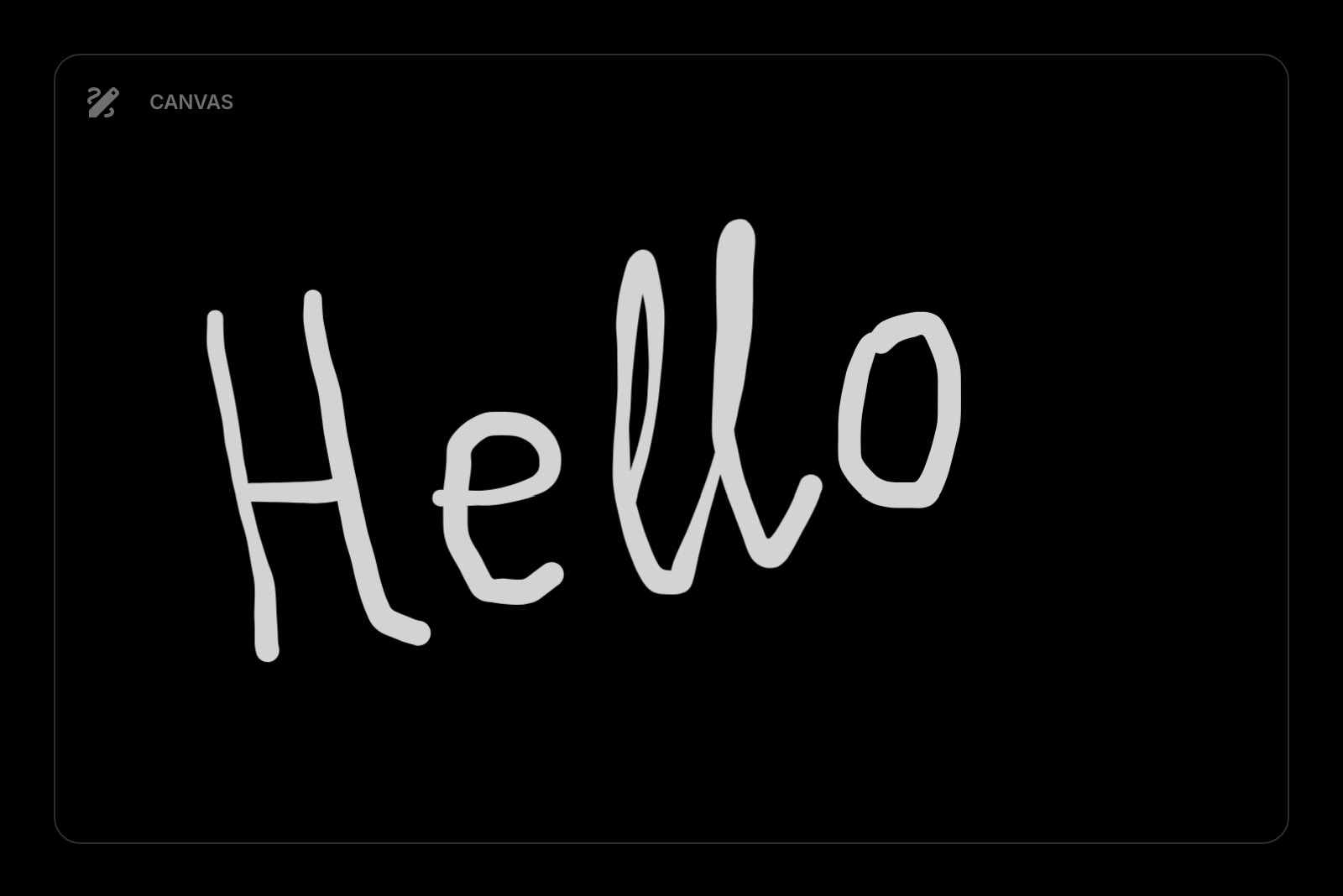
Excalidraw is a separate site you open when you remember it. Start Page HQ ships a Canvas widget that's already there every time you open a new tab — sketch a quick idea, save it on your dashboard.
Sketches Live Next to Notes and Todos
Excalidraw is its own canvas in its own tab. Start Page HQ's Canvas widget sits on the same page as your Notes, Todos, RSS, and Weather — sketch an idea and the rest of your context is right there.
Sits Alongside 63+ Other Widgets
Excalidraw is a single-purpose canvas. Start Page HQ pairs the Canvas widget with notes, todos, calendar, news, weather, AI tools, and 63+ more — one dashboard, one tab.
Multi-Page Dashboards
Build a "Brainstorm" page with Canvas, Notes, and a QuickNote widget. Build a separate "Work" page focused on tasks. One click between them.
Native Browser Extensions
Install on Chrome, Firefox, Safari, or Edge to make Start Page HQ — and the Canvas widget — open with every new tab. Or use the hosted web app at startpagehq.com on any browser.
Cross-Device Sync Built In
Sketches and dashboard layout sync across every browser and device automatically on every plan, free included. Sign in once and your canvas follows you.
Side-by-Side Comparison
An honest line-by-line look at how the two stack up.
| Feature | Excalidraw | Start Page HQ |
|---|---|---|
| Pricing | Free, or paid Excalidraw+ | Free plan; $4/mo, $24/yr, $48 LTD |
| Free tier | Yes, full product | 1 page, 8 widgets |
| Open source | MIT | No |
| Hand-drawn sketch style | Yes | No |
| Real-time multiplayer collaboration | Yes | No |
| Team workspaces | Excalidraw+ | Teams, $4/seat/mo |
| Reusable shape libraries | Yes | No |
| Image export (PNG / SVG) | Yes | Yes |
| Free-form drawing | Yes | Yes |
| Lives on every new tab | No | Yes |
| Chrome / Firefox / Safari / Edge | Web only | Yes |
| Native browser extensions | No | Yes |
| Cross-device sync | Excalidraw+ only | Included |
| Multi-page dashboards | No | Yes |
| Notes, todos, RSS, weather alongside | No | Yes |
| AI tools (answers, translation, image) | No | Yes |
Widgets That Replace Excalidraw
Drop these onto your dashboard and you've covered Excalidraw's core features — plus a lot more.
Frequently Asked Questions
No, and we will not pretend otherwise. Excalidraw is the gold standard for collaborative sketch diagrams with shape libraries and a polished hand-drawn aesthetic. The Canvas widget is for quick visual notes — sketching an idea, drawing a small diagram, marking up a screenshot — that you want next to your todos and notes. Use Excalidraw for serious diagrams; use the Canvas widget for the sketch-on-a-napkin moments.
No. There are no live cursors and no simultaneous editing. With Start Page HQ Teams, a Canvas widget in a team workspace is shared with everyone who has access, and edits show up for others the next time they open a tab — handy for a standing team sketch, not for a live session. If you need to whiteboard with a colleague in real time, Excalidraw is the right tool.
There is no automated importer. You can export an Excalidraw drawing as PNG or SVG and drop it onto a Start Page HQ Notes or Collection widget for reference, but native .excalidraw files are not editable inside the Canvas widget.
Yes — there is a free plan, no credit card needed. It gives you 1 page with up to 8 widgets, 55 of the 63 widget types including Canvas, cross-device sync, every browser extension, and 50 one-time AI credits. It is not as unrestricted as Excalidraw, which is free and open source in full: extra pages, the 8 premium widgets, and uploads need a paid plan at $4/month, $24/year, or $48 one-time. The demo at startpagehq.com/demo still needs no signup and unlocks every widget.
Yes. Start Page HQ has native extensions for Chrome, Firefox, Safari, and Edge, plus a hosted web app at startpagehq.com that works in any modern browser — the same as Excalidraw itself.
Of course. Many users keep Excalidraw bookmarked for serious diagrams and use the Canvas widget for quick sketches that need to live next to the rest of their dashboard.
Ready to Try Start Page HQ?
Start free — 1 page, 8 widgets, sync across devices, no credit card. Or open the live demo first, no signup needed.