

Looking for an Adobe Firefly Alternative?
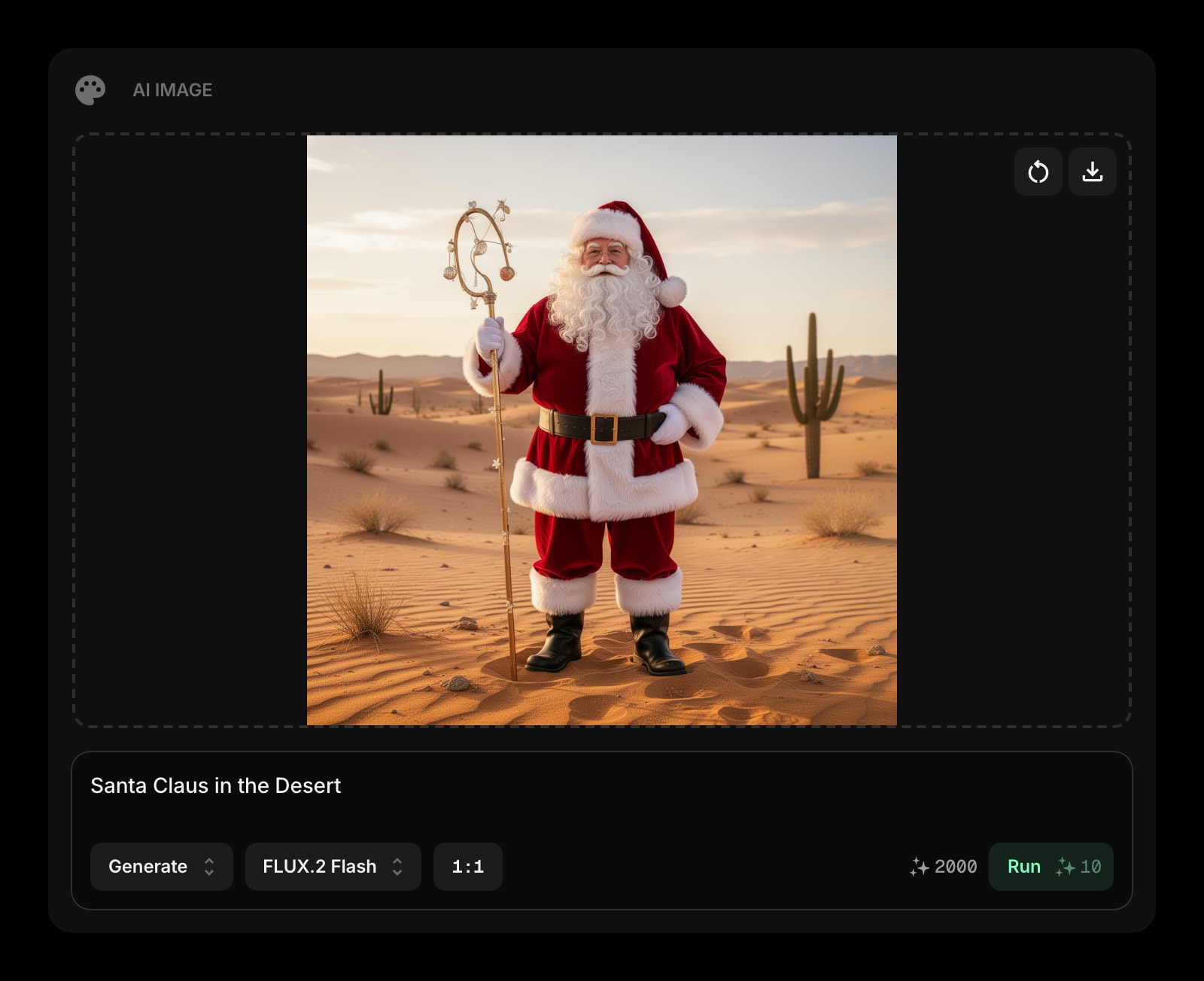
Adobe Firefly is a commercially-safe AI image suite built into Photoshop, Illustrator, and the Creative Cloud. Start Page HQ adds an AI Image widget to your new tab — quick generation, edits, and background removal as a dashboard tool.
What People Love About Adobe Firefly
Before we get into where Start Page HQ goes further, credit where it's due.
- Trained on licensed and public-domain content, designed for commercial-safe output.
- Tightly integrated with Photoshop, Illustrator, Express, and the rest of Creative Cloud.
- Generative Fill and Generative Expand inside Photoshop are best-in-class for retouching.
- A free tier with monthly generative credits for casual use.
- Polished web app at firefly.adobe.com plus mobile apps for on-the-go generation.
Where Start Page HQ Goes Further
Specific differences, not vague claims.
Image Generation in Your New Tab
Firefly is a destination — firefly.adobe.com or inside Photoshop. Start Page HQ puts the AI Image widget directly on your start page, so quick generation and edits don't pull you out of your dashboard.
63+ Widgets, Not Just Image Gen
Firefly is one Adobe tool. Start Page HQ ships AI Image alongside RSS, news, weather, podcasts, dev tools, translation, and 63+ other widgets — all on the same dashboard.
No Adobe Account or Creative Cloud Required
Firefly is fully embedded in Adobe's ecosystem. Start Page HQ is standalone — sign up with email or Google, no Creative Cloud subscription, no Adobe ID, no marketing emails about Photoshop trials.
Multiple Image Models, Not Just Firefly
AI Image runs Nano Banana, Flux, and other modern image models. Firefly uses only Adobe Firefly models. If a different model produces better output for your prompt, just switch.
Predictable, Bundled Pricing
Firefly Standard runs $9.99 per month, Pro $29.99 per month, plus the Creative Cloud subscription dance for full access. Start Page HQ starts free — 1 page, 8 widgets, 50 AI credits to spend — then $4 per month, $24 per year, or $48 lifetime for every widget, sync, and a refilling AI credit pool.
Side-by-Side Comparison
An honest line-by-line look at how the two stack up.
| Feature | Adobe Firefly | Start Page HQ |
|---|---|---|
| Pricing | Free or $9.99-$29.99/mo | Free plan; $4/mo, $24/yr, $48 LTD |
| Free tier | Yes (monthly credits) | 1 page, 8 widgets |
| One-time purchase option | No | $48 lifetime |
| Lives on every new tab | No | Yes |
| Chrome | Web only | Yes |
| Firefox | Web only | Yes |
| Safari | Web only | Yes |
| Edge | Web only | Yes |
| Hosted web app | Yes | Yes |
| Photoshop / Illustrator integration | Yes | No |
| Generative Fill / Expand inside Photoshop | Yes | No |
| Commercial-safe training data | Yes | No |
| Multiple image models in one widget | No | Yes |
| AI Image widget on dashboard | No | Yes |
| One-click background removal | In separate Adobe tool | Yes |
| Multi-page dashboards | No | Yes |
| RSS / podcasts / news / dev tools | No | Yes |
| Quick answer / translation widgets | No | Yes |
| Cross-device sync | Adobe account | Included |
Widgets That Replace Adobe Firefly
Drop these onto your dashboard and you've covered Adobe Firefly's core features — plus a lot more.
Frequently Asked Questions
Not for serious creative work in Photoshop and Illustrator. Firefly Generative Fill, Generative Expand, and the deep Creative Cloud integrations are still the right tools for retouching and design pipelines. The AI Image widget is for everyday quick generation and edits — social posts, mockups, illustrations, background removal — without leaving your new tab.
Adobe Firefly is specifically marketed as commercially-safe with licensed training data. Start Page HQ uses third-party image models (Nano Banana, Flux, and others) — check each model's terms before using outputs commercially. If commercial safety is critical, Firefly is the better choice.
No. That is the point. Start Page HQ is standalone — no Adobe ID, no Creative Cloud, no Adobe app installs. Sign up with email or Google.
Yes — there is a free plan, no credit card needed. It covers 1 page with up to 8 widgets, 55 of the 63 widget types including AI Image, cross-device sync, and 50 AI credits granted once — they do not refill, so steady image generation means a paid plan or a credit pack. Extra pages, the 8 premium widgets, and uploads need a plan too: $4/month, $24/year, or $48 one-time. The no-signup demo at startpagehq.com/demo unlocks every widget.
The Annual plan includes 5,000 AI credits per year (roughly 500 images). The Lifetime plan includes 10,000 credits up front (roughly 1,000 images). Top-up credit packs are available if you run out — or stick with Firefly inside Creative Cloud for production work.
No. AI Image is a standalone widget on your new tab. For Photoshop integration — Generative Fill, Generative Expand, layer-aware edits — Firefly is the right tool.
Ready to Try Start Page HQ?
Start free — 1 page, 8 widgets, sync across devices, no credit card. Or open the live demo first, no signup needed.