

World Clock Widget for Firefox
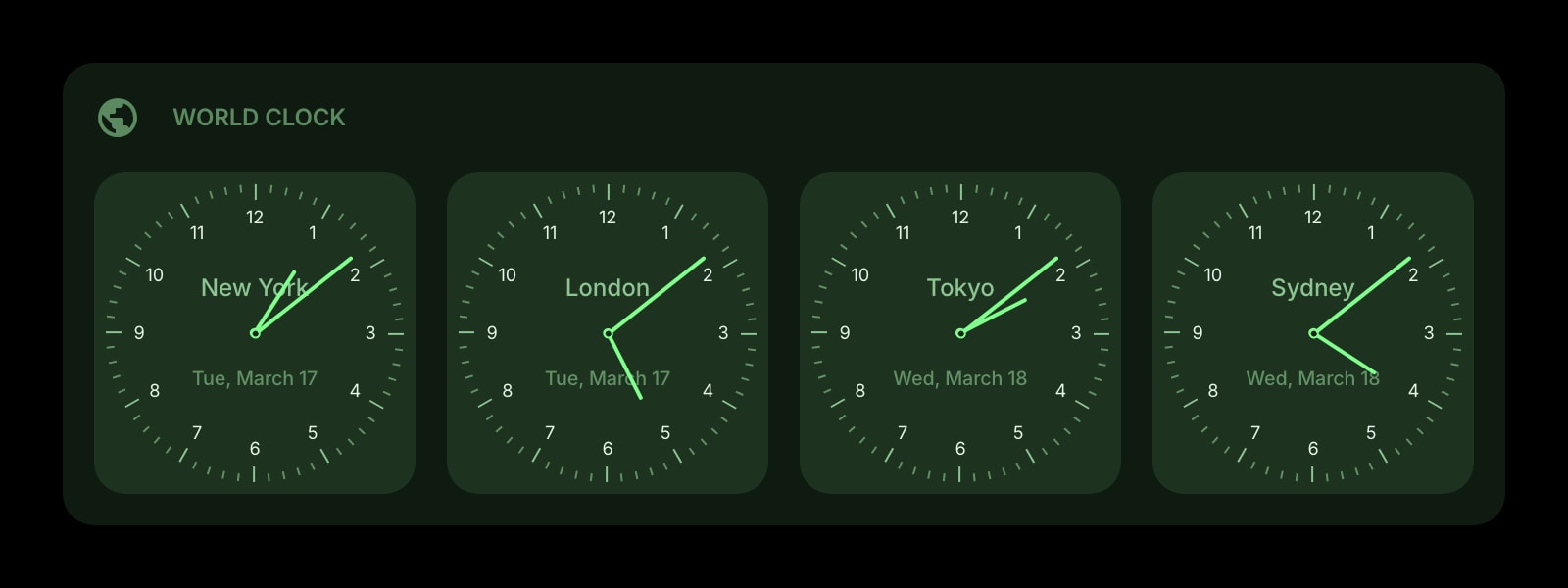
Clocks for every city you care about on the Firefox new tab, installed from Firefox Add-ons. It works with fingerprinting protection turned on, which is where most clock pages quietly show UTC.
Install on Firefox
The Firefox-specific flow, start to finish.
- 1On the Start Page HQ page at addons.mozilla.org, click "Add to Firefox", then "Add". The prompt lists one permission, "Access browser tabs".
- 2Open a new tab. When Firefox says the new tab page has changed, click "Keep Changes" so the dashboard replaces Firefox Home.
- 3Click the gear icon in the bottom right of the dashboard and choose Add Widget → World Clock.
- 4Click Add Clock. The time zone starts on the one Firefox reports for your machine. Change it with the searchable list, which shows UTC offsets and main cities, and give the clock a label.
- 5Add the rest of your cities, then choose watchface or digital and a 12-hour, 24-hour, or auto format in the widget settings.
What World Clock Does
A short tour of the widget. Already sold? Skip ahead.
- Any number of labelled clocks, one IANA time zone each.
- Watchface or digital display, date and weekday optional.
- Daylight saving applied per zone with no manual offsets.
- Day and night styling so night-time cities stand out.
- The list lives on your account, not in the Firefox profile.
Notes for Firefox Users
If you have turned on privacy.resistFingerprinting in about:config, or use a Firefox build where it is on by default such as LibreWolf or Mullvad Browser, Firefox tells web pages that your time zone is UTC. Mozilla documents this as part of the protection. Most clock sites then show UTC as "your" time without saying so. The World Clock widget never guesses: every clock is pinned to a named zone like Europe/Lisbon, which Firefox still converts correctly with the protection on. The one visible effect is that a new clock starts on UTC instead of your real zone, so pick it from the list once.
Firefox bundles its own time zone database and updates it with Firefox releases, independent of Windows or macOS. A clock that is an hour off after a country changes its daylight saving rules usually means an outdated Firefox, and Help → About Firefox fixes it. Because the clocks are stored on your Start Page HQ account, they also survive the things that wipe add-on data: a new Firefox profile, Refresh Firefox, or switching between release and Developer Edition.
Other Widgets You Might Add
Pair the World Clock widget with these. One install gets you all of them.
Date & Time
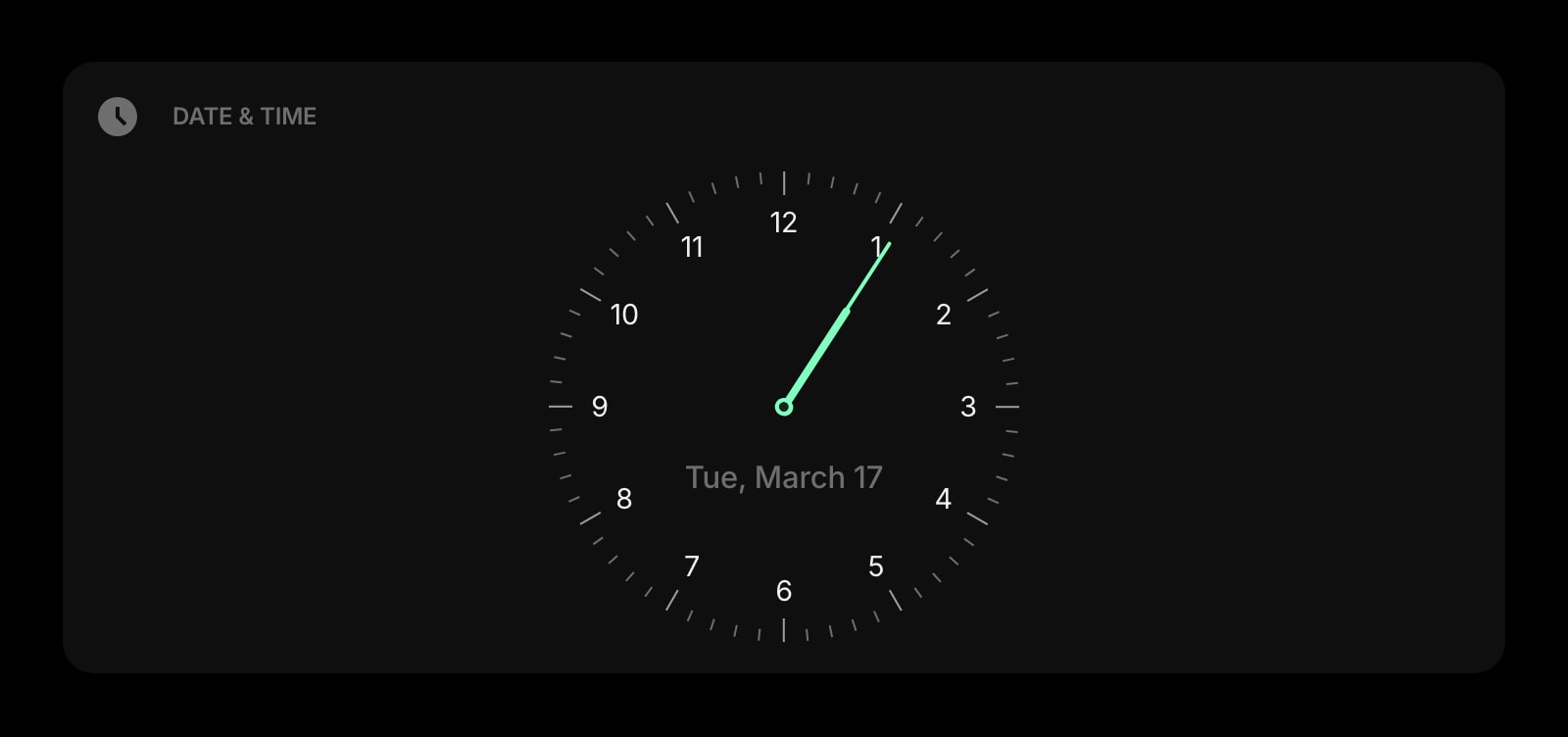
A big local clock and date to anchor the row.
Weather
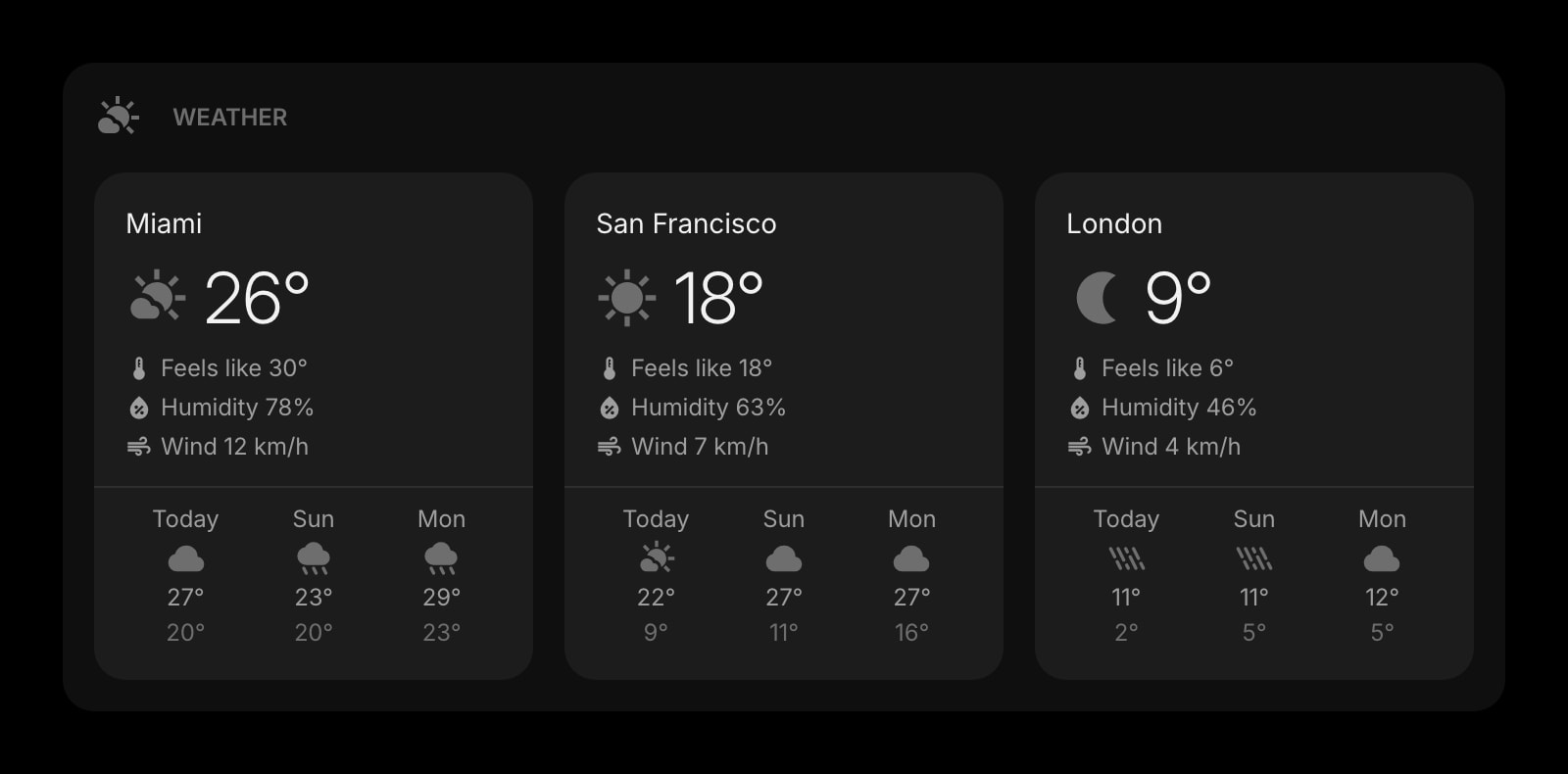
Conditions in the same cities as your clocks.
Calendar
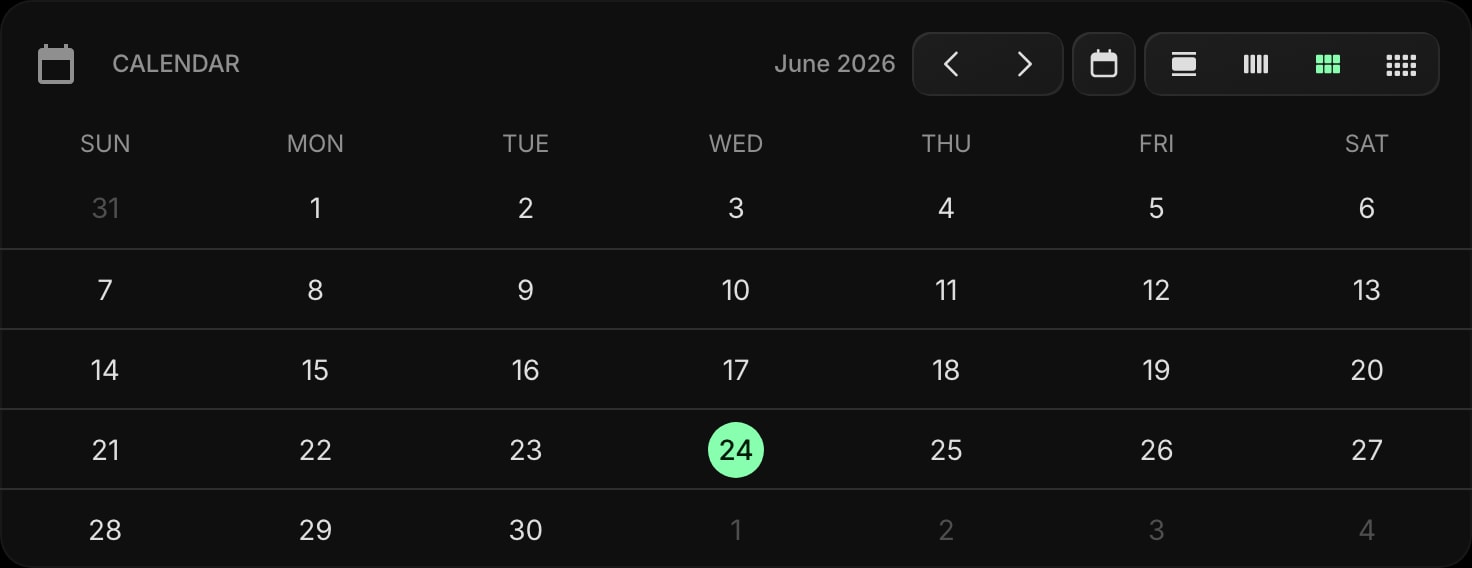
A plain month grid for planning across time zones.
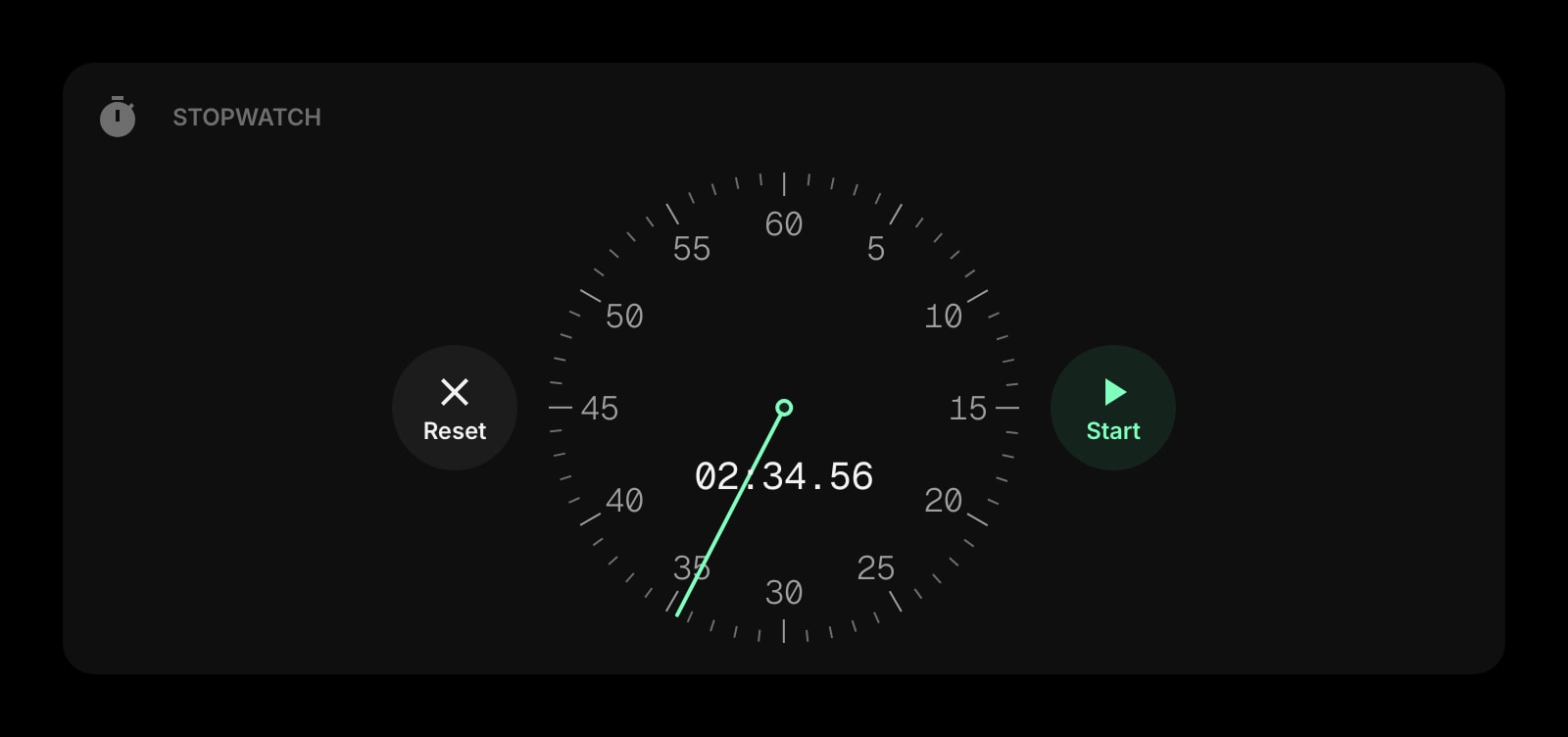
Stopwatch
For timing a call that started at an awkward hour.
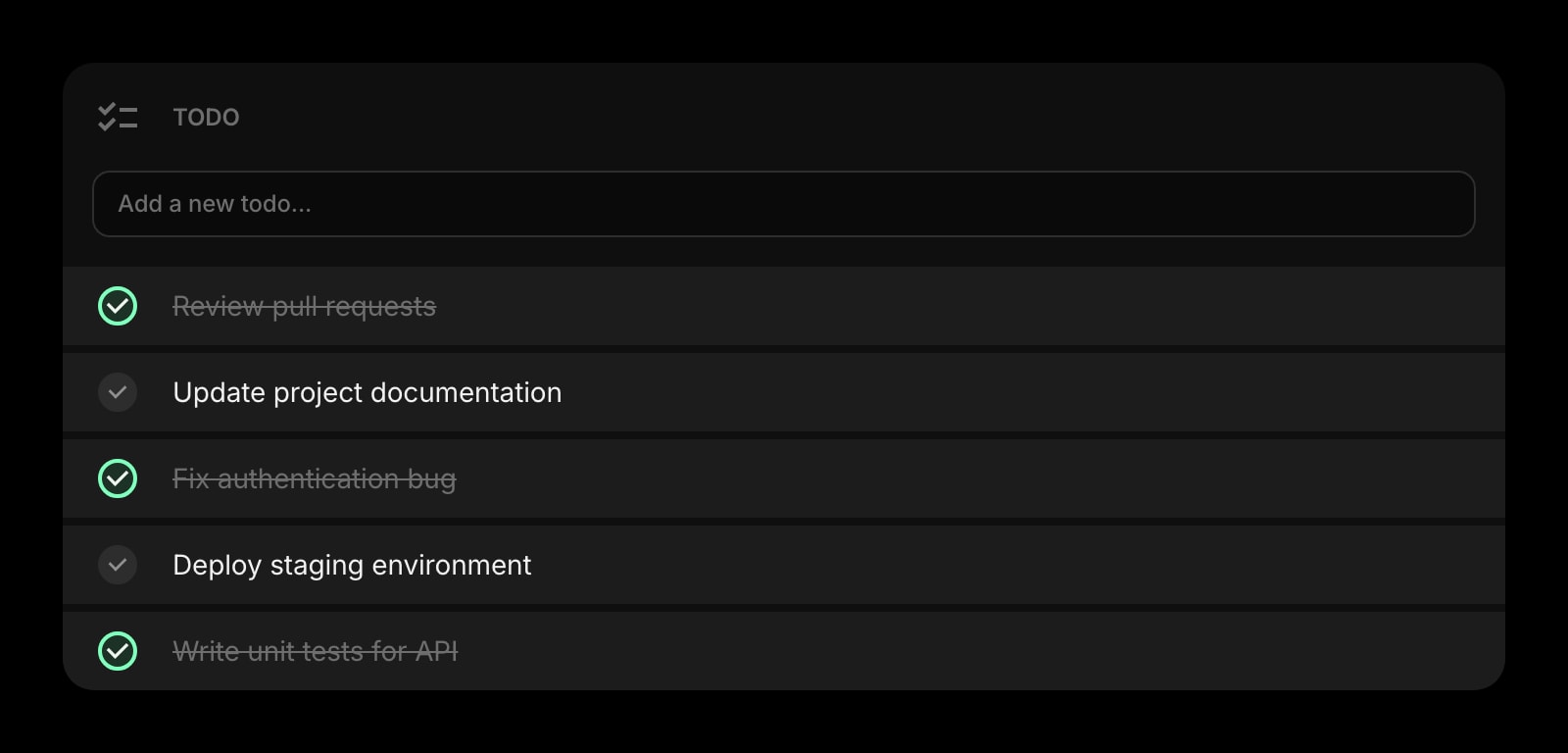
Todo
Things to send before the other office wakes up.
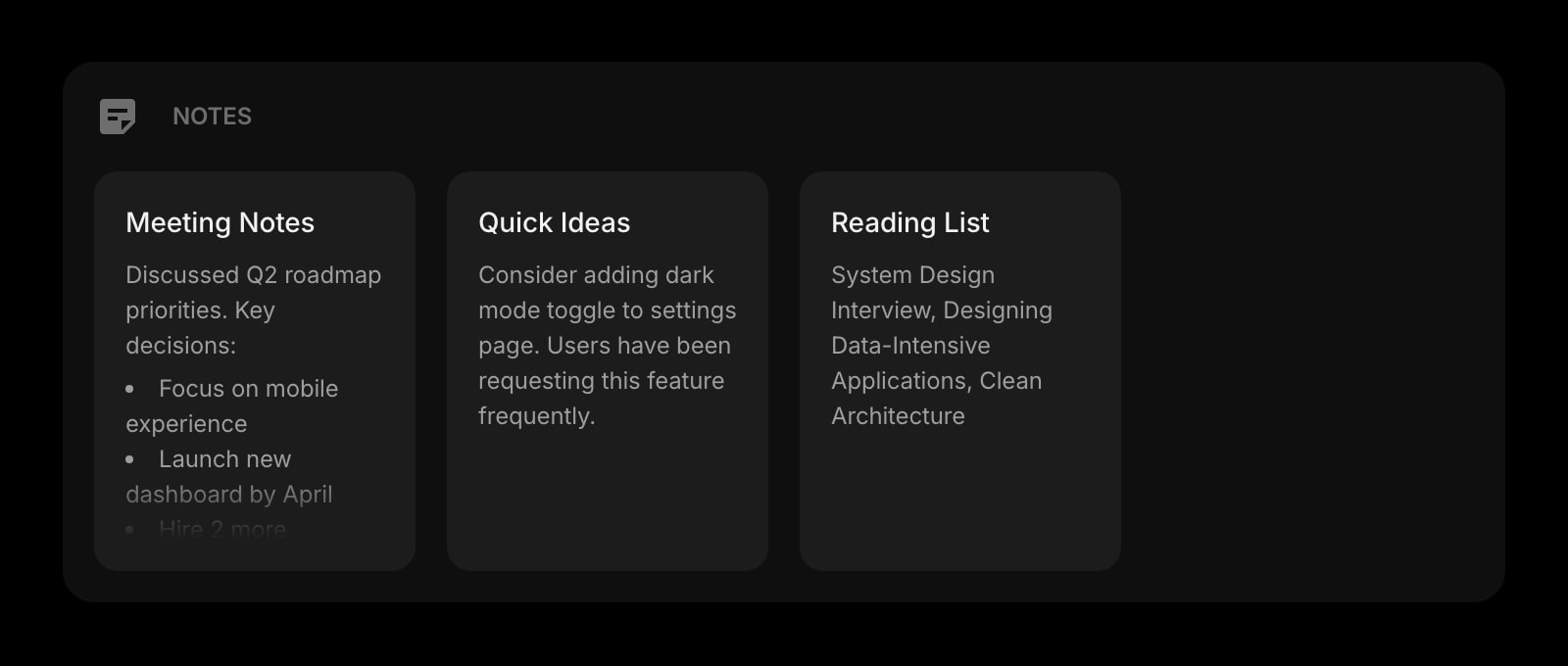
Notes
Meeting notes for the team whose clock you're watching.
The World Clock widget is one of 50+ in Start Page HQ. Tasks, notes, RSS, AI tools, dev utilities — the same install gives you all of them. Start free with 8 widgets on a page, or lift every limit at $4/month, $24/year, or $48 lifetime.
Frequently Asked Questions
Firefox reports UTC as your time zone when privacy.resistFingerprinting is on, and LibreWolf and Mullvad Browser turn it on by default. The new-clock form starts from what the browser reports. Choose your real zone from the list and that clock keeps it. Clocks you already set are unaffected.
It replaces the page new tabs open to. The home page that the Home button and new windows use is a separate Firefox setting under Settings → Home, so you can point it at the dashboard as well or leave it as it is.
Not as an extension, since Firefox for Android does not let add-ons replace the new tab. Open startpagehq.com in Firefox on the phone and sign in. The hosted dashboard shows the same clocks.
Yes. Each clock reads the system time every time it draws, so there is nothing to drift. Firefox pauses drawing in background tabs to save power, and the clocks show the correct time the instant you switch back.
Add the World Clock Widget to Firefox
Free plan, no credit card — see plans or try the demo without installing.