
World Clock Widget for Safari
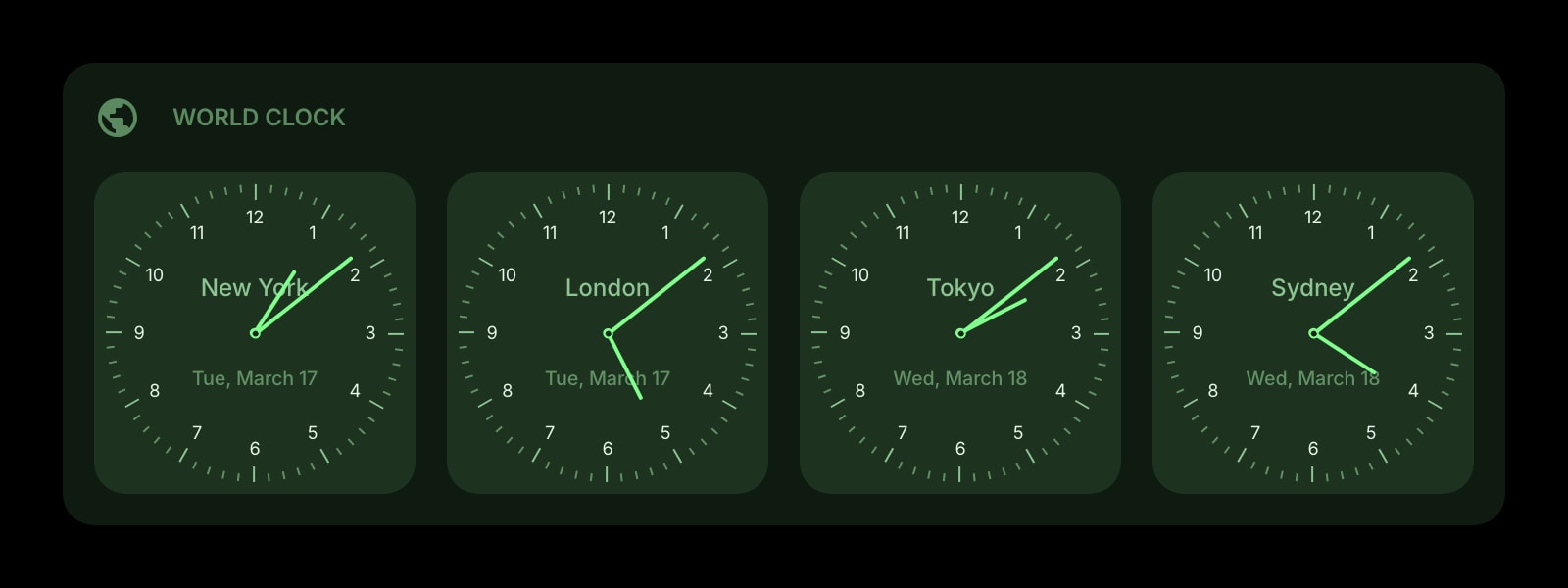
The cities from your iPhone's Clock app, on Safari's new tab instead: installed from the App Store, with the same clocks on your Mac and your iPhone.
Install on Safari
The Safari-specific flow, start to finish.
- 1Install Start Page HQ from the Mac App Store and open the app once. In Safari, go to Settings → Extensions, tick Start Page HQ, and allow the permissions it requests.
- 2Open a new tab. The dashboard replaces Safari's Start Page. Click the gear icon in the bottom right and choose Add Widget → World Clock.
- 3Click Add Clock, name it, and pick the time zone from the searchable list of offsets and cities. Repeat for each city.
- 4In the widget settings, choose the watchface or digital style. The rich item style gives every clock a light face in daytime and a dark one at night.
- 5On iPhone or iPad, install the same app, enable it under Settings → Safari → Extensions, and sign in. Your clocks are already there.
What World Clock Does
A short tour of the widget. Already sold? Skip ahead.
- A clock per city, with your label and its time zone.
- Analog faces or a digital readout, with optional date and weekday.
- Light faces from 6:00 to 18:00 local time, dark ones overnight.
- Daylight saving handled for each zone automatically.
- One list on your account, shown in Safari on Mac, iPhone, and iPad.
Notes for Safari Users
The rich style borrows the idea of the Clock app on iPhone: a clock is light between 6:00 and 18:00 in its own zone and dark the rest of the time, so a row of faces shows at a glance who is at work and who is asleep. The cities are not read from the Clock app or iCloud. They are stored on your Start Page HQ account, which is why the same list appears in Safari on the Mac and the iPhone without an iCloud setting, and in Chrome or Firefox if you use those elsewhere.
Unlike Chrome and Firefox, Safari does not ship its own time zone data. It uses the one built into macOS and iOS, and Apple updates it through system updates. If a clock is off by an hour after a country changes its daylight saving rules, a pending macOS or iOS update is the likely fix, not a Safari one. On iPhone, Safari freezes tabs it moves to the background. Every clock reads the system time whenever it draws, so the faces are right the moment you return.
Other Widgets You Might Add
Pair the World Clock widget with these. One install gets you all of them.
Date & Time
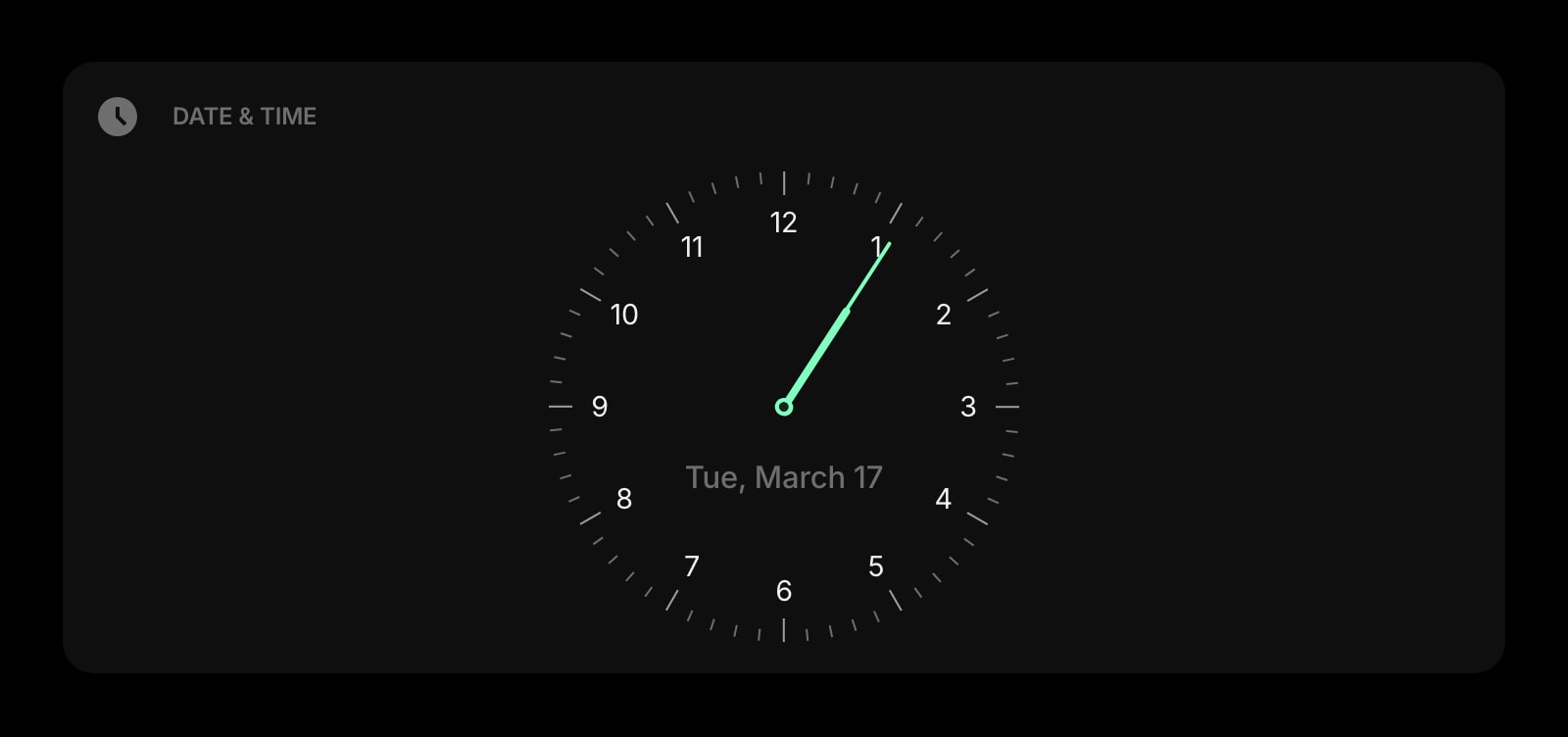
Your local time, large, as the first thing on the tab.
Weather
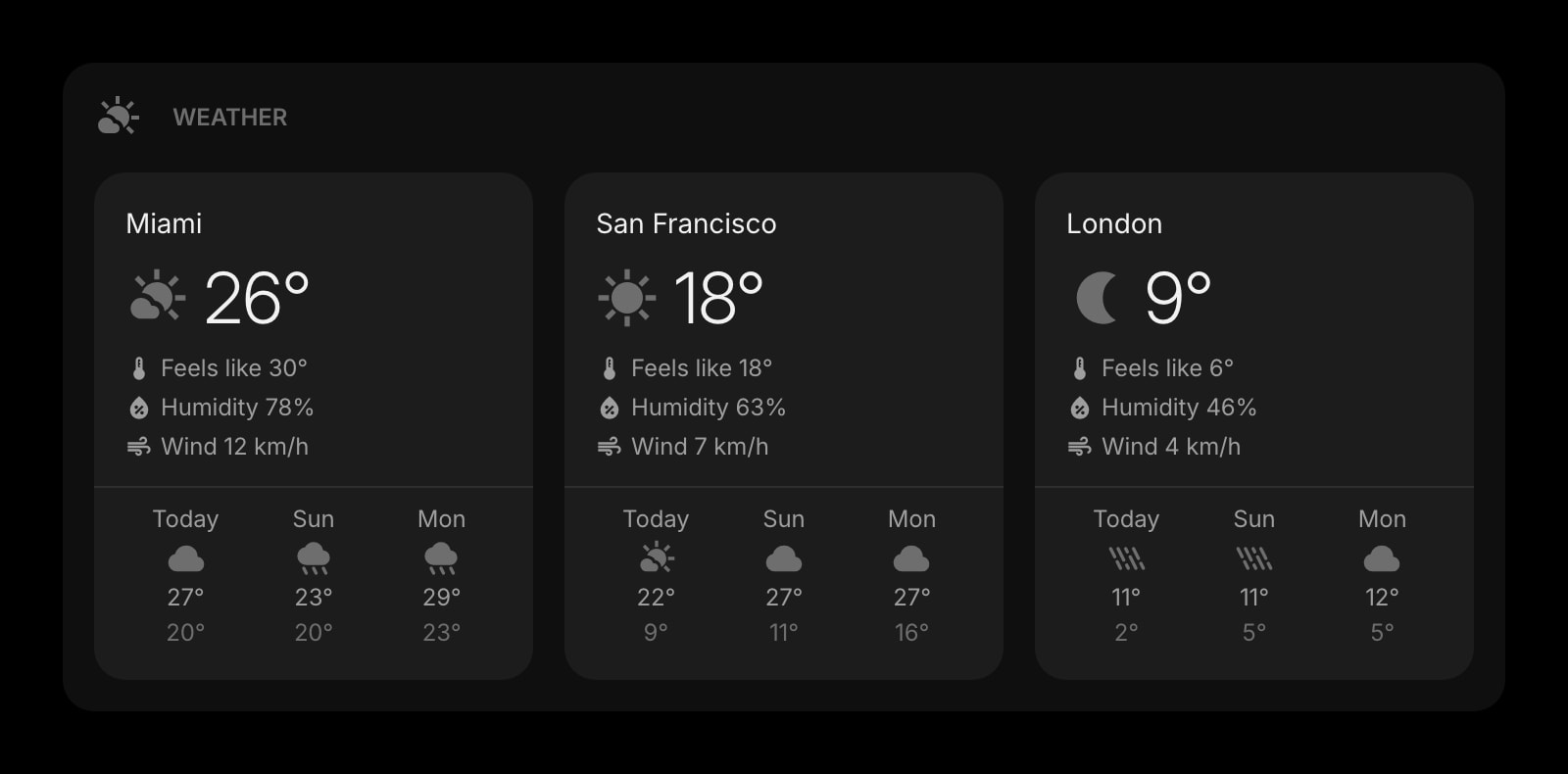
Current conditions for the cities on your clocks.
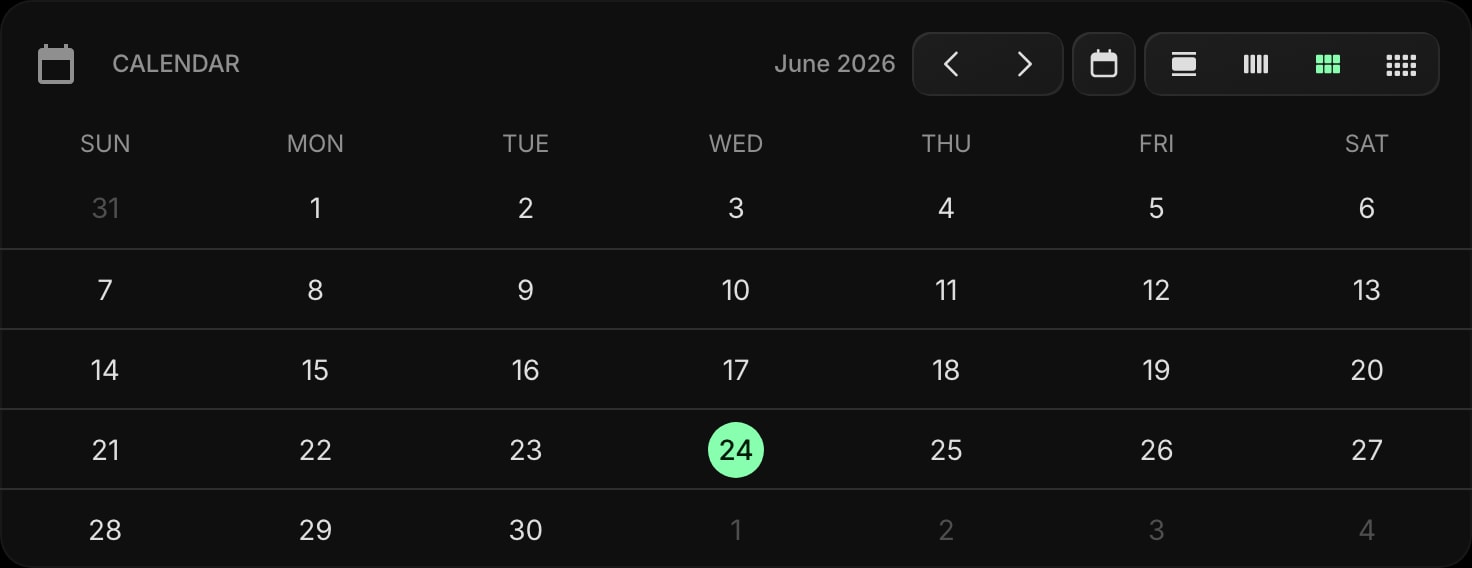
Calendar
The month at a glance, for trips across zones.
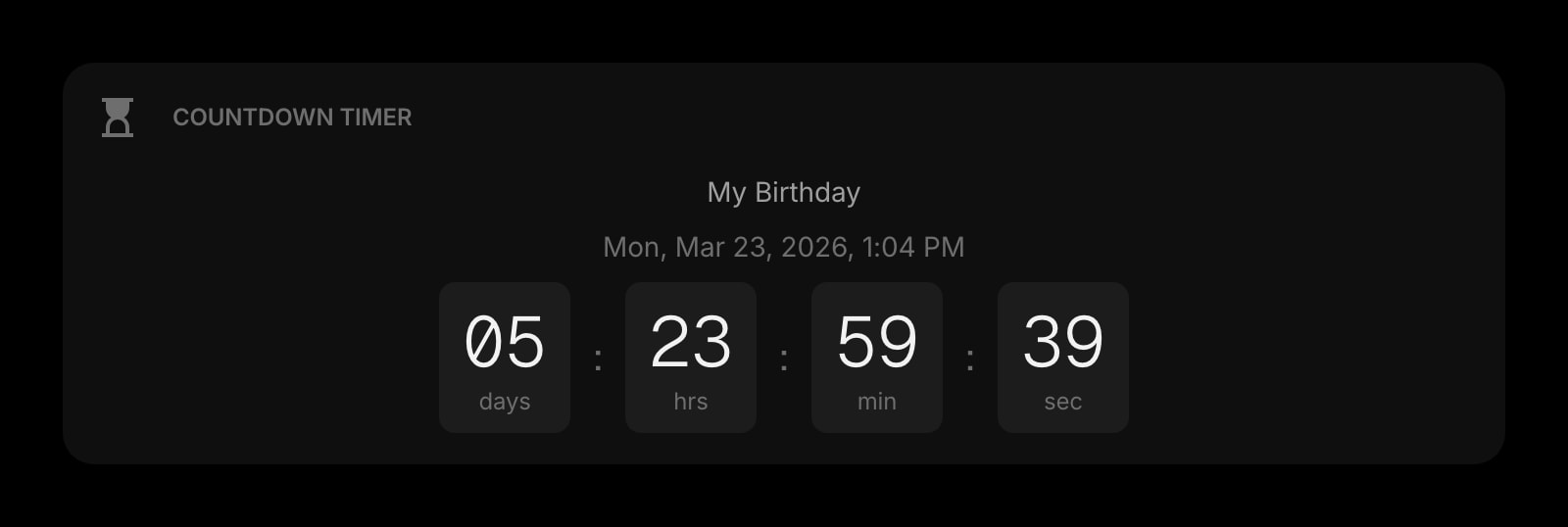
Countdown Timer
Days until the flight, next to the time where you land.

Photo Frame
Pictures from the places your clocks are set to.
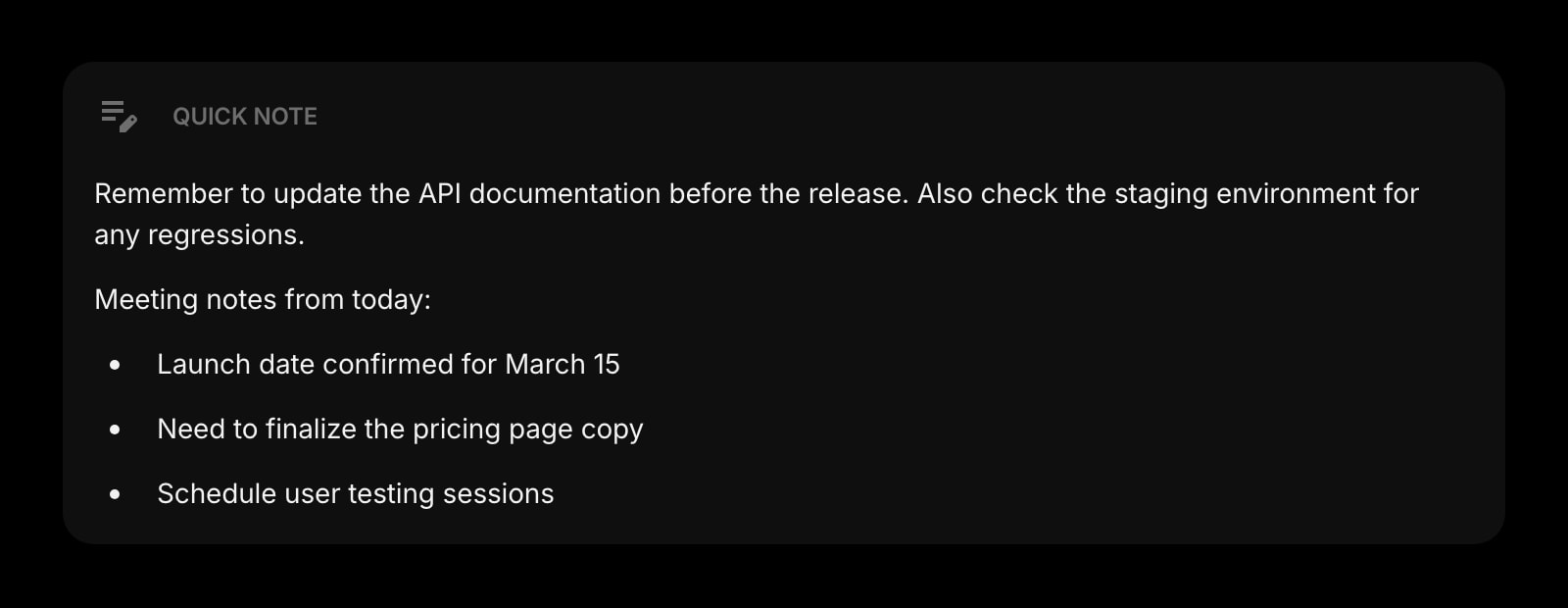
Quick Note
The dial-in number for the call in the other zone.
The World Clock widget is one of 50+ in Start Page HQ. Tasks, notes, RSS, AI tools, dev utilities — the same install gives you all of them. Start free with 8 widgets on a page, or lift every limit at $4/month, $24/year, or $48 lifetime.
Frequently Asked Questions
No. The Clock app keeps its cities on the device and in iCloud, and Apple does not expose them to Safari extensions. You add the cities once in the widget, and they sync through your Start Page HQ account to every Mac, iPhone, and iPad you sign into.
Open the app once, then tick Start Page HQ under Safari → Settings → Extensions on the Mac. On iPhone or iPad, go to the Settings app → Safari → Extensions and turn it on with Allow.
The App Store app runs on macOS 12.4 or later and iOS 15 or later. One free download covers both, and the Safari extension is inside the app.
Safari takes time zone rules from macOS or iOS. When a country changes its rules, the fix arrives as a system update, so install any pending macOS or iOS update and the clock corrects itself.
Add the World Clock Widget to Safari
Free plan, no credit card — see plans or try the demo without installing.