
World Clock Widget for Chrome
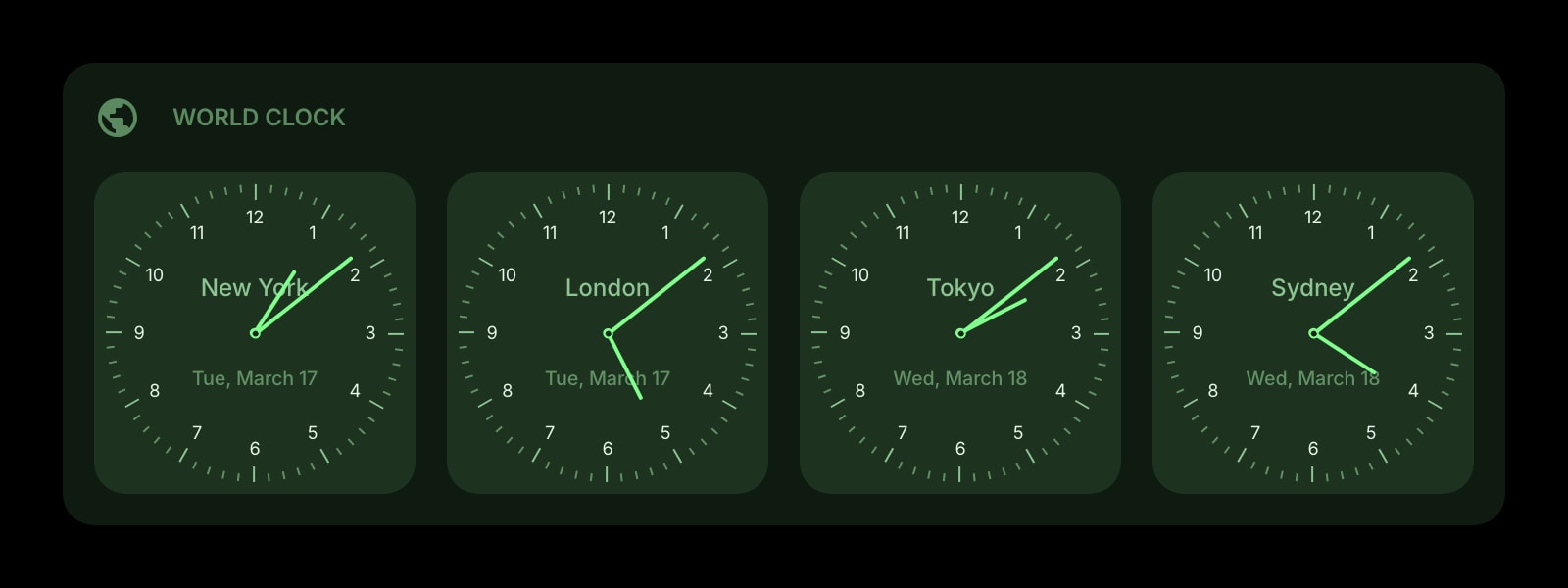
Chrome's own New Tab page has shortcuts, a theme, and a search box, but no clock. This puts the time in every city you work with on each Chrome new tab, as analog faces or a digital readout.
Install on Chrome
The Chrome-specific flow, start to finish.
- 1Open the Start Page HQ listing in the Chrome Web Store, click "Add to Chrome", and confirm with "Add extension".
- 2Open a new tab. If Chrome asks whether to keep the changed new tab page, choose "Keep it" so the dashboard stays.
- 3Click the gear icon in the bottom right of the dashboard and choose Add Widget → World Clock.
- 4Click Add Clock, type a label such as "Berlin office", and pick the time zone from the searchable list. The list shows each zone's UTC offset and its main cities, so "Kolkata" or "Sydney" finds the right one.
- 5Repeat for every city, then drag the clocks into the order you want. In the widget settings choose watchface or digital, and 12-hour, 24-hour, or auto.
What World Clock Does
A short tour of the widget. Already sold? Skip ahead.
- As many clocks as you need, each with your own label and an IANA time zone.
- Analog watchface or digital readout, with or without the date and weekday.
- Daylight saving changes handled automatically for every zone.
- A day or night look per clock, so you see at a glance who is asleep.
- Clocks reorder by drag and drop and sync to every device you sign into.
Notes for Chrome Users
Chrome ships its own copy of the IANA time zone database inside the browser and refreshes it with each Chrome release. The widget hands every clock's zone to that database, so daylight saving switches and one-off rule changes, such as a country dropping DST, show up correctly as long as Chrome is current. If a single clock is suddenly an hour off while the others are right, check chrome://settings/help for a pending update before anything else.
The "auto" time format uses the default of the language Chrome itself runs in, so a Chrome running in English (United States) shows 12-hour clocks even on a machine in Germany. Pick 24-hour in the widget settings if that is not what you want. Clocks are stored on your Start Page HQ account rather than in the Chrome profile, so a work profile and a personal profile can show different city lists by signing into different accounts, or the same list by signing into one.
Other Widgets You Might Add
Pair the World Clock widget with these. One install gets you all of them.
Date & Time
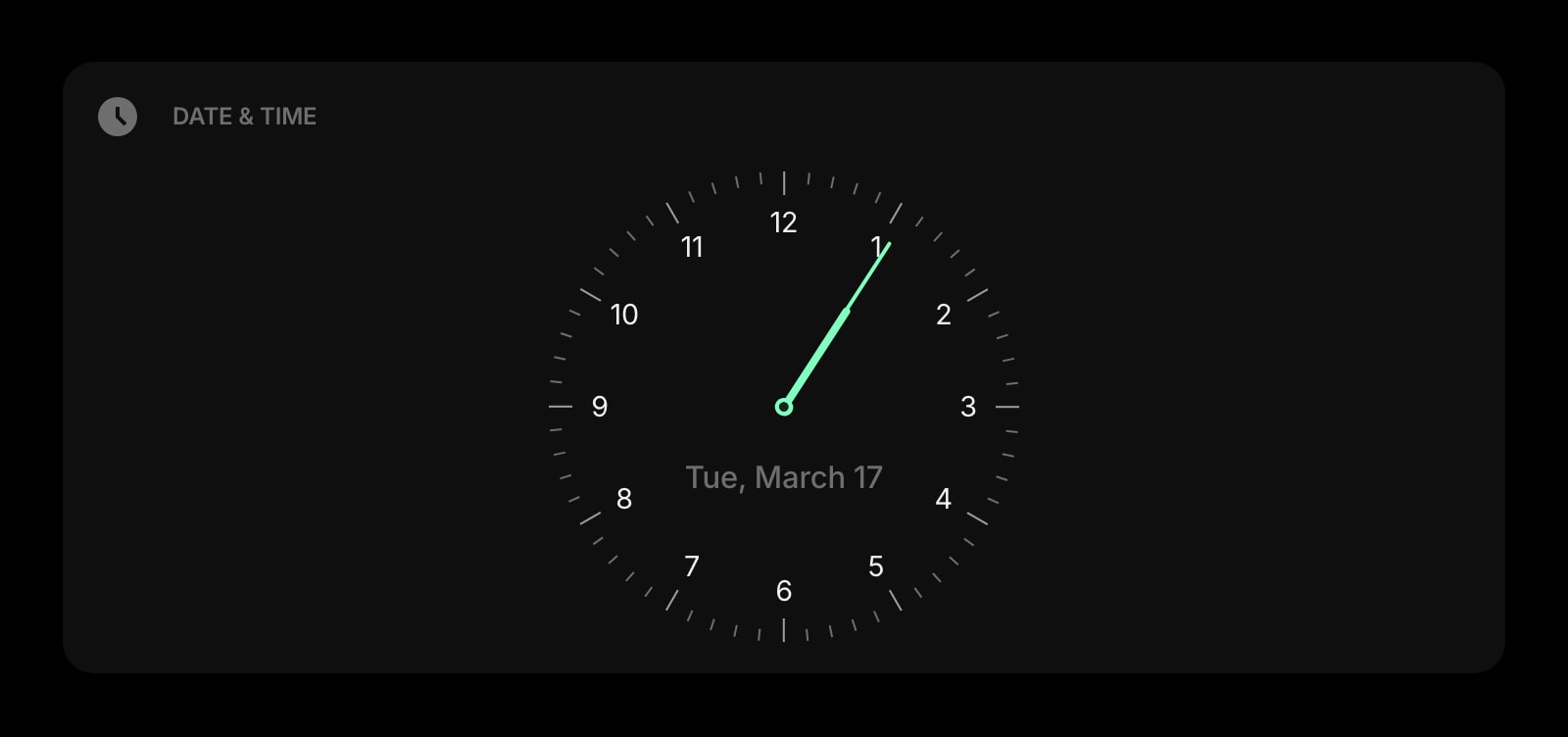
Your own local time and date, large, above the world clocks.
Weather
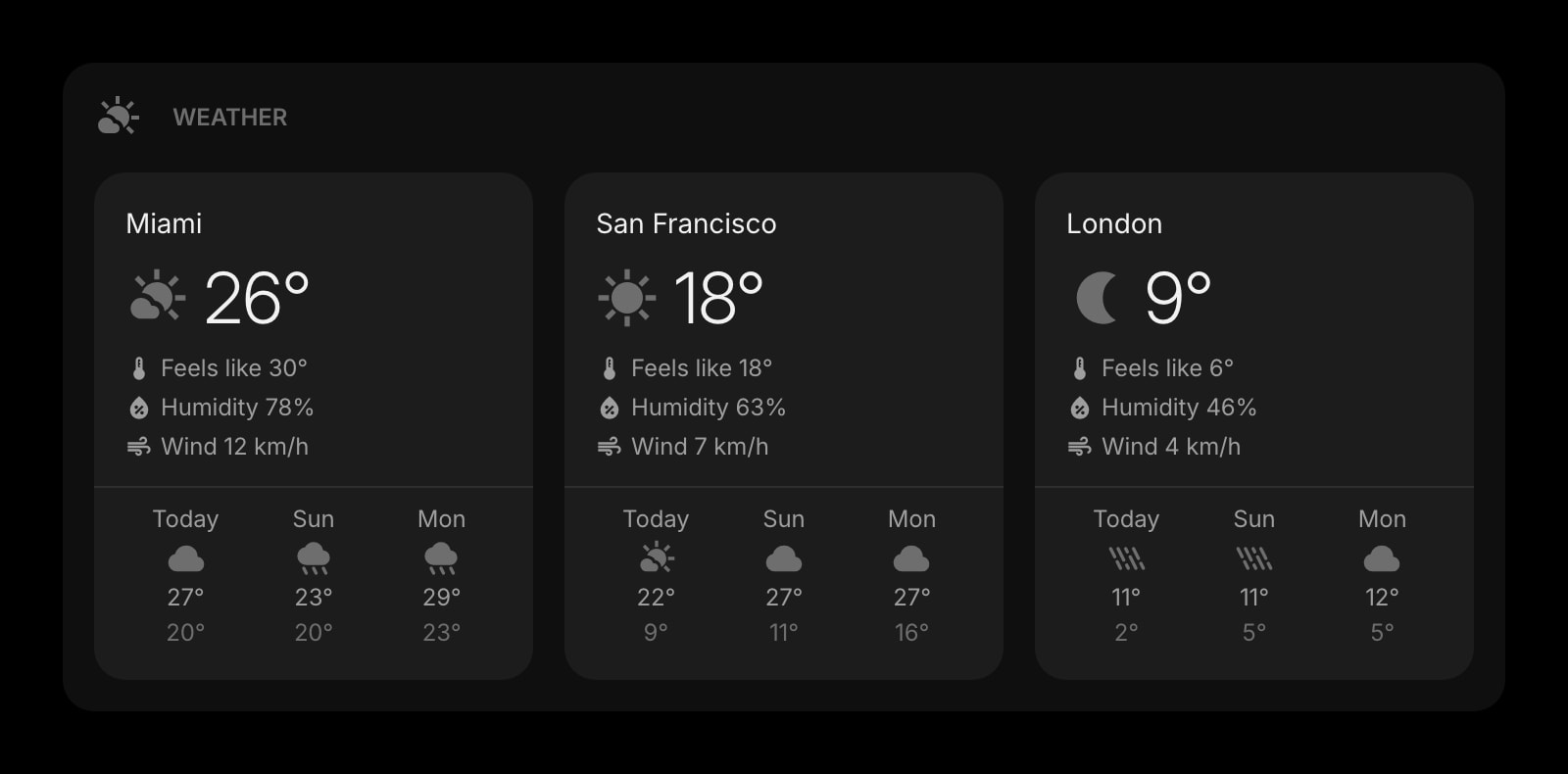
The forecast for the same cities, so you know if the call is from a heatwave.
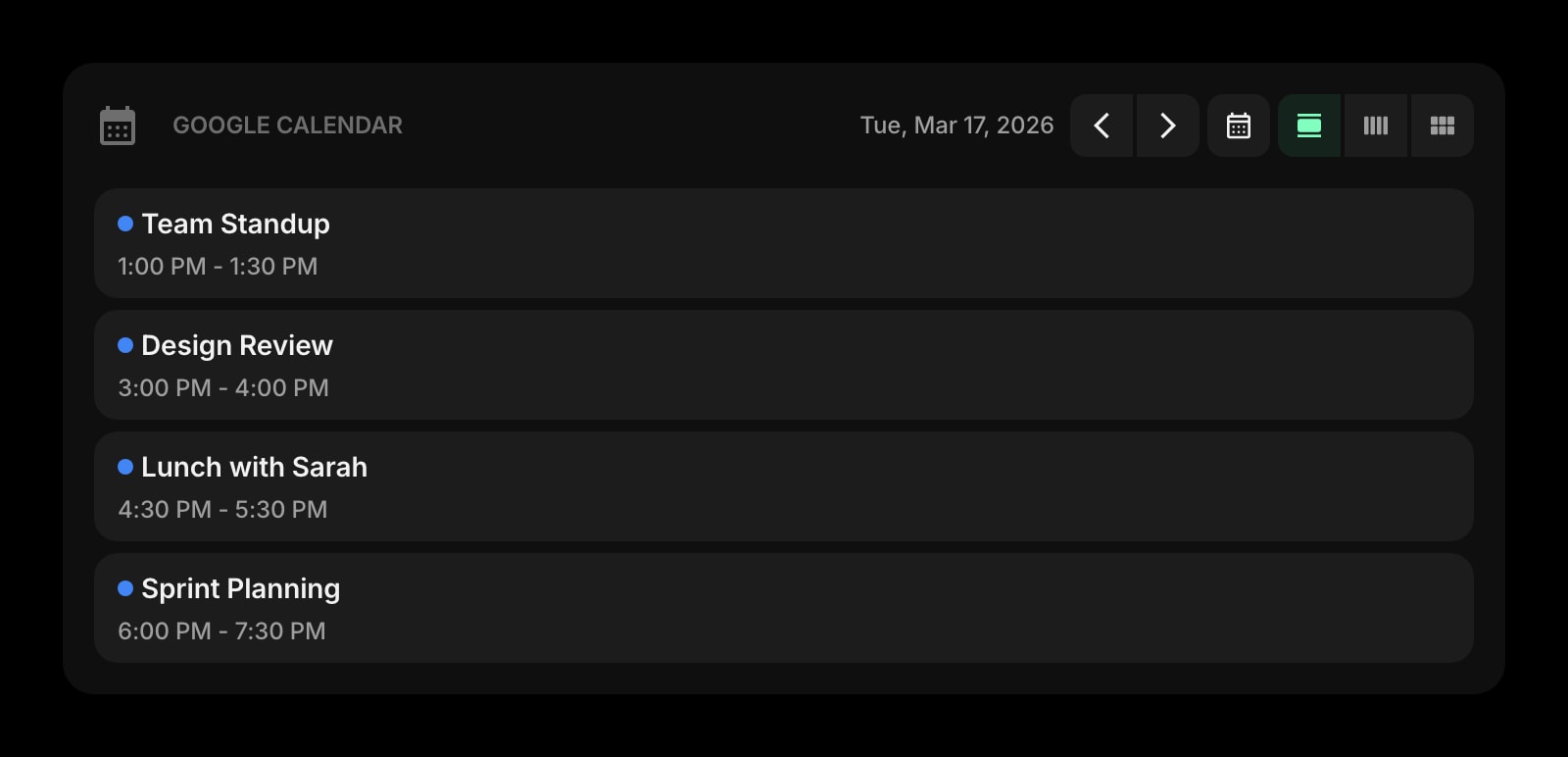
Google Calendar
Today's meetings, next to the clocks that tell you if they're at a sane hour for everyone.
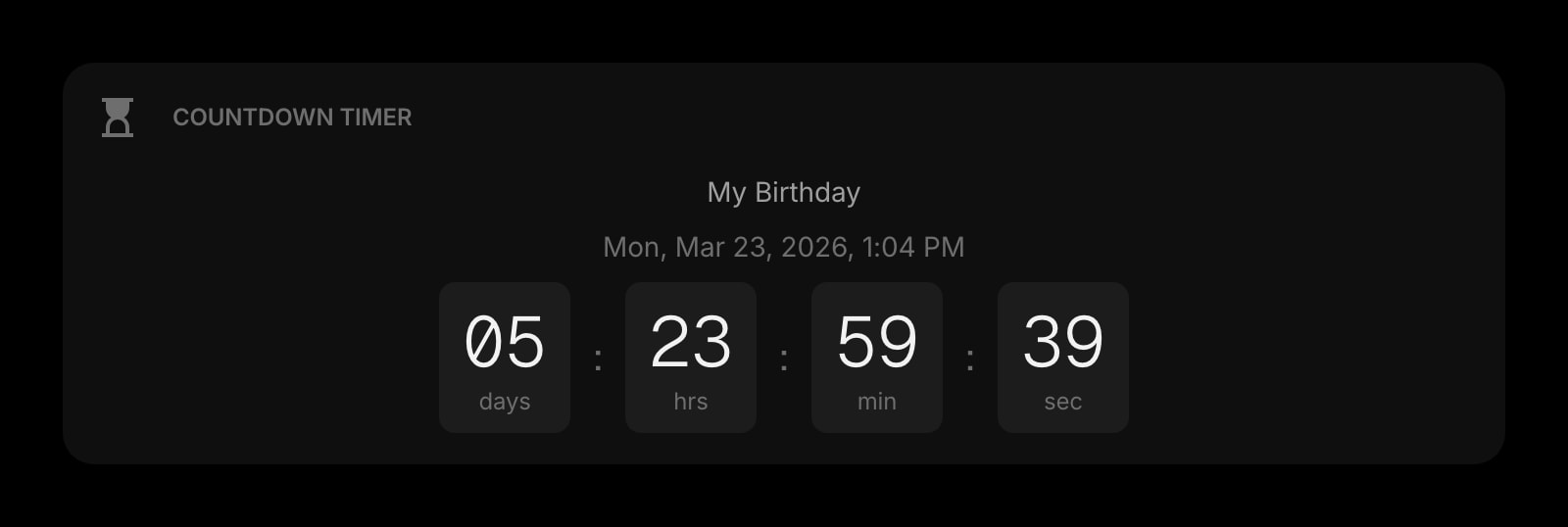
Countdown Timer
A launch or deadline in one time zone, counting down for all.
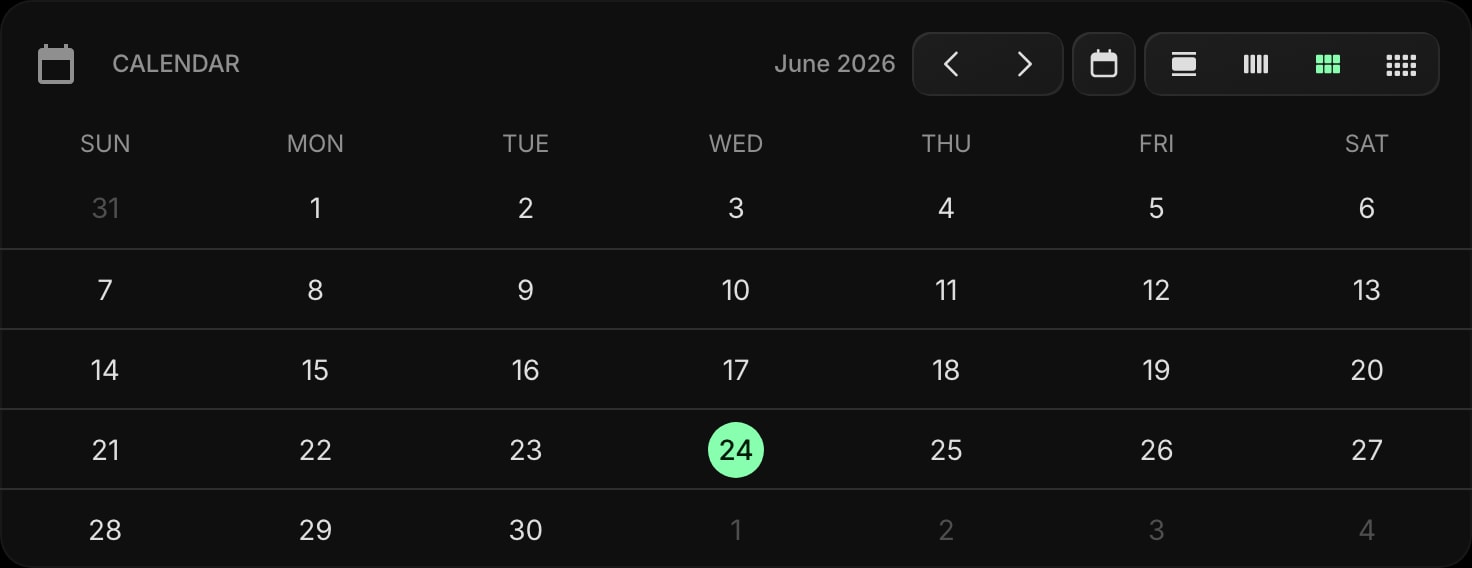
Calendar
A month view for planning trips across those time zones.
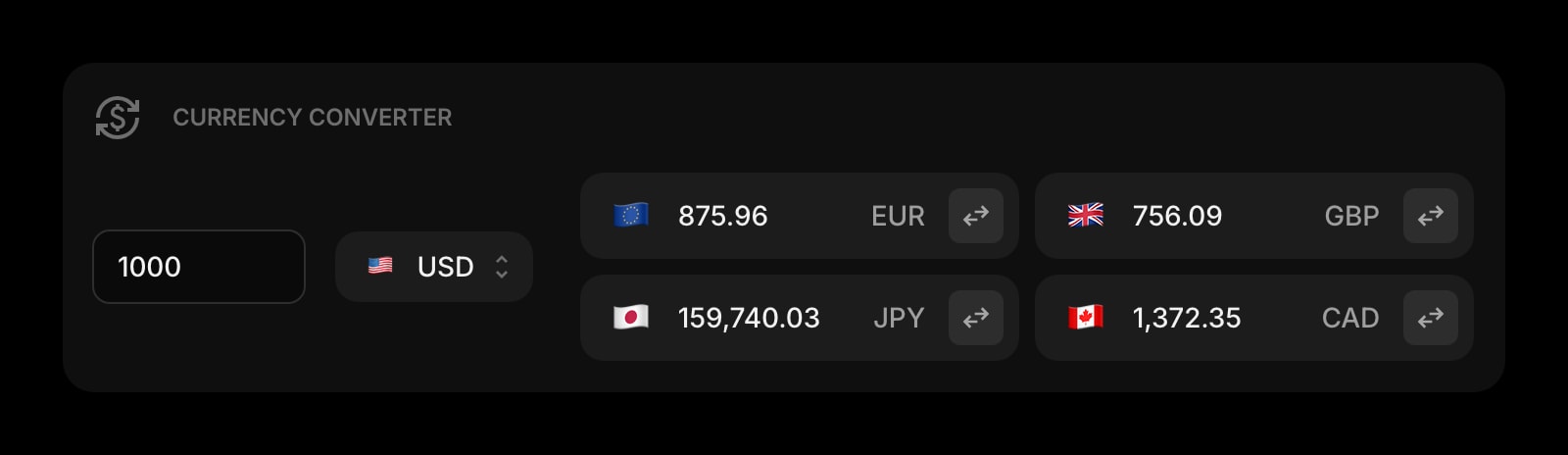
Currency Converter
For the invoices that come with the international team.
The World Clock widget is one of 50+ in Start Page HQ. Tasks, notes, RSS, AI tools, dev utilities — the same install gives you all of them. Start free with 8 widgets on a page, or lift every limit at $4/month, $24/year, or $48 lifetime.
Frequently Asked Questions
Not inside Chrome's own New Tab page. The Customize Chrome panel controls the background, shortcuts, and color, and has no clock or widget option. Start Page HQ replaces the new tab with a dashboard, and the World Clock is one widget on it.
The widget relies on Chrome's built-in time zone data. A clock that is off by exactly one hour after a rule change usually means Chrome is out of date. Updating Chrome from chrome://settings/help fixes it, because the time zone database ships with the browser.
Yes. Sign into the same Start Page HQ account and the clocks, labels, and order appear on that Chrome too. It does not depend on Chrome sync or on which Google account the Chrome profile uses.
Chrome on Android does not run extensions, so the new tab cannot be replaced there. Open startpagehq.com in Chrome on the phone and sign in. The hosted dashboard shows the same clocks.
Add the World Clock Widget to Chrome
Free plan, no credit card — see plans or try the demo without installing.