
Weather Widget for Safari
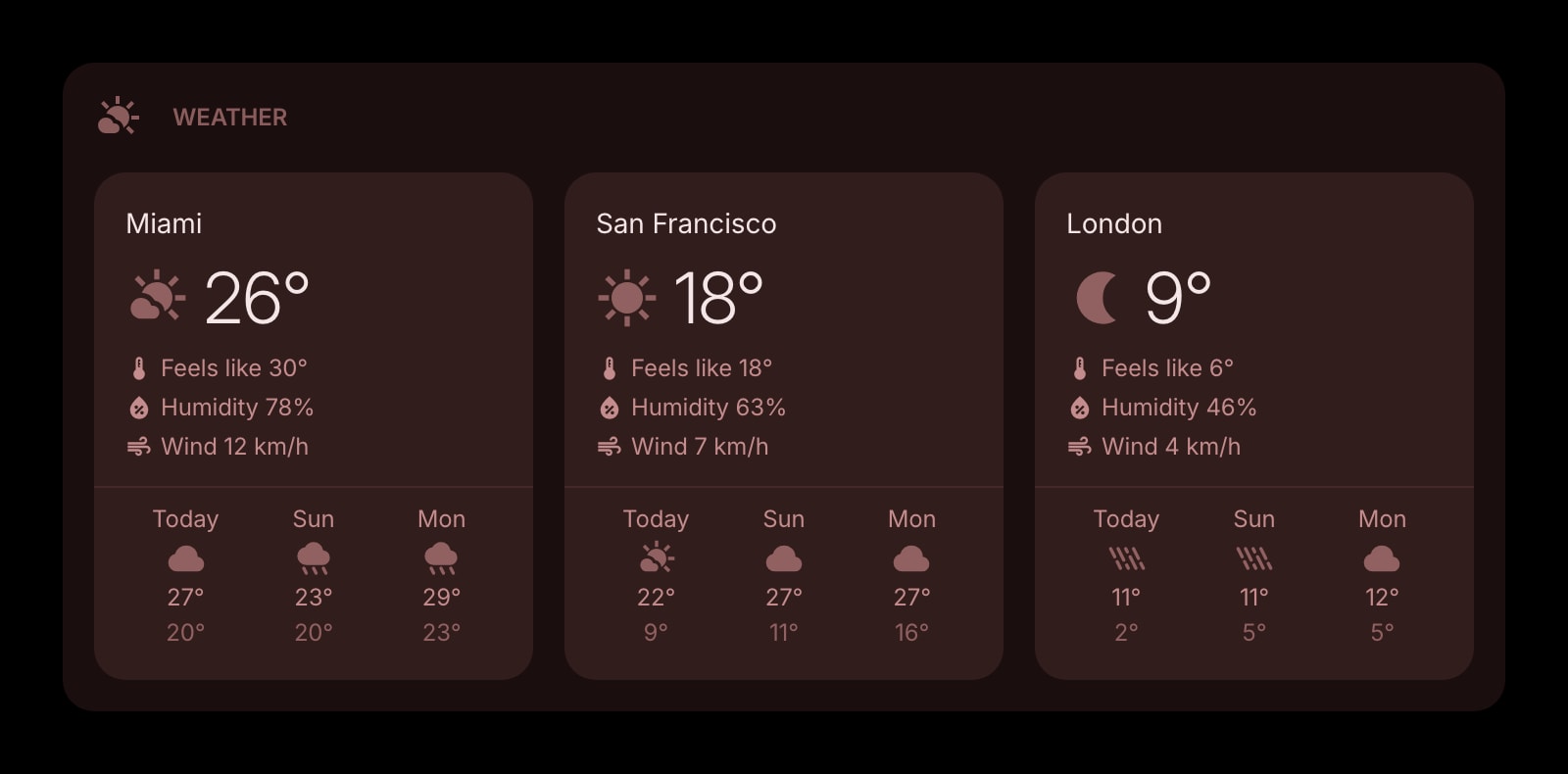
Safari's Start Page has no weather at all. Install once from the App Store and a live forecast for your cities appears on every new tab in Safari on your Mac, iPhone, and iPad.
Install on Safari
The Safari-specific flow, start to finish.
- 1On a Mac, install Start Page HQ from the Mac App Store and open it once. Then go to Safari → Settings → Extensions, tick Start Page HQ, and allow the permissions it asks for.
- 2On an iPhone or iPad, install the same app from the App Store, open the Settings app, go to Safari → Extensions, switch on Start Page HQ, and set it to Allow.
- 3Open a new tab in Safari. The dashboard loads in place of the Start Page. Click the gear icon in the bottom right and choose Add Widget → Weather.
- 4Search for a city and pick it from the list. Add more cities for more cards, each with current conditions and a 3-, 5-, or 7-day forecast.
- 5Sign in with the same account on the other device. The cities you added on the Mac are on the iPhone the next time Safari opens a tab.
What Weather Does
A short tour of the widget. Already sold? Skip ahead.
- Multiple cities side by side, each with its own forecast.
- Celsius or Fahrenheit, km/h or mph, switched per widget.
- 3-, 5-, or 7-day outlook.
- Open-Meteo data, refreshed in the background — no API key, no weather account.
- Clear, outline, solid, or a rich style with an AI-generated backdrop.
Notes for Safari Users
Apple's Start Page is the only major new tab with no weather — the Edit panel offers Favorites, Reading List, iCloud Tabs, Privacy Report, and a background image, and that is the list. Safari also keeps most new-tab extensions out, because a Safari extension has to ship inside a Mac or iOS app through the App Store, and few projects bother. Start Page HQ does: one App Store listing covers macOS 12.4 and later plus iOS and iPadOS 15 and later, so the Weather widget you set up on the Mac is the same one you see on the iPhone's new tab.
That cross-device part is what Safari users usually want and what Apple only half provides. "Use Start Page on All Devices" syncs the Start Page toggles through iCloud, but there is no widget to sync. The Weather widget stores its cities on your Start Page HQ account instead, so the sync is not tied to iCloud at all — and it reaches beyond Safari, to Chrome or Firefox on a work machine, if you sign in there too.
Other Widgets You Might Add
Pair the Weather widget with these. One install gets you all of them.
Date & Time
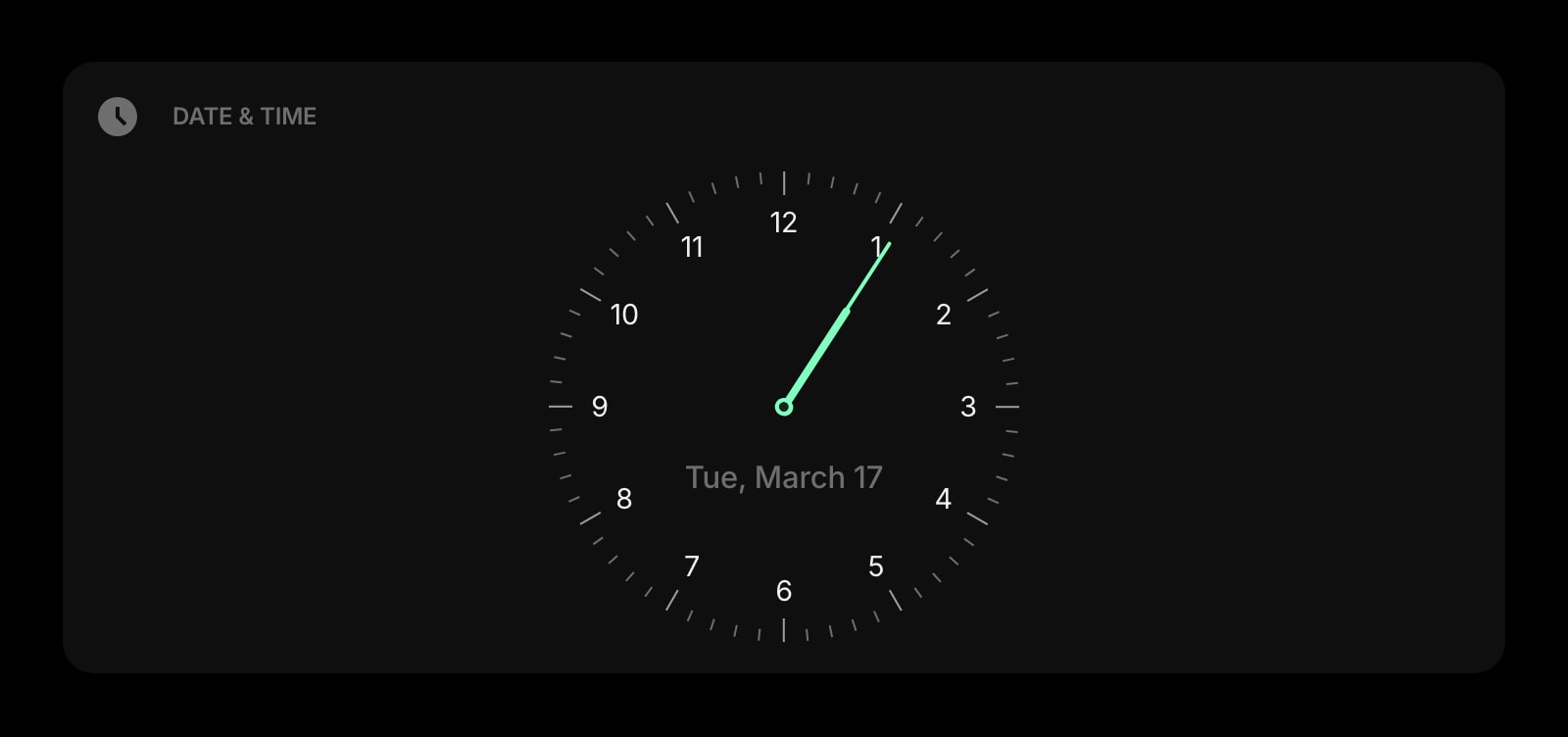
A clock next to the forecast, the way a lock screen puts them together.
World Clock
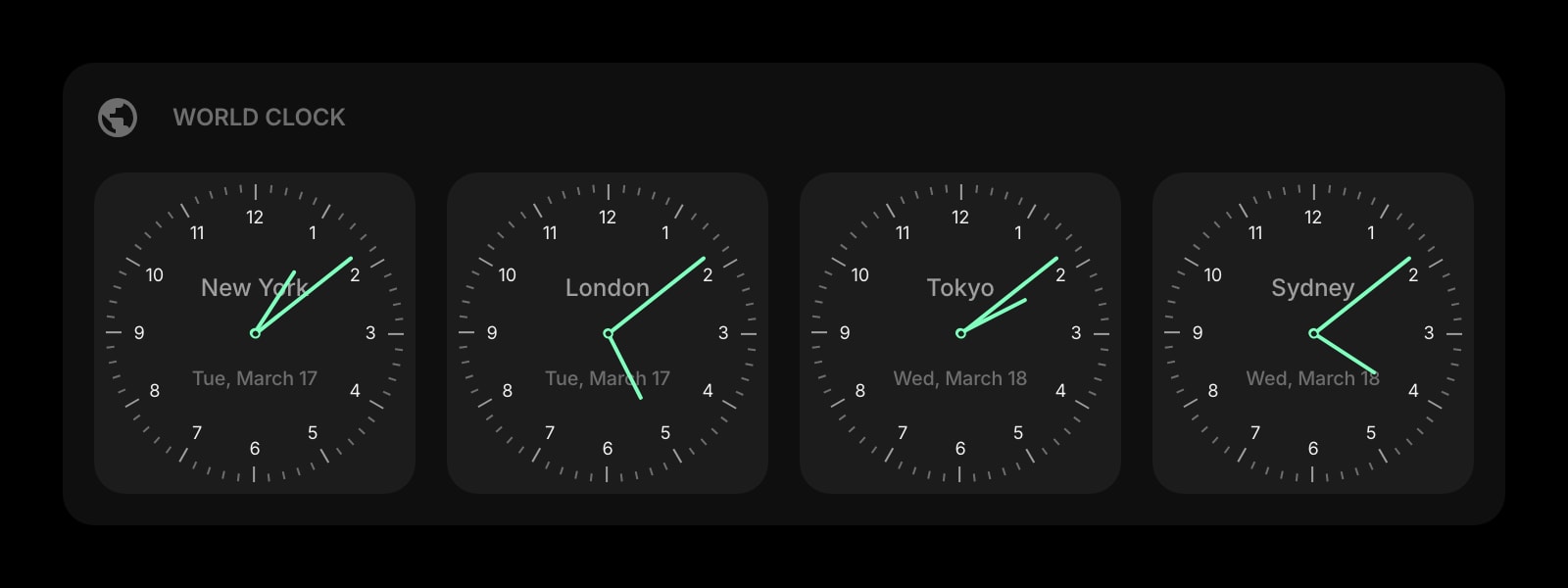
Local time in each city whose weather you follow.
Links
Your favorites, kept — the one part of Safari's Start Page worth carrying over.
News
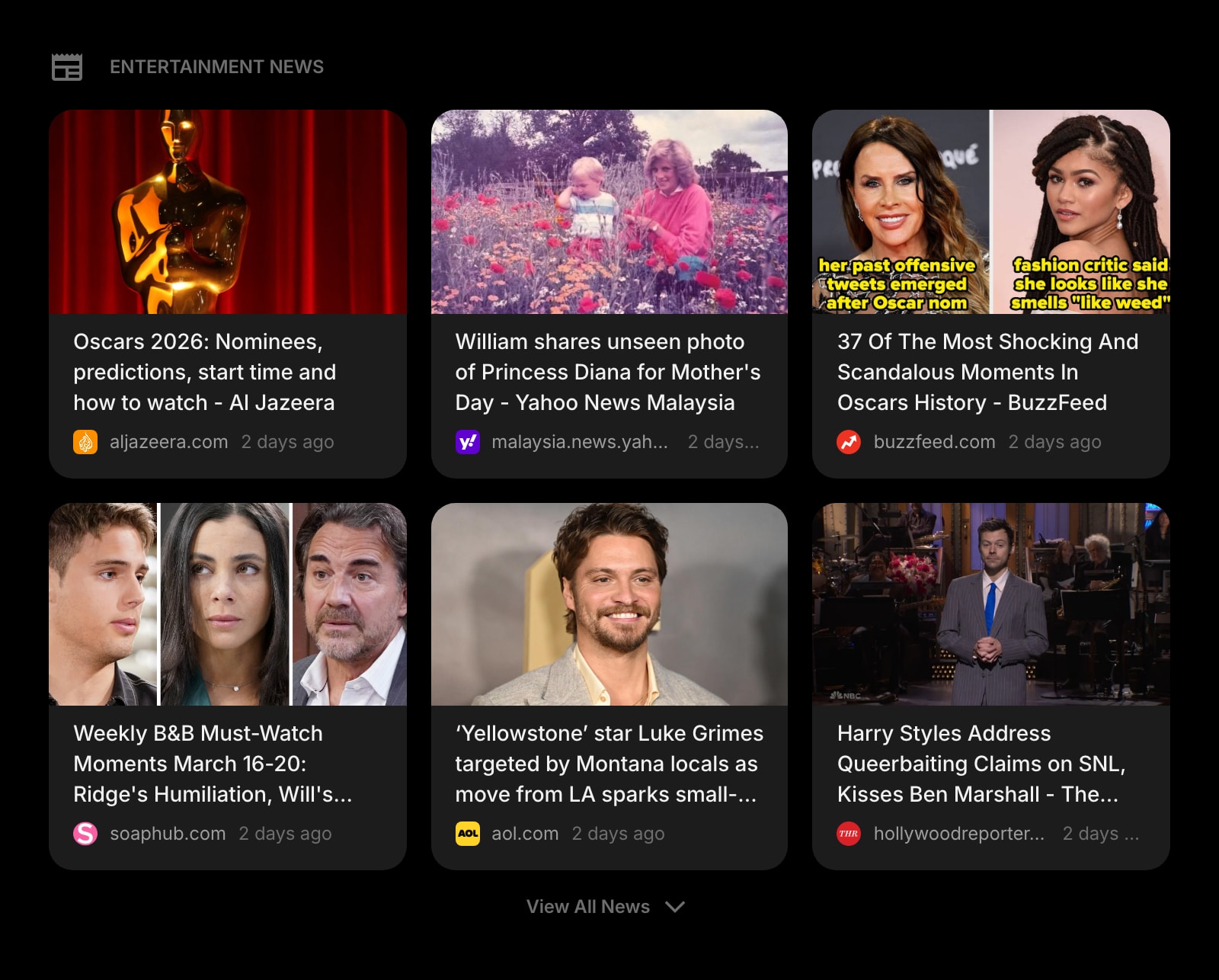
Headlines for the region the forecast covers.
Todo
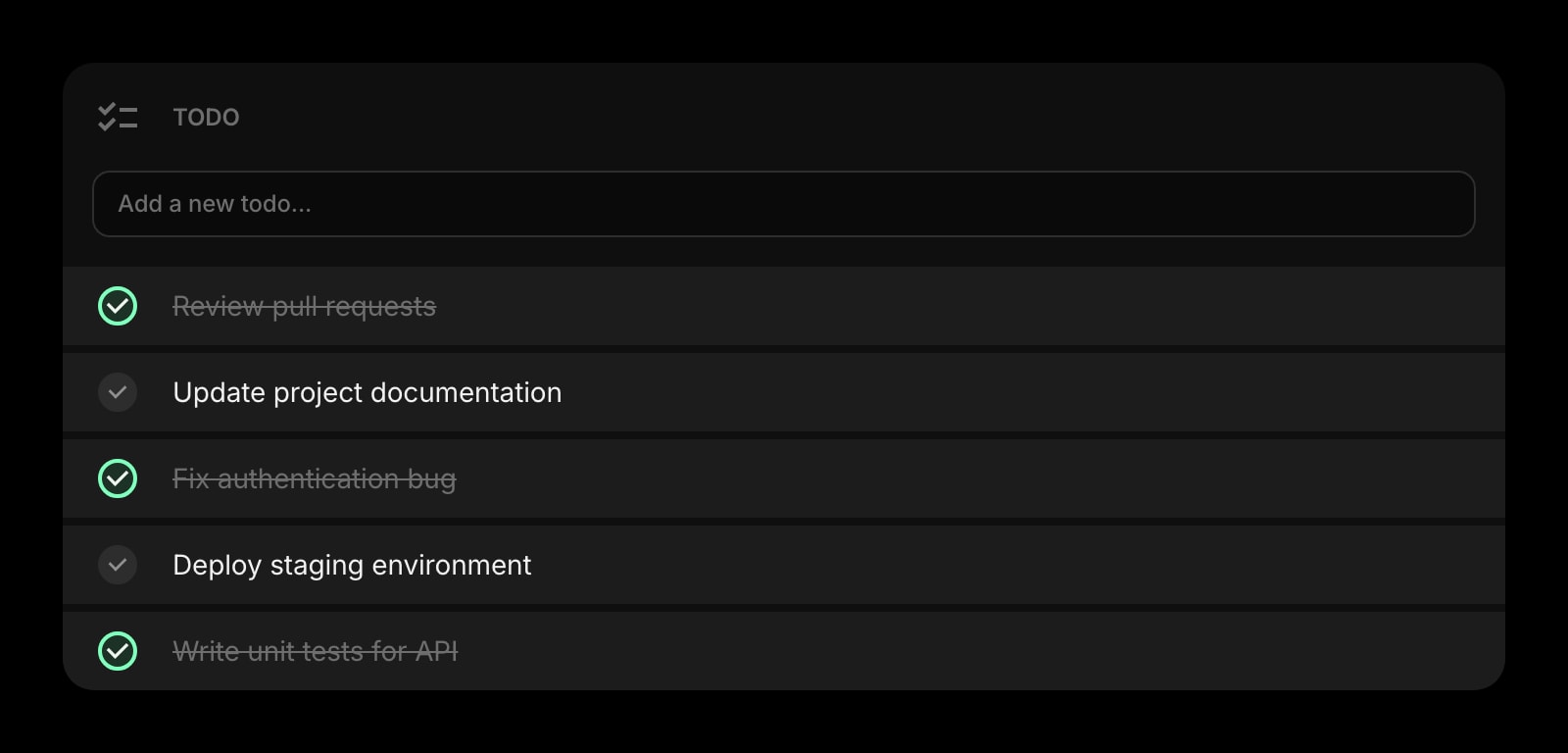
Today's short list under today's sky, on the Mac and the phone.

Daily Quote
A line of text to soften a row full of numbers.
The Weather widget is one of 50+ in Start Page HQ. Tasks, notes, RSS, AI tools, dev utilities — the same install gives you all of them. Start free with 8 widgets on a page, or lift every limit at $4/month, $24/year, or $48 lifetime.
Frequently Asked Questions
On a Mac, open the app once, then tick Start Page HQ under Safari → Settings → Extensions and allow its permissions. On an iPhone or iPad, open the Settings app, go to Safari → Extensions, switch it on, and set it to Allow. A new tab in Safari then shows the dashboard.
Yes. The same App Store app installs the Safari extension on iOS and iPadOS 15 and later, and the new tab in Safari shows your dashboard with the same cities. There is nothing to configure twice.
Only if you tap "Current Location" in the widget, which uses the browser's location prompt. Cities added by name are looked up by name and never trigger a location request, on the Mac or the phone.
Untick Start Page HQ under Safari → Settings → Extensions on the Mac, or switch it off under Settings → Safari → Extensions on iOS. Safari's own Start Page returns immediately, with your favorites and background image as they were.
Add the Weather Widget to Safari
Free plan, no credit card — see plans or try the demo without installing.