

Weather Widget for Firefox
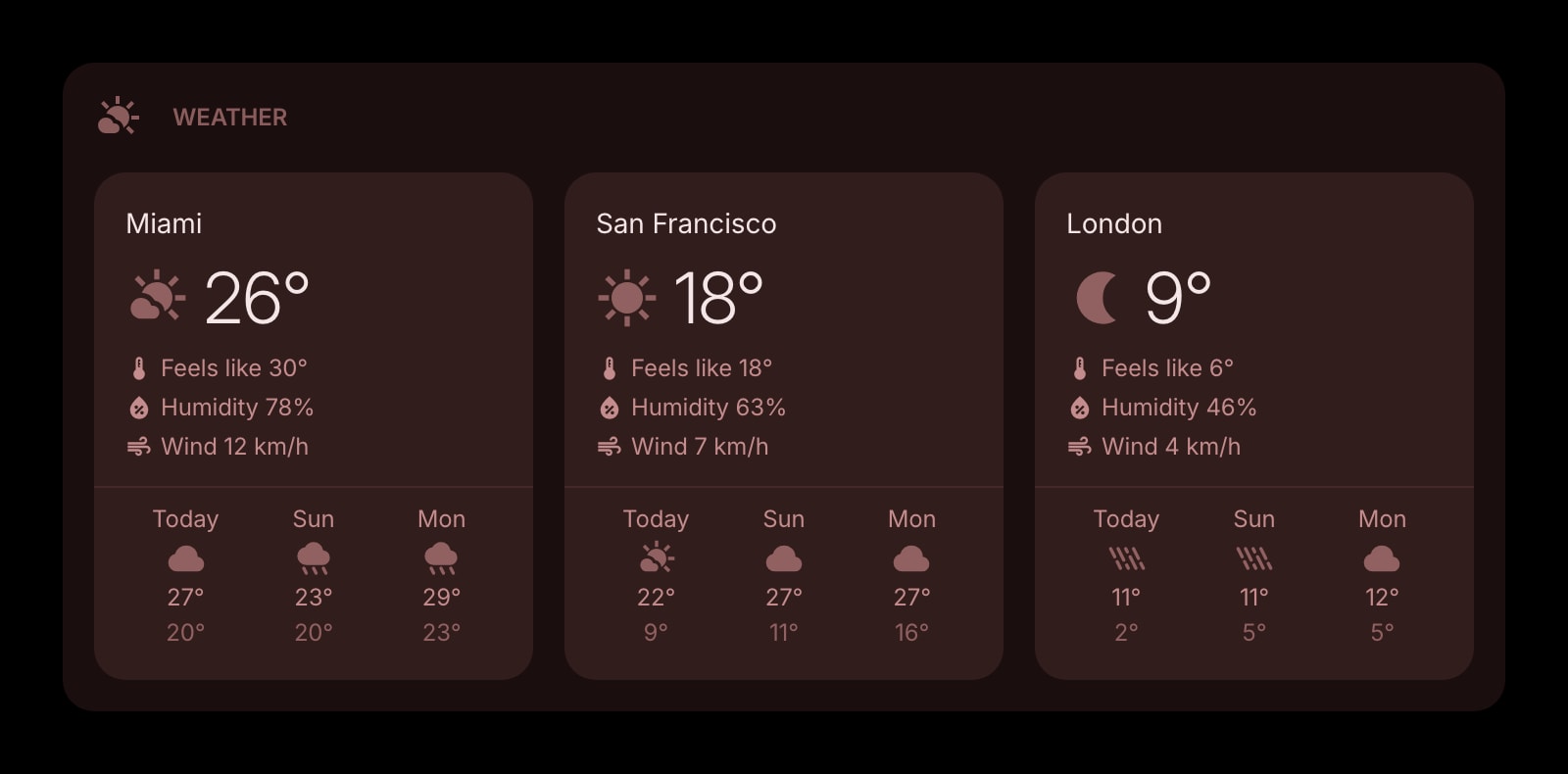
Firefox Home already shows a weather chip for one location that never leaves that copy of Firefox. This widget gives you several cities with a real forecast, synced to every Firefox you sign into.
Install on Firefox
The Firefox-specific flow, start to finish.
- 1Open the Start Page HQ listing on Firefox Add-ons (addons.mozilla.org) and click "Add to Firefox". The prompt lists one permission, "Access browser tabs", and notes that the add-on does not require data collection. Click "Add".
- 2Open a new tab. Firefox shows a bar explaining that an extension changed your new tab page — click "Keep Changes". Skip that click and Firefox keeps asking on later tabs.
- 3On the dashboard, click the gear icon in the bottom right and choose Add Widget → Weather.
- 4Type a city name and pick it from the results. Repeat for every city you want; each one gets its own card with current conditions and a 3-, 5-, or 7-day forecast.
- 5If you would rather use where you are right now, click "Current Location" inside the widget. Firefox asks for location permission once; tick "Remember this decision" so it does not ask on the next tab.
What Weather Does
A short tour of the widget. Already sold? Skip ahead.
- Several cities on one dashboard, each with its own forecast card.
- Celsius or Fahrenheit, km/h or mph, per widget.
- Forecast windows of 3, 5, or 7 days.
- Powered by Open-Meteo, refreshed in the background with no API key or account on their side.
- Four looks — clear, outline, solid, and a rich style with an AI-generated backdrop.
Notes for Firefox Users
Firefox Home ships a weather widget of its own now — the small forecast chip in the corner of the new tab that expands into a short-term outlook. It tracks a single location, and like the rest of Firefox's built-in widgets it is stored locally and does not sync, so a second computer starts over. When Start Page HQ takes over the new tab, that chip goes away with the rest of Firefox Home, and the Weather widget here replaces it with as many cities as you like, saved on your Start Page HQ account rather than in the Firefox profile.
That account-based storage is also what sidesteps the usual Firefox trap of profile-bound settings. Whether you run several Firefox profiles, use Firefox Developer Edition alongside release, or wipe and reinstall the browser, signing into Start Page HQ brings your cities, units, and forecast window back exactly. Nothing depends on Firefox Sync being switched on.
Other Widgets You Might Add
Pair the Weather widget with these. One install gets you all of them.
Date & Time
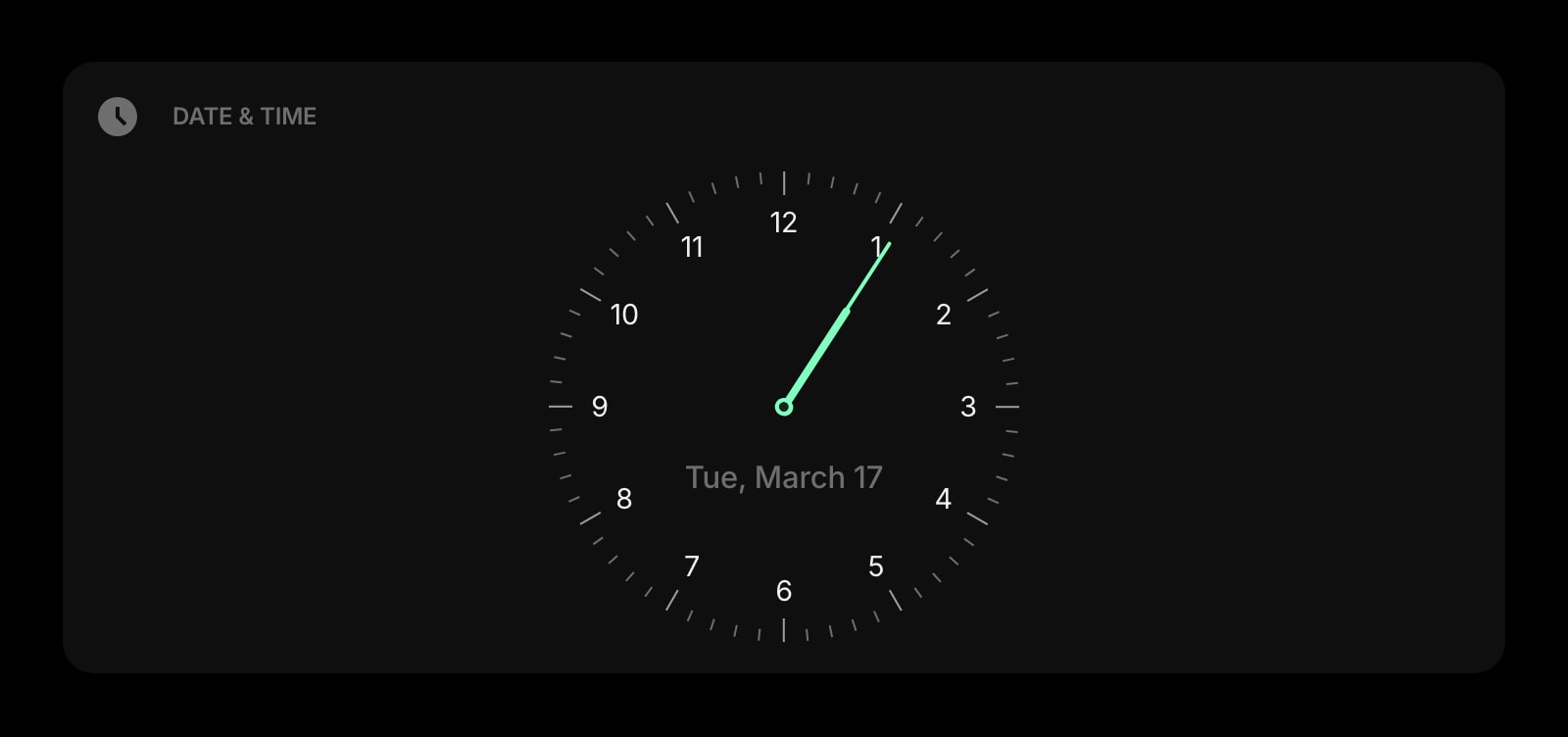
A clock and date beside the forecast — the pair most people put in the top row.
World Clock
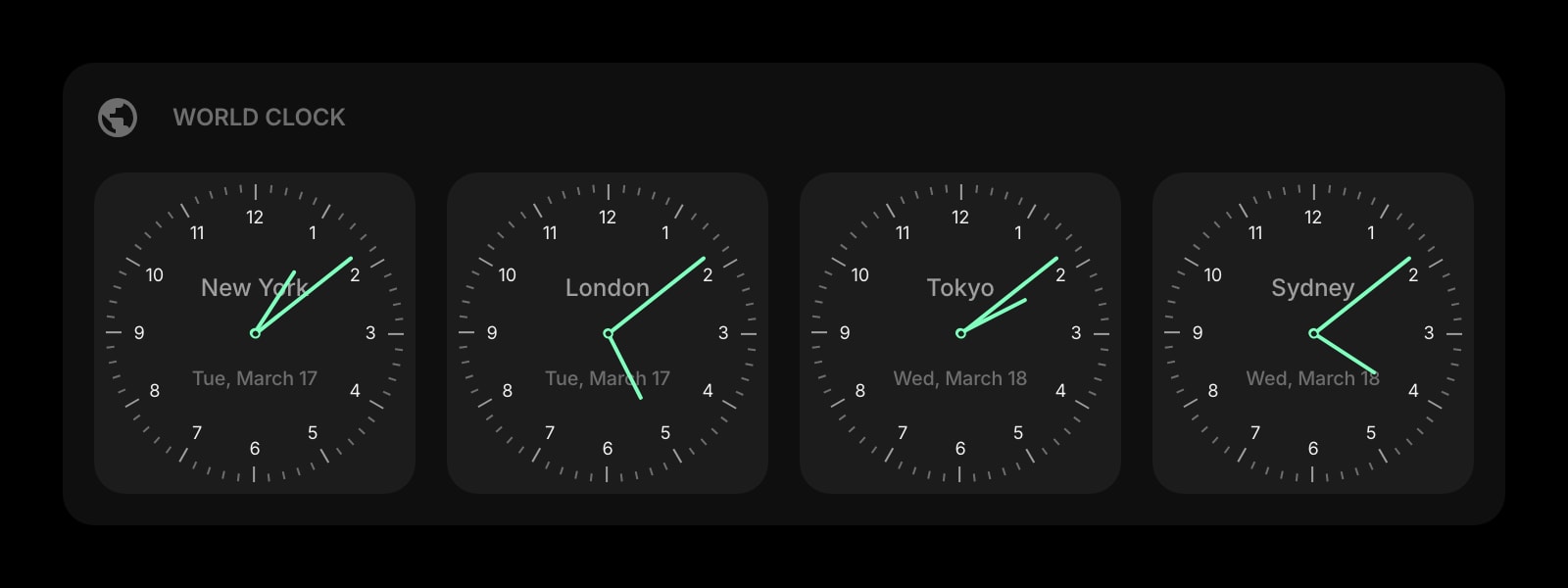
Time zones for the same cities you watch the weather in, on the same row.
News
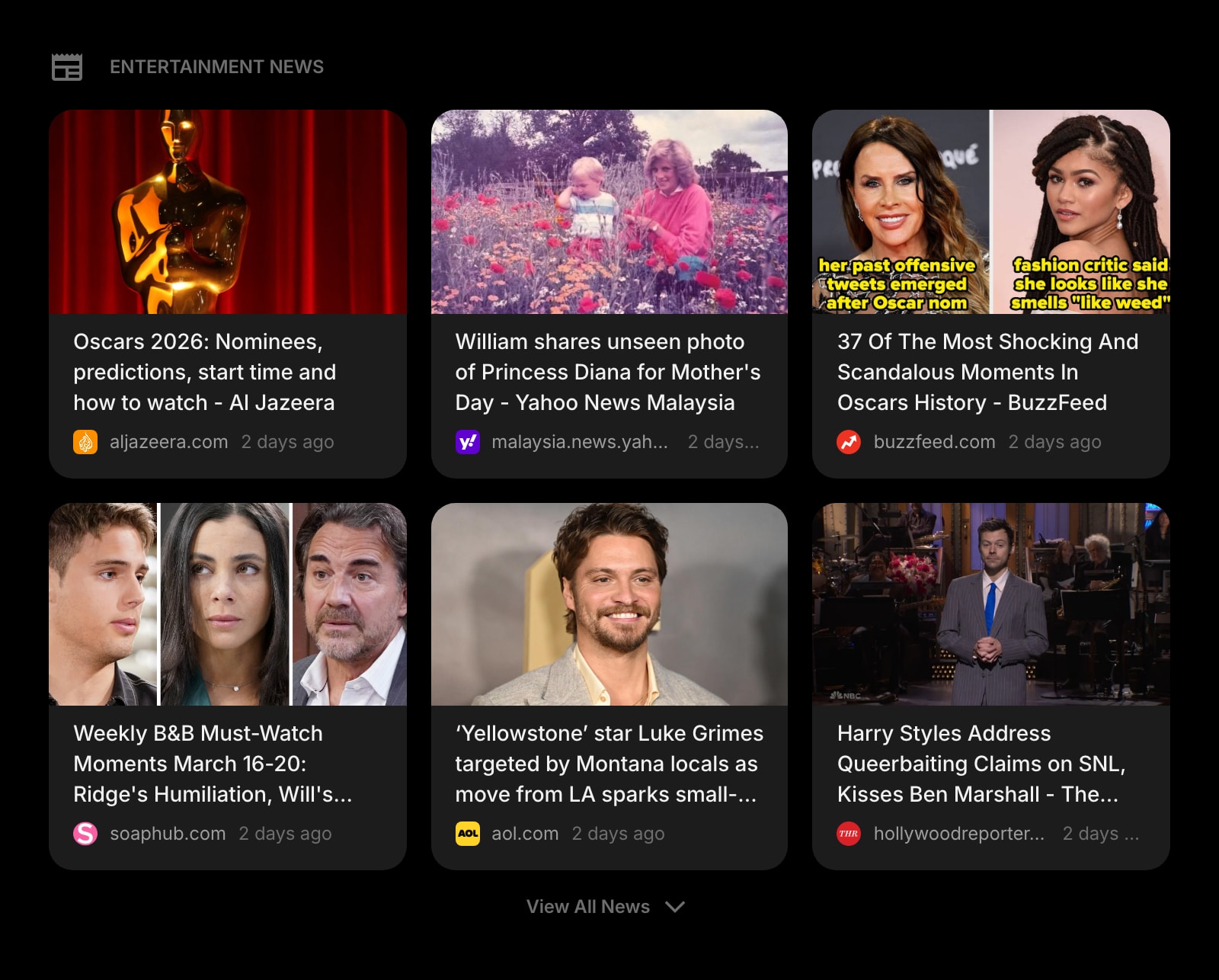
Regional headlines to go with the regional forecast — one glance covers both.
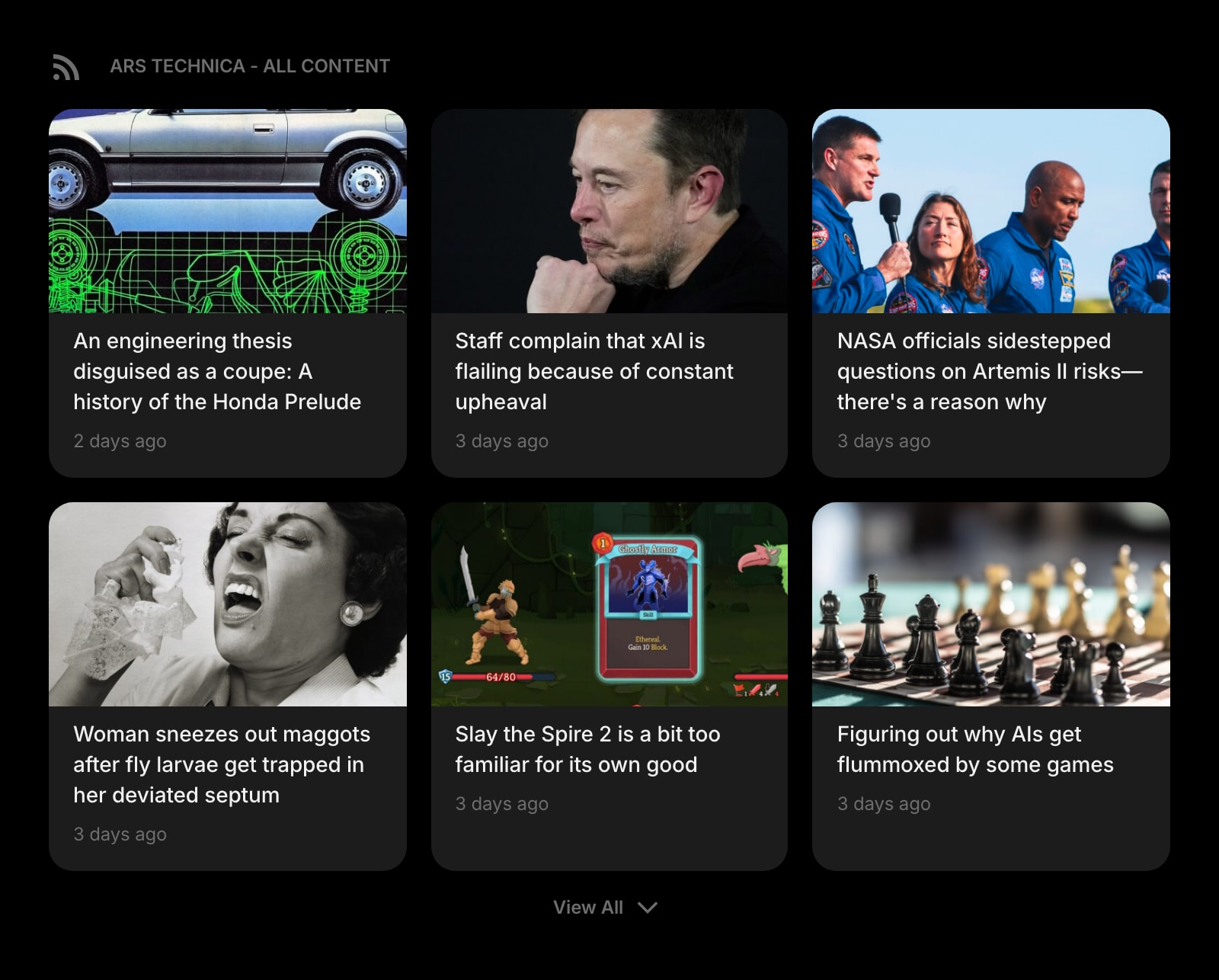
RSS Feed
Your own sources next to the weather, in place of the Stories feed Firefox Home showed.
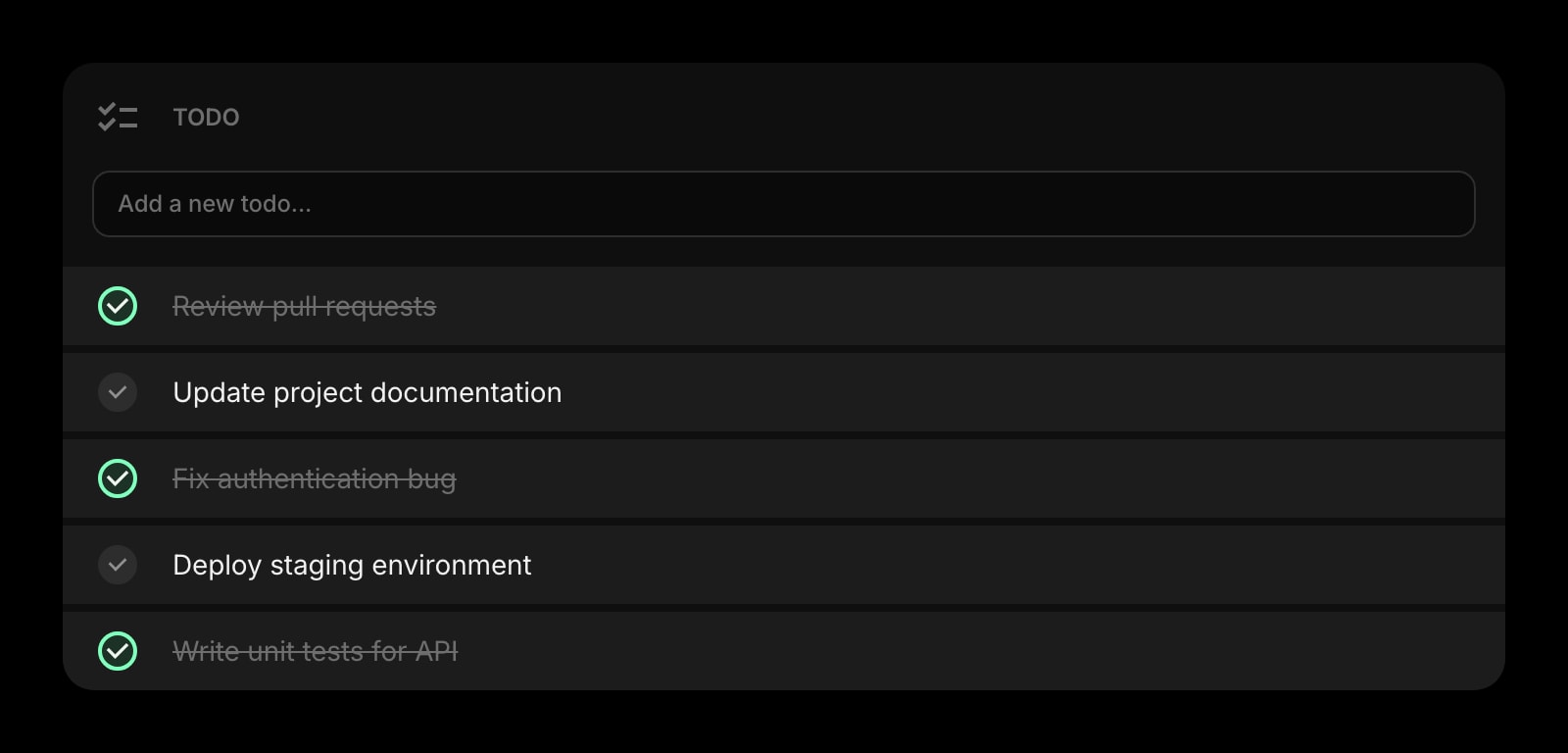
Todo
A short list for today underneath what the sky is doing today.
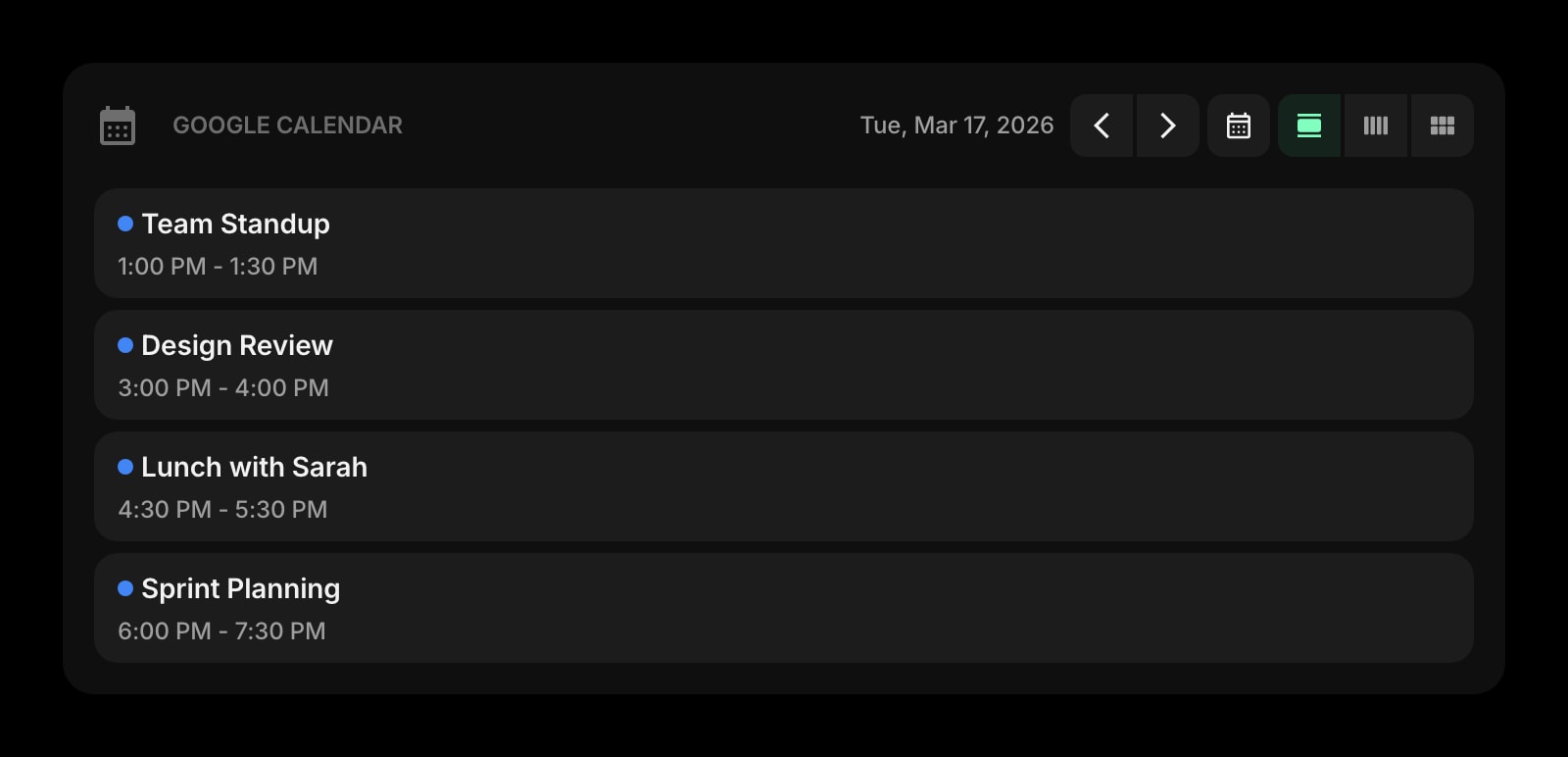
Google Calendar
Today's meetings next to today's forecast, so a rainy commute is no surprise.
The Weather widget is one of 50+ in Start Page HQ. Tasks, notes, RSS, AI tools, dev utilities — the same install gives you all of them. Start free with 8 widgets on a page, or lift every limit at $4/month, $24/year, or $48 lifetime.
Frequently Asked Questions
No. Once Start Page HQ owns the new tab, Firefox Home and its weather chip are no longer shown there, so there is nothing to conflict with. Your about:home settings are left untouched — disable the add-on at about:addons and Firefox Home comes back exactly as you had it.
Only if you use the "Current Location" button. Cities you add by name are looked up by name, and Firefox never shows a location prompt for them. Firefox profiles with geolocation switched off entirely still get a full forecast.
Not as an extension — Firefox for Android does not let add-ons replace the new tab page. Open startpagehq.com in Firefox on your phone instead: the hosted web app shows the same dashboard and the same cities, signed into the same account.
Yes. They are stored on your Start Page HQ account, so signing in on another Firefox — or a different browser — brings back the same cities, units, and forecast window. Firefox Sync is not involved and does not need to be on.
Add the Weather Widget to Firefox
Free plan, no credit card — see plans or try the demo without installing.