

Weather Widget for Edge
Microsoft Edge's new tab shows one MSN weather chip above a news feed. This widget gives you several cities with a real forecast on a page without the feed — installed from the Chrome Web Store, which Edge supports directly.
Install on Edge
The Edge-specific flow, start to finish.
- 1Open the Start Page HQ listing on the Chrome Web Store in Edge. The first time, Edge shows a banner at the top — click "Allow extensions from other stores" and confirm.
- 2Click "Get" (Edge may label it "Add to Chrome") and approve the permission to replace your new tab page.
- 3Open a new tab. Edge may ask once whether to keep the new page — confirm, and the dashboard appears instead of the MSN page from then on.
- 4Click the gear icon in the bottom right and choose Add Widget → Weather. Search for a city and pick it; repeat for each city you want on the page.
- 5Set units and a 3-, 5-, or 7-day forecast window in the widget settings. Sign in on Edge on your other machines and the same cities are there.
What Weather Does
A short tour of the widget. Already sold? Skip ahead.
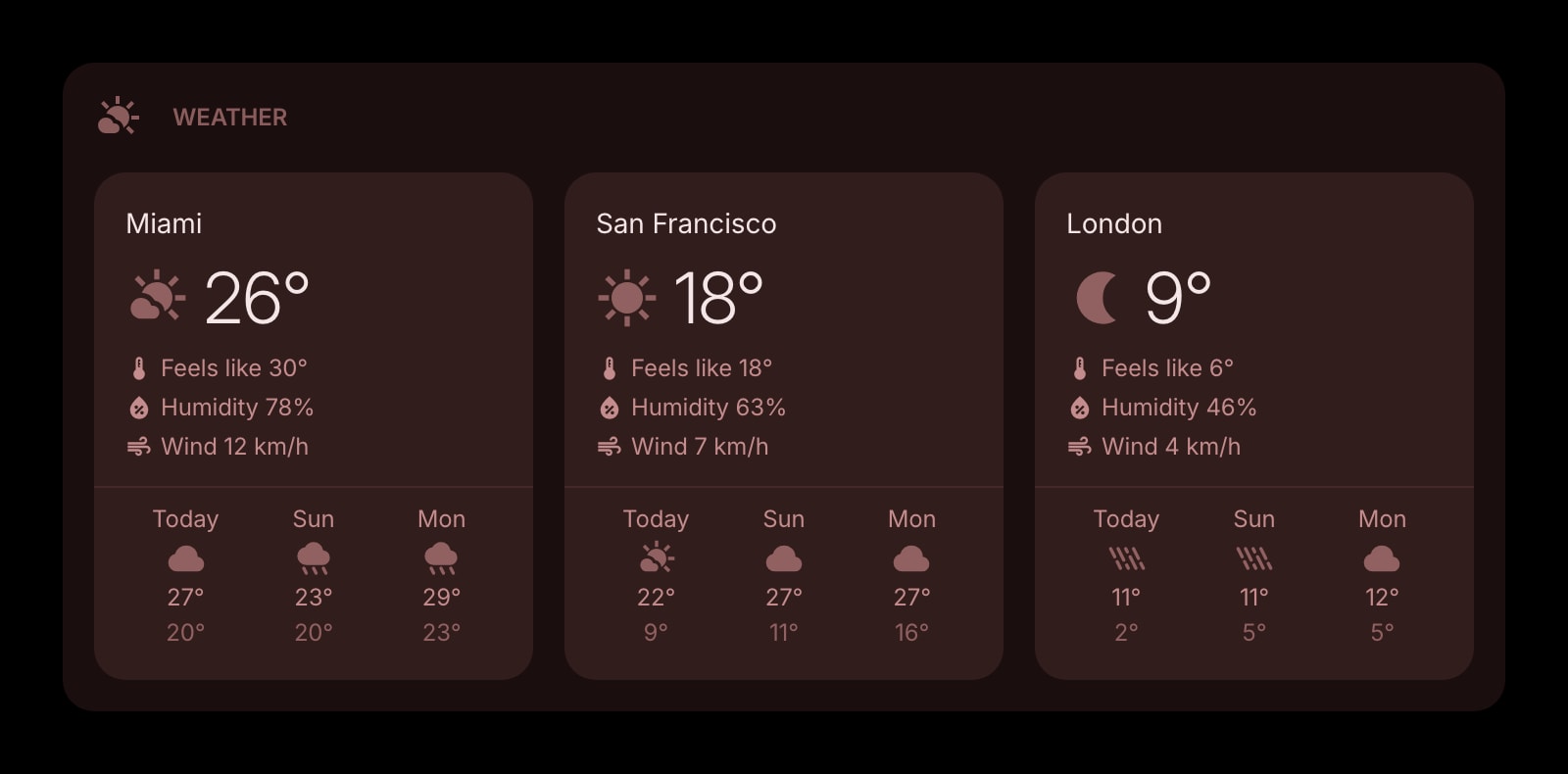
- Several cities on the same page, each with its own forecast card.
- Celsius or Fahrenheit, km/h or mph.
- 3-, 5-, or 7-day forecasts.
- Open-Meteo data refreshed in the background, with no API key or MSN account.
- Four styles — clear, outline, solid, and rich, the last with an AI-generated backdrop.
Notes for Edge Users
Edge's default new tab already has weather on it — the MSN forecast chip in the corner, controlled by the "Show weather" toggle in the page settings. It shows one location, sits above the MSN news feed and the sponsored quick links, and belongs to whatever layout Microsoft is rolling out that month, including the new Copilot new tab page. Once Start Page HQ owns the new tab, none of that page is shown, so there is nothing to switch off: the Weather widget is the forecast, for as many cities as you add, on a page you arranged.
Edge does not have its own extension listing for Start Page HQ; it installs the Chrome Web Store build, which Edge runs natively after you allow extensions from other stores. Everything the widget saves — cities, units, forecast window — goes to your Start Page HQ account rather than the Edge profile. That is deliberate: a lot of Edge use is on managed work machines where profile sync is off or locked, and the account route brings the same cities back on any Edge, and on Chrome or Safari at home.
Other Widgets You Might Add
Pair the Weather widget with these. One install gets you all of them.
Date & Time
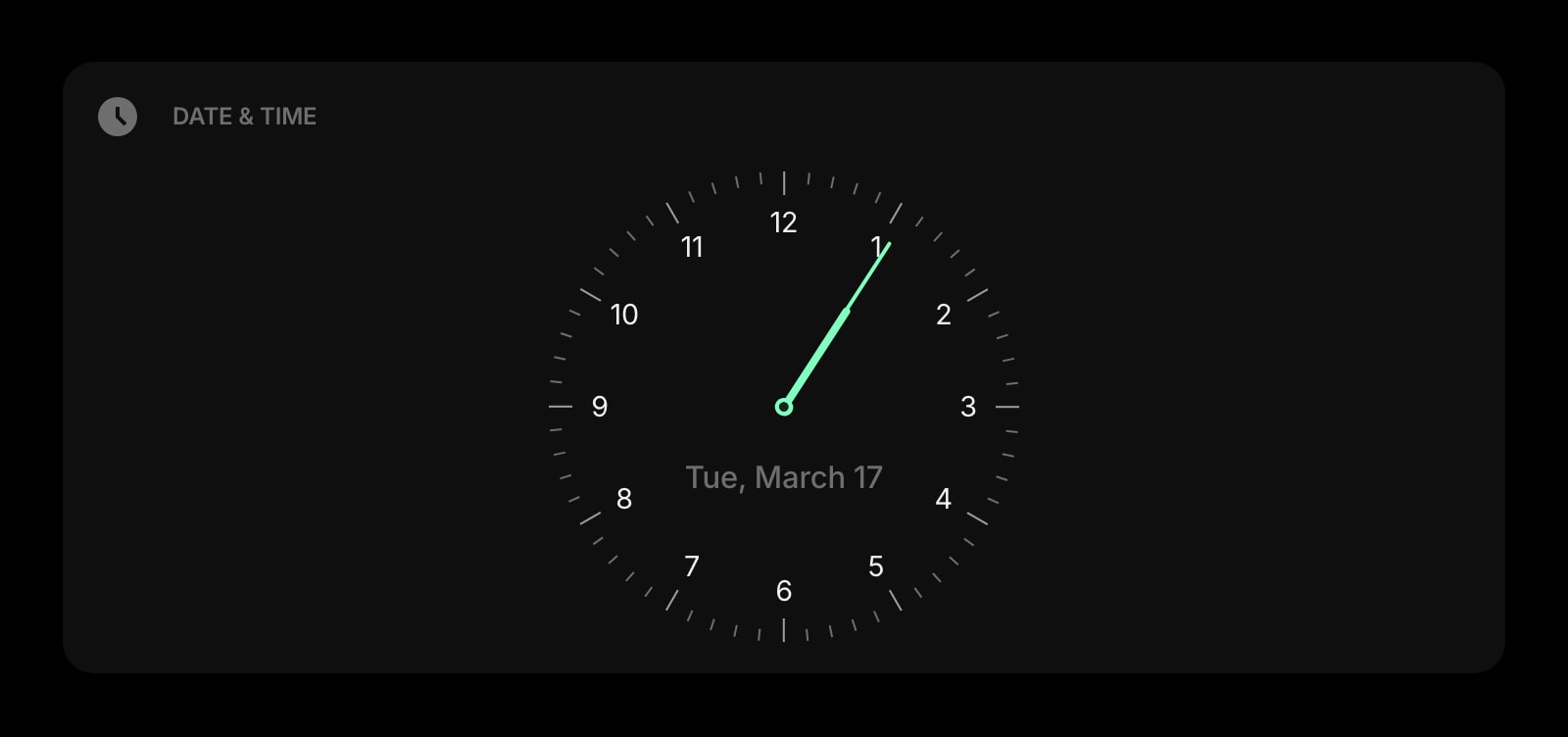
A clock and date in the top row, beside the forecast.
World Clock
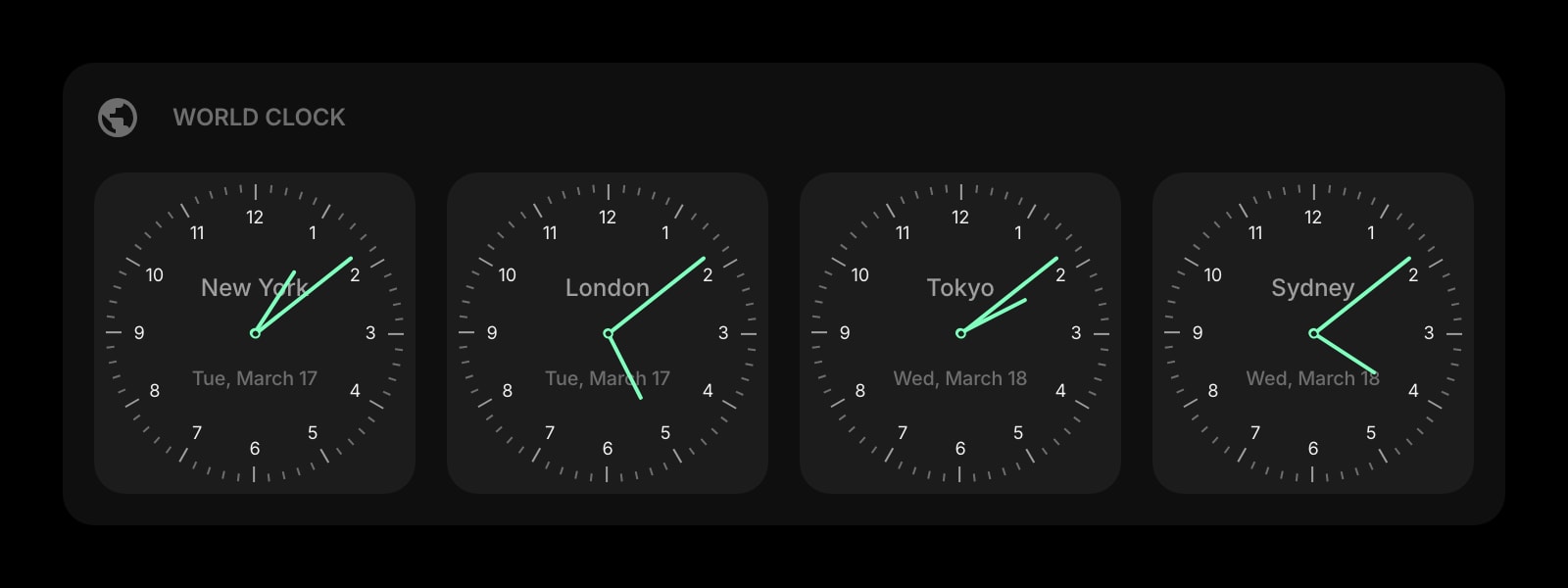
Colleague time zones next to the cities you check the weather for.
Links
Quick links without the sponsored tiles Edge's page mixes in.
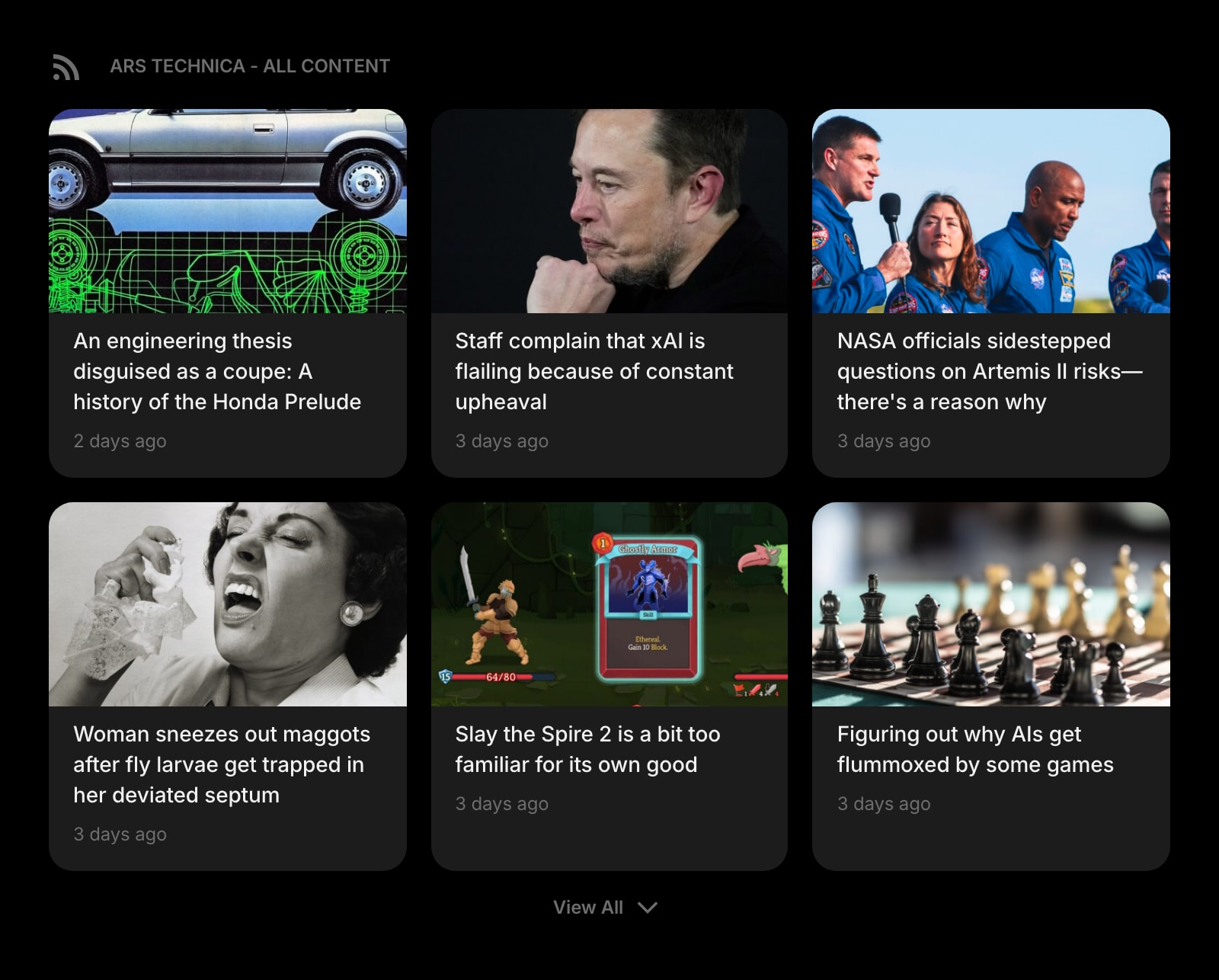
RSS Feed
Sources you chose, in the space the MSN feed used to take.
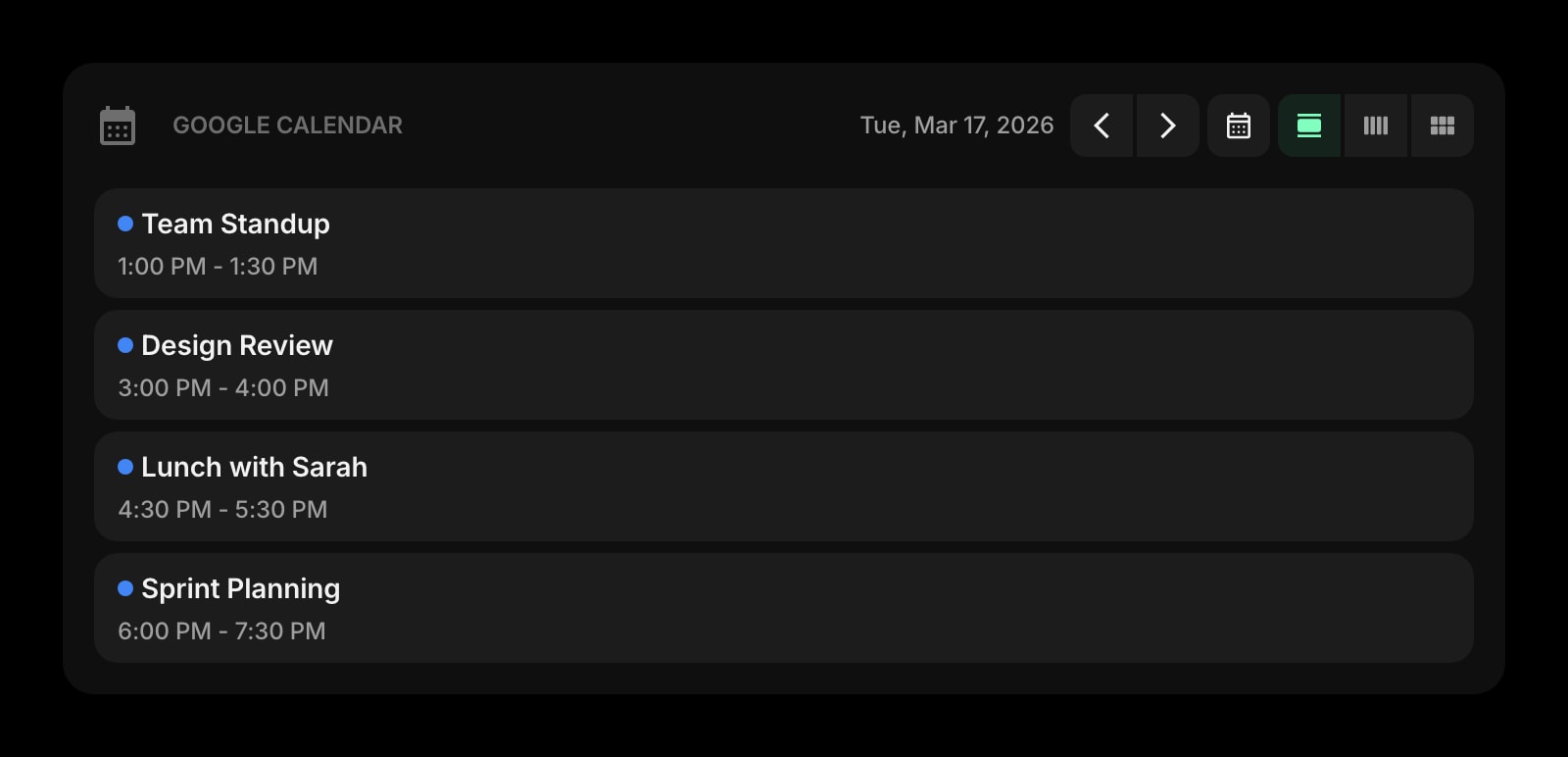
Google Calendar
The day's meetings next to the day's forecast.
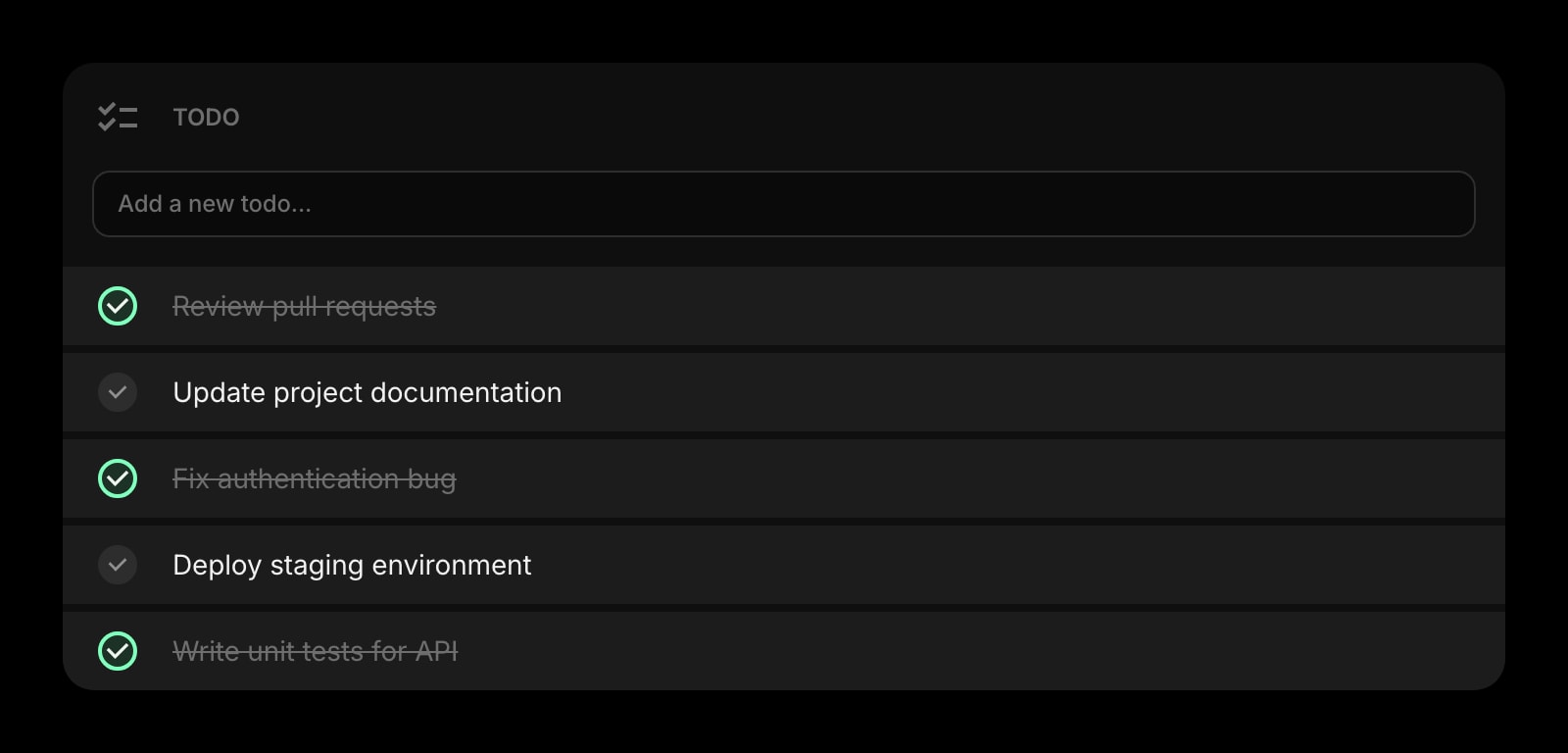
Todo
A short list for today, under the weather for today.
The Weather widget is one of 50+ in Start Page HQ. Tasks, notes, RSS, AI tools, dev utilities — the same install gives you all of them. Start free with 8 widgets on a page, or lift every limit at $4/month, $24/year, or $48 lifetime.
Frequently Asked Questions
Open the Chrome Web Store in Edge and click "Allow extensions from other stores" on the banner at the top of the page. After that, the "Get" or "Add to Chrome" button on any listing installs into Edge the same way it would into Chrome. Start Page HQ then appears at edge://extensions like any other extension.
No. An extension that replaces the new tab page takes over the whole page, so Edge's weather chip, feed, and quick links are simply not shown. Your Edge page settings are untouched — remove the extension at edge://extensions and the MSN page returns as it was.
Yes. Whether your Edge shows the classic MSN layout or the Copilot new tab page, an installed new-tab extension replaces it. You do not need to switch the Copilot page off in edge://settings/ai first.
Yes, through your Start Page HQ account rather than Edge profile sync. Sign in on each Edge — or in a different browser at home — and the same cities, units, and forecast window appear.
Add the Weather Widget to Edge
Free plan, no credit card — see plans or try the demo without installing.