

Todo Widget for Firefox
Firefox Home's new Lists widget is a checklist that stays in one Firefox profile. This one is a checklist on every Firefox new tab that syncs through your account, so the list you wrote at work is waiting at home.
Install on Firefox
The Firefox-specific flow, start to finish.
- 1Open the Start Page HQ listing on Firefox Add-ons and click "Add to Firefox". Confirm with "Add" — the prompt shows "Access browser tabs" and notes the add-on requires no data collection.
- 2Press Ctrl+T (Cmd+T on a Mac). Firefox flags that the new tab page has changed; click "Keep Changes".
- 3Click the gear icon in the bottom right and choose Add Widget → Todo.
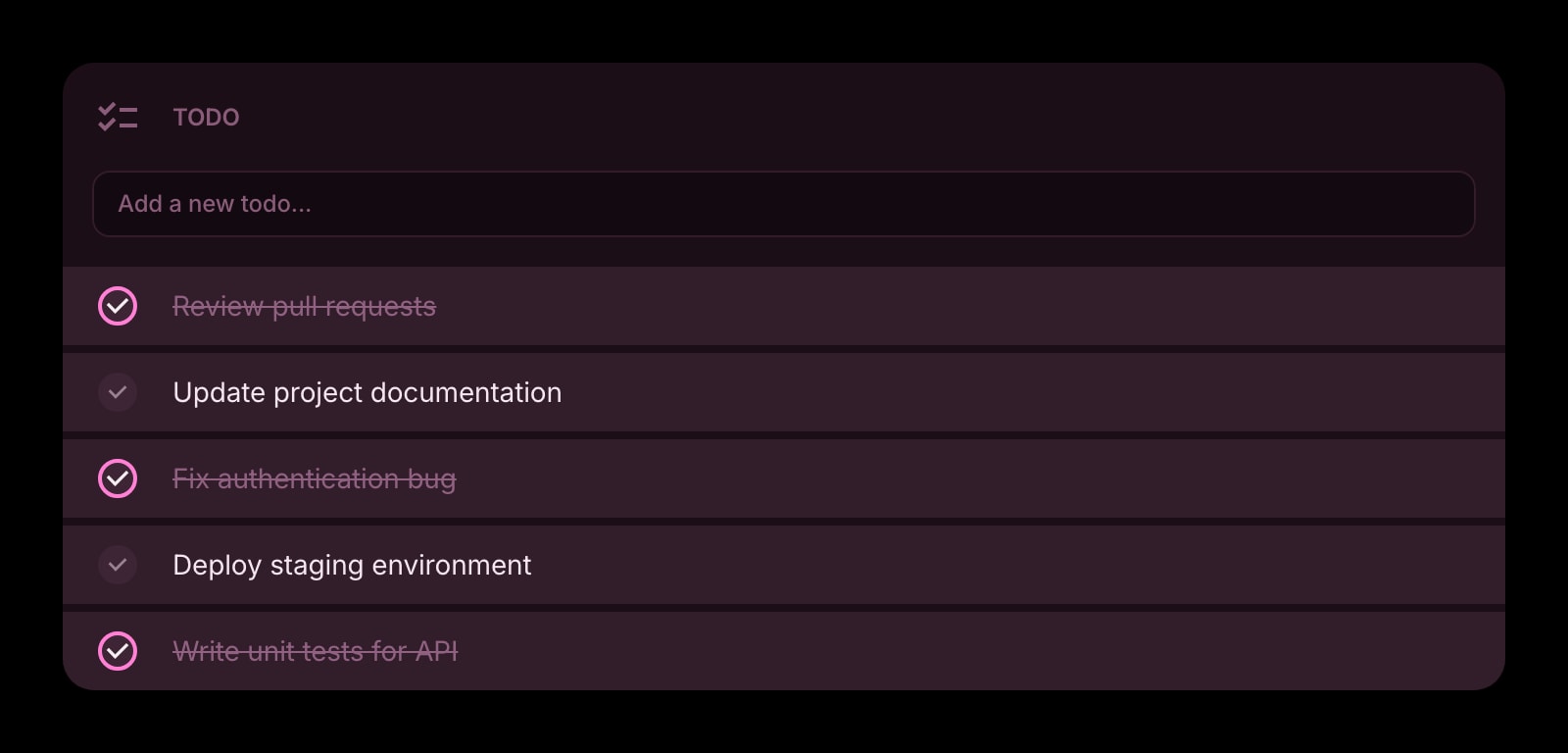
- 4Click into the widget and type. Enter adds the task and opens the next line, so a brain-dump of ten items is ten lines of typing with no buttons in between.
- 5Open the widget settings to decide what happens to finished items: strikethrough, hide them, or drop them to the bottom. Drag any task to reorder.
What Todo Does
A short tour of the widget. Already sold? Skip ahead.
- Inline entry — type, press Enter, keep going.
- Finished items can be struck through, hidden, or moved to the bottom.
- Drag-and-drop reordering, including pulling a done task back into the active list.
- One Todo widget per dashboard page — a Work page and a Home page each get their own.
- Clear, outline, or solid styling to match the rest of the dashboard.
Notes for Firefox Users
Firefox Home gained a Lists widget in 2026 — up to ten checklists of a hundred items each, with a copy-to-clipboard export. It is the closest thing any browser ships natively to a new-tab todo list, and its limit is the one Mozilla states plainly: the data stays local to that Firefox and does not sync. The Todo widget here takes the same spot on the new tab once Start Page HQ owns it, and stores every task on your Start Page HQ account instead. Add an item on the office PC, and it is on the laptop the next time a tab opens, without Firefox Sync being involved.
Because the list lives on the account rather than in extension storage, it survives the things that normally wipe Firefox add-on data: creating a fresh profile, using Refresh Firefox from about:support, or running Firefox Developer Edition alongside the release build. Sign in once in each and the same list appears. Firefox for Android is the one place the extension cannot go, since Android Firefox does not allow new-tab overrides — there, open startpagehq.com and the same list is on the hosted dashboard.
Other Widgets You Might Add
Pair the Todo widget with these. One install gets you all of them.
Tasks (Kanban)
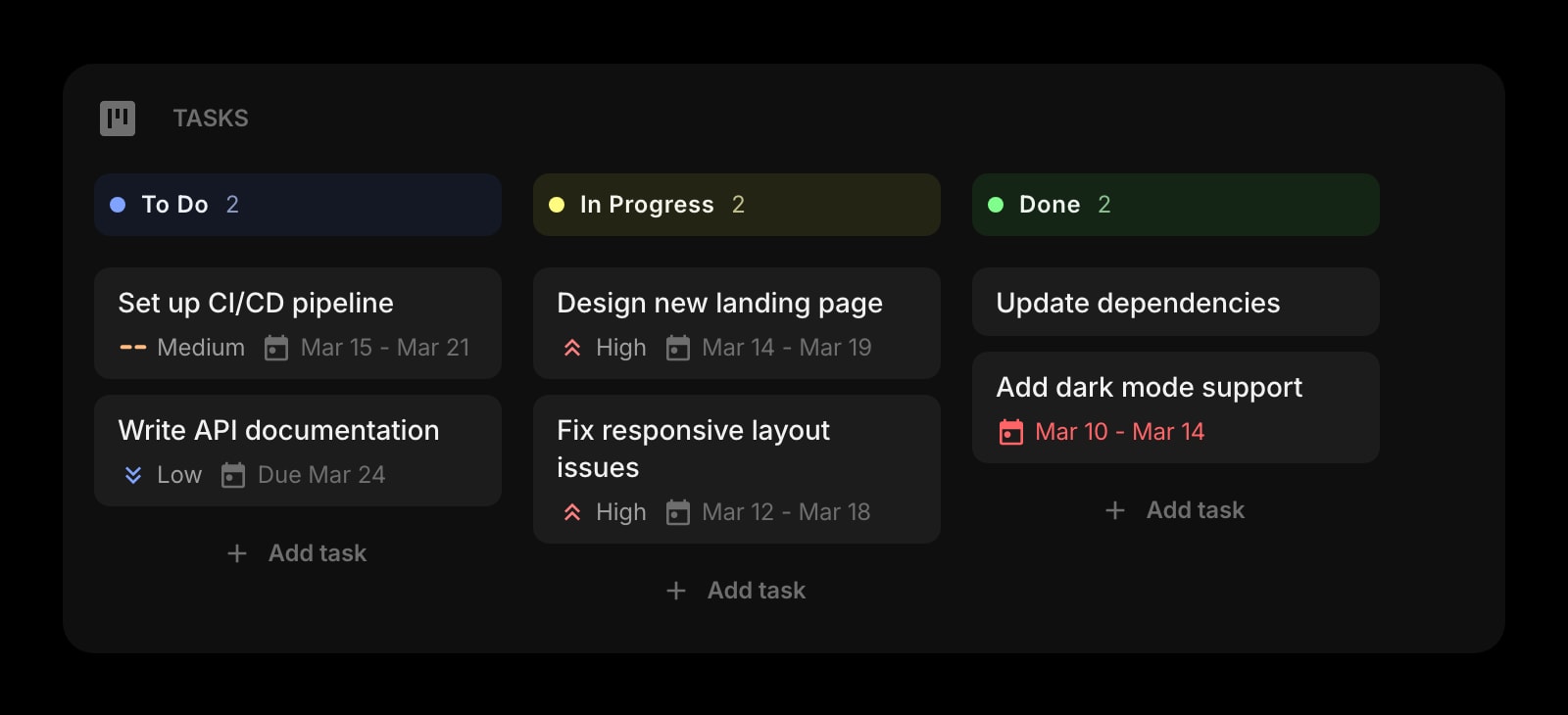
Columns for work that moves through stages, beside the flat list for everything else.
Habit Tracker
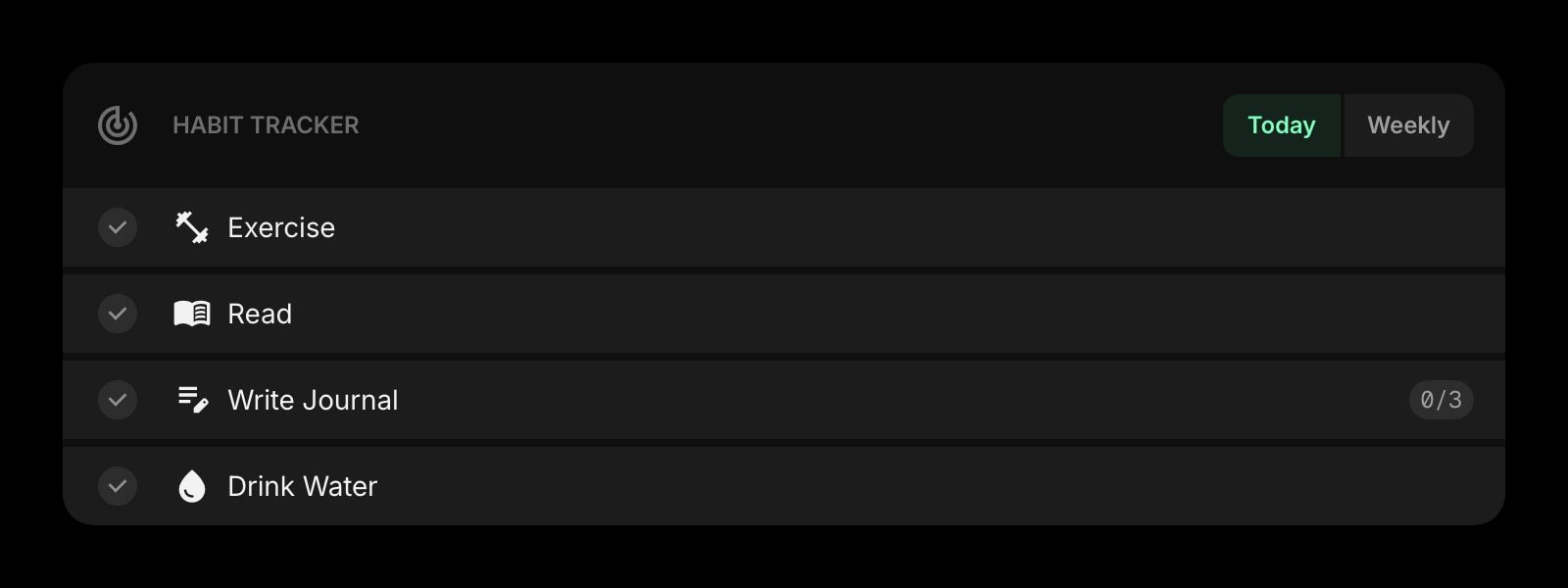
For the things you do every day, which never belong on a todo list.
Pomodoro Timer
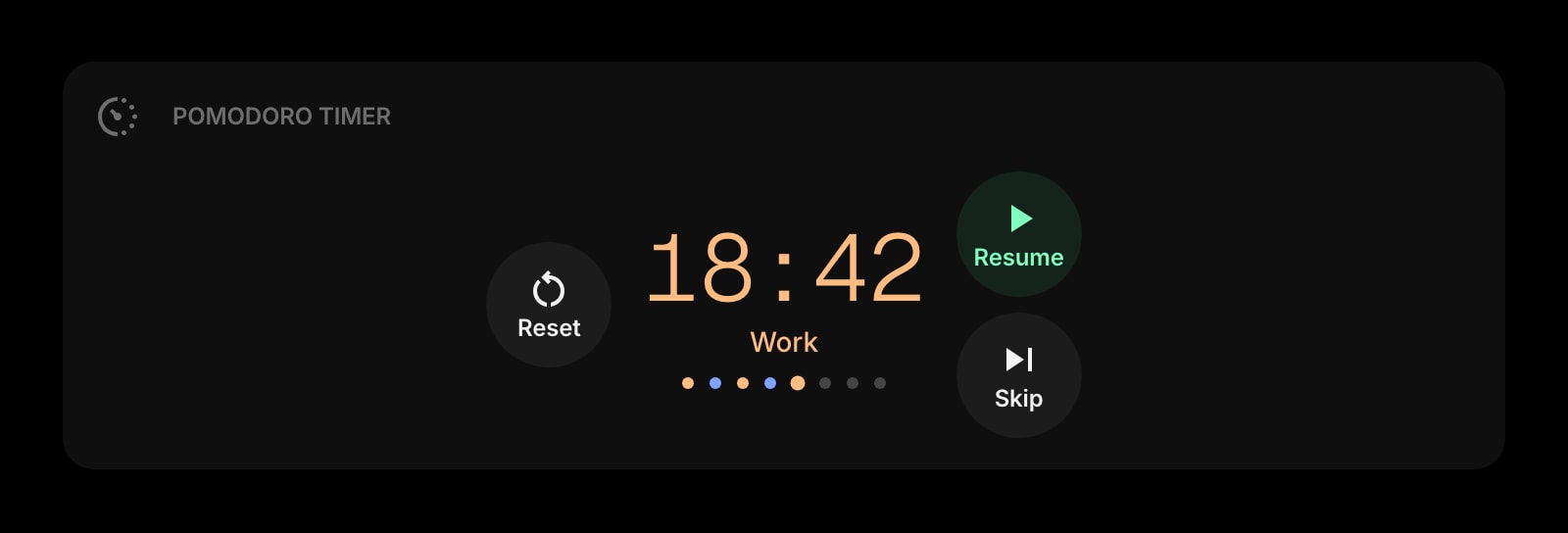
Start the timer on the top item and leave the rest of the list alone until it rings.
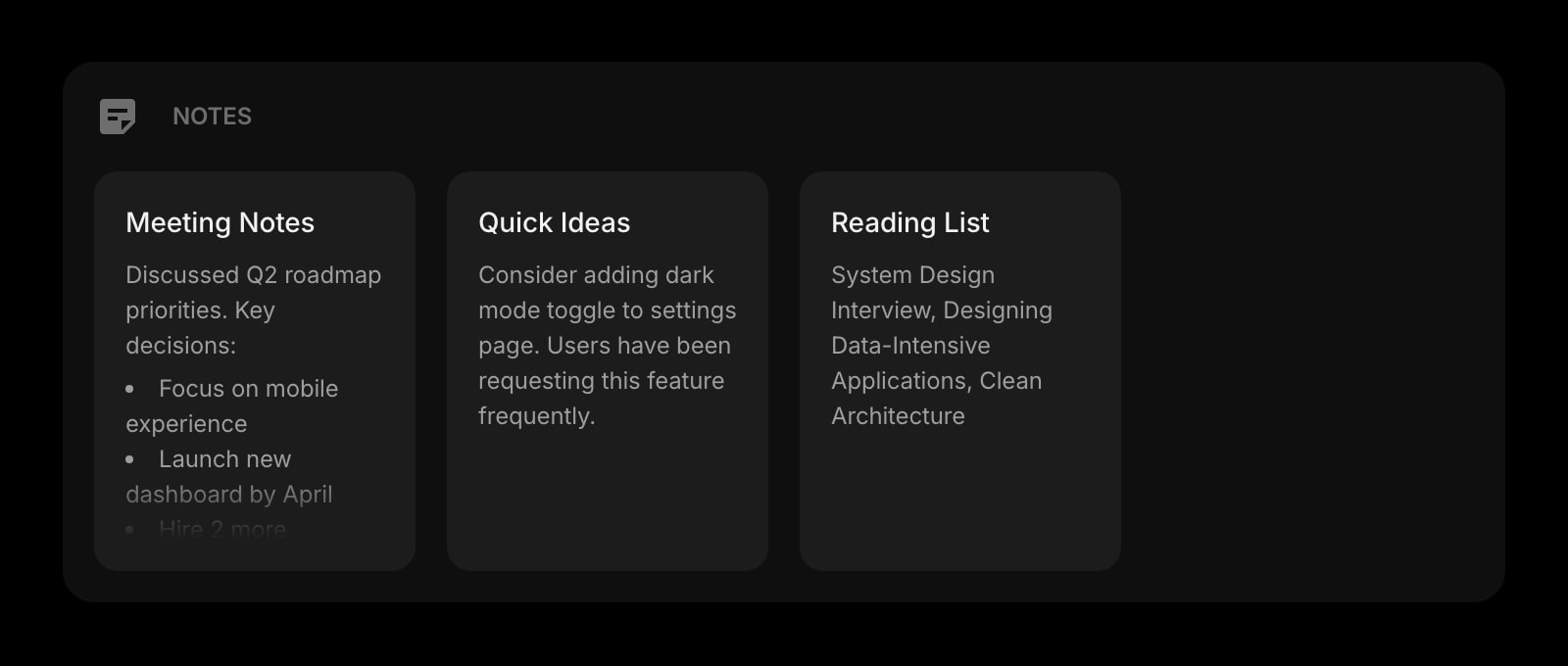
Notes
The longer write-up behind a one-line task, in a widget next to it.
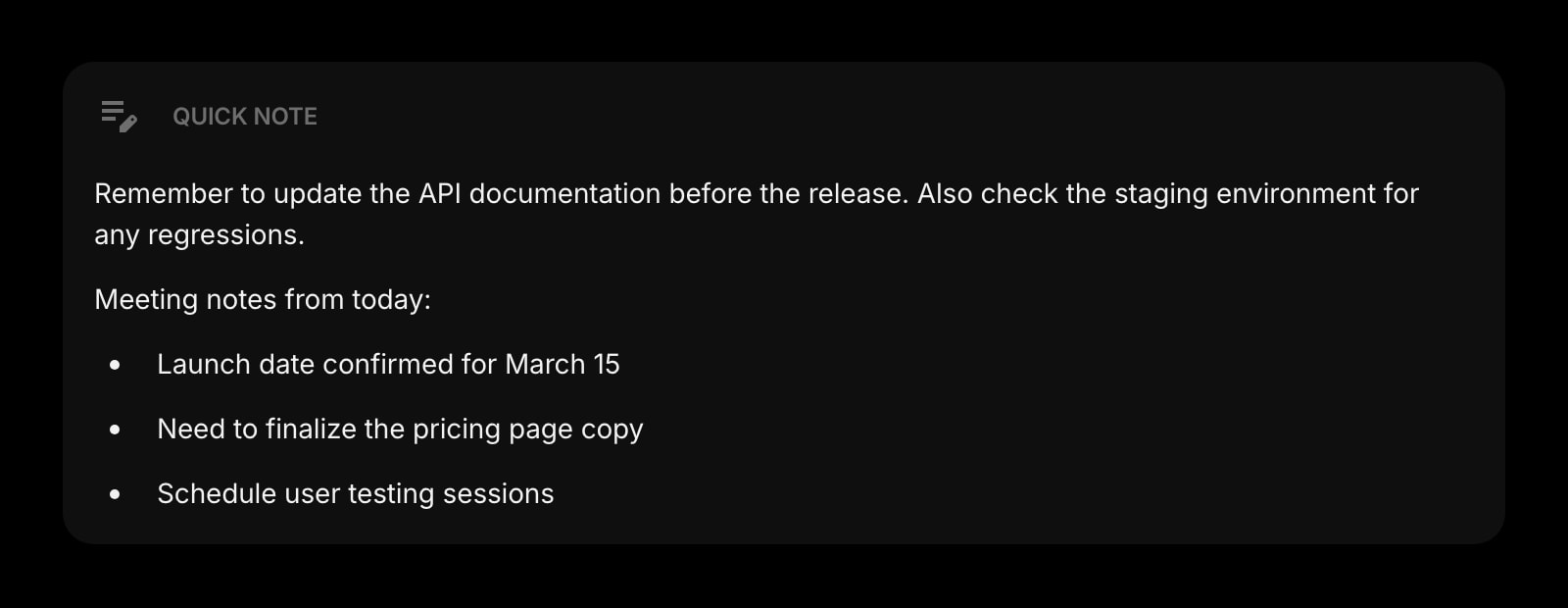
Quick Note
A scratch area for the half-thought that is not a task yet.
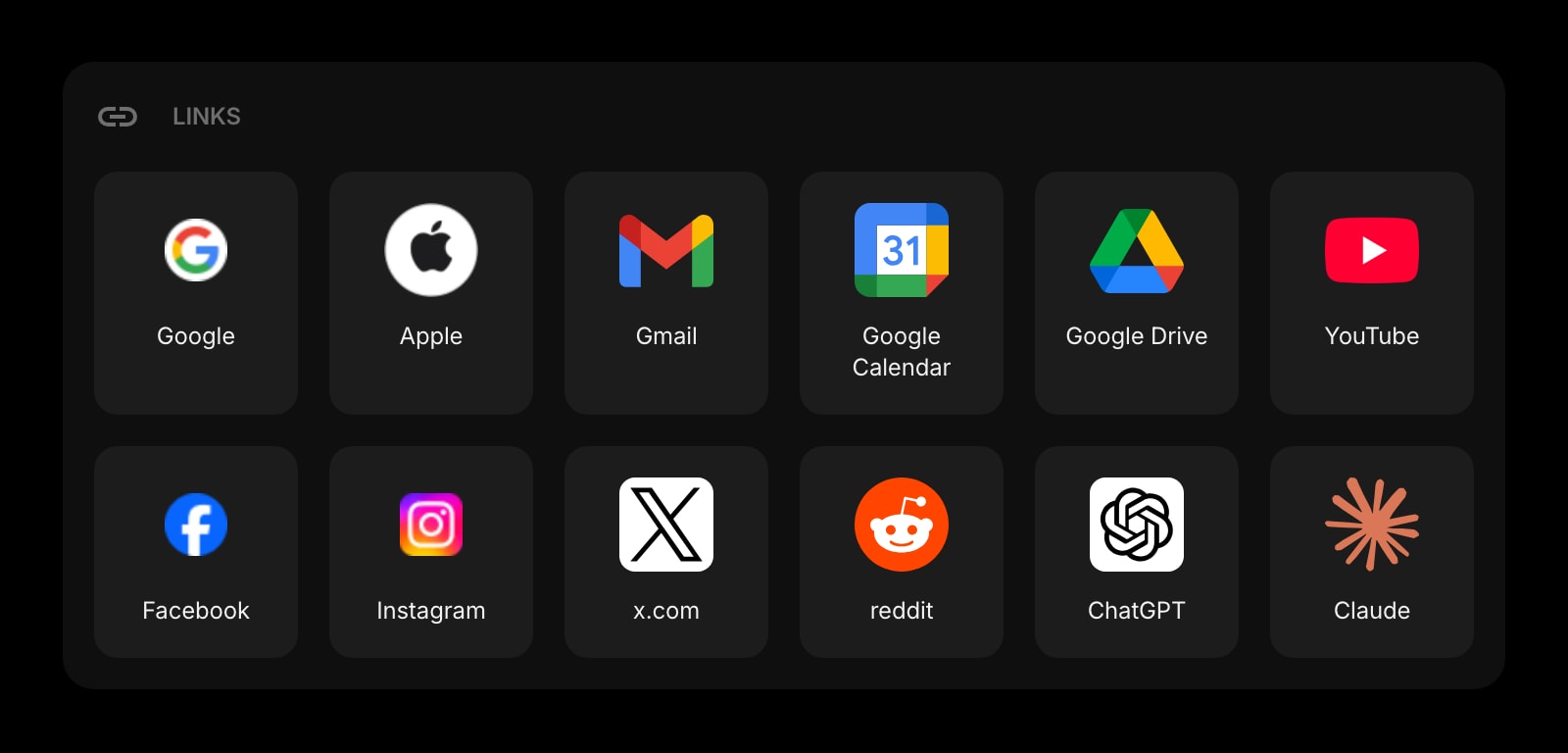
Links
Shortcuts to the tools the tasks happen in — the row Firefox Home used for Shortcuts.
The Todo widget is one of 50+ in Start Page HQ. Tasks, notes, RSS, AI tools, dev utilities — the same install gives you all of them. Start free with 8 widgets on a page, or lift every limit at $4/month, $24/year, or $48 lifetime.
Frequently Asked Questions
Firefox's Lists widget is a local checklist — Mozilla's own docs say the data does not sync. The Todo widget stores tasks on your Start Page HQ account, so the same list shows up on every Firefox you sign into, in other browsers, and in the hosted web app. It also adds drag-and-drop reordering and settings for how finished items are shown.
No. Sync happens through your Start Page HQ account, so it works whether Firefox Sync is on, off, or signed into a different Mozilla account on each machine. Firefox Sync only carries the fact that the add-on is installed, not the list.
No. Refresh Firefox, a new profile, or a reinstall clears local add-on data, but the tasks are on your account. Reinstall the add-on from Firefox Add-ons, sign in, and the list is back as you left it.
Yes. Create a second dashboard page and pin its own Todo widget there. Switching pages is one click on the new tab, and each page keeps its own list.
Add the Todo Widget to Firefox
Free plan, no credit card — see plans or try the demo without installing.