
Todo Widget for Chrome
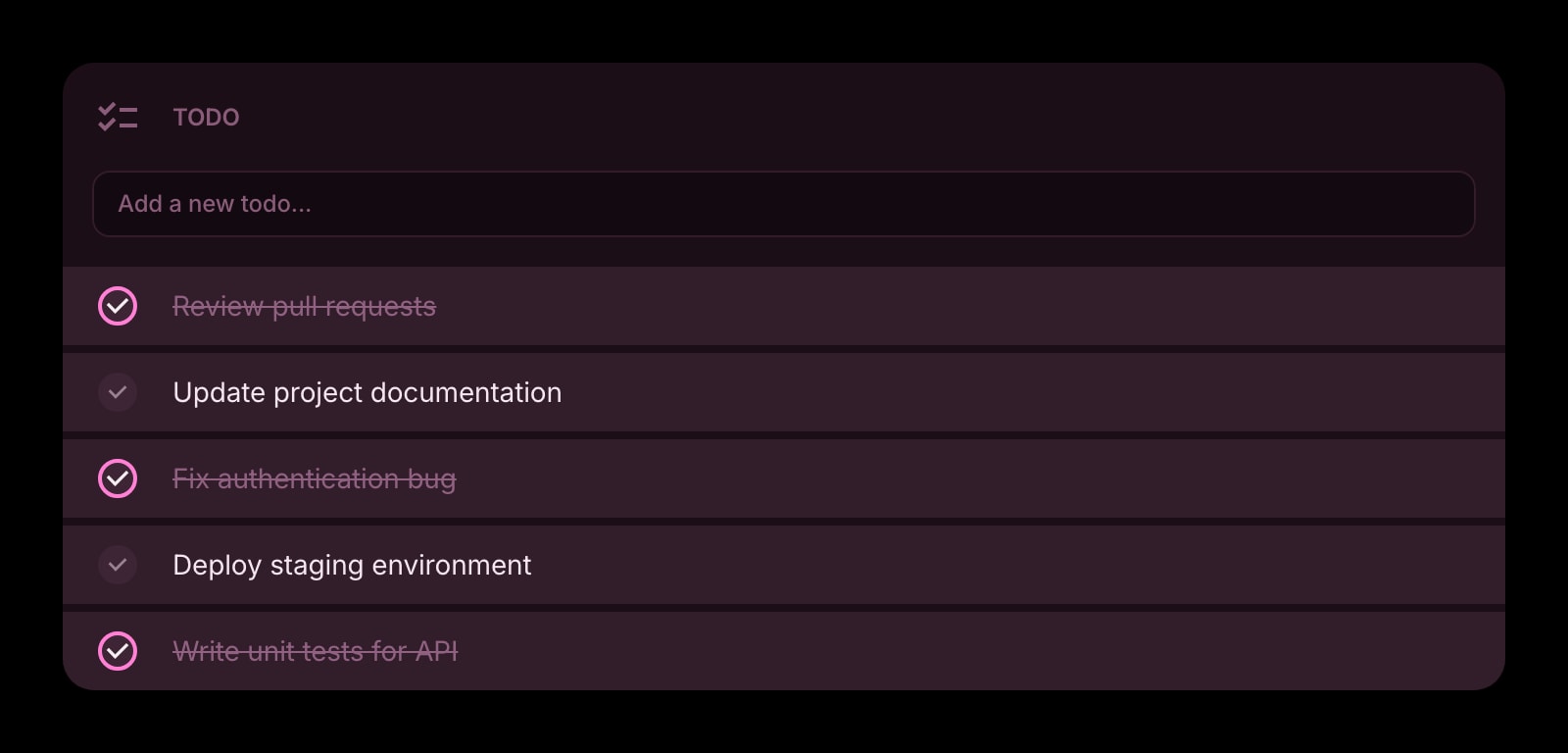
A simple checklist on every Chrome new tab. No app to open, no sidebar to remember — just type, check, and the list is there next time you reach for a tab.
Install on Chrome
The Chrome-specific flow, start to finish.
- 1Install Start Page HQ from the Chrome Web Store. The dashboard takes over your new tab page on the next ⌘T (or Ctrl+T).
- 2Open a new tab. Click the gear icon in the bottom-right corner and choose Add Widget → Todo.
- 3Click into the input row inside the widget and start typing. Press Enter to add. Press Enter on an empty line to create the next one — no separate "new task" button.
- 4Tweak the widget's settings: strikethrough completed items, hide them entirely, or push them to the bottom of the list — depending on whether you like the dopamine hit of seeing finished work.
- 5Drag tasks to reorder. Drag completed tasks back up to "uncomplete" them — useful when you want to redo something tomorrow.
What Todo Does
A short tour of the widget. Already sold? Skip ahead.
- Add tasks inline with Enter — no modal, no popup, no extra click.
- Toggle whether completed items show, get strikethrough styling, or move to the bottom.
- Reorder with drag-and-drop, including across the completed/active boundary.
- Pin multiple Todo widgets on different dashboard pages — work, personal, side project.
- Three visual styles to match the rest of your dashboard (clear, outline, solid).
Notes for Chrome Users
Chrome opens a new tab faster than any web app loads, which makes the new-tab Todo widget feel different from a typical task manager: there's no "open Todoist" round trip, no signed-out splash screen, no sidebar to scroll. ⌘T (Ctrl+T on Windows / Linux) takes you to the list in well under a second, and ⌘W closes it again. For tasks that take five seconds to capture, that round trip matters more than any feature gap.
Chrome doesn't expose a system-wide quick-add hotkey for new-tab extensions, so adding a task means opening a tab first. If you want a true "anywhere in Chrome, hit a shortcut, type a task" flow, set up a Chrome keyboard shortcut at chrome://extensions/shortcuts that opens Start Page HQ — combined with ⌘L (focus the address bar) → "newtab" enter, this gets you to the Todo widget in two keystrokes from any Chrome window.
Other Widgets You Might Add
Pair the Todo widget with these. One install gets you all of them.
Tasks (Kanban)
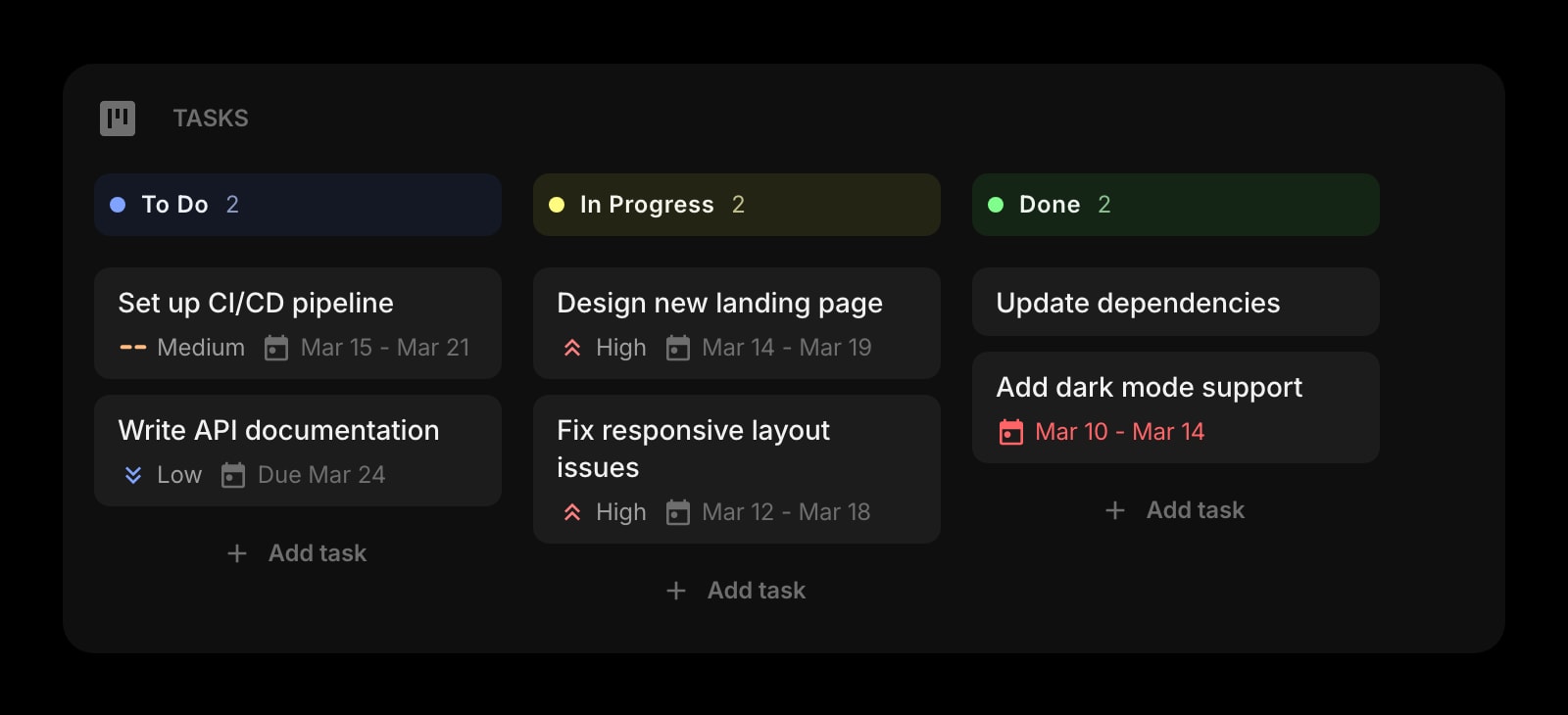
When a flat list isn't enough — drag cards across To Do, In Progress, and Done columns next to your simpler Todo widget.
Habit Tracker
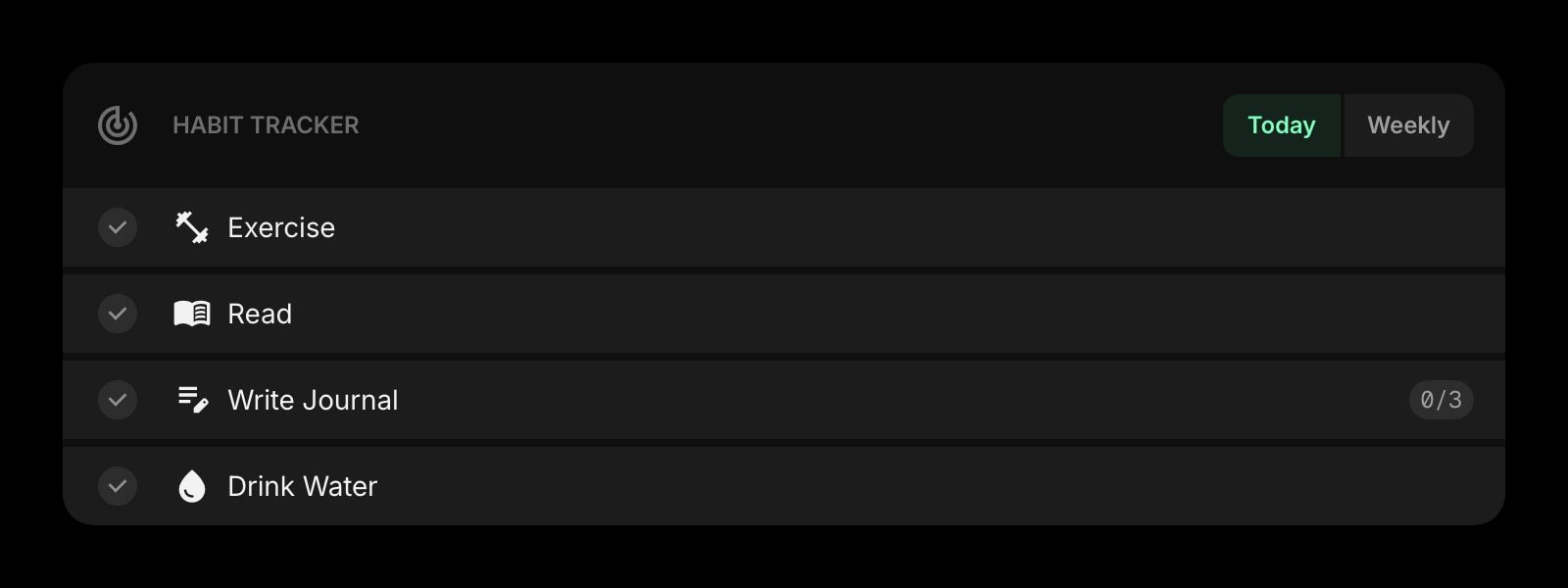
Recurring things ("write 30 mins") belong in habits, not the day's todo. Use both — the Todo for one-offs, habits for the cadence.
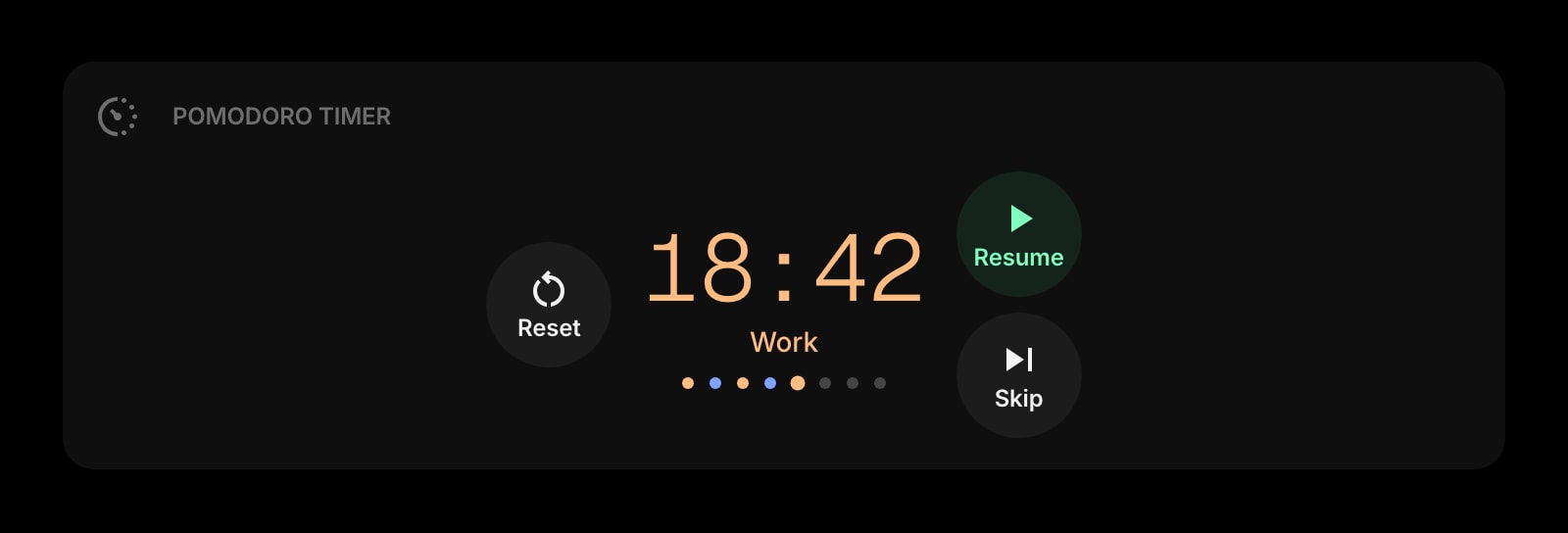
Pomodoro Timer
A timer next to the list — finish a focused block on the top item before letting yourself look at anything else.
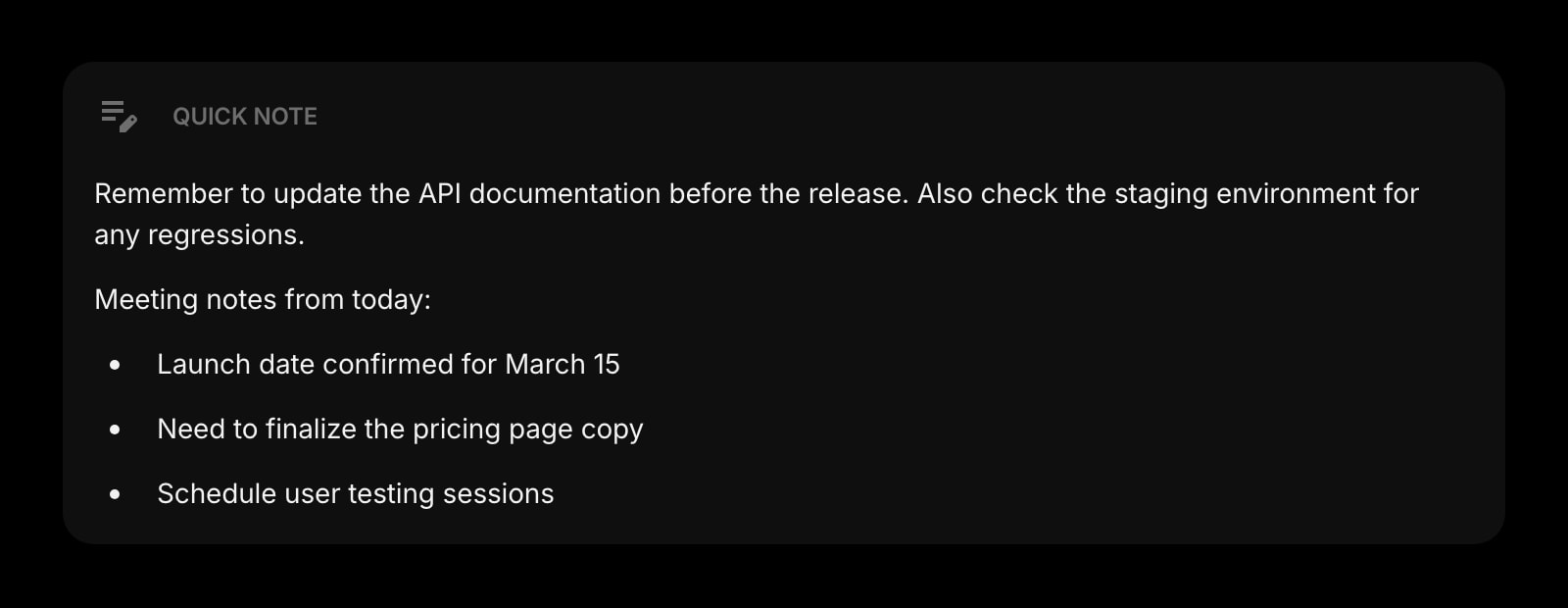
Quick Note
A scratchpad next to the list for context that doesn't fit on a single line.
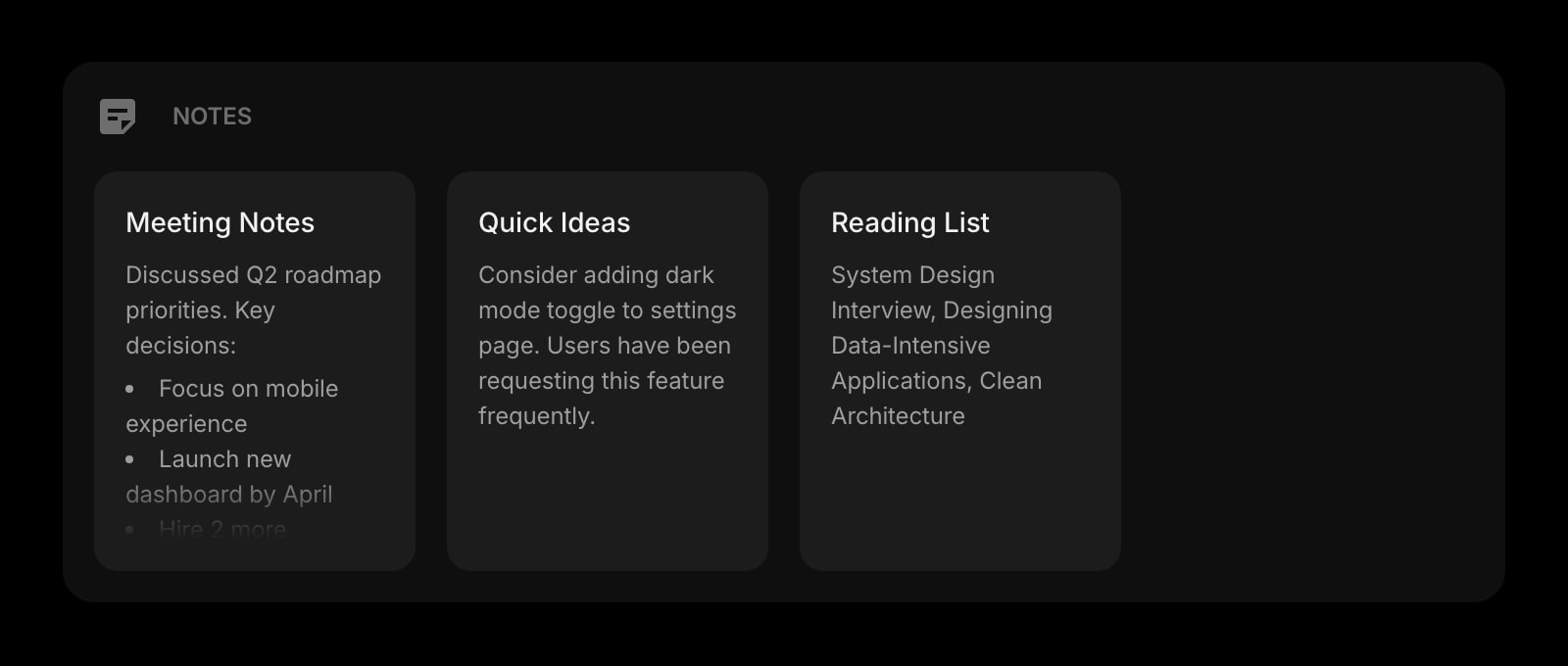
Notes
Longer-form notes for the meeting or project the todos belong to.
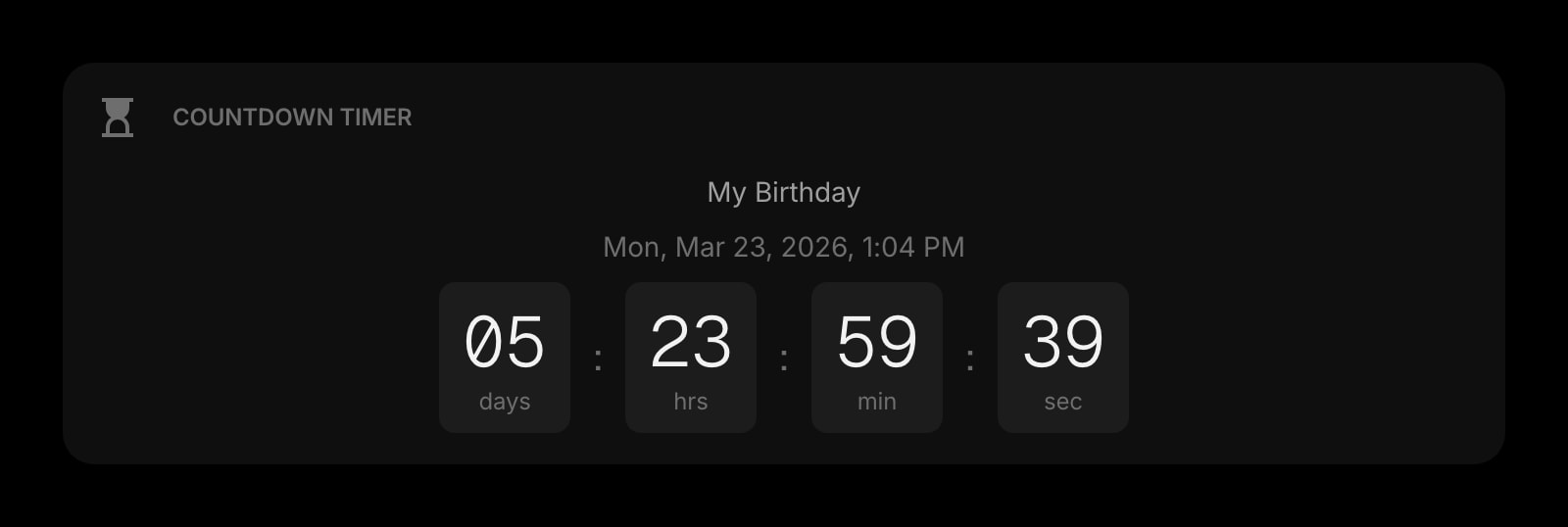
Countdown Timer
Pin a deadline next to the relevant list — visible pressure beats remembering to check.
The Todo widget is one of 50+ in Start Page HQ. Tasks, notes, RSS, AI tools, dev utilities — the same install gives you all of them. Start free with 8 widgets on a page, or lift every limit at $4/month, $24/year, or $48 lifetime.
Frequently Asked Questions
Open chrome://extensions/shortcuts and assign a hotkey to "Activate the extension" for Start Page HQ — that opens the dashboard from any Chrome window. Combined with the inline-input behaviour of the Todo widget, you go from any tab to a typed task in two key presses.
Yes. The list is stored in your Start Page HQ account, not in Chrome's local storage. Sign in once on each Chrome installation and edits show up across them within a second or two. Sync is part of the base plan.
Yes — todos live on your account, not in extension storage. Uninstalling clears nothing; re-installing and signing back in restores the full list.
Yes. Create a separate dashboard page (Work, Personal, Side Project) and pin its own Todo widget on each. Switch between pages with one click — the same Chrome new tab cycles through your different lists depending on which page is active.
Add the Todo Widget to Chrome
Free plan, no credit card — see plans or try the demo without installing.