

Pomodoro Timer for Firefox
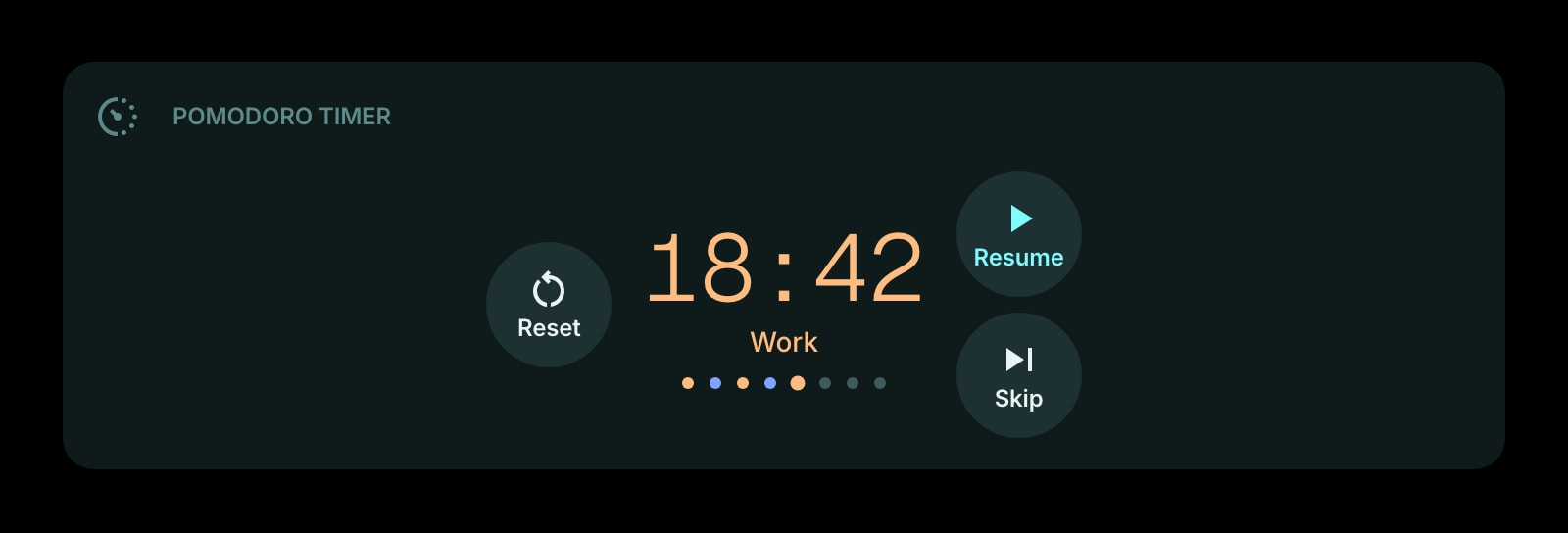
Firefox's built-in Focus Timer is a countdown that lives in one copy of Firefox. This one keeps your work, break, and long-break settings on your account, survives background-tab throttling, and shows up on every Firefox you sign into.
Install on Firefox
The Firefox-specific flow, start to finish.
- 1On the Start Page HQ page at addons.mozilla.org, click "Add to Firefox" and confirm with "Add". Firefox lists "Access browser tabs" as the single permission.
- 2Open a new tab. When Firefox reports that the new tab page has changed, click "Keep Changes" so the dashboard sticks.
- 3Click the gear icon in the bottom right of the dashboard and choose Add Widget → Pomodoro Timer.
- 4Set the four numbers: work, short break, long break, and pomodoros before a long break. The defaults are 25 / 5 / 15 / 4.
- 5Press Start, then pin the tab (right-click the tab → Pin Tab). A pinned tab keeps the timer one click away at the far left of the tab strip and cannot be closed by accident with Ctrl+W.
What Pomodoro Timer Does
A short tour of the widget. Already sold? Skip ahead.
- Work, short break, and long break lengths you set once and keep.
- Auto-advance to the next phase, or pause between phases and start each one by hand.
- Digital, watchface, or circular progress display.
- A sound when a phase ends, repeated every few seconds while the tab is in the background until you come back.
- A session counter for how many pomodoros you have finished today.
Notes for Firefox Users
Firefox Home added a Focus Timer widget in 2026, preset to the 25-minute-focus, 5-minute-break rhythm. It is a fine countdown, but it stops at that: no long breaks, no session count, and the state is stored locally in that Firefox profile, so Mozilla's own documentation notes it does not sync. Once Start Page HQ takes over the new tab, the Focus Timer disappears with the rest of Firefox Home, and this widget stands in with the full pomodoro cycle and settings that follow your account to any browser.
Firefox throttles JavaScript timers in background tabs down to roughly once a second, and tightens further the longer a tab stays hidden. A timer that counts by ticking would drift. This one records the start time and works out the remaining time from the clock whenever it renders, so switching back after a long stretch in another tab shows the right phase and the right seconds. When a phase ends while the tab is hidden, the tab's title flashes "[Work Complete!]" in the tab strip — visible even on a pinned tab, where only the favicon area shows, because Firefox highlights a pinned tab whose title changes.
Other Widgets You Might Add
Pair the Pomodoro Timer widget with these. One install gets you all of them.
Todo
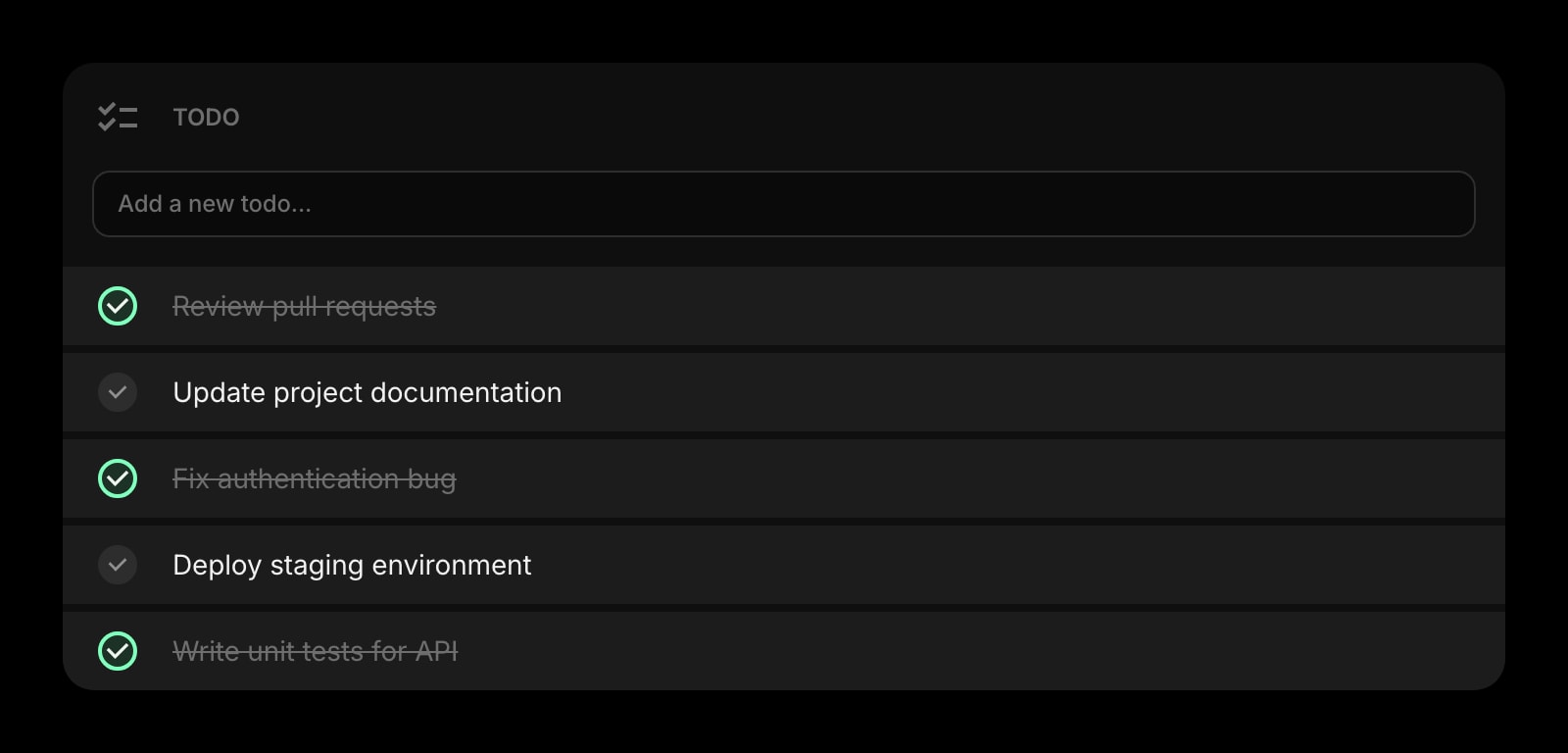
The one task this pomodoro is for, written down next to the timer.
Habit Tracker
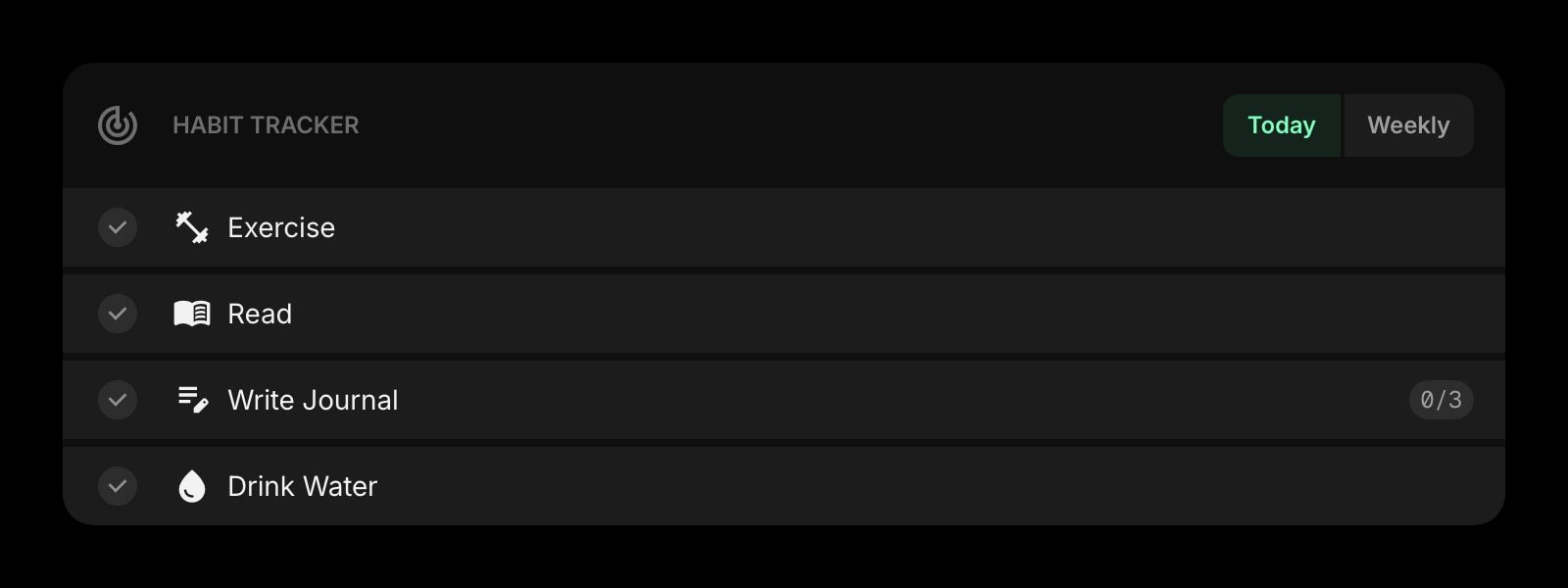
Tick off "four pomodoros" as a daily habit and keep the streak alive.
Countdown Timer
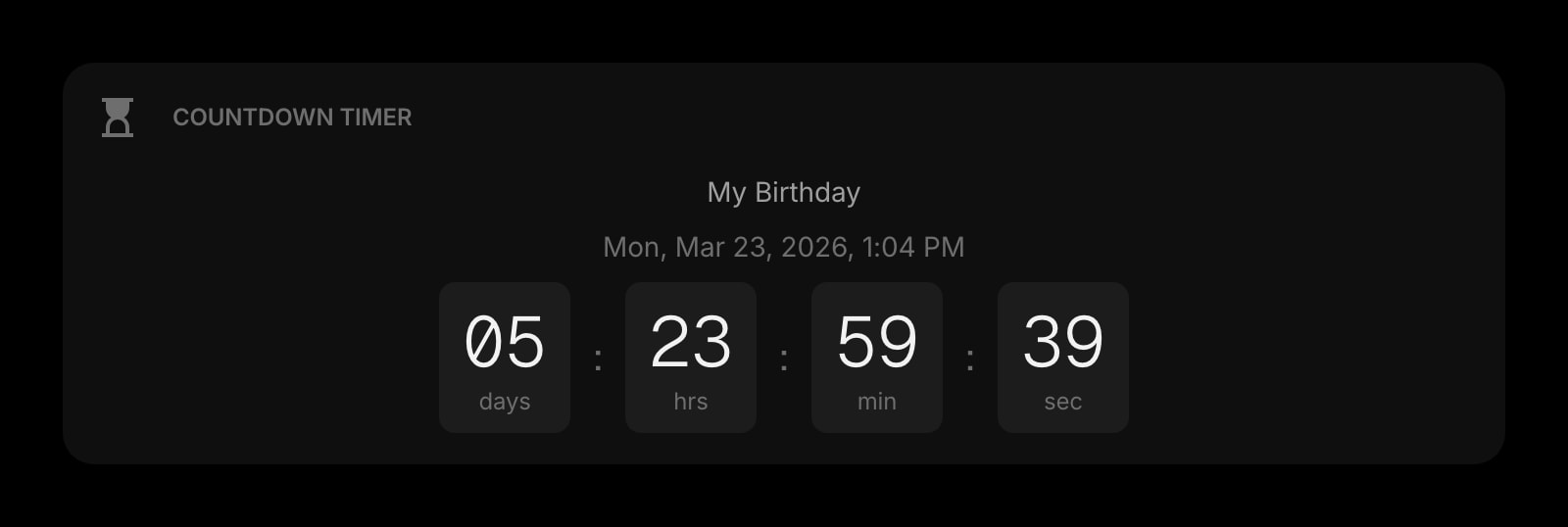
A single deadline counting down beside the repeating work cycle.
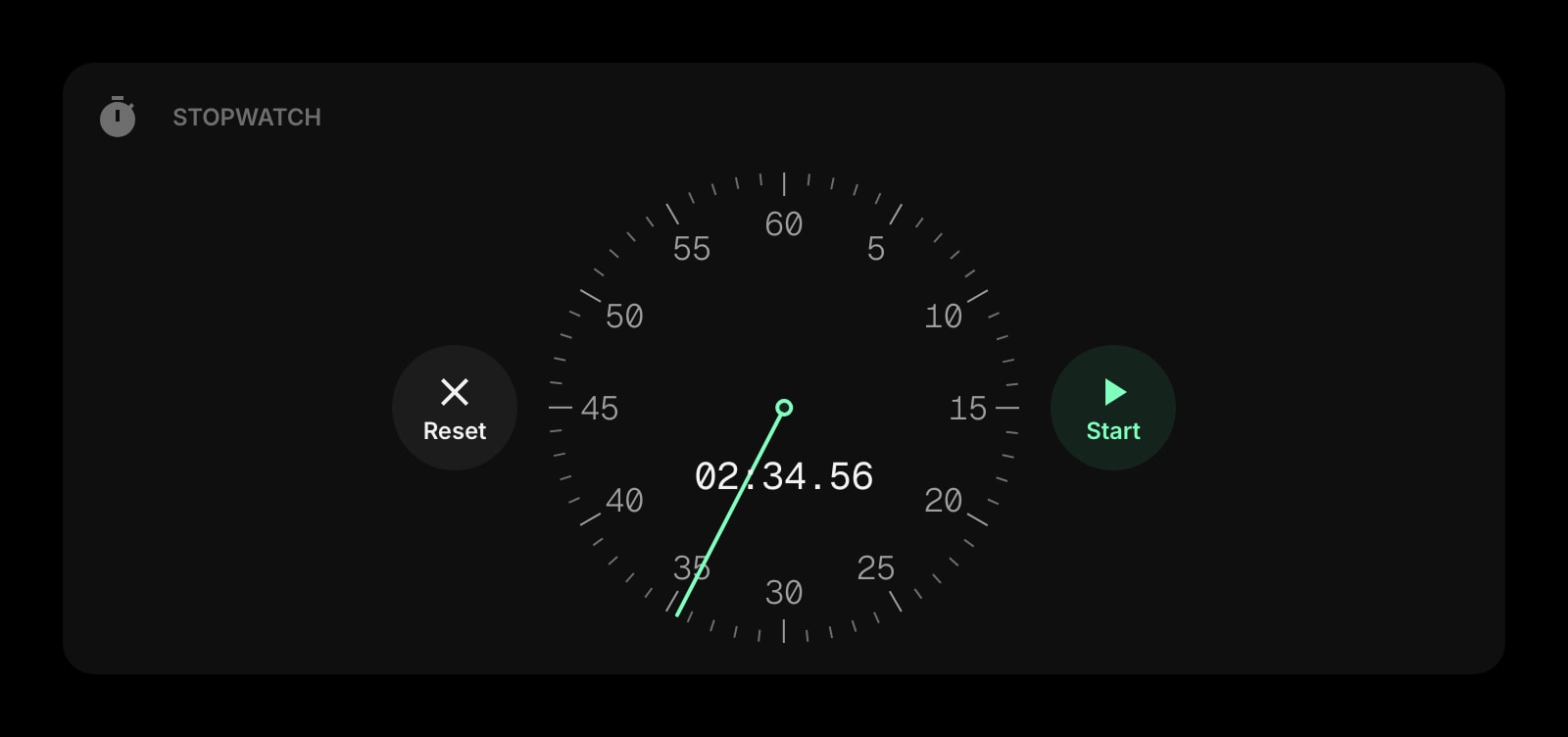
Stopwatch
For tasks you want to measure rather than box into 25 minutes.
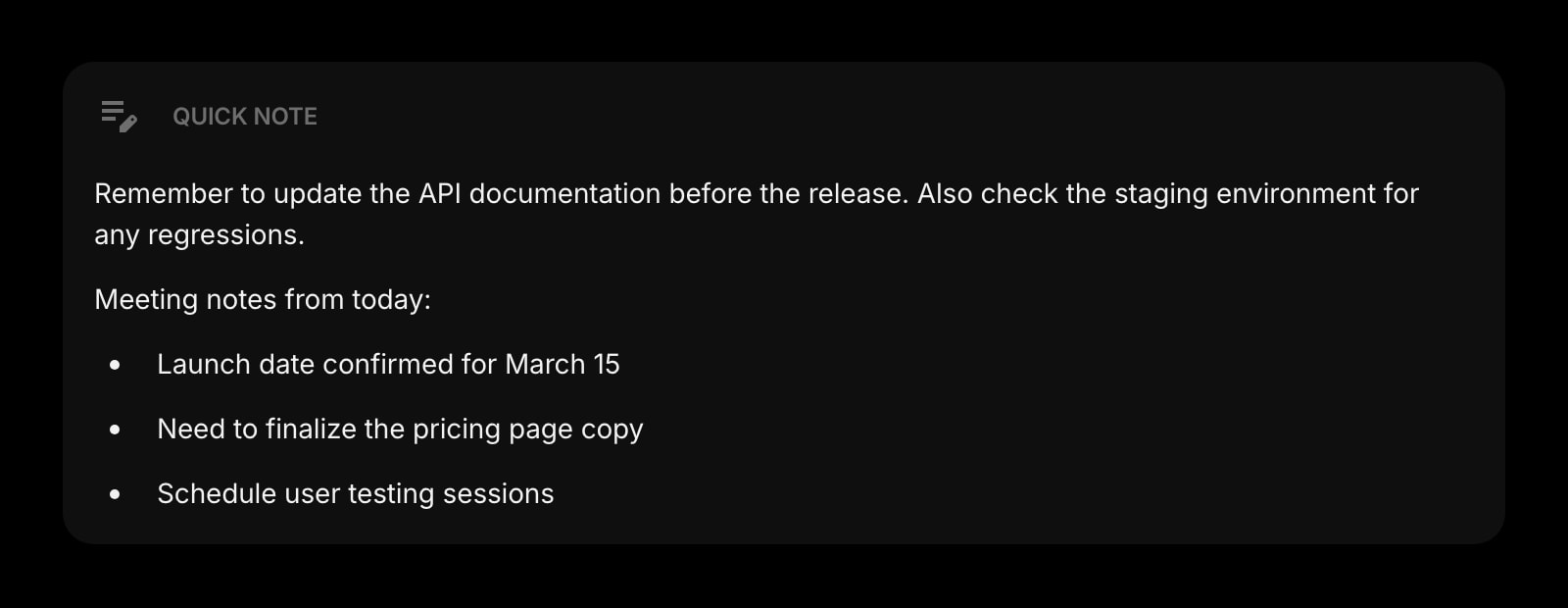
Quick Note
Where the interrupting thought goes so the pomodoro keeps going.
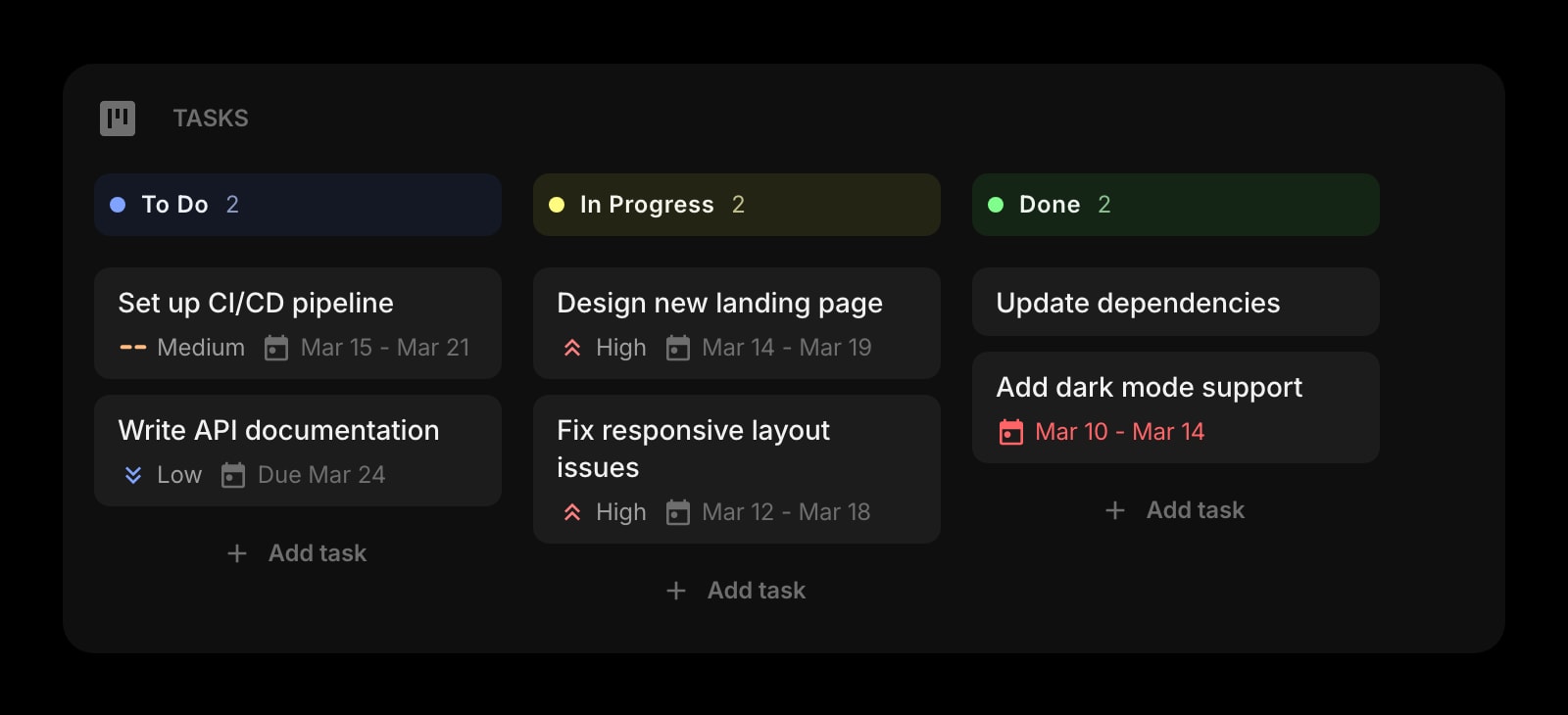
Tasks (Kanban)
A board for the bigger project the pomodoros add up to.
The Pomodoro Timer widget is one of 50+ in Start Page HQ. Tasks, notes, RSS, AI tools, dev utilities — the same install gives you all of them. Start free with 8 widgets on a page, or lift every limit at $4/month, $24/year, or $48 lifetime.
Frequently Asked Questions
Firefox's Focus Timer is a single countdown stored locally in one profile with no sync. The Pomodoro Timer widget runs the whole cycle — work, short break, long break, session count — with an optional end-of-phase sound, and its settings live on your Start Page HQ account so they appear on every Firefox and every other browser you sign into.
Yes. The widget stores when the phase started and recalculates the remaining time from the clock whenever the tab is shown, so throttled or paused timers in the background do not cause drift. The phase and the seconds are correct the moment you switch back.
Firefox blocks audio on pages you have not interacted with yet. Clicking Start counts as that interaction and arms the sound for the rest of the session. If you reopen Firefox and the first phase ends before you click anything on the dashboard, click once and the next chime plays.
The start time is saved, so reopening a new tab shows the timer where it should be, not reset. The sound and the flashing title only work while a dashboard tab exists somewhere in Firefox, which is why pinning the tab is worth the extra click.
Add the Pomodoro Timer Widget to Firefox
Free plan, no credit card — see plans or try the demo without installing.