
Pomodoro Timer for Safari
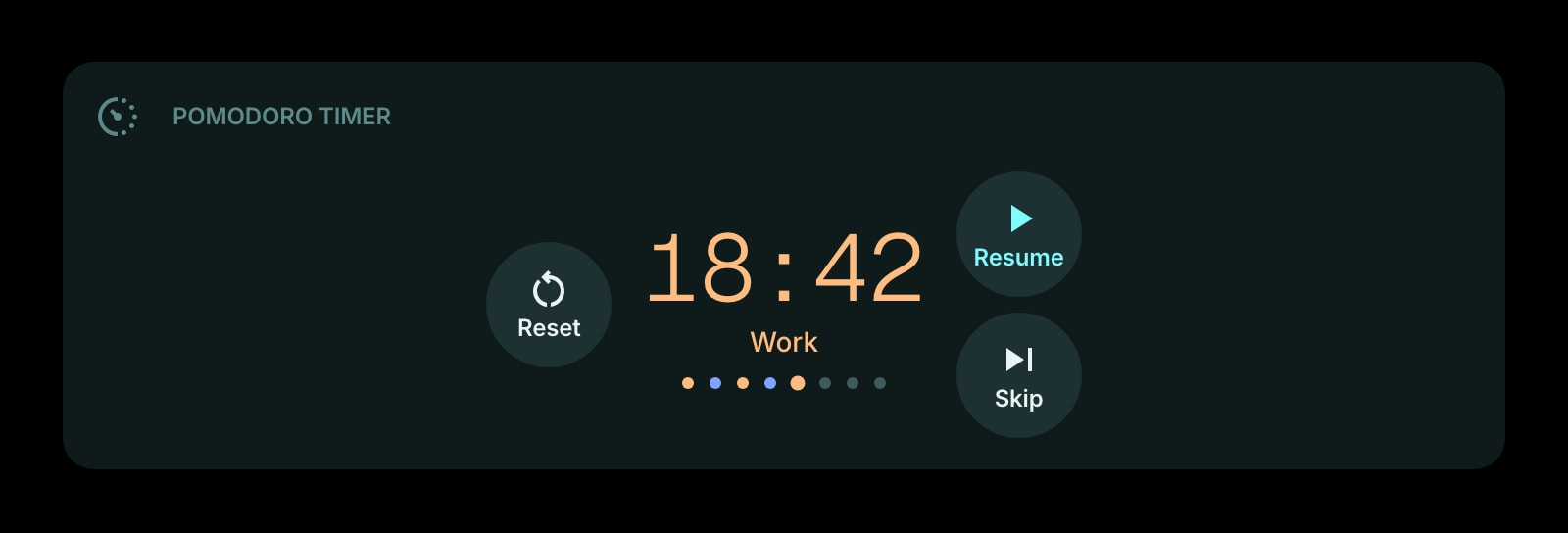
A focus timer on the Safari new tab, installed from the App Store. It keeps correct time through Safari suspending background tabs on iPhone, and your work and break lengths sync between your Mac and your phone.
Install on Safari
The Safari-specific flow, start to finish.
- 1Install Start Page HQ from the Mac App Store and open the app once. In Safari, go to Settings → Extensions, tick Start Page HQ, and allow the permissions it requests.
- 2Open a new tab. The dashboard replaces the Start Page. Click the gear icon in the bottom right and choose Add Widget → Pomodoro Timer.
- 3Set work, short break, long break, and how many pomodoros come before a long break. It starts at the classic 25-minute work block with 5-minute breaks and a 15-minute long break every fourth round.
- 4Choose the digital, watchface, or circular display, turn the end-of-phase sound on, and press Start. Pressing Start also gives Safari the interaction it requires before it will play audio.
- 5On iPhone or iPad, install the same app, enable it under Settings → Safari → Extensions, and sign in. The timer and its settings are already there.
What Pomodoro Timer Does
A short tour of the widget. Already sold? Skip ahead.
- Work, short break, and long break lengths, kept on your account.
- Auto-start the next phase or wait for you.
- Digital, watchface, and circular progress displays.
- A sound when a phase ends, and a flashing tab title while you are in another tab.
- Count of pomodoros completed today.
Notes for Safari Users
Safari is the strictest browser about sound: nothing plays until you have interacted with the page, and in Safari on iOS a tab left in the background is frozen outright rather than merely slowed down. The Pomodoro Timer is built for that. It records when the phase began and works out the remaining time from the clock whenever it renders, so an iPhone that put Safari to sleep for twenty minutes still shows the right phase and the right seconds when you come back. Pressing Start counts as the interaction Safari needs, so the end-of-phase chime plays on the Mac from then on; on the phone the timer is right on return even when the chime was not allowed to fire.
There is no Pomodoro in Safari itself and, because Safari extensions must ship as App Store apps, few third-party ones exist. Start Page HQ installs from one listing for macOS 12.4+ and iOS 15+, so the timer on the Mac and the one on the iPhone are the same widget with the same settings. Start a work block at the desk and the phone shows it counting down, with no separate app and nothing to pair.
Other Widgets You Might Add
Pair the Pomodoro Timer widget with these. One install gets you all of them.
Todo
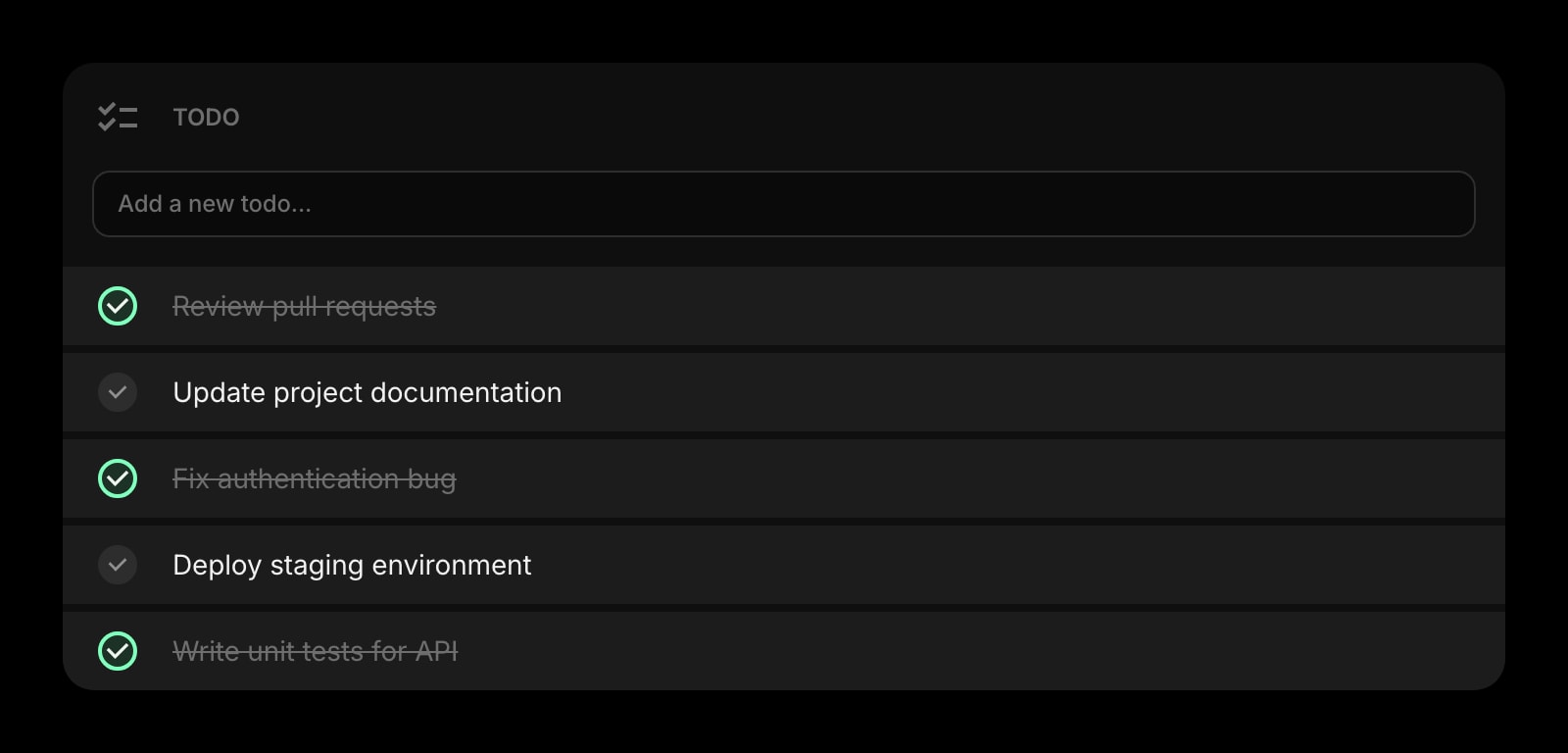
The task this pomodoro belongs to, one line above the timer.
Habit Tracker
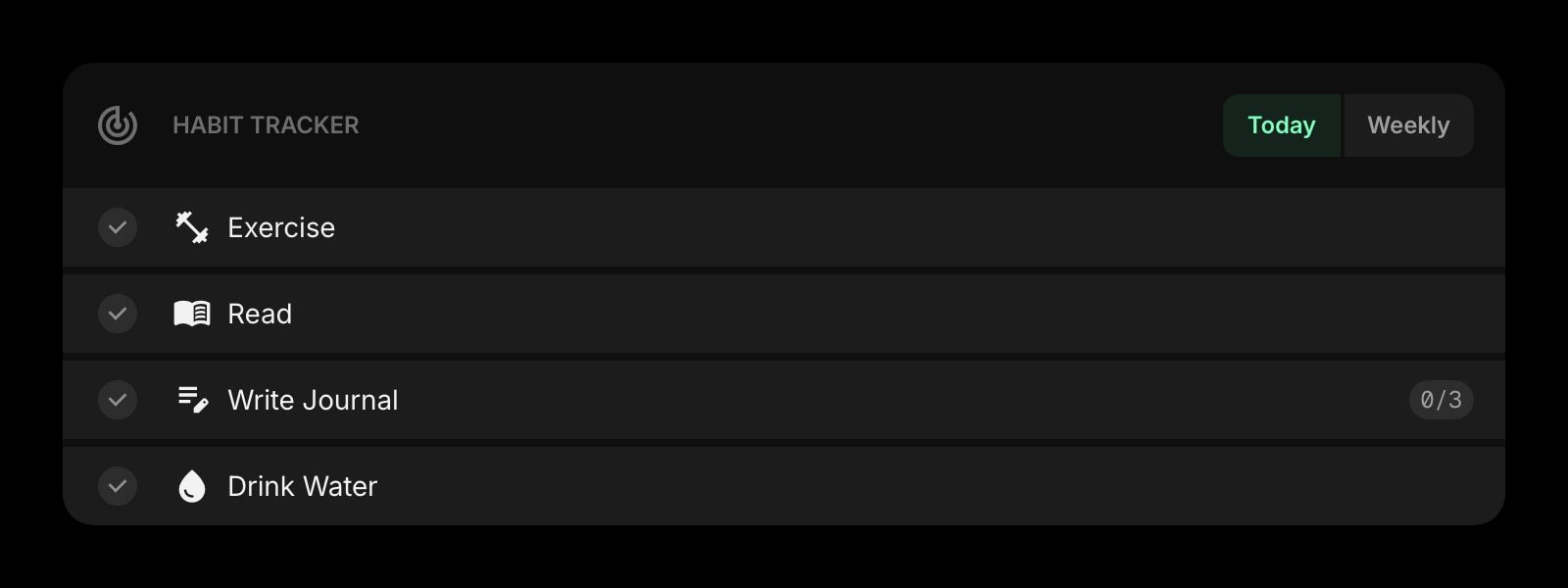
Log the day as done once the fourth pomodoro lands.
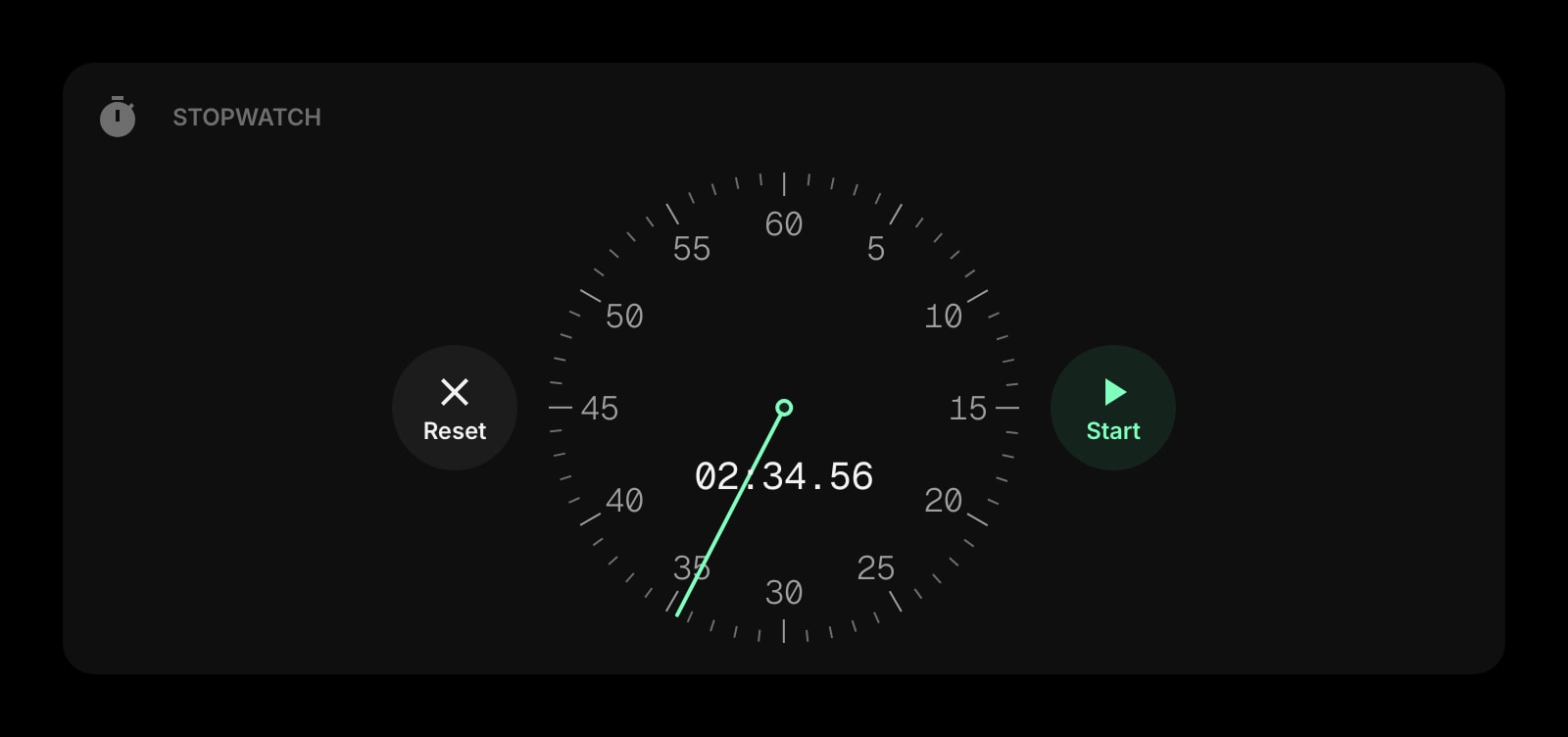
Stopwatch
For work you would rather measure than box in.
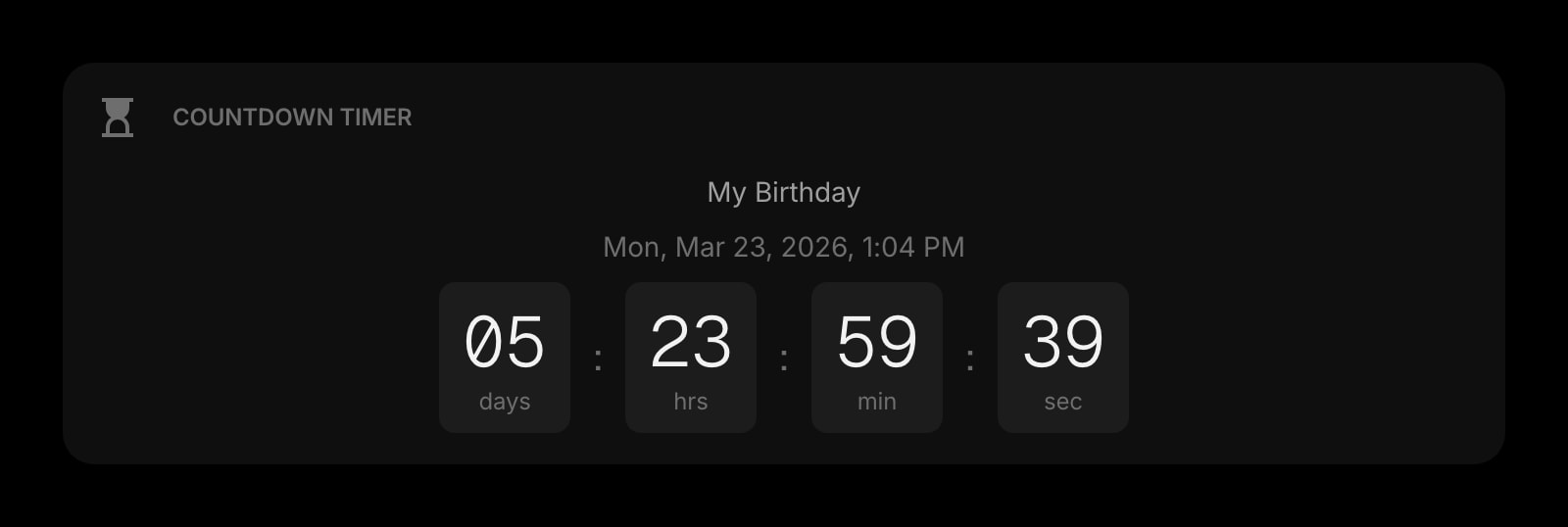
Countdown Timer
A deadline counting down in days beside the timer counting down in minutes.
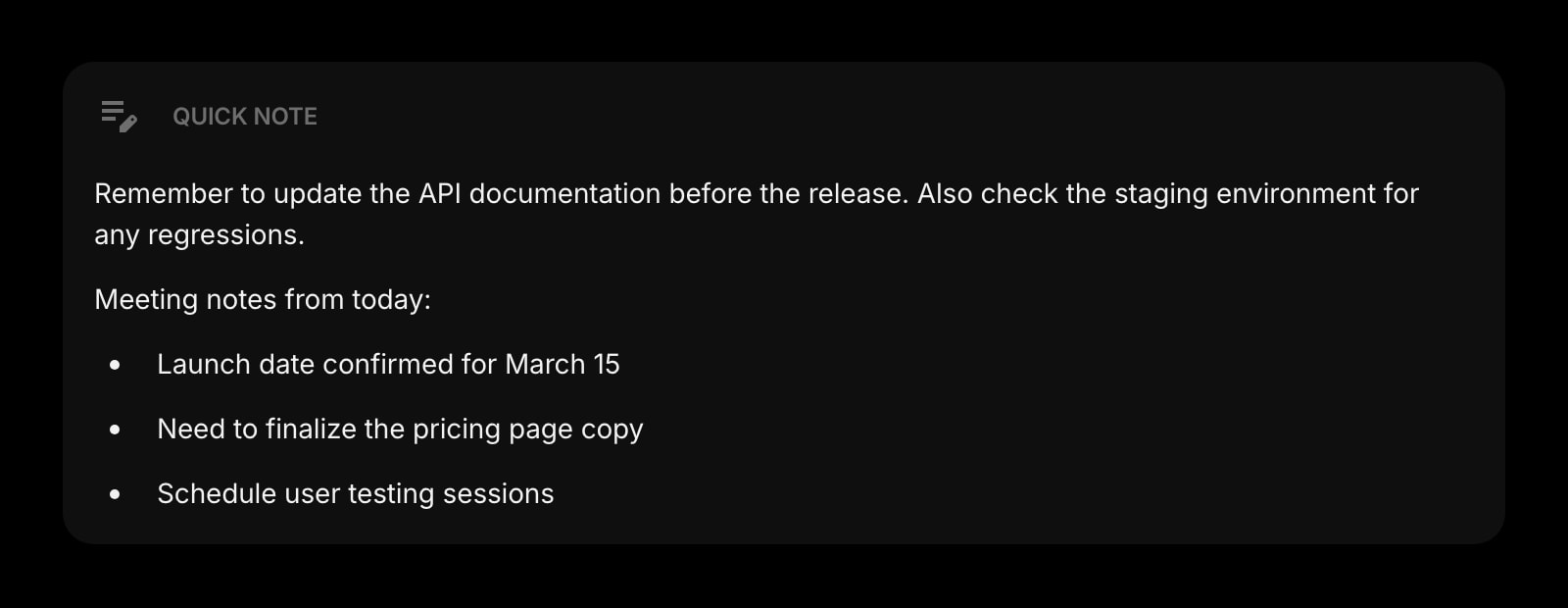
Quick Note
Park the stray idea here and get back to the block.
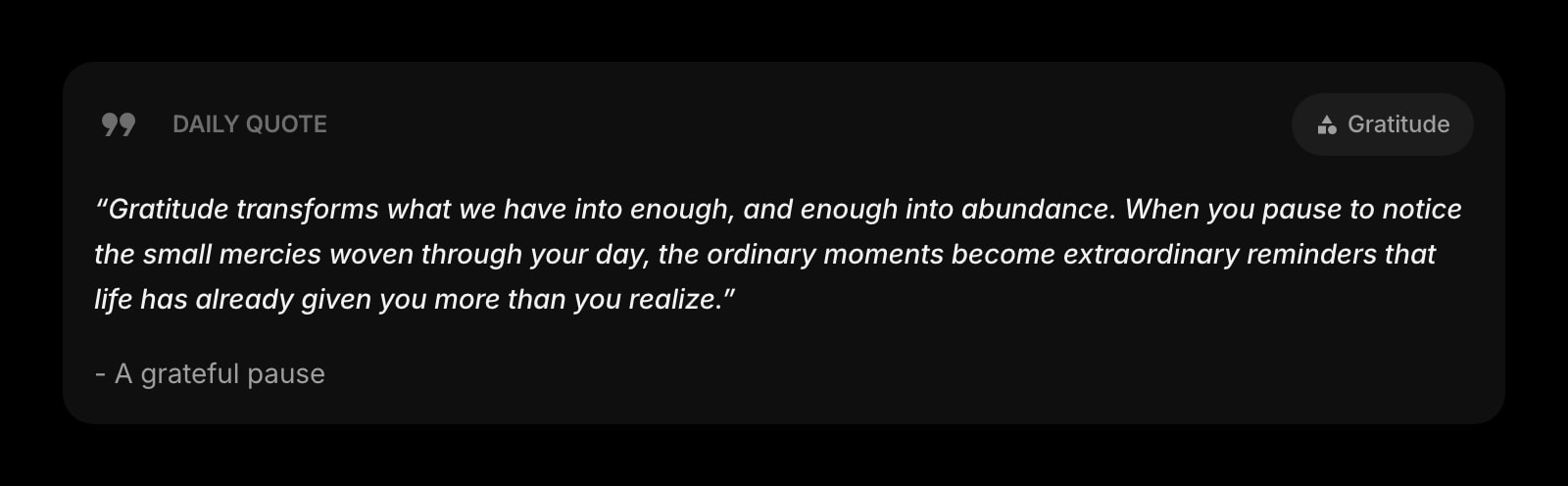
Daily Quote
Something to read during the five-minute break.
The Pomodoro Timer widget is one of 50+ in Start Page HQ. Tasks, notes, RSS, AI tools, dev utilities — the same install gives you all of them. Start free with 8 widgets on a page, or lift every limit at $4/month, $24/year, or $48 lifetime.
Frequently Asked Questions
Yes. Safari on iOS freezes background tabs, but the widget stores the start time and recalculates the remaining time when the tab is shown again, so the countdown is right the moment you return. Only the sound needs the tab to be in the foreground.
Safari refuses to play audio on a page you have not interacted with yet. Pressing Start satisfies that for the rest of the session. If you reopened Safari and the first phase ended before you clicked anything, click once anywhere on the dashboard and the next chime plays.
Open the app once, then tick Start Page HQ under Safari → Settings → Extensions on the Mac. On iPhone or iPad, go to the Settings app → Safari → Extensions and switch it on with Allow.
Yes. Durations, display style, and the sound setting are stored on your Start Page HQ account, so signing into the same account in Safari on each device shows the same timer. This does not go through iCloud, and it also reaches other browsers.
Add the Pomodoro Timer Widget to Safari
Free plan, no credit card — see plans or try the demo without installing.