
Pomodoro Timer for Chrome
A focus timer that lives on your Chrome new tab — not a popup, not a separate site, not a Chrome notification you swipe away. Open a tab, glance at the timer, get back to work.
Install on Chrome
The Chrome-specific flow, start to finish.
- 1Install Start Page HQ from the Chrome Web Store with "Add to Chrome". The new-tab permission is the only one the extension requests.
- 2Open a new tab. Click the gear icon in the bottom right of the dashboard and choose Add Widget → Pomodoro Timer.
- 3Set your durations: work, short break, long break, and how many pomodoros until a long break. Defaults are the classic 25 / 5 / 15 / 4.
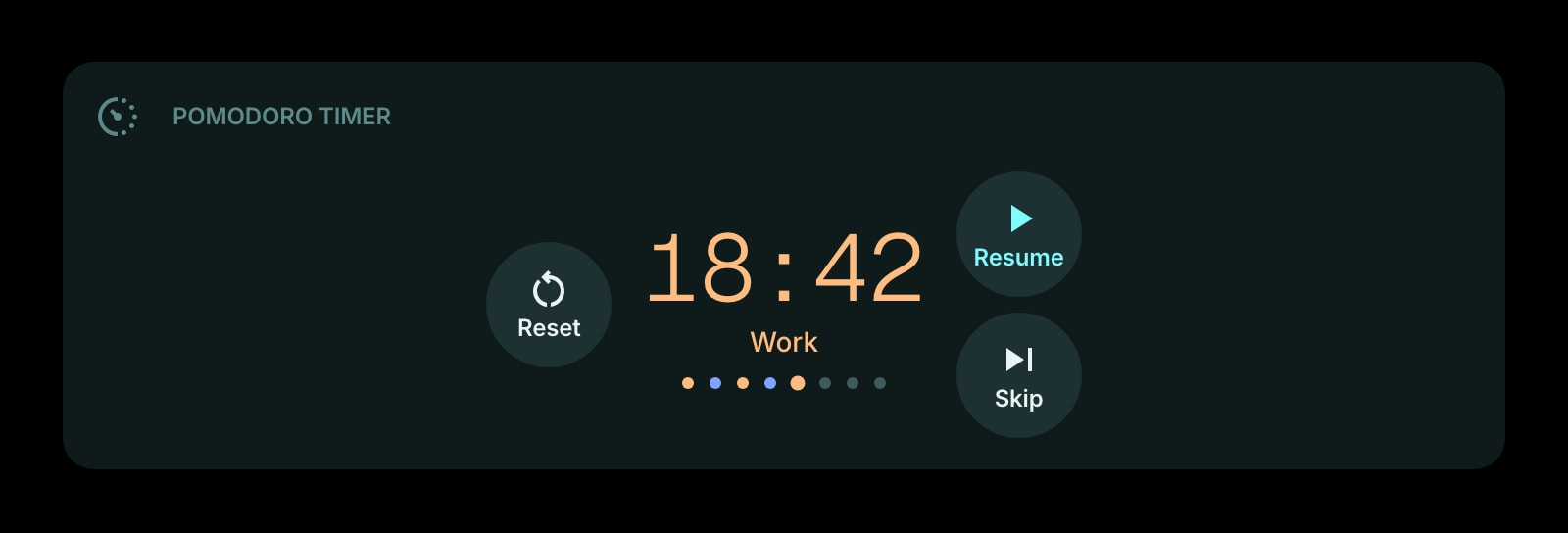
- 4Pick a display style: digital readout, watchface, or circular progress. The circular style works well at small sizes if you're sharing the row with other widgets.
- 5Press Start. Leave a Chrome tab with Start Page HQ open in the background — the timer keeps running even if you switch tabs or windows.
What Pomodoro Timer Does
A short tour of the widget. Already sold? Skip ahead.
- Customizable work, short break, and long break durations.
- Auto-start the next phase or pause between phases — your call.
- Three display styles: digital, watchface, circular progress.
- Optional sound cue when a phase ends.
- Session counter so you know how many pomodoros you've completed today.
Notes for Chrome Users
Chrome aggressively throttles JavaScript timers in background tabs to save power, so any web Pomodoro that runs as JavaScript-only can drift by minutes if the tab isn't focused. The Start Page HQ Pomodoro Timer sidesteps this by storing the start time and computing remaining time on read — when you flip back to the new tab, it shows the correct phase and remaining seconds even if Chrome paused the tab's clock for ten minutes.
The sound cue uses HTML audio that's gated behind Chrome's autoplay policy, which means it only fires reliably after you've interacted with the new-tab page at least once in the session. Pressing Start counts as that interaction, so subsequent phase-end chimes play as expected. If you keep the tab open for hours without focusing it, briefly clicking the dashboard re-arms the audio.
Other Widgets You Might Add
Pair the Pomodoro Timer widget with these. One install gets you all of them.
Todo
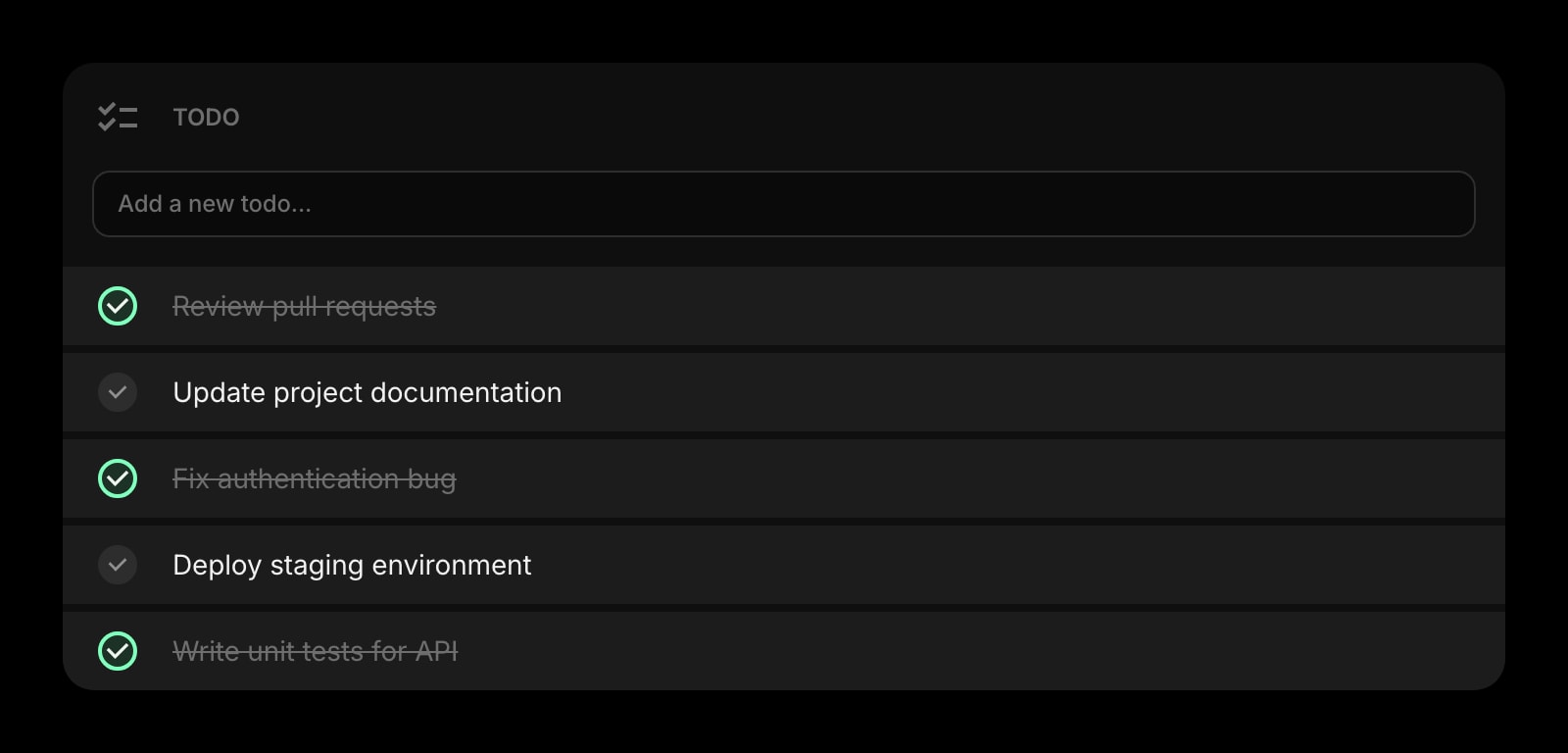
Pair the timer with a short list of what you're actually working on this pomodoro.
Countdown Timer
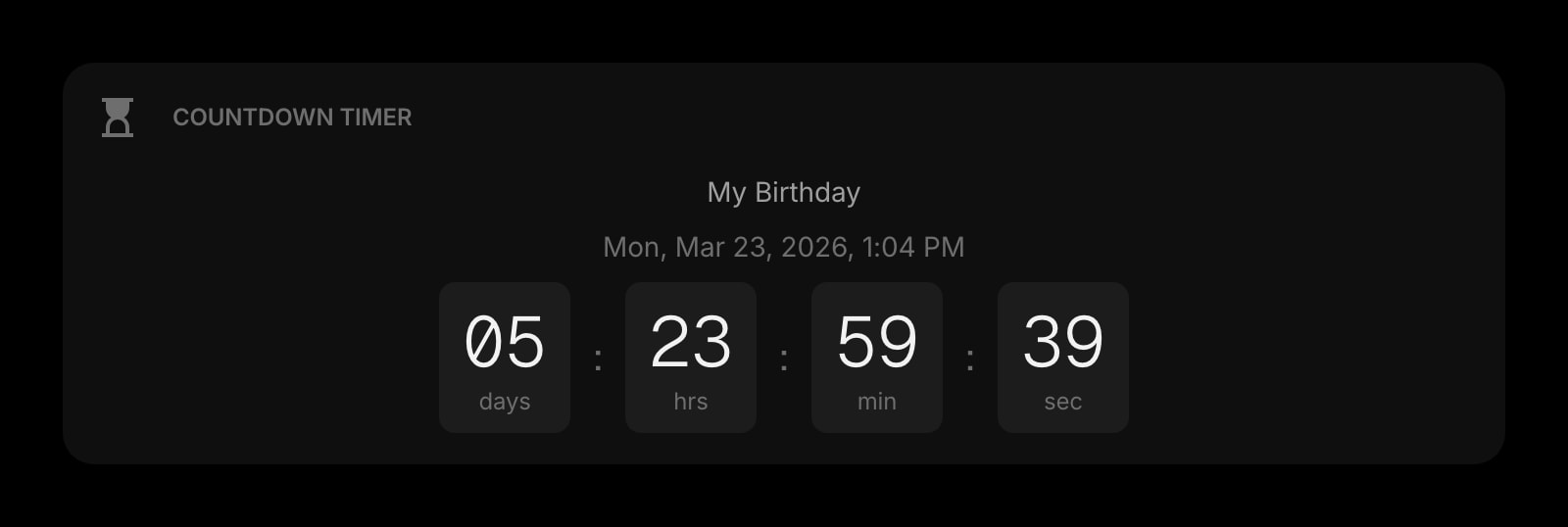
For one-off deadlines that don't fit the pomodoro cadence — talk prep, oven timer, meeting countdown.
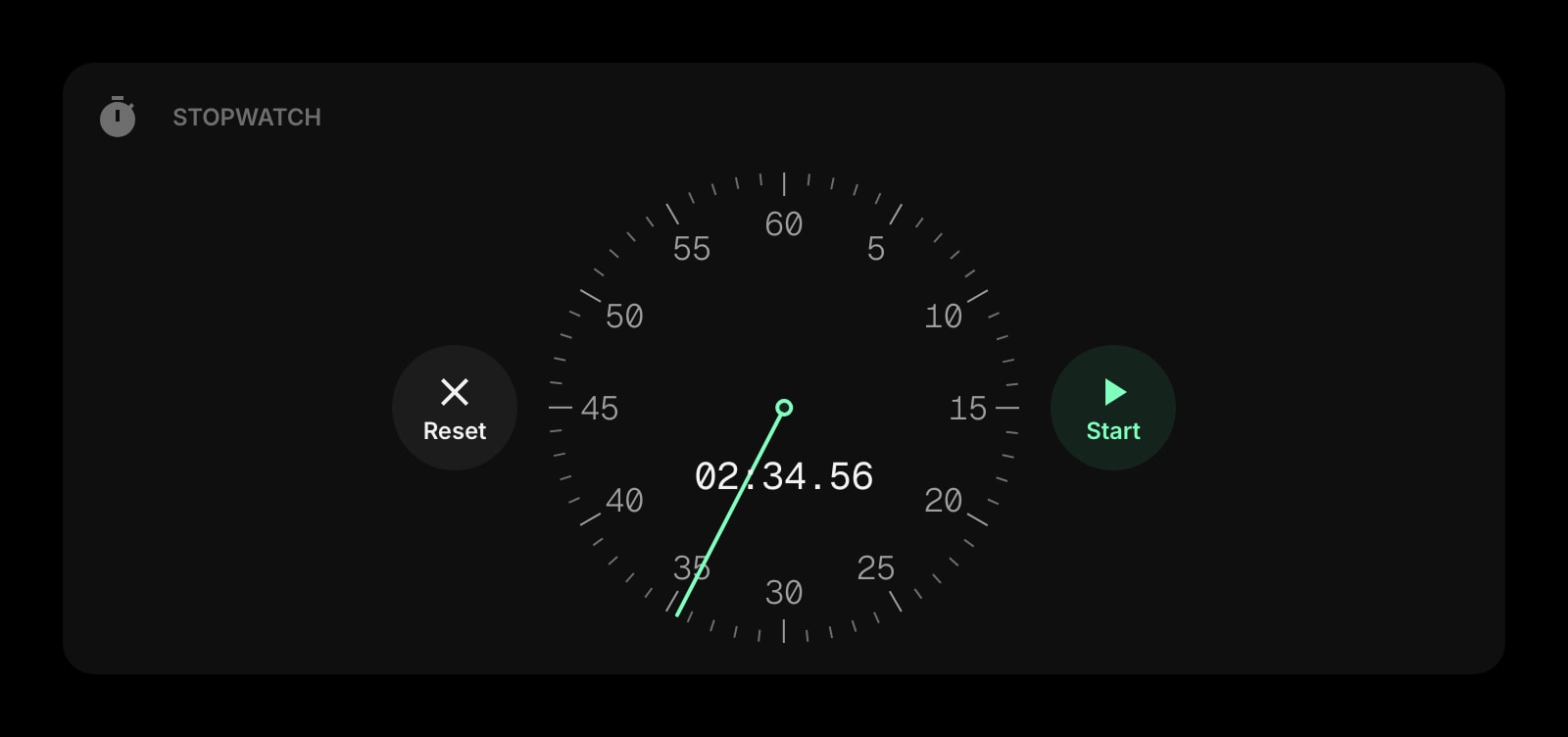
Stopwatch
Open-ended time tracking next to your structured pomodoros.
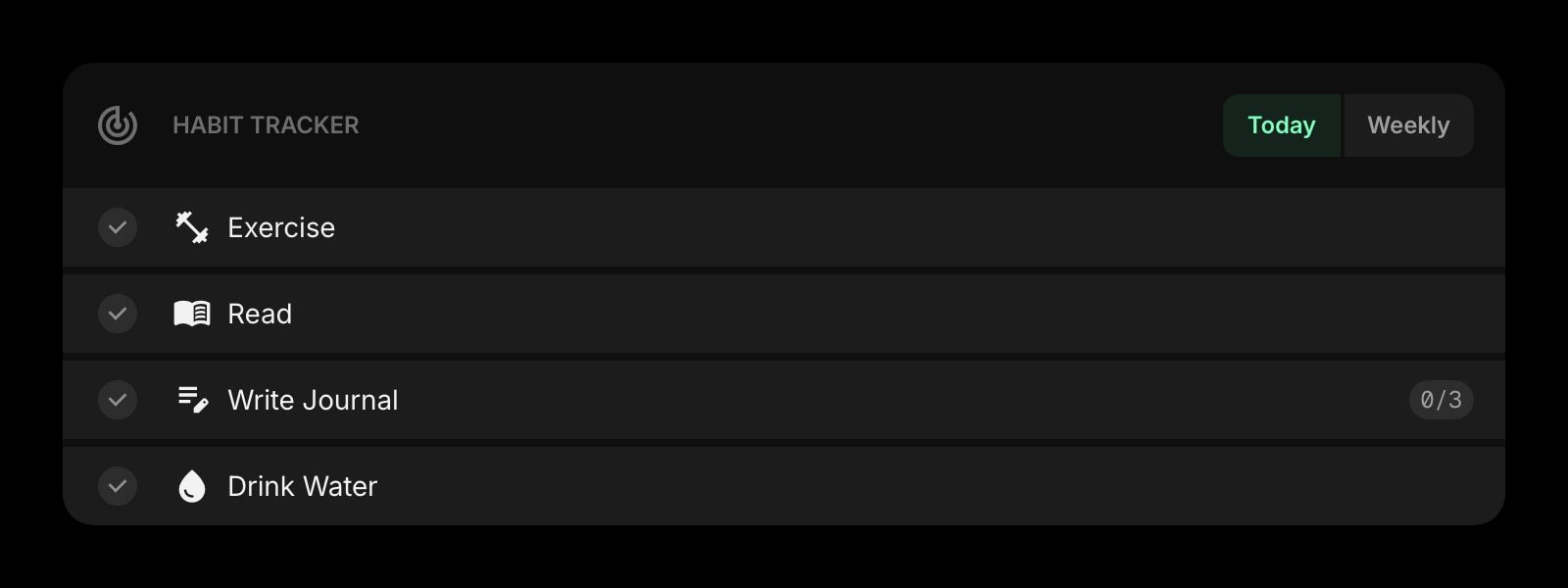
Habit Tracker
Mark "did a pomodoro session" as a daily habit and watch the streak grow.
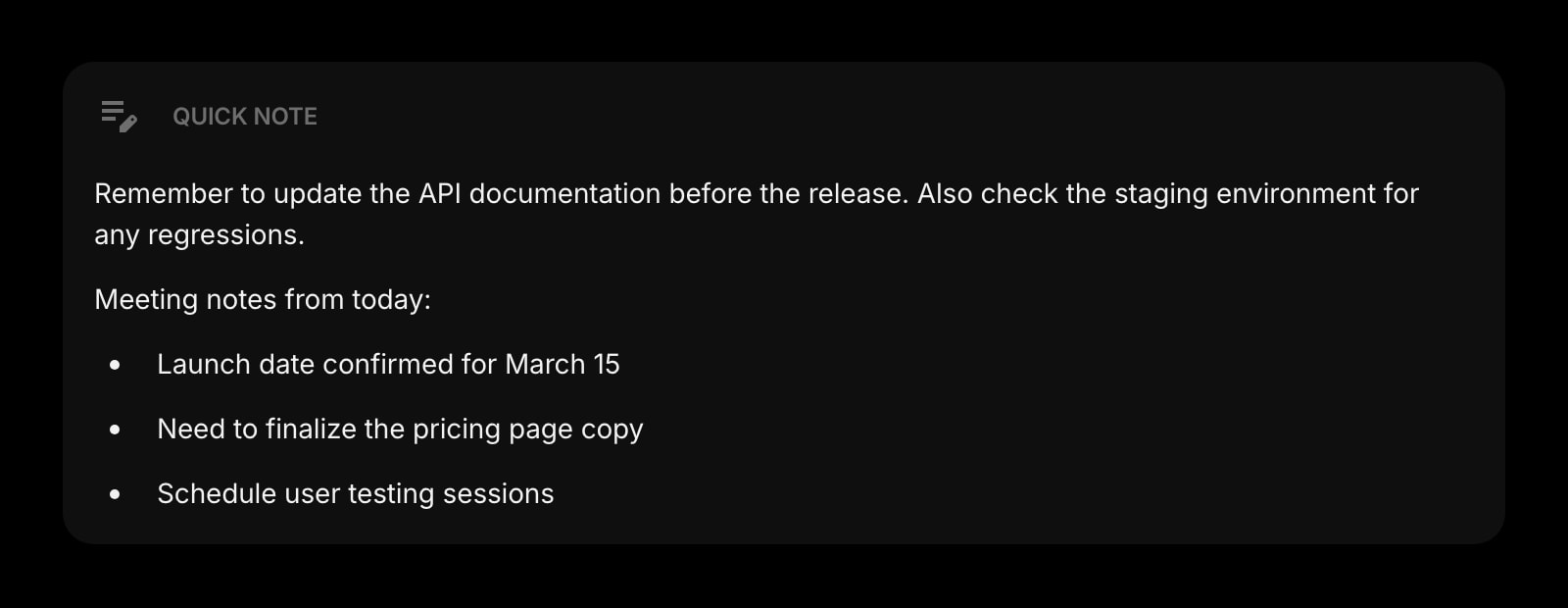
Quick Note
Jot what you got done in this pomodoro before the next one starts.
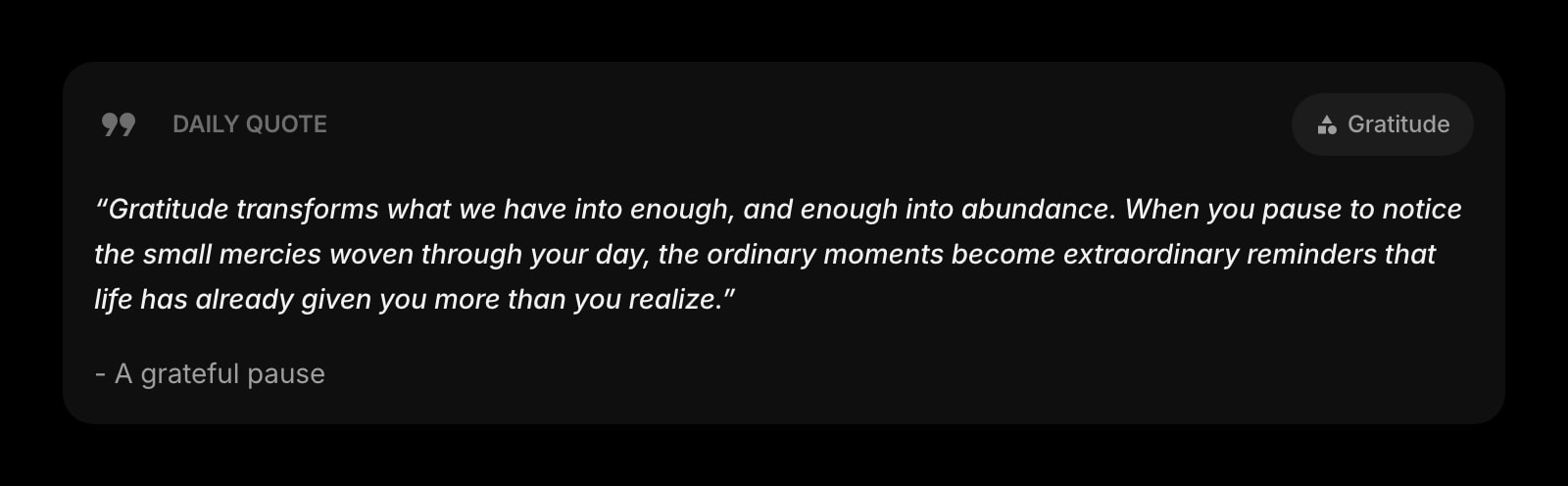
Daily Quote
A small motivational note to stare at while the timer counts down.
The Pomodoro Timer widget is one of 50+ in Start Page HQ. Tasks, notes, RSS, AI tools, dev utilities — the same install gives you all of them. Start free with 8 widgets on a page, or lift every limit at $4/month, $24/year, or $48 lifetime.
Frequently Asked Questions
Yes. The widget records when you started and computes the remaining time when the tab is foregrounded again. Even if Chrome throttles the tab's background JavaScript, the displayed time stays accurate to within a second.
Chrome's autoplay policy blocks audio in tabs where the user hasn't interacted with the page yet. Pressing Start arms audio for the rest of the session. If you re-open Chrome and load the dashboard but never click anything before the first phase ends, the sound is suppressed — click the dashboard once to re-enable it.
Not currently — the Pomodoro widget signals phase changes inside the new-tab page (visual + optional sound) rather than via Chrome's notification system. That's deliberate: the dashboard is meant to be the place you look when you're between focus blocks, not something that pings you while you're heads-down in another window.
Yes. Sign in once and your durations, display style, and sound preferences follow you to every Chrome you install Start Page HQ on. Sync is part of the base plan, not a separate upgrade.
Add the Pomodoro Timer Widget to Chrome
Free plan, no credit card — see plans or try the demo without installing.