Pomodoro Timer for Edge
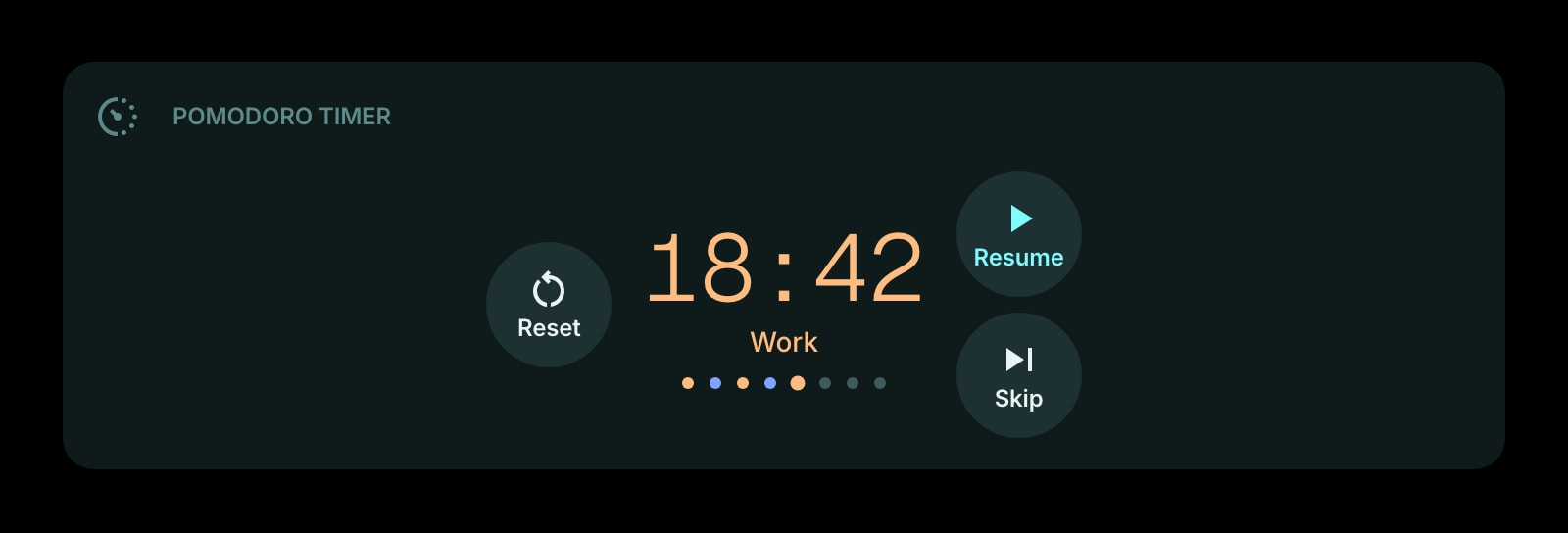
A focus timer on Microsoft Edge's new tab. Edge puts inactive tabs to sleep to save memory; this timer works from its start time, so a slept tab wakes up showing the right phase and the right seconds.
Install on Edge
The Edge-specific flow, start to finish.
- 1Open the Start Page HQ listing on the Chrome Web Store in Edge and click "Allow extensions from other stores" on the banner. Then click "Get" and approve the new-tab permission.
- 2Open a new tab. If Edge asks whether to keep the new page, confirm. Click the gear icon in the bottom right and choose Add Widget → Pomodoro Timer.
- 3Set work, short break, long break, and pomodoros per long break — 25, 5, 15, and 4 out of the box.
- 4Choose digital, watchface, or circular progress, switch the sound on if you want it, and press Start.
- 5Leave the dashboard tab open while you work in others. If Edge puts it to sleep, the timer is recomputed when you return; the tab title flashes when a phase ends so you can see it from the tab strip.
What Pomodoro Timer Does
A short tour of the widget. Already sold? Skip ahead.
- Work, short break, and long break lengths of your choosing.
- Auto-advance between phases or a manual start for each one.
- Digital, watchface, or circular progress display.
- An end-of-phase sound that repeats until you come back to the tab, plus a flashing tab title.
- A count of pomodoros completed today.
Notes for Edge Users
Edge is more aggressive than Chrome about background tabs: its sleeping tabs feature freezes tabs you have not looked at for a while to reclaim memory, and efficiency mode tightens that further on battery. A timer that counts down by ticking once a second stops when the tab does. The Pomodoro Timer avoids the problem by never ticking in the first place — it records when the phase started and works out the remaining time from the clock each time it renders, so a tab that Edge put to sleep for an hour wakes up showing exactly where the cycle is.
The end-of-phase signal is built for the tab-strip style of working Edge encourages, with vertical tabs and a lot of them open. When a phase ends while the dashboard is not in front, the tab's title alternates with "[Work Complete!]" and the sound, if enabled, repeats every few seconds until you switch back, at which point both stop. Edge needs one interaction with the page before it will play audio, and pressing Start covers it. Nothing goes through Windows notifications, which keeps the timer inside the browser and out of the Focus Assist rules you may have set.
Other Widgets You Might Add
Pair the Pomodoro Timer widget with these. One install gets you all of them.
Todo
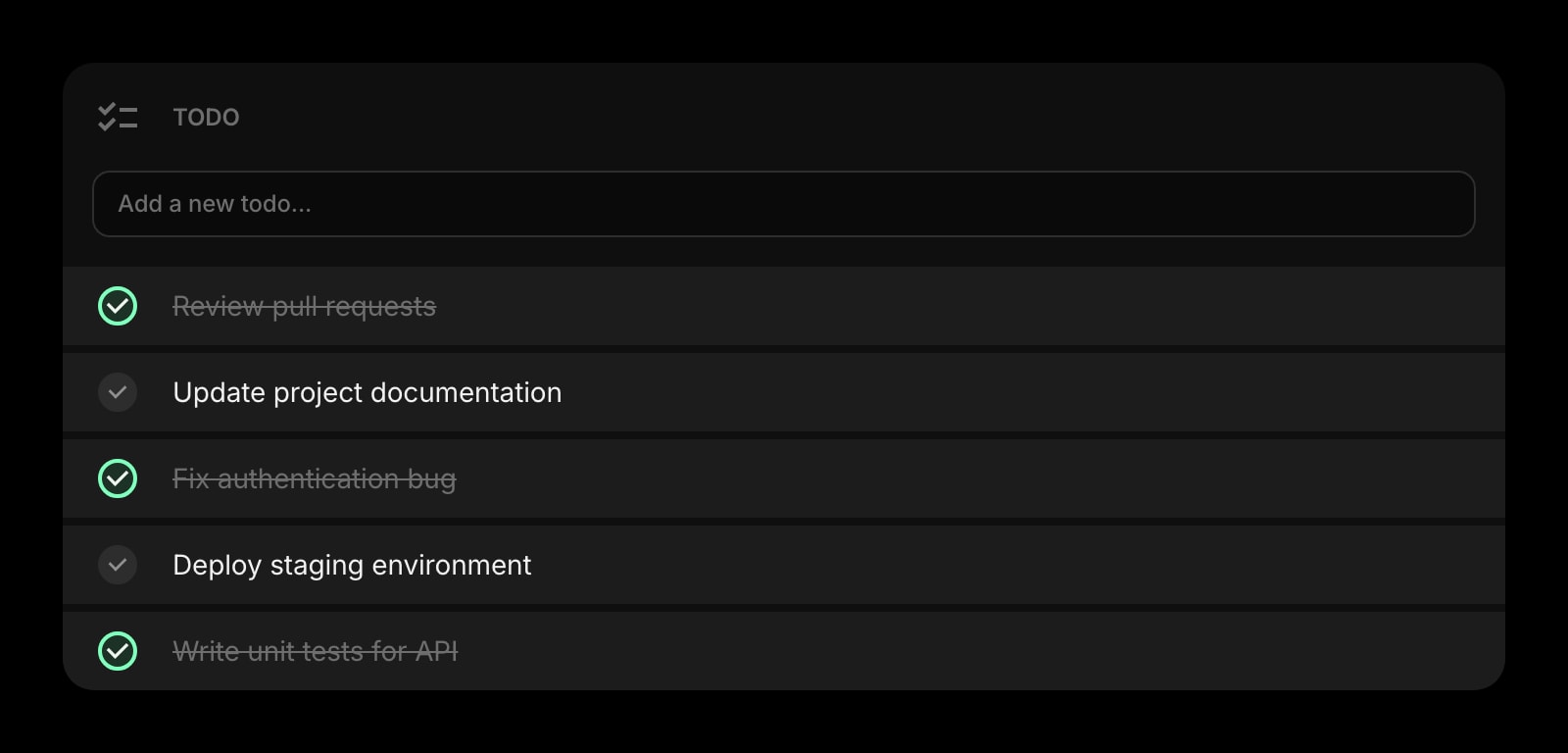
The task this block is for, written on the line above the timer.
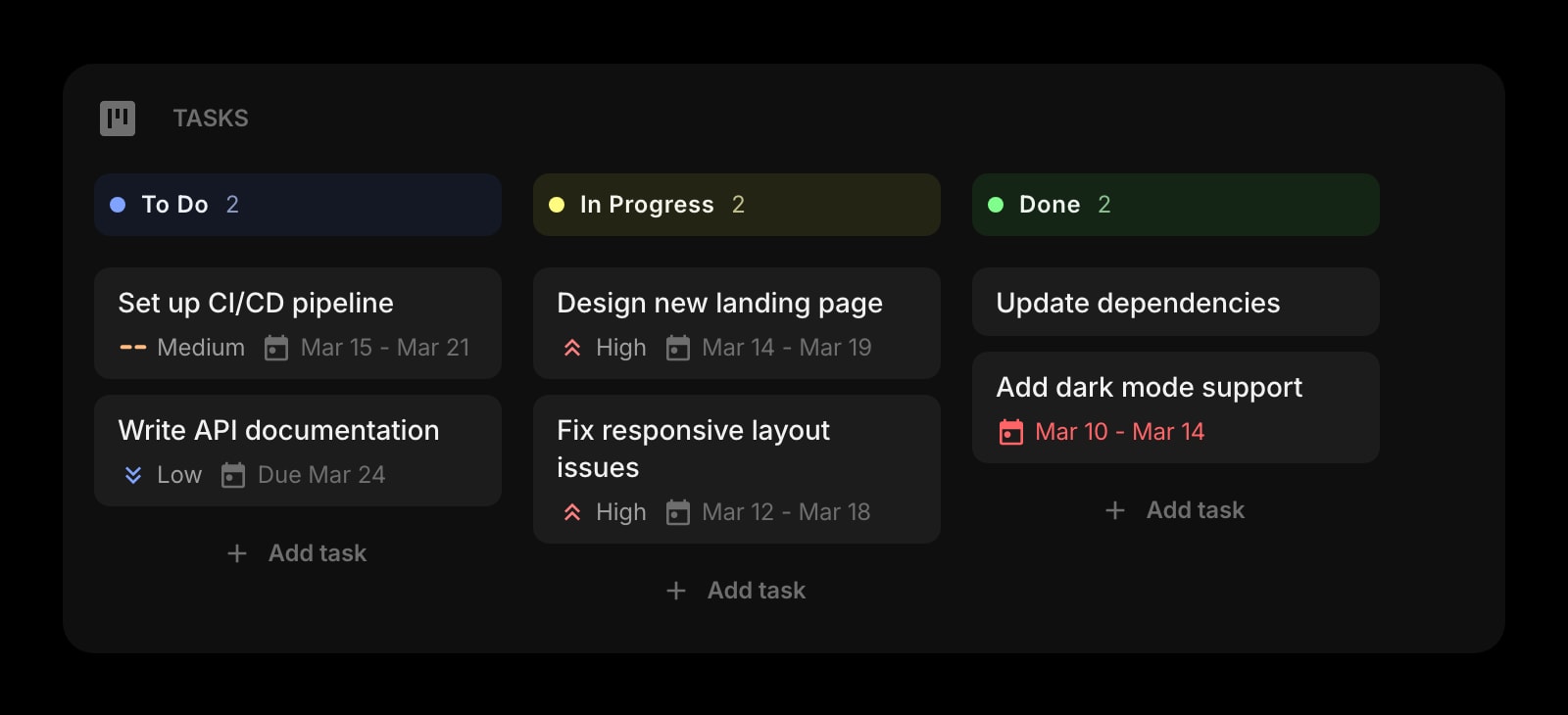
Tasks (Kanban)
The board the pomodoros are chipping away at.
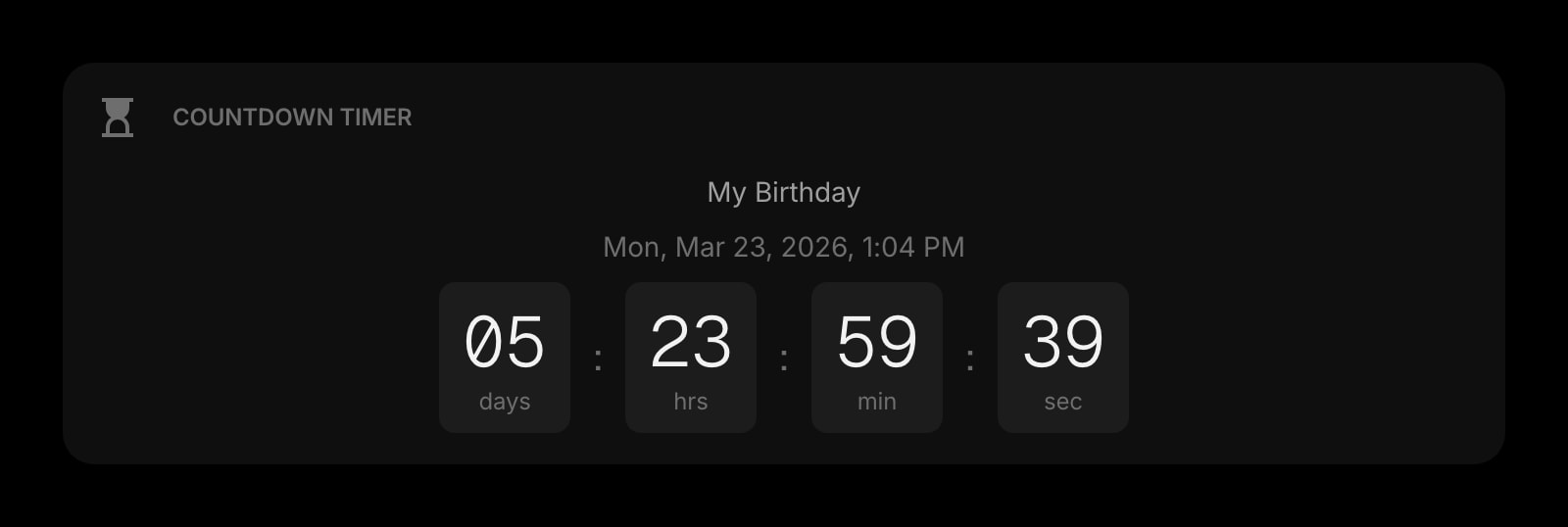
Countdown Timer
A deadline in days, next to the block in minutes.
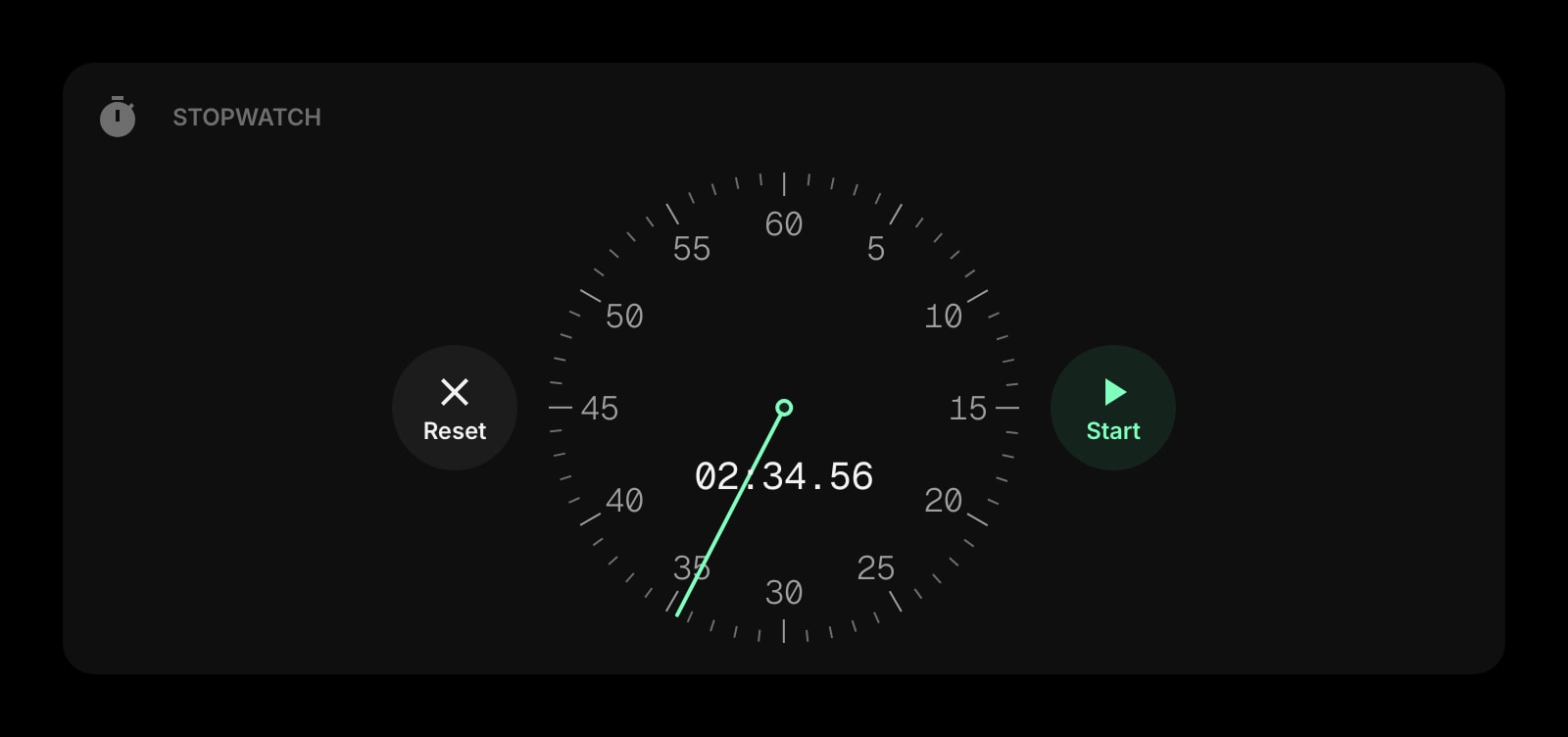
Stopwatch
For work you want to measure, not cap.
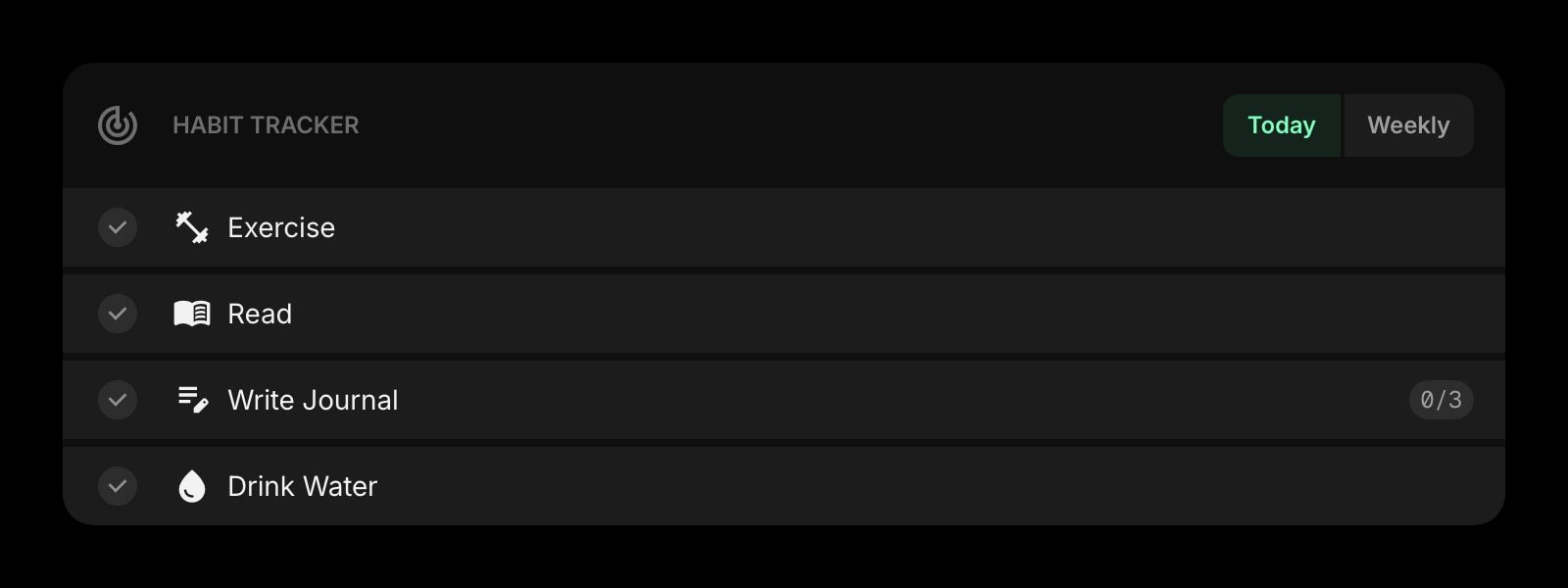
Habit Tracker
Mark the day once the fourth pomodoro is done.
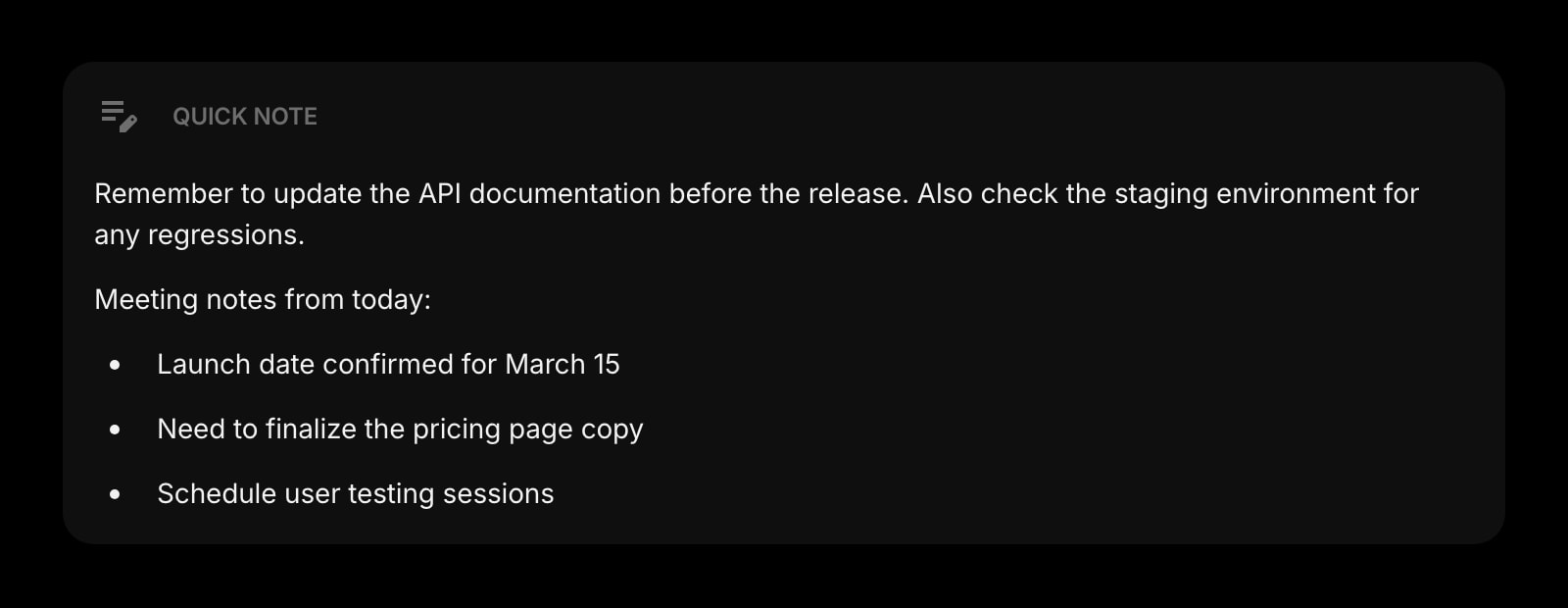
Quick Note
Where the interrupting thought goes so the block keeps going.
The Pomodoro Timer widget is one of 50+ in Start Page HQ. Tasks, notes, RSS, AI tools, dev utilities — the same install gives you all of them. Start free with 8 widgets on a page, or lift every limit at $4/month, $24/year, or $48 lifetime.
Frequently Asked Questions
No. When a slept tab wakes, the widget recalculates the remaining time from the recorded start time, so the phase and the seconds are correct. You can leave sleeping tabs on; there is no need to add the dashboard to the "never put these sites to sleep" list.
Not currently. The signal is a flashing tab title plus an optional repeating sound inside the browser, which makes it visible from the tab strip without going through Windows notifications or Focus Assist.
Edge, like Chrome, blocks audio on a page you have not interacted with yet. Pressing Start is the interaction that arms it. If Edge restarted and restored the dashboard tab, click once on the page before the first phase ends.
Yes. Durations, display style, and the sound setting are stored on your Start Page HQ account, so they appear on every Edge you sign into — and on Chrome, Firefox, or Safari elsewhere — without Edge profile sync.
Add the Pomodoro Timer Widget to Edge
Free plan, no credit card — see plans or try the demo without installing.