

Calendar Widget for Firefox
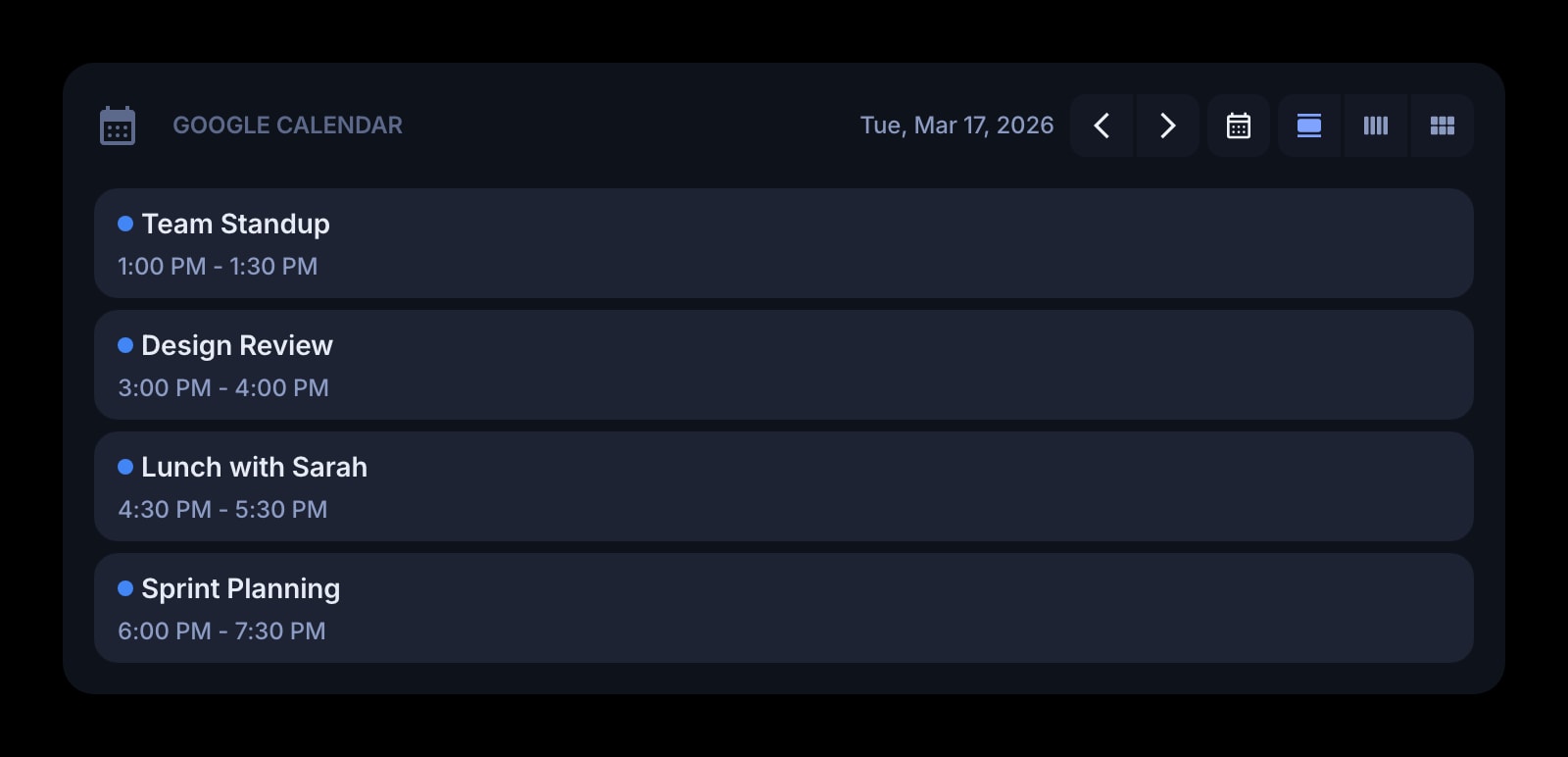
Your Google Calendar on every Firefox new tab. Connecting opens Google's sign-in in a small popup window that closes itself when it is done, so you never leave the dashboard.
Install on Firefox
The Firefox-specific flow, start to finish.
- 1Install Start Page HQ from Firefox Add-ons with "Add to Firefox" → "Add". Open a new tab and click "Keep Changes" when Firefox asks about the new tab page.
- 2Click the gear icon in the bottom right of the dashboard and choose Add Widget → Google Calendar.
- 3Click "Connect Google Calendar". Firefox opens a popup window with Google's account picker. Choose the account and allow read-only calendar access; the popup closes on its own and the widget fills in.
- 4Pick the calendar to show — your primary or any calendar shared with you — and a day, week, or month view.
- 5Optional: switch off event locations and all-day events in the widget settings if you only want the timed meetings on the new tab.
What Calendar Does
A short tour of the widget. Already sold? Skip ahead.
- Events from your Google Calendar, including calendars others have shared with you.
- Day, week, or month view per widget — pin two for two calendars.
- Show or hide times, locations, and all-day blocks.
- Weeks starting on Sunday or Monday.
- Read-only: clicking an event opens it in Google Calendar in a new tab.
Notes for Firefox Users
In Firefox the Google connection runs in a separate popup window rather than a redirect. The extension opens Google's authorisation page in a small window, waits for Google to send it back, then closes the window and refreshes the widget in place — the new tab you started from never navigates away. Popup and content blockers do not interfere, because the window is opened by the extension through Firefox's windows API, not by a script on a web page.
One thing to know if you use Multi-Account Containers: that popup opens outside any container, in the default context. If your Google session lives only inside a Work container, the popup will not see it and will ask you to sign in — do so once, and the calendar connection is stored on your Start Page HQ account, not in a container's cookies, so it keeps working from every container afterward. The same connection also carries to Firefox on other machines without repeating the sign-in.
Other Widgets You Might Add
Pair the Calendar widget with these. One install gets you all of them.
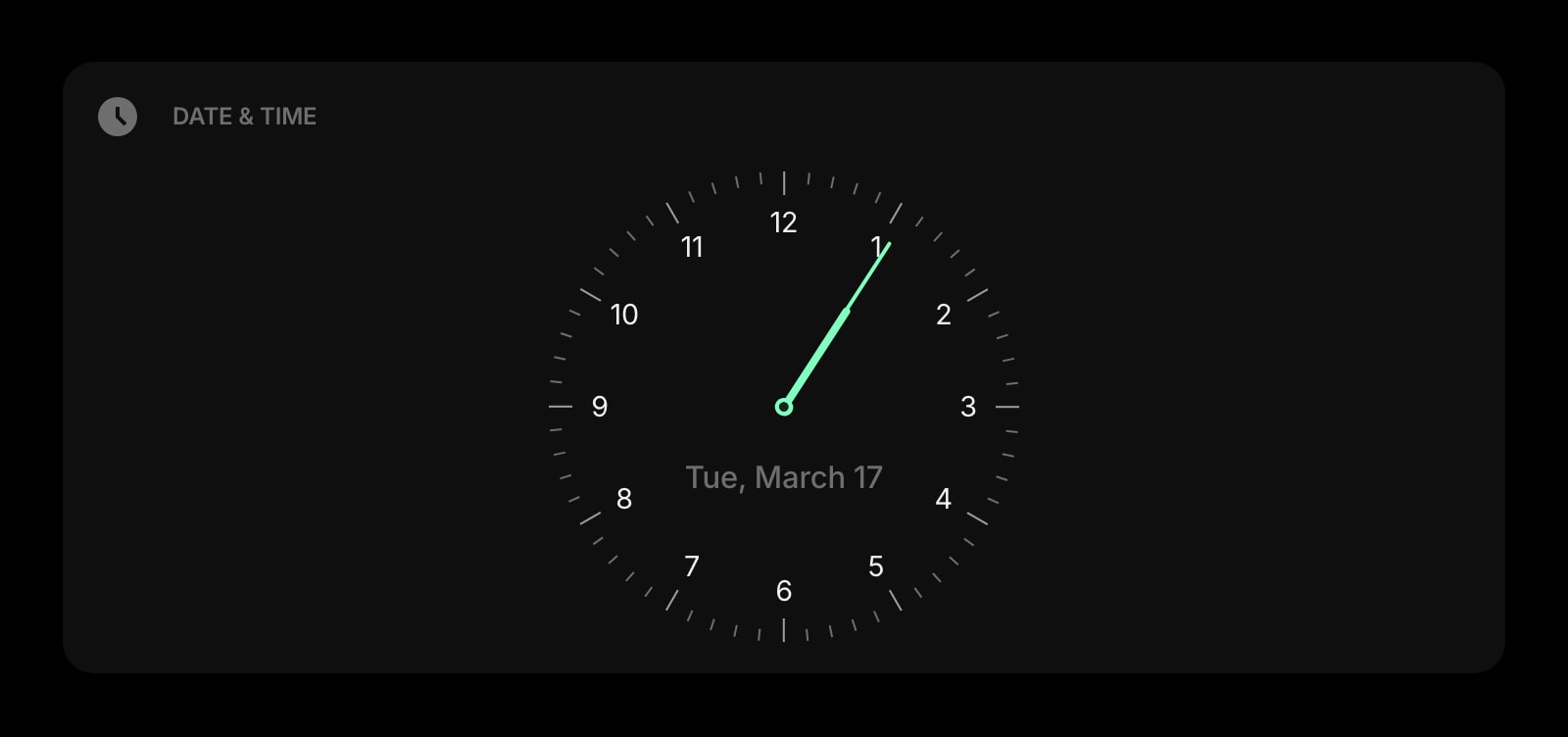
Date & Time
Today's date and the time next to today's schedule.
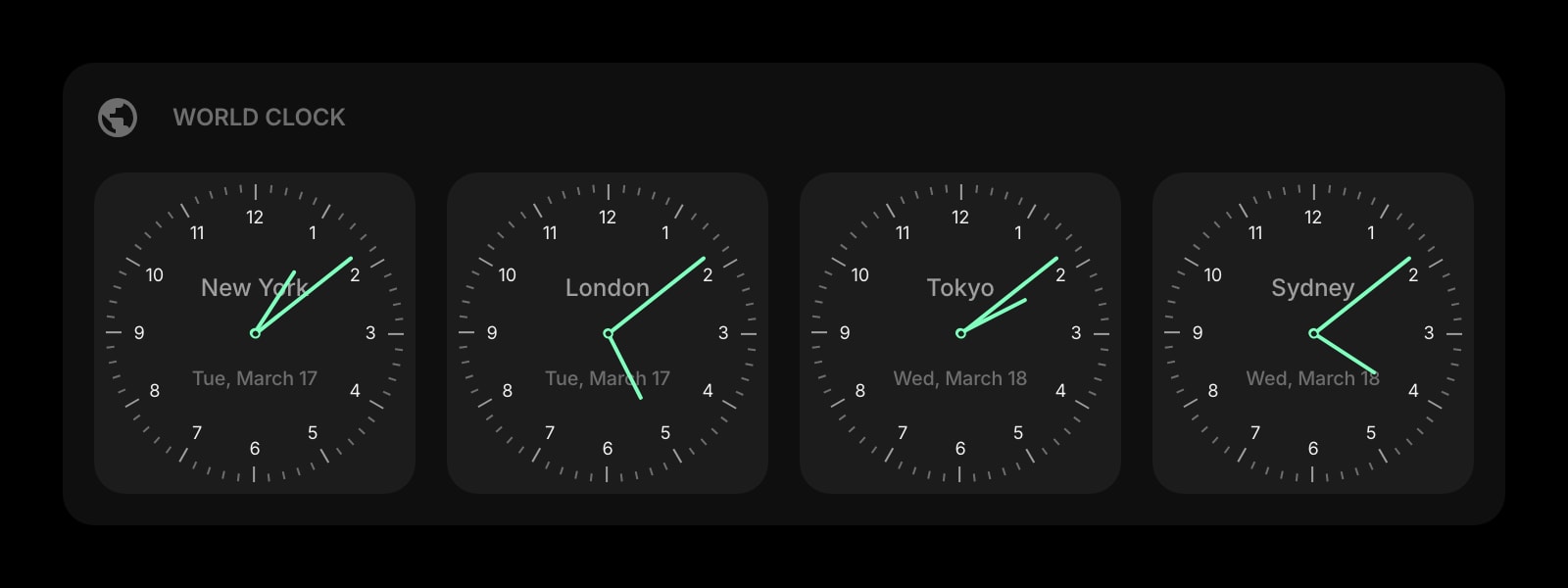
World Clock
The other side of a cross-timezone meeting, shown next to the meeting itself.
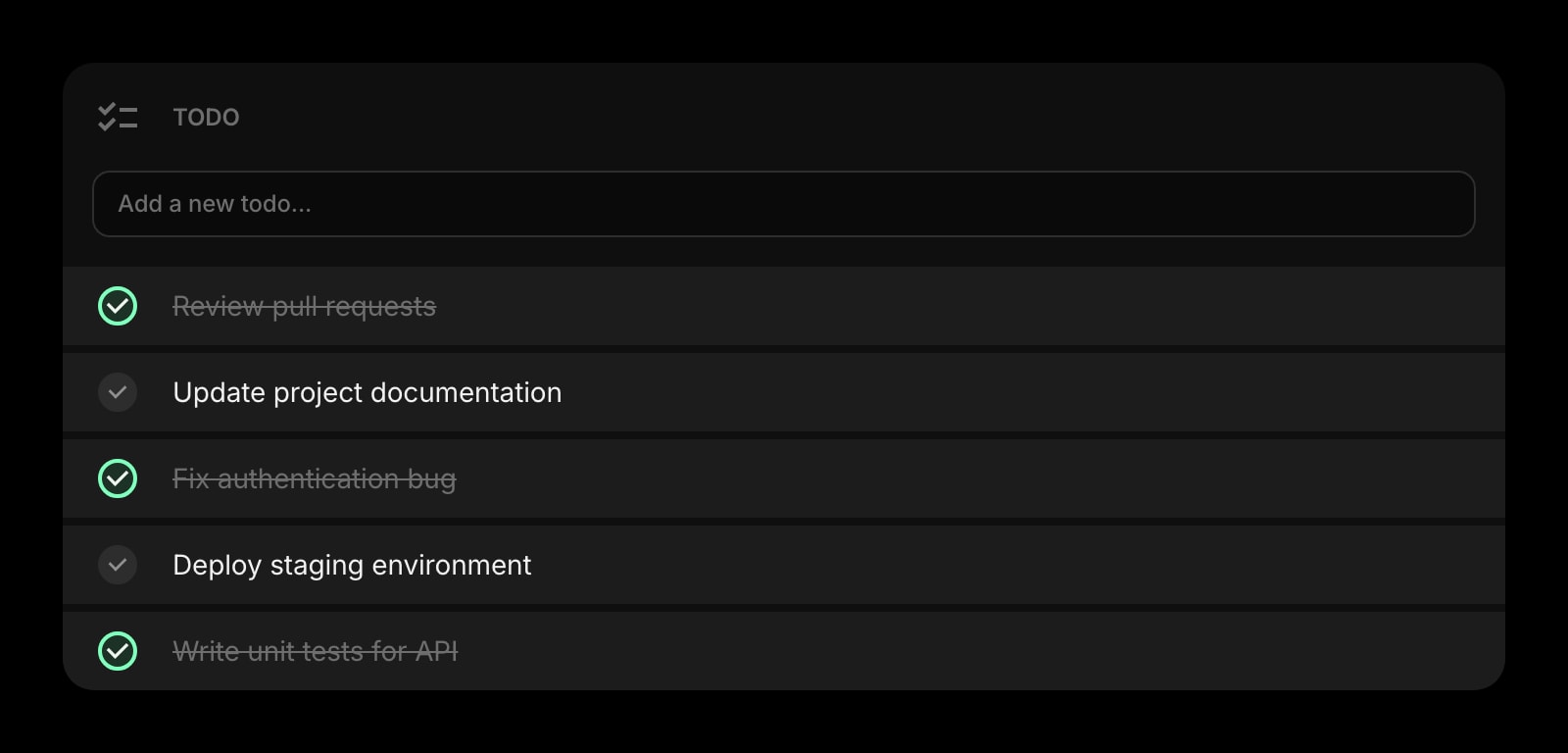
Todo
What has to happen between the meetings, on the same tab as the meetings.
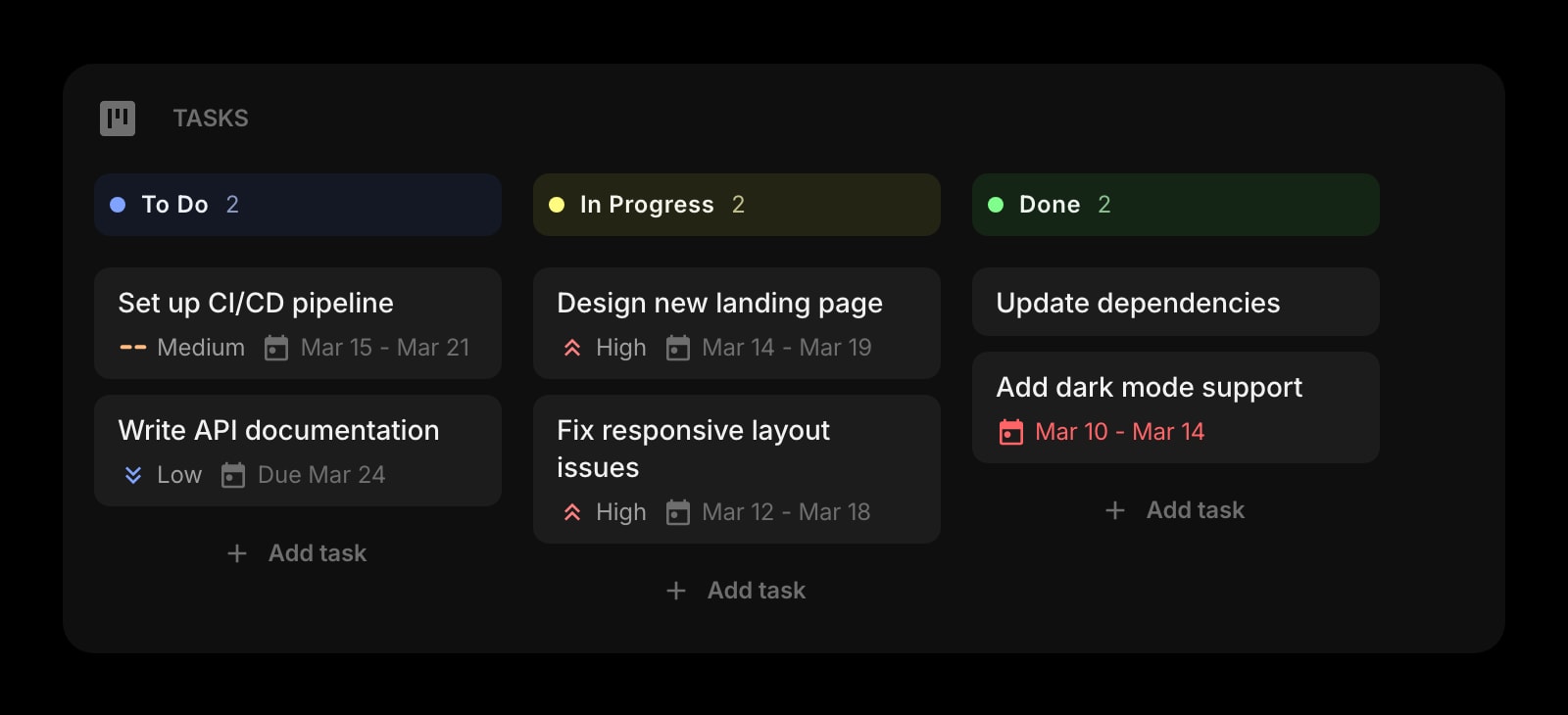
Tasks (Kanban)
A board for the project the calendar keeps scheduling reviews for.
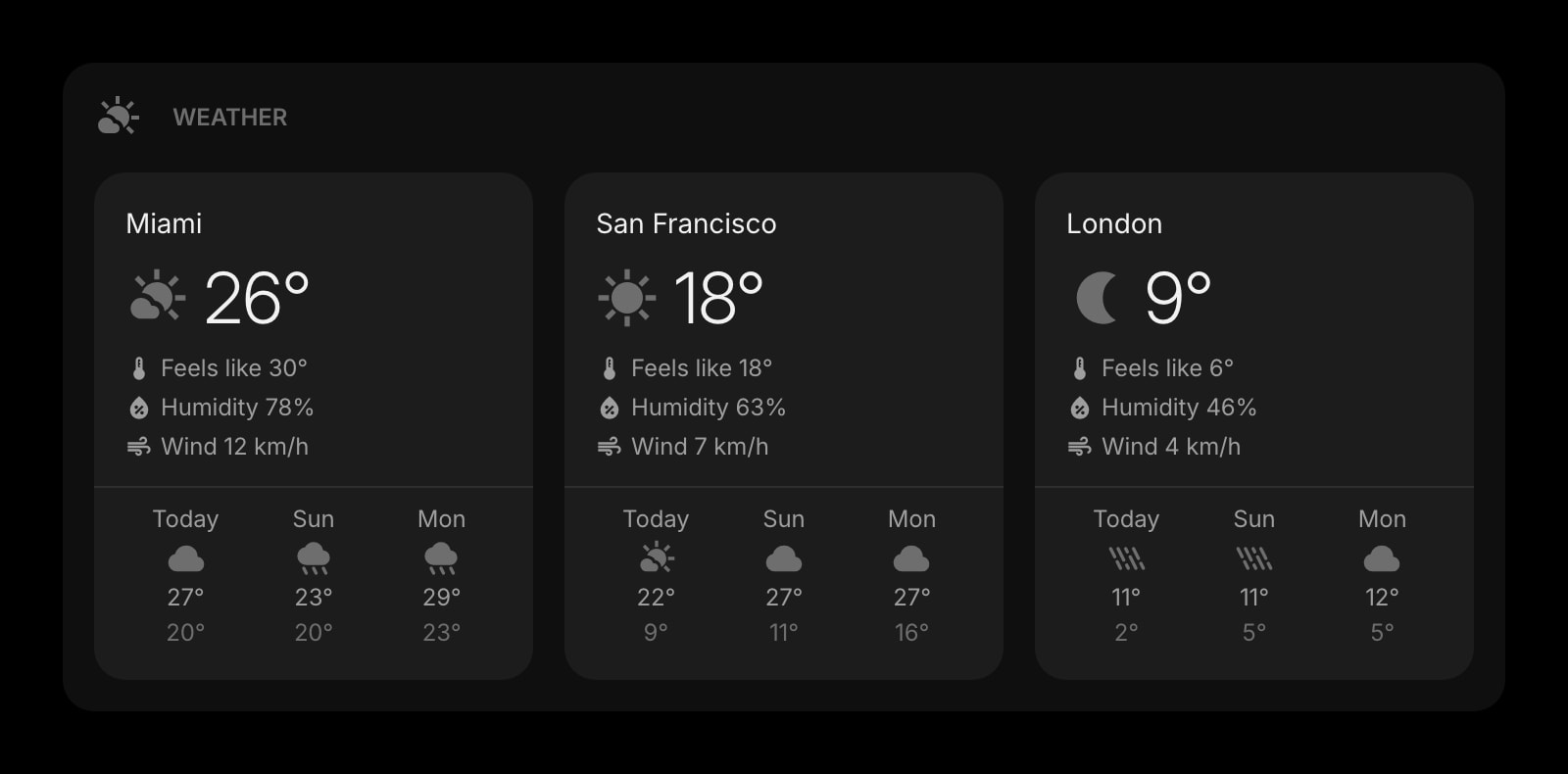
Weather
Whether the 3pm off-site needs an umbrella.
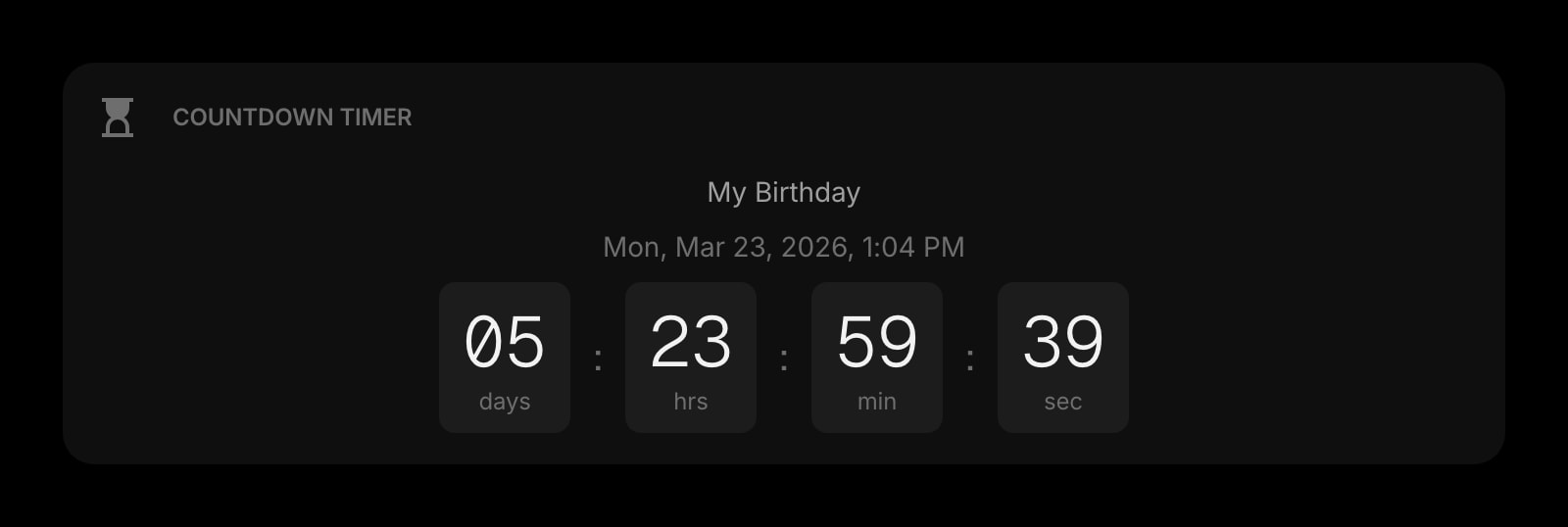
Countdown Timer
The big date on the calendar, counting down in days beside it.
The Calendar widget is one of 50+ in Start Page HQ. Tasks, notes, RSS, AI tools, dev utilities — the same install gives you all of them. Start free with 8 widgets on a page, or lift every limit at $4/month, $24/year, or $48 lifetime.
Frequently Asked Questions
Yes. Google Calendar is one of the 8 premium widgets and connecting an outside account is a paid capability, so it needs a plan at $4/month, $24/year, or $48 one-time. The extension and dashboard are free — a free account covers 55 of the 63 widget types on 1 page. The demo at startpagehq.com/demo shows the Calendar widget with sample events, no signup needed.
Yes, with one wrinkle: the popup opens in the default container, so a Google session kept only in a Work container is not visible to it. Sign in inside the popup once. The connection is then saved on your Start Page HQ account and works from every container from then on.
No. The window is opened by the extension itself through Firefox's windows API, which the popup blocker does not apply to. If you close the popup before finishing, the widget simply stays unconnected — click Connect again.
Not with this widget — it reads Google Calendar only. Calendars from other services that you have subscribed to inside Google Calendar do appear, since they are part of your Google account.
No, the widget is read-only, which also keeps the Google permission narrow. Clicking an event opens it in Google Calendar in a new Firefox tab for editing.
Add the Calendar Widget to Firefox
Free plan, no credit card — see plans or try the demo without installing.