Calendar Widget for Safari
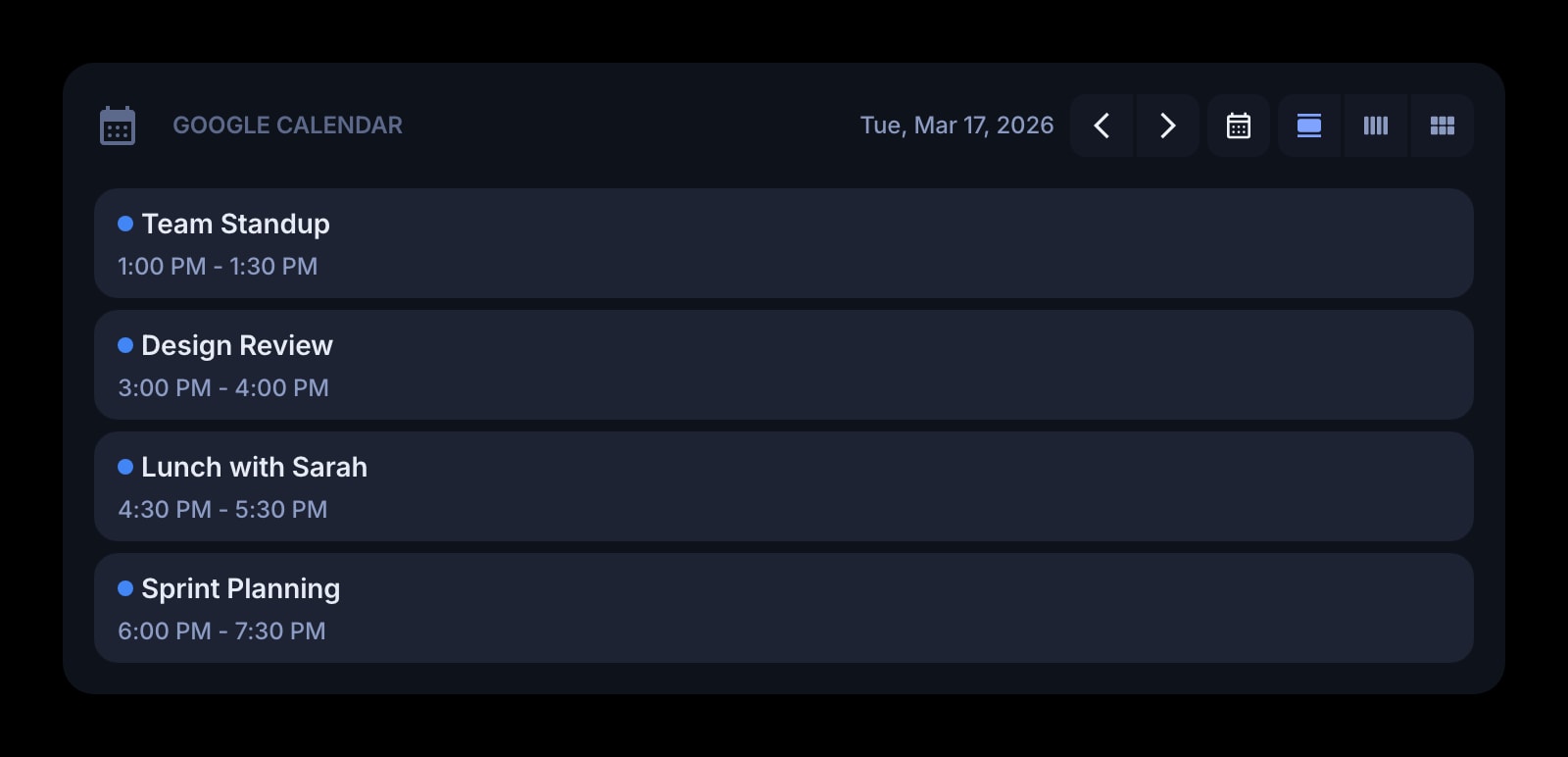
Your Google Calendar on Safari's new tab, on the Mac and the iPhone. In Safari the Google sign-in happens in the tab itself and returns you to the dashboard when it is done — no popup windows involved.
Install on Safari
The Safari-specific flow, start to finish.
- 1Install Start Page HQ from the Mac App Store, open it once, and enable it under Safari → Settings → Extensions. Allow the permissions it requests.
- 2Open a new tab. Click the gear icon in the bottom right of the dashboard and choose Add Widget → Google Calendar.
- 3Click "Connect Google Calendar". Safari navigates the tab to Google's account picker; choose the account and grant read-only calendar access. Google sends you straight back to the new tab, with the widget now showing events.
- 4Pick the calendar to display — your own or one shared with you — and a day, week, or month view.
- 5On iPhone or iPad, install the app, enable it under Settings → Safari → Extensions, and sign in. The calendar connection is already on the account, so the widget is populated without connecting again.
What Calendar Does
A short tour of the widget. Already sold? Skip ahead.
- Events from Google Calendar, including calendars shared with you.
- Day, week, or month per widget — two widgets for two calendars.
- Times, locations, and all-day events can each be hidden.
- Sunday or Monday as the first day of the week.
- Read-only; an event opens in Google Calendar in a new tab.
Notes for Safari Users
Safari extensions cannot open the kind of separate popup window the Chrome and Firefox builds use for Google's sign-in, so in Safari the widget does the plainest thing: it navigates the new tab to Google, and Google's callback navigates it back to the extension's page with the connection made. It takes the same number of clicks; the only visible difference is that the dashboard leaves and returns instead of a small window appearing over it. If you close the tab midway, nothing is stored — open a new tab and click Connect again.
The connection itself lives on your Start Page HQ account, which matters on Apple devices because there are usually several. Connect once on the Mac, and Safari on the iPhone and iPad shows the same calendar with no second authorisation. The Calendar widget is a premium widget; on iOS the plan can be bought inside the app through Apple's in-app purchase, where the prices show at Apple's tiers — $3.99 monthly, $24.99 annual, $49.99 lifetime — and the purchase attaches to the same account your Safari extension is signed into.
Other Widgets You Might Add
Pair the Calendar widget with these. One install gets you all of them.
Date & Time
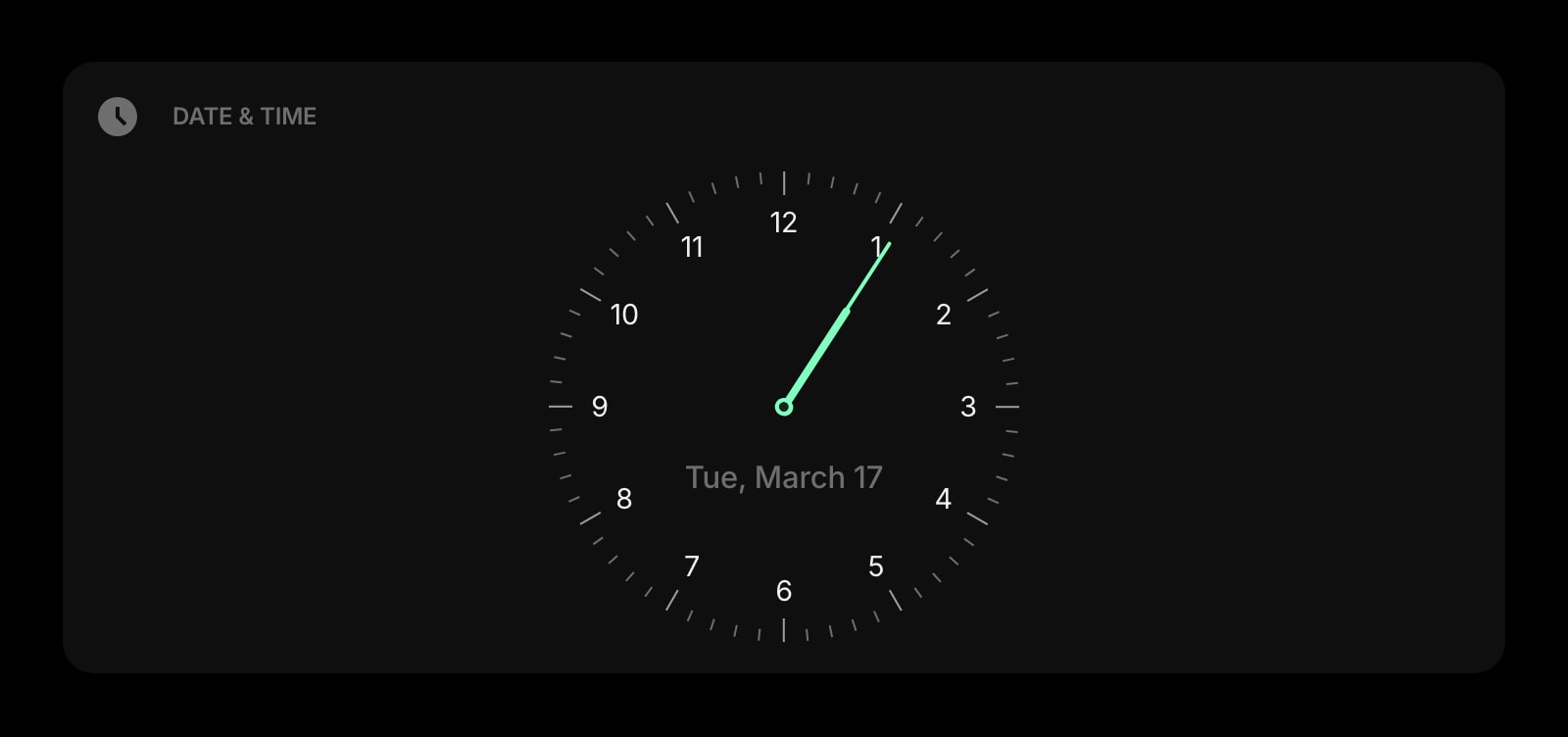
Today's date next to today's events.
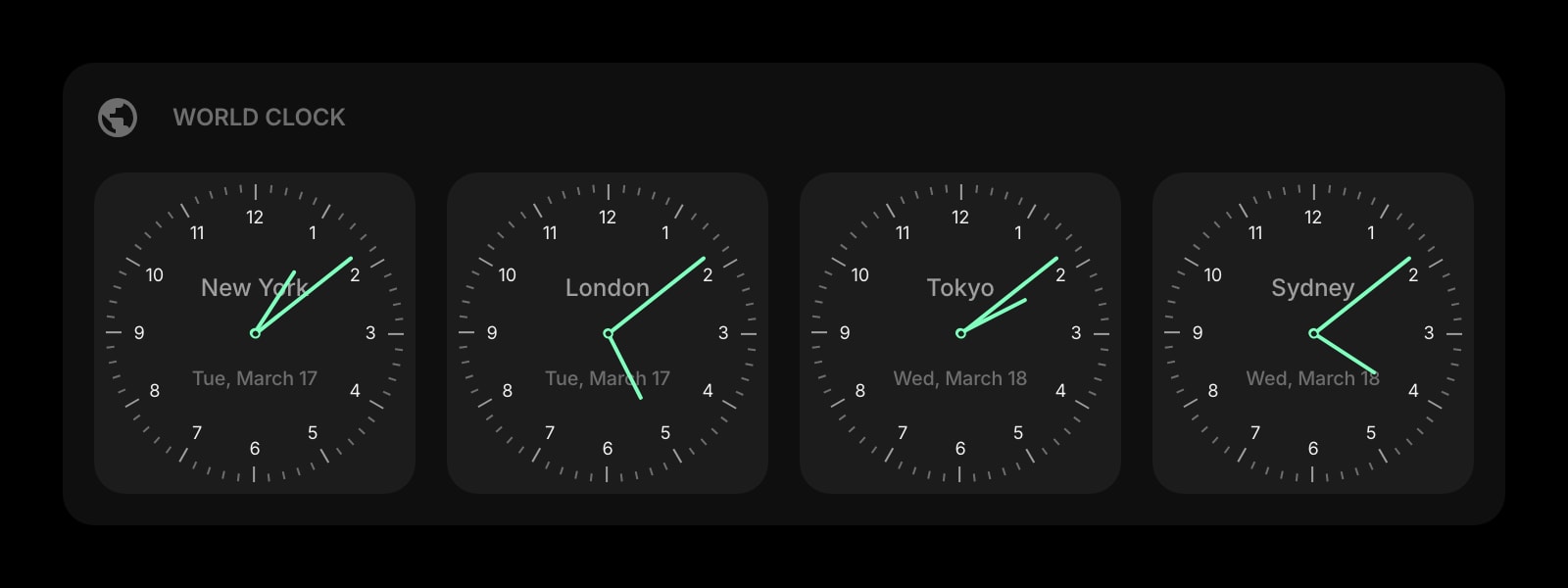
World Clock
Their local time, next to the meeting you share with them.
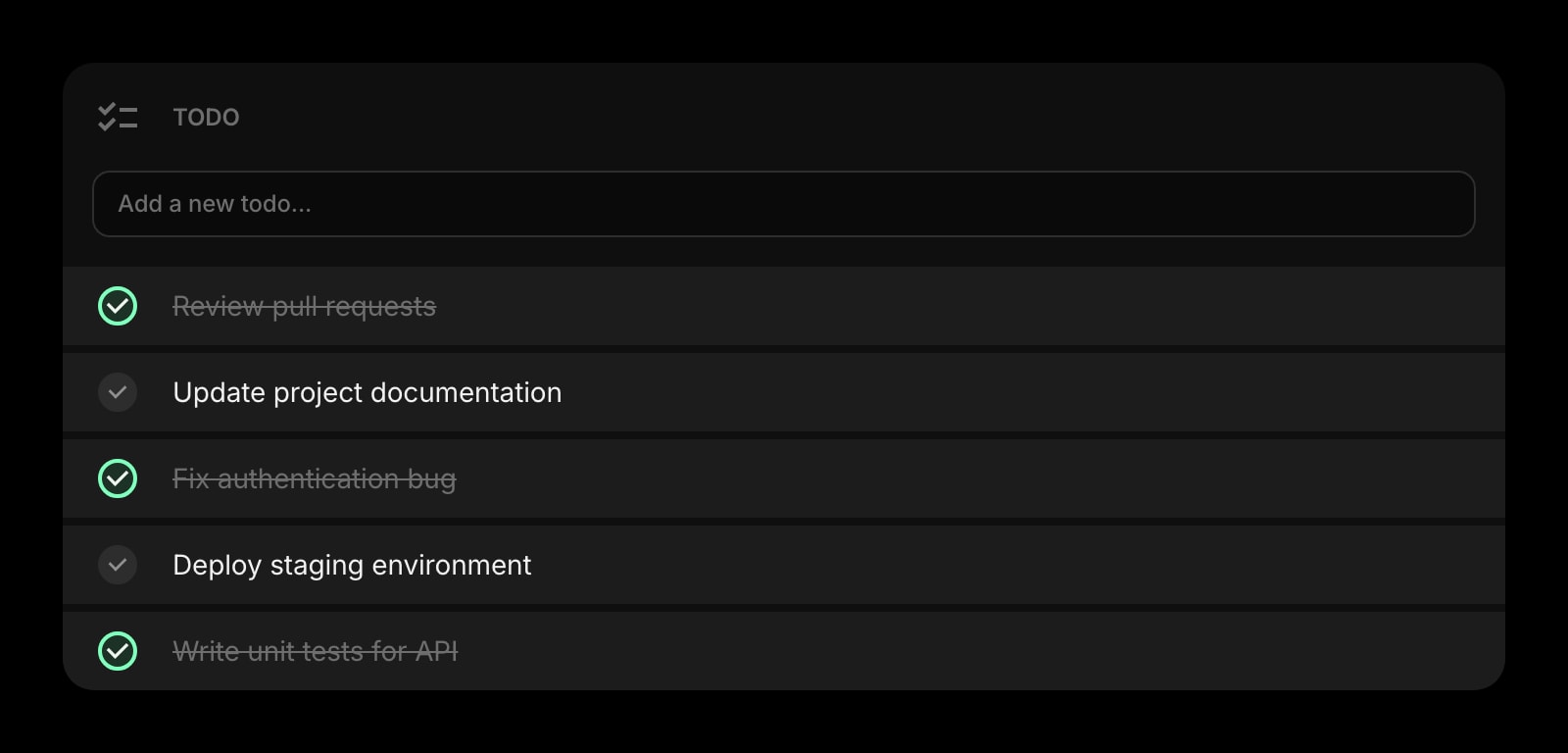
Todo
The between-meetings list, synced to the iPhone along with the calendar.
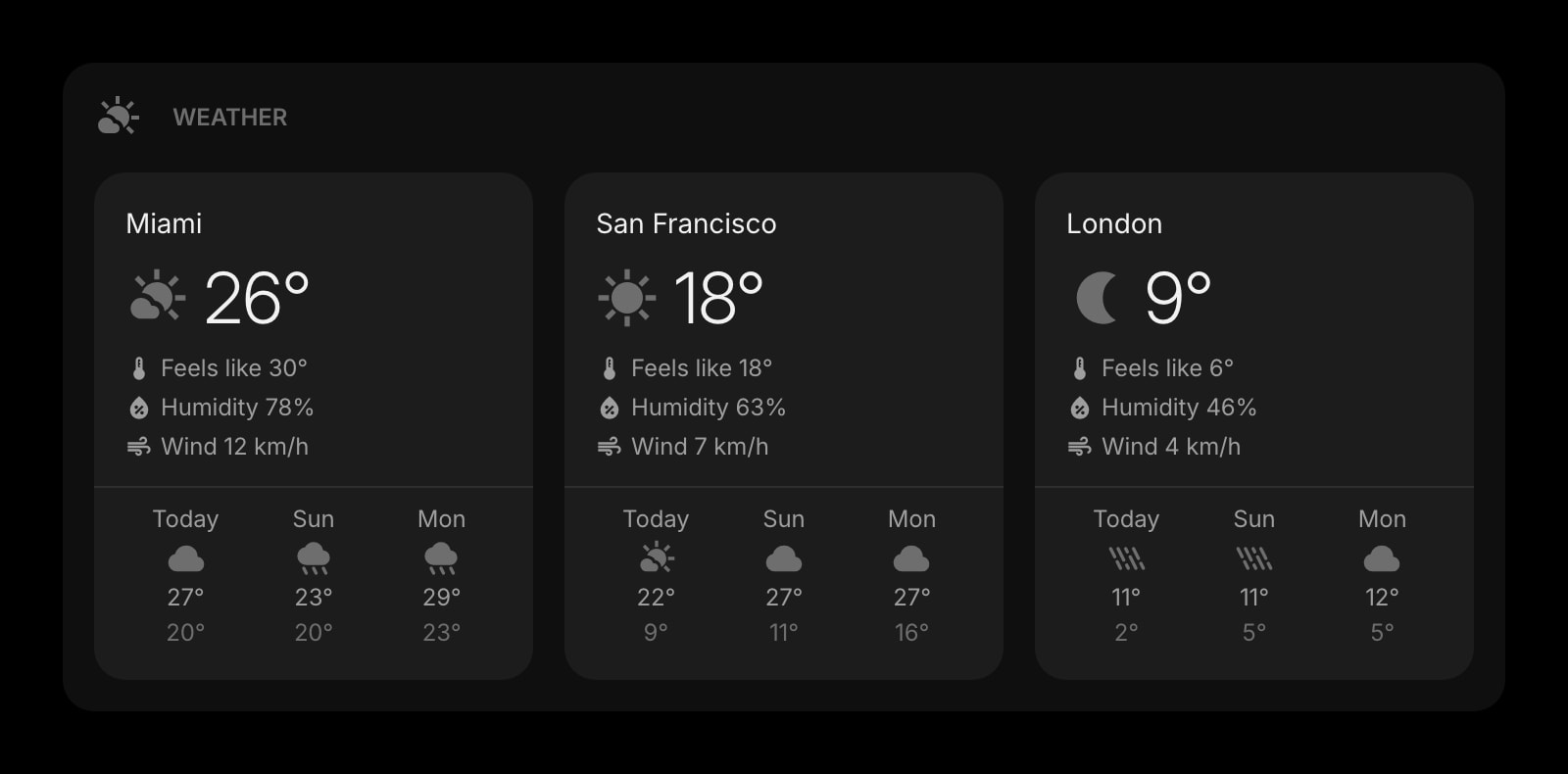
Weather
The forecast for the afternoon the calendar says you are outside.
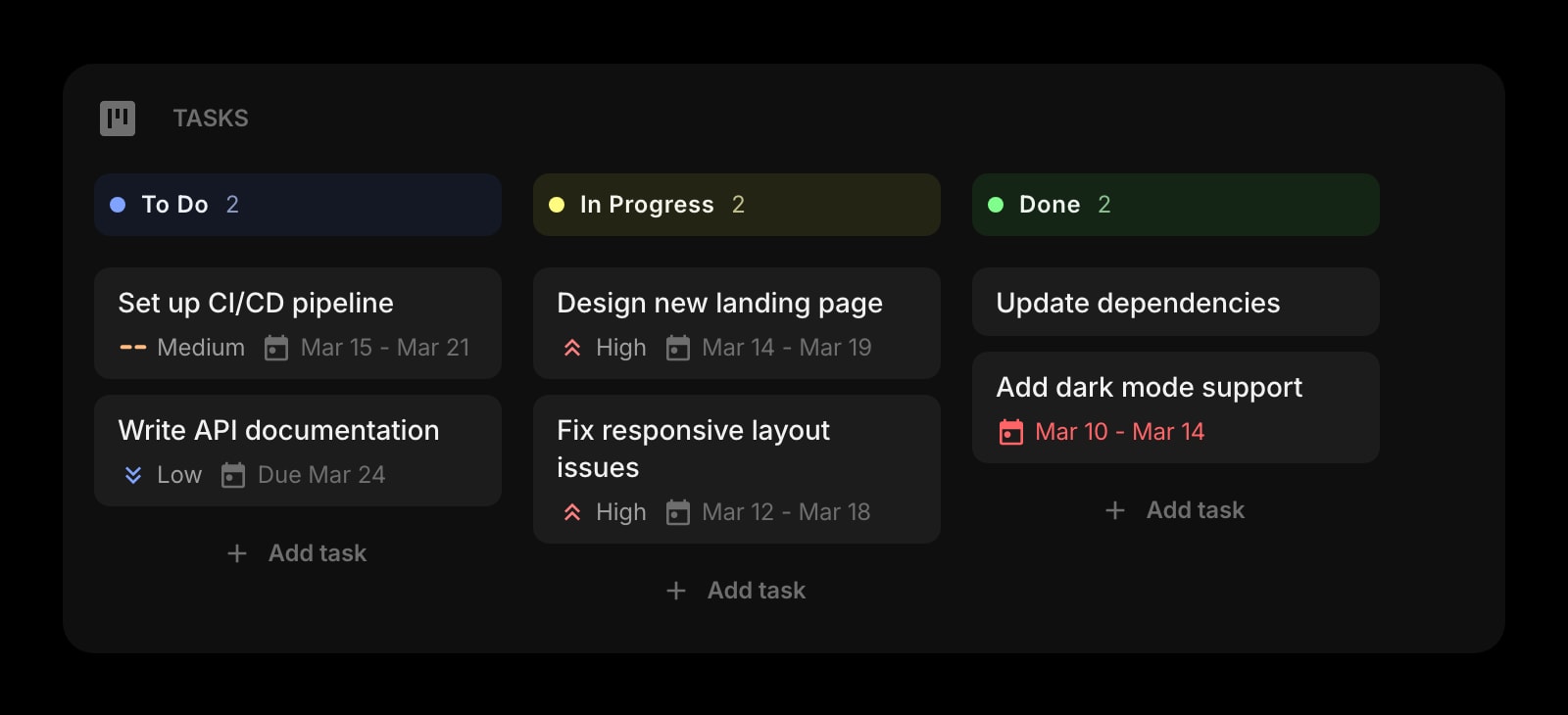
Tasks (Kanban)
The project board behind the recurring review on the calendar.
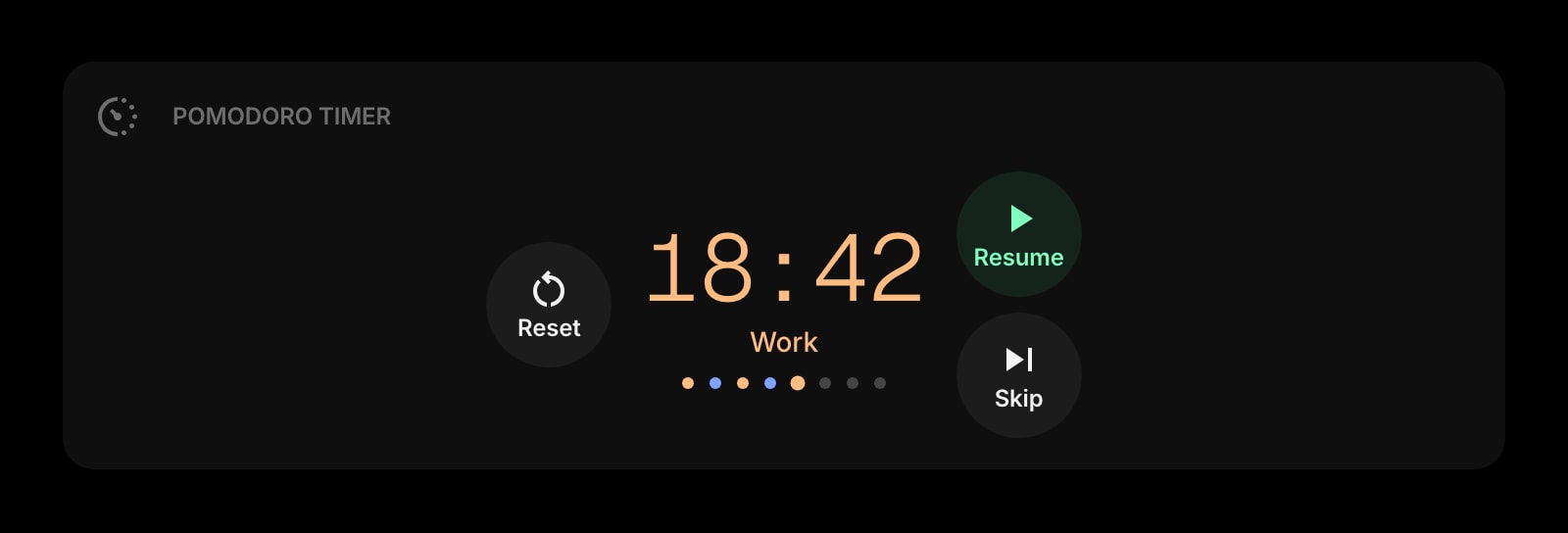
Pomodoro Timer
Focus blocks in the gaps the calendar leaves open.
The Calendar widget is one of 50+ in Start Page HQ. Tasks, notes, RSS, AI tools, dev utilities — the same install gives you all of them. Start free with 8 widgets on a page, or lift every limit at $4/month, $24/year, or $48 lifetime.
Frequently Asked Questions
Yes. Google Calendar is one of the 8 premium widgets and connecting an outside account is a paid capability. Plans are $4/month, $24/year, or $48 one-time on the web; inside the iOS app the same plans are sold through Apple's in-app purchase at $3.99, $24.99, and $49.99. The demo at startpagehq.com/demo shows the widget with sample events, no signup needed.
Because Safari extensions cannot open a separate popup window for it, the Safari build navigates the tab to Google and back. Google returns you to the new tab automatically once you grant access. It is the same read-only permission as in every other browser, revocable from your Google account at any time.
No. The Google connection is stored on your Start Page HQ account. Enable the extension in Safari on the phone, sign in, and the Calendar widget shows the same events straight away.
Not directly — the widget reads Google Calendar. An iCloud calendar you have subscribed to inside Google Calendar appears, since it is then part of your Google account, but there is no separate iCloud connection.
No. The widget is read-only, which keeps the Google permission narrow. Clicking an event opens it in Google Calendar in a new Safari tab.
Add the Calendar Widget to Safari
Free plan, no credit card — see plans or try the demo without installing.