Free Pomodoro Timer, Online and on Every New Tab
Work in focused blocks with breaks built in: 25 minutes on, 5 off, and a longer break every fourth round. Press Start below - and if it sticks, put the same timer on every new tab you open.
A chime plays when each phase ends, and keeps repeating from another tab until you come back.
What It Does
The capabilities you'd expect from a dedicated pomodoro timer tool — nothing less.
- The full Pomodoro cycle: work, short break, and a long break after every few rounds, with dots that show where you are in the set.
- Three rhythms to start from - the classic 25 / 5, a longer 50 / 10, and 90 / 20 for deep work.
- Digital, watchface, or circular progress display, colored by phase so a glance tells you whether to work or rest.
- A chime when a phase ends. If you are in another tab, it repeats every few seconds and the tab title flashes until you come back.
- Keeps exact time in background tabs. Remaining time is worked out from when the phase started, so browser throttling cannot make it drift.
Common Use Cases
Specific scenarios where this tool earns its place.
Getting Started on a Task You Keep Putting Off
Twenty-five minutes is short enough to agree to. Commit to one block, not the whole job - most of the time, starting is the hard part and the second pomodoro follows on its own.
Studying for an Exam
Blocks with enforced breaks beat four-hour marathons for retention. Use the session dots to plan a morning as "eight pomodoros", and take the long break away from the screen.
Deep Work on Code or Writing
Switch to 50 / 10 or 90 / 20 when 25 minutes cuts you off mid-thought. The long break still arrives on schedule, so a productive streak does not turn into a skipped lunch.
Keeping Meetings and Admin From Eating the Day
Batch email, invoices, and small replies into one or two pomodoros instead of letting them leak into every hour. When the chime goes, stop - the rest waits for the next block.
Taking Breaks You Would Otherwise Skip
Breaks start automatically, and the color change is hard to ignore. Stand up, refill the water, look out of a window. The timer brings you back for the next round.
The Bigger Story
Most online Pomodoro timers live in a tab you have to remember to open, and the moment you close it the session is gone. The timer above is the Pomodoro Timer widget from Start Page HQ, running standalone. Inside the dashboard it sits on every new tab you open, so it is in front of you whenever you reach for the browser - next to your task list, notes, and 63+ other widgets. The running timer is saved to your account: start a block on your laptop and the same countdown is on your phone. Run a session here first; if you keep coming back, the dashboard is where it belongs.
Start free — 1 page, 8 widgets, sync across devices, no credit card. Paid lifts the caps: $4/month, $24/year, or $48 lifetime.
Other Tools You Might Use
Tools developers and writers reach for next, all part of the same dashboard.
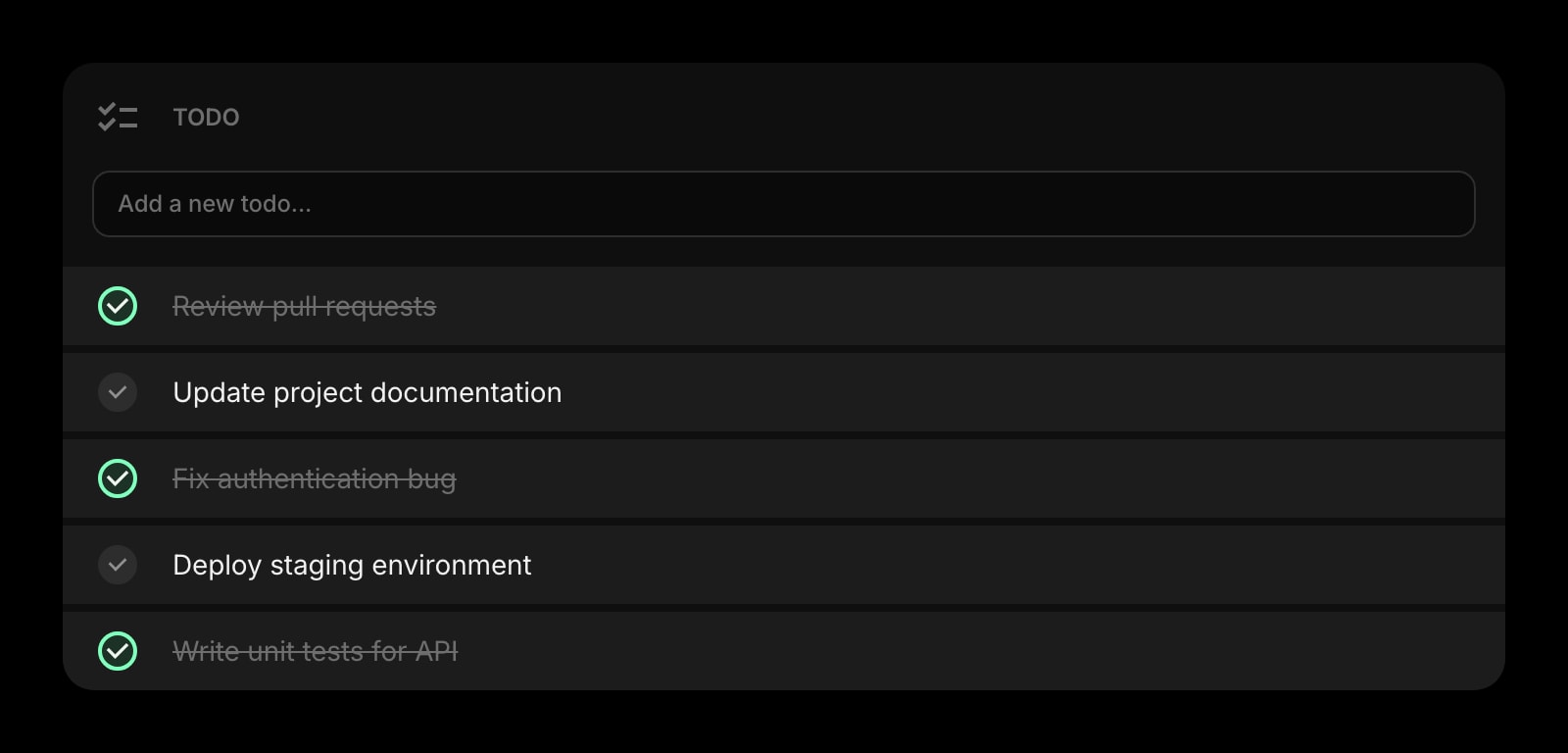
Todo
The one task this pomodoro is for, written down above the timer so you do not drift.
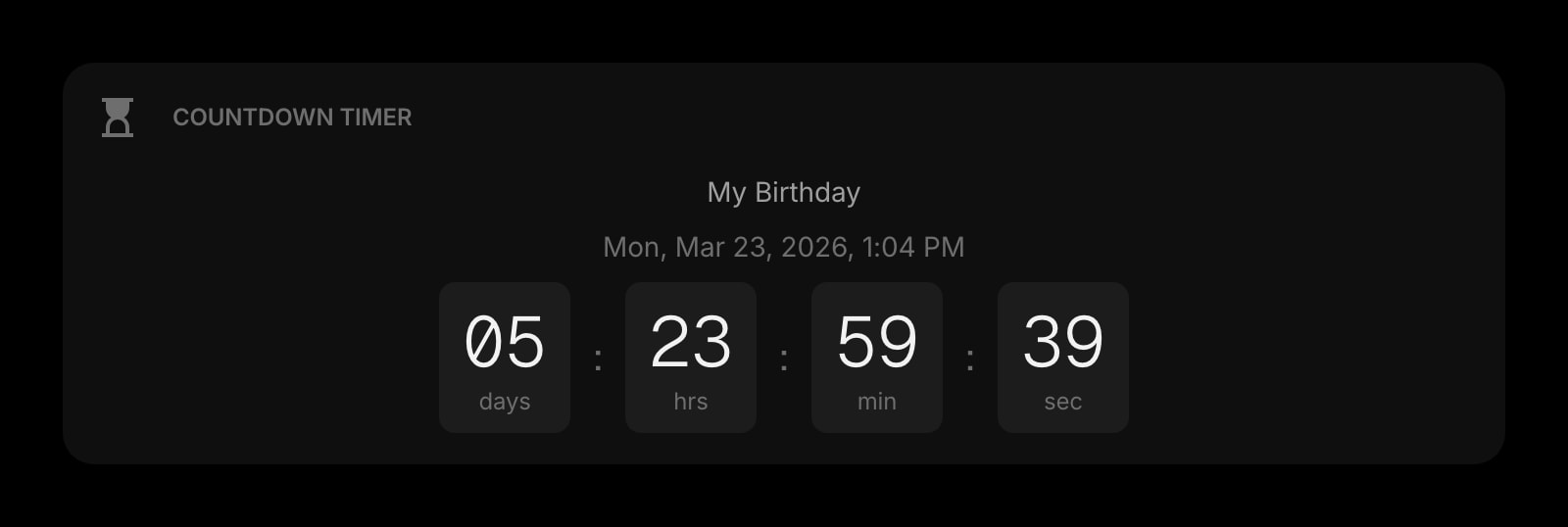
Countdown Timer
The deadline the pomodoros are working toward, counting down in days rather than minutes.
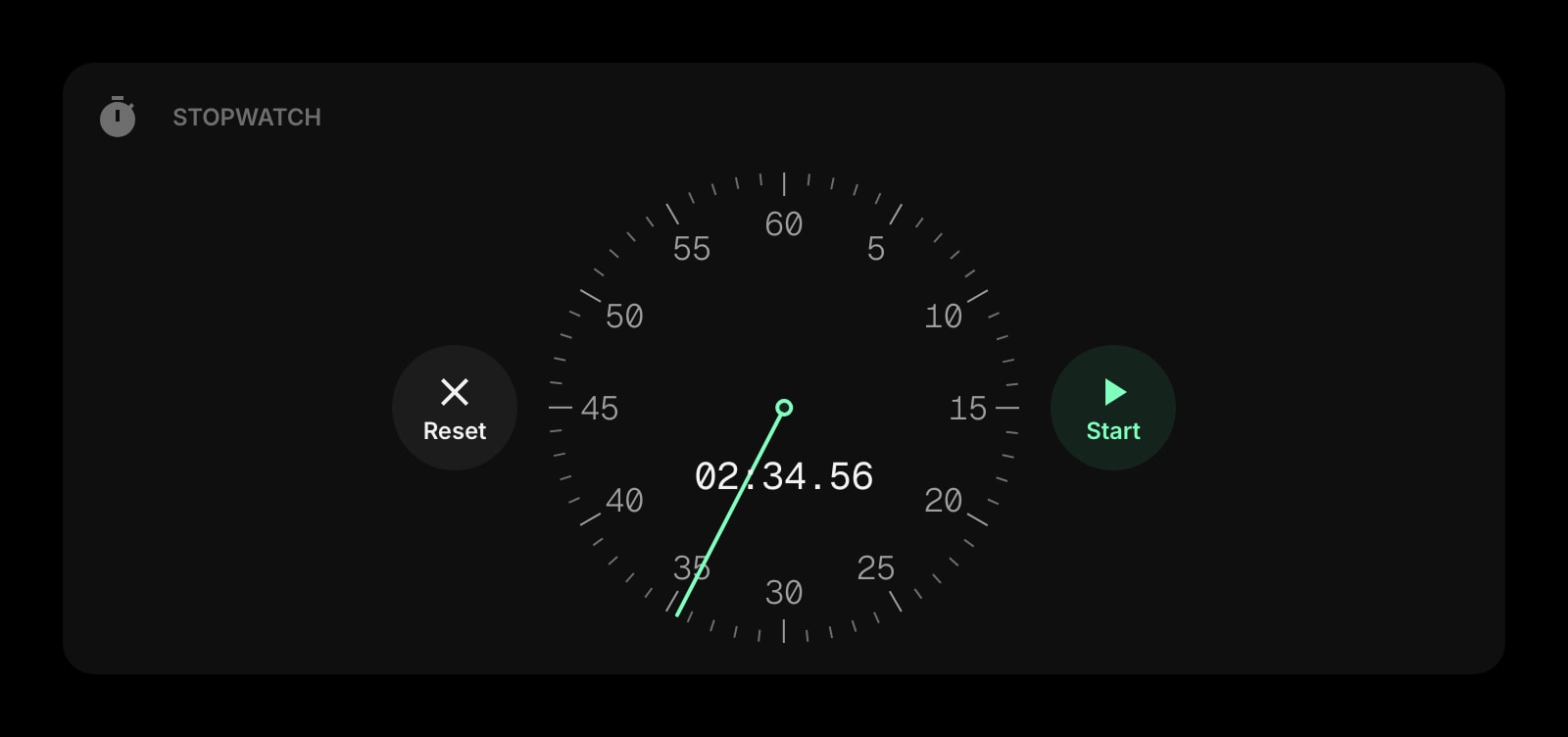
Stopwatch
For work you would rather measure than box in - how long did that bug really take?
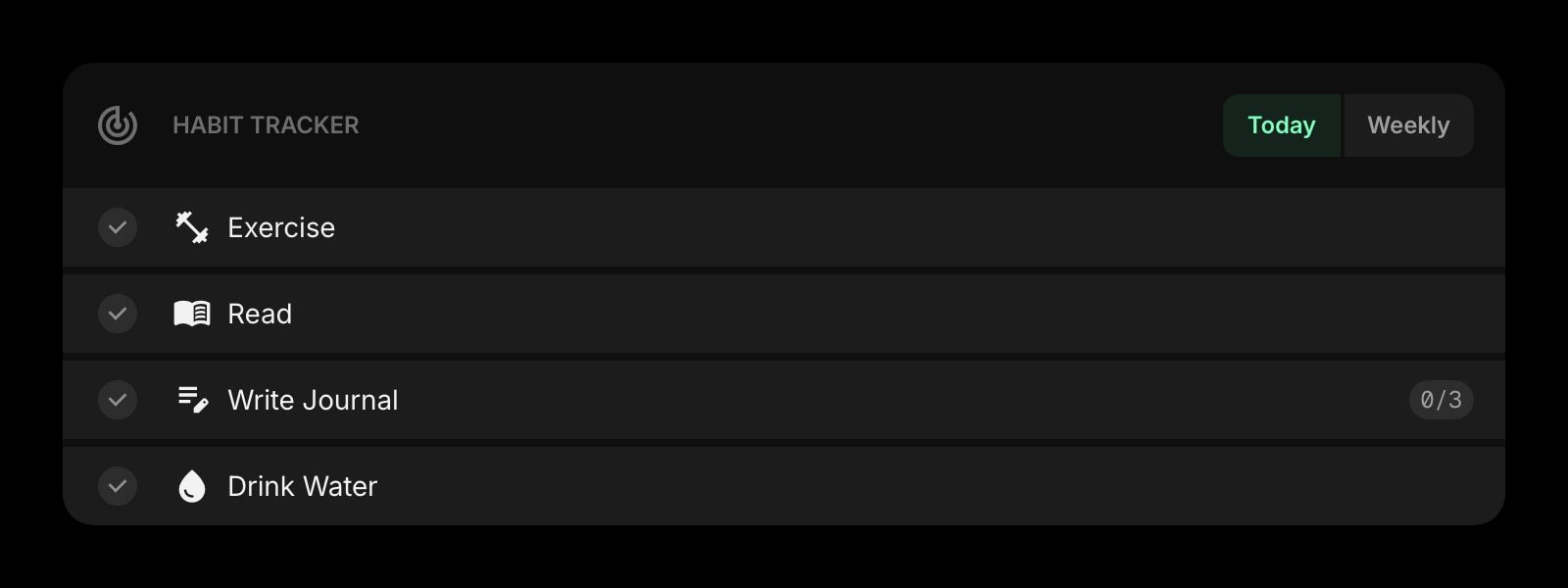
Habit Tracker
Tick off "four pomodoros" as a daily habit and keep the streak going.
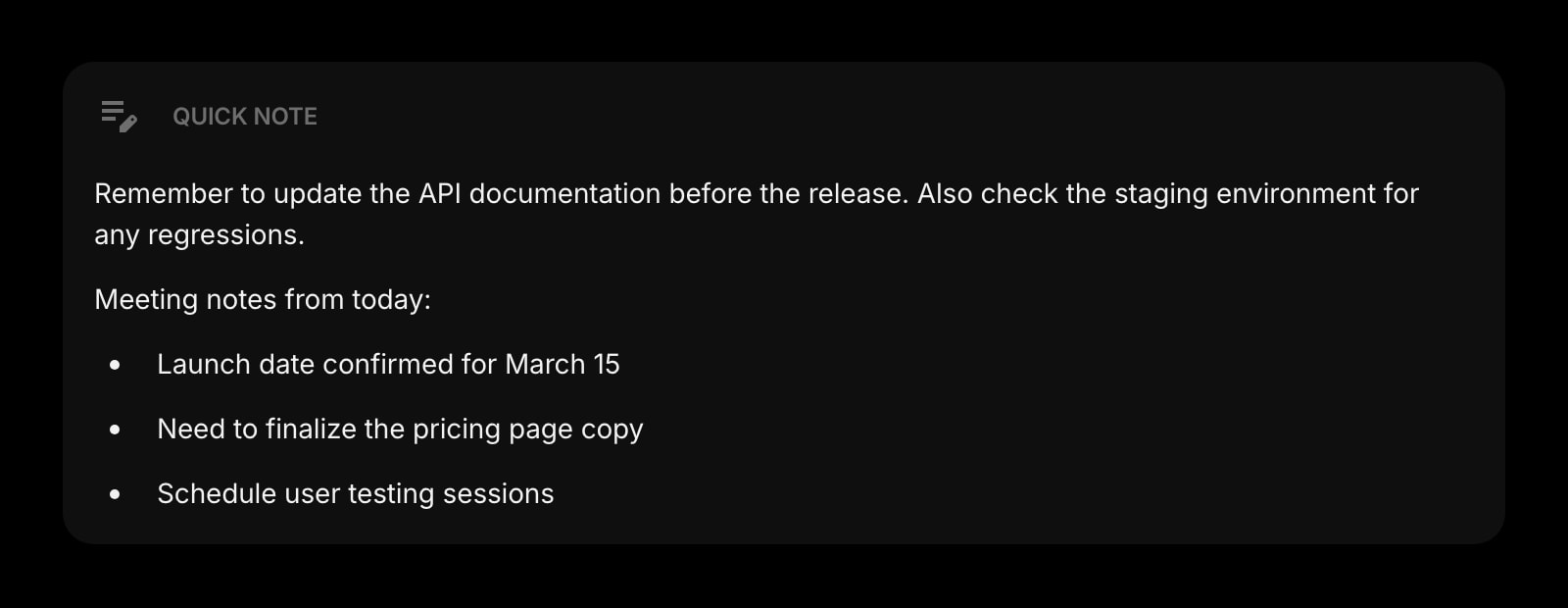
Quick Note
Park the stray thought that interrupts a block, so you can deal with it at the break.
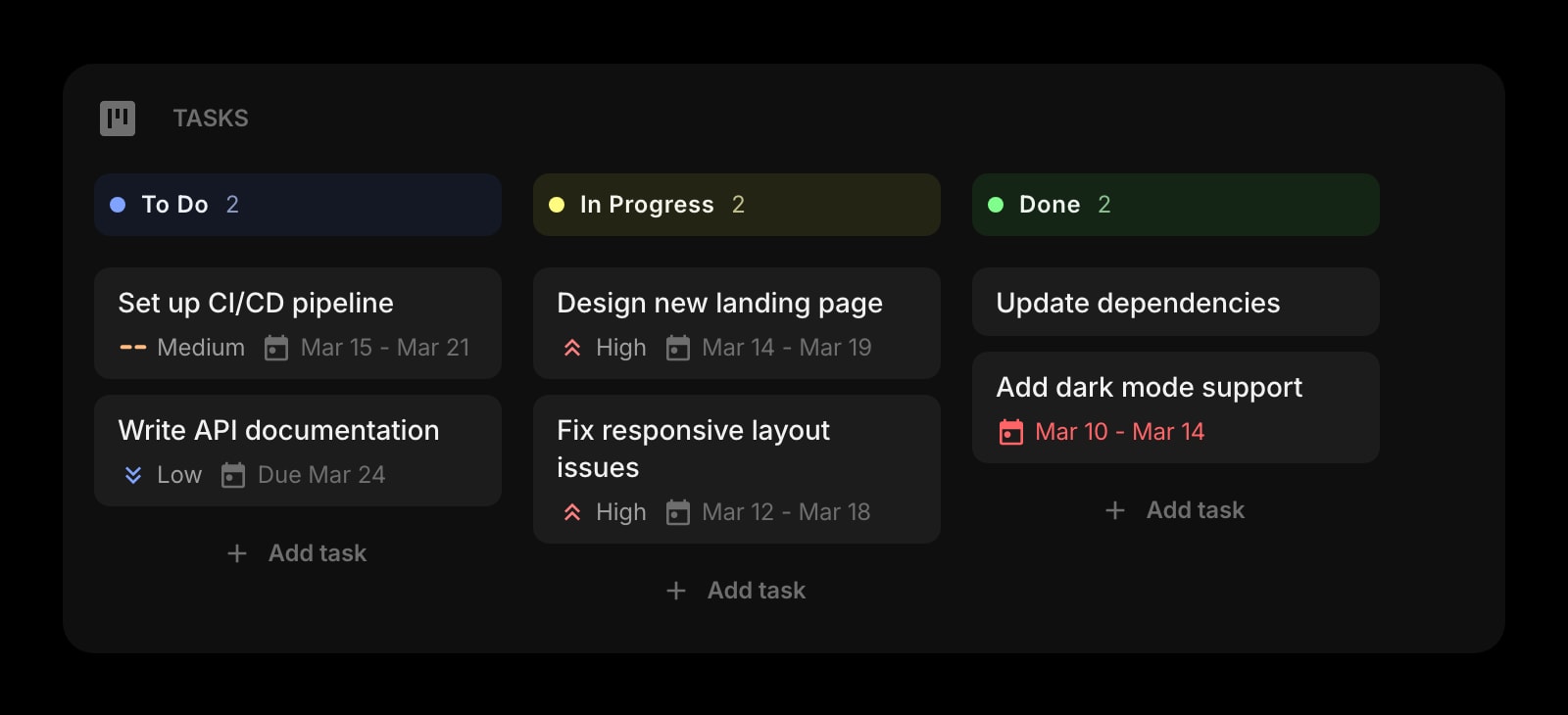
Tasks
A kanban board for the bigger project, one card per pomodoro-sized chunk.
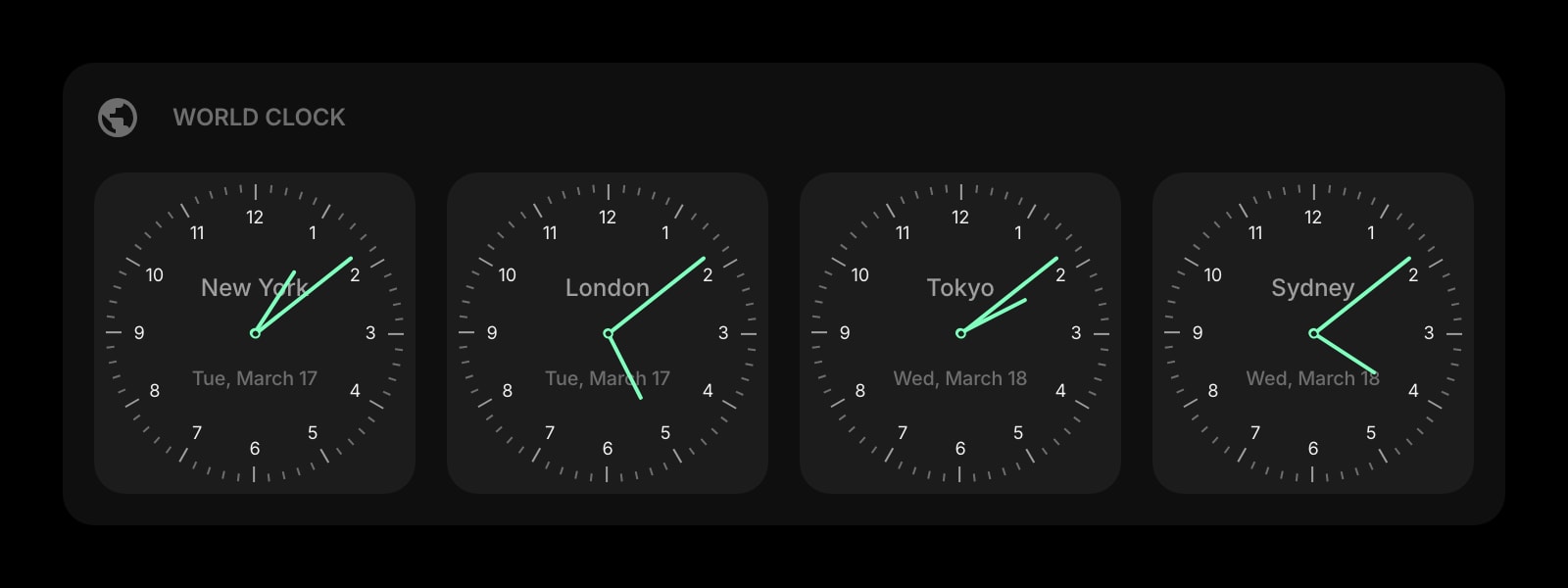
World Clock
Check the time where your team is before the break turns into a missed call.
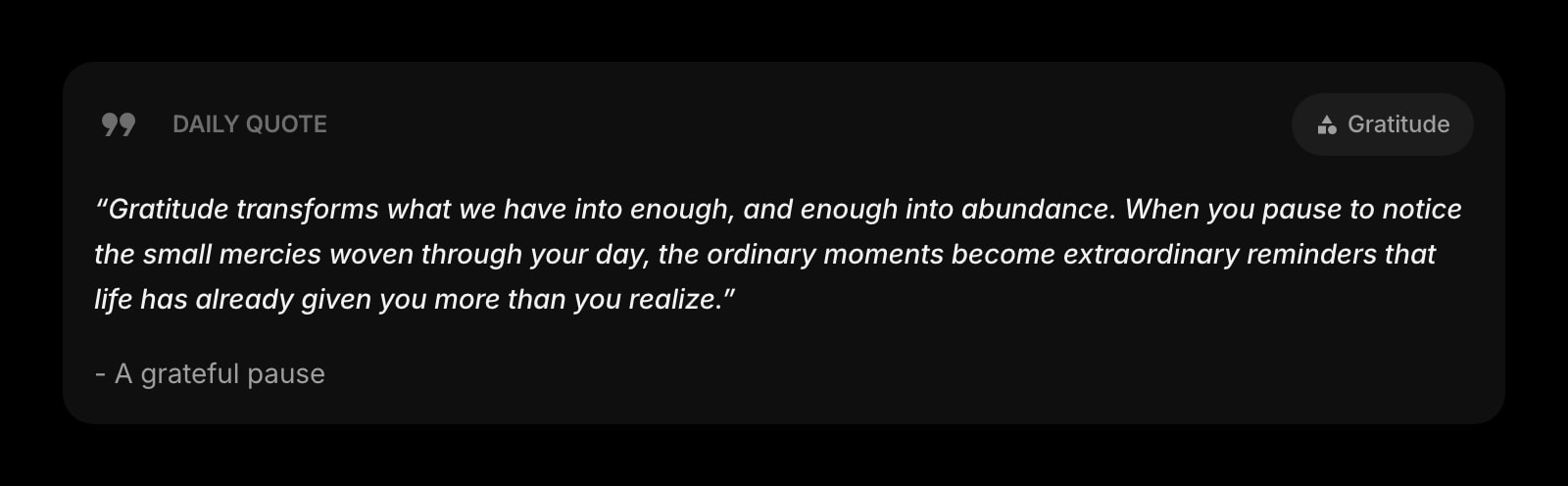
Daily Quote
Something short to read during the five-minute break.
Frequently Asked Questions
Yes. The Pomodoro Timer above runs entirely in your browser with no time limit and no signup. The full Start Page HQ dashboard also has a free plan - 1 page, 8 widgets, sync across devices, every browser extension, and 50 AI credits to start, with no credit card. Paid lifts the caps to unlimited pages and all 63+ widgets at $4/month, $24/year, or $48 lifetime. There is also a public demo at startpagehq.com/demo with every widget unlocked.
Yes - a short chime plays at the end of every phase. Browsers only allow sound after you have interacted with a page, and pressing Start counts, so the chime works for the rest of the session. If you are in another tab when a phase ends, the chime repeats every few seconds and the tab title flashes "[Work Complete!]" until you switch back.
Yes. Browsers slow down timers in background tabs, which makes many web timers drift by minutes. This one stores when the phase started and calculates the remaining time from the clock, so it is exact the moment you look at it again.
Not on this page - the timer lives in this tab only and nothing is sent to a server. In the Start Page HQ dashboard the running timer is saved to your account, so it survives closing the tab and shows the same countdown on your other devices.
This page offers three presets: 25 / 5, 50 / 10, and 90 / 20. Inside the dashboard every number is yours - work up to 120 minutes, short breaks up to 30, long breaks up to 60, and 2 to 10 rounds before a long break - plus switches to auto-start work sessions or turn off pausing entirely when you want no way out of a block.
Open the Full Dashboard
The pomodoro timer tool, plus 63+ widgets, on every new tab. Free plan, no credit card — or try the demo without an account.