

Looking for a Pomofocus Alternative?
Pomofocus is a clean, browser-based Pomodoro timer that gets the technique right. Start Page HQ ships the same Pomodoro timer as one of 63+ widgets — sitting right next to your tasks, notes, and the rest of your day.
What People Love About Pomofocus
Before we get into where Start Page HQ goes further, credit where it's due.
- A focused, distraction-free Pomodoro timer that does one thing and does it well.
- A genuinely useful free tier — full timer, customizable durations, daily/weekly/monthly reports, and up to 3 templates without paying.
- Task list with Pomodoro estimates and "estimate finish time," which is a smart productivity touch.
- Runs in any browser plus optional desktop apps for Mac, Windows, and Linux.
- No clutter, no gamification, no social pressure — just the timer and your tasks.
Where Start Page HQ Goes Further
Specific differences, not vague claims.
Pomodoro Plus 63+ Other Widgets, Same Plan
Pomofocus is a Pomodoro timer with a task list. Start Page HQ ships the Pomodoro Timer widget alongside Todo, Tasks, Habit Tracker, Notes, Calendar, RSS, weather, AI tools, and dev utilities — every workflow on one dashboard.
Pomodoro on Every New Tab
Pomofocus is a destination you have to keep open in a tab. Start Page HQ's Pomodoro Timer lives on every new tab — start a session in one click whenever you open a new page.
Multi-Page Dashboards by Context
Build a Focus page with Pomodoro Timer + Todo + Habit Tracker. Build a Reading page with Feed + Hacker News. Switch between contexts in one click instead of bookmarking different Pomofocus tabs.
Browser Extensions on Every Browser
Pomofocus is web-only. Start Page HQ ships native extensions for Chrome, Firefox, Safari, and Edge — so the timer is built into the new tab, not just one more open tab to lose.
No Ads, No Premium Upsell for Reports
Pomofocus puts ads in the free tier and locks yearly reports + CSV exports behind Premium. Start Page HQ has a free plan with no ads at all, and one paid plan — $4/month, $24/year, or $48 lifetime — with all reporting included.
Lifetime Plan, Not Just a Subscription
Pomofocus Premium is a recurring subscription. Start Page HQ Lifetime is $48 once — typically pays back inside a couple of years compared to any Pomodoro Premium subscription, with 63+ more widgets included.
Side-by-Side Comparison
An honest line-by-line look at how the two stack up.
| Feature | Pomofocus | Start Page HQ |
|---|---|---|
| Pricing | Free or Premium subscription | Free plan; $4/mo, $24/yr, $48 LTD |
| Free tier | Yes (with ads) | 1 page, 8 widgets, no ads |
| Widget / tool count | 1 (Pomodoro + tasks) | 63+ |
| Lives on every new tab | No | Yes |
| Chrome | Web only | Yes |
| Firefox | Web only | Yes |
| Safari | Web only | Yes |
| Edge | Web only | Yes |
| Hosted web app | Yes | Yes |
| Native desktop apps | Mac, Windows, Linux | No |
| iOS / Android apps | No | Web app (PWA) |
| Pomodoro timer | Yes | Yes |
| Customizable work / break durations | Yes | Yes |
| Task list with Pomodoro estimates | Yes | Tasks + Todo widgets |
| Daily / weekly / monthly reports | Yes | Yes |
| Yearly reports | Premium only | Yes |
| CSV / data export | Premium only | Yes |
| Todoist / webhook integrations | Premium only | No |
| Habit tracker | No | Yes |
| Notes / quick capture | No | Yes |
| RSS / news / podcasts | No | Yes |
| AI tools (image gen, translation, summary) | No | Yes |
| Lifetime plan | No | $48 one-time |
Widgets That Replace Pomofocus
Drop these onto your dashboard and you've covered Pomofocus's core features — plus a lot more.
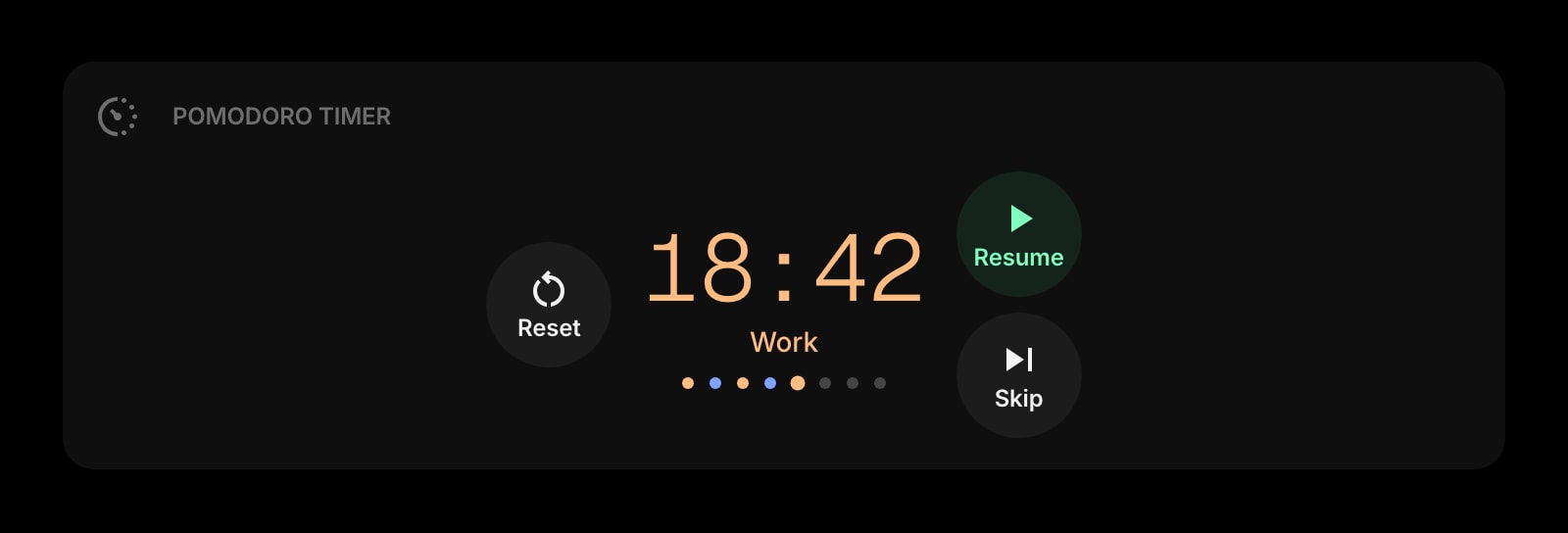
Pomodoro Timer
A customizable Pomodoro timer for focused work sessions and breaks — the direct Pomofocus equivalent, on every new tab.
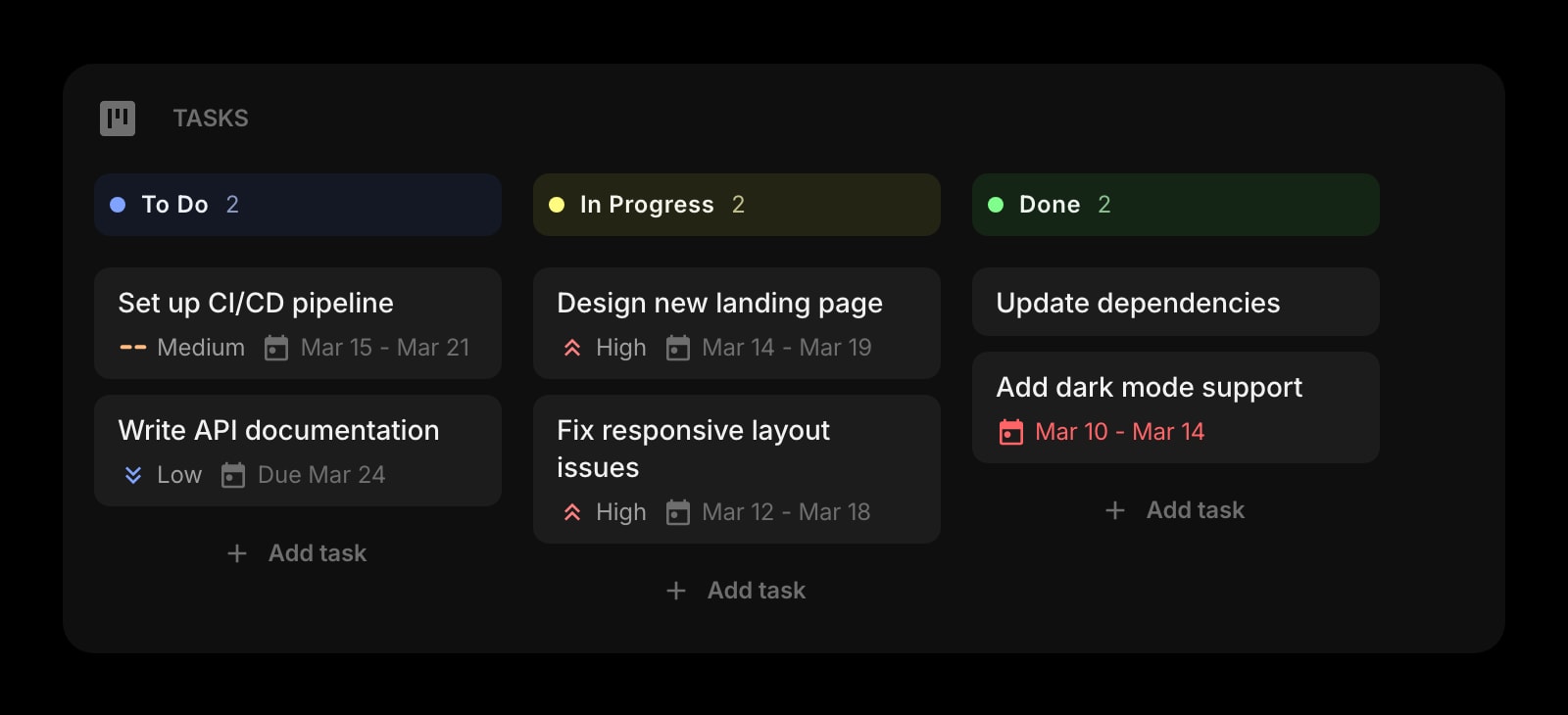
Tasks
A Kanban board for organizing your work into to-do, in-progress, and done columns — drop it next to the timer for full Pomofocus-style task tracking.
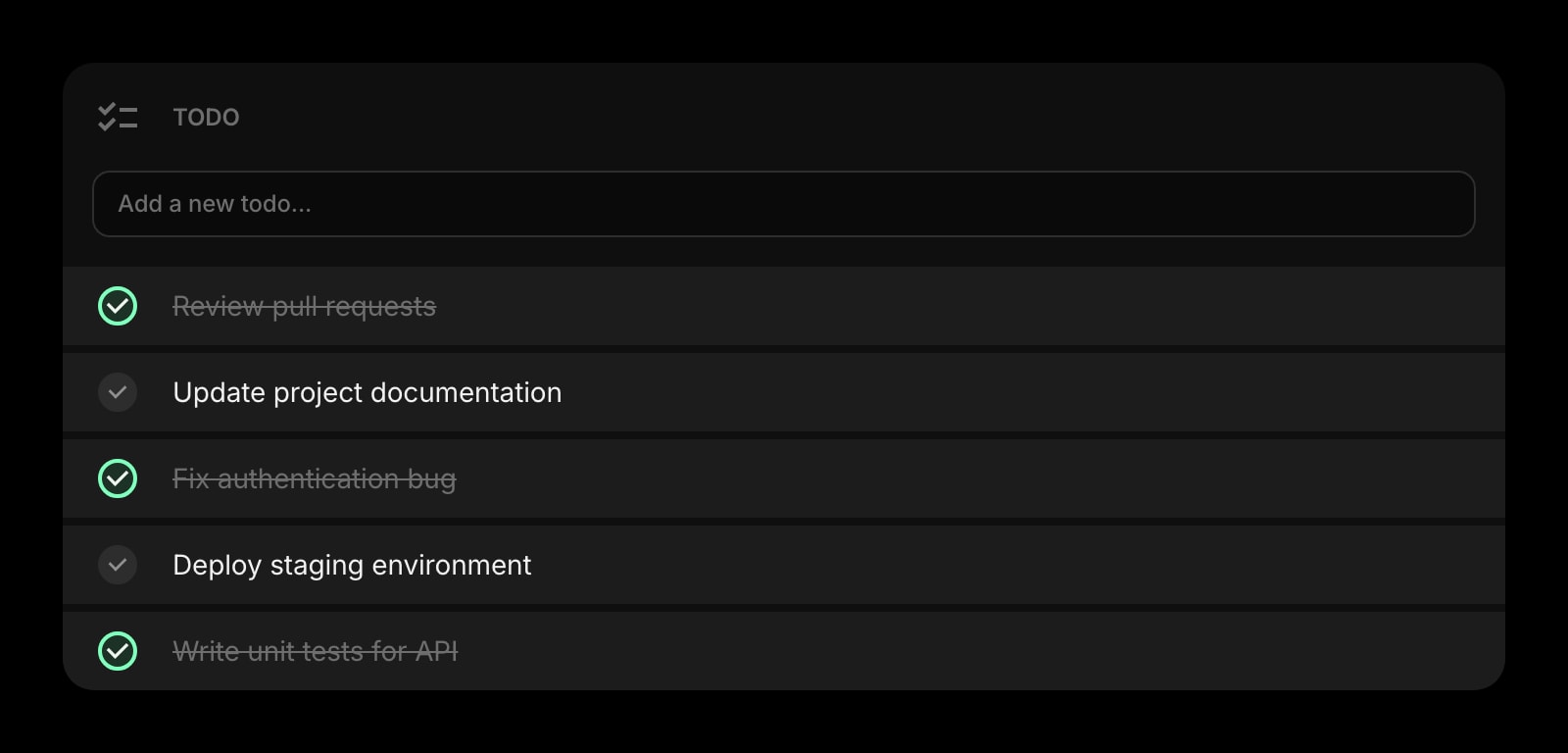
Todo
A simple checklist widget for the day's priorities, perfect alongside a Pomodoro session.
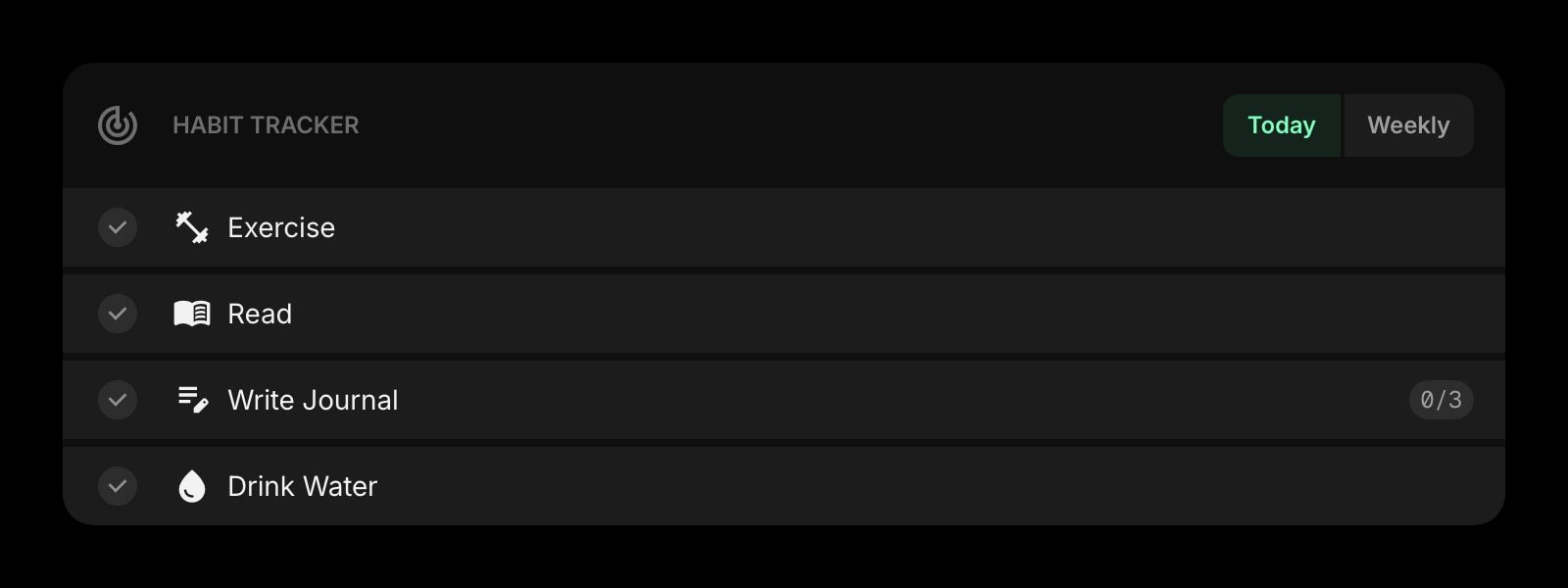
Habit Tracker
Track daily habits and build consistent routines — the long-term companion to a daily Pomodoro practice.
Frequently Asked Questions
For the core Pomodoro workflow — work intervals, short and long breaks, customizable durations, sounds, and session reports — yes. Start Page HQ also ships Tasks, Todo, and Habit Tracker widgets you can place next to the timer for the full Pomofocus-style setup.
Yes — there is a free plan, no credit card and no ads. It gives you 1 page with up to 8 widgets on it, 55 of the 63 widget types — Pomodoro Timer, Todo, and Habit Tracker among them — cross-device sync, and 50 AI credits to start. Extra pages and the 8 premium widgets, including the Kanban Tasks board, need a paid plan: $4/month, $24/year, or $48 one-time. You can also try every widget with no account at all at startpagehq.com/demo.
Pomofocus has a free tier with ads and a Premium subscription that unlocks projects, yearly reports, CSV export, and integrations. Start Page HQ has a free plan with no ads, then $4/month, $24/year, or $48 lifetime — no ads on either tier and all reporting features included by default. The Lifetime plan typically pays back in under two years compared to any recurring Pomodoro subscription.
Yes. Start Page HQ ships native extensions for Chrome, Firefox, Safari, and Edge, plus a hosted web app at startpagehq.com that works in any browser. Pomofocus is web-only — Start Page HQ's Pomodoro lives directly inside the new tab.
Yes, and sync is included on every plan, the free one included. Sign in once and your Pomodoro stats, tasks, and the rest of your dashboard sync across every browser and device automatically.
There is no automated Pomofocus importer, but recreating a setup is fast: drop on the Pomodoro Timer widget, set your work and break durations, and add your tasks to the Tasks or Todo widgets. Most users are running in under a minute.
Ready to Try Start Page HQ?
Start free — 1 page, 8 widgets, sync across devices, no credit card. Or open the live demo first, no signup needed.