Start Page HQ for Job Seekers
Application Kanban, interview calendar, job-board collection, cover-letter drafts, deadline countdowns - the dashboard that holds the job hunt together when you have thirty applications open at once.
The Problem
What the current setup costs job seekers every day.
- You are tracking thirty open applications across a Google Sheet, a half-finished Notion board, the Indeed and LinkedIn "saved jobs" tabs, and a folder of email threads. When a recruiter calls about "the role you applied to last week" you genuinely cannot remember which company.
- Your interview calendar lives in three places - the Calendly link the recruiter sent, a personal Google Calendar, and a phone reminder. You have already double-booked once this month and missed the second screen because the time-zone in the invite was Pacific and your phone defaulted to Eastern.
- Cover letters are scattered across a Drive folder, a Notion page, and a Word doc on the desktop. Every new application becomes a fifteen-minute archaeology trip to find the version you wrote for the last similar role.
- You want to scan three or four job boards every morning - LinkedIn, Indeed, Wellfound, the niche board for your industry - and they each have their own tab, their own sort order, their own login that timed out overnight. The morning scan eats forty-five minutes before the day actually starts.
- The motivation tank runs low after a week of silence. The only thing you actually open every morning is the new tab page, and right now it is a Google search box - the surface that should be pulling you forward is doing nothing.
Widgets That Fit Job Seekers
A curated set, not a dump. Each one earns its place on the page.
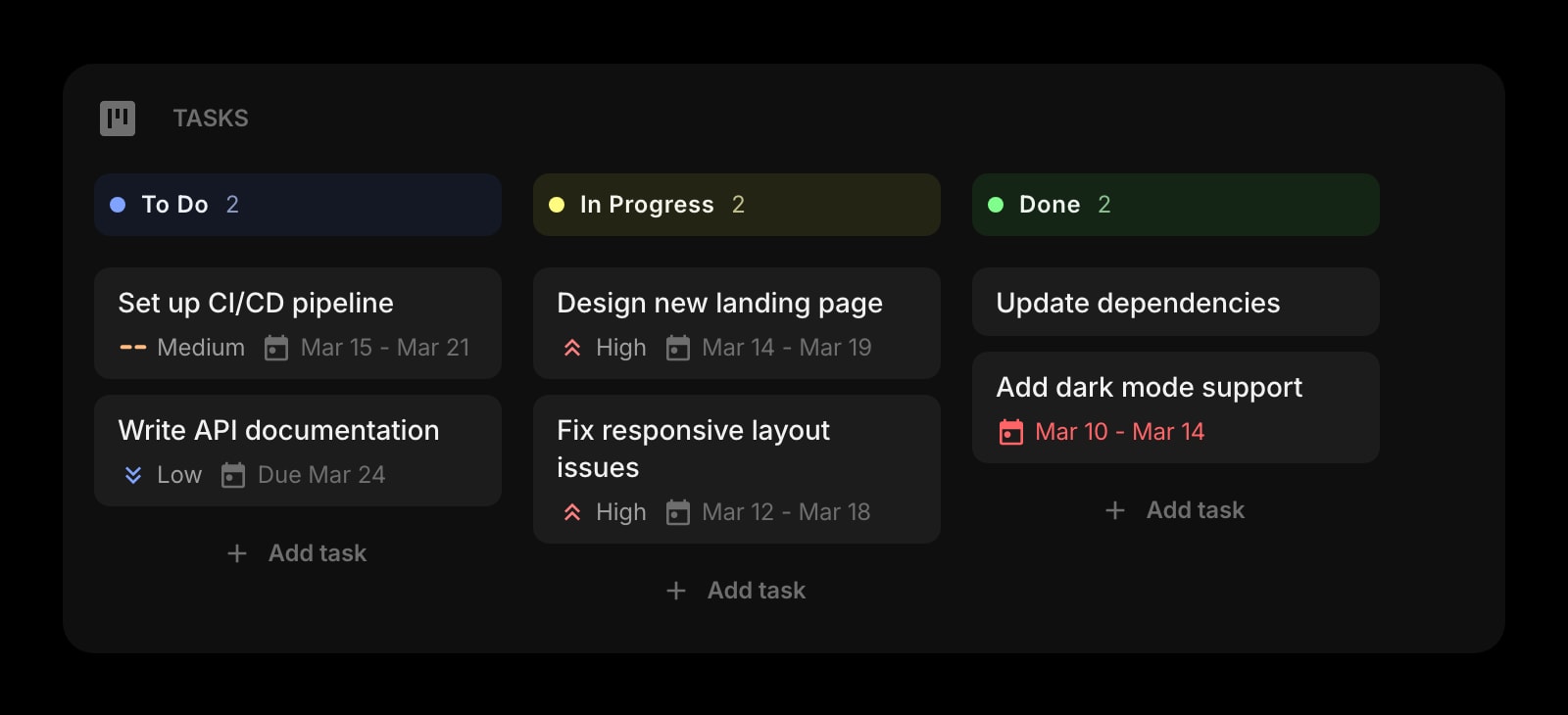
Tasks (Kanban)
A Kanban for the application pipeline. Columns for Applied, Phone Screen, Onsite, Offer, and Closed. Drag a card across as the role moves and the entire job hunt is visible in one glance.
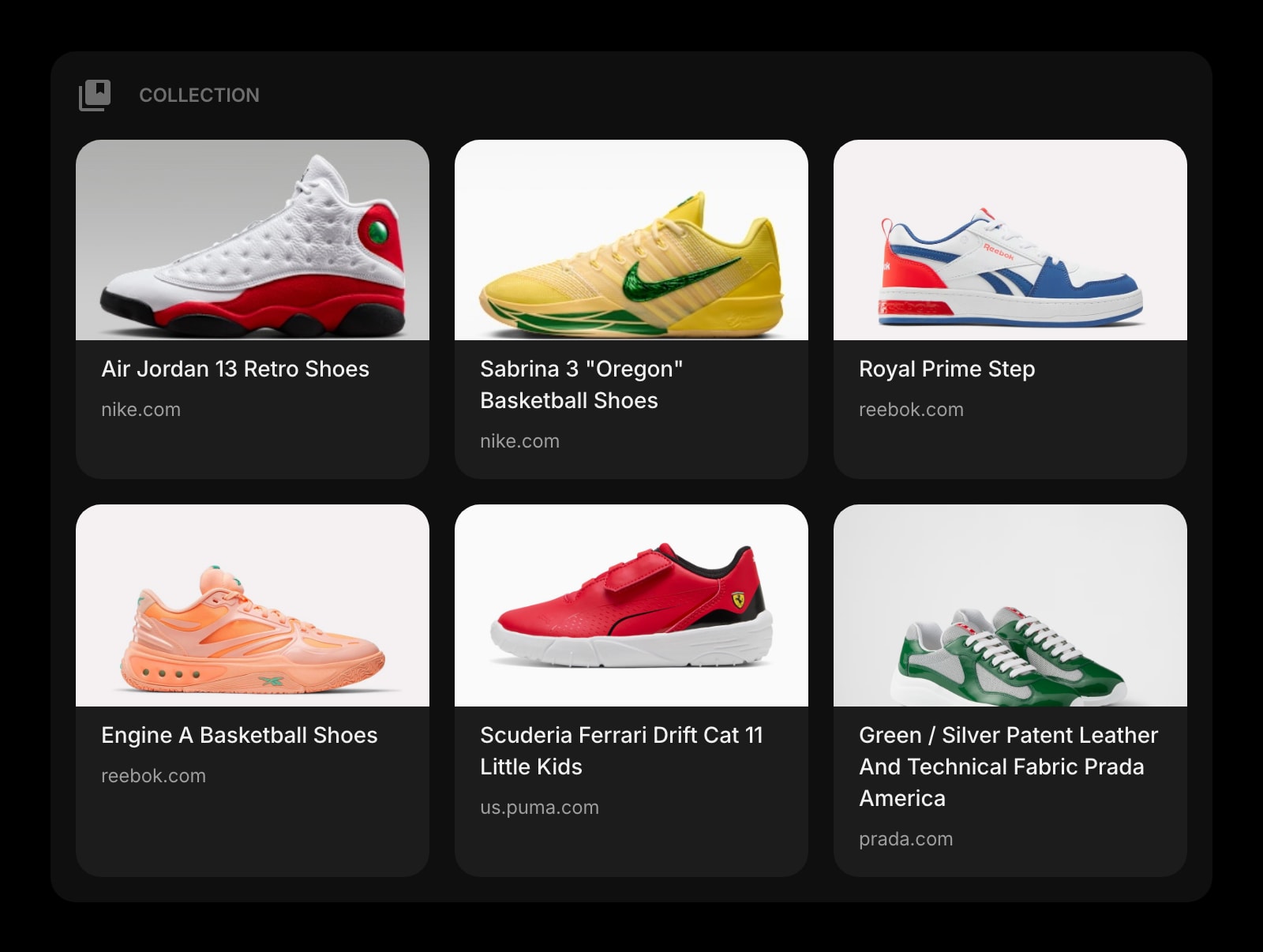
Collection
A Pinterest-style board for job postings. Save a posting from any board with the title, the company logo, and a note - a visual holding pen for the roles you want to apply to this week.
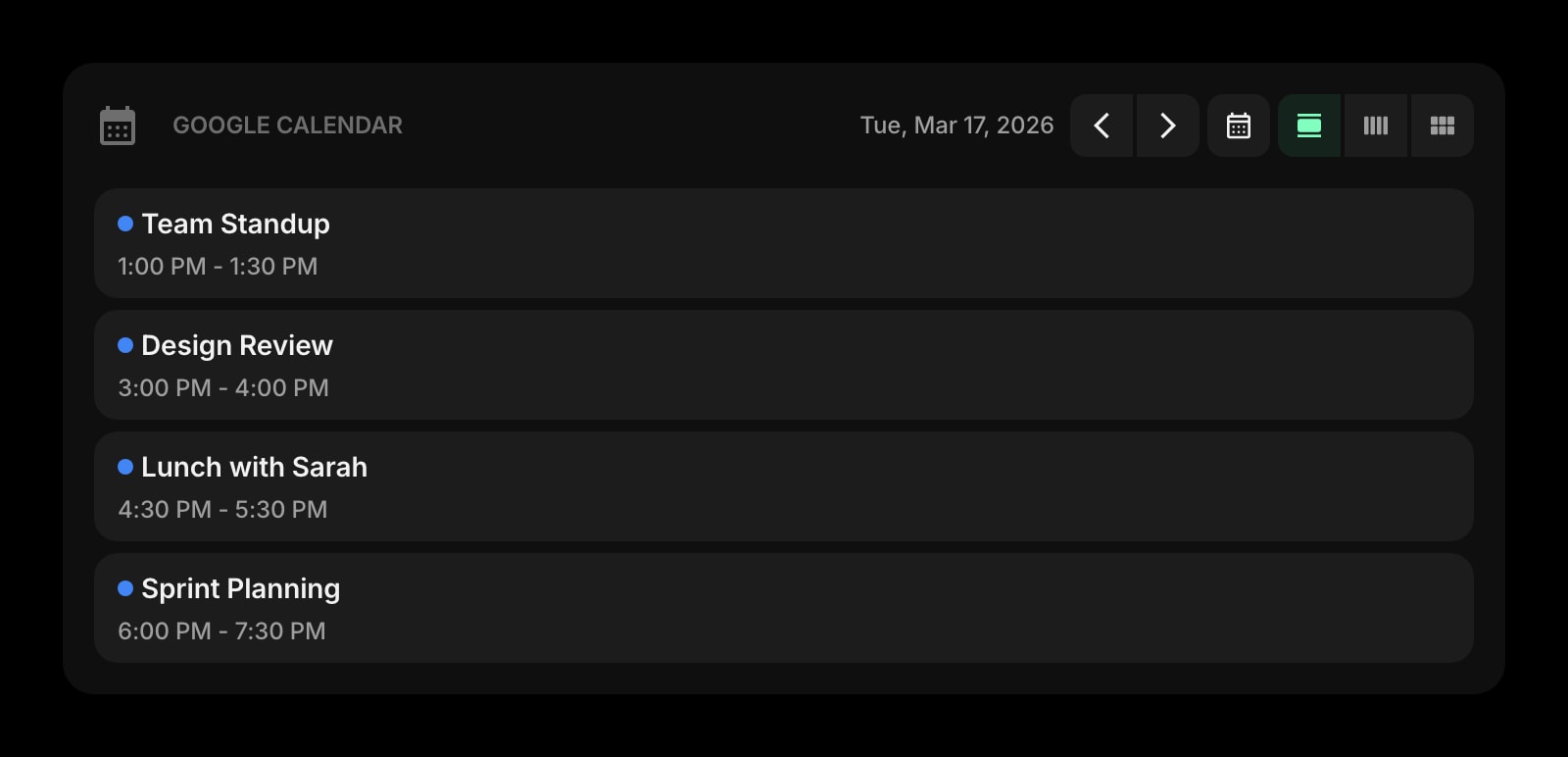
Google Calendar
Today's interview slots, recruiter calls, and prep blocks on the new tab. The next event is always one glance away, with the right time zone, so you stop missing screens.
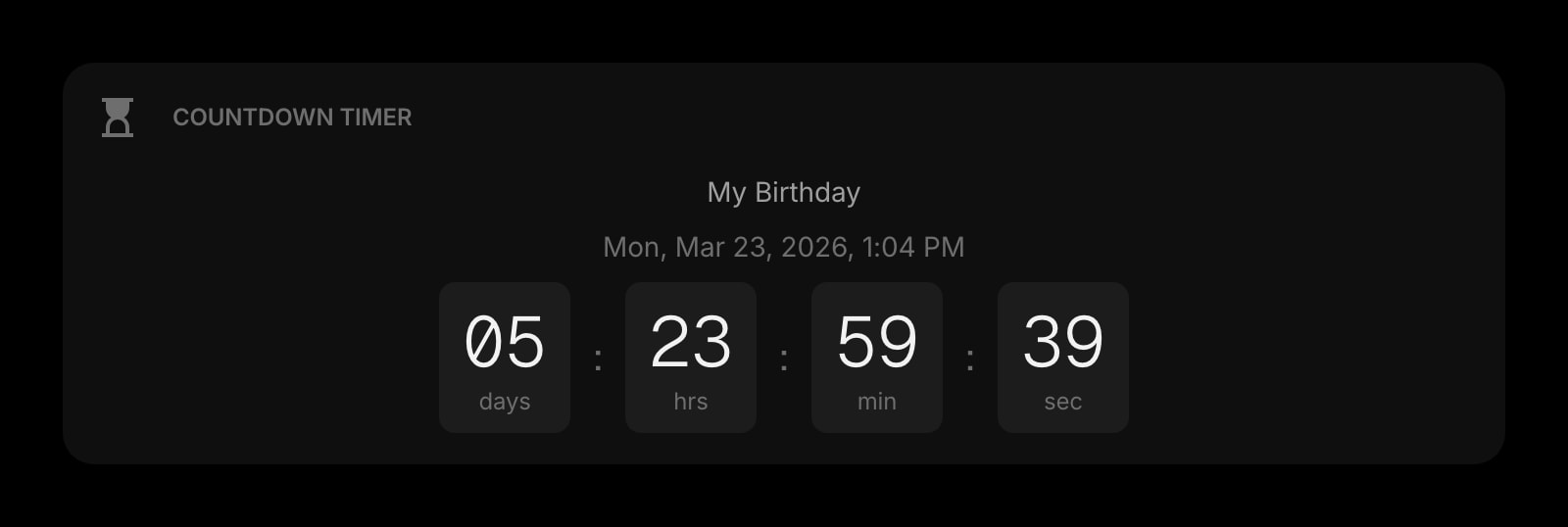
Countdown Timer
Days until the application deadline, hours until the panel interview, weeks until the COBRA cutoff. Persistent visual deadlines that live where you already look.
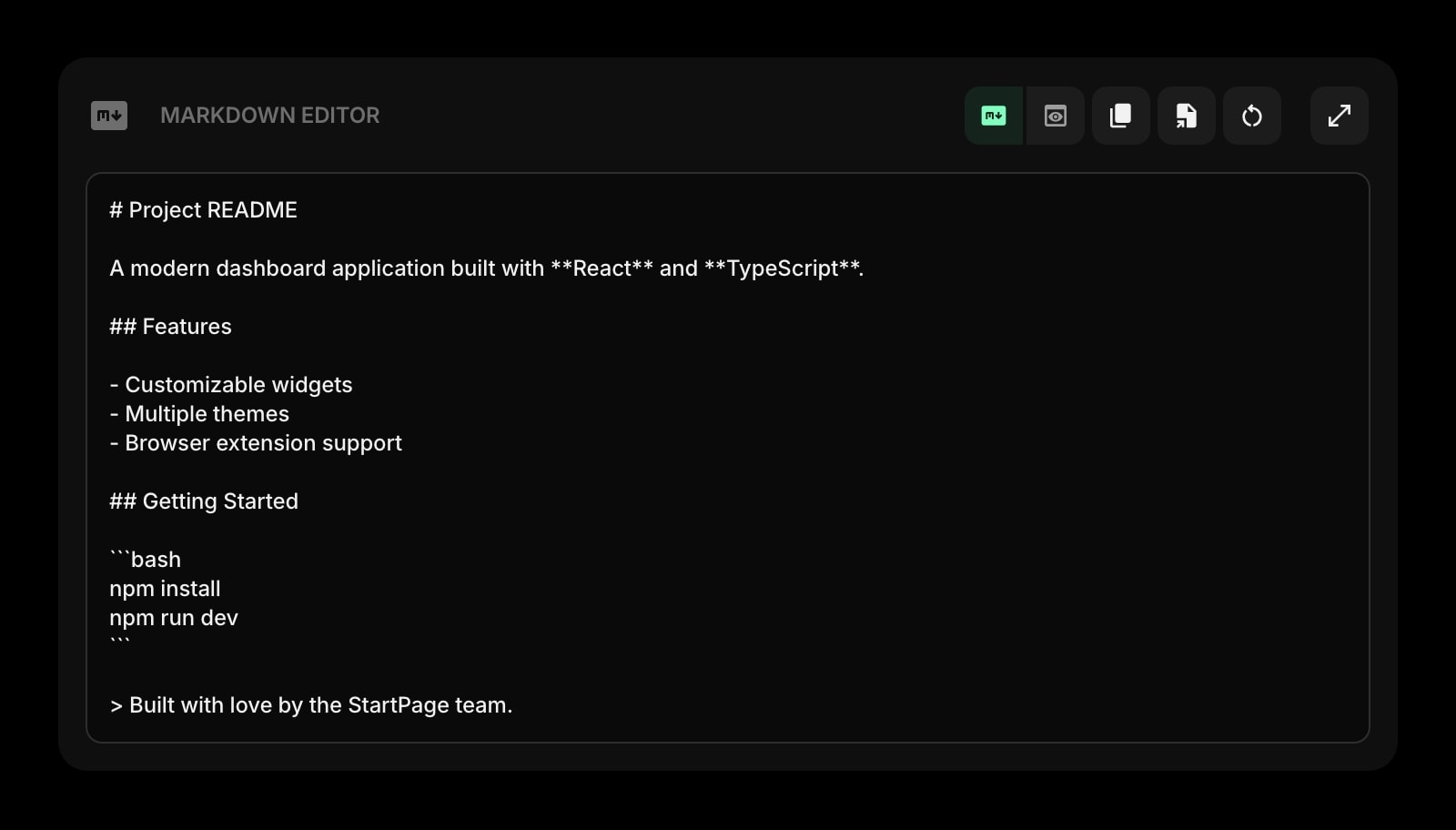
Markdown Editor
Draft a cover letter or a follow-up email with live preview. Keep a page per role, paste into the application form when ready, and never lose the draft to a closed tab again.
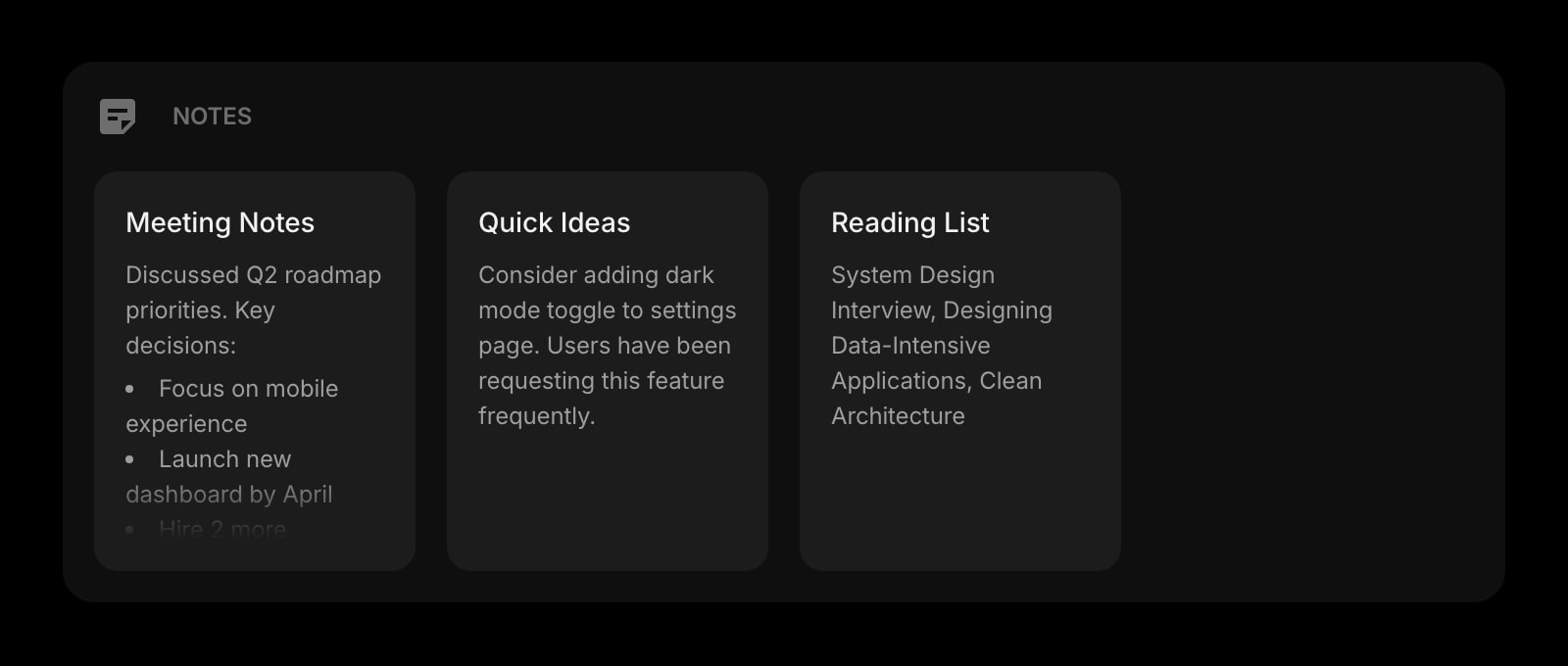
Notes
Rich text notes for company research, interview prep, and the "questions to ask" list. One page per role keeps the prep separate without spinning up a fresh document every time.
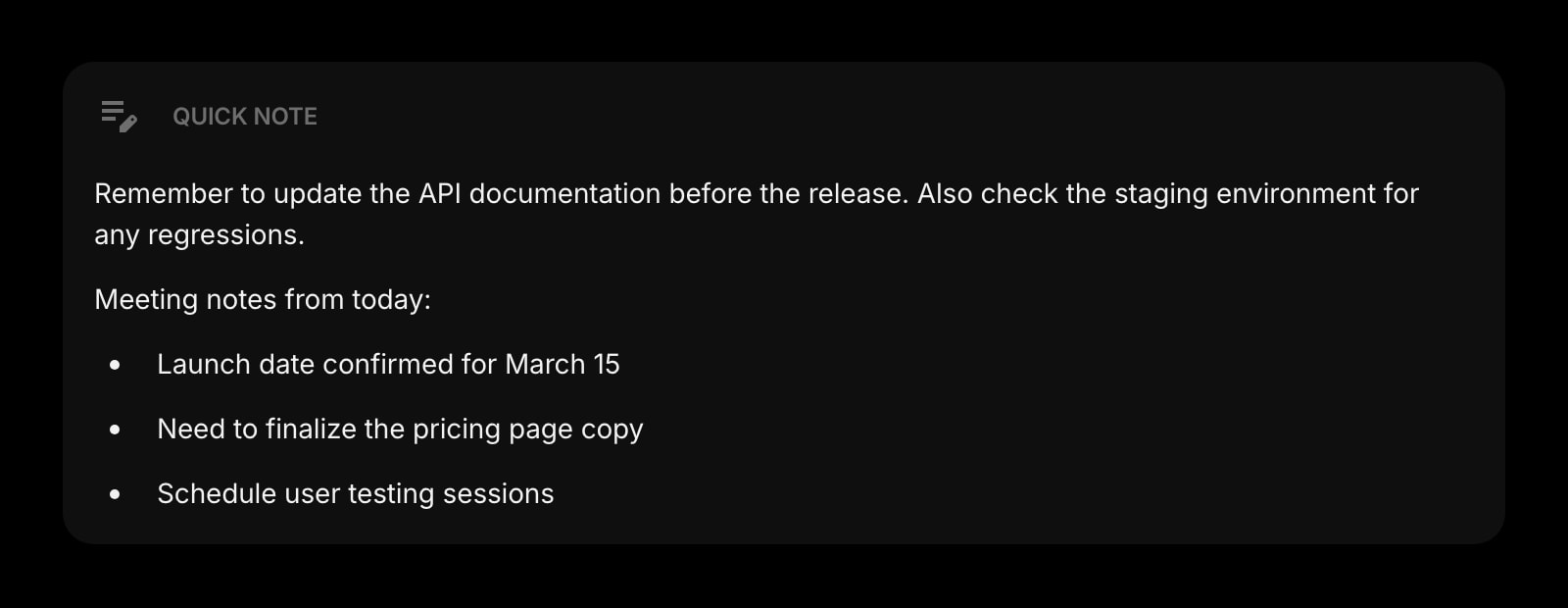
Quick Note
A scratchpad for the thought right after the call ends - the answer you wish you had given, the name of the cousin the interviewer mentioned, the salary number they dropped. Capture it before it fades.
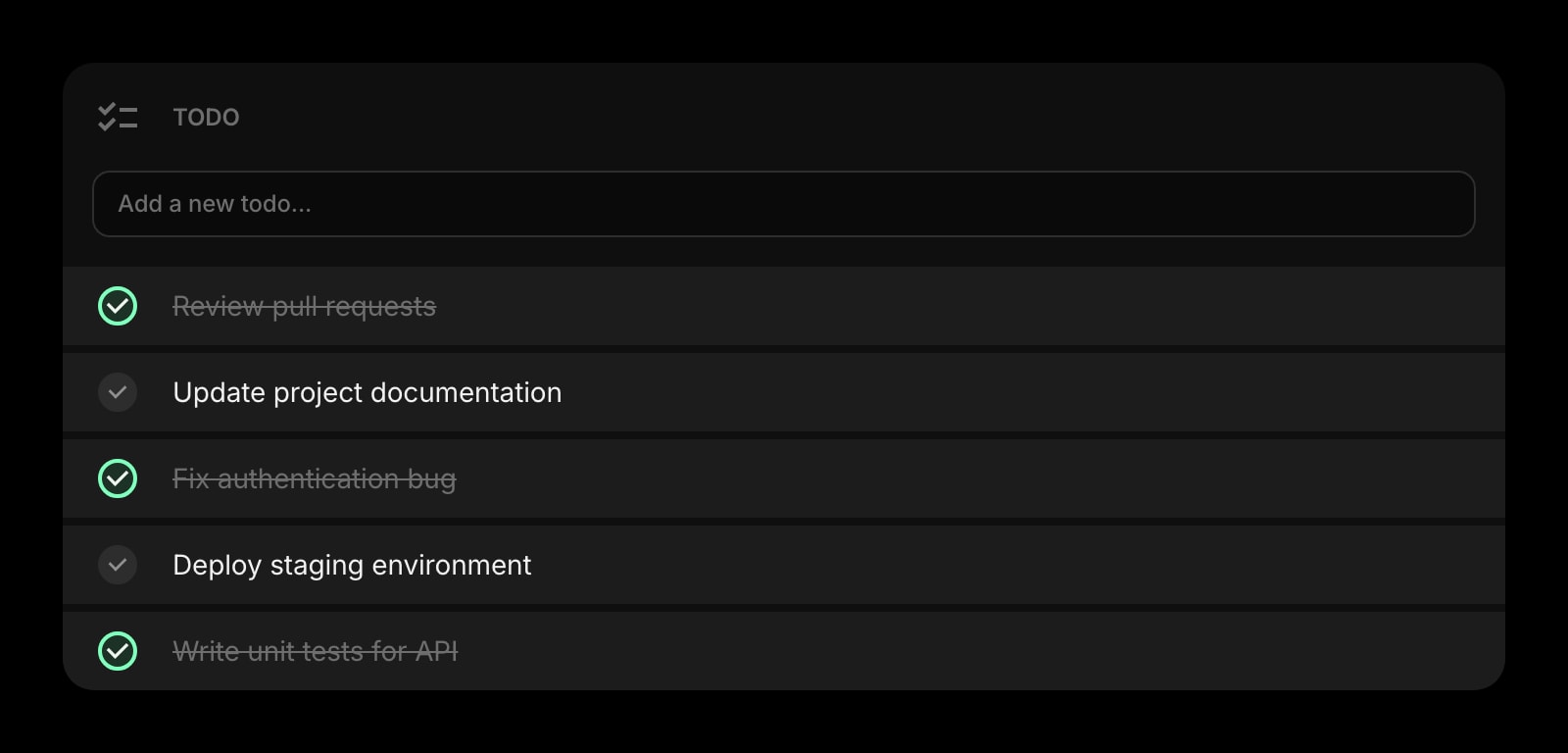
Todo
Today's short list - the three follow-ups to send, the two referrals to ask, the recruiter to call back. Separate from the long-running pipeline so the next-action lives somewhere fast.
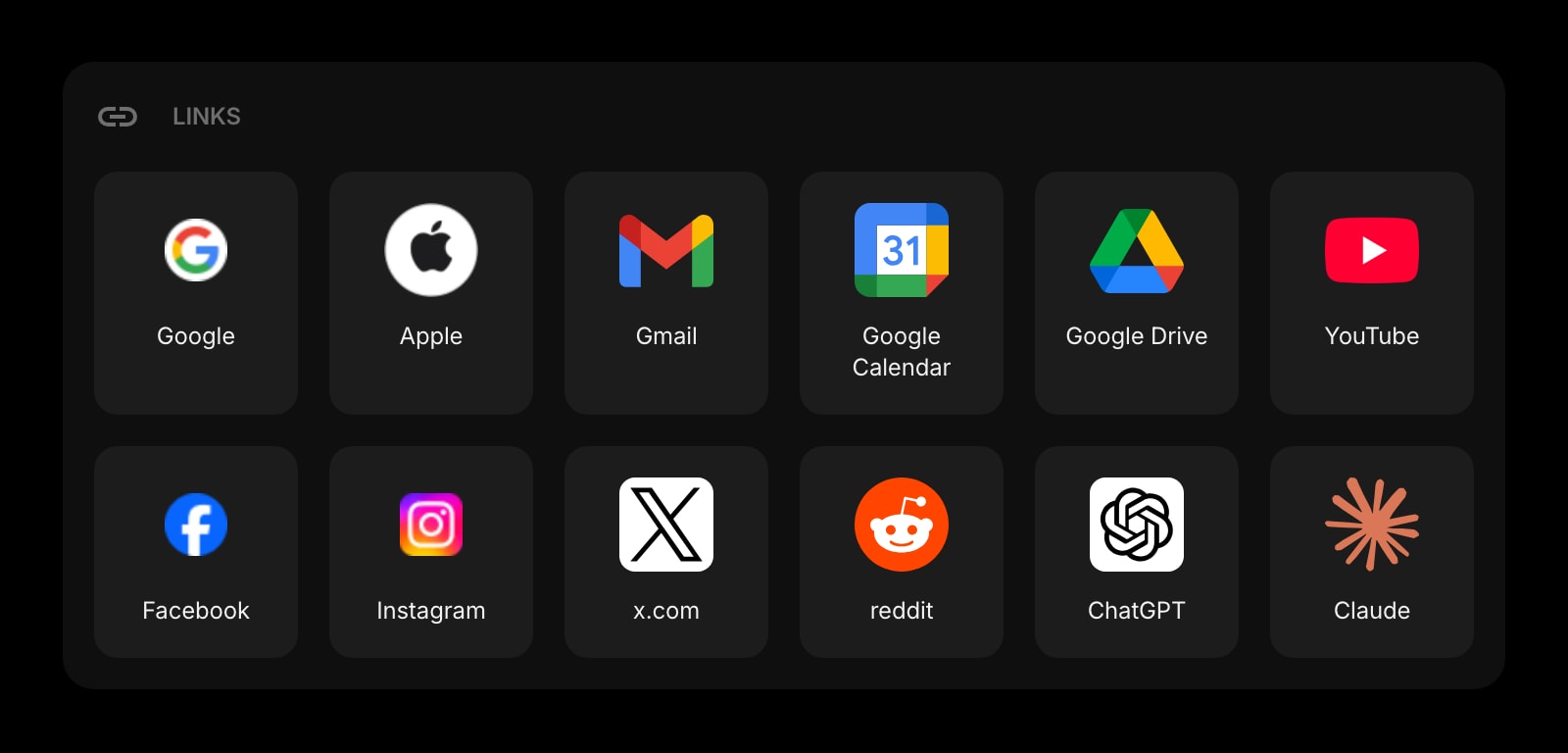
Links
Pinned shortcuts to LinkedIn, Indeed, Wellfound, the niche board for your industry, your resume in Drive, your portfolio site. The morning scan starts on one page instead of seven.
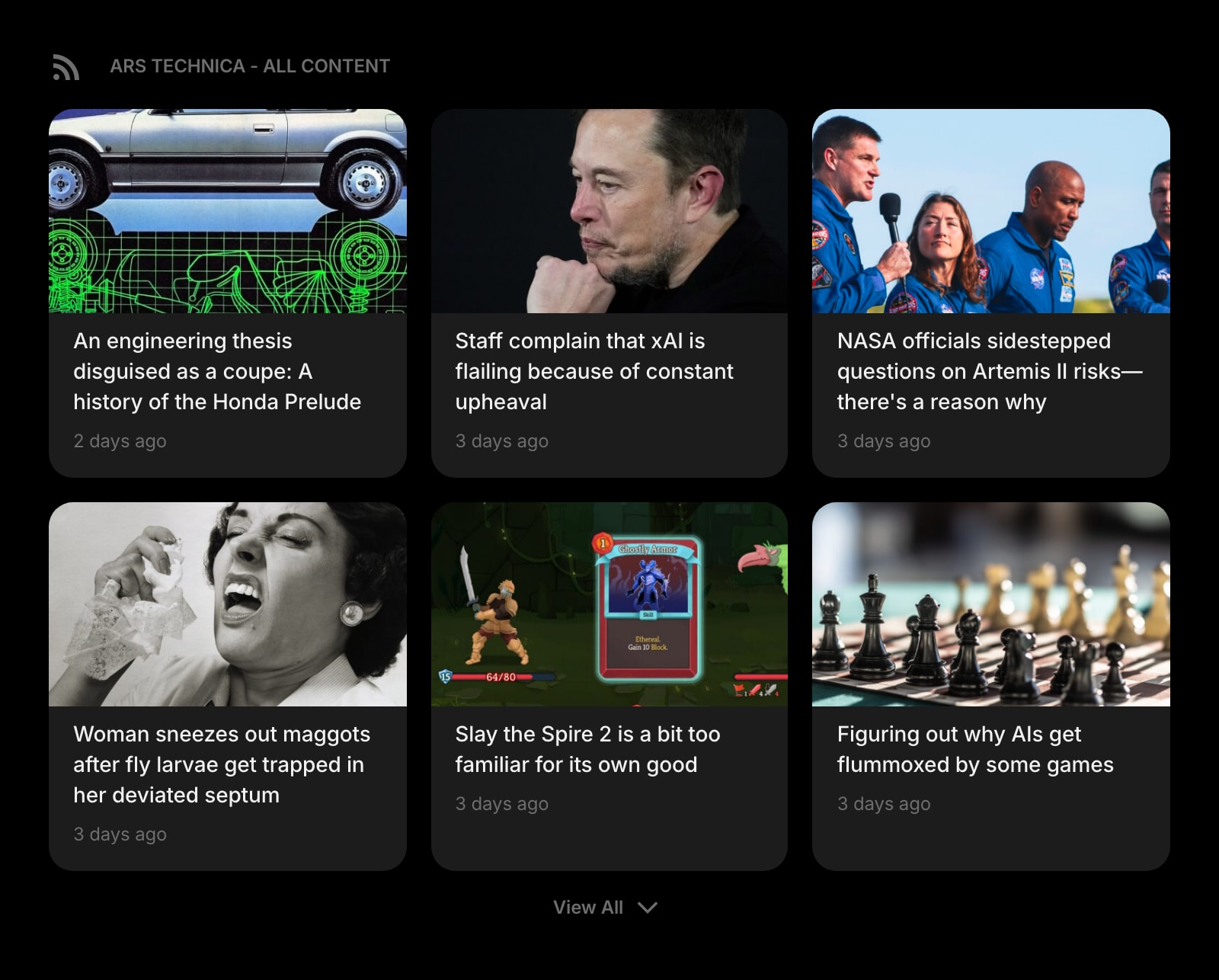
Feed (RSS)
Pull the RSS or Atom feed from a target company's blog or careers page into the dashboard. Roles, product launches, and team changes show up the day they ship - useful context for the cover letter.
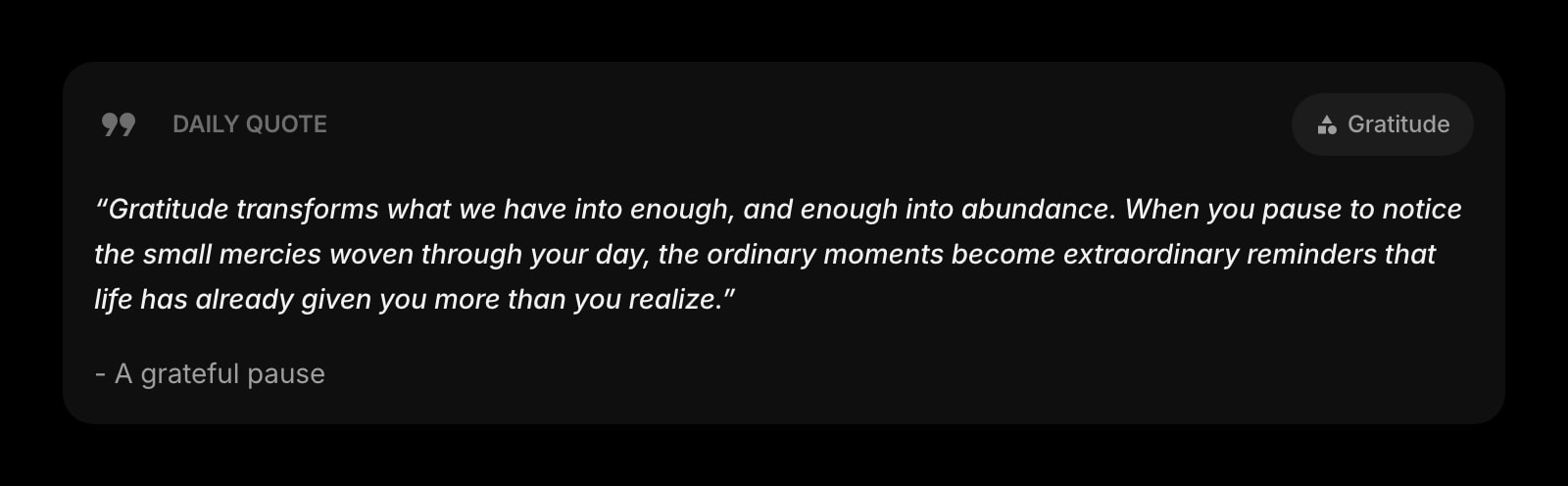
Daily Quote
A different quote every morning. Small, but the right line in the right week has dragged more than one job seeker through the silent stretch between phone screens.
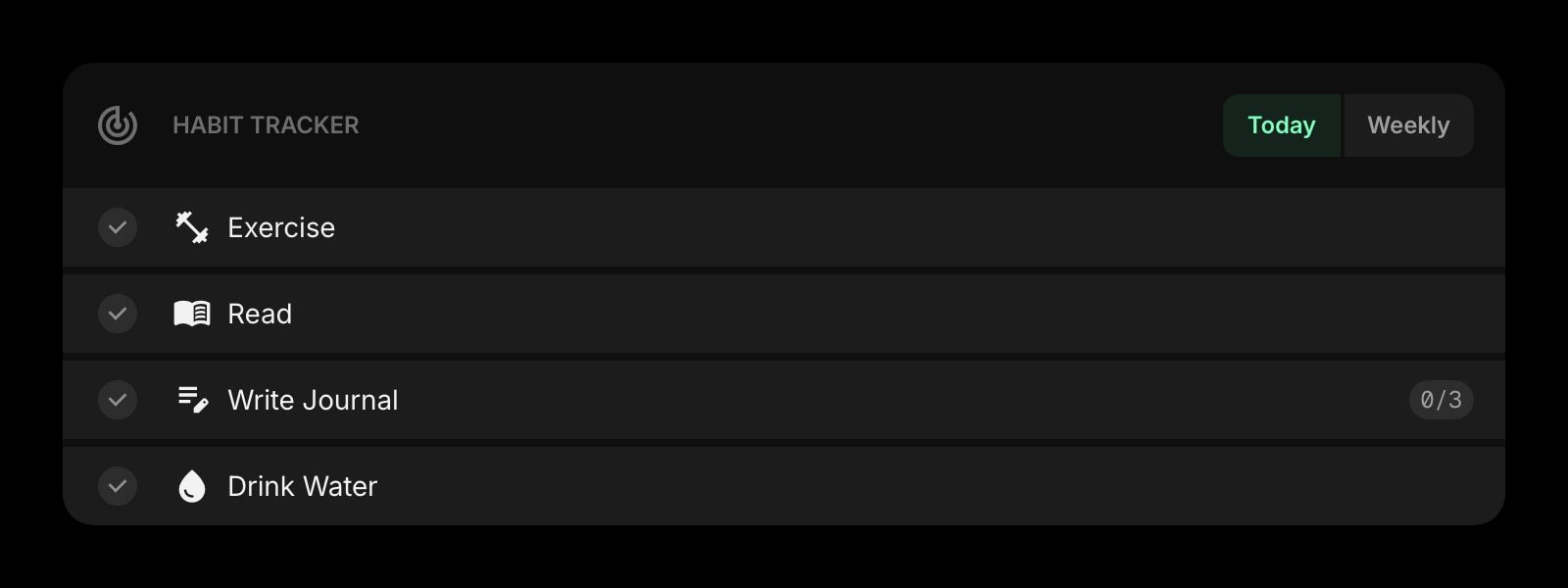
Habit Tracker
Mark a square every day you send three applications, every day you reach out to a referral, every day you do an hour of prep. The streak compounds and the chart on your new tab keeps the search moving.
A Day in the Life
How Start Page HQ shows up across the moments that actually matter.
Morning Application Scan
Open the new tab. The Links widget has the four boards you scan; the Collection widget already holds yesterday's saved postings; the Tasks Kanban shows where the pipeline stands. Save three new postings, queue them in the To Apply column, and the morning scan is done in twenty minutes instead of an hour.
Interview Prep The Night Before
Open the company's page in the Notes widget for the research, the role description in the Collection card, and the question list in the Markdown Editor. The Calendar widget shows the slot, the Countdown Timer shows fourteen hours until showtime, and the prep stays in one tab instead of seven.
Right After A Phone Screen
You hang up. Drag the Tasks card from Phone Screen to Onsite, drop the recruiter's feedback into Quick Note before it fades, and update the Notes page with the comp range they mentioned. Two minutes of capture saves a half-hour of trying to remember next week.
A Quiet Week Between Replies
Three days without a reply, the morale dips. The Habit Tracker chart shows a five-day streak of applications still going, the Daily Quote on the new tab lands a clean line, and the Pipeline Kanban shows nine roles still in motion. The new tab page does the small work of keeping the search alive.
Why It Sticks for Job Seekers
Specific reasons it works for this audience - not generic productivity claims.
A Pipeline That Lives Where You Already Look
Notion templates and Trello boards work right up to the day you forget to open them. The Tasks Kanban lives on the new tab page you open thirty times a day, so the pipeline stays current without becoming a separate ritual.
A Page Per Stage, Not One Stuffed Tab
A page for active applications with its Kanban and follow-up Todo. A separate page for interview prep with the Notes, the Markdown Editor, and the company Feeds. A third page for a wind-down "post-search" view. Switch with one click as the day shifts.
Cover Letters That Do Not Disappear Into Drive
The Markdown Editor keeps every draft on a page you can find again. Tag the page with the company name, paste the final into the application form, and the next time you write a cover letter for a similar role the previous version is two clicks away.
Same Setup On Every Browser And Device
Sign in once and the pipeline, the cover-letter drafts, the interview notes, and the Links sync across every browser and device. Library laptop in the morning, phone on the train, home desktop at night - same view, same progress.
Cheap Enough To Try For The Length Of A Search
Every widget unlocked, sync across every device, AI credits included. $4 a month, $24 a year, or $48 lifetime - less than one month of most premium LinkedIn or job-board subscriptions. Try it free at startpagehq.com/demo before paying.
Coming From Another Tool?
Already piecing together your job hunt from a Google Sheet, a Notion template, and a few Trello columns? The widgets below cover the same jobs in the same tab. See how they map.
Frequently Asked Questions
Yes. Add as many cards as you want, with custom columns for the stages your search uses, and drag cards across as roles move. Most active job seekers run a single board with five to seven columns; some keep a separate board per company size or industry.
There is no direct LinkedIn or Indeed integration today. The job-board sites do not expose useful application APIs - the practical pattern is to pin the boards in the Links widget, save postings to the Collection widget, and track stages in the Tasks Kanban. The dashboard is a single surface; the boards stay where they are.
Yes. Sign out of Start Page HQ when you step away, or use a separate browser profile for the search. Your widgets, notes, and Kanban cards live in your account, not the browser itself.
No. Pages are private by default. Nothing becomes public unless you create a share link for a page or widget yourself, and deleting the link takes it down right away - what you write in Notes, Markdown Editor, or Quick Note stays in your account.
Yes. Notes and Markdown Editor content can be copied out as Markdown, and the Tasks Kanban can be exported. Most people keep the page archived in the account so the next search picks up the prior playbook instead of starting from a blank board.
There is a free plan - 1 page, 8 widgets, sync across devices, every browser extension, and 50 AI credits to start. Paid lifts the limits at $4 a month, $24 a year, or $48 one-time (lifetime), unlocking unlimited pages, every widget including the premium ones, and a recurring pool of AI credits. A free public demo at startpagehq.com/demo unlocks every widget for evaluation - no signup.
Build Your Job Seekers Dashboard
Start free — 1 page, 8 widgets, sync across devices, no credit card. Or open the live demo first, no signup needed.