

Looking for a QR Code Monkey Alternative?
QR Code Monkey is the well-known free QR generator with deep customization — colors, eye styles, frames, and a center logo upload. Start Page HQ is the QR generator that lives on every new tab — instant codes, no extra browser tab to keep open.
What People Love About QR Code Monkey
Before we get into where Start Page HQ goes further, credit where it's due.
- Free QR codes with no account or sign-up required.
- Deep visual customization — body shapes, eye styles and colors, frames, gradients, and a center logo upload.
- Vector exports (SVG, PDF, EPS) for print-quality codes that scale cleanly.
- Bulk QR generation from a CSV — useful for mailers, business cards, and event collateral.
- A polished site that has been a default free QR tool for many years.
Where Start Page HQ Goes Further
Specific differences, not vague claims.
Lives on Every New Tab
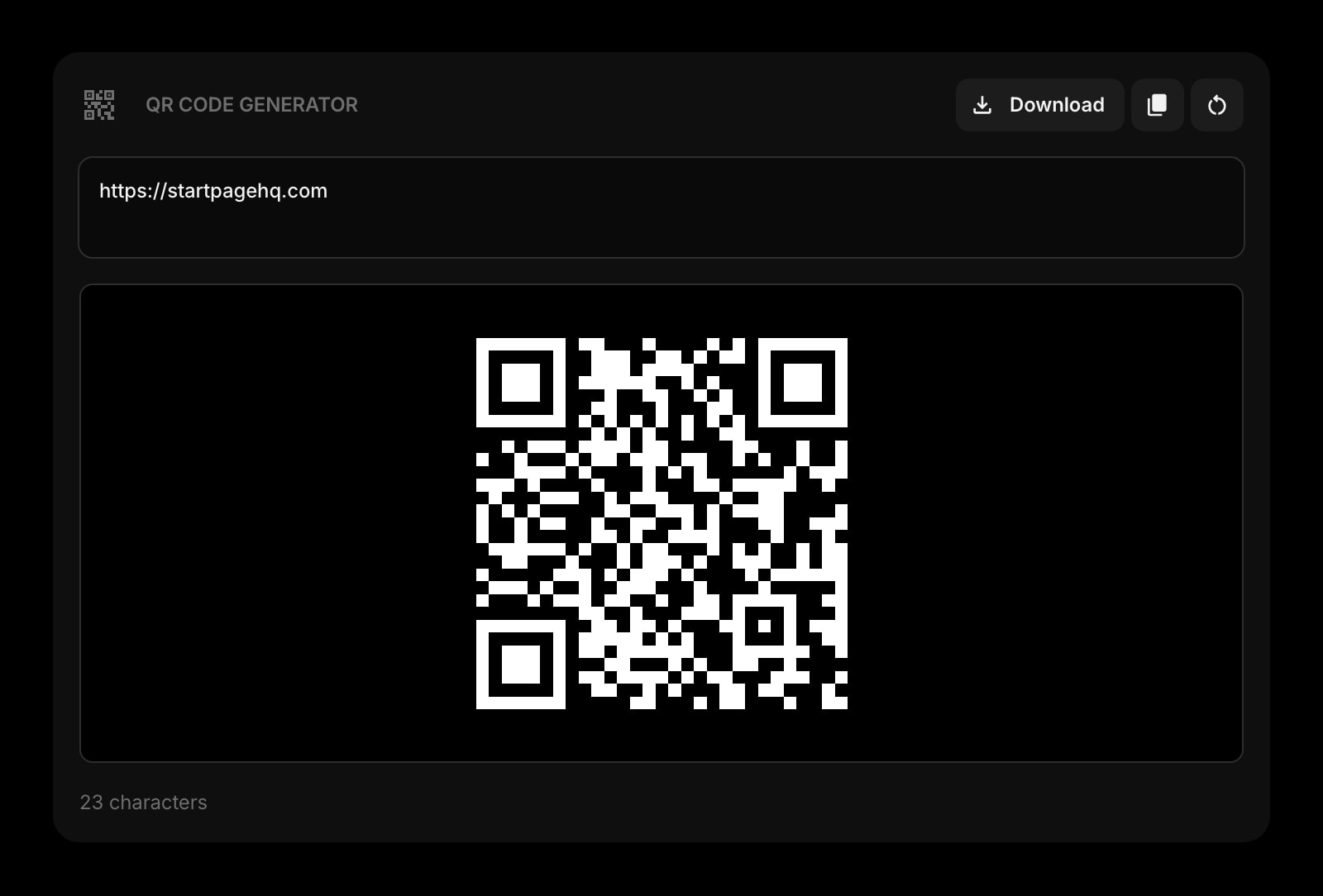
QR Code Monkey is a separate site you have to open. Start Page HQ ships a QR Code widget that's already there every time you open a new tab — paste a URL, copy the code, move on.
Sits Alongside 63+ Other Widgets
QR Code Monkey is a single-purpose tool. Start Page HQ pairs the QR Code widget with JSON Formatter, Regex Tester, Text Diff, Image Compression, and 63+ more — all on the same dashboard.
Runs Locally in Your Browser
QR codes are generated in-browser — URLs, Wi-Fi credentials, and contact details never round-trip to a server.
No Ads, No Upsell Banners
QR Code Monkey shows ads and promotes a paid 'QR Code Pro' offering. Start Page HQ is never ad-supported — not on the free plan, not on any paid one.
Custom Pages for Your Workflow
Build a "Dev Tools" page with QR codes, JSON, regex, diff, and base64 in a single grid. Build a separate "Marketing" page with QR alongside notes, links, and the news widget. Switch between them with a click.
Cross-Device Sync Built In
Dashboard layout syncs across every browser and device automatically. Sign in once and your tools follow you to a new laptop or phone.
Side-by-Side Comparison
An honest line-by-line look at how the two stack up.
| Feature | QR Code Monkey | Start Page HQ |
|---|---|---|
| Pricing | Free (with ads) | Free plan; $4/mo, $24/yr, $48 LTD |
| Free tier | Yes | 1 page, 8 widgets |
| QR from text or URL | Yes | Yes |
| Vector export (SVG / PDF / EPS) | Yes | SVG / PNG |
| Custom colors and eye styles | Yes | Basic |
| Center logo upload | Yes | No |
| Frames and labels | Yes | No |
| Bulk QR from CSV | Yes | No |
| Runs locally (no upload) | Partially | Yes |
| Lives on every new tab | No | Yes |
| Chrome | Web only | Yes |
| Firefox | Web only | Yes |
| Safari | Web only | Yes |
| Edge | Web only | Yes |
| Browser extensions | No | Yes |
| No ads | No | Yes |
| Cross-device sync | No | Included |
| Other dev tools (JSON, regex, diff) | No | Yes |
| Notes, todos, RSS, weather | No | Yes |
Widgets That Replace QR Code Monkey
Drop these onto your dashboard and you've covered QR Code Monkey's core features — plus a lot more.
Frequently Asked Questions
For everyday QR generation — paste a URL, copy or download the code, share it — yes. If you depend on heavy visual customization (custom logos in the center, frames with labels, bulk CSV generation), keep QR Code Monkey for those one-off branded jobs and use the widget for the new-tab default.
Not in the current QR Code widget. If a center logo or custom frames are critical for the use case (a print campaign, a branded poster), QR Code Monkey is the better fit for that specific export. The widget covers the un-styled "I just need a working QR" job 95% of people actually have.
No. The QR Code widget generates codes entirely in your browser — URLs, Wi-Fi credentials, and contact details stay on your machine.
Yes — there is a free plan, and the QR Code widget is part of it. Signing up costs nothing and gets you 1 page with 8 widgets on it, 55 of the 63 widget types, cross-device sync, every browser extension, and 50 AI credits once. Extra pages, the 8 premium widgets, and uploads need a paid plan: $4/month, $24/year, or $48 one-time. There is also a public demo at startpagehq.com/demo with every widget unlocked and no signup at all.
QR Code Monkey is free with ads on the web. Start Page HQ's free plan costs nothing either — 1 page, 8 widgets, ad-free — and paid plans are $4/month, $24/year, or $48 once for lifetime, which lift the page cap and add the 8 premium widgets. If QR is the only tool you use, QR Code Monkey is fine; if you also reach for JSON, regex, diff, or image compression, they all fit inside the free plan's 8 widget slots.
Yes. Start Page HQ has native extensions for Chrome, Firefox, Safari, and Edge, plus a hosted web app at startpagehq.com that works in any modern browser.
Ready to Try Start Page HQ?
Start free — 1 page, 8 widgets, sync across devices, no credit card. Or open the live demo first, no signup needed.