Start Page HQ for ADHD
A big visible Pomodoro, a one-tap habit grid, a today-only Todo, deadline countdowns, frictionless capture - the new tab page that lowers the activation cost and survives the times your working memory does not.
The Problem
What the current setup costs adhd every day.
- You have eight task apps on your phone because each one was the answer for two weeks. Things, TickTick, Todoist, the Apple Reminders you swore you would never use again, the Notion ADHD template, the Trello board you set up in a manic stretch. The graveyard of past systems is bigger than the current one.
- You start the day with three tasks in mind, open the laptop to do the first one, and forty minutes later you are seven tabs deep on something unrelated. The transition between "I will do the thing" and "the thing is open in front of me" is the moment the day disappears.
- You have read every article about Pomodoro, you understand it works, and you do not actually use a Pomodoro timer because firing one up is its own three-step ritual. The friction between "I need to focus" and "the timer is running" is enough to lose the intent.
- Quick capture is a real problem. You think of the thing while doing the other thing, you tell yourself you will remember, you do not. By the time you sit down to plan the day the mid-morning thoughts are gone and you are working from yesterday's context.
- Habit-tracker apps with streaks make you feel worse. You miss two days, the streak resets, the app kindly asks if you would like to "save your progress" with a paid plan, and you uninstall the whole thing in disgust.
Widgets That Fit ADHD
A curated set, not a dump. Each one earns its place on the page.
Pomodoro Timer
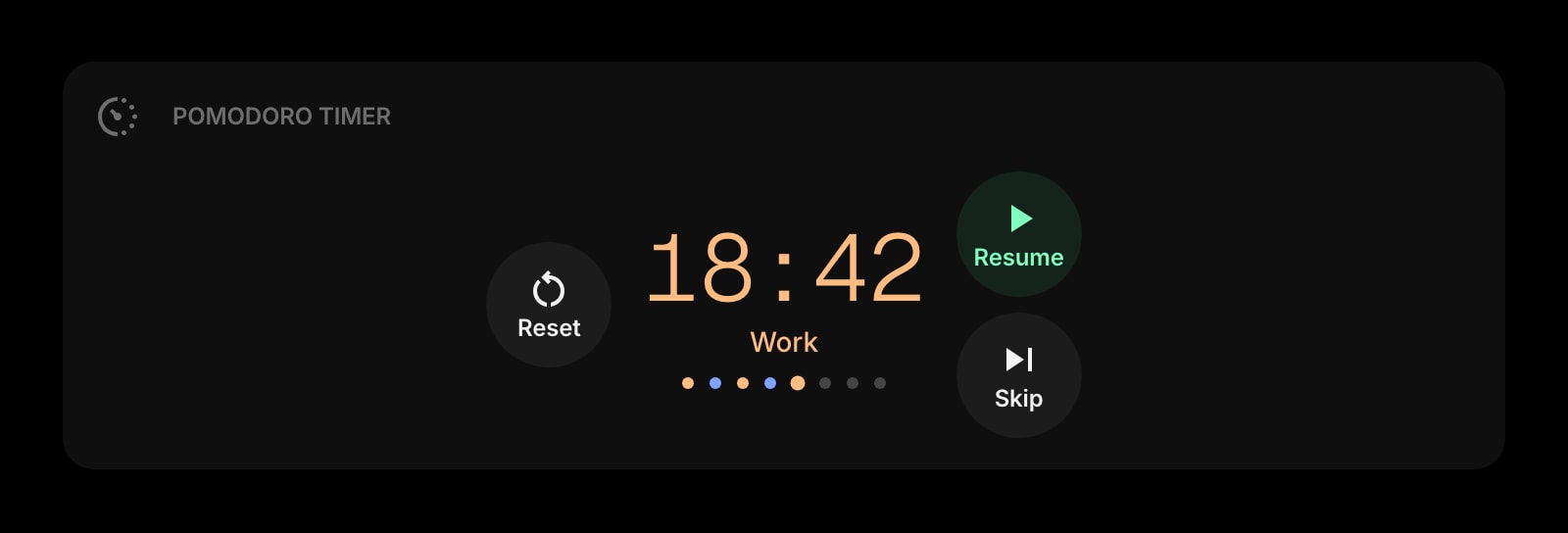
A focus timer right on the new tab page, big enough to read across the room. One click to start a 25-minute block - the lowest-friction Pomodoro you can run, because the timer is already on the screen you open to start the work.
Countdown Timer
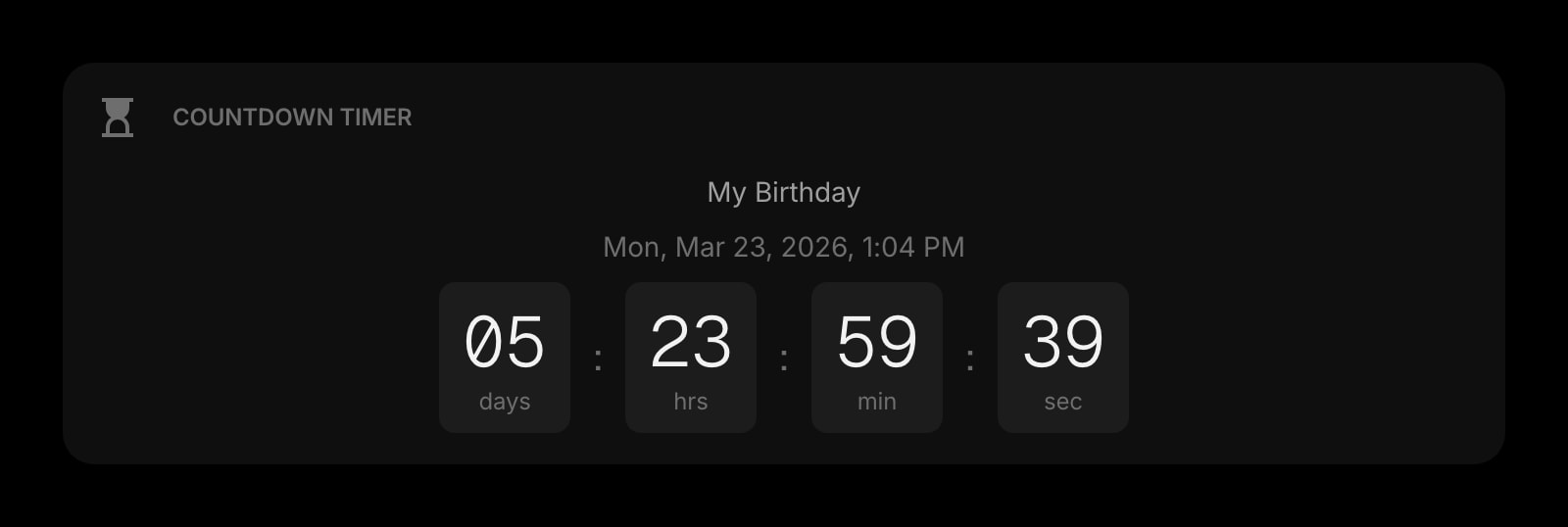
Days until the deadline, hours until the meeting, weeks until the trip. A persistent visual deadline on the page so the future does not vanish into "I will deal with it" until two days before it lands.
Todo
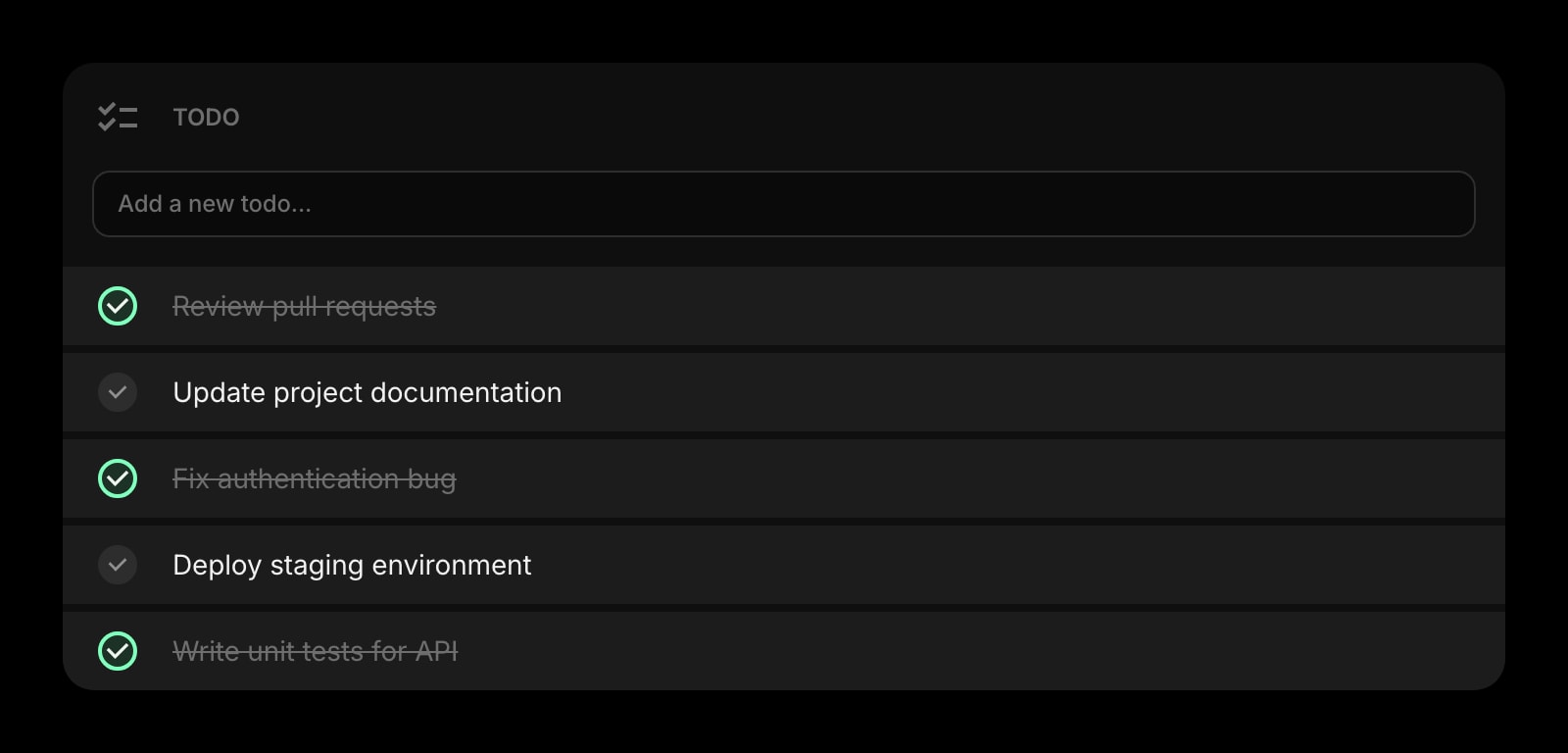
A short list - three to five items - for today only. Not "the whole project", not "next quarter's goals". The smallest list that still represents a real day, with a satisfying check-off animation that gives the brain the dopamine the work earned.
Tasks (Kanban)
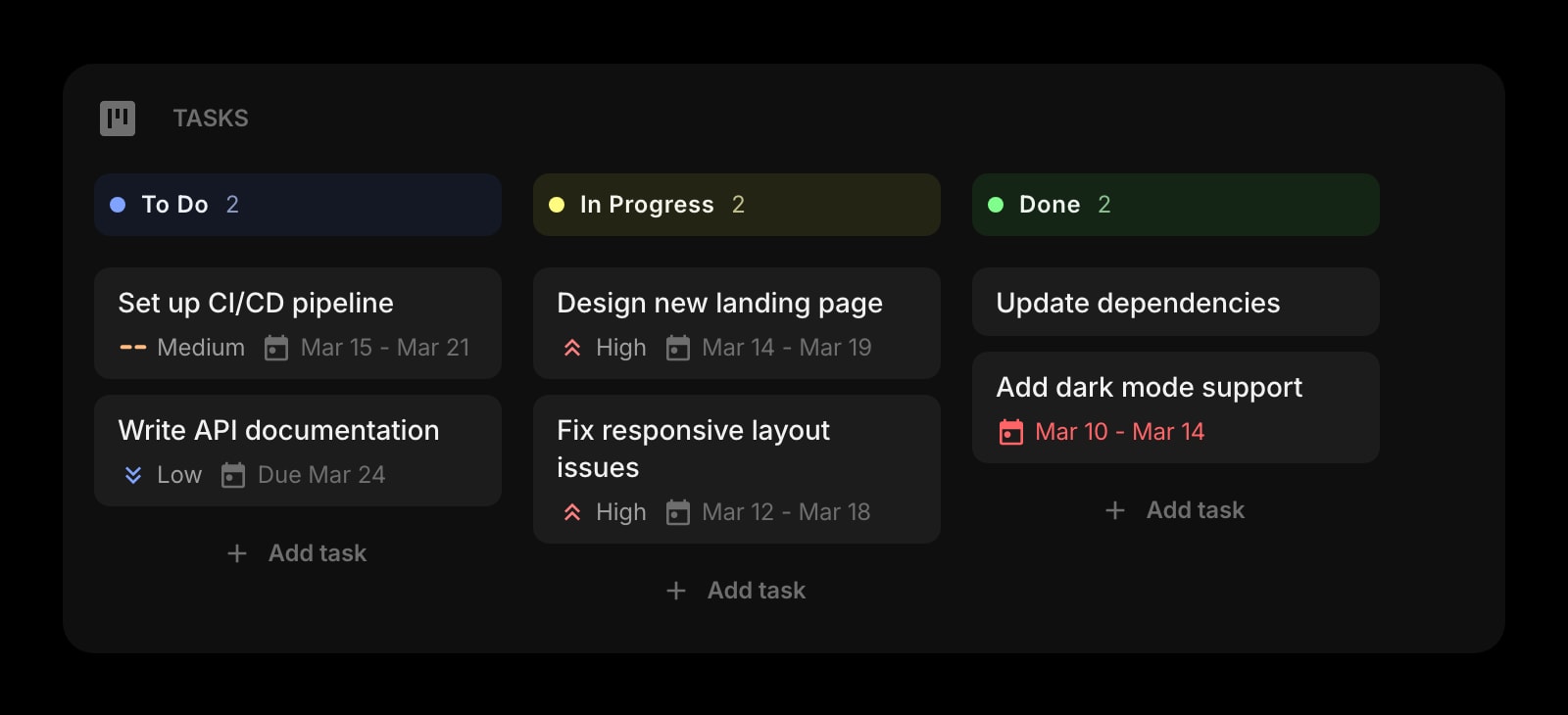
A weekly Kanban for the bigger projects. Drag a card from To Do, to In Progress, to Done. The visual progression is the whole point - your brain rewards the drag, even when the underlying task feels uphill.
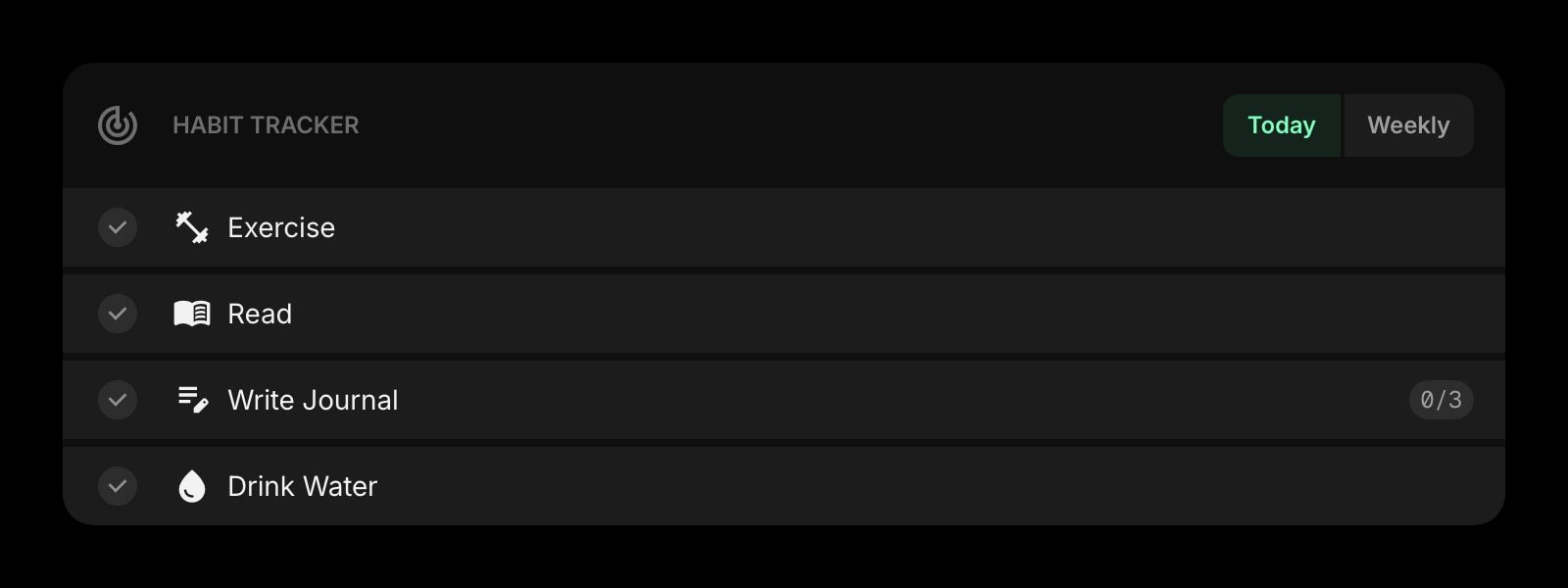
Habit Tracker
One or two habits, a row of squares, no streaks-as-shame. Mark today done, miss a day if you miss a day, and the chart is honest. It tracks; it does not punish. The small daily win that compounds without the loss-aversion trap.
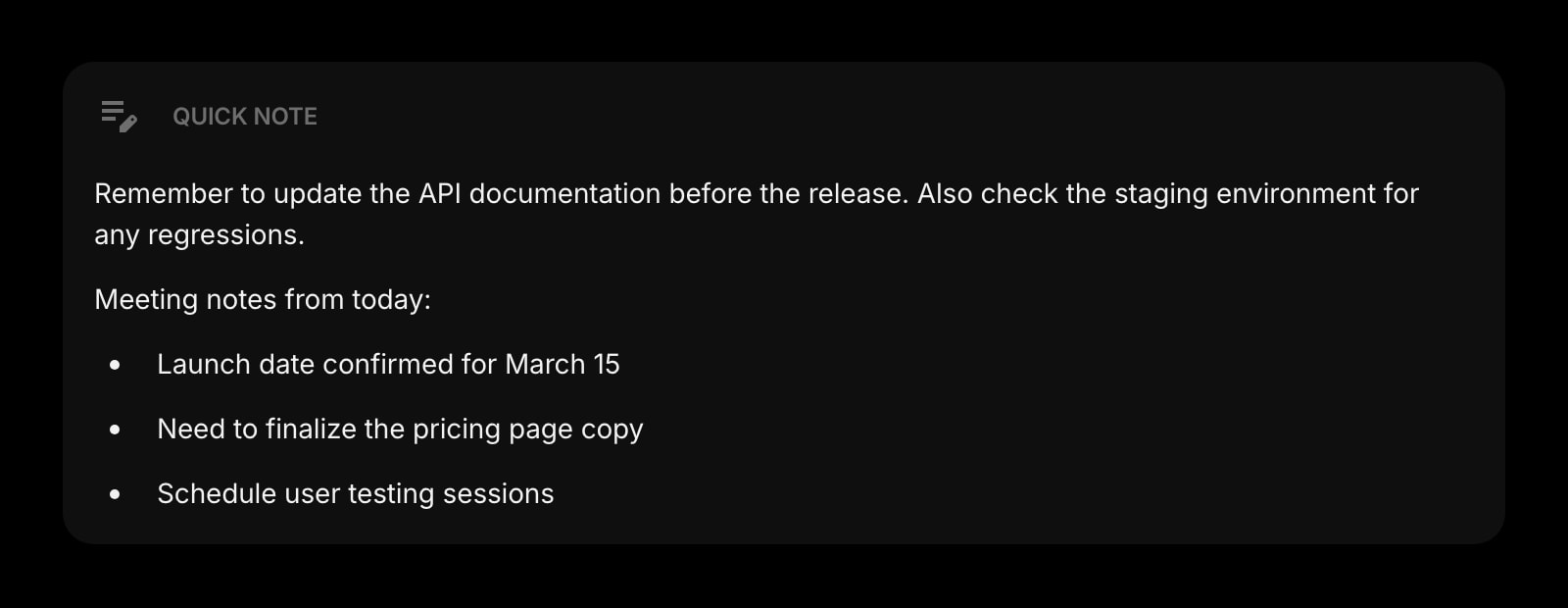
Quick Note
A scratchpad for the thought that just hit while you were doing something else. Always there, no save button, no folder structure - capture in two seconds, decide whether it matters later, and stop trusting working memory.
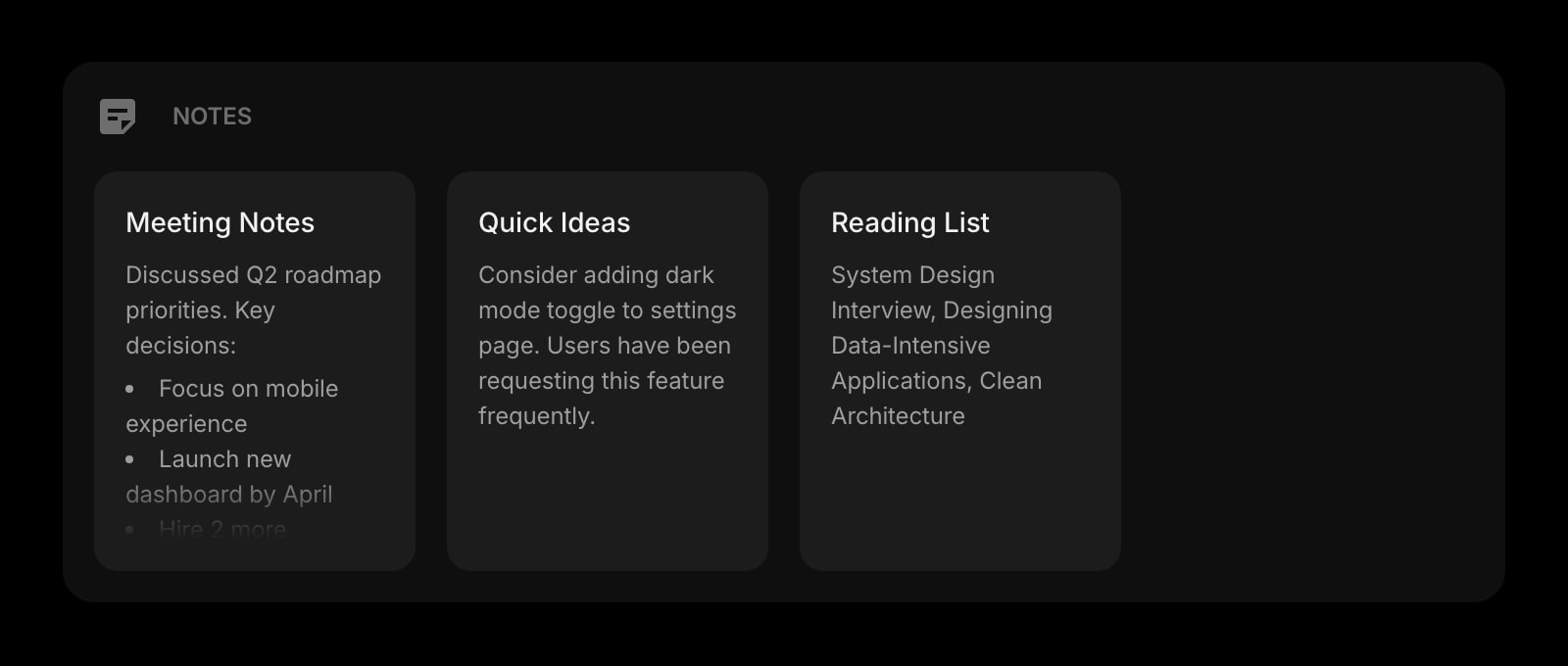
Notes
Rich text notes for the longer thinking - the project plan, the ideas dump, the sprawl that makes sense once it is on the page. Format with headings and lists when you want structure; just type when you do not.
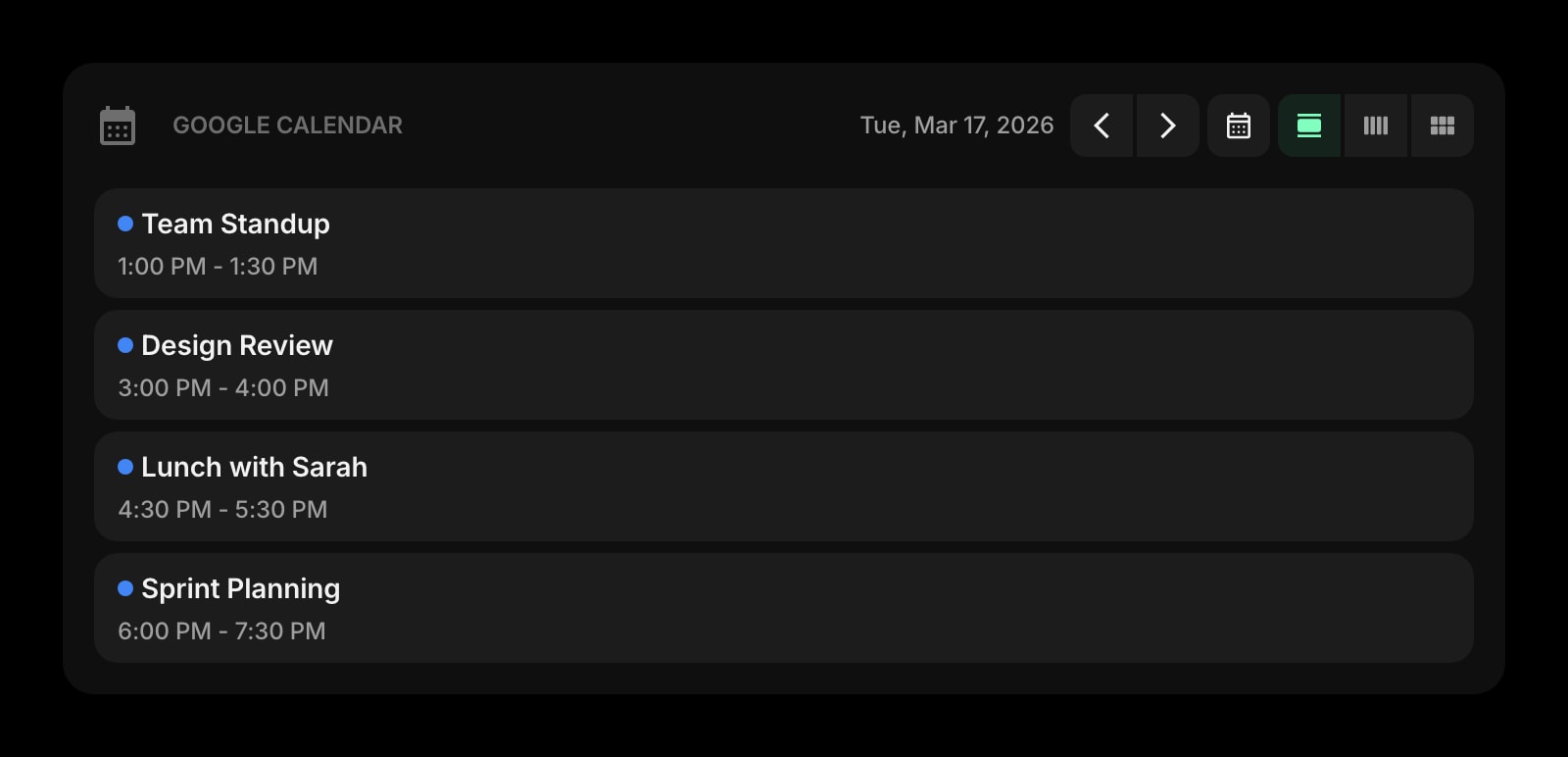
Google Calendar
Today's events visible on the new tab page. The next thing on the calendar is one glance away, in the same tab as the timer and the todo, so the transition between "now" and "what is next" stops being a search.
Links
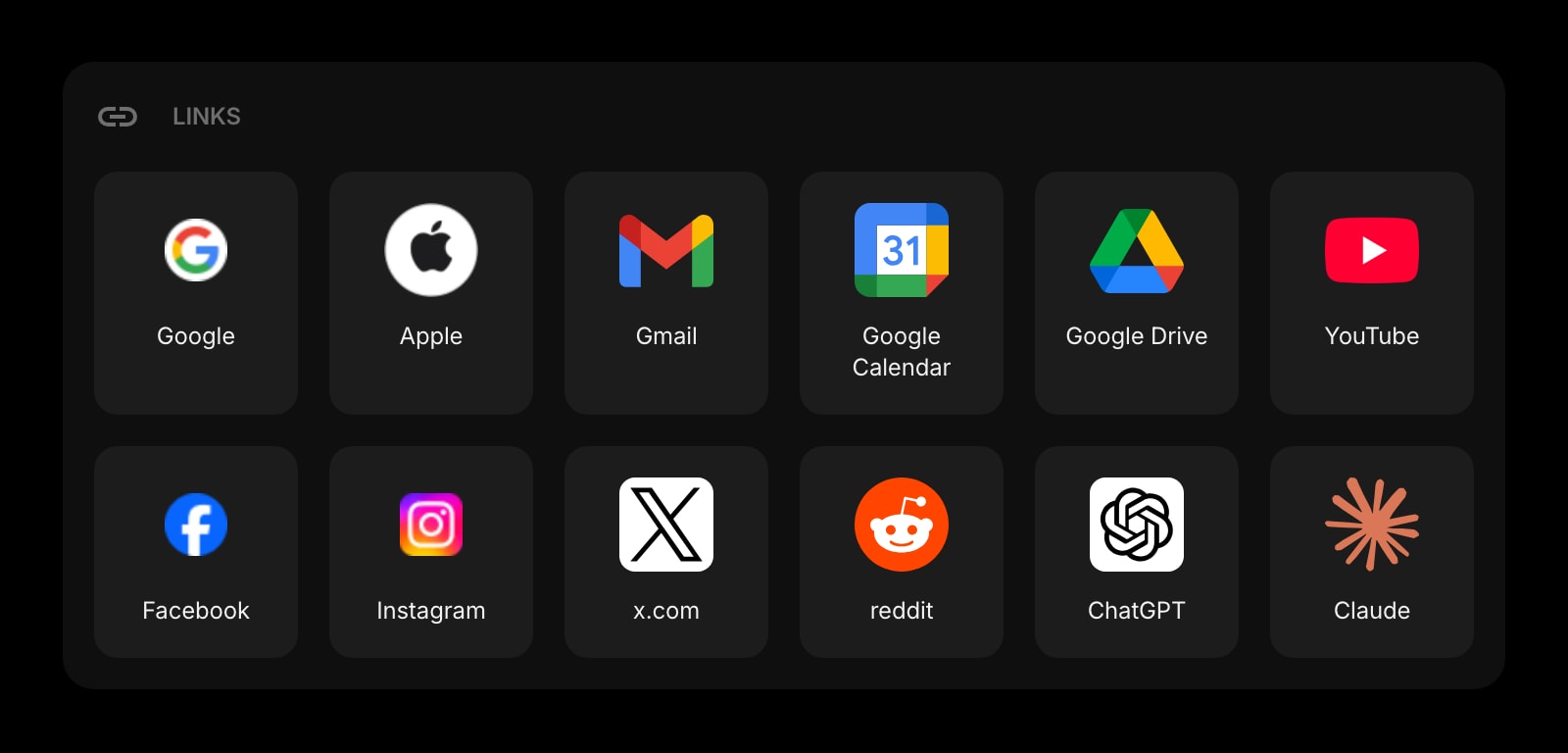
A small set of pinned shortcuts to the four or five sites you actually need. Not every bookmark you have ever made. The deliberate, curated row that survives the impulse to bookmark-everything.
Date & Time
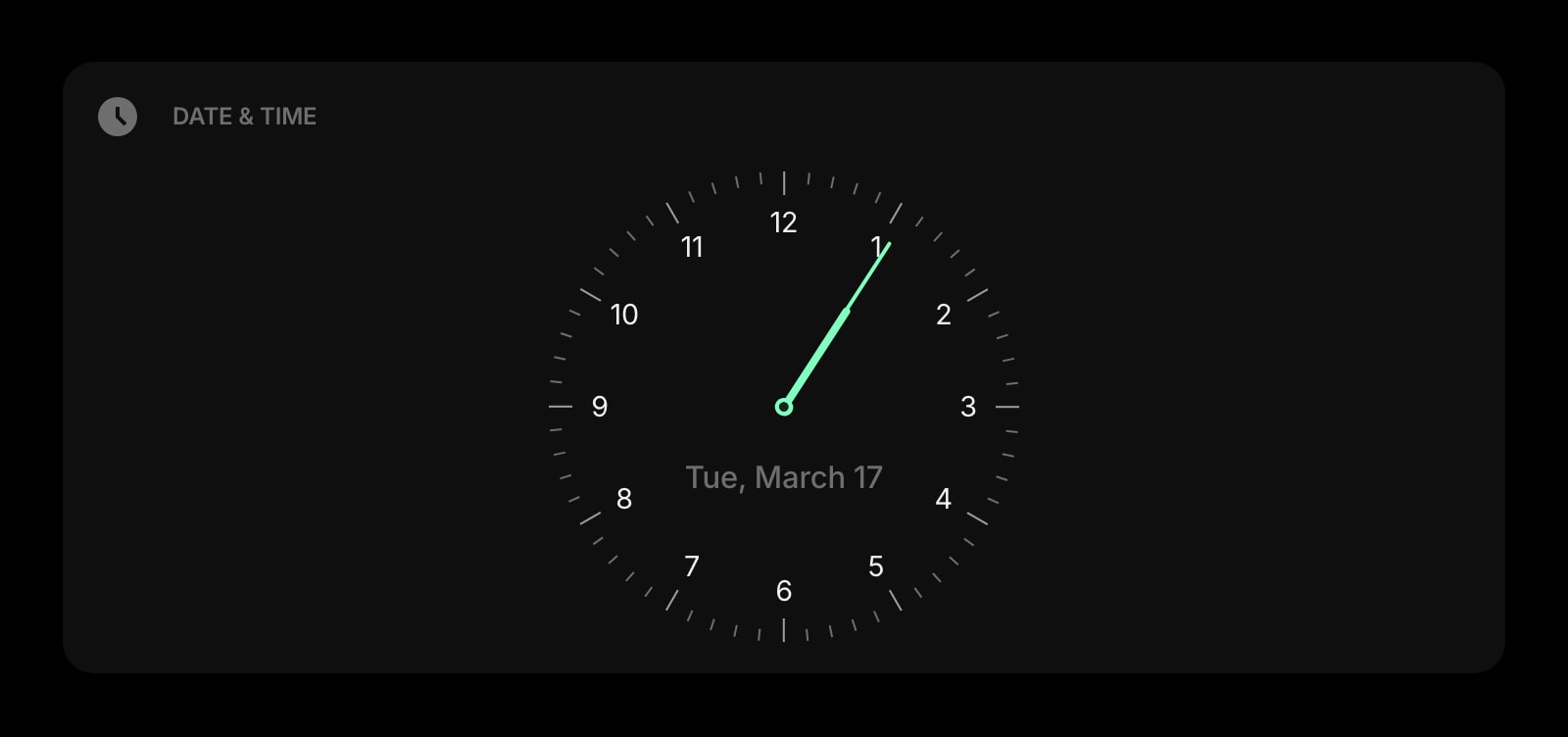
A large clock and date at the top of the page. Time-blindness is real; an oversized clock that you cannot miss does more for the day than any productivity hack with a charts dashboard.
Daily Quote
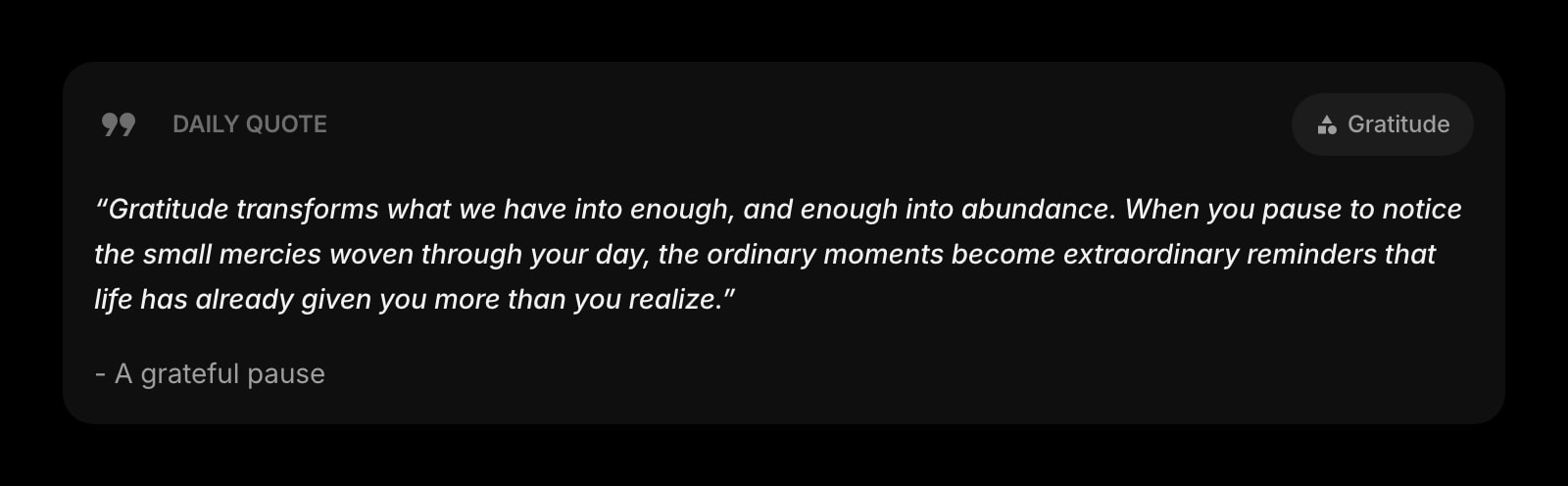
A different quote each morning. Tiny, but the right line in the right week sometimes lands. Easy to remove if it is the wrong kind of nudge for your brain, present if it is the right kind.
Daily Riddle
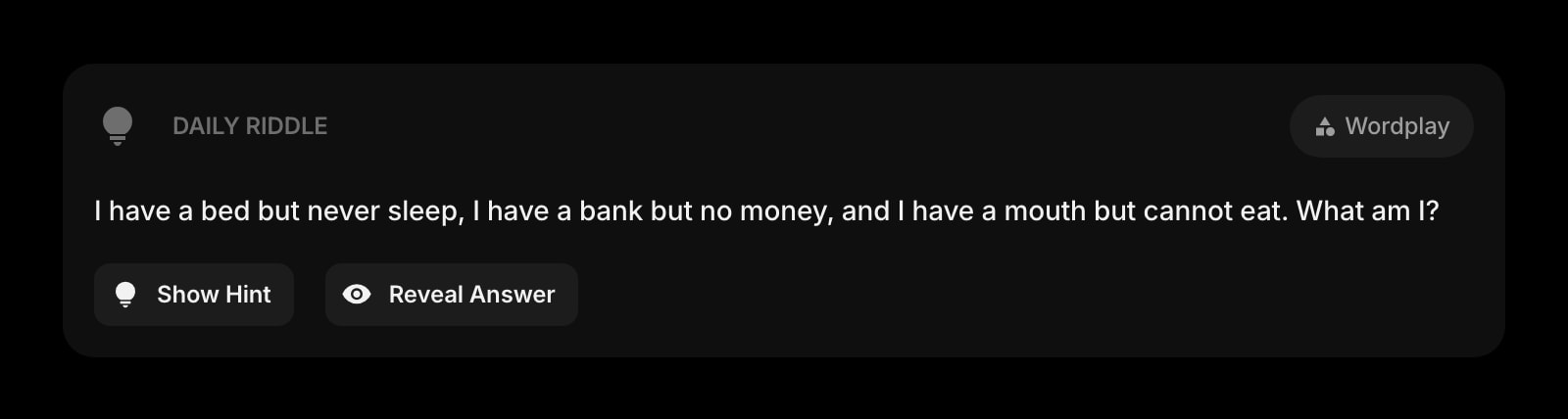
A daily logic puzzle for the break between Pomodoro sessions. A two-minute reset that scratches the novelty itch without dropping you into a thirty-minute Reddit hole - the worse-version-of-this-break you probably know.
A Day in the Life
How Start Page HQ shows up across the moments that actually matter.
Lowering The Cost Of Starting
You sit down to start a focus block. The Pomodoro Timer is already on the new tab - one click and the 25 minutes are running. The today-only Todo shows three items, the calendar shows the next event, and the activation energy of "starting" is gone before the brain finds an excuse.
Catching The Mid-Task Hijack
You are in the middle of writing the email and an unrelated thought hits. Instead of opening a new tab and falling into a rabbit hole, hit the Quick Note widget, drop the thought in eight words, and go back to the email. The capture is two seconds, the work survives the interruption.
The Five-Minute Break That Does Not Become An Hour
The Pomodoro buzzer goes off. Instead of opening Reddit and losing the next sixty minutes, do the Daily Riddle, mark the Habit Tracker square, glance at the Todo for what is next - and the next 25-minute block starts because the dashboard already knows where it is going.
The Deadline That Did Not Sneak Up
A Tuesday in March. The Countdown Timer shows nine days until the work deadline that used to live in "future me's problem". You see the number twelve times that day without needing a reminder app to scream at you. By Friday the deadline has been a small visual fact for a week, and the panic stretch never starts.
Why It Sticks for ADHD
Specific reasons it works for this audience - not generic productivity claims.
A System Honest About How Brains Actually Work
Most productivity apps assume a perfect user who plans on Sunday and executes on Monday. ADHD is not that user. The Pomodoro Timer is on the new tab so starting is cheap, the Quick Note is right there so capture survives the interruption, and the Habit Tracker does not punish a missed day. The dashboard meets you where you are.
No Streak-Loss Punishment
Habit-tracking with streak resets weaponizes loss aversion against the people most likely to miss a day. The Habit Tracker shows the squares you marked - and the ones you did not. There is no "your streak is at risk" notification, no shame mechanic, no paid feature to "freeze" your streak. Just the honest record.
Capture Faster Than The Thought Disappears
Quick Note has no folder structure, no save button, no toolbar. Tap, type, the note is there. The thought you have at 10:23 while doing the other thing makes it onto the page before the brain swaps it for whatever comes next. Working memory is short; the dashboard is forgiving.
A Page Per Mode, Not One Stuffed Layout
A page for "deep work" with the Pomodoro Timer huge and the rest of the page deliberately quiet. A separate page for "admin" with the Todo, the calendar, and the Tasks Kanban. A third page for "weekend" with no work widgets at all. Switch with one click - the dashboard matches the mode.
Cheap Enough To Try Through The Honeymoon Phase
Every widget unlocked, sync across every device, AI credits included. $4 a month, $24 a year, or $48 lifetime - the cost of one productivity book you will not finish, less than two months of most premium task apps. Try it free at startpagehq.com/demo before paying.
Coming From Another Tool?
Already cycled through Forest, Habitica, the streak app of the moment, and a Notion ADHD template? The widgets below cover the same jobs in a single tab without the streak-loss shame.
Frequently Asked Questions
Yes. The timer counts in the background and notifies you when the work block ends, even if you have switched to a research tab or a reading tab. Tab-switching during focus is a normal part of ADHD work; the timer is built to survive it.
No. The widget shows the grid of marked-or-not days and a weekly progress count (for example, three of five days completed this week). There is no consecutive-streak counter, no "your streak is at risk" notification, no shame mechanic, and no paid streak-recovery upsell.
It is a general productivity dashboard with widgets that happen to fit ADHD workflows unusually well - the always-visible timer, the low-friction capture, the no-shame habit grid, the today-only Todo. It is not a clinical tool, it does not replace medication or coaching, and it does not market itself as therapy.
Notion templates require you to open Notion. This dashboard lives on the new tab page you already open thirty times a day. The activation cost of "look at the system" goes from "remember to open the app" to zero. Most ADHD users find that the surface mattering more than the structure is the core of what makes a system survive.
No push notifications. The Daily Quote, Daily Riddle, and Daily Quiz refresh quietly on a schedule and are visible when you open the tab - no alerts, no badges, no nudges. The dashboard does not chase you off the page.
There is a free plan - 1 page, 8 widgets, sync across devices, every browser extension, and 50 AI credits to start. Paid lifts the limits at $4 a month, $24 a year, or $48 one-time (lifetime), unlocking unlimited pages, every widget including the premium ones, and a recurring pool of AI credits. A free public demo at startpagehq.com/demo unlocks every widget for evaluation - no signup.
Build Your ADHD Dashboard
Start free — 1 page, 8 widgets, sync across devices, no credit card. Or open the live demo first, no signup needed.