How to Keep Notes on Your New Tab Page
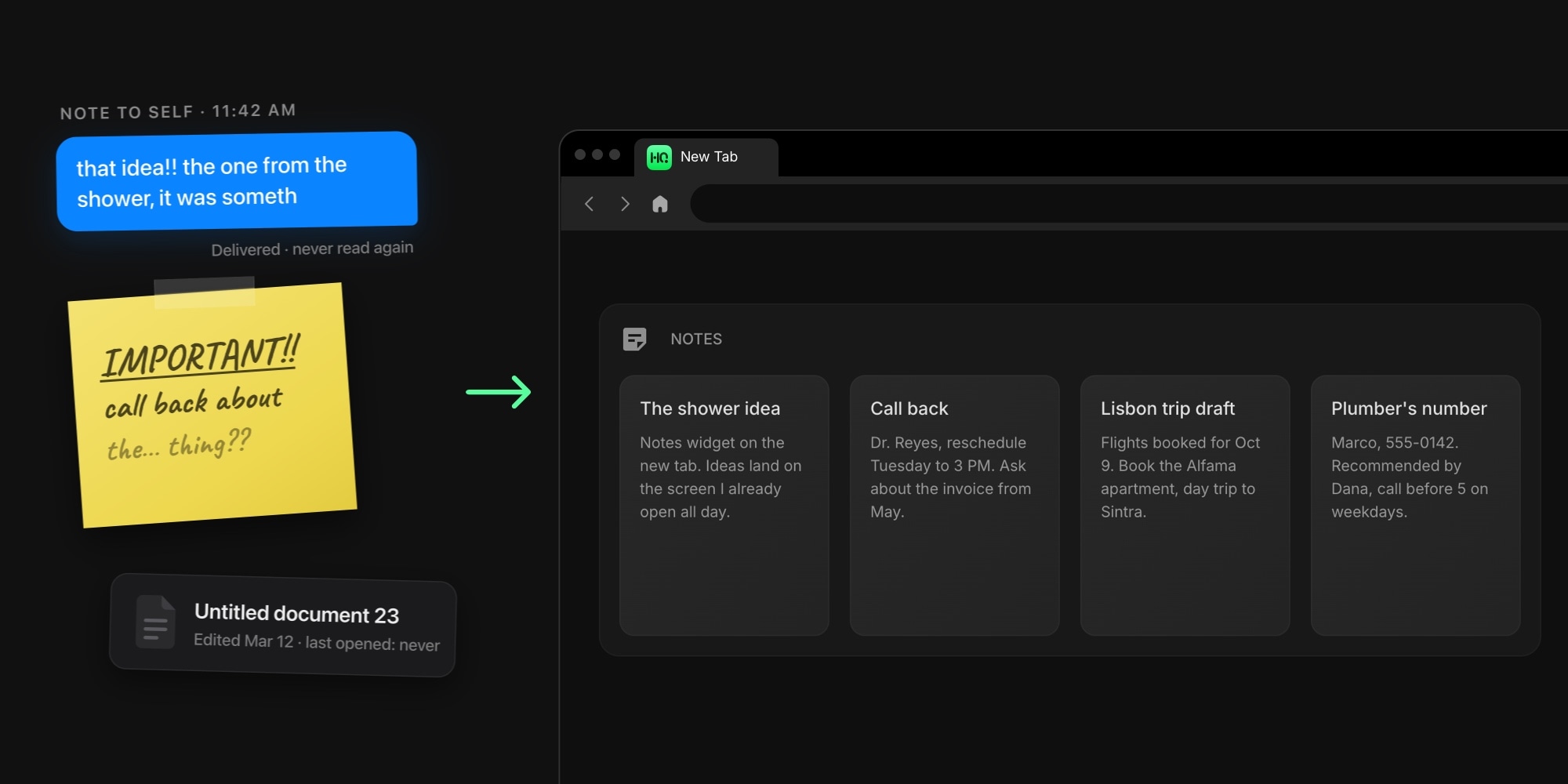
An idea gives you about thirty seconds. That is roughly how long a phone number, a phrasing, or a "wait, I should check that" survives while you hunt for somewhere to put it - a sticky note, a text to yourself, an untitled doc you will never find again. Most notes are not lost because you forgot them; they are lost because the place to write them down was three clicks too far. A new tab page with notes closes that gap: a scratchpad sits on the screen you already open dozens of times a day, so capturing a thought costs one keystroke, not an app hunt.
This guide covers how to keep notes one new tab away: what your options are, how to add a free notes widget to Chrome, Firefox, Safari, or Edge, and how to choose between a single scratchpad and a full board of note cards.
#Why Keep Notes on Your New Tab Page
Notes fail at two moments, and the new tab fixes both. The first is capture. Every second between "I should write this down" and actually writing it is a chance for the thought to evaporate, and a notes app you have to find, open, and wait for adds a lot of seconds. A note area on the new tab is already open the moment you reach for the browser, which is where most stray thoughts strike anyway.
The second is retrieval. A note you never see again might as well not exist, and dedicated apps are where notes go to be safe and unseen. On the new tab, yesterday's half-idea resurfaces every time you open a tab, without you asking. Our walkthrough of turning your new tab into a personal dashboard makes the general case for putting information where it visits you; notes might be the purest example of it.
#The Ways to Keep Notes One Tab Away
Three routes, honestly compared:
- What your computer gives you. No major browser ships notes on its default new tab - not Chrome, not Firefox, not Safari, not Edge. The closest built-in options live outside the browser: Windows Sticky Notes and macOS Stickies pin notes to the desktop, which works until the desktop disappears under your windows, and none of it follows you to another machine.
- A dedicated notes app. Google Keep, Apple Notes, Evernote, Notion, Obsidian - these go far deeper than any widget, and a real archive of long-form notes belongs in one. Their weakness is exactly the two moments above: capture means opening the app, and retrieval means remembering to. They are filing cabinets, and a filing cabinet is a bad place for the thought you had four seconds ago.
- A notes widget on a dashboard. A widget-based new tab extension gives notes one block of the screen and leaves the rest for links, tasks, and everything else worth glancing at. This is the route the rest of this guide walks through, and our tested roundup of the best new tab extensions compares the tools that can do it.
#How to Add Notes to Your New Tab
The walkthrough uses Start Page HQ, which we make - that is the disclosure - and the steps translate to any widget dashboard with a notes widget.
- Install a new tab extension. Chrome, Firefox, Safari, and Edge all have one, and the same dashboard runs as a web app. Your notes sync across all of them, which is the quiet advantage over every sticky note ever written: the thought you caught at work is still there on the couch.
- Add a notes widget. Open the widget picker on a new tab and you will find two: Quick Note, a single always-open scratchpad, and Notes, a board of note cards. The next section helps you pick; when in doubt, start with Quick Note.
- Start typing. Click into the note area and write. Everything saves automatically as you type - there is no save button to forget, which for a capture tool is the whole point.
A pricing note, plainly: both notes widgets are on the free plan. Free means 1 page, 8 widgets, cross-device sync, and every browser extension, with no credit card - a Notes widget holds up to 8 notes on free, unlimited on paid. And the live demo lets you type into both widgets before you sign up for anything.
#Quick Note or Notes: Which Widget to Pick
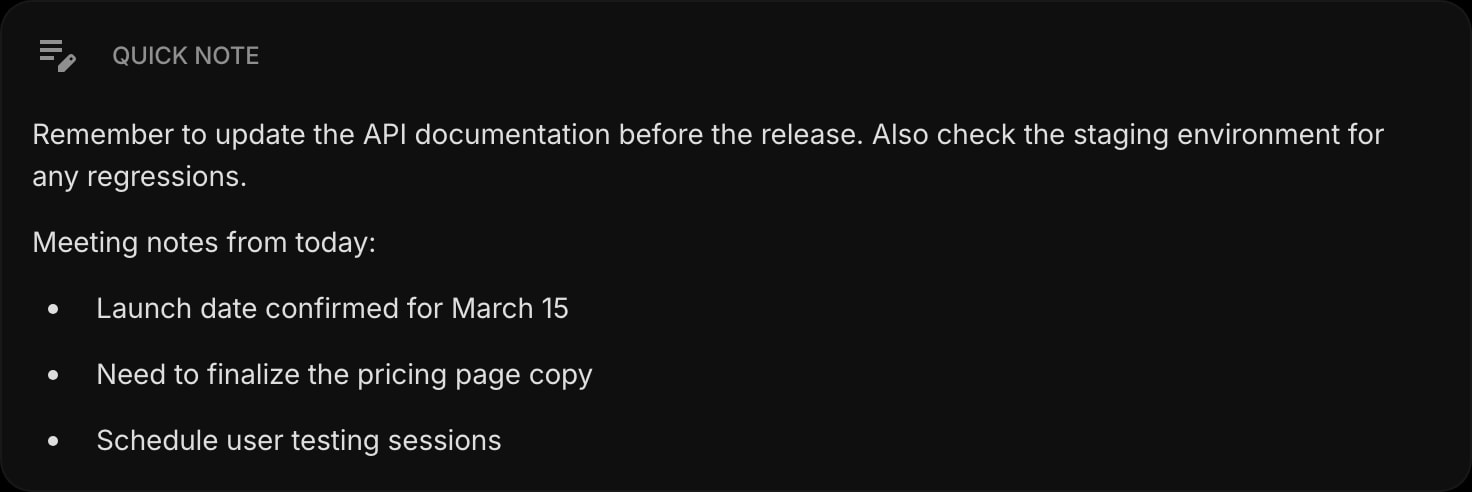
Quick Note is one editor, permanently open on the page. There is nothing to click into and nothing to organize: the text is just there, every tab, which makes it the fastest possible capture surface. Use it as the inbox for everything - the phone number, the half-sentence, the link you will deal with later.
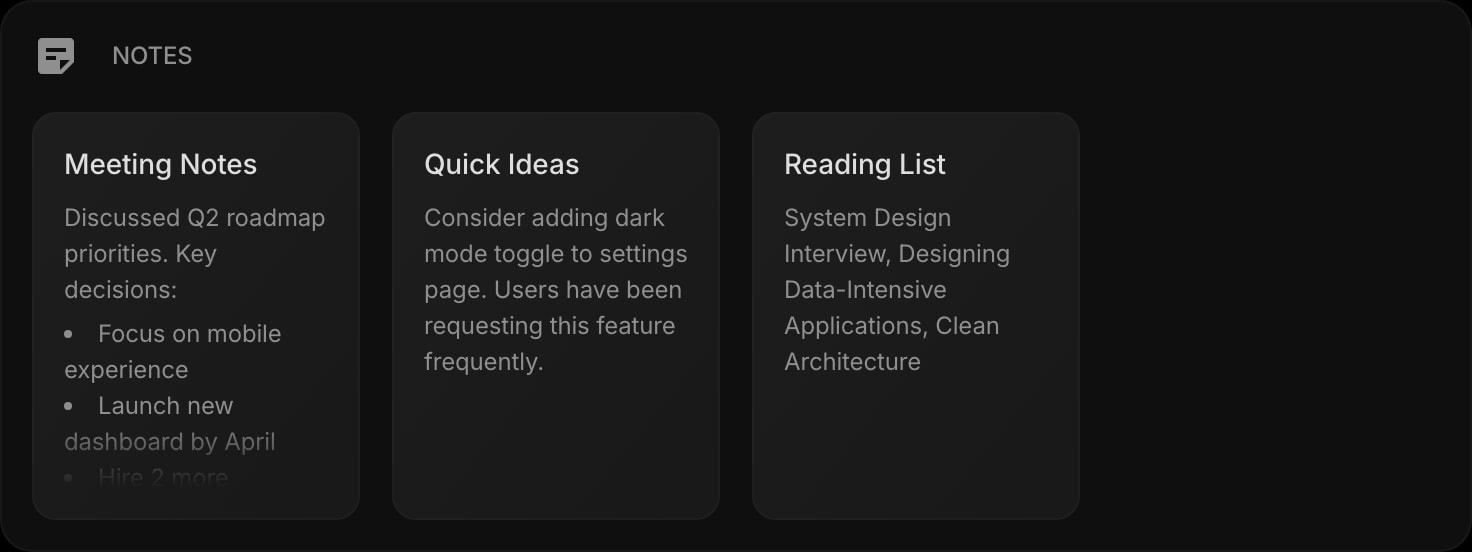
Notes is a board of separate note cards, laid out in two to four columns depending on the widget's width. Each card opens into a full editor, cards drag to reorder, and a right-click duplicates or deletes one. Use it when the scratchpad outgrows itself: one card per topic instead of one growing scroll. You can even run multiple Notes widgets - one for work, one for personal - and drag notes between them.
Both are real rich text editors, not plain text boxes. Headings, bullet and numbered lists, checkable task lists, blockquotes, tables, links, and code blocks with syntax highlighting all work, which makes the widgets genuinely useful for developers keeping snippets and writers drafting phrases, not just for grocery lists.
Notes are not a trap, either. Any note exports as Markdown, HTML, PDF, or plain text in one click, so the draft that started on your new tab can leave for your real writing tool whenever it is ready.
#Keep Notes and Tasks Apart
One habit keeps a notes widget useful for years: the moment a note turns out to be a task, move it. "Call the dentist" is not a note, it is a todo with the checkbox missing, and it will sit in your scratchpad radiating guilt. A todo list on the same new tab is the right home for it - notes hold what you want to remember, the list holds what you have to do, and both stay one tab away.
#Keep Notes One New Tab Away
A note only works if you see it again, and no screen gets seen more than the new tab. Put a scratchpad on a customizable new tab dashboard and it shares the page with the other 63+ widgets that shape your day - links, tasks, calendar, weather. Start on the free plan or open the live demo, write the first thing on your mind, and let the next stray idea land somewhere it will actually be found.