

The Typora Alternative That Lives in Your New Tab
Typora is a beautiful single-purpose desktop markdown editor with a one-time license. Start Page HQ is the new-tab markdown editor that goes with you everywhere — same live preview, on every browser and device.
What People Love About Typora
Before we get into where Start Page HQ goes further, credit where it's due.
- A genuinely beautiful, distraction-free editing experience for long-form markdown.
- Live "what you see is what you get" preview with no separate preview pane.
- A one-time license at a fair price — no subscription, no upsells.
- Robust export options to PDF, HTML, Word, and more.
- Themeable with a dedicated community of CSS themes.
Where Start Page HQ Goes Further
Specific differences, not vague claims.
Lives on Every New Tab
Typora is a desktop app you have to launch. Start Page HQ lives on every new tab in your browser, so a quick markdown draft is always one keystroke away.
Cross-Browser, Cross-Device, No Install
Typora is a native install on Mac, Windows, or Linux. Start Page HQ runs at startpagehq.com on any browser — including locked-down work computers and shared machines — plus dedicated extensions for Chrome, Firefox, Safari, and Edge.
iOS and Android Friendly
Typora has no mobile apps. Start Page HQ works in any mobile browser and installs as a PWA on iOS and Android, so your markdown drafts are with you on the go.
63+ Widgets, Not Just Markdown
Typora is a single-purpose editor. Start Page HQ ships a Markdown editor alongside notes, tasks, RSS, weather, AI tools, dev utilities, and more — everything you tab between in a normal day.
Cloud Sync Built In
Typora saves to local files only. Start Page HQ syncs your markdown drafts across devices automatically — no Dropbox, iCloud, or git configuration required.
Multi-Page Dashboards by Context
Build pages dedicated to writing, research, or daily reading. Switch with a click. Typora is one editor window at a time.
Side-by-Side Comparison
An honest line-by-line look at how the two stack up.
| Feature | Typora | Start Page HQ |
|---|---|---|
| Pricing | $14.99 one-time per user | Free plan; $4/mo, $24/yr, $48 LTD |
| Free tier | 15-day trial | 1 page, 8 widgets |
| Lives on every new tab | No | Yes |
| Native desktop app | Mac, Windows, Linux | No |
| Chrome | No | Yes |
| Firefox | No | Yes |
| Safari | No | Yes |
| Edge | No | Yes |
| Hosted web app | No | Yes |
| iOS / Android | No | Web app (PWA) |
| Cross-device sync | Local files only | Included |
| Live markdown preview | WYSIWYG | Live preview pane |
| Export to PDF / Word | Yes | No |
| Custom CSS themes | Yes | Theme system |
| Multi-page dashboards | No | Yes |
| Notes / quick capture | No | Yes |
| Tasks / todo / Pomodoro | No | Yes |
| AI tools | No | Included |
| Developer tools (JSON, regex, diff) | No | Yes |
Widgets That Replace Typora
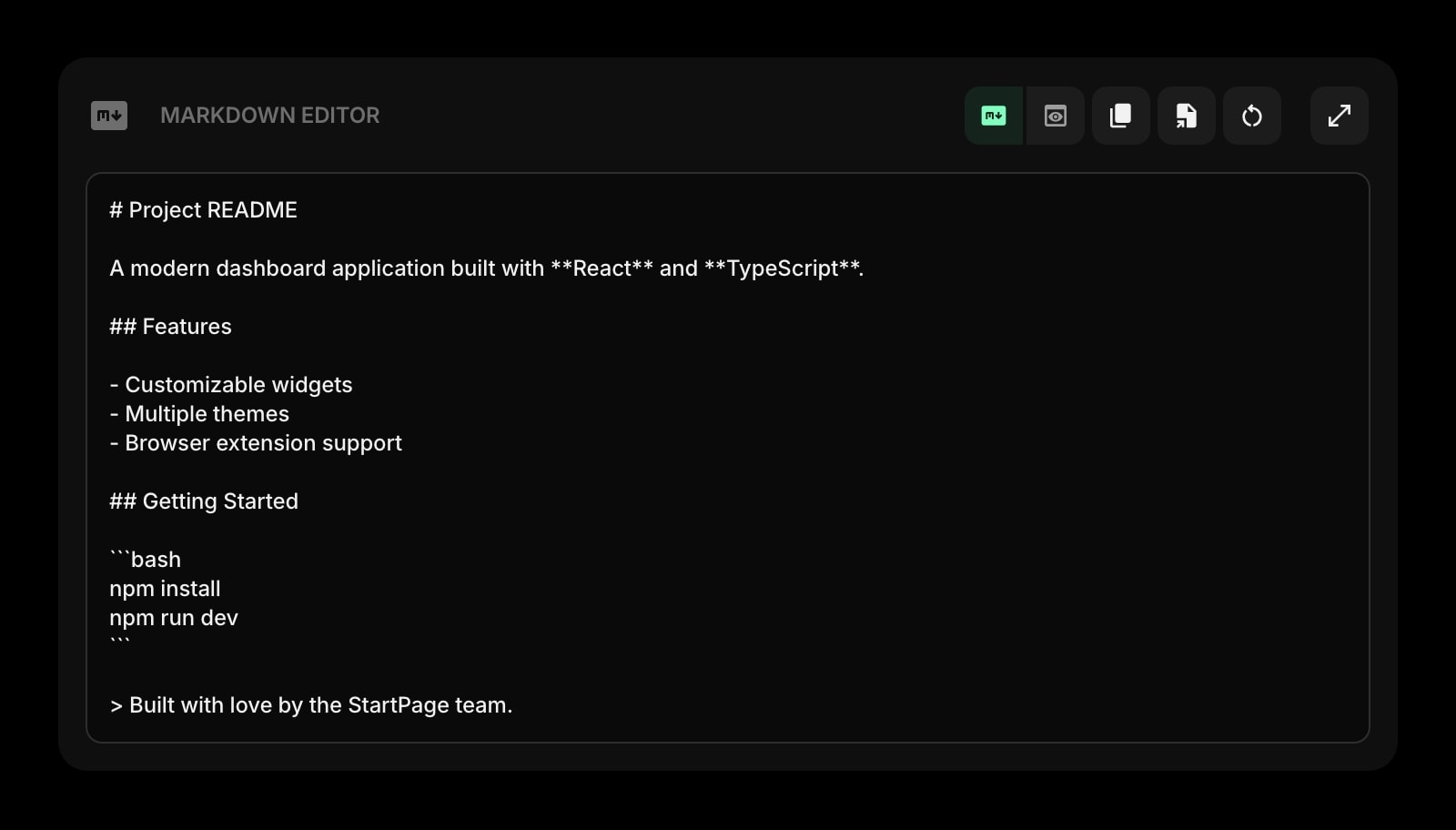
Drop these onto your dashboard and you've covered Typora's core features — plus a lot more.
Frequently Asked Questions
For everyday markdown drafting, yes — the Markdown Editor widget covers the core use case. If you rely heavily on PDF export, custom CSS themes, or specific Typora-only behaviors, keep Typora for those tasks and use Start Page HQ for the new-tab and on-the-go workflow.
Yes — there is a free plan, and signup takes no credit card. It covers 1 page with up to 8 widgets, 55 of the 63 widget types including the Markdown Editor, cross-device sync, every browser extension, and 50 AI credits granted once. Extra pages, the 8 premium widgets, and uploads need a paid plan: $4/month, $24/year, or $48 one-time. The demo at startpagehq.com/demo needs no signup and unlocks every widget.
Typora is $14.99 one-time for a single license. Start Page HQ starts free — 1 page, 8 widgets, Markdown Editor included — then $4/month, $24/year, or $48 once for lifetime. The lifetime plan is the closest analogue to a perpetual license, and it covers 63+ widgets — not just markdown.
Yes. Cross-device sync is included on every plan, the free one included. Sign in once and your markdown drafts, notes, and dashboards travel between every browser and device.
No, Start Page HQ does not export to PDF or Word. If polished export is core to your writing workflow, Typora still wins on that one specific job.
Yes. The hosted web app at startpagehq.com works in any mobile browser, and you can install it as a PWA for an app-like experience on both iOS and Android. Typora has no mobile app at all.
Ready to Try Start Page HQ?
Start free — 1 page, 8 widgets, sync across devices, no credit card. Or open the live demo first, no signup needed.