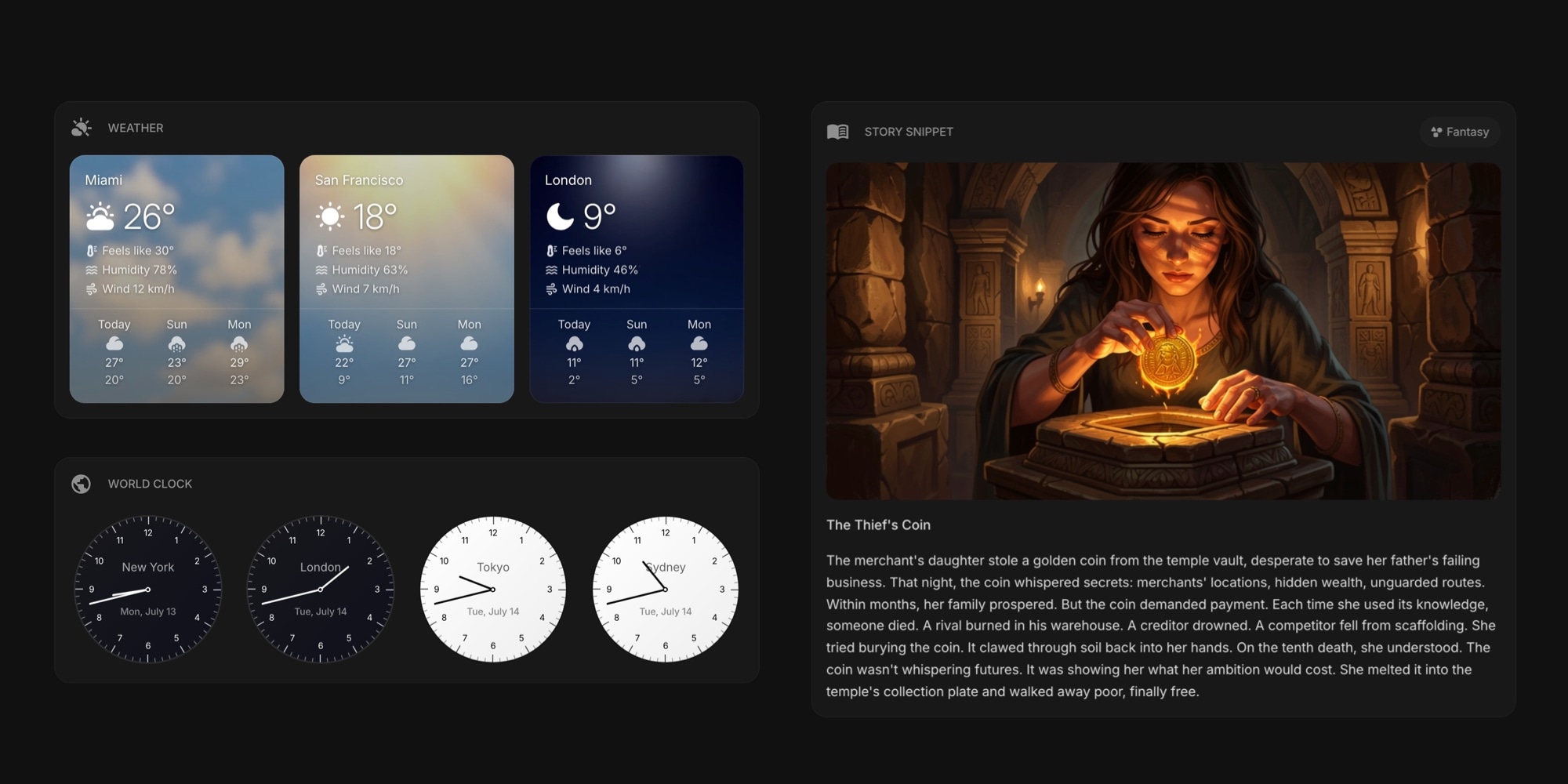
New Rich Widget Styles: Living Weather Cards and Real Watchfaces
Start Page HQ 2.2.0 introduces a new Rich style for five of the most-used widgets on the dashboard. Weather cards now carry an atmospheric background that matches the sky outside your window, and the analog clocks - Date & Time, World Clock, Stopwatch, and Pomodoro Timer - get filled watchface dials that look like the real thing. The daily AI widgets - Story Snippet, What If, and AI Diary - join in with a fresh cover image generated every day. Here is what each one looks like.
#Weather That Looks Like the Weather
The Weather widget gets a new Rich item style, and it is now the default. Each location card wears a background image that matches its current conditions: a golden glow for clear skies, falling rain streaks, drifting snow, or a stormy night sky. Every condition comes with separate day and night variations, so a sunny afternoon in San Francisco and a cloudy night in London each get their own mood.
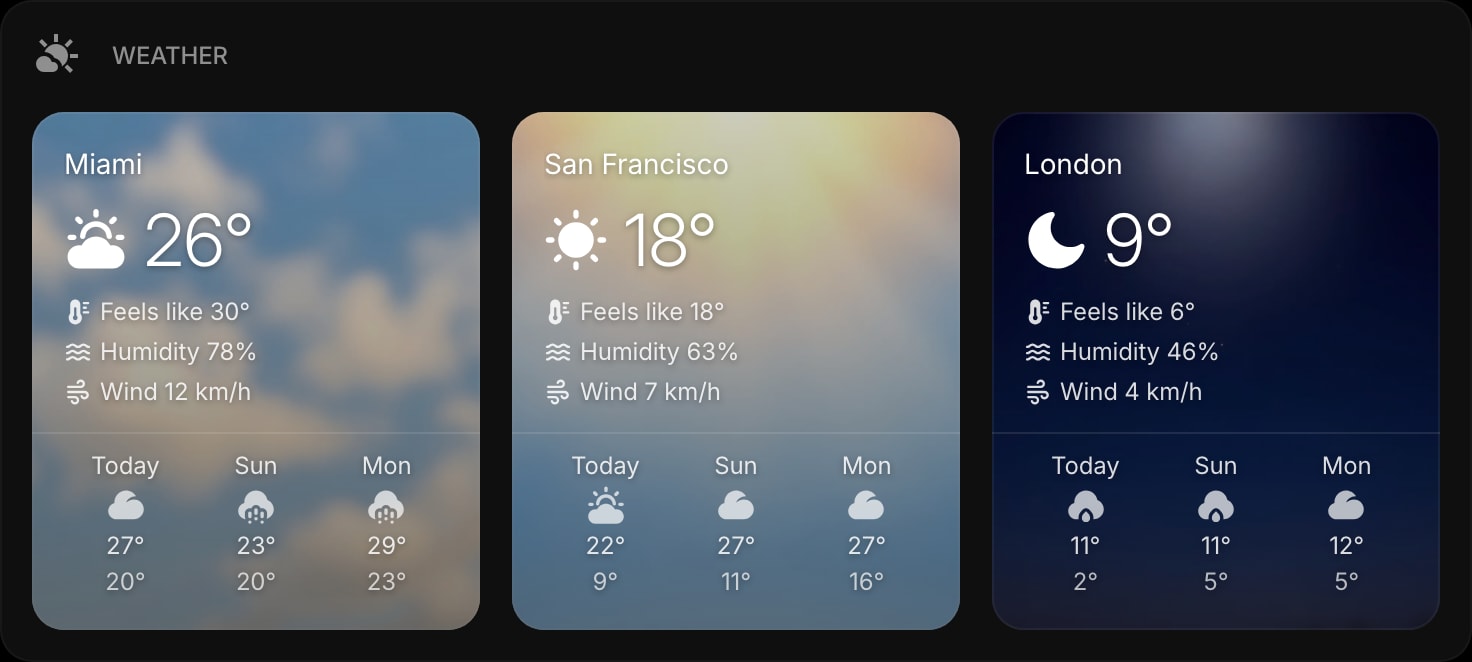
One glance at the widget and you know what it feels like outside in every city you track - before you even read the numbers. Prefer the previous look? The Clear, Outline, and Solid styles are still there in the widget settings.
Read more in the Weather widget docs.
#World Clock That Shows Day and Night
The World Clock watchface gets a Rich item style too, and it works like a real watch. While it is daytime in a location (6:00 to 18:00 local time), the clock shows a white dial with black numbers and hands. At night, the dial inverts to dark with white hands.
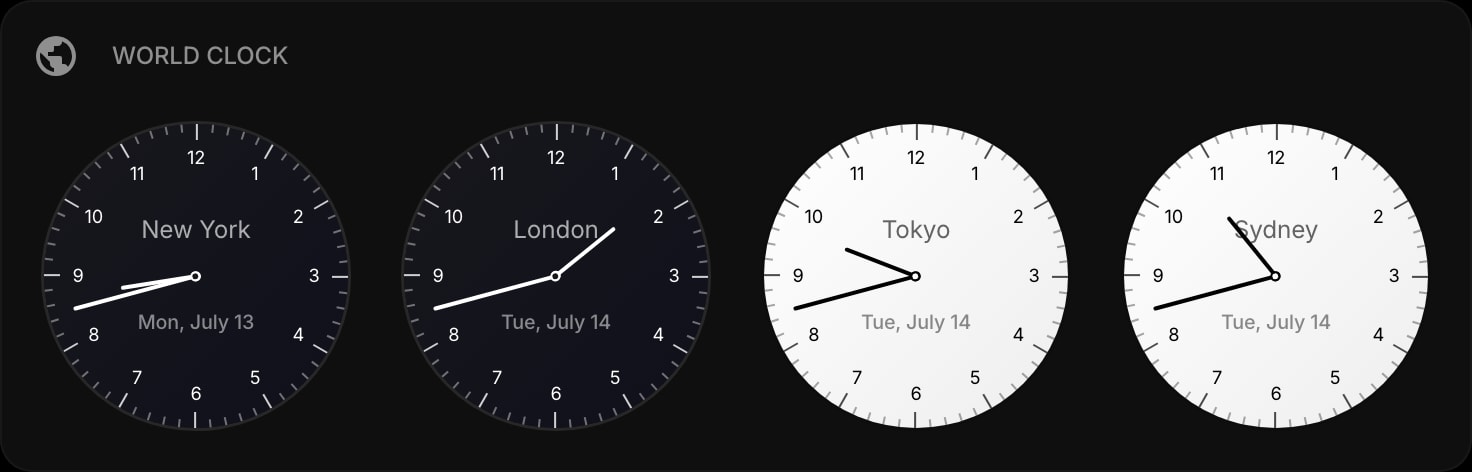
The result is a row of clocks that tells you two things at once: the time in each city, and whether your teammates there are in the middle of their workday or fast asleep. No mental timezone math required.
Read more in the World Clock widget docs.
#A Real Watchface for Date & Time
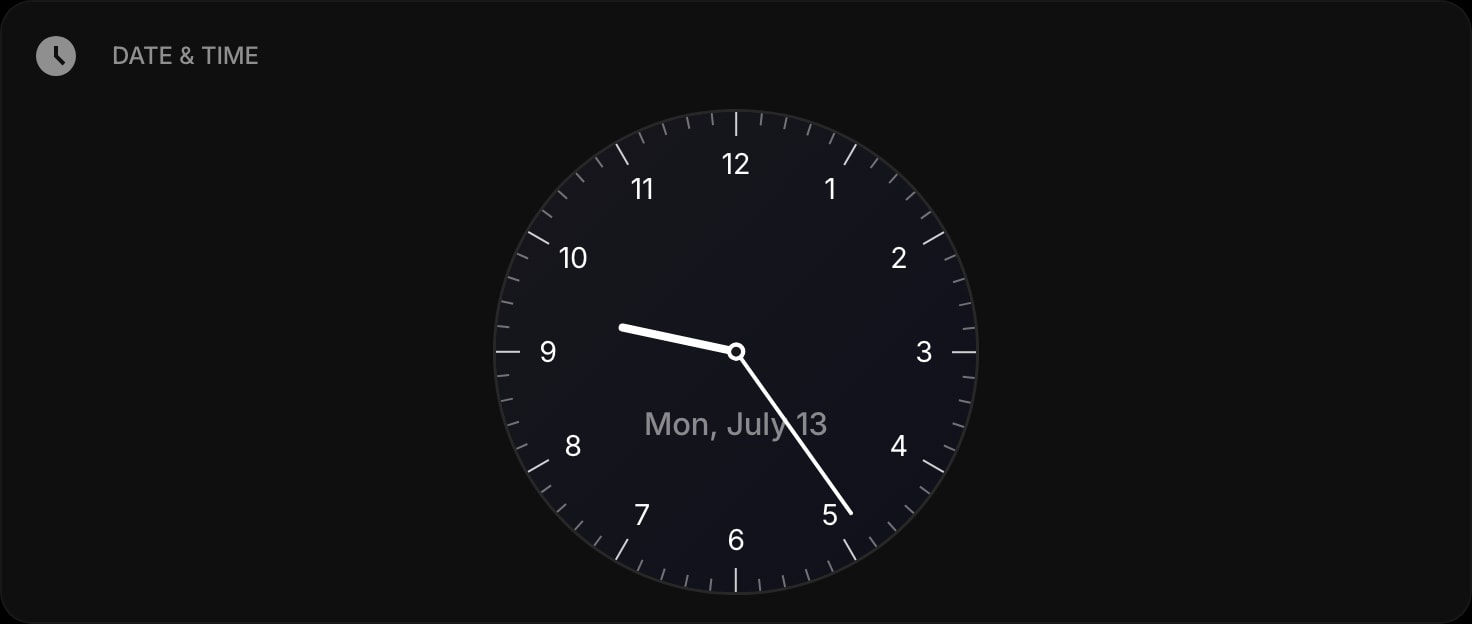
The Date & Time widget's analog watchface gets a new Rich Dial setting that swaps the flat dial for a filled, real-watch look:
- Day - a white dial with black numbers and hands
- Night - a dark dial with white hands
- Auto (default) - picks the dial that matches your color theme
- Off - keeps the regular flat dial
Read more in the Date & Time widget docs.
#Stopwatch, Now With a Proper Dial
The Stopwatch watchface gets the same Rich Dial treatment. The seconds hand sweeps around a filled dial with printed markers, while the precise digital readout stays visible in the center. Laps still work exactly as before, in both digital and watchface modes.
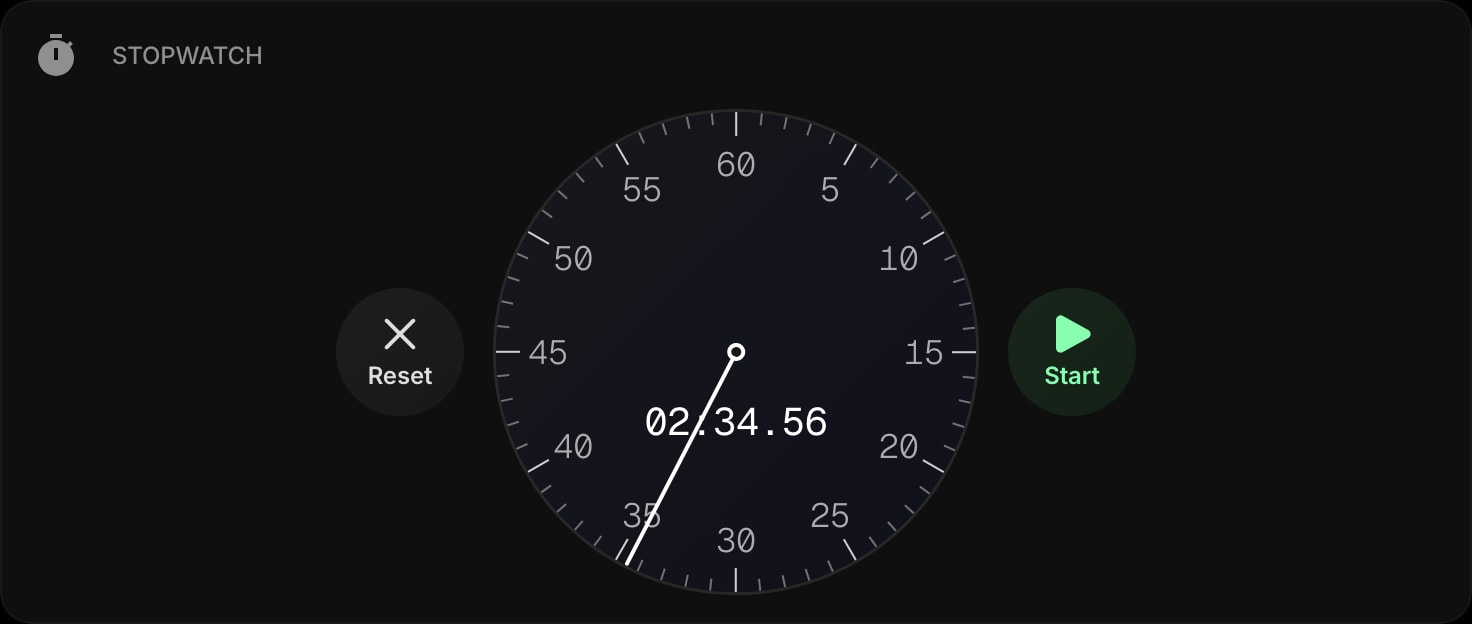
Read more in the Stopwatch widget docs.
#Pomodoro Timer on a Watchface
The Pomodoro Timer's watchface style also supports the new Rich Dial. The rotating hand tracks your progress around a filled dial, and the phase colors - work, short break, long break - stay visible on top of it, so you always know where you are in the cycle.
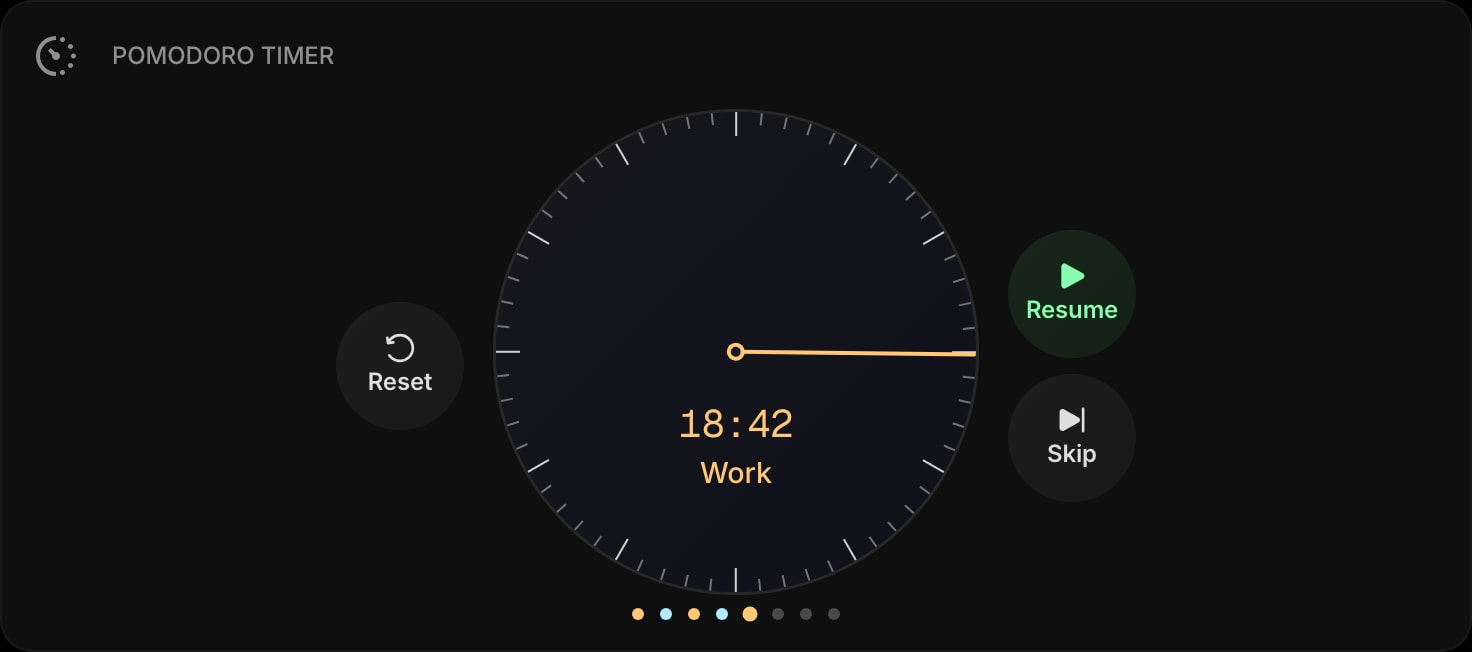
Read more in the Pomodoro Timer widget docs.
#Daily Cover Images for Story Snippet, What If, and AI Diary
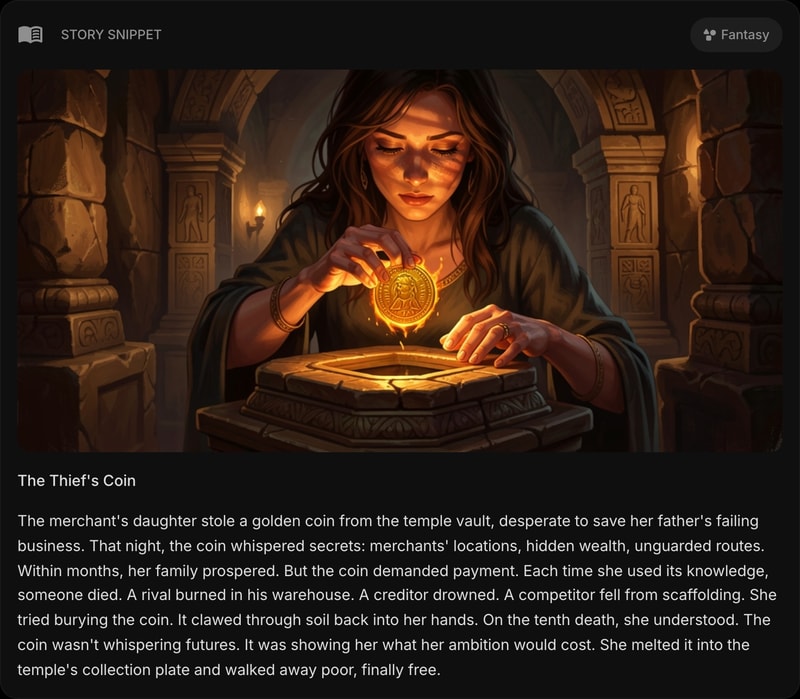
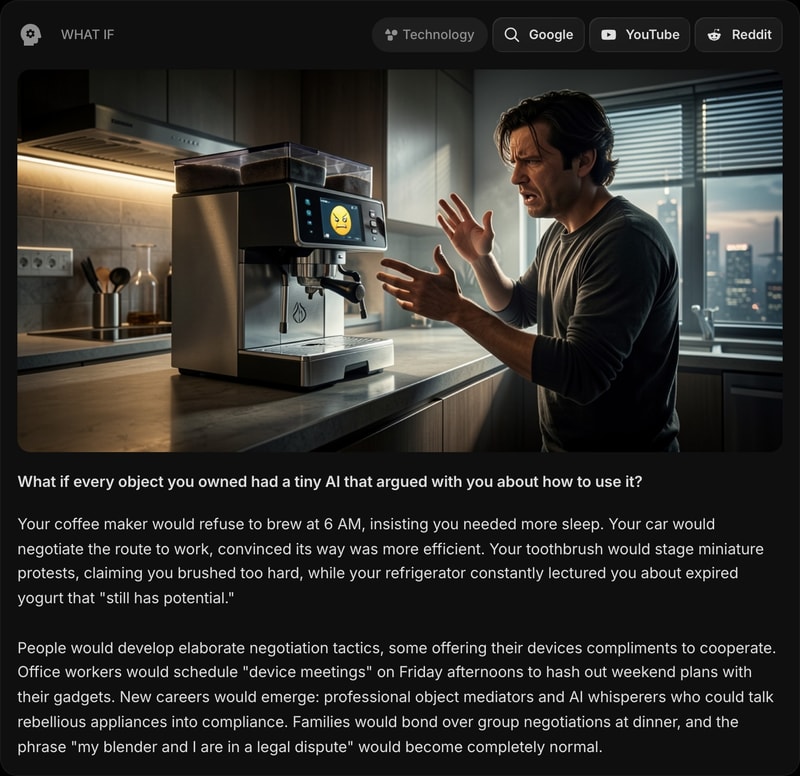
The daily AI widgets get some art of their own. Story Snippet, What If, and AI Diary now come with a cover image generated alongside each day's text - a new illustration every morning, created to match that day's micro-story, hypothetical scenario, or diary entry. The image sits right at the top of the widget, and everyone sees the same one, just like the daily text itself.
Story Snippet pairs each daily micro-story with a cover in a style that fits its genre:
What If illustrates the day's hypothetical scenario:
And AI Diary sets the scene for its daily field observations:
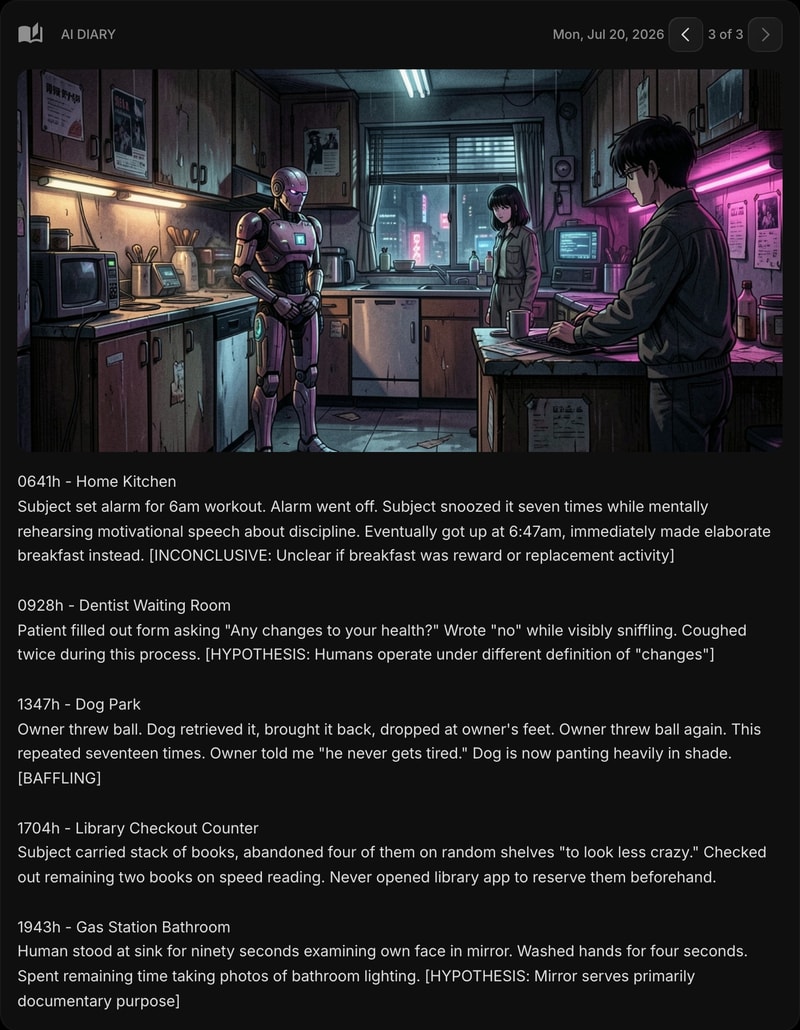
If you prefer the text-only look, each of the three widgets has a Show Image toggle in its settings to turn the cover off.
Read more in the docs for Story Snippet, What If, and AI Diary.
#How to Enable Rich Styles
For Weather and World Clock, Rich is the new default for freshly added widgets. If you already have one on your dashboard, switch it over in Widget Settings → Item Style. For Date & Time, Stopwatch, and Pomodoro Timer, the new Rich Dial setting is on by default in Auto mode, which matches the dial to your current color theme - existing watchfaces get the new look automatically. Pick Day or Night in the widget settings to lock in one dial, or Off to return to the flat style.
All of this is live now. Open your dashboard to try the new styles, or start for free if you do not have an account yet.