Start Page HQ for Product Managers
Kanban roadmap, calendar, GitHub releases, news feed, PRD drafting space - the context you stitch together from Jira, Notion, Linear, and Slack, finally on one new tab page.
The Problem
What the current setup costs product managers every day.
- Your job is context - what engineering shipped overnight, what sales heard from the customer call, what the competitor just announced, what is blocked, what is unblocked. Today that context lives in seven tabs, and switching between them is the actual work.
- You spend the first thirty minutes of every day reconciling state: which tickets moved on the engineering board, which calendar invites came in, which Slack threads need a reply, which news headlines mention your competitors. None of those tools talk to each other.
- PRD drafts live in a Notion doc, the roadmap lives in a Linear or Jira board, the meeting notes live in a Google Doc, the customer quotes live in a Granola transcript. By the time you find the snippet you need for the spec, the meeting is over.
- Your "PM dashboard" is whichever tab is currently focused. There is no actual single view of the day - just a rotating cast of pinned tabs, each one with its own loading spinner.
- You have a Notion template for personal task management, a Trello board for backlog grooming, and a Todoist list for follow-ups from one-on-ones. The tool count creeps up and the friction of choosing where a thing belongs slows you down.
Widgets That Fit Product Managers
A curated set, not a dump. Each one earns its place on the page.
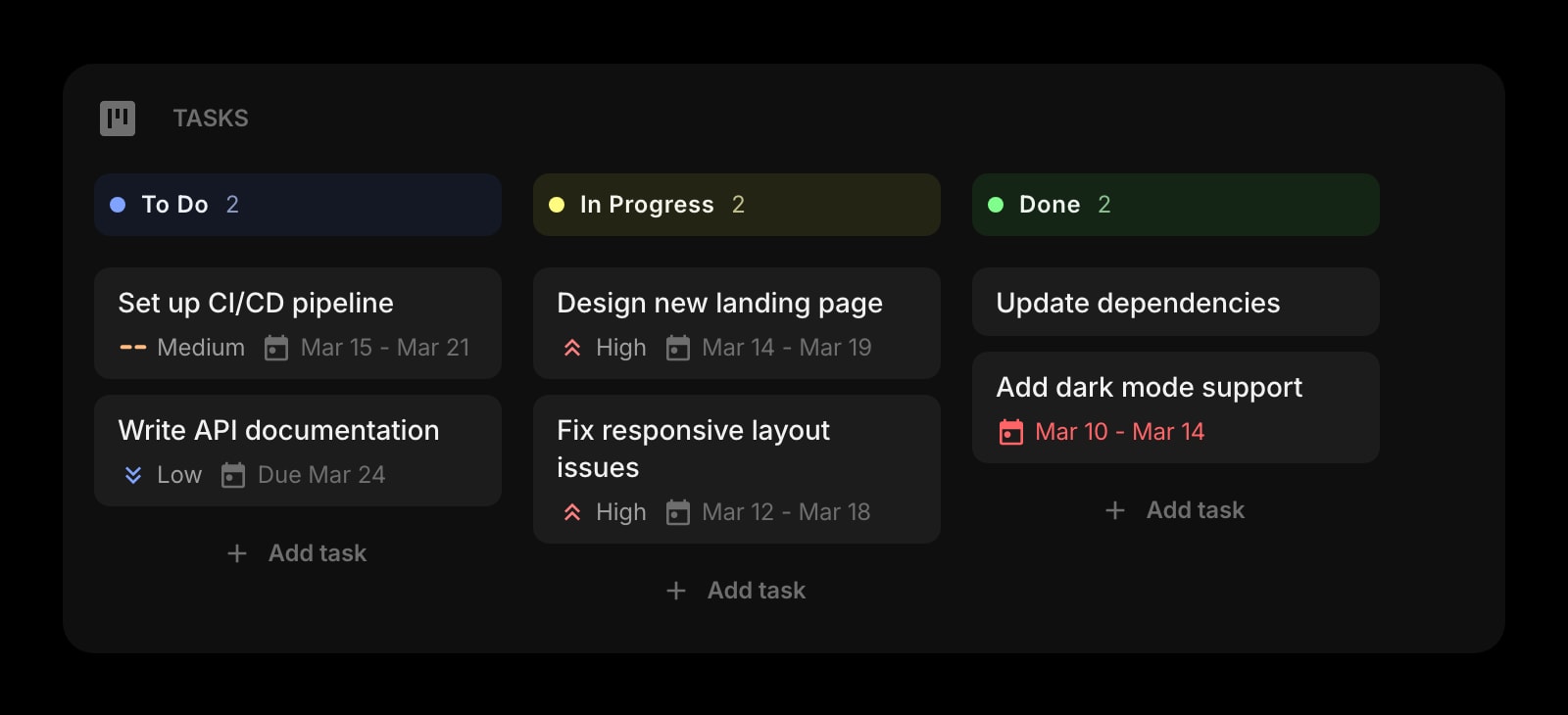
Tasks (Kanban)
A personal Kanban board for the work you actually own - the spec to write, the customer call to prep for, the launch checklist. Drag cards through To Do, In Progress, and Done without opening Linear or Jira.
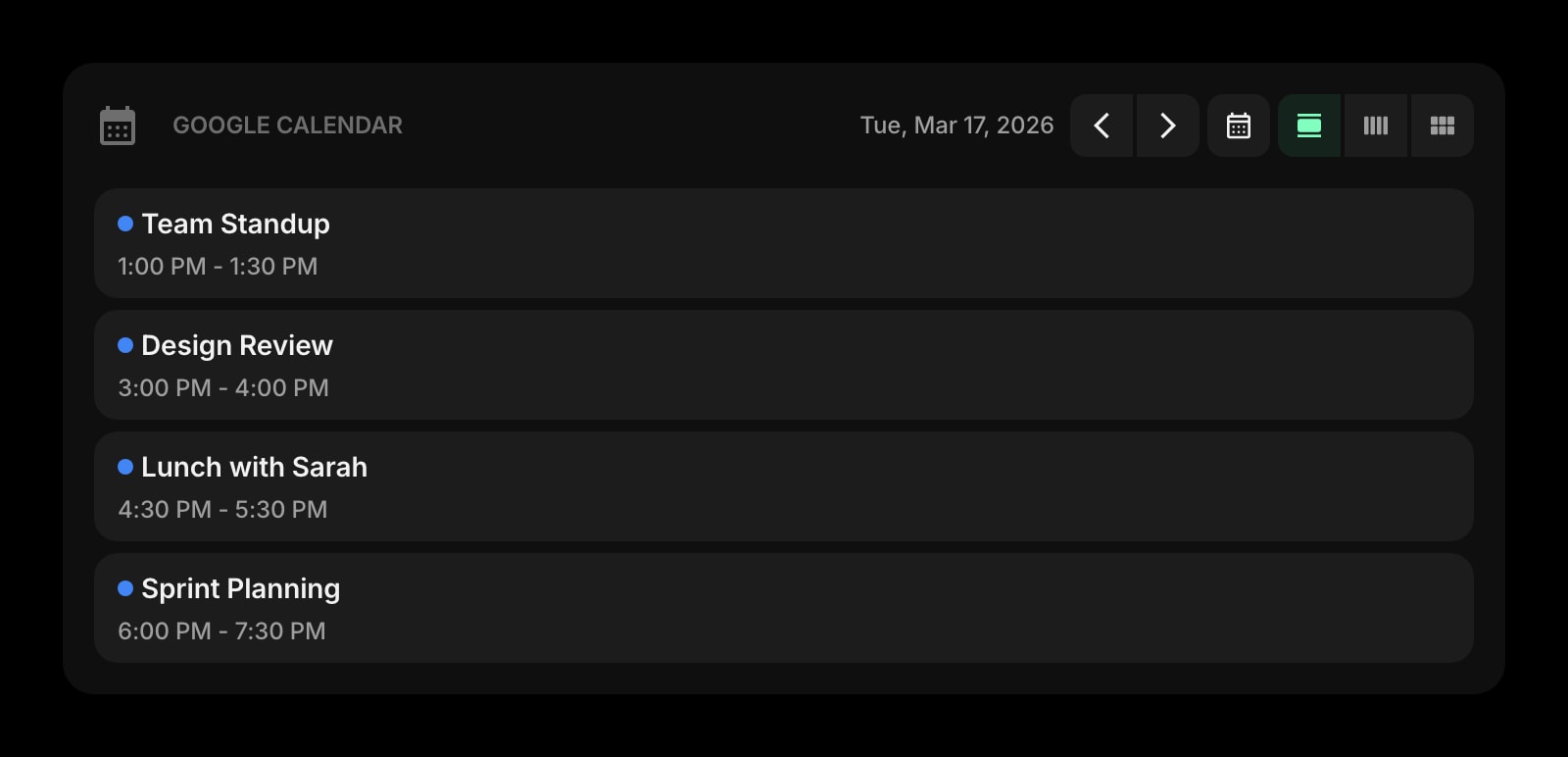
Google Calendar
Today's standups, customer interviews, design reviews, and one-on-ones at a glance. Click into a meeting from the new tab page instead of bouncing through five calendar tabs.
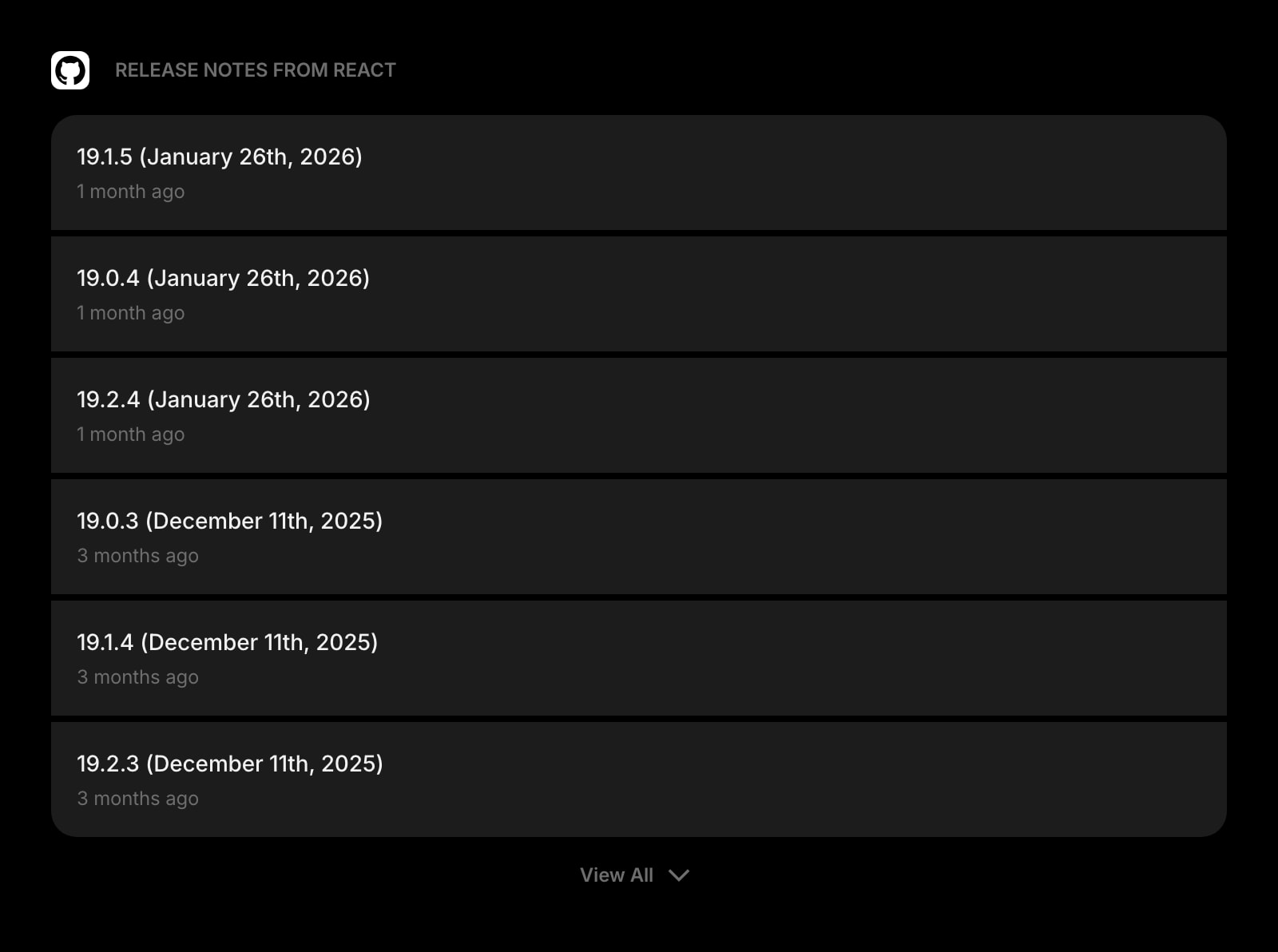
GitHub Releases
Track new releases for your team's repos and the open-source libraries you ship on. See exactly what shipped overnight without trawling Slack channels and PR notifications.
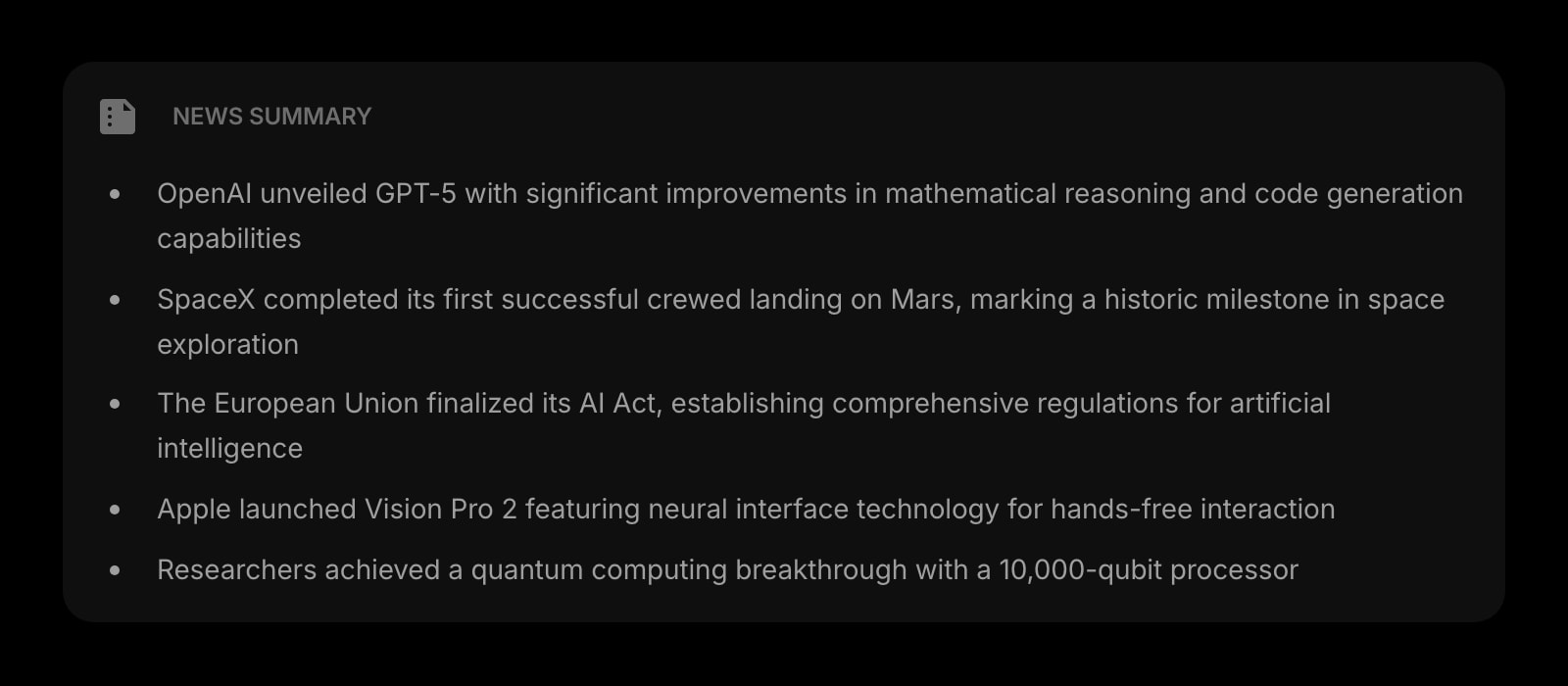
News Summary
A daily AI-written digest of your industry and competitor news. Three minutes replaces a thirty-minute scroll through Techmeme, Twitter, and a stack of newsletters.
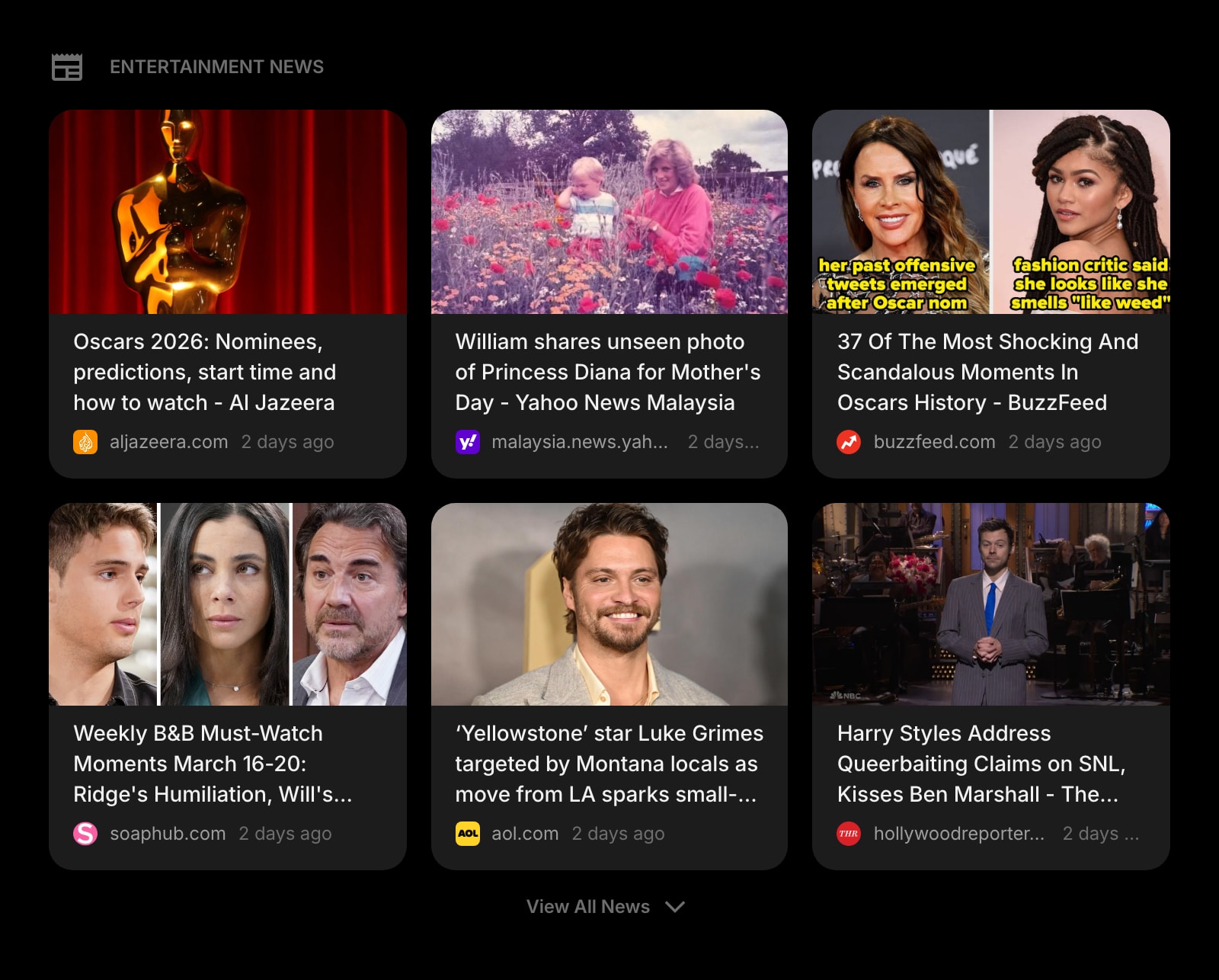
News
Curated headlines from the publications that cover your space. The competitor launch, the regulator update, the funding round - in front of you the moment you open the tab.
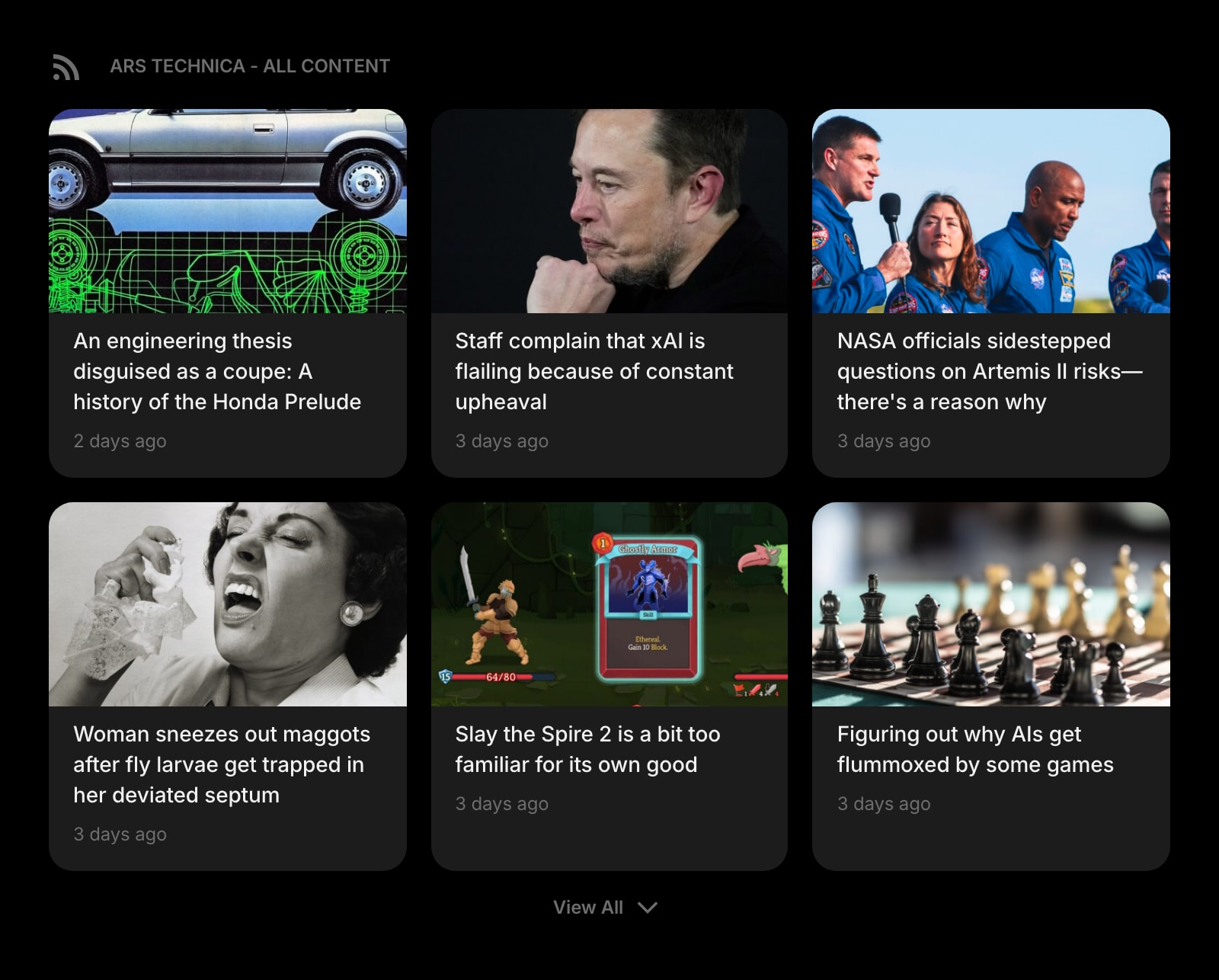
Feed (RSS)
Pull in Lenny's, Reforge, First Round Review, Mind the Product, and any product blog you follow. One column on the new tab instead of fifteen newsletter tabs.
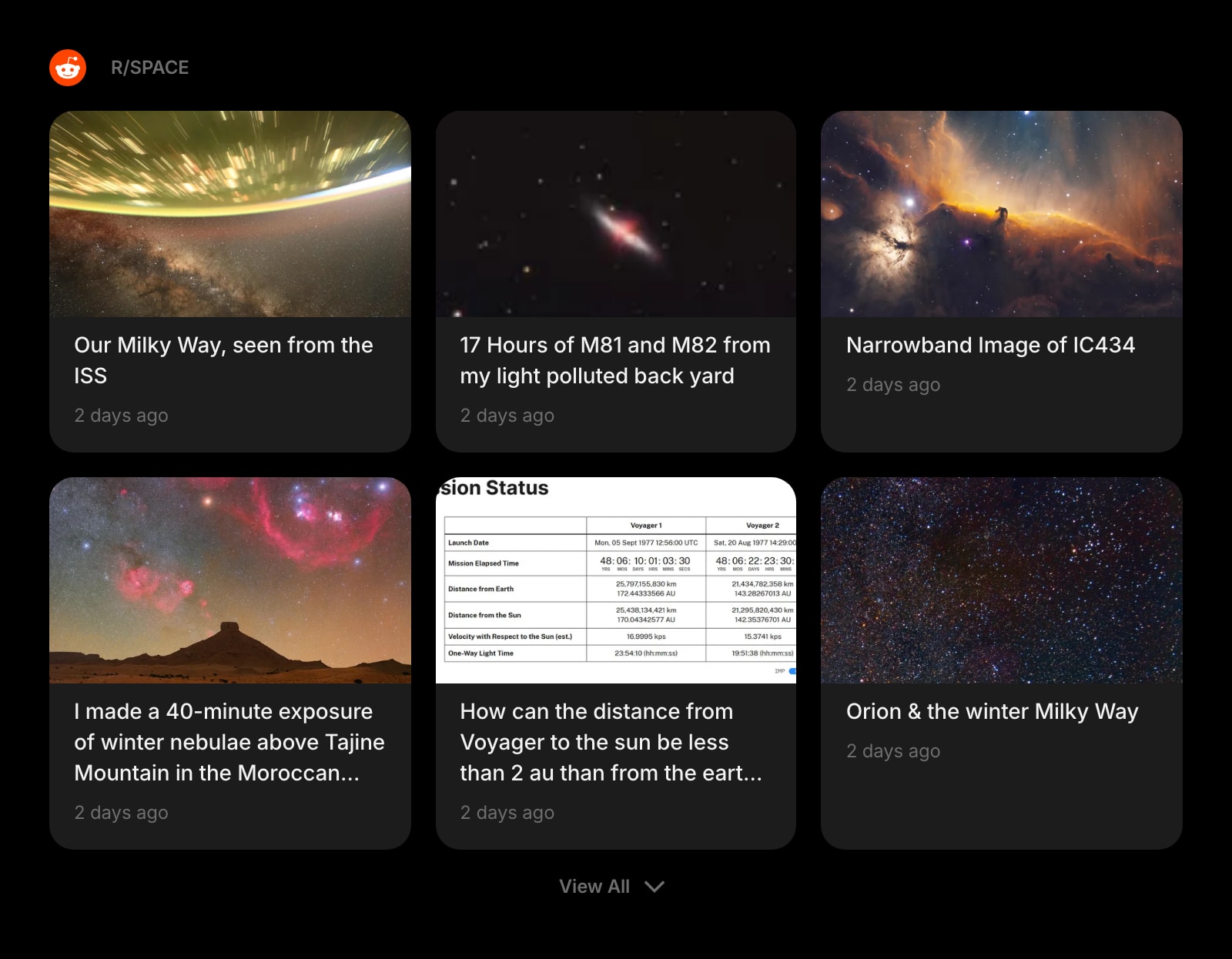
Subreddit
r/ProductManagement, r/userexperience, the niche communities your customers actually live in. Read what your users are complaining about without giving Reddit your time.
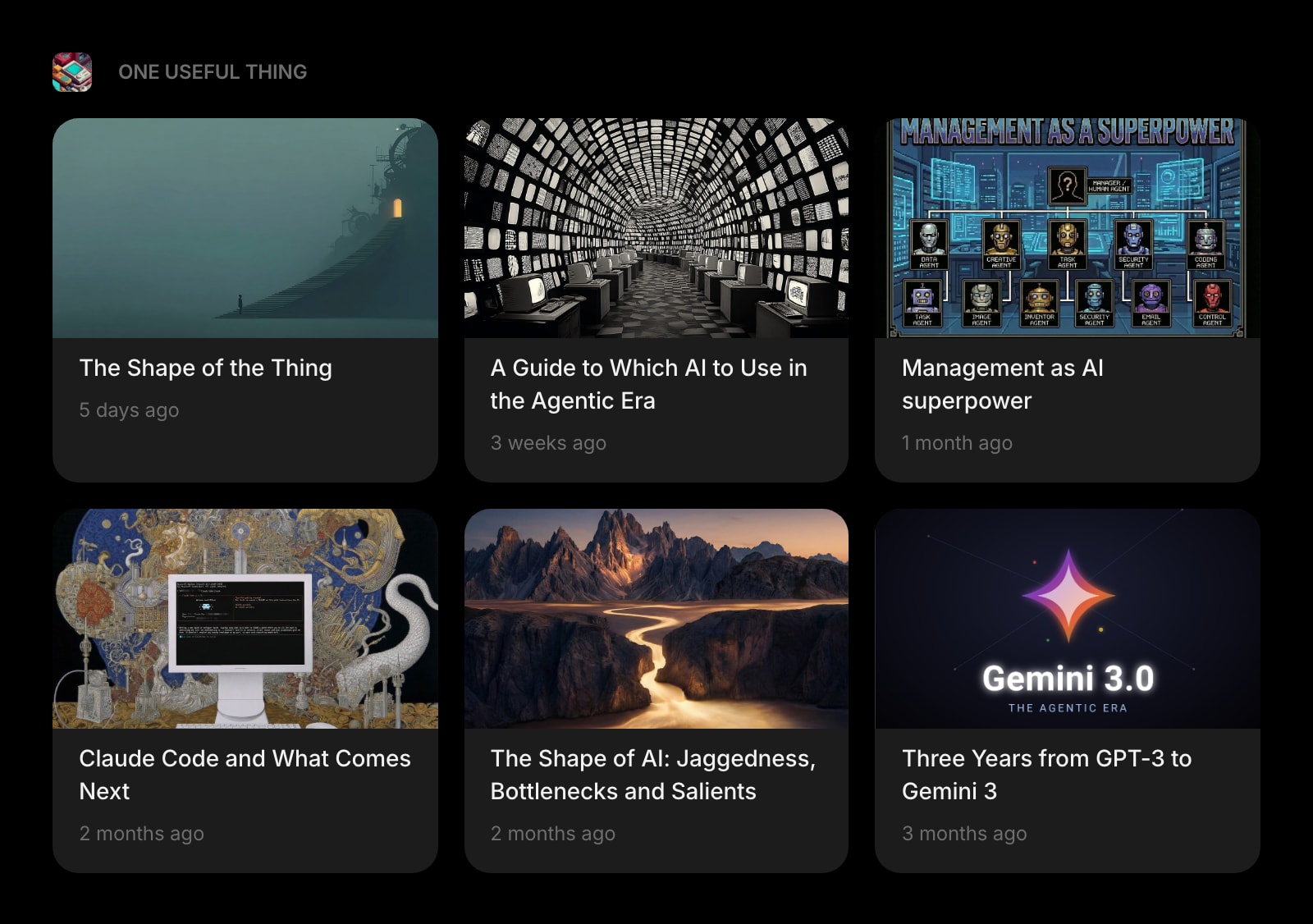
Substack
Lenny, Stratechery, Platformer, every PM newsletter you mean to read - in one widget instead of fifteen unread tabs in your inbox.
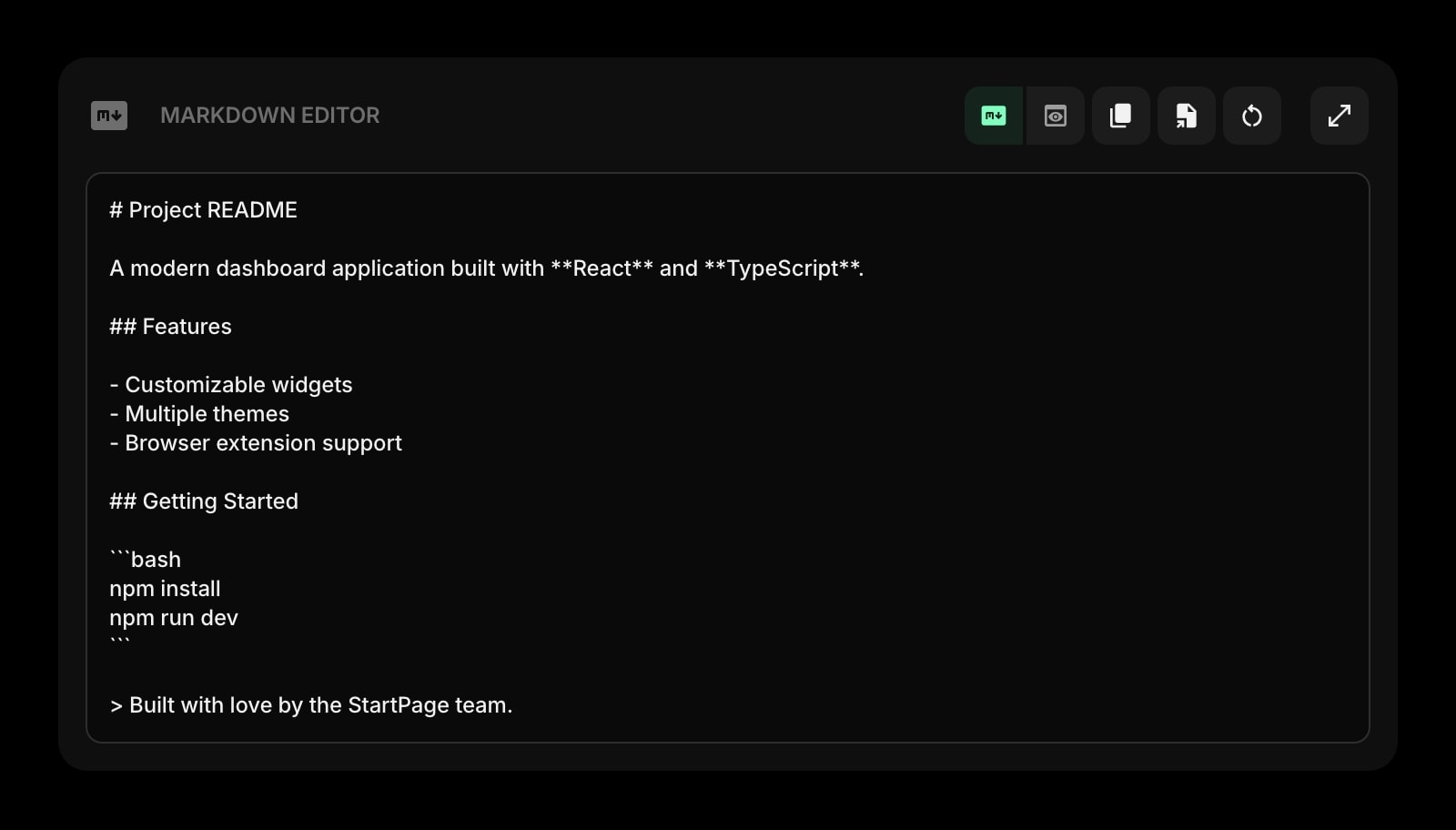
Markdown Editor
Draft a PRD, a launch announcement, a release note, or a one-pager with live preview. Paste it into Notion, Linear, or your wiki when it is ready.
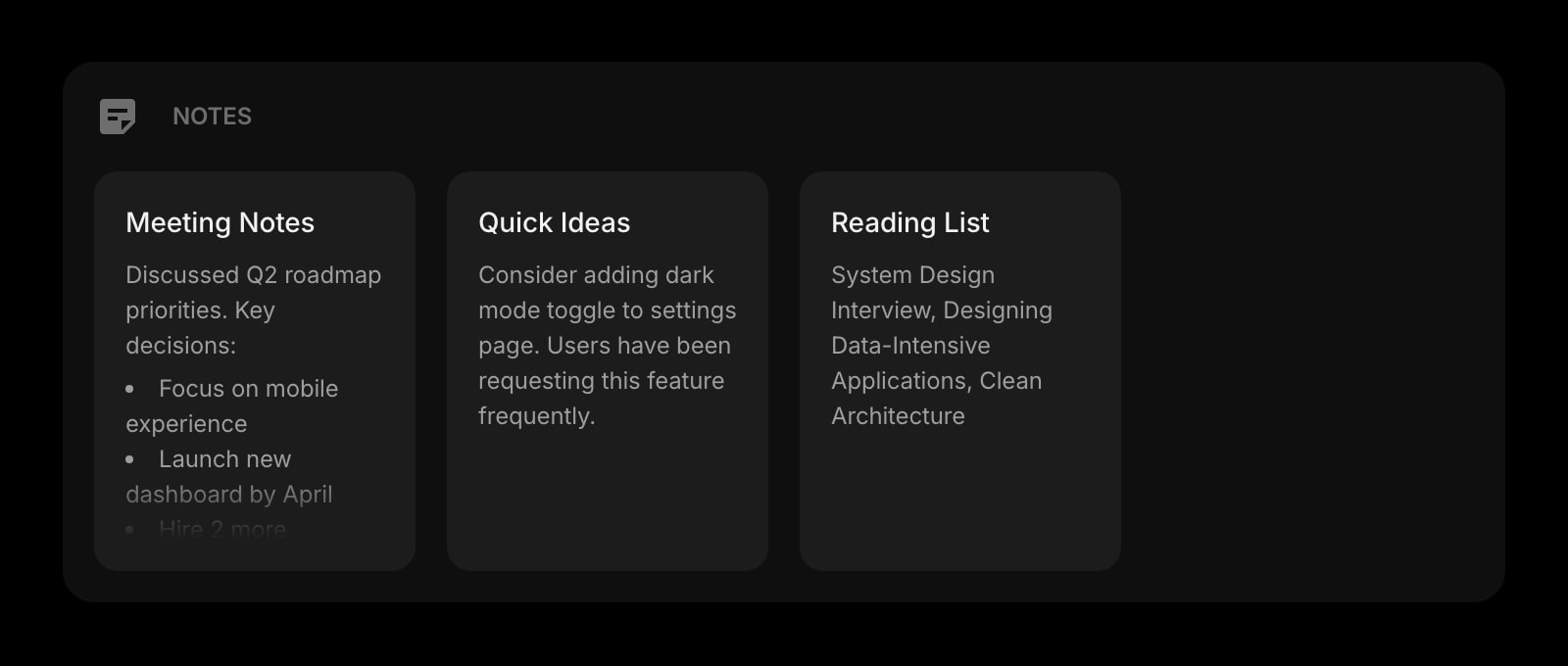
Notes
Rich text notes for meeting summaries, customer quotes, and OKR drafts. Format with headings, lists, and links - the same shortcuts you already know.
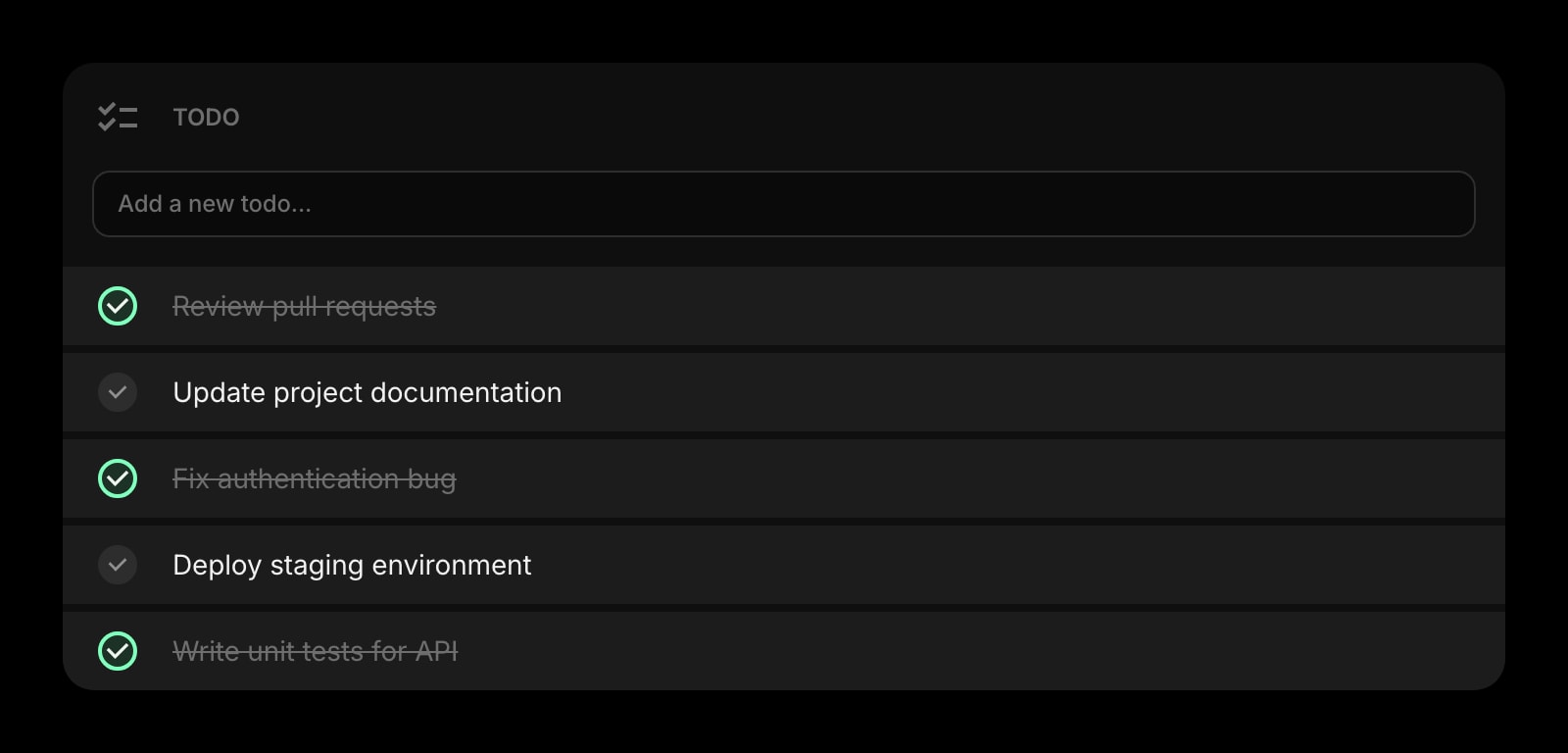
Todo
Today's short list - the four follow-ups from yesterday's standup, the spec review, the customer email. Separate from the long-running Kanban so the next-action lives somewhere fast.
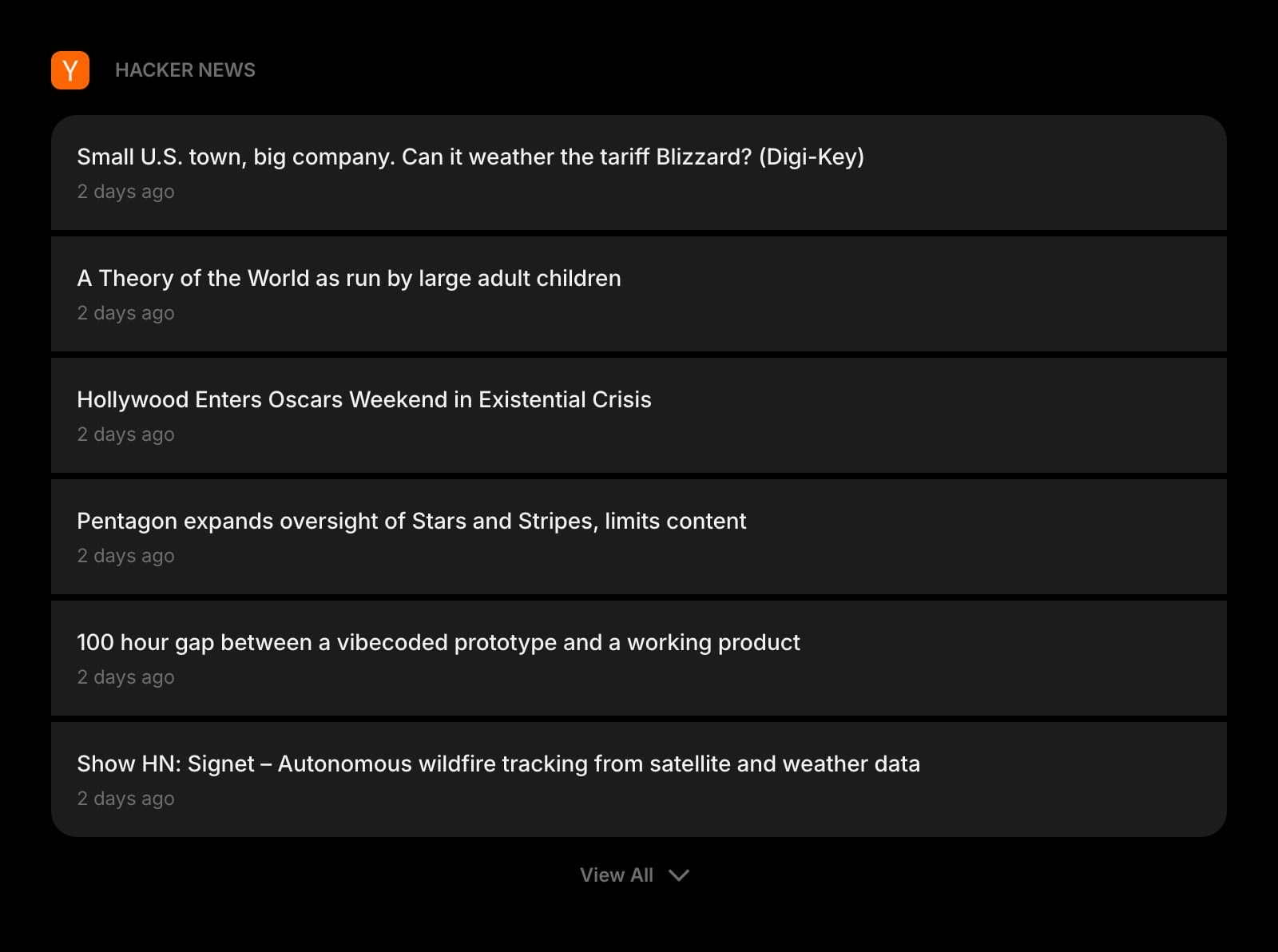
Hacker News
The HN front page on your dashboard. Catch the post about your competitor or your category before three of your stakeholders Slack you about it.
A Day in the Life
How Start Page HQ shows up across the moments that actually matter.
Pre-Standup Prep
Open new tab. GitHub Releases shows the three PRs that merged overnight. The Tasks Kanban reminds you the launch readiness card is still in In Progress. Calendar tells you the standup starts in 12 minutes. You walk into the meeting with the actual update, not the apology for not having one.
Drafting a PRD Between Meetings
Twenty minutes between calls. Open the Markdown Editor, sketch the problem statement, drop in two customer quotes from the Notes widget, and queue the spec for review on the Tasks Kanban. The whole draft happens on one tab instead of bouncing between Notion, Granola, and Linear.
Friday Roadmap Review
The Feed widget surfaced a Lenny piece on opportunity sizing. The News Summary flagged a competitor pricing change. Move two cards from Doing to Done on the Tasks Kanban, jot the competitive note in Notes, and the weekly product review prep is done before lunch.
Customer Discovery Day
Six interviews back-to-back on the Calendar. Capture each customer quote in Notes as it comes in, drag the resulting follow-up cards onto the Tasks Kanban between calls, and the Todo at the end of the day shows exactly which three insights need to be socialized tomorrow.
Why It Sticks for Product Managers
Specific reasons it works for this audience - not generic productivity claims.
Personal Layer On Top Of Your Team's Tools
Linear, Jira, Notion, and Granola are team tools - shared, slow, and full of other people's noise. Start Page HQ is your personal layer: the four cards you actually own this week, the four feeds you actually read, the spec you are personally drafting.
GitHub Releases Without Slack Notification Hell
The GitHub Releases widget surfaces what shipped from your engineering team in one place - no muting and unmuting Slack channels, no scrolling through PR notification noise. You see the change, the tag, the changelog link, and decide what to share with stakeholders.
News Summary Replaces Thirty Minutes Of Reading
The AI-written News Summary compresses your category into a three-minute morning brief. You stop the doom-scroll through Techmeme and Twitter and still walk into the day knowing what shipped and who said what about it.
Multi-Page Dashboards For Different Modes
A Roadmap page with the Tasks Kanban, GitHub Releases, and Calendar. A Discovery page with feeds, Substack, and HackerNews. A Drafting page with the Markdown Editor and Notes. Switch with a click instead of fighting one stuffed layout.
Cheaper Than One Seat On Most PM Tools
Every widget unlocked, sync across every device, AI credits included. $4 a month, $24 a year, or $48 lifetime - less than one month of a single Productboard or Aha seat. Try the full thing free at startpagehq.com/demo before paying.
Coming From Another Tool?
Already using a project tool for your personal PM workflow? The widgets below cover the same jobs in the same tab. See how they map.
Frequently Asked Questions
No. Those are team systems of record - they own the engineering backlog, the team roadmap, the shared spec. Start Page HQ is your personal new tab dashboard: the four cards you own this week, the calendar, the feeds, the drafting space. The two layers complement each other.
Not today. The Tasks widget is designed for personal context - the four or five cards you actually move during your week, separate from the team backlog. A read-only sync with team trackers is on the roadmap, not shipped.
Yes. Connect your work and personal Google accounts and the Calendar widget surfaces both, color-coded. Click any event to open it in the source calendar.
Yes. The hosted web app at startpagehq.com runs in any modern browser - no extension required. Set startpagehq.com as your homepage and you keep your full setup, even on a locked-down corporate machine.
There is a free plan - 1 page, 8 widgets, sync across devices, every browser extension, and 50 AI credits to start, with no credit card. Paid is $4 a month, $24 a year, or $48 one-time (lifetime), per user, and lifts the limits to unlimited pages and every widget including the premium ones. There is also a team plan: Teams gives the product group shared workspaces - the release feeds, the launch calendar, the team links - at $4 per seat a month or $40 per seat a year, minimum 2 seats. It shares a dashboard rather than adding PM features, so Kanban cards have no assignees or comments. The demo at startpagehq.com/demo unlocks every widget for evaluation - no signup.
For a fast draft - problem statement, user story, acceptance criteria - the Markdown Editor on your new tab is faster than spinning up a Notion page and waiting for the cursor. Once a spec needs comments, embeds, and stakeholder review, paste it into Notion, Confluence, or Linear where the team lives.
Build Your Product Managers Dashboard
Start free — 1 page, 8 widgets, sync across devices, no credit card. Or open the live demo first, no signup needed.