Custom Tab Title and Icon, Glass Widgets Toggle, and a Look for Every Page
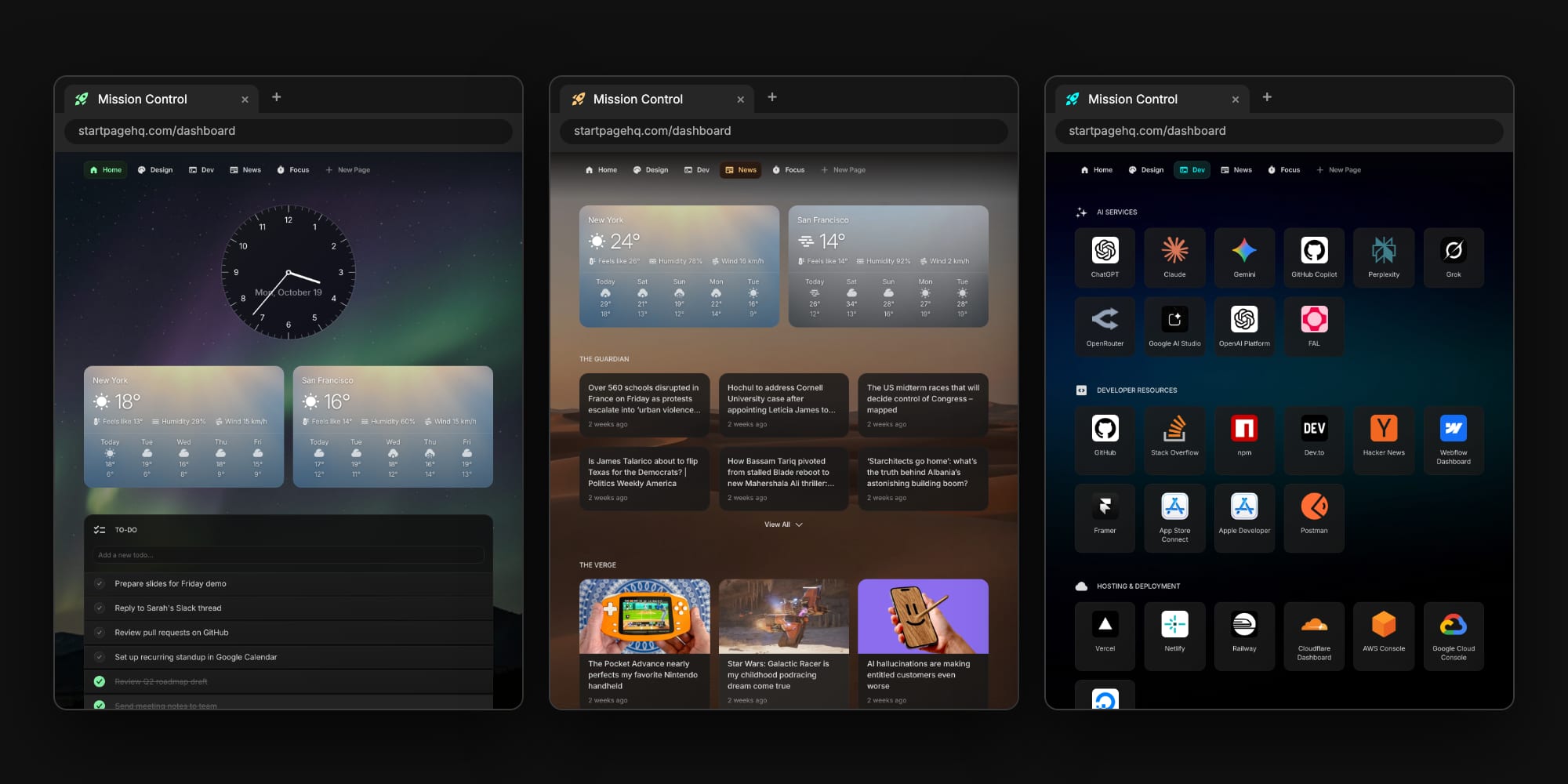
Start Page HQ 2.7.0 is all about making the dashboard feel like yours. You can now give the browser tab your own title and icon, switch off the frosted glass effect on widgets without losing your wallpaper, and give every page its own accent color and wallpaper. All three live in the same place: the palette icon in the top navigation bar.
#Name Your Browser Tab
Every new tab used to say "Start Page HQ". Now it can say whatever you want. Open the appearance panel and scroll to the new Browser Tab section at the bottom: type a title next to the icon tile, and click the tile to pick an icon.
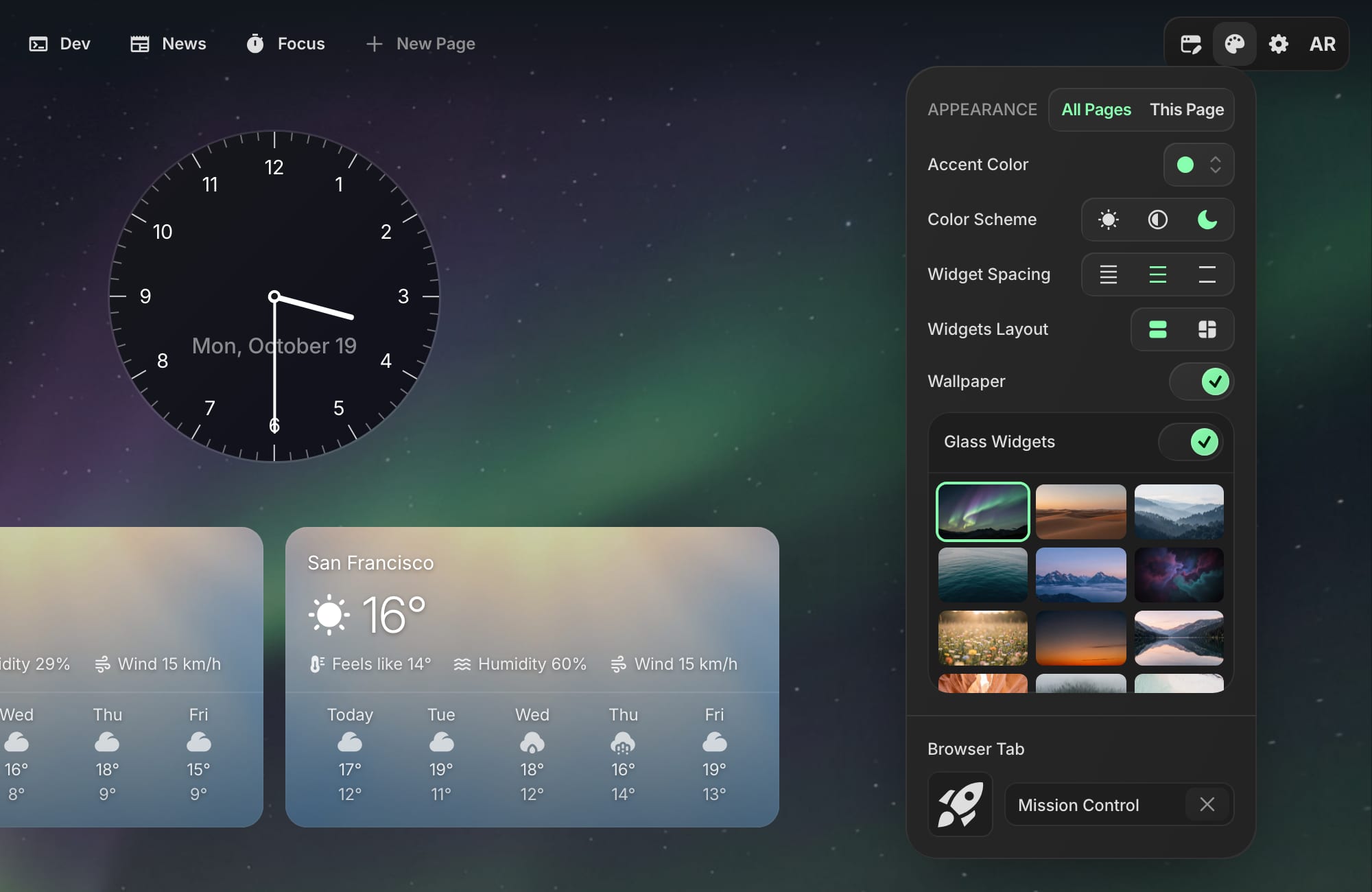
The change shows up in the tab right away:
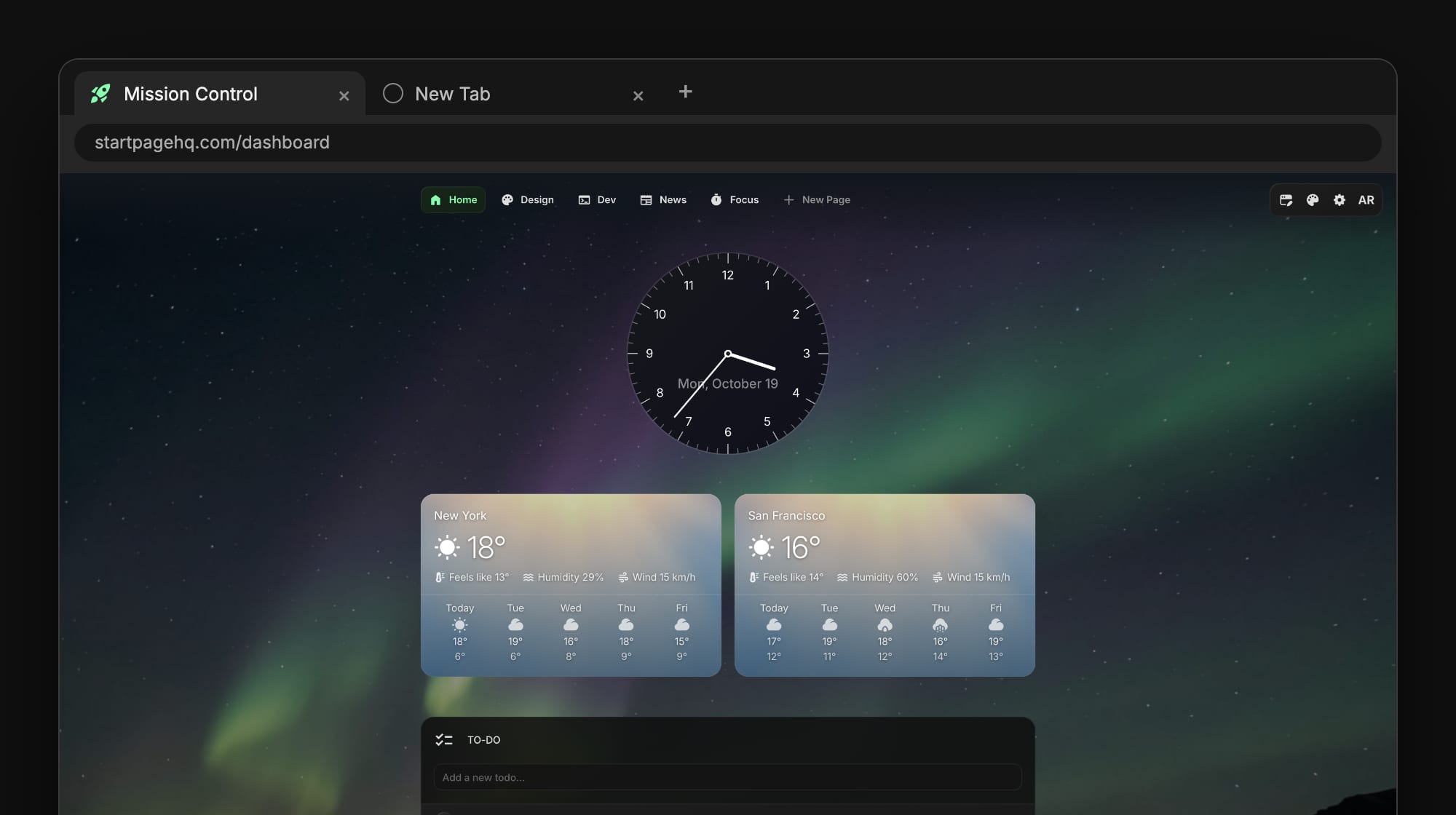
A few details worth knowing:
- Built-in icons are drawn in your accent color. Pick any of the icons from the picker and it matches the rest of your dashboard.
- Or upload your own image - a logo or a photo. Uploads are part of the premium plans.
- Clear the title or remove the icon to go back to the default "Start Page HQ" tab.
This is most useful with the browser extension for Chrome, Firefox, Safari, or Edge, where your dashboard opens in every new tab. A row of identical tabs becomes a row of tabs you can actually recognize. And like everything else in your settings, the tab title and icon sync to every browser and device you sign in on.
#Turn Off Glass Widgets
When wallpapers launched, every widget turned into frosted glass on top of the image: a blurred backdrop and a slightly see-through fill. It looks great, but it is not for everyone: some people simply prefer solid widgets over a photo.
So there is now a Glass Widgets switch at the top of the wallpaper grid. Turn it off and the wallpaper stays where it is, but widgets drop the blur and the see-through fill and look the way they do without a wallpaper.
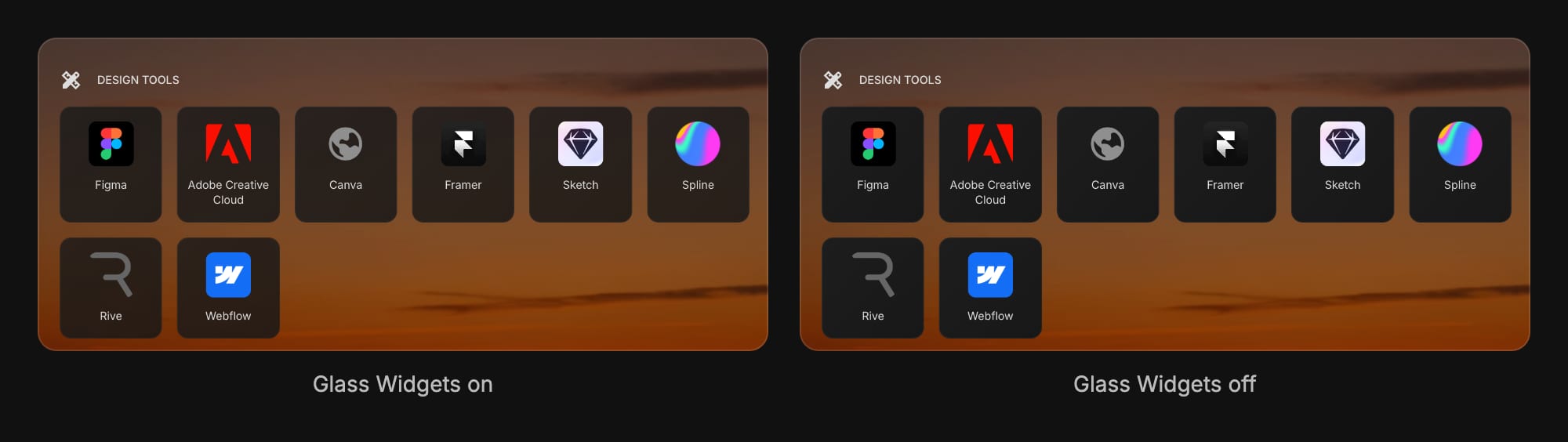
Glass Widgets is on by default, so nothing changes unless you flip it. It applies to all of your pages at once.
#Give Each Page Its Own Look
This one started as a user request. Until now, your accent color and wallpaper were shared by every page. Now each page can have its own, so your work page, your reading page, and your side project can each look different and you can tell them apart at a glance.
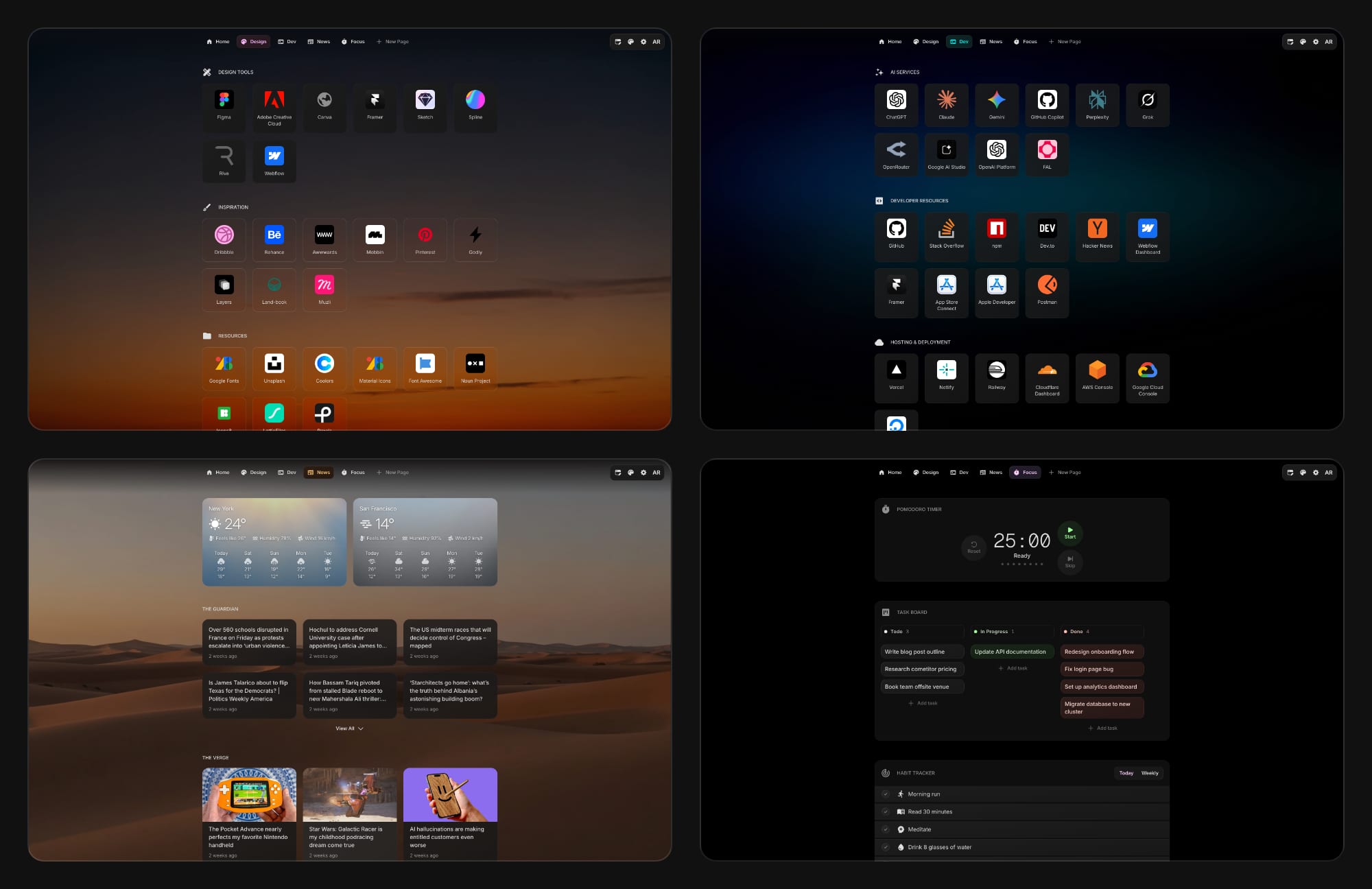
Here is how it works:
- Open the page you want to change.
- Click the palette icon and switch from All Pages to This Page at the top of the panel.
- Pick an accent color, a wallpaper, or both. Only this page changes, and every other page stays as it was.
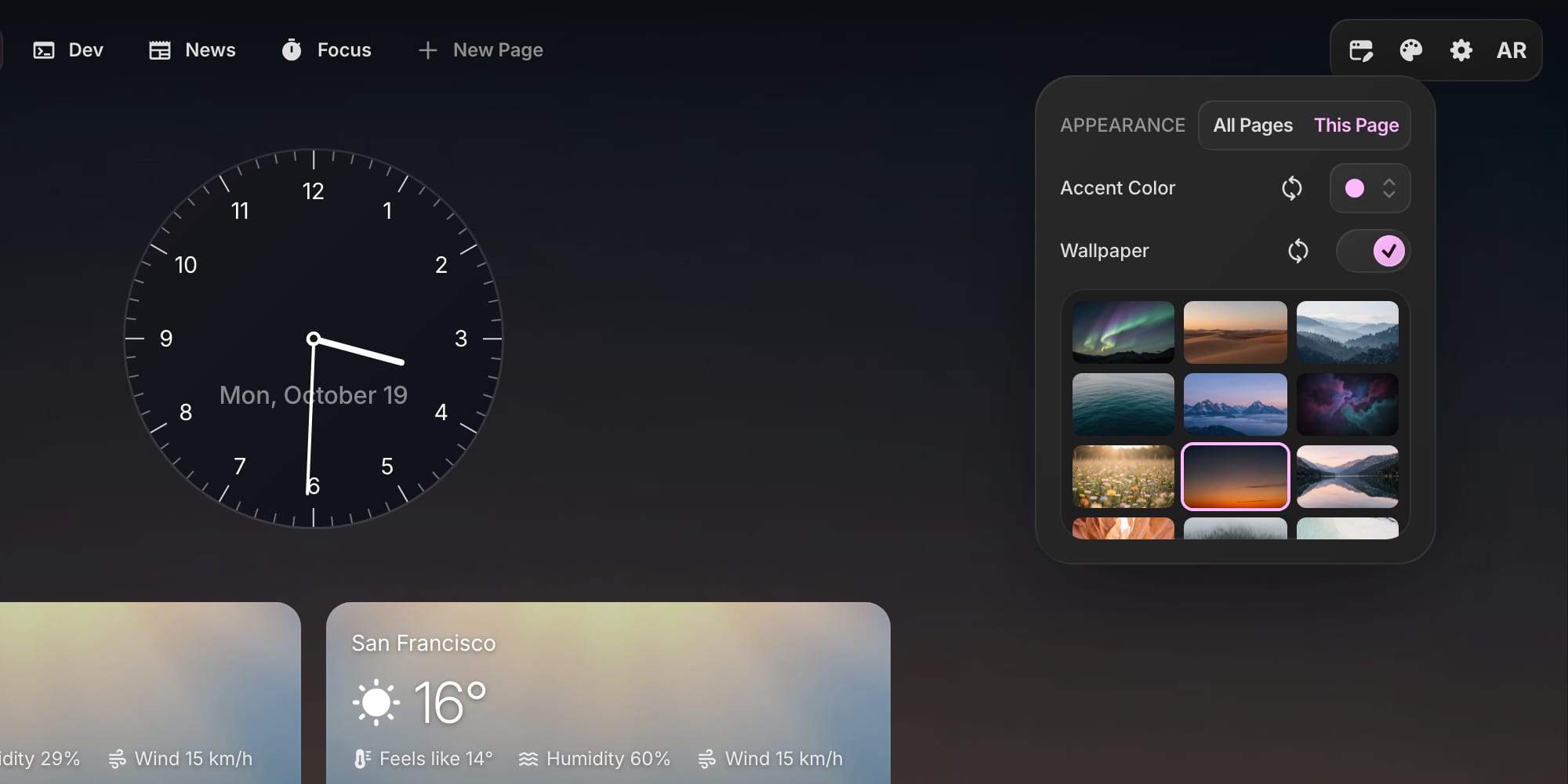
A page can also turn its wallpaper off while the rest of your pages keep theirs - handy for a focus page where you want nothing but your timer and tasks. You can also upload a custom wallpaper for a single page (premium plans).
To go back to the shared look, click the reset button next to Accent Color or Wallpaper while This Page is selected. When you open the panel on a page that has its own look, it starts on This Page, and All Pages tells you which settings that page overrides, so you never wonder why one page does not follow your changes.
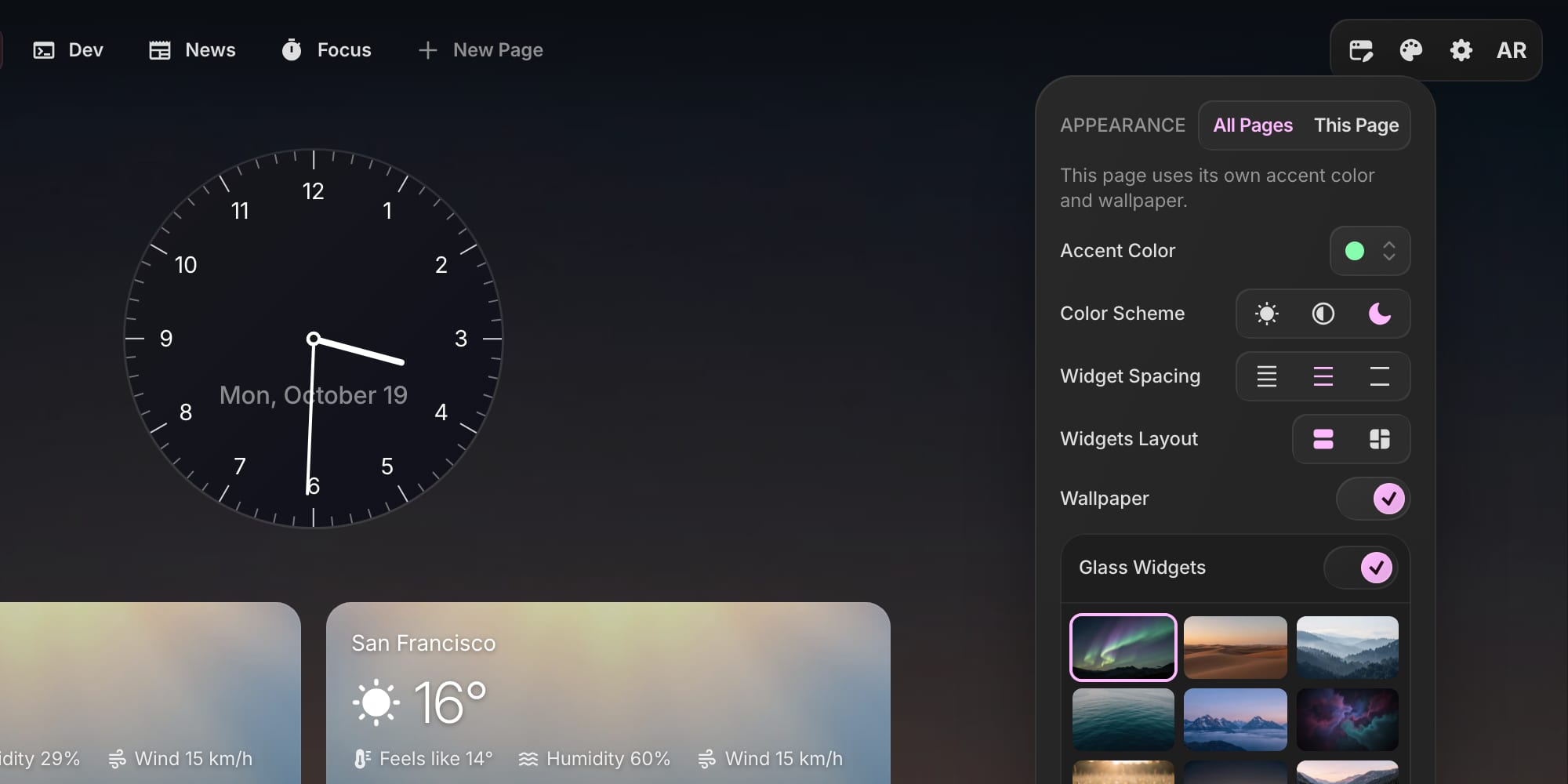
Color scheme, widget spacing, layout, browser tab, and Glass Widgets always apply to all pages. The All Pages / This Page switch shows up once you have more than one page.
#The Tab Icon Follows the Page
The two features work together. A built-in tab icon is drawn in the accent color of the page you are on, so when you switch from your green Home page to your pink Design page, the icon in the tab turns pink too.

On a phone, swiping between pages with different wallpapers fades smoothly from one to the next.
#How to Try It
- Click the palette icon in the top navigation bar.
- Scroll to Browser Tab to set a title and icon.
- Turn Glass Widgets on or off at the top of the wallpaper grid.
- Switch to This Page to give the current page its own accent color and wallpaper.
The full details are in the appearance documentation. Everything is live now. Open your dashboard to try it, or start for free if you do not have an account yet.