

Looking for an Infinity New Tab Alternative?
Infinity New Tab is a beautiful speed-dial start page with curated wallpapers and pre-loaded site icons. Start Page HQ is the productivity-focused alternative — 63+ widgets, real workflows, on every browser.
What People Love About Infinity New Tab
Before we get into where Start Page HQ goes further, credit where it's due.
- Free to use with no paid tier — every feature is available out of the box.
- A polished speed-dial page with thousands of pre-loaded site icons for one-click setup.
- 365 hand-picked HD wallpapers curated from a much larger library, so the dashboard always looks fresh.
- Cloud-sync backup with one-key recovery, including for layout, icons, and bookmarks.
- Strong following in non-English markets, particularly in China and APAC, with localized search engines and integrations.
Where Start Page HQ Goes Further
Specific differences, not vague claims.
63+ Widgets, Not Just Speed Dial
Infinity New Tab is built around a grid of bookmark icons with a few sidebar gadgets (weather, todo, notes). Start Page HQ ships 63+ widgets covering Kanban tasks, Pomodoro, habit tracker, RSS, podcasts, AI tools, dev tools, and a lot more — all in one plan.
Works on Every Browser
Infinity New Tab targets Chrome and Firefox plus Chinese-market browsers like 360 Speed and Baidu. Start Page HQ ships native extensions for Chrome, Firefox, Safari, and Edge, plus the hosted web app at startpagehq.com that works in any browser anywhere.
A Real Productivity Stack
Kanban boards, Pomodoro timer, habit tracker, AI quick answer, daily quote, world clock, countdown — productivity widgets that make a start page useful for work, not just for finding sites you've already bookmarked.
AI Built In
AI image generation, translation, instant answers, daily news summaries, and AI diary — all available as widgets you can drop onto any page. Infinity New Tab focuses on speed dial and wallpapers, with no AI features.
Multi-Page Dashboards
Infinity New Tab is a single page of icons. Start Page HQ lets you build separate pages for Work, News, Tools, Personal, or any other context, with different widgets and layouts on each.
One Shared Dashboard for Your Team
Infinity New Tab is a personal page. Start Page HQ for Teams gives a group one shared new-tab dashboard: the team's links, calendar, feeds, and notes in a workspace everyone opens, with editors keeping it current and viewers getting it read-only. Billed per seat ($4/month, minimum 2), and members do not need a plan of their own.
Built-In Developer Tools
JSON formatter, regex tester, text diff, base64 encoder, QR code generator, image compression, unit converter, GitHub releases — Start Page HQ ships these as widgets out of the box.
Active Development on a Stable Roadmap
Infinity New Tab is still actively maintained, but its Chrome Web Store listing has had compliance warnings flagged by some reviewers. Start Page HQ is built by an active indie team with a public changelog and roadmap.
Side-by-Side Comparison
An honest line-by-line look at how the two stack up.
| Feature | Infinity New Tab | Start Page HQ |
|---|---|---|
| Pricing | Free | Free plan; $4/mo, $24/yr, $48 LTD |
| Free tier | Yes (full product) | 1 page, 8 widgets |
| Widget / integration count | ~10 | 63+ |
| Chrome | Yes | Yes |
| Firefox | Yes | Yes |
| Safari | No | Yes |
| Edge | No | Yes |
| Hosted web app | No | Yes |
| Cross-device sync | Cloud backup | Included |
| Multi-page dashboards | No | Yes |
| Shared team dashboards | No | Teams plan |
| Speed dial / icon library | Yes | Via Links widget |
| Curated HD wallpapers | 365 hand-picked | 29 built-in; upload on paid |
| Sticky notes | Yes | Yes |
| Todo list | Yes | Yes |
| Weather | Yes | Yes |
| Kanban tasks | No | Yes |
| Pomodoro timer | No | Yes |
| Habit tracker | No | Yes |
| RSS / Hacker News / Reddit / podcasts | No | Yes |
| AI tools (image gen, translation, summary) | No | Yes |
| Developer tools (JSON, regex, diff, etc.) | No | Yes |
Widgets That Replace Infinity New Tab
Drop these onto your dashboard and you've covered Infinity New Tab's core features — plus a lot more.
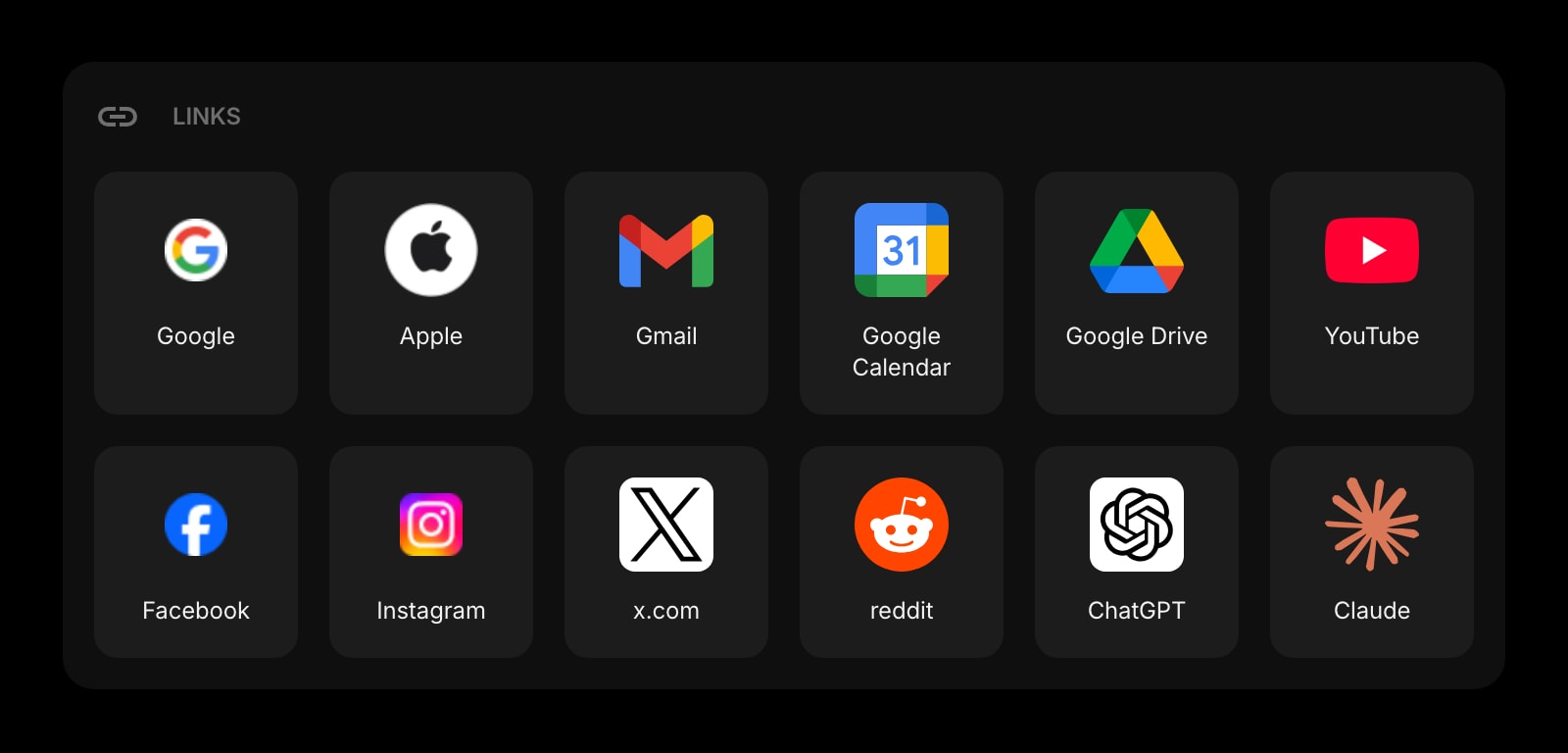
Links
Organize your favorite sites into clean, customizable groups — Infinity New Tab's speed-dial idea, with grouping and labels.
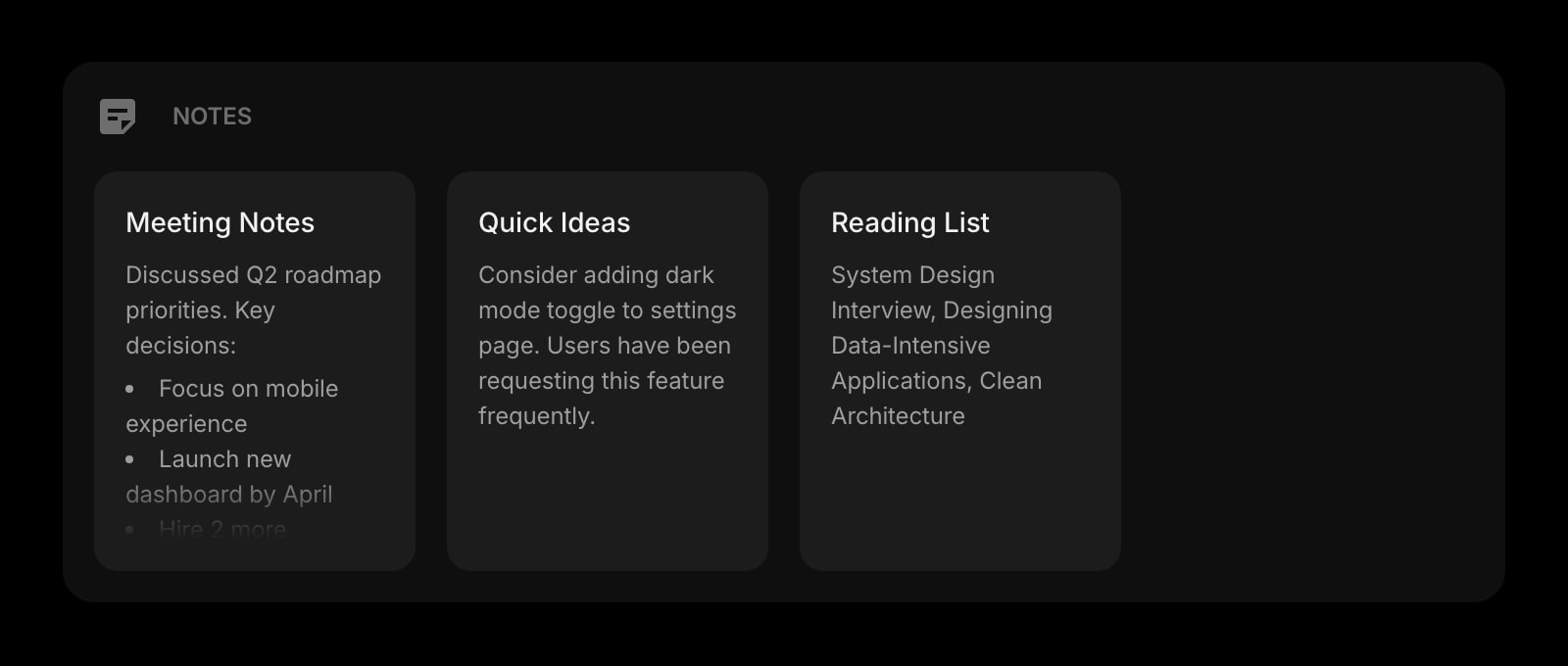
Notes
A board of sticky notes for ideas, drafts, and quick captures, with full editing on demand.
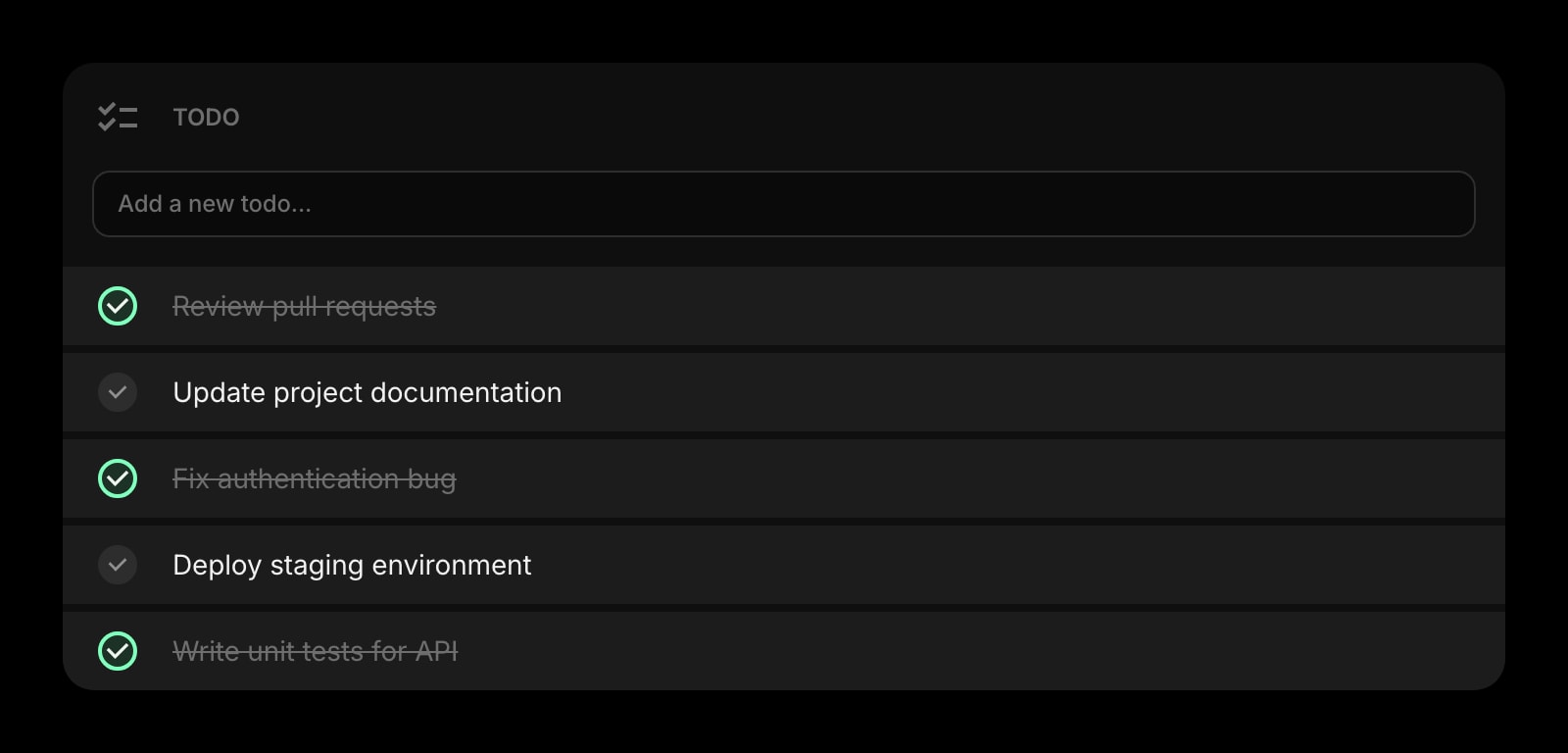
Todo
A simple daily task list that lives next to your weather, clock, and shortcuts.
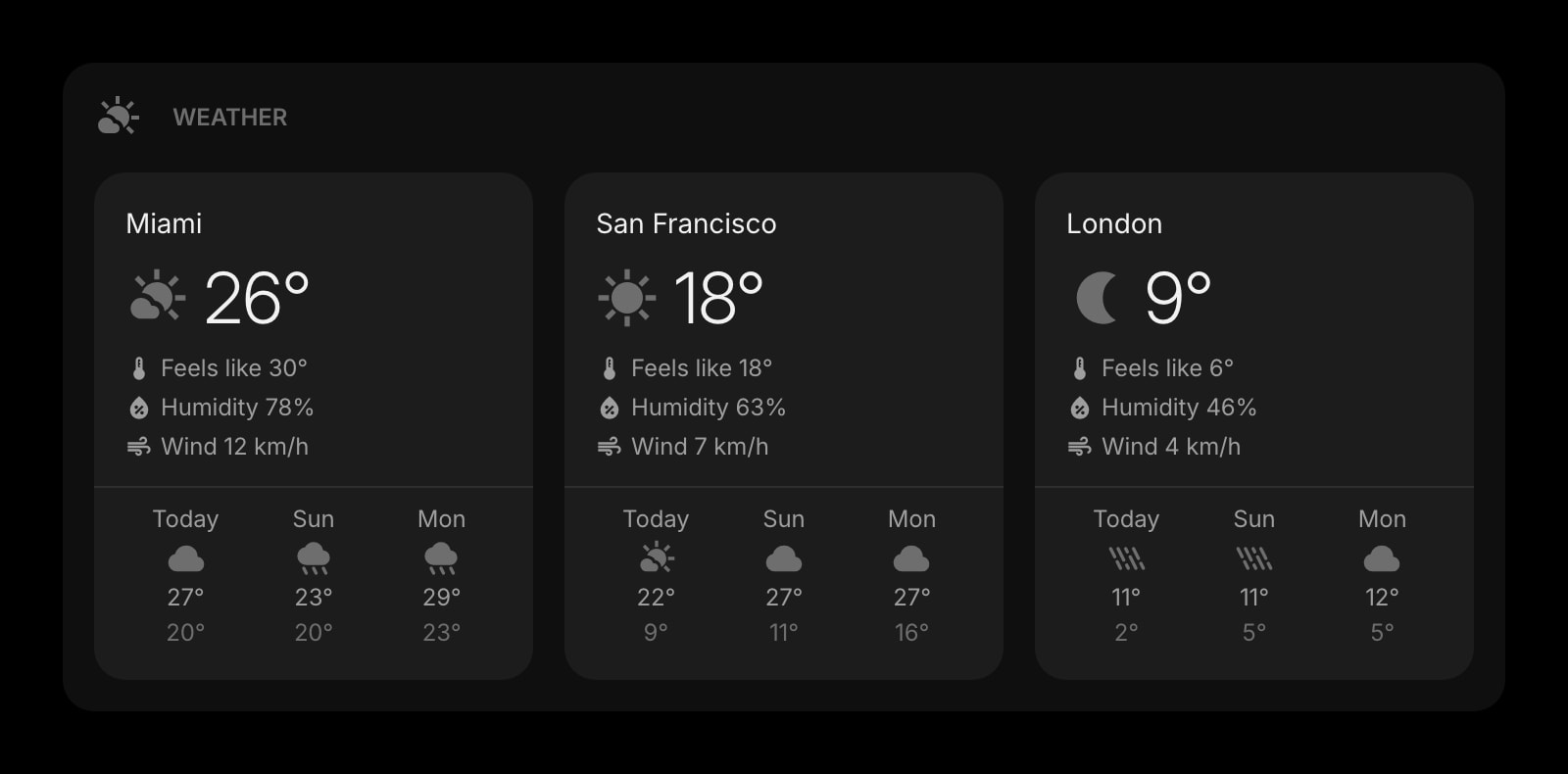
Weather
Current conditions and forecasts for the locations you care about, refreshed automatically.
Frequently Asked Questions
There is a free plan, though the two are free in different shapes. Infinity New Tab is free in full, and that's still a real advantage if free is your hard requirement. Start Page HQ's free plan covers 1 page with up to 8 widgets on it, 55 of the 63 widget types, cross-device sync, every browser extension, the built-in wallpapers, and 50 one-time AI credits. Extra pages, the 8 premium widgets, and custom wallpaper uploads need a plan: $4/month, $24/year, or $48 one-time. The demo at startpagehq.com/demo needs no signup and unlocks every widget.
Yes. Start Page HQ has native extensions for Chrome, Firefox, Safari, and Edge, plus the hosted web app at startpagehq.com. Infinity New Tab targets Chrome, Firefox, and Chinese-market browsers, so Safari and Edge users have no native option there.
Yes. The Links widget covers grouped shortcuts with custom titles and icons, and you can pin a Links widget on every page. It won't pre-load thousands of icons the way Infinity does — you bring your own — but it scales to as many or as few as you want.
Yes, and sync is included on every plan, the free one included. Sign in once and your pages, widgets, links, todos, and notes sync across every browser and device automatically. Infinity New Tab has cloud backup, but it's a manual export/import flow rather than continuous sync.
Yes — the Search widget supports custom search engines, so you can wire it up to Baidu, Sogou, Yandex, Naver, or any other provider. The interface is currently English-first.
There is no automated importer. Open the live demo, drop on Links, Notes, Todo, and Weather widgets, paste your shortcuts and notes, and pick a custom background. Most users replicate their layout in 10-15 minutes.
Ready to Try Start Page HQ?
Start free — 1 page, 8 widgets, sync across devices, no credit card. Or open the live demo first, no signup needed.