

Looking for a GarageBand Alternative?
GarageBand is Apple's free, full-featured music creation studio for Mac and iOS — virtual instruments, loops, multi-track recording. Start Page HQ is the audio editor widget that lives on every new tab — quick trims and edits without opening a DAW.
What People Love About GarageBand
Before we get into where Start Page HQ goes further, credit where it's due.
- Apple's polished, free DAW for Mac, iPad, and iPhone — a genuine entry to music production with no upsell.
- Hundreds of virtual instruments, drummers, and Apple Loops for songwriting and beat-making.
- Multi-track recording with effects, MIDI editing, and integration with Logic Pro for serious work.
- Tight integration with iCloud, Files, and Apple ecosystem hardware (AirPods, audio interfaces).
- Tutorials and Live Loops that make it approachable for total beginners.
Where Start Page HQ Goes Further
Specific differences, not vague claims.
Cross-Platform, Not Apple-Only
GarageBand only runs on Mac and iOS. Start Page HQ's Audio Editor widget runs in any browser on Windows, Linux, Android, and Apple devices — same browser-based editor everywhere.
Browser-Based, No Install
GarageBand is a heavy Apple-only app. Start Page HQ's Audio Editor widget runs in the browser — open a new tab, drop in an audio file, trim, export.
Lives on Every New Tab
GarageBand is a separate app you open when you need it. Start Page HQ ships an Audio Editor widget that's already there every time you open a new tab — perfect for quick trims of voice memos, meeting recordings, or clips.
Sits Alongside 63+ Other Widgets
GarageBand is a single-purpose music creation tool. Start Page HQ pairs the Audio Editor widget with notes, todos, calendar, news, RSS, AI tools, and 63+ more.
Native Browser Extensions
Install on Chrome, Firefox, Safari, or Edge to make Start Page HQ — and the Audio Editor — open with every new tab.
Cross-Device Sync Built In
Dashboard layout syncs across every browser and device automatically — Apple, Windows, Android, doesn't matter.
Side-by-Side Comparison
An honest line-by-line look at how the two stack up.
| Feature | GarageBand | Start Page HQ |
|---|---|---|
| Pricing | Free (Apple devices) | Free plan; $4/mo, $24/yr, $48 LTD |
| Free tier | Yes, full product | 1 page, 8 widgets |
| Cross-platform (Windows / Linux / Android) | No | Yes |
| Browser-based | No | Yes |
| Multi-track recording | Yes | No |
| Virtual instruments and Apple Loops | Yes | No |
| MIDI editing | Yes | No |
| Drummer / Live Loops | Yes | No |
| iCloud / Files integration | Yes | No |
| Trim audio | Yes | Yes |
| Export to MP3 / WAV | Yes | Yes |
| Lives on every new tab | No | Yes |
| Chrome | No | Yes |
| Firefox | No | Yes |
| Safari | macOS app | Yes |
| Edge | No | Yes |
| Cross-device sync | Apple ecosystem | Cross-platform |
| Multi-page dashboards | No | Yes |
| Notes, todos, RSS, weather alongside | No | Yes |
Widgets That Replace GarageBand
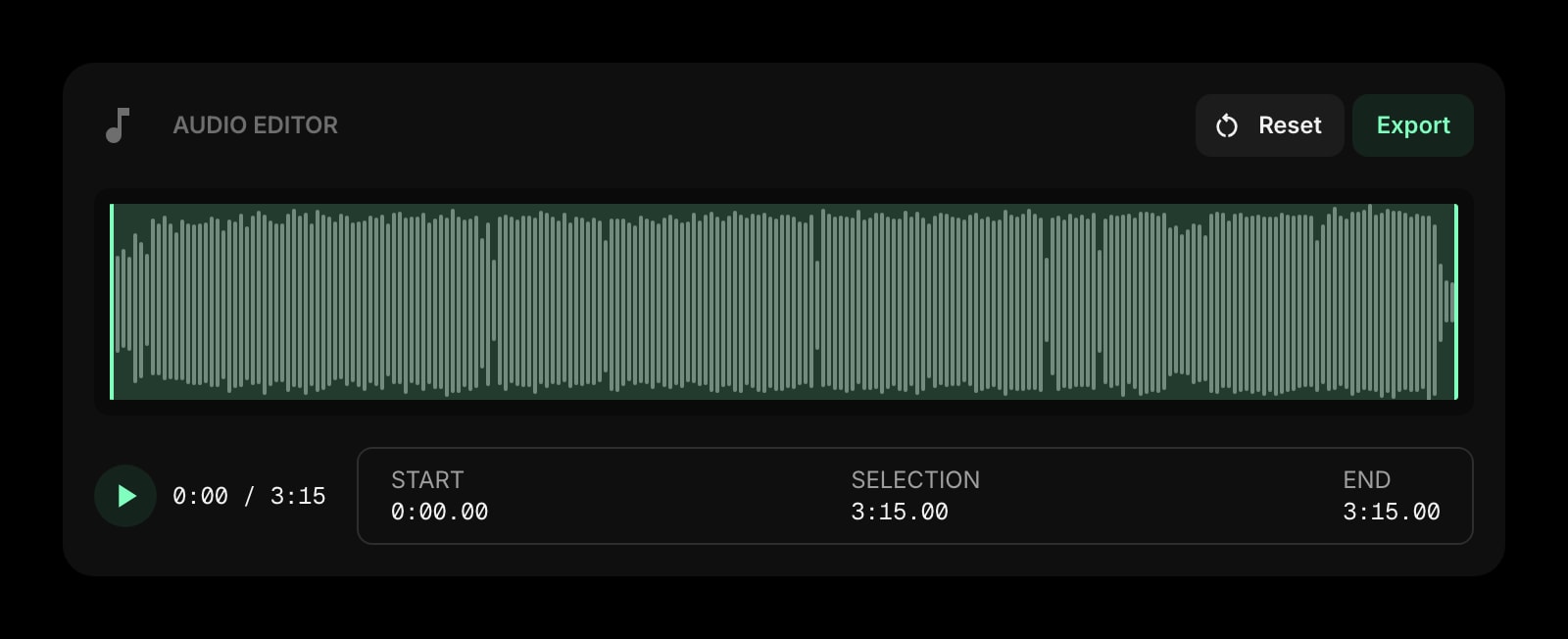
Drop these onto your dashboard and you've covered GarageBand's core features — plus a lot more.
Frequently Asked Questions
No, and we will not pretend otherwise. GarageBand is a real DAW with virtual instruments, Apple Loops, MIDI, and multi-track recording — there is no widget that replaces that. The Audio Editor widget is for quick trims and exports of existing audio files. Use GarageBand for music creation; use the widget for the 80% of small audio jobs that interrupt your day.
No. The widget edits existing audio files — trim, cut, fade, export. For recording, mixing, virtual instruments, and serious music production, GarageBand or Logic Pro is the right tool.
Yes — that is one of the main reasons to use Start Page HQ over GarageBand. The Audio Editor widget runs in any browser on Windows, Mac, Linux, Android, and iOS.
Yes — there is a free plan, no credit card needed. It gives you 1 page with up to 8 widgets, 55 of the 63 widget types including the Audio Editor, cross-device sync, every browser extension, and 50 one-time AI credits. GarageBand is free in full on Apple hardware; on our side extra pages, the 8 premium widgets, and uploads need a paid plan: $4/month, $24/year, or $48 one-time. The demo at startpagehq.com/demo still needs no signup and unlocks every widget.
Yes. Start Page HQ has native extensions for Chrome, Firefox, Safari, and Edge, plus a hosted web app at startpagehq.com that works in any modern browser.
Yes — most users will. GarageBand stays for music projects on Apple devices; the Audio Editor widget handles quick trims that come up while you are doing everything else, on any device.
Ready to Try Start Page HQ?
Start free — 1 page, 8 widgets, sync across devices, no credit card. Or open the live demo first, no signup needed.