
daily.dev vs TLDR: Which Should You Pick?
Both keep developers up to date, but they work in opposite directions — daily.dev is a personalized feed you open and browse (often as your new tab), while TLDR is a human-curated digest that lands in your inbox each weekday and takes about 5 minutes to read. Here is how the two actually compare on curation, time cost, platforms, and business model.
The real difference is pull vs push. daily.dev is a feed you go to — a personalized, tag-driven stream of developer articles that can take over your new tab, with apps, Squads, and an optional Plus tier. TLDR is a digest that comes to you — a free, human-curated email that summarizes the day in tech, AI, or web dev in roughly 5 minutes, with no app and no algorithm. Pick daily.dev if you want to browse and tune a feed around your stack; pick TLDR if you want someone else to pick the 10 stories that matter and stop there.
At a Glance
A line-by-line look at how daily.dev and TLDR stack up.
| Feature | daily.dev | TLDR |
|---|---|---|
| Format | Browsable feed | Daily email digest |
| How it reaches you | You open it (new tab / app) | Delivered to your inbox |
| Curation model | Algorithm + community upvotes | Human curators |
| Personalization | Tags, sources, custom feeds | Pick editions, not stories |
| Time per day | As long as you scroll | ~5 minutes per edition |
| Pricing | Free + Plus (paid tier) | Free (no paid tier) |
| Ads / sponsors | Sponsored posts in feed | Max 3 sponsor slots per issue |
| Signup required | For personalization | Email address only |
| Browser extension (new tab) | Chrome, Edge | No |
| Mobile apps | iOS + Android | None (any email app) |
| Web reading | PWA at app.daily.dev | Archive at tldr.tech |
| Comments / community | Squads, comments, upvotes | No |
| Bookmarks / save for later | Yes | Whatever your inbox offers |
| Offline reading | Needs a connection | Email reads fine offline |
| Content scope | Developer articles + videos | 13 editions (Tech, AI, Dev, more) |
| Coverage style | Links to full articles | Short summaries + links |
| Open source | AGPL-3.0 | No |
| RSS feeds | Per-tag / source | No official RSS |
Feature by Feature
How each product handles the things that actually matter day to day.
Pull vs Push: How Each One Fits Into Your Day
This is the decision that settles most daily.dev-vs-TLDR debates before features even come up. daily.dev is a pull product: you open it — usually as your new tab — and browse a feed for as long as you choose to scroll. That makes it great for discovery and dangerous for focus, because every new tab is an invitation to read one more post. TLDR is a push product: one email per edition arrives each weekday morning, you read it top to bottom in about 5 minutes, and you are done — there is nothing to scroll past the last story. If you like grazing on dev content throughout the day, the feed model fits. If you want a hard bound on how much time news takes, the digest model fits.
Curation: Algorithms and Upvotes vs Human Editors
daily.dev ranks content with an algorithm trained on the tags and sources you follow, plus community signals like upvotes and comments — two developers see two different feeds, and yours gets better as you tune it. TLDR goes the other way: each edition is assembled by human curators who are practitioners in the field, summarizing each story in a few sentences so you can decide whether to click through. The trade-off is control vs judgment. daily.dev lets you shape exactly what shows up (down to keyword filters on the Plus tier); TLDR asks you to trust an editor to pick the ten or so stories that actually mattered today — and its consistently high open rates suggest many readers are happy with that trade.
Topics and Scope: Tags vs Editions
On daily.dev you personalize within one product: follow tags like React, Go, Kubernetes, or AI, follow or block specific sources, and the single feed reshapes itself around your stack. TLDR personalizes by subscription: the network spans 13 editions — the flagship Tech newsletter plus AI, Dev (web development), Information Security, DevOps, Data, IT, Design, Product Management, Founders, Marketing, Crypto, and Fintech — and you pick which ones hit your inbox. The granularity differs: daily.dev can get as narrow as a single framework tag, while TLDR works at the level of a discipline. Subscribing to three TLDR editions also means three separate emails a day, which is where some readers start to feel the volume.
Apps, Extensions, and Where You Read
daily.dev ships a real platform: browser extensions for Chrome and Edge that turn the new tab into your feed, native iOS and Android apps, and a hosted PWA at app.daily.dev for everything else. The official Firefox extension is currently unavailable (it was pulled from the Mozilla store), so Firefox and Safari users are pointed at the PWA instead. TLDR ships no software at all — it lives in whatever email client you already use, on every platform, with zero installation. There is also a public web archive at tldr.tech where past issues are readable in the browser. One model gives you a polished, dedicated reading surface; the other adds nothing new to your stack because the inbox is already there.
Community and Discussion
daily.dev is built to be social: posts have comment threads and upvotes, Squads give topic- or company-based groups a smaller room for ongoing discussion, and reputation points accumulate as you contribute. TLDR is deliberately one-way — it is a publication, not a network. There are no comments, no upvotes, and no profile; if you want to discuss a TLDR story, you take it to your team chat, Reddit, or Hacker News. Whether that is a gap or a feature depends on you: daily.dev gives developer news a social layer, while TLDR keeps the reading experience quiet and finite.
Business Model: Sponsored Posts vs Sponsored Placements
Both products are free because advertisers pay, but the ad surfaces differ. daily.dev mixes sponsored posts into the free feed (the optional Plus subscription is part of the model too), so promotions appear inline with organic content as you scroll. TLDR sells clearly marked sponsor placements inside each issue and caps them at three advertisers per newsletter — a primary slot, a secondary slot, and a quick link. Neither hides the sponsorship, but the experience differs: in a feed, sponsored items are interleaved with what the algorithm picked for you; in TLDR, the sponsor slots sit in fixed, predictable positions you learn to skim past in seconds.
Pricing
These are both free-first products, which makes this one of the cheaper comparisons you will ever research. TLDR is completely free for readers: every edition, the full archive at tldr.tech, no premium tier, no paywall. The business runs on sponsor placements inside each issue (capped at three advertisers per newsletter), so the only "cost" of TLDR is a few clearly marked sponsor blurbs per email. daily.dev is also free at the core: the personalized feed, the new-tab extension, mobile apps, Squads, bookmarks, and search all work without paying. There is an optional Plus subscription that unlocks power features — advanced custom feeds with keyword filters, Clickbait Shield (AI-rewritten headlines), Smart Prompts, and API access. Plus pricing is shown during signup and varies by region rather than being published as a flat public price, so check daily.dev for current numbers in your country. Free-tier users see sponsored posts mixed into the feed. Net: nobody should pick between these two on price. Pick on consumption model — and if you later find you want daily.dev's power filters, Plus is the only money either product will ever ask you for.
Which One Should You Pick?
Specific use cases, not vague verdicts.
Choose daily.dev If
Personalized developer news feed with a new-tab browser extension, Squads, mobile apps, and an optional Plus tier.
- You want a feed tuned to your exact stack — follow React, Go, AI, or Kubernetes tags and watch the feed reshape itself.
- You like reading developer content in spare moments throughout the day, not in one fixed sitting.
- You want a new-tab takeover on Chrome or Edge, plus native iOS and Android apps.
- Community matters: you want comments, upvotes, and Squads around the content you read.
- You read enough that custom feeds, keyword filters, and AI headline cleanup (Plus tier) are worth paying for.
Choose TLDR If
Free daily email newsletter network — byte-sized tech, AI, and dev news curated by humans, read in about 5 minutes.
- You want tech news to take 5 minutes a day, with a hard stop — not an infinite feed.
- You trust human curators to pick the stories that matter more than you trust your own scrolling discipline.
- You want zero new software: no extension, no app, no account — just an email address.
- You want coverage beyond your stack: AI, infosec, DevOps, founders, and design each have their own edition.
- You want a guaranteed-free product with no paid tier and predictable, clearly marked sponsor slots.
Start Page HQ
Notice what both options ask of you: daily.dev wants your entire new tab for one thing — dev news — and TLDR sits in your inbox, away from the place you actually work. Neither puts dev news next to your tasks, calendar, and notes.
Start Page HQ takes a different position: dev news becomes one part of your new tab instead of all of it. A dedicated Hacker News widget, RSS feeds (dev blogs, newsletters, daily.dev tags), GitHub Releases, and Subreddit widgets share the page with a Kanban board, Google Calendar, and quick notes — across multiple dashboard pages with cross-device sync and 63+ widgets in total. You still get your morning scan, but when it is done, the rest of your day is already on the same screen. It has a free plan of its own — one page, 8 widgets, sync included — and a free live demo at /demo that needs no signup at all. A dev team can share one workspace - the same feeds, release trackers, and Kanban board on everyone's new tab - through Teams, at $4 per seat per month (or $40 per seat per year, minimum 2 seats).
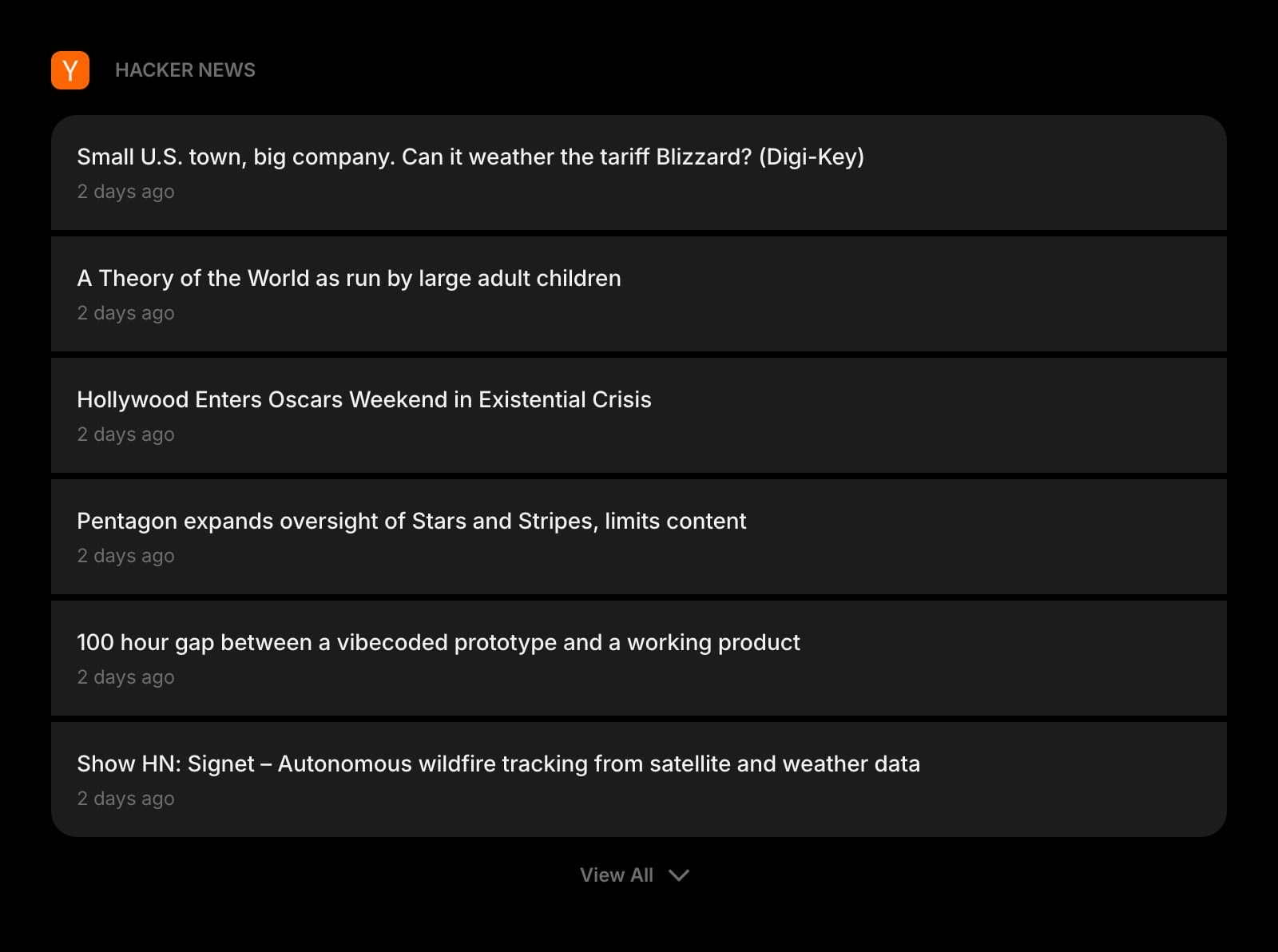
Hacker News
Front Page, Newest, Best, Show HN, Ask HN, and Jobs — the third pillar of developer news, built into your new tab.
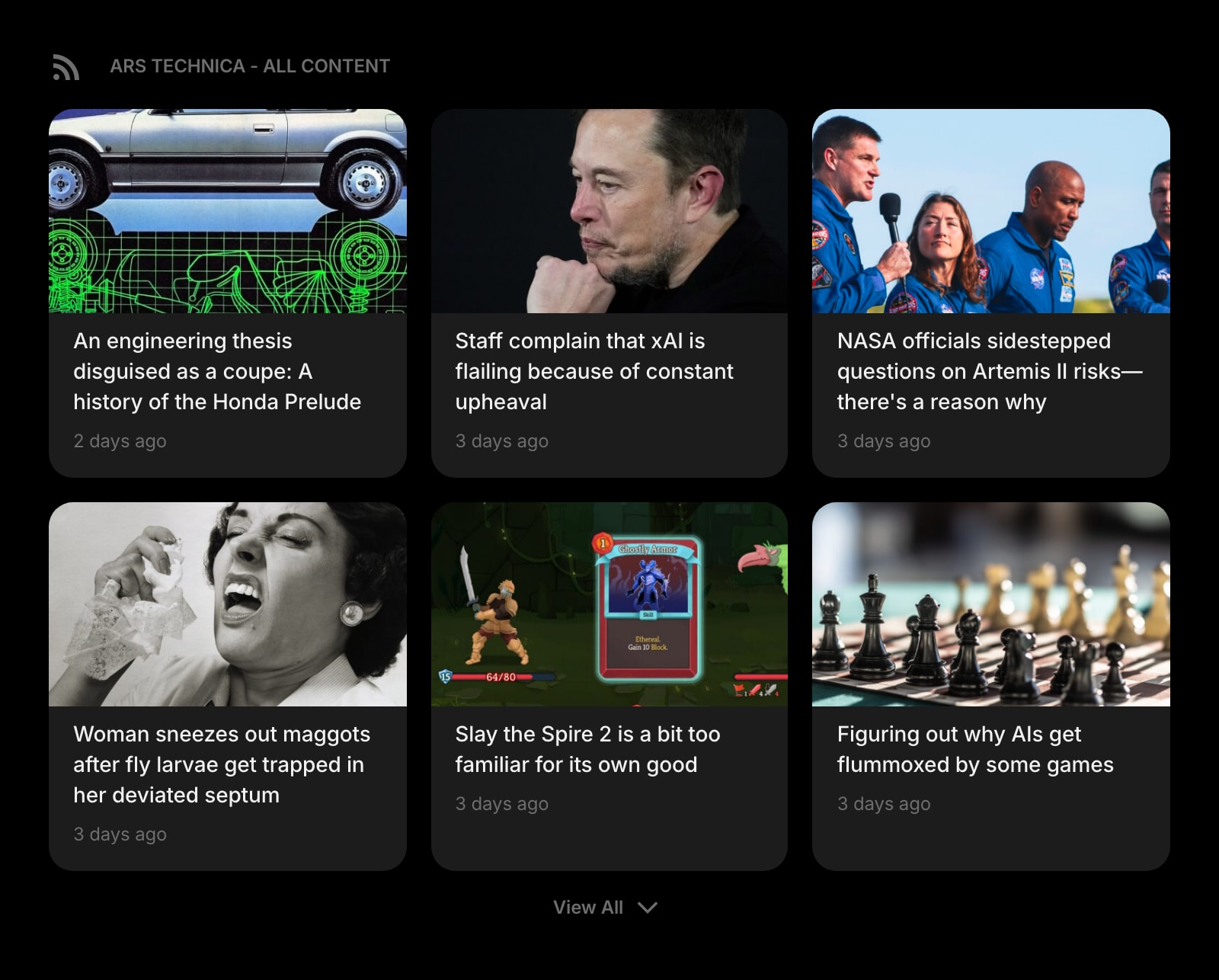
RSS Feed
Follow the dev blogs and sources TLDR links to — or daily.dev tag feeds — directly, in a widget instead of an inbox.
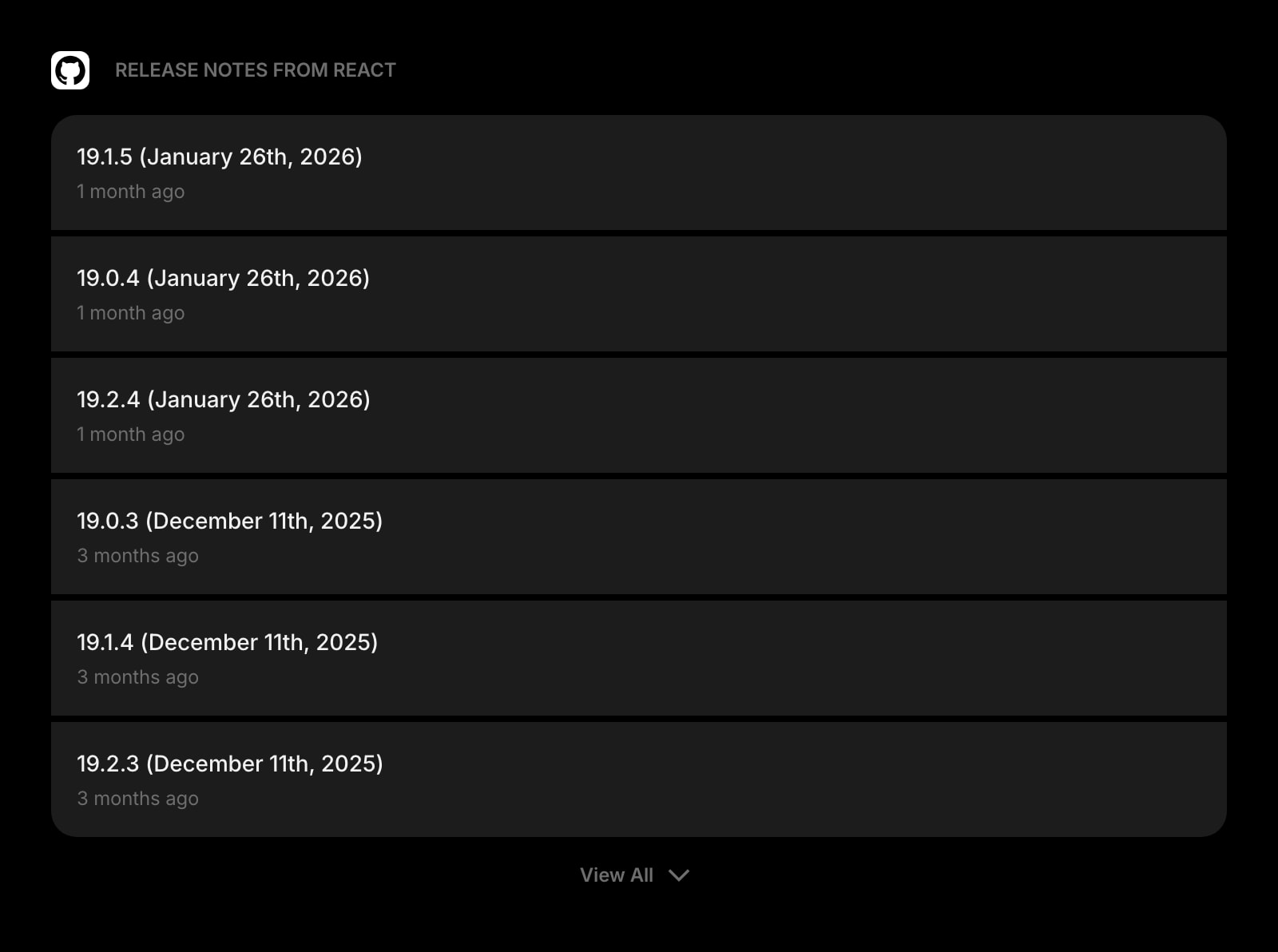
GitHub Releases
The news neither feed covers well: new versions of the exact libraries and tools your projects depend on.
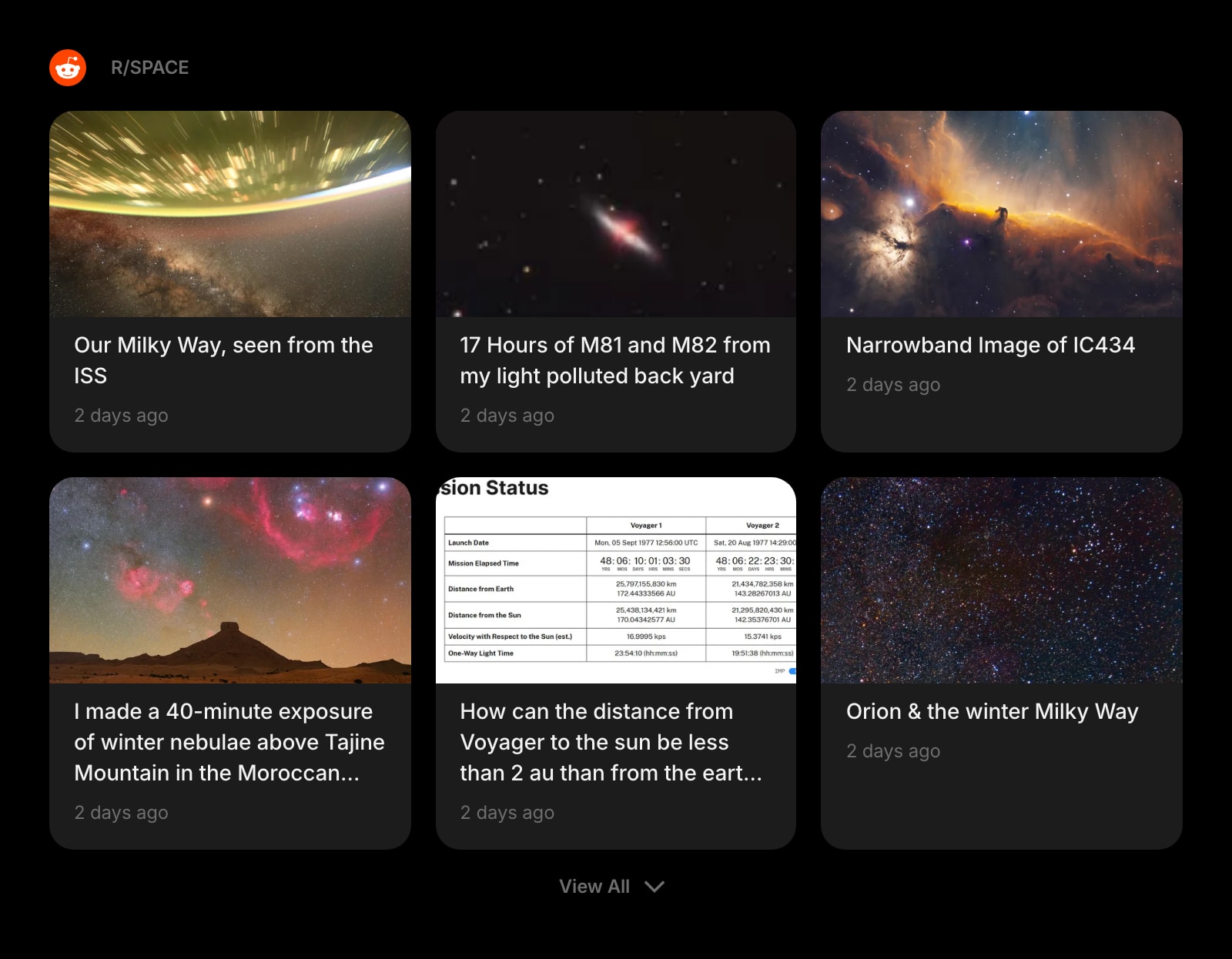
Subreddit
Pull in r/programming, r/webdev, or r/MachineLearning — where the discussion happens after the headlines.
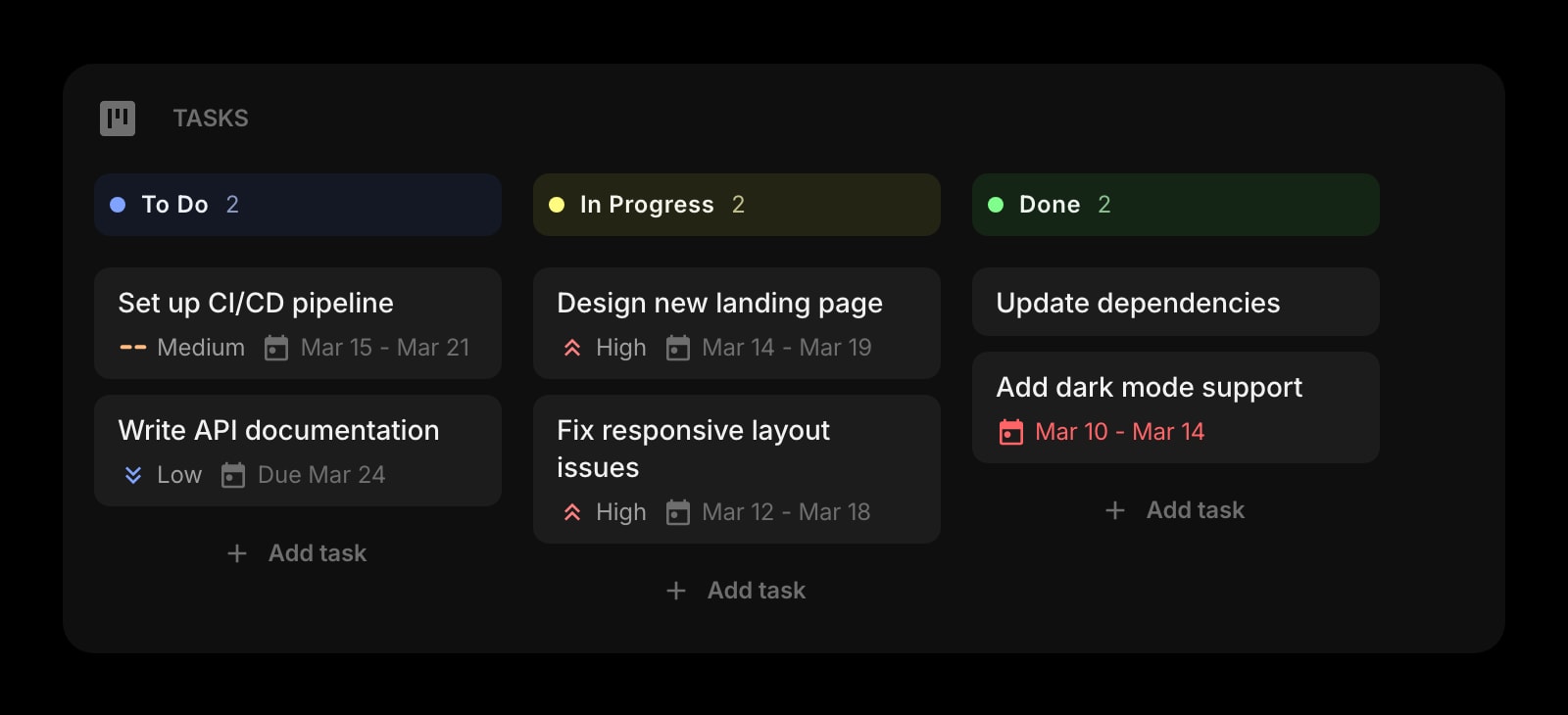
Kanban Tasks
A drag-and-drop board on the same page as the news, so the morning scan flows straight into the workday.
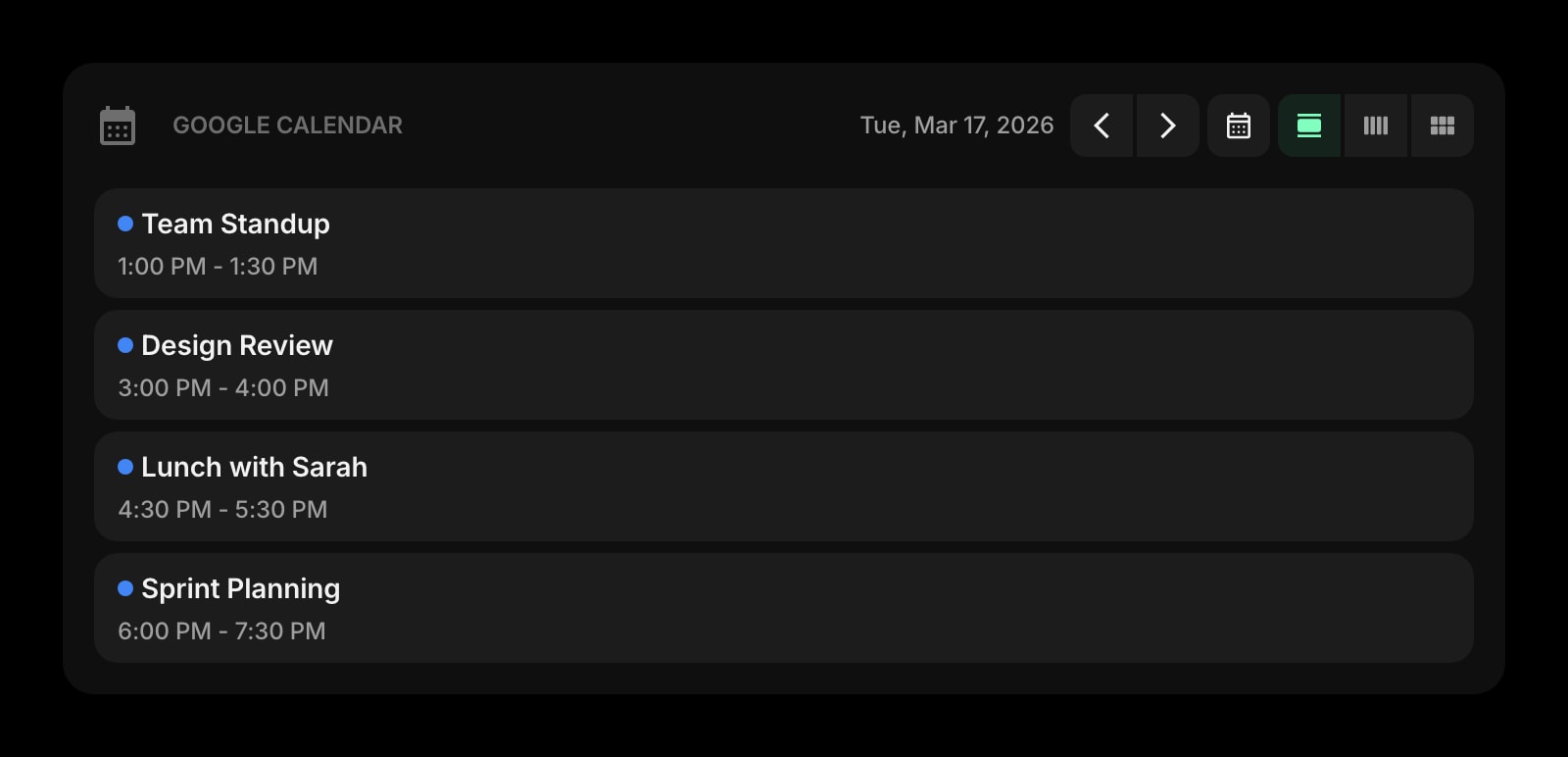
Google Calendar
Your next meetings beside the headlines — one glance covers what is happening in tech and in your day.
Frequently Asked Questions
Yes — completely free for readers, with no premium tier to upsell you into. Every edition in the network (Tech, AI, Dev, Information Security, DevOps, and the rest) costs nothing, and the archive at tldr.tech is open too. The business runs on sponsorships: each issue carries clearly marked sponsor placements, capped at three advertisers per newsletter. That cap is the whole reader-side cost of TLDR.
Yes. TLDR publishes a web archive at tldr.tech where past issues of every edition are readable in the browser, no subscription required. The product is clearly designed inbox-first — the email is the canonical experience and there is no app or official RSS feed — but if you just want to sample a few issues before subscribing, or prefer reading on the web, the archive covers that.
The core daily.dev experience is free: the personalized feed, the Chrome and Edge new-tab extensions, iOS and Android apps, Squads, bookmarks, and search all work without paying. Plus is an optional subscription that unlocks power features — advanced custom feeds with keyword filters, Clickbait Shield, Smart Prompts, and API access. Pricing is shown during signup and varies by region. Free-tier users see sponsored posts mixed into the feed.
Yes, and the combination is genuinely common because they do not overlap in workflow at all. TLDR handles the floor — a guaranteed 5-minute briefing each weekday morning — while daily.dev handles discovery during the day, surfacing stack-specific articles TLDR would never include because they are too narrow for a broad digest. The only real cost of running both is attention: a new-tab feed plus multiple daily emails adds up fast if you are not deliberate about it.
The flagship TLDR (startups, tech, and programming) is the usual starting point. From there, TLDR Dev covers frontend, backend, and full-stack web development; TLDR AI covers machine learning launches and research; and TLDR DevOps and TLDR Information Security cover their respective specialties. Most developers settle on one or two — each edition is its own daily email, and three or more starts to feel like inbox load rather than a digest.
Not as an extension right now. daily.dev officially ships its new-tab extension for Chrome and Edge; the Firefox extension was pulled from the Mozilla add-ons store and remains unavailable, and there has never been a Safari extension. daily.dev points Firefox, Safari, Brave, and other browsers to its progressive web app at app.daily.dev, which has the core feed experience — you just have to navigate to it rather than getting it on every new tab.
The Verdict
This choice is less about which product is better and more about which consumption model matches you. daily.dev wins if you want a personalized, browsable feed with community around it — it rewards tuning and gives you somewhere to go whenever you want dev content. TLDR wins if you want the day in tech compressed into a 5-minute, human-curated email with a hard stop and zero new software. Plenty of developers run both: TLDR as the guaranteed baseline, daily.dev as the discovery layer. And if what you actually want is dev news on your new tab without it taking over the whole tab, Start Page HQ is worth a try.