

The Apple Notes Alternative That Works Everywhere
Apple Notes is a polished native app that lives inside the Apple ecosystem. Start Page HQ is the cross-browser, cross-device alternative — quick notes plus 63+ widgets, on any browser including Safari.
What People Love About Apple Notes
Before we get into where Start Page HQ goes further, credit where it's due.
- A genuinely free, polished native experience on Mac, iPhone, and iPad.
- iCloud sync that just works between Apple devices with no setup.
- A surprisingly capable feature set — folders, tags, sketches, scanned documents, locked notes.
- Tight integration with the rest of macOS and iOS (Share Sheet, Siri, Spotlight).
- Deep search that includes handwritten and scanned-document text.
Where Start Page HQ Goes Further
Specific differences, not vague claims.
Works on Every Browser, Not Just Apple Devices
Apple Notes is great if your whole life is Apple. The moment you touch Windows, Linux, Android, Chrome, Firefox, or Edge, Apple Notes becomes painful. Start Page HQ runs everywhere — including Safari on every Apple device.
A New Tab Dashboard, Not a Separate App
Apple Notes opens as its own app. Start Page HQ lives on every new tab, so capture and review happen in your existing browser flow with zero context switch.
63+ Widgets, Not Just Notes
Apple Notes is a notes app. Start Page HQ ships notes alongside tasks, RSS, weather, podcasts, AI tools, dev utilities, and many more — all included in one plan.
Multi-Page Dashboards by Context
Build separate pages for Work, Personal, News, and Tools. Switch with a click. Apple Notes has folders; Start Page HQ has full new-tab dashboards.
No iCloud or Apple ID Required
Sign in with email or Google. Your data is portable across browsers and devices regardless of which OS or ecosystem you're using today.
AI and Productivity Widgets Built In
AI image generation, translation, instant answers, news summaries, Pomodoro timer, habit tracker, currency converter — none of these exist in Apple Notes.
Side-by-Side Comparison
An honest line-by-line look at how the two stack up.
| Feature | Apple Notes | Start Page HQ |
|---|---|---|
| Pricing | Free with Apple ID | Free plan; $4/mo, $24/yr, $48 LTD |
| Free tier | Yes (full app) | 1 page, 8 widgets |
| macOS native | Yes | Web app + Safari extension |
| iOS / iPadOS native | Yes | Web app (PWA) |
| Windows | No | Yes |
| Linux | No | Yes |
| Android | No | Yes |
| Chrome | iCloud.com only | Yes |
| Firefox | iCloud.com only | Yes |
| Safari | iCloud.com only | Yes |
| Edge | iCloud.com only | Yes |
| Lives on every new tab | No | Yes |
| Cross-device sync | iCloud (Apple only) | Any device |
| Multi-page dashboards | No | Yes |
| Kanban tasks | No | Yes |
| Markdown editor | No | Yes |
| RSS / podcasts / Hacker News | No | Yes |
| AI tools | No | Included |
| Developer tools (JSON, regex, diff) | No | Yes |
| Document scanning / sketches | Yes | No |
Widgets That Replace Apple Notes
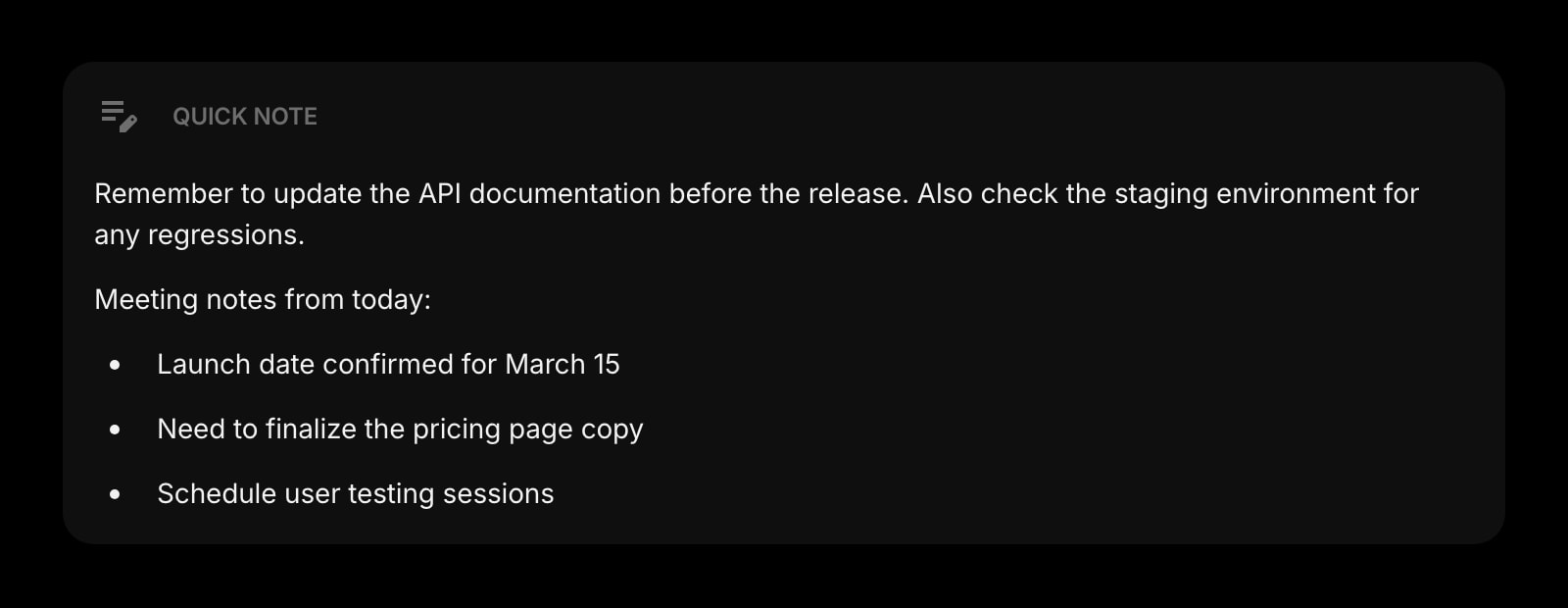
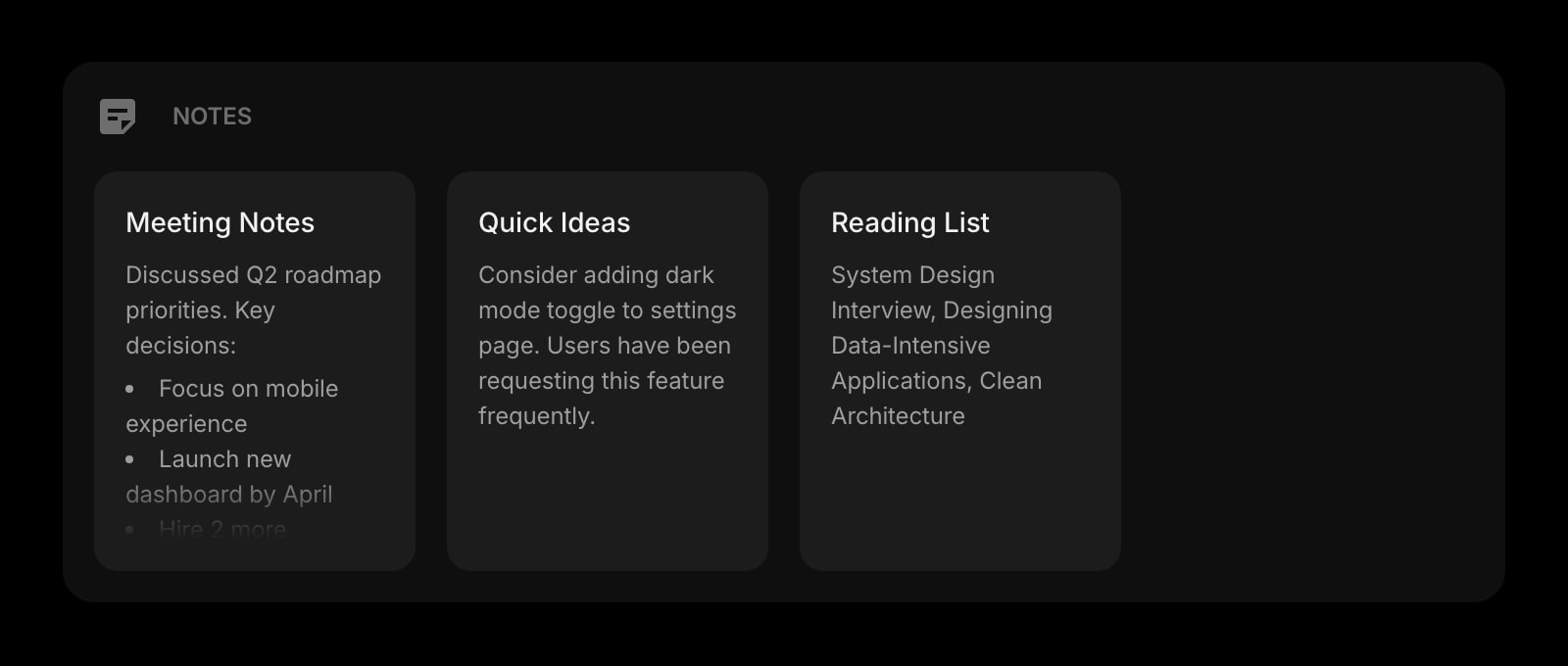
Drop these onto your dashboard and you've covered Apple Notes's core features — plus a lot more.
Frequently Asked Questions
Apple Notes is free with an Apple ID, and Start Page HQ has a free plan of its own — no credit card, 1 page with up to 8 widgets, 55 of the 63 widget types including Quick Note and Notes, cross-device sync on every OS, and 50 one-time AI credits. Extra pages, the 8 premium widgets, and uploads need a paid plan: $4/month, $24/year, or $48 one-time.
Yes — and many users keep both. Apple Notes is a strong long-term archive on Apple devices; Start Page HQ is the dashboard you see on every new tab and the only option once you're outside the Apple ecosystem.
Yes. Sync is included on every plan, free included, and works across every browser and OS. Sign in once and your notes, todos, and dashboards travel with you to Windows, Linux, Android, and any browser.
There is no automated importer. Most users export critical notes from Apple Notes and paste them into Start Page HQ Notes, or keep Apple Notes as the long-term archive and use Start Page HQ for what's active today.
There is no native iOS app, but the hosted web app at startpagehq.com works in Safari and any other iOS browser. You can install it as a PWA from the Share menu for an app-like experience.
Yes, with Start Page HQ Teams — and your teammates do not need Apple devices. A team gets shared workspaces, full dashboards with Notes and every other widget, at $4 per seat per month or $40 per seat per year (minimum 2 seats). Each member is an editor or a viewer, and your personal dashboard stays private.
No. If those are core to your workflow, Apple Notes is still better at those specific features. Start Page HQ focuses on quick capture, dashboards, and a wide widget set instead.
Ready to Try Start Page HQ?
Start free — 1 page, 8 widgets, sync across devices, no credit card. Or open the live demo first, no signup needed.