

Looking for a Toby Alternative?
Toby is a visual tab manager that organizes open tabs into shareable collections. Start Page HQ is the new-tab dashboard alternative — turning saved links into one of 63+ widgets on a real workspace.
What People Love About Toby
Before we get into where Start Page HQ goes further, credit where it's due.
- Toby's core idea — visual collections of saved tabs and links — is genuinely good for research-heavy workflows where browser tab clutter is the real problem.
- 500,000+ users and the Product Hunt #1 Chrome Extension of 2016 — a polished, well-loved tool with a long track record.
- Strong team and collaboration features for sharing collections across a workspace.
- AI-powered organization for grouping related links automatically — added in recent updates.
- Clean drag-and-drop interface that feels closer to a Trello board than a bookmark manager.
Where Start Page HQ Goes Further
Specific differences, not vague claims.
A Full Dashboard, Not Just Tab Collections
Toby is built around saving and organizing tabs — that's its whole story. Start Page HQ is a full new-tab workspace where saved links are one of 63+ widgets sitting alongside Kanban tasks, Pomodoro, RSS, weather, AI tools, and more.
Multi-Page Dashboards With Mixed Widgets
Toby gives you collections of links. Start Page HQ lets you build separate pages for Work, News, Tools, Personal, or any other context, with completely different widget mixes on each — links plus notes plus tasks plus AI plus whatever else fits.
Real Productivity Widgets
Kanban boards, Pomodoro timer, habit tracker, daily quote, world clock, countdown — the productivity widgets that turn a start page into a real workspace, not just a place to dump tabs.
AI Built In
AI image generation, translation, instant answers, daily news summaries, and AI diary — all available as widgets you can drop onto any page. Toby has AI organization for tabs; Start Page HQ has AI for actual work.
Built-In Developer Tools
JSON formatter, regex tester, text diff, base64 encoder, QR code generator, image compression, unit converter, GitHub releases — tools you used to keep in 8 separate browser tabs (the kind of clutter Toby tries to fix), turned into widgets you can drop right onto your dashboard.
Simple Pricing, for You or Your Team
Toby has a freemium model with team plans for collaboration. Start Page HQ has a free plan (1 page, 8 widgets, sync included) and one personal paid plan ($4/month, $24/year, or $48 lifetime) that unlocks every widget, multi-page dashboards, and refilling AI credits. Teams adds shared dashboards at $4 per seat per month.
Use Both, If You Want
Honestly: Toby and Start Page HQ aren't really the same product. Toby is a tab manager. Start Page HQ is a new-tab dashboard. You can keep using Toby for tab session management and use Start Page HQ as your default new-tab page — they don't conflict.
Side-by-Side Comparison
An honest line-by-line look at how the two stack up.
| Feature | Toby | Start Page HQ |
|---|---|---|
| Pricing | Free / paid Pro and Team | Free plan; $4/mo, $24/yr, $48 LTD |
| Free tier | Yes | 1 page, 8 widgets |
| Form factor | Tab manager | New-tab dashboard |
| Widget / integration count | Tabs only | 63+ |
| Chrome | Yes | Yes |
| Firefox | Yes | Yes |
| Safari | No | Yes |
| Edge | Yes | Yes |
| Hosted web app | Yes | Yes |
| Cross-device sync | Cloud account | Included |
| Visual link / tab collections | Yes | Yes |
| Tab session save & restore | Yes | No |
| Team collaboration on collections | Yes | Shared team workspaces |
| Multi-page dashboards | No | Yes |
| Kanban tasks | No | Yes |
| Pomodoro timer | No | Yes |
| Habit tracker | No | Yes |
| RSS / Hacker News / Reddit / podcasts | No | Yes |
| AI tools (image gen, translation, summary) | No | Yes |
| Developer tools (JSON, regex, diff, etc.) | No | Yes |
Widgets That Replace Toby
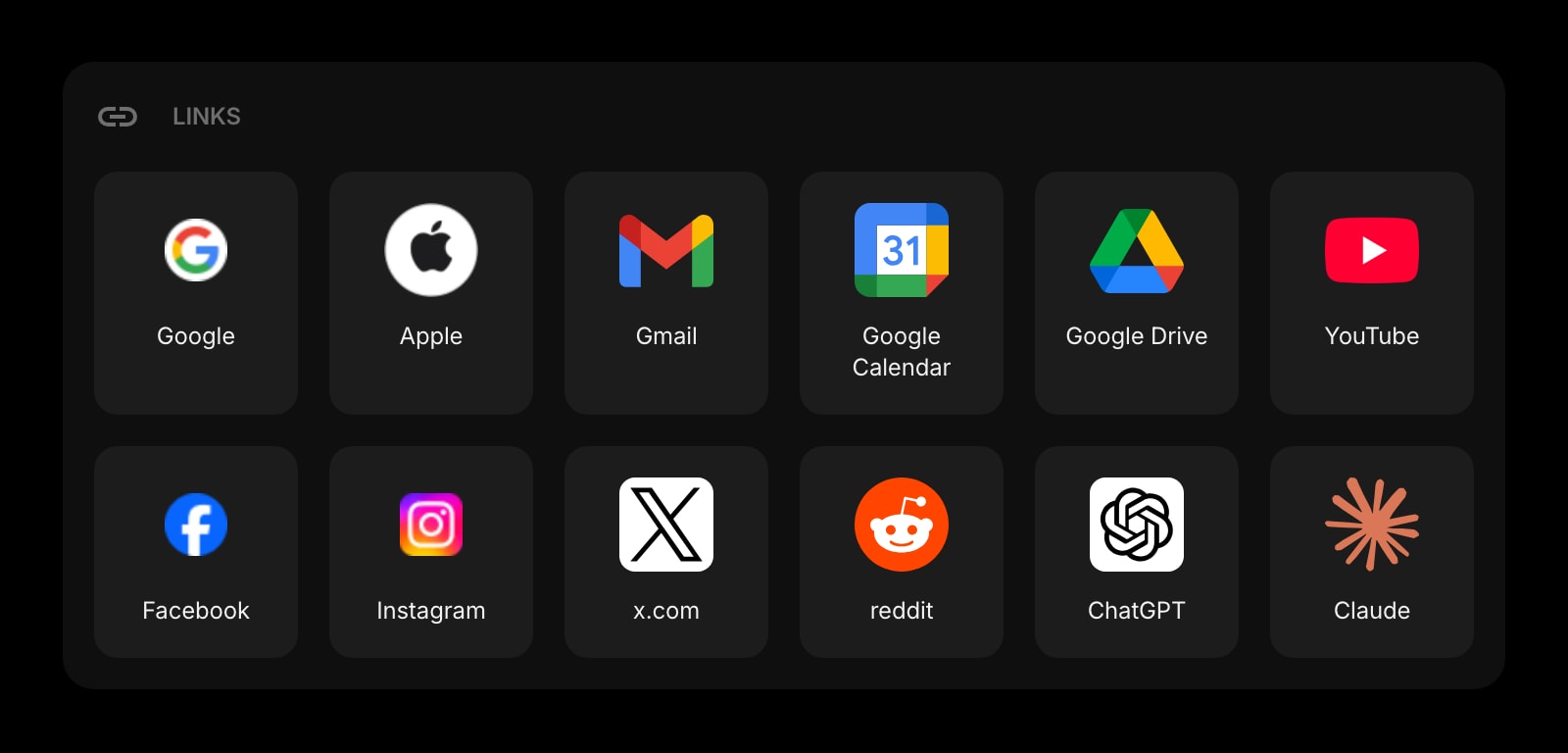
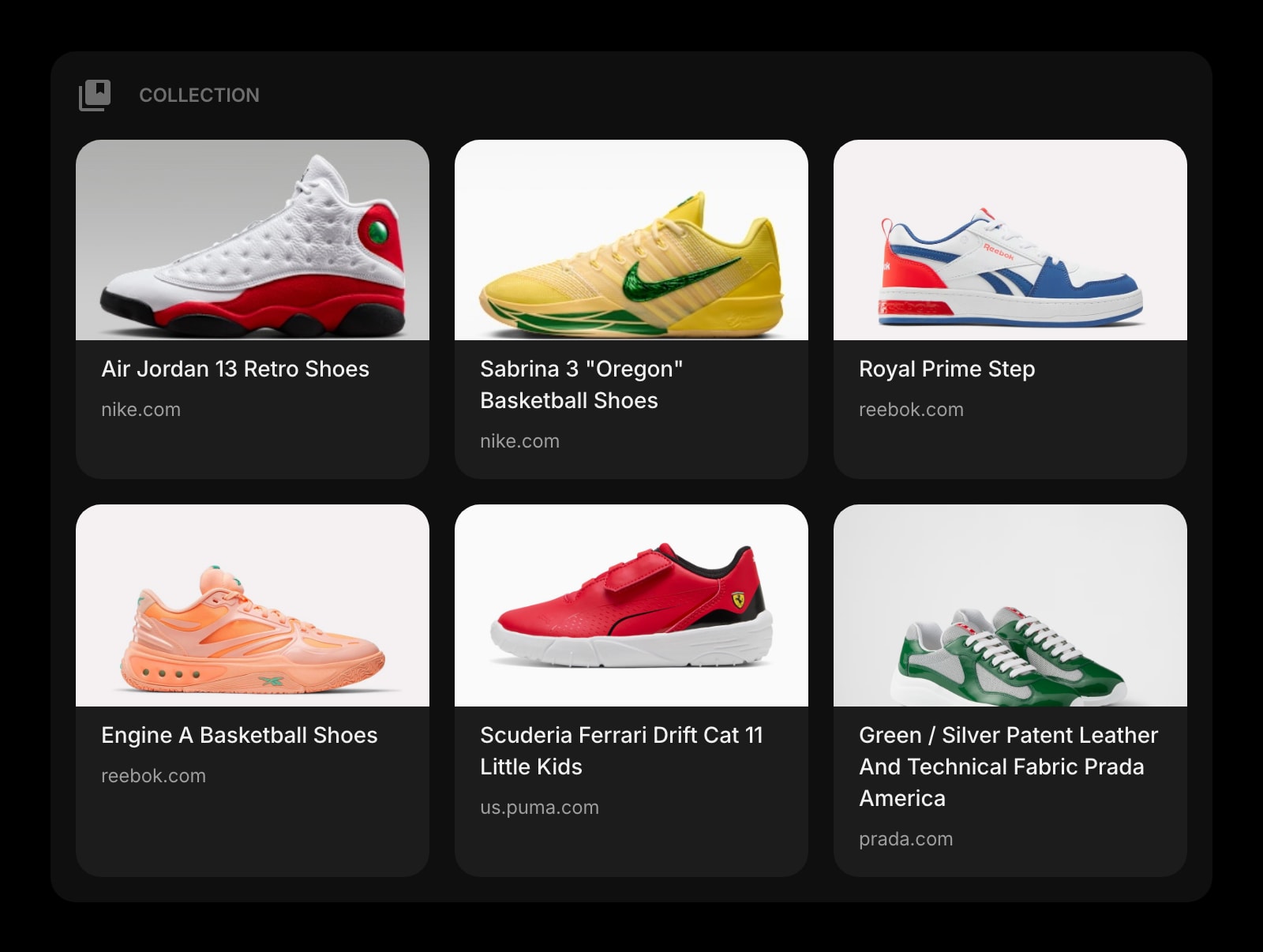
Drop these onto your dashboard and you've covered Toby's core features — plus a lot more.
Frequently Asked Questions
No — and that's the honest framing. Toby manages your open browser tabs and lets you save sessions for later. Start Page HQ replaces your new-tab page with a dashboard of widgets. Different problems. The Links and Collection widgets cover the link-organization side of Toby, but session save/restore is a Toby feature with no direct Start Page HQ equivalent.
Yes — they don't conflict. Many users keep Toby for tab session management and shared team collections, and use Start Page HQ as their default new-tab dashboard for everything else (notes, tasks, weather, RSS, AI tools, dev widgets).
Yes. Start Page HQ has a native Safari extension on macOS, iPadOS, and iOS, plus the hosted web app at startpagehq.com. Toby is Chrome, Firefox, and Edge-only on the extension side, with a web app at web.gettoby.com.
Yes, and sync is included on every plan, the free one included. Sign in once and your pages, widgets, links, and notes sync across every browser and device automatically.
There is no automated importer. Export your collections from Toby (or copy URLs from the web app), open the live demo at startpagehq.com/demo, drop on a Links or Collection widget for each former Toby collection, and paste in the URLs. Most setups port over in 10-15 minutes.
With Start Page HQ Teams, a team gets shared workspaces — new-tab dashboards everyone on the team opens. Put Links and Collection widgets in a workspace and the whole team sees the same links; editors keep them current, viewers get read-only access. Changes show up for others the next time they open a tab, not live. Teams costs $4 per seat per month or $40 per seat per year (minimum 2 seats). If sharing saved tab sessions is the core thing you need, Toby Team is still the better fit.
Ready to Try Start Page HQ?
Start free — 1 page, 8 widgets, sync across devices, no credit card. Or open the live demo first, no signup needed.