

Feedbin vs Feedly: Which Should You Pick?
One is an independent, paid-only reader famous for its clean web app and open API. The other is a freemium platform with first-party mobile apps and an AI assistant. Here is how they differ on pricing, newsletters, YouTube, search, apps, and which one fits how you read.
Pick Feedbin if you want a fast, ad-free reading experience with newsletters, YouTube, and podcasts included in one flat $7/month (or $70/year) plan — and especially if you read through third-party apps like Reeder, Unread, or NetNewsWire. Pick Feedly if you want a free tier to start with (100 feeds, 3 folders), polished first-party iOS and Android apps, and an upgrade path to Leo AI on Pro+. The fundamental split: Feedbin is an indie product you pay for directly, with no ads and no tiers; Feedly is a freemium platform where the best features live behind Pro and Pro+ subscriptions.
At a Glance
A line-by-line look at how Feedbin and Feedly stack up.
| Feature | Feedbin | Feedly |
|---|---|---|
| Free tier | No — 30-day free trial | 100 feeds, 3 folders |
| Paid entry price | $7/mo or $70/yr | Pro ~$6/mo (annual) |
| Higher tier | None — one plan | Pro+ ~$8.25/mo (annual) |
| Ads | None anywhere | On the free tier |
| Newsletter inbox | Included — unique email address | Pro+ (75 newsletters) |
| YouTube subscriptions | Built in — channels + playlists | Via channel feeds |
| Podcast playback | Yes | No |
| Full-text search | Included, with saved searches | Pro and up |
| Automation | Actions (keyword rules) | Mute filters (paid) |
| AI features | No | Leo AI (Pro+) |
| Official iOS app | Yes | Yes |
| Official Android app | No | Yes |
| Third-party client apps | Open API — Reeder, NetNewsWire, Unread, 14+ more | Supported in major clients |
| Browser extension | Safari, Chrome, Firefox | Chrome, Firefox (Edge via Chromium) |
| Hosted web app | Yes | Yes |
| Cross-device sync | Included | Included |
| OPML import / export | Yes | Yes |
| Team / enterprise plans | No | Team boards, Threat & Market Intelligence |
Feature by Feature
How each product handles the things that actually matter day to day.
Business Model and Free Tier
This is the deepest difference between the two. Feedbin is a small, independent product that has run on one simple deal since 2013: you pay $7/month or $70/year, and you get everything — no tiers, no add-ons, no ads, no investor-driven pivots. There is a 30-day free trial (no credit card), but no permanent free plan, by design: subscribers are the only customer. Feedly is a venture-backed platform with a freemium funnel: the free tier covers 100 feeds and 3 folders with ads, and the features most people actually want — search, notes, integrations, AI — are spread across the Pro and Pro+ tiers, with separate enterprise products for threat and market intelligence above that. Neither model is wrong; they just attract different users.
Reading Experience
Feedbin is frequently described as the best-looking way to read RSS on the web. The web app is fast and quiet, with carefully chosen typography, light and dark themes, a full-screen reading mode, and full-content extraction that pulls complete articles out of truncated feeds. There is nothing competing for your attention — no suggested content, no promos. Feedly is more visual: card and magazine layouts, big imagery, Boards for saving and sharing articles, and a Today view that surfaces what is new. Feedly also recommends sources and topics as you browse, which some readers find useful for discovery and others find noisy. Minimalists tend to land on Feedbin; readers who like a curated, app-like experience tend to land on Feedly.
Newsletters, YouTube, and Podcasts
Feedbin quietly became more than an RSS reader. Every account includes a unique Feedbin email address — use it to sign up for newsletters and they arrive in your reading list instead of your inbox. YouTube channels and playlists are first-class subscriptions, shown chronologically with no algorithm. Podcasts are supported with playback and progress tracking, plus a companion iOS podcast app called Airshow. On Feedly, newsletters require the Pro+ tier (up to 75), YouTube channels can be followed as ordinary feeds, and there is no built-in podcast playback. If "everything I follow in one place" is the goal, Feedbin includes more of it at its single price.
Search and Automation
Feedbin ships full-text search across everything you subscribe to, including saved searches that act like smart folders. Its Actions feature adds simple keyword automation: auto-star, mark as read, or send a push notification when an article matches your criteria. Feedly gates search behind the paid tiers — the free plan cannot search at all — and offers mute filters on paid plans to hide topics and keywords. Power filtering on Feedly really arrives with Leo on Pro+, which deduplicates stories and prioritizes what it learns you care about. For included-by-default utility, Feedbin wins; for smarter, trainable filtering, Feedly Pro+ goes further.
AI Features
Feedly has made AI its centerpiece. Leo, available on Pro+, reads your feeds and prioritizes must-reads, mutes what you do not care about, deduplicates near-identical coverage, and powers AI feeds around topics and companies; the enterprise tiers build full threat and market intelligence on the same engine. Feedbin has deliberately stayed out of the AI race: it is a chronological reader that shows you what you subscribed to, in order, and nothing else. Whether that is a limitation or the whole point depends entirely on you — high-volume readers drowning in duplicates benefit from Leo; readers who distrust algorithmic mediation pick Feedbin precisely because there is none.
Apps, Clients, and Browser Support
Feedly ships polished first-party apps for iOS and Android, plus browser extensions for Chrome and Firefox (Edge works via the Chromium store; there is no Safari extension). Feedbin ships an official iOS and Mac app and a Subscribe & Save browser extension that covers Safari as well as Chrome and Firefox — but no official Android app. The twist is Feedbin’s open API: it is the de facto standard sync backend for the best independent RSS clients, including Reeder, NetNewsWire, Unread, ReadKit, lire, and Fiery Feeds on Apple platforms, and Capy Reader, FocusReader, and FeedMe on Android. Feedly also works with several major third-party clients, but its experience is designed around its own apps. If you already love a specific reading app, check which service it syncs with — that alone often decides this comparison.
Pricing
The two pricing models are almost opposites. Feedbin has one plan: $7/month or $70/year, with a 30-day free trial that does not require a credit card. Everything is included — RSS, the newsletter address, YouTube subscriptions, podcasts, full-text search, Actions, the iOS and Mac apps, the browser extension, and API access for third-party clients. There is no free tier and no upsell: the price you see is the whole product. Feedly Free costs nothing and covers up to 100 feeds in 3 folders, with ads and without search, notes, or integrations. Feedly Pro runs about $6/month billed annually ($72/year, or $6.99 month-to-month) and adds search, notes, highlights, hiding ads, more sources, and Zapier/IFTTT integrations. Feedly Pro+ runs about $8.25/month billed annually ($99/year, or $12.99 month-to-month) and is where the headline features live: Leo AI, the newsletter inbox (75 newsletters), AI feeds, and the RSS Builder. Feedly also sells separate, custom-priced Threat Intelligence and Market Intelligence products for enterprise teams. Net: if you will never pay, Feedly is the only option of the two. If you were going to pay anyway, the comparison is close — Feedbin at $70/year is almost exactly Feedly Pro at $72/year, and undercuts Pro+ at $99/year while including newsletters, podcasts, and YouTube that Feedly reserves for its top tier. You are effectively choosing between Feedly’s AI and Feedbin’s everything-included simplicity.
Which One Should You Pick?
Specific use cases, not vague verdicts.
Choose Feedbin If
Indie, ad-free reader for RSS, newsletters, YouTube, and podcasts — one paid plan, everything included.
- You want an ad-free, distraction-free reader and are happy to pay a flat price for it.
- You want newsletters, YouTube channels, and podcasts in the same chronological list as your RSS — without buying a top tier.
- You read through apps like Reeder, Unread, NetNewsWire, or ReadKit and want the best-supported sync backend.
- You use Safari and want a real browser extension for subscribing and saving.
- You prefer supporting a small, independent product with a direct business model and no algorithmic feed.
Choose Feedly If
Freemium RSS platform with polished mobile apps and Leo AI on the top consumer tier.
- You want to start free and decide later — 100 feeds and 3 folders cost nothing.
- You want polished first-party mobile apps on both iOS and Android.
- You follow high-volume news and want Leo AI to deduplicate, filter, and prioritize for you.
- You share reading with a team via Boards, Slack, or Teams integrations.
- You might grow into Feedly’s Threat Intelligence or Market Intelligence products at work.
Start Page HQ
Both Feedbin and Feedly are destination readers — separate places you have to deliberately open, on top of the inbox, calendar, and task list you already check. For a lot of people, that destination visit is exactly what stops happening after the first month.
Start Page HQ takes the opposite approach: it puts your reading on the new tab you already open dozens of times a day. A customizable dashboard with 63+ widgets places your RSS feeds, Substack newsletters, YouTube channels, podcasts, and Hacker News right next to your todos, calendar, and links — so skimming the morning’s headlines happens in passing, not as a separate errand. At $24/year it also costs less than half of Feedbin’s $70/year. You can keep a dedicated reader for deep archives and offline reading, and let Start Page HQ cover the ambient daily checking. Unlike Feedbin it does have a free plan — one page, 8 widgets, preset feed sources, sync included — plus a no-signup demo if you would rather look before you commit to even that. A team that follows the same sources can share one workspace of feeds and links through Teams, at $4 per seat per month (or $40 per seat per year, minimum 2 seats).
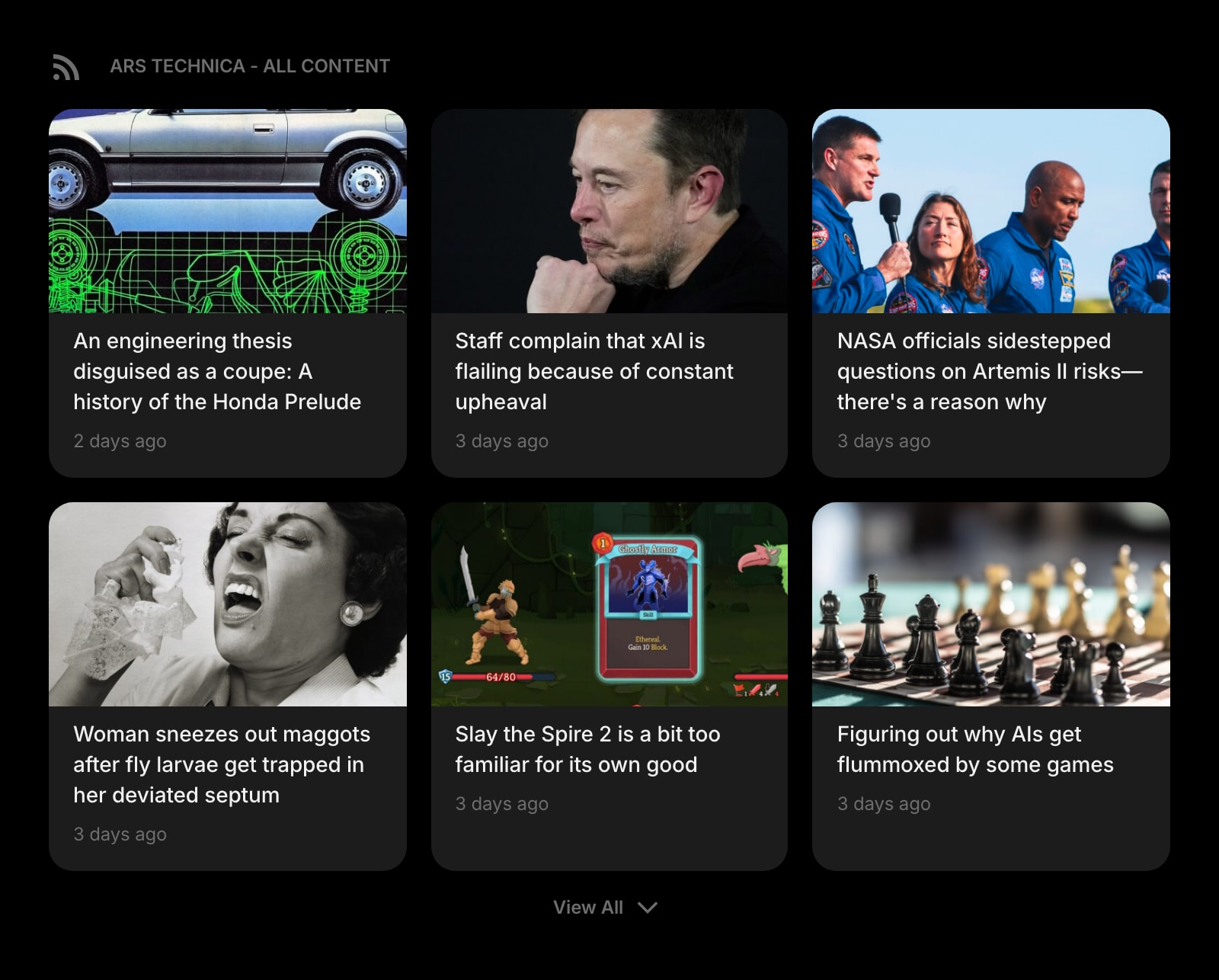
RSS Feed
Follow RSS and Atom feeds from any site, right on your start page — the core of both Feedbin and Feedly, zero tabs away.
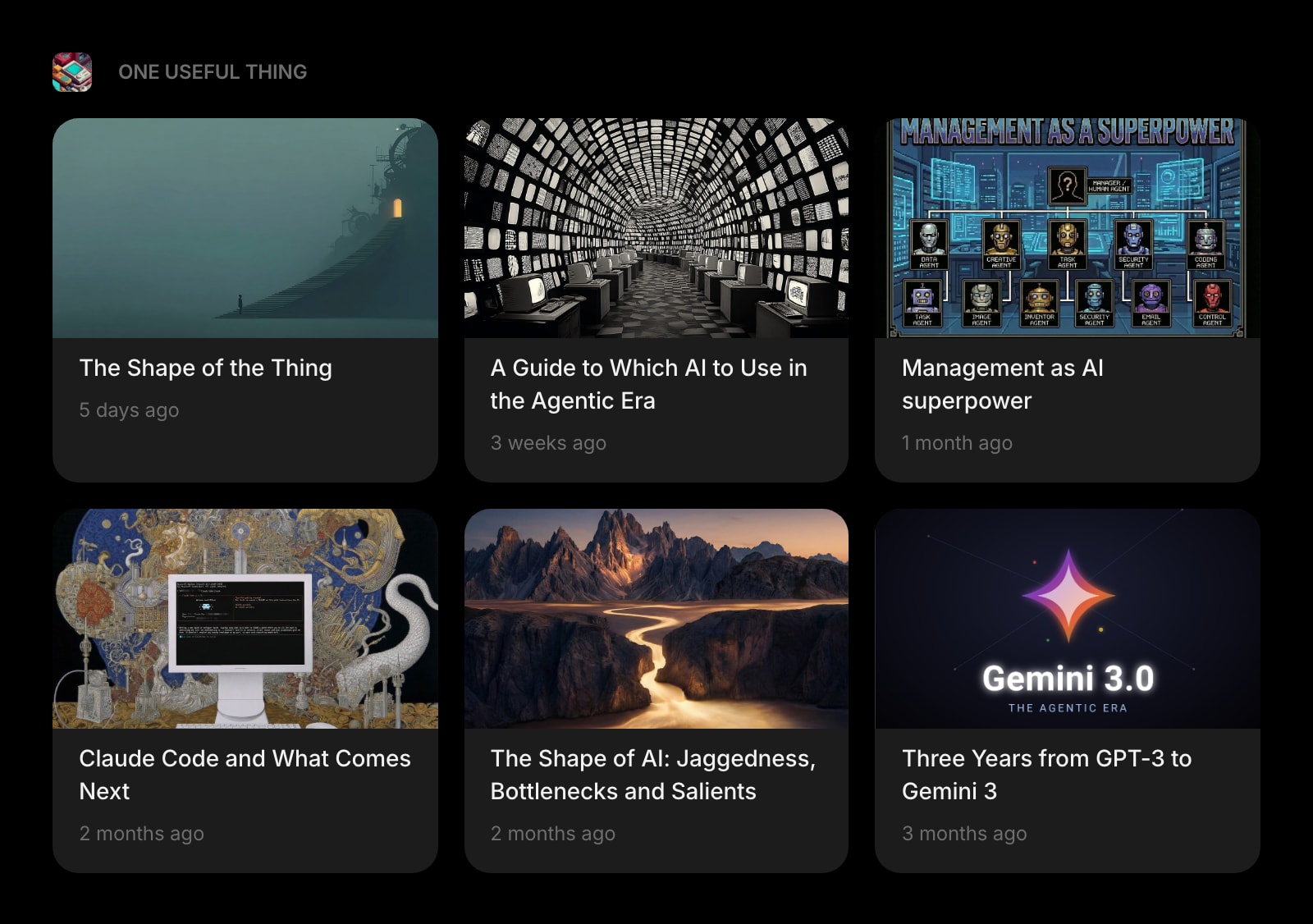
Substack
Track your favorite Substack writers on your new tab — no unique inbox address to manage, no Pro+ newsletter slots to count.
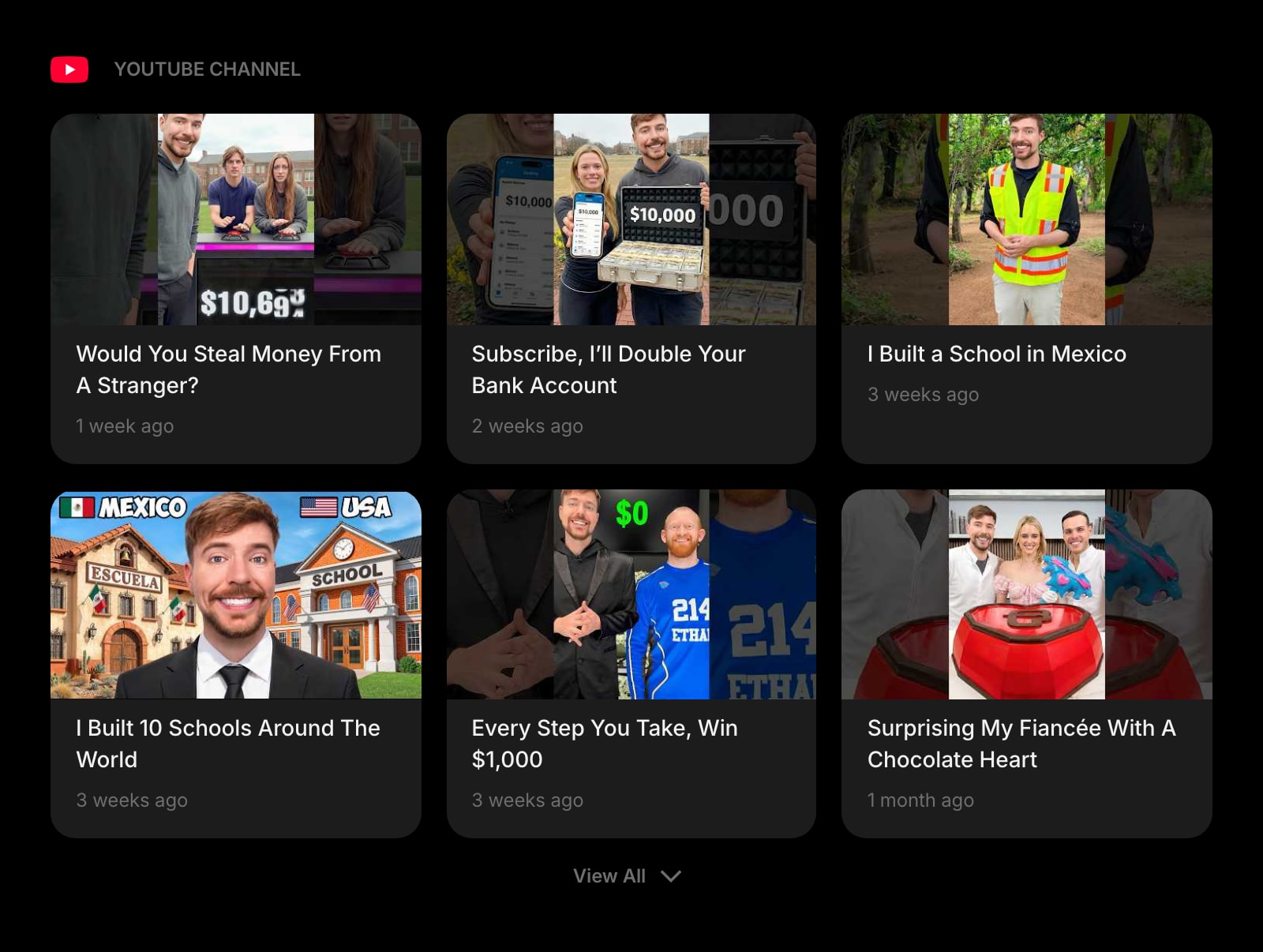
YouTube Channel
Latest videos from the channels you choose, chronological and algorithm-free — the same promise as Feedbin’s YouTube support, on every new tab.
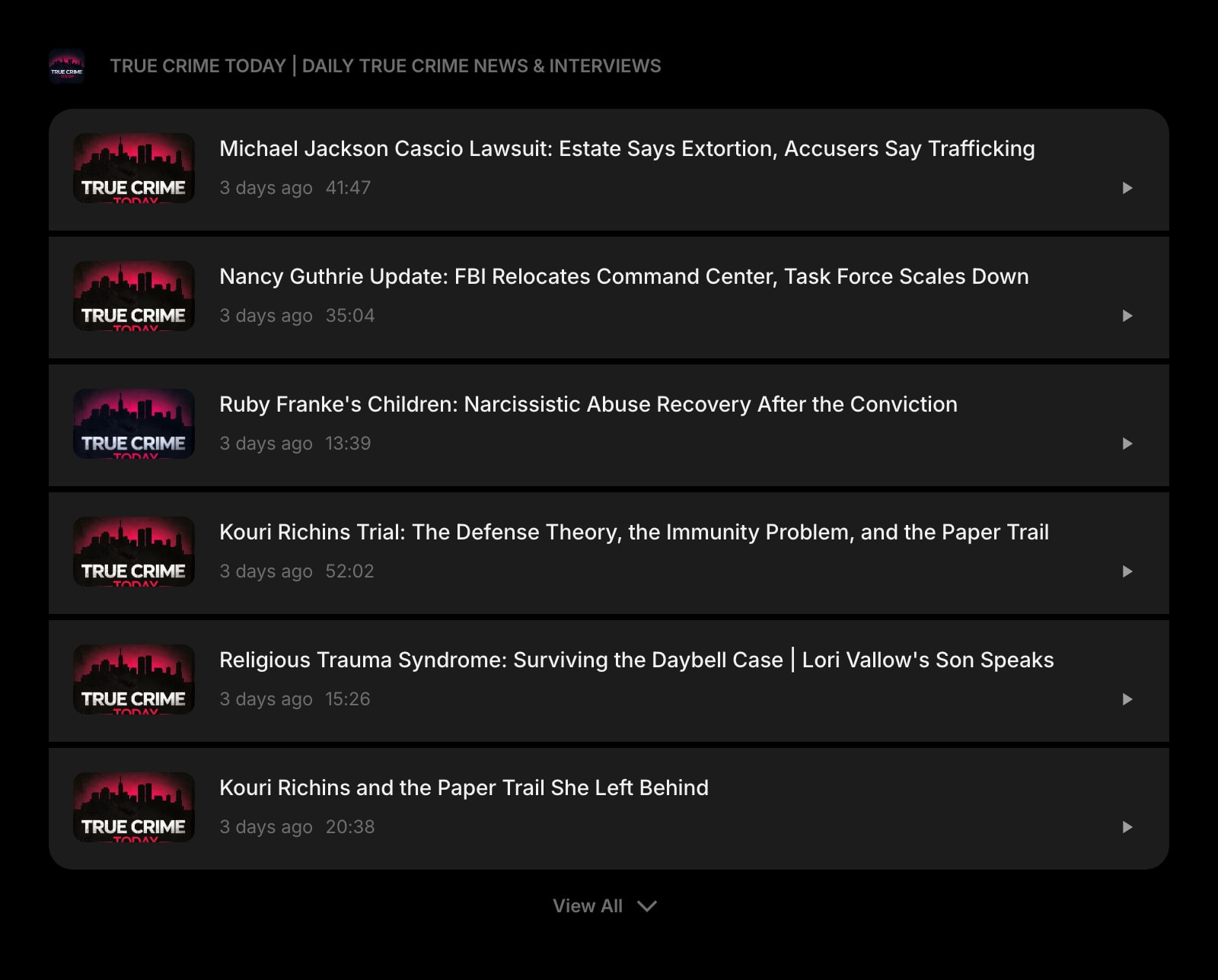
Podcast
New episodes from your shows, with playback right on your dashboard — next to the articles instead of in a separate app.
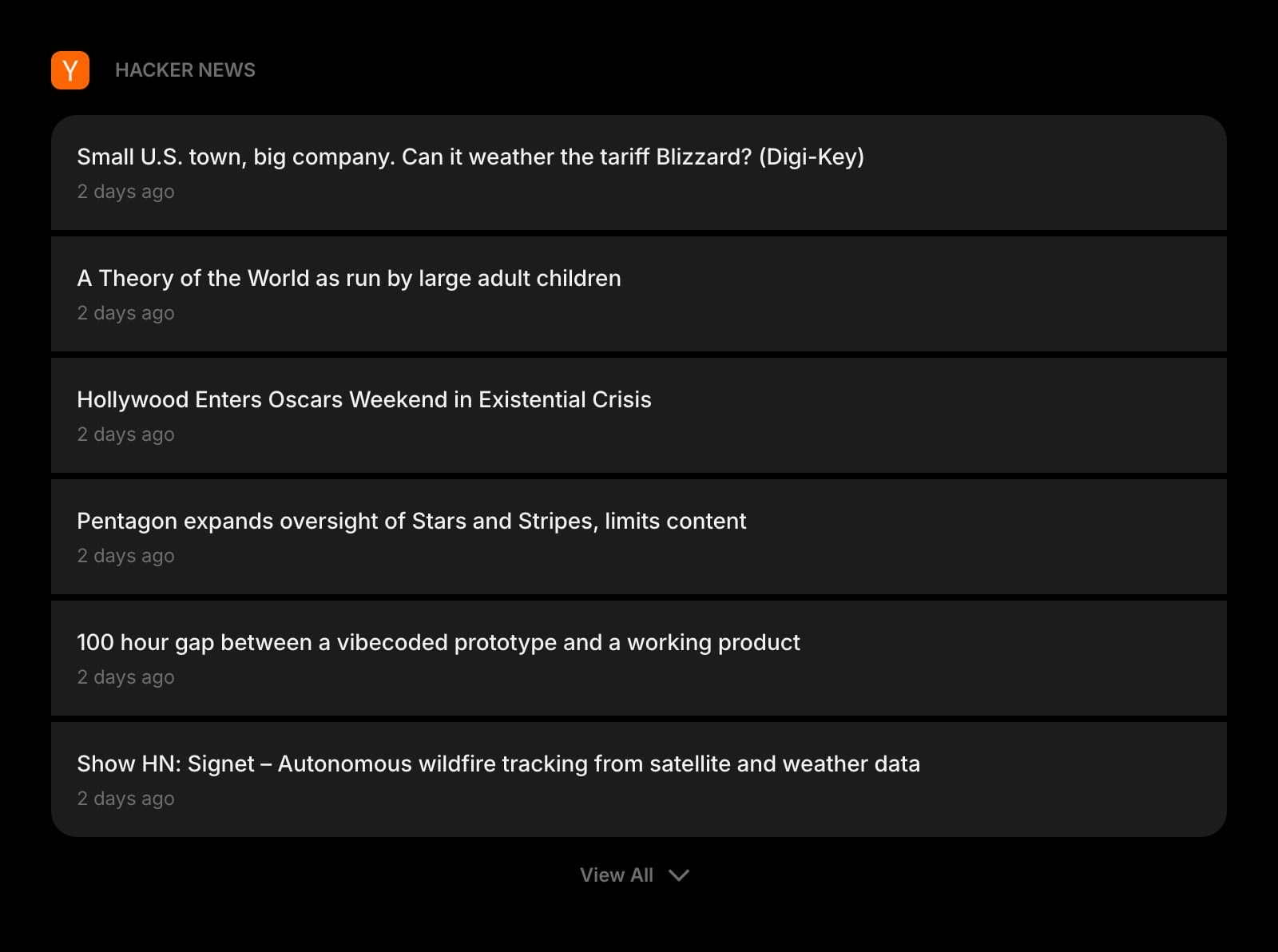
Hacker News
A dedicated Hacker News widget with Front Page, Best, Show HN, and Ask HN — no feed-wrangling required.
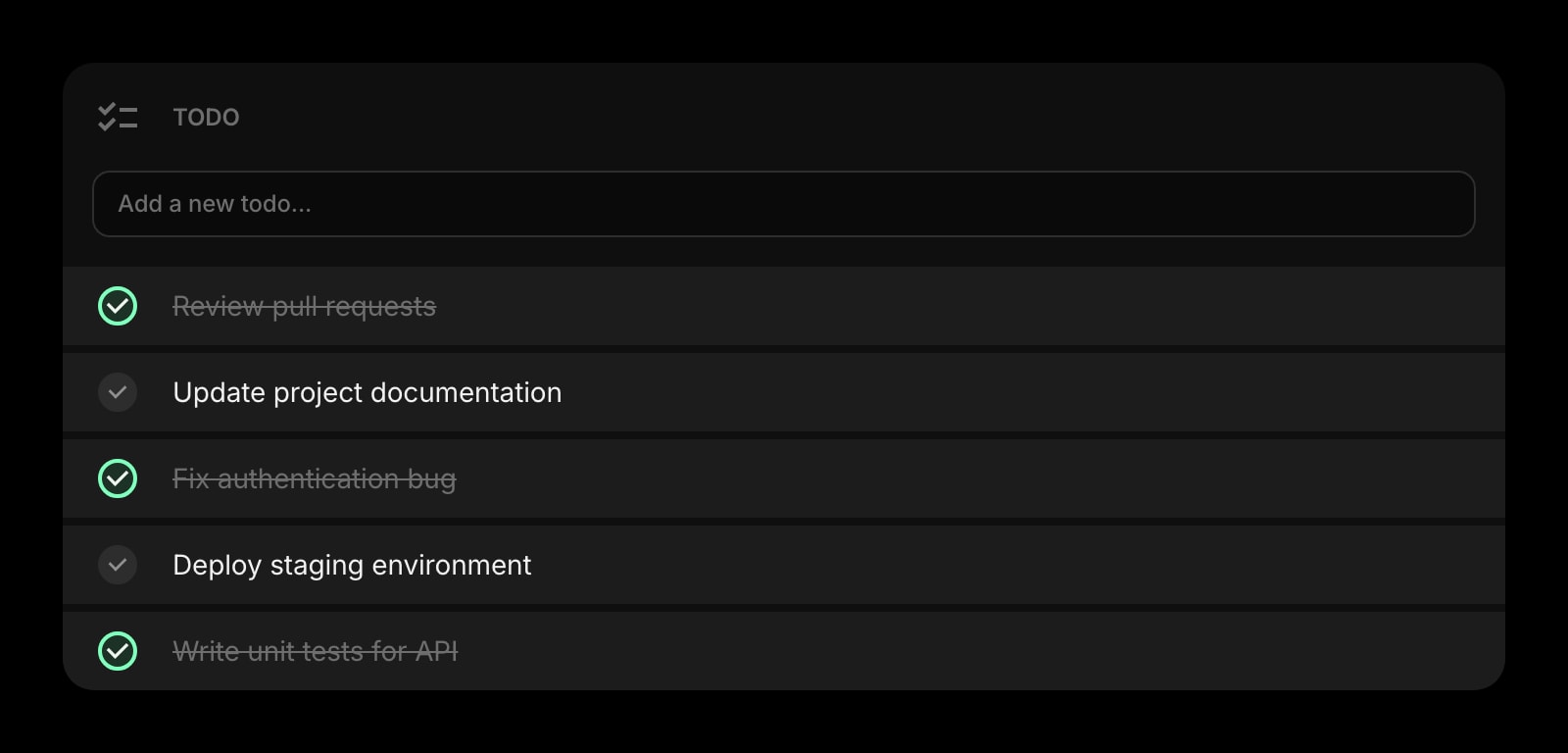
Todo
A task list that lives beside your feeds, so an article worth acting on becomes a todo without switching apps.
Frequently Asked Questions
No. Feedbin offers a 30-day free trial (no credit card required), after which it costs $7/month or $70/year. There is deliberately no permanent free tier — Feedbin’s pitch is that because subscribers are the only source of revenue, there are no ads, no data selling, and no feature tiers. If a free plan is a hard requirement, Feedly Free (100 feeds, 3 folders) is the option between these two — or Start Page HQ’s free plan, if you would rather your feeds sat on your new tab than in a dedicated reader.
Both services work with third-party clients, but Feedbin is the standout. Its open API is supported by more than a dozen apps — Reeder, NetNewsWire, Unread, ReadKit, lire, and Fiery Feeds on Apple platforms, plus Capy Reader, FocusReader, FeedMe, and others on Android. Feedly also syncs with several major clients (including Reeder and NetNewsWire), though its experience is built primarily around its own first-party apps. If a specific reading app is central to your workflow, check its account list first.
Feedbin, unless you are already paying for Feedly Pro+. Every Feedbin account includes a unique email address — sign up for newsletters with it and they appear alongside your feeds, with the same search and sharing tools. On Feedly, the newsletter inbox is a Pro+ feature (about $8.25/month billed annually) capped at 75 newsletters. On Feedbin it is simply part of the one $7/month plan.
At the free tier, yes — Feedly Free exists and Feedbin has no free plan. Among the paid plans it is nearly a tie: Feedbin is $70/year, Feedly Pro is about $72/year, and Feedly Pro+ is about $99/year. The real difference is what you get: Feedbin’s single price includes newsletters, YouTube, podcasts, and full search, while on Feedly the newsletter inbox and Leo AI require the $99/year Pro+ tier.
Yes. Both services import and export standard OPML files, so moving your subscription list in either direction takes a few minutes. Tags, folders, saved searches, boards, and automation rules do not transfer, but the feeds themselves do — and the 30-day Feedbin trial or the Feedly free tier makes it easy to test the other side without commitment.
Feedbin ships an official iOS app (which also includes a Safari extension) and a Mac app, but no official Android app — on Android you use third-party clients like Capy Reader, FocusReader, or FeedMe, which sync through Feedbin’s API. Feedly has polished first-party apps on both iOS and Android. If you want one official app on every platform, Feedly has the edge; if you are on Apple hardware or happy with third-party clients, Feedbin is fully covered.
The Verdict
Feedbin and Feedly are both excellent, mature readers, and the choice mostly comes down to model and taste. Pick Feedbin if you want a calm, ad-free reading tool with newsletters, YouTube, podcasts, and search all included at one flat price, plus the best third-party app ecosystem in the category. Pick Feedly if you want to start free, prefer strong first-party mobile apps, or want Leo AI doing triage on a high-volume reading list — with room to grow into team and intelligence features. Either way, OPML makes it cheap to change your mind later. And if the real problem is that you stop visiting any dedicated reader after a few weeks, a start page that brings the feeds to your new tab — like Start Page HQ — is worth a try.