What's New in Start Page HQ: Public Sharing, Photo Frame, and File Attachments
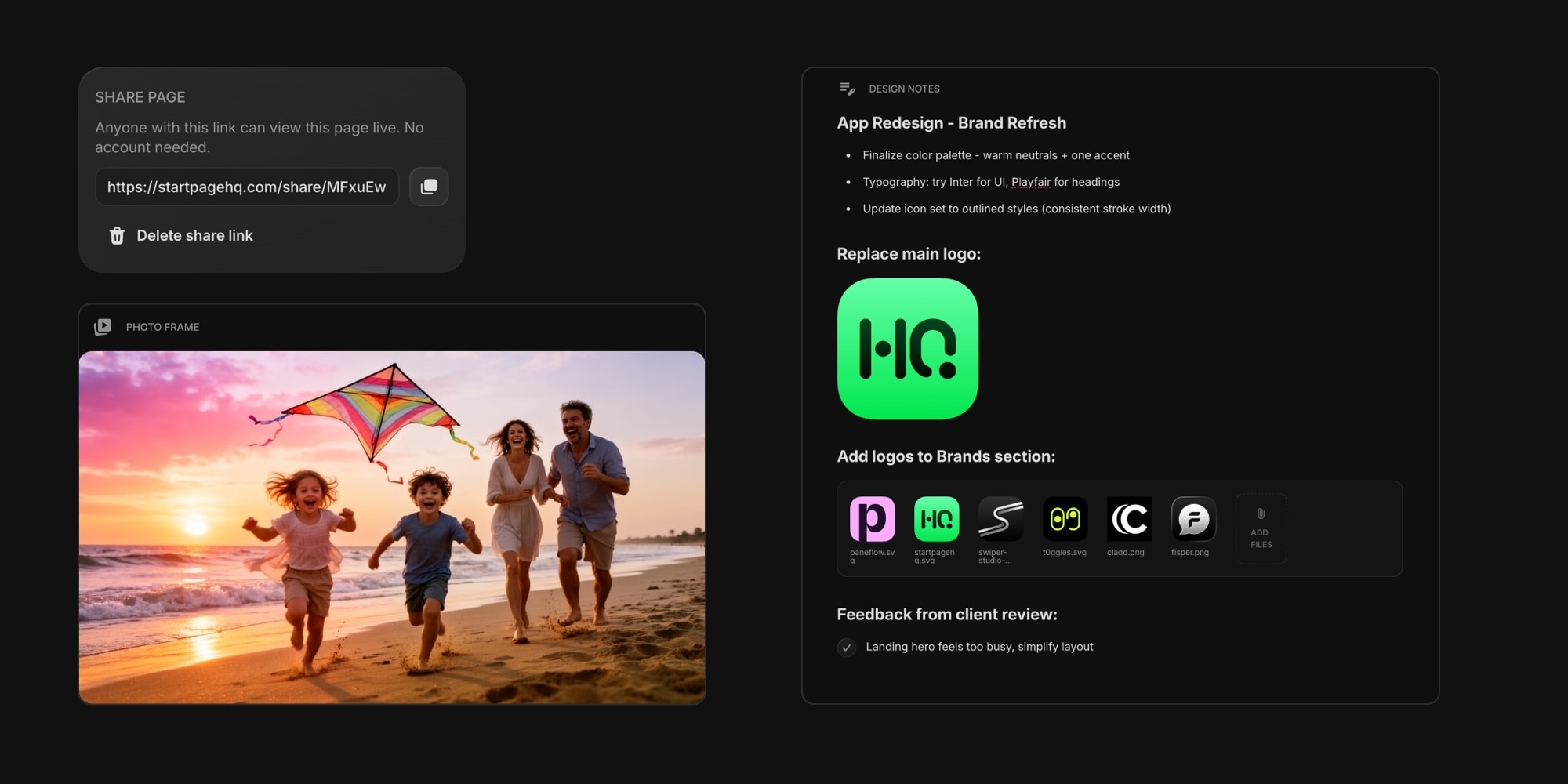
This update brings three of our most requested features to Start Page HQ. You can now share any page or widget with a public link, turn a spot on your dashboard into a rotating photo slideshow, and attach images and files directly inside Notes and Quick Note. Here is everything that is new.
#Share Any Page or Widget With a Public Link
You can now share a page or a single widget as a live, read-only view. Create a link, send it to anyone, and they open it in their browser - no account, no sign-in, and no extension required.
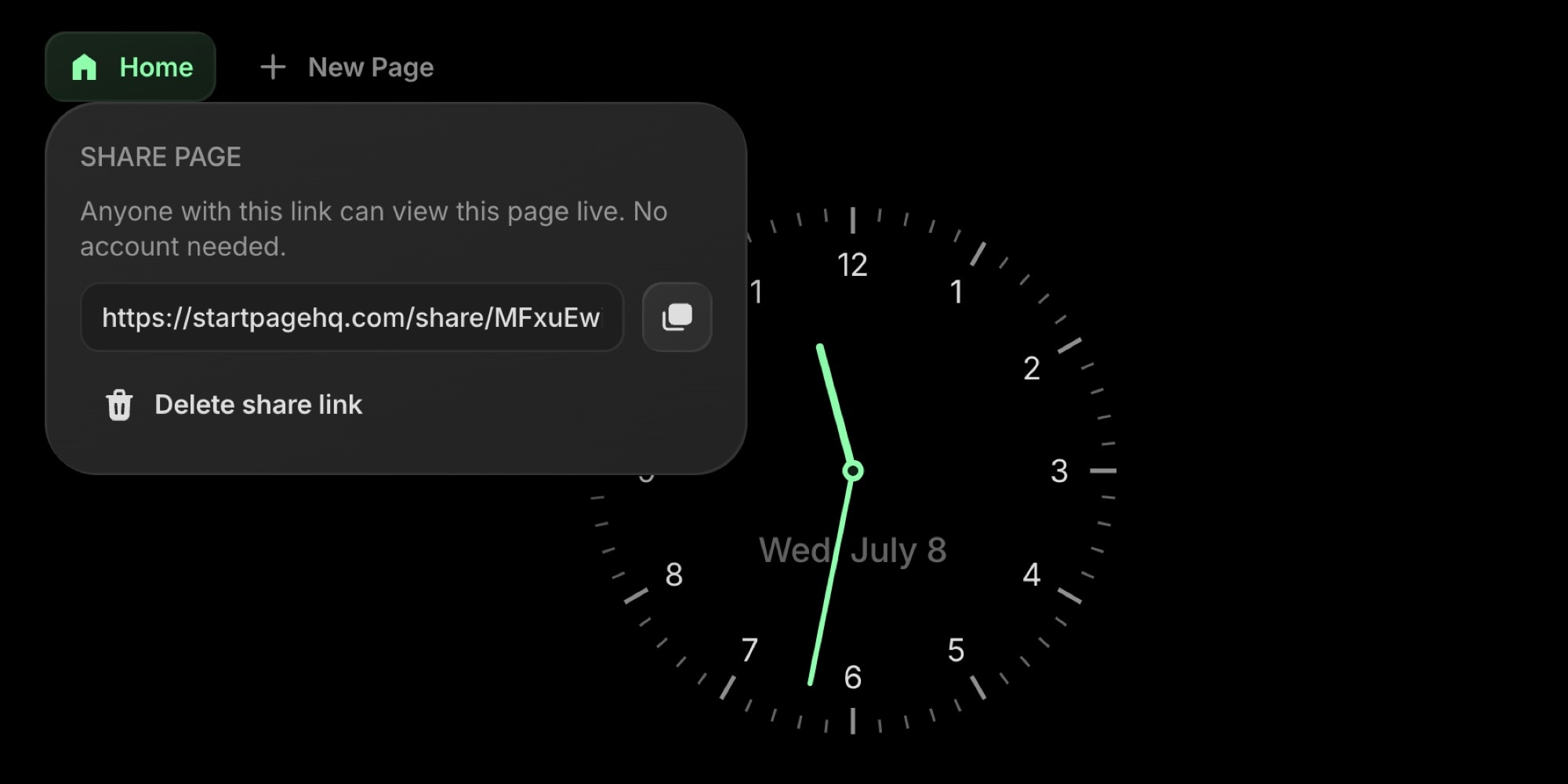
To share a page, right-click its tab (or long-press on mobile) and choose Share Page. A link is created instantly, ready to copy.
Sharing a single widget works the same way. Right-click the widget and choose Share Widget, or open its settings and click the share icon.
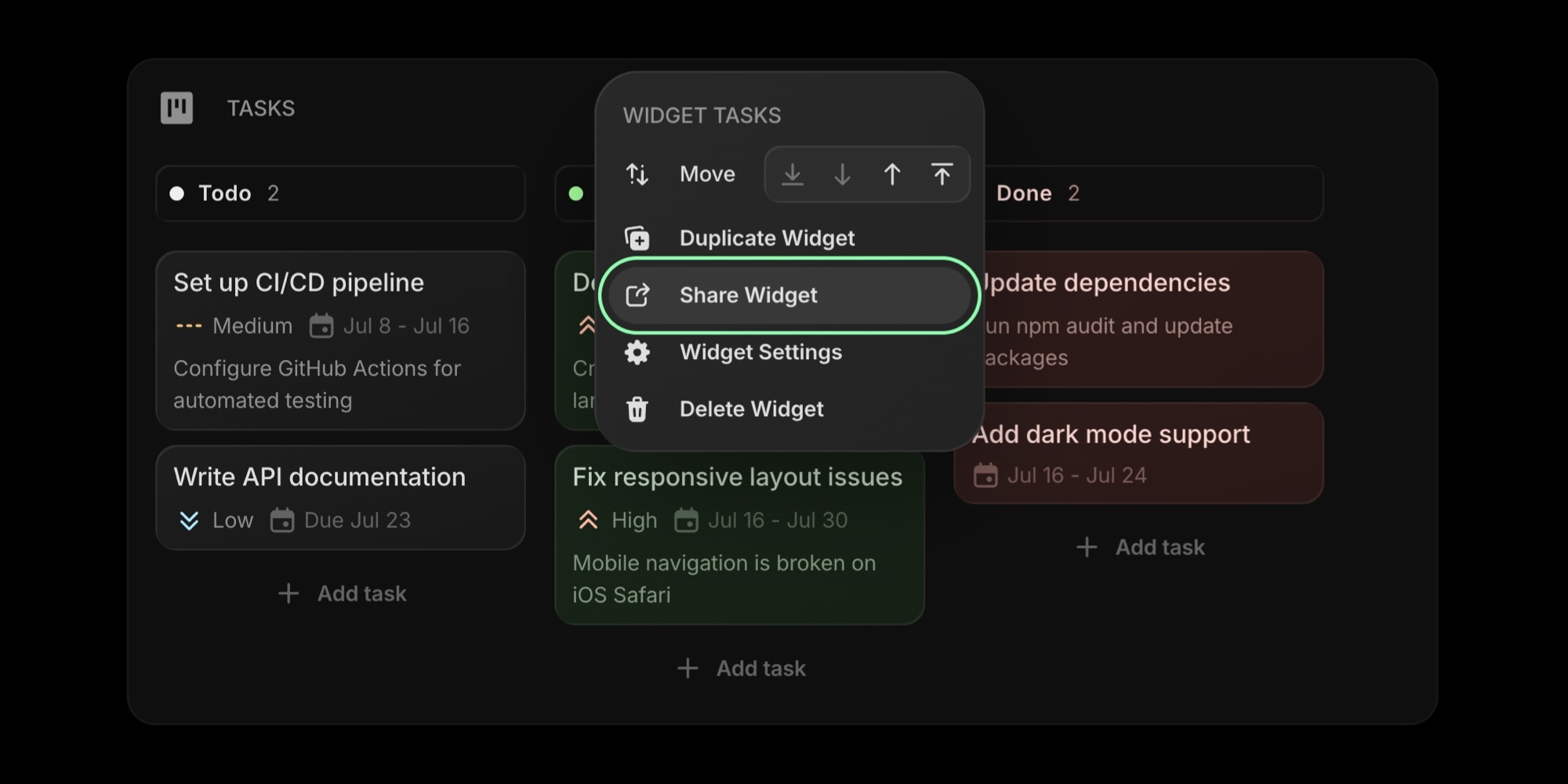
A few things worth knowing:
- The shared view is live. Anyone who opens the link always sees your latest content.
- Your theme, layout, and accent color carry over, so the shared view looks just like yours.
- Viewers can't edit anything, and your account details stay private.
- You can delete a link at any time. The old URL stops working right away, and sharing again creates a fresh one.
Learn more in the docs for sharing a page and sharing a widget.
#New Widget: Photo Frame
The new Photo Frame widget turns part of your dashboard into a rotating slideshow, like a digital picture frame on your new tab page. Add your favorite photos and the frame cycles through them one by one, shuffling the order on each visit so it always feels fresh.
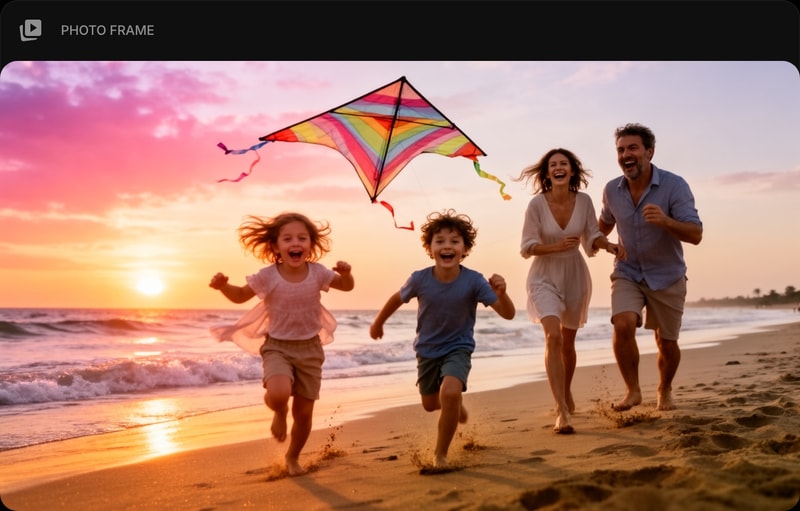
You can feed the frame from three sources:
- Upload - add images straight from your device, up to 100 per frame.
- iCloud - point it at a public iCloud shared album and it stays in sync as you add photos.
- Google Drive - point it at a public Google Drive folder and it updates when the folder changes.
Fine-tune the look with settings for image fit (cover or contain), transition (fade or slide), and how long each photo stays on screen. Hover to pause, and use the arrows to step through photos by hand.
Read the full Photo Frame documentation to get started.
#Images and Files in Notes and Quick Note
Notes and Quick Note now support inline images and file attachments, so your notes can hold more than just text.
Add media in whichever way is fastest: drag and drop files onto the editor, paste an image straight from your clipboard, or use the new Image and Files buttons in the toolbar.
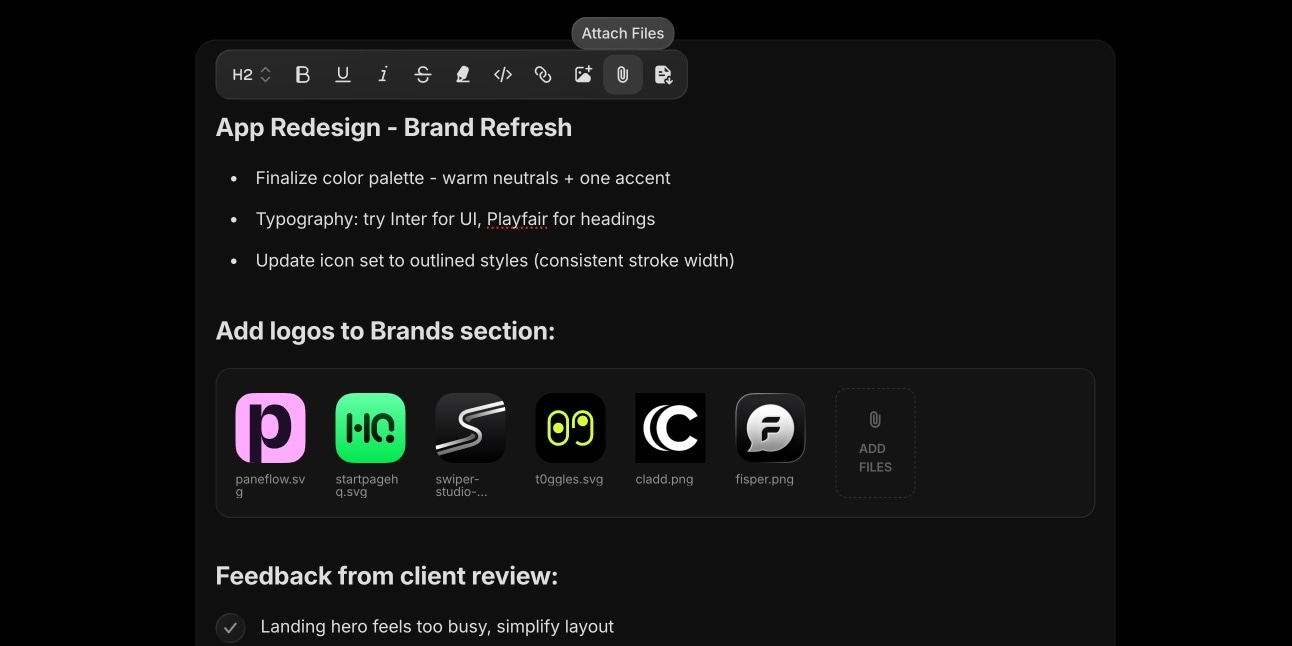
Images appear inline, and you can set each one to 25%, 50%, 75%, or 100% width. Other files - PDFs, documents, archives, anything - collect into a tidy attachments area with thumbnails and an Add Files tile for dropping in more.
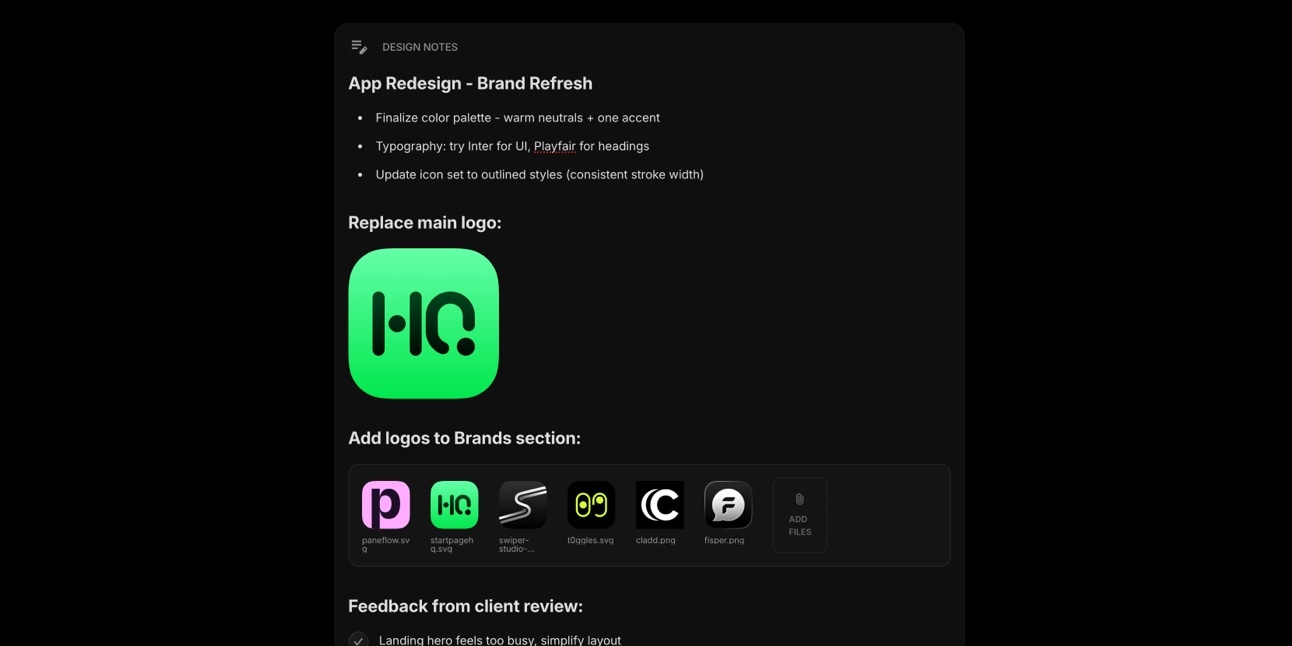
Attachments are saved to your account and synced across your devices, and they show up everywhere your notes do - in card previews, in shared views, and in exports to Markdown, HTML, PDF, or text.
See the docs for Notes and Quick Note for more.
#Try It Out
All of this is live now. Open your dashboard to start sharing pages, add a Photo Frame, and drop images into your notes, or start for free if you do not have an account yet.
If there is a feature you would love to see next, tell us - a big part of what goes on the roadmap comes straight from the people using Start Page HQ every day.