
Chrome New Tab vs Firefox New Tab: Which Should You Pick?
Both browsers ship a built-in new tab. Here is how Chrome’s minimal search-and-shortcuts approach compares with Firefox’s content-rich Stories and Top Sites — what each gives you, what each costs you, and how to extend either one.
Pick Chrome’s new tab if you want a clean, minimal page that is mostly a Google search bar plus your shortcuts, with deep theme and AI-wallpaper customization through the Customize Chrome sidebar — and you already live inside the Google account ecosystem. Pick Firefox’s new tab if you want a content-forward page with curated stories, Top Sites, and recent activity surfaced on every open tab, plus per-section toggles and Mozilla’s privacy controls. They overlap on the basics (search, shortcuts, wallpaper) but differ on philosophy: Chrome leans minimal and Google-tied, Firefox leans content-rich and Mozilla-curated.
At a Glance
A line-by-line look at how Chrome New Tab and Firefox New Tab stack up.
| Feature | Chrome New Tab | Firefox New Tab |
|---|---|---|
| Cost | Free (built in) | Free (built in) |
| Account required for basic use | No | No |
| Account required for cross-device sync | Google account | Mozilla account |
| Search bar | Google (locked) | Configurable engine |
| Pinned shortcuts row | Up to 10 | Pinned + auto Top Sites |
| Auto-populated Top Sites | Yes | Yes |
| Curated story cards on desktop | No | Stories section |
| Curated story feed on mobile | Discover (Android) | Limited |
| Sponsored shortcuts or stories | Yes | Optional, opt-out |
| Per-section toggles (hide cards) | Limited | Per-section |
| Recent activity / bookmarks on new tab | No | Yes |
| Background wallpaper | Yes | Yes |
| AI-generated backgrounds | Yes | No |
| Theme color picker | Yes | Yes |
| Custom uploaded background | Yes | Yes |
| Cross-device sync of settings | Google account | Mozilla account |
| Native productivity widgets (weather, todo, calendar) | No | No |
| Multi-page dashboards | No | No |
| Replaceable via extension | Yes | Yes |
| Telemetry / personalization opt-out | Yes | Yes |
Feature by Feature
How each product handles the things that actually matter day to day.
Default Layout And Content
Chrome’s new tab is intentionally spare: a centered Google logo, a single Google search bar, a row of shortcut tiles (the eight or ten sites you visit most, with one slot for "add shortcut"), and a wallpaper. Nothing else competes for attention. Firefox’s new tab is busier by design: a search bar at the top, a Top Sites row of pinned and auto-populated tiles, a Stories section with curated article cards, optional Sponsored Top Sites and Sponsored Stories, and a Recent Activity rail showing bookmarks, downloads, and recently visited pages. If you open a tab and want minimal noise, Chrome wins. If you open a tab to skim what is happening across the web, Firefox wins.
Customization Options
Chrome’s "Customize Chrome" sidebar (the pencil icon at the bottom right of the new tab) gives you a curated theme gallery, AI-generated background images, color palettes that recolor the whole browser chrome, shortcut style options, and toggles to show or hide cards. The visual customization is genuinely deep and arguably the most polished of any built-in browser new tab. Firefox’s new tab settings (gear icon at the top right of the new tab) take a more functional approach: per-section toggles for Stories, Top Sites, Sponsored content, and Recent Activity, plus wallpaper choices including solid colors, gradients, photos, and custom uploaded images. Firefox gives you finer control over what content appears; Chrome gives you finer control over how the page looks.
Content Recommendations
Chrome’s desktop new tab does not show a curated article feed by default — the recommendations live inside the omnibox and on the mobile Discover feed (Android). On Android, every new tab includes Google Discover: an algorithmic feed of articles chosen from your Google search history, location, and account signals. Firefox takes the opposite approach: curated story cards (the section currently labeled "Stories", historically branded as "Recommended by Pocket") appear directly on the desktop new tab, alongside Top Sites and Recent Activity. The Stories selection leans editorial rather than purely algorithmic, with Mozilla curating the pool. Chrome gets you to content through search; Firefox surfaces content on the page itself.
Privacy And Telemetry
Chrome’s new tab is tightly tied to your Google account when you are signed in: shortcuts, themes, and Discover personalization sync through the account, and signals from your Google searches feed back into Discover. The privacy posture is "personalized by default, opt-out available in account settings." Firefox’s new tab is more decoupled from a Mozilla account — wallpapers, layout, and section toggles are local — but the Stories and Sponsored sections do send anonymized impression and click telemetry to Mozilla and its sponsored-content partners by default. Both can be disabled in the new tab settings, and Firefox surfaces those toggles directly on the new tab’s settings panel rather than burying them in account preferences. If telemetry-by-default is a concern, Firefox’s opt-outs are easier to find and Mozilla’s overall privacy stance is the stronger one.
Sync Across Devices
Chrome syncs new-tab shortcuts, themes, and wallpaper choices across devices through your Google account, and the Discover feed on Android picks up signals from your desktop Google searches. Firefox syncs through a Mozilla account: Top Sites, pinned tiles, and a few preferences carry over, but the Stories selection is sourced fresh per device rather than synced. Both work cleanly across desktop, Android, and iOS within their own browser, but neither syncs a "dashboard layout" the way a dedicated start-page tool does, because neither new tab is a layout you build — it is a fixed template with personalization slots.
Mobile And Desktop Differences
Both browsers have meaningful divergence between desktop and mobile. Chrome desktop is search-and-shortcuts-only; Chrome on Android adds the Google Discover feed; Chrome on iOS keeps the page minimal because Apple restricts what new-tab feeds can show. Firefox desktop is the most feature-rich version of its new tab — Stories, Top Sites, Recent Activity, Sponsored sections, all toggleable. Firefox mobile (Android and iOS) keeps Top Sites and a stripped-down Stories surface but drops most of the Recent Activity and customization. If you mostly use the new tab on a phone, the experience on either browser is materially different from the desktop one — verify what you actually want exists on your platform.
Extending Or Replacing The New Tab
Both browsers let extensions take over the new tab. Chrome has the largest catalog of new-tab replacement extensions (Chrome Web Store has hundreds in the category — Momentum, Tabliss, Infinity, Bookmark dial, custom dashboards). Firefox’s addons.mozilla.org has fewer options but covers the major new-tab replacements as Firefox-compatible builds. Installing one essentially turns off the built-in Chrome or Firefox new tab and lets the extension render whatever it wants in that slot — widgets, custom layouts, productivity tools, RSS feeds, anything. This is the standard path if you have outgrown the default new tab on either browser.
Pricing
Neither costs anything. Chrome’s new tab is bundled with the Chrome browser; Firefox’s new tab is bundled with the Firefox browser. There are no premium tiers, no paid features, and no add-on fees on either side. The real cost on each side is what you trade for the experience. Chrome assumes you are signed into a Google account if you want shortcuts, themes, and Discover personalization to follow you across devices, and the page tightly integrates with Google Search. Firefox’s new tab is mostly independent of a Mozilla account — wallpapers, toggles, and Top Sites are local — but the Stories and Sponsored sections send anonymized impression telemetry to Mozilla and its partners by default. Both can be turned off in the new-tab settings on each side, but the defaults differ in spirit: Chrome defaults to "personalized by your Google account" and Firefox defaults to "minimal but with sponsored content shown." Net: cost-wise the two are tied. The deciding factor is which trade-off you are more comfortable with — Google-account-tied personalization, or Mozilla-curated content with surfaced opt-outs.
Which One Should You Pick?
Specific use cases, not vague verdicts.
Choose Chrome New Tab If
Minimal Google-search-and-shortcuts page with deep theme and wallpaper customization.
- You live inside the Google ecosystem (Gmail, Calendar, Drive) and want the new tab to feel native to it.
- You prefer a minimal page: a single search bar, a row of shortcuts, and a wallpaper — nothing else.
- You want AI-generated backgrounds and the deeper visual customization the Customize Chrome sidebar offers.
- You are on Android and want Google Discover on every new tab without configuration.
- You mostly use Chrome (or a Chromium-based browser like Edge, Brave, or Arc) and do not need parity with Firefox-specific features.
Choose Firefox New Tab If
Content-forward page with curated stories, Top Sites, recent activity, and per-section toggles.
- You want curated story recommendations on the desktop new tab, not just shortcuts.
- You want per-section toggles for Stories, Top Sites, Sponsored content, and Recent Activity rather than one global on/off.
- You prefer Mozilla’s privacy stance over Google’s and want telemetry and ad opt-outs surfaced as first-class settings.
- You like seeing recent bookmarks, downloads, and visited pages surfaced as cards on the new tab.
- You mostly use Firefox and do not need parity with Chrome’s Discover feed or AI backgrounds.
Start Page HQ
Both Chrome and Firefox treat the new tab as a launcher — a search bar, some shortcuts, maybe a few content cards. Useful, but neither was designed to be the page you actually work from. Calendar, tasks, weather, RSS, notes still live somewhere else, one tab away.
Start Page HQ is a customizable start page with 63+ widgets that takes over the new tab in either Chrome or Firefox via the official browser extensions — and runs as a hosted web app at startpagehq.com you can pin as a homepage on any browser, including Safari. Instead of a search bar plus a row of shortcuts, you get a real dashboard: today’s weather, today’s calendar, a quick todo, RSS feeds, links grouped by topic, notes, and as many separate pages as you want for work, home, news, or projects. Cross-device sync is included on every plan, so the same dashboard follows you across browsers and devices instead of being locked to your Google or Mozilla account. You keep the part of the native page you probably liked: 29 built-in wallpapers on any plan, or your own uploaded image on a paid one, with widgets rendering as frosted glass over the background, and unlike Chrome themes or Firefox wallpapers that choice syncs to every browser you use. It has a free plan — 1 page, 8 widgets, sync included — and a free public demo at startpagehq.com/demo if you would rather look before signing up at all.
Date & Time
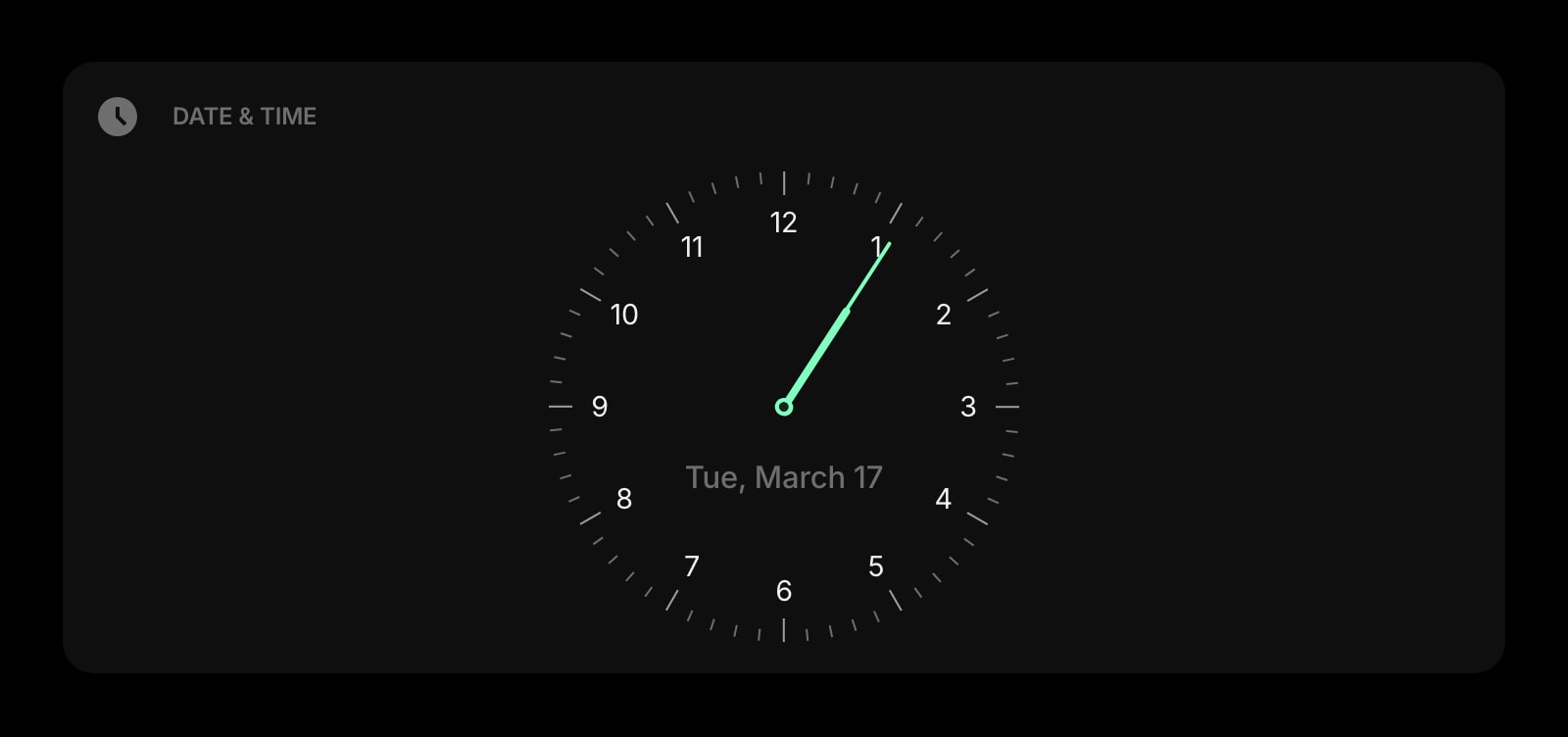
A big, clean clock and date for the top of your start page — neither Chrome’s nor Firefox’s default new tab shows the time at all.
Weather
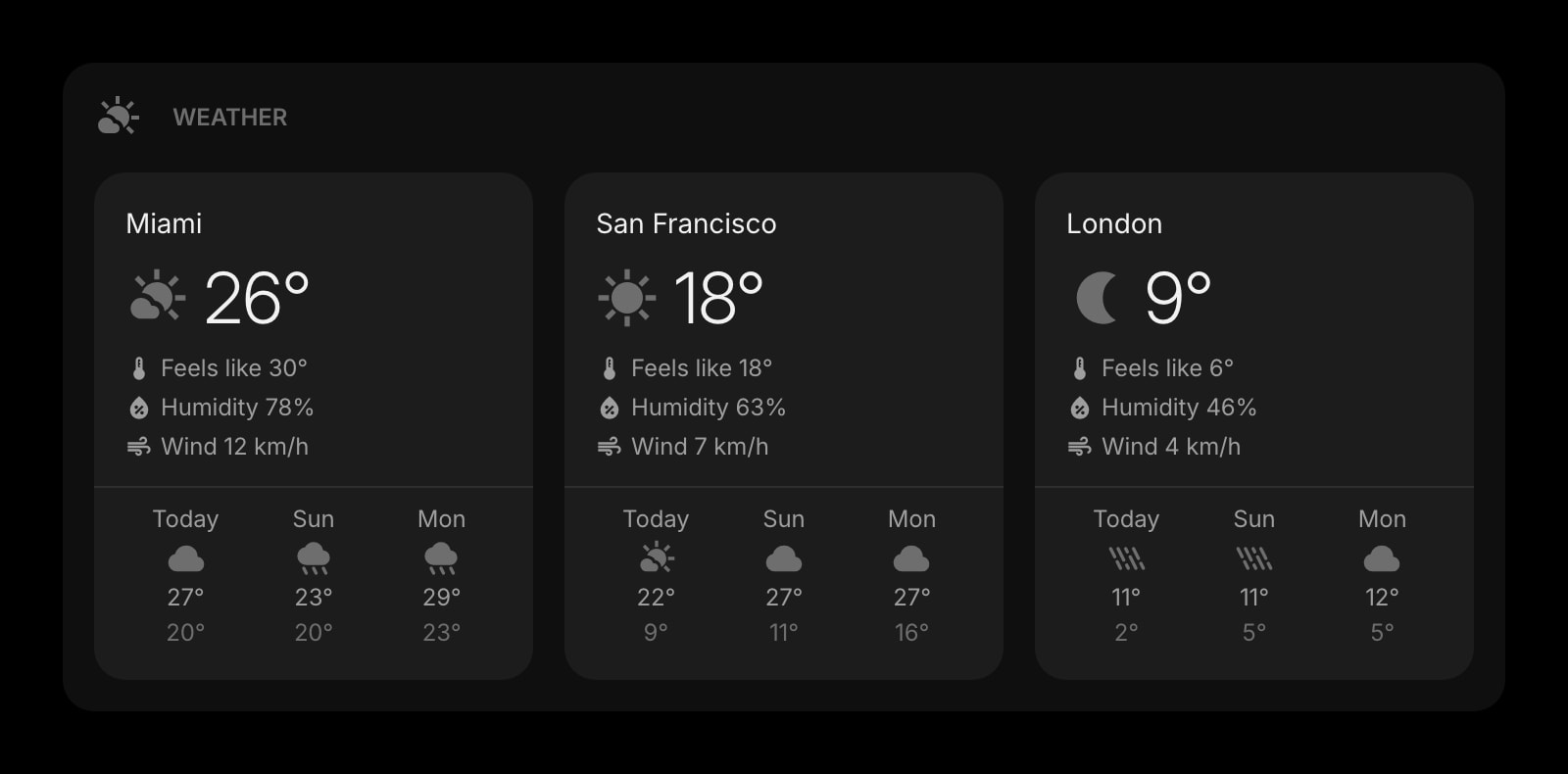
Current conditions and forecasts for the locations you care about, on every new tab. Neither browser surfaces weather natively.
Links
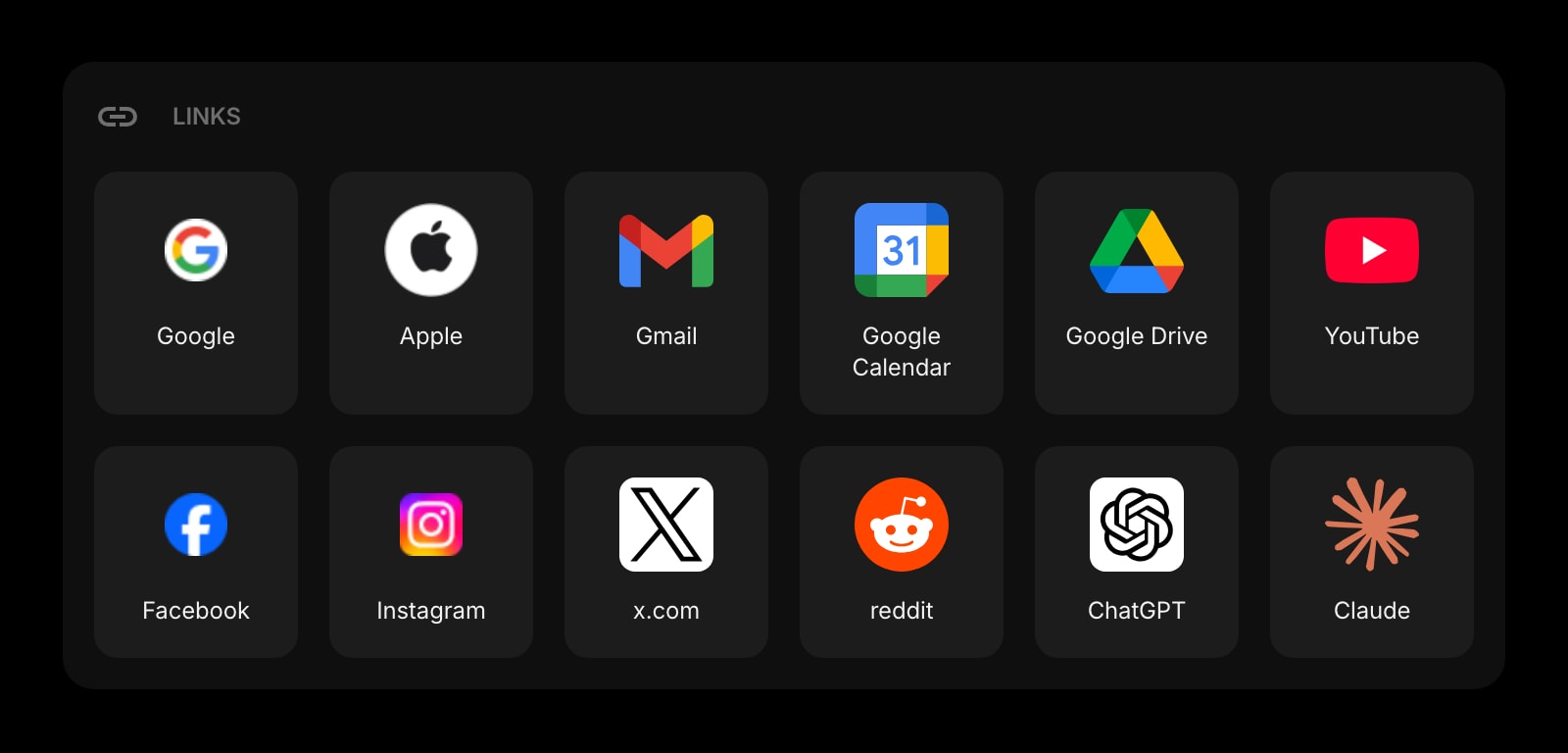
Organize your most-used sites into clean, grouped sections — far deeper than Chrome’s ten-shortcut row or Firefox’s Top Sites tiles.
Todo
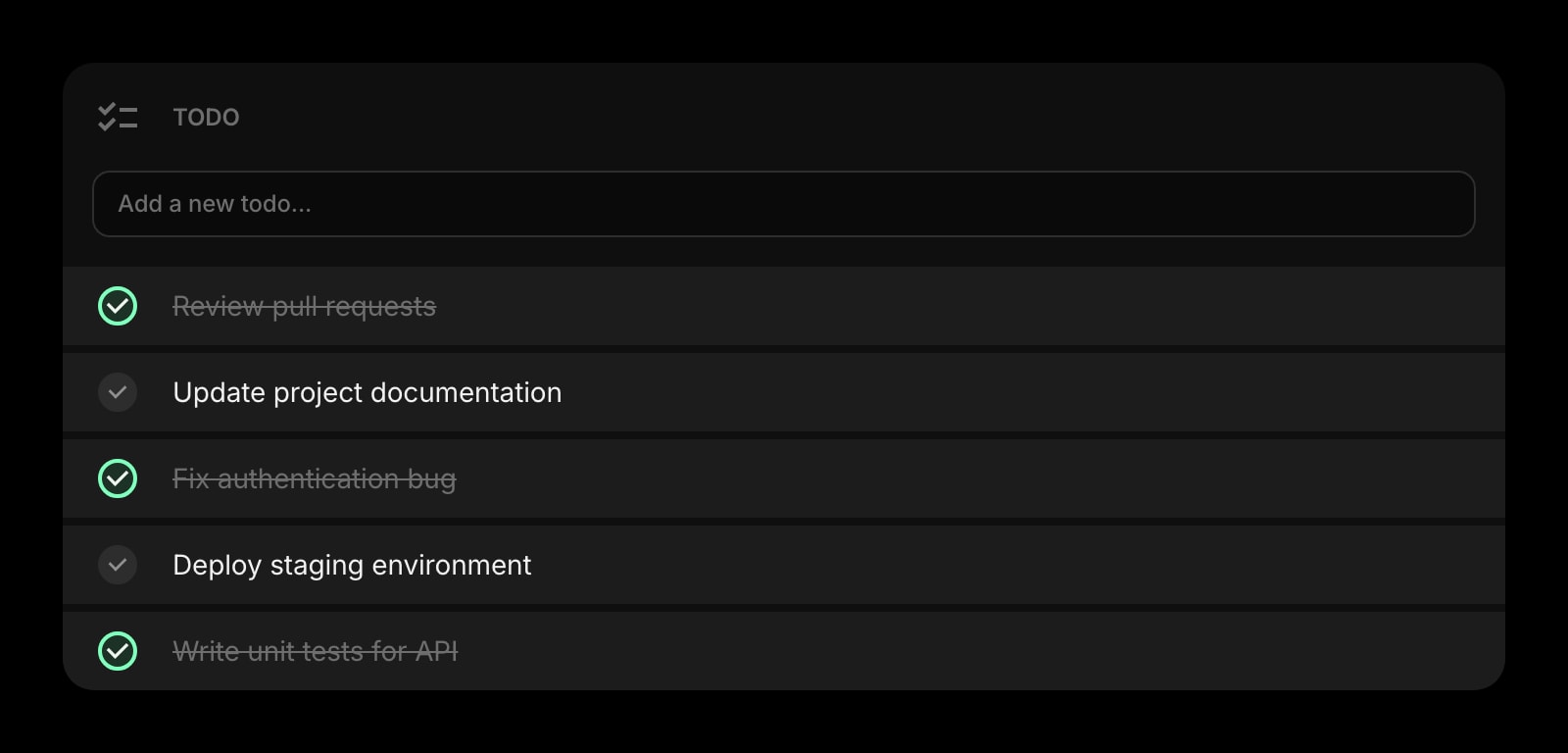
A simple daily task list that lives on the new tab itself — neither Chrome nor Firefox includes a tasks section.
Google Calendar
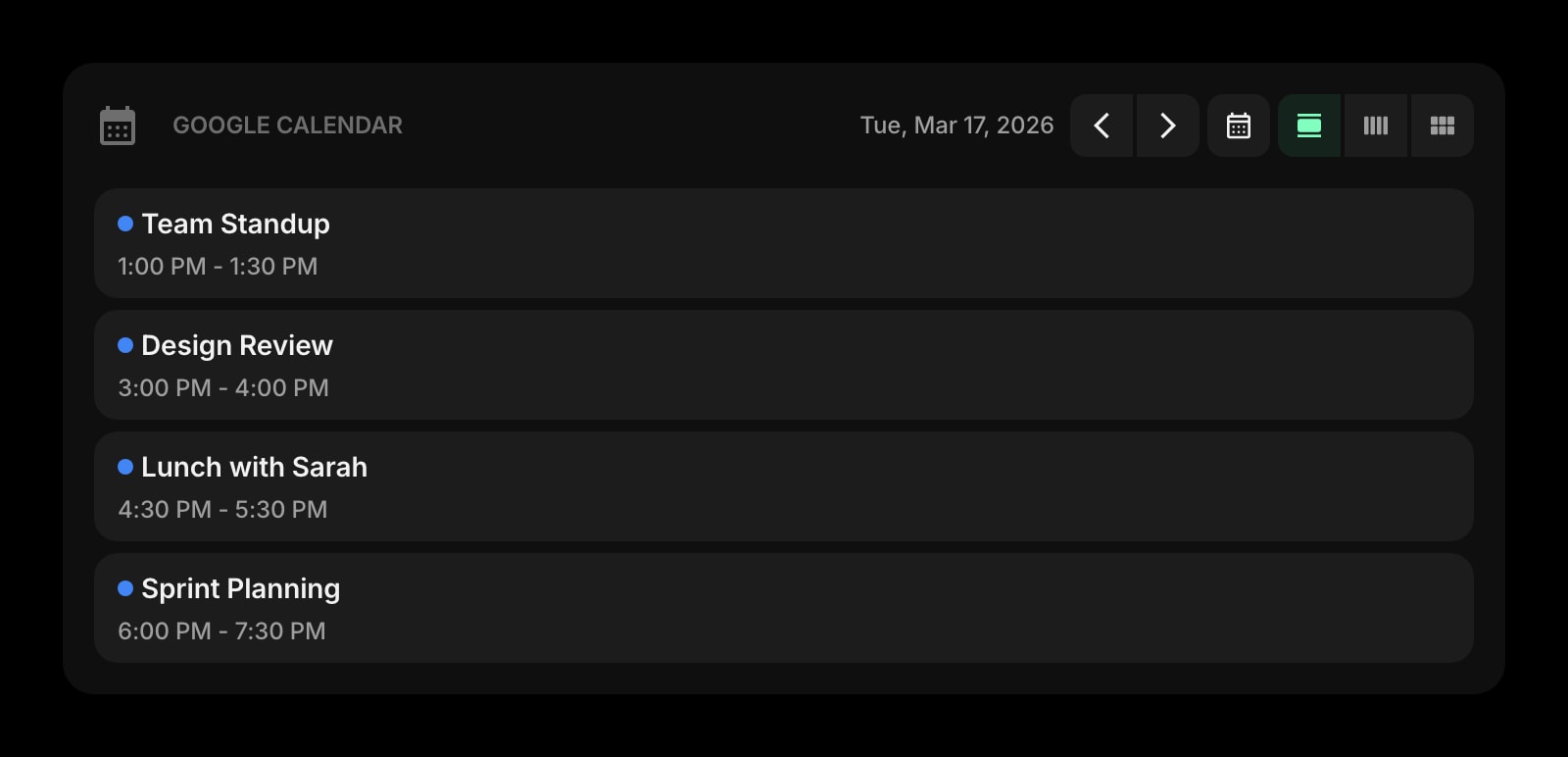
Today’s meetings on the same page as your shortcuts and weather — so the new tab tells you what is next, not just where to search.
RSS Feed
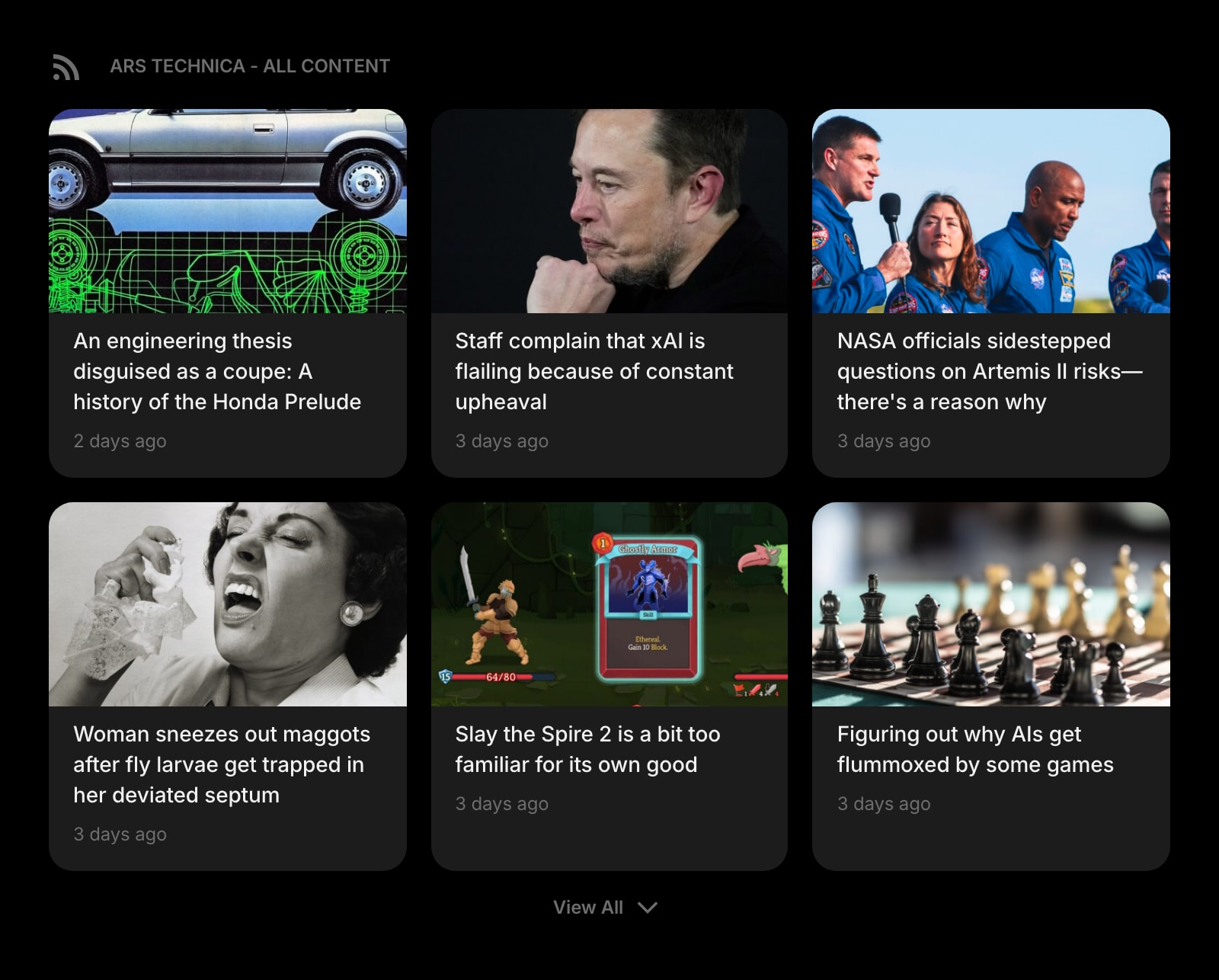
Curated story cards from the sites you actually picked, instead of Chrome’s Discover or Firefox’s Stories — no sponsored content, no telemetry.
Frequently Asked Questions
Neither is really a productivity page out of the box — both are launchers. Firefox edges ahead because Recent Activity and per-section toggles let you see in-progress work (recent bookmarks, downloads, visited pages) at a glance, while Chrome’s default page is just search and shortcuts. If productivity means "what should I do next," neither has tasks, calendar, or notes natively, so most people who care about that install a new-tab extension on either browser.
Yes on both. In Chrome, open the Customize Chrome sidebar and toggle "Cards" off, or sign out of personalized Discover on Android. In Firefox, click the gear icon on the new tab, then toggle off Sponsored Top Sites, Sponsored Stories, and the Stories section itself if you want a fully blank page. Firefox surfaces those toggles directly on the new tab; Chrome’s are spread across the new-tab sidebar and Google account settings.
Both sync some new-tab settings through their account systems. Chrome syncs shortcuts, themes, and wallpapers via your Google account. Firefox syncs Top Sites, pinned tiles, and preferences via your Mozilla account. Neither syncs a full "layout" because neither new tab is a layout you build — it is a fixed template with a few personalization slots. The Discover feed on Android and the Stories selection on Firefox desktop are sourced per device rather than mirrored exactly.
No. Neither Chrome’s nor Firefox’s default new tab supports user-installable widgets. The set of sections is fixed (search, shortcuts, optional cards/stories/recent activity) and you choose only which of those to show or hide. To add weather, todo, calendar, RSS, notes, or anything else, you need a new-tab replacement extension on either browser.
Chrome’s Discover is an algorithmic feed personalized to your Google account: search history, location, watch history, and other signals shape what you see. It is desktop-light (mostly mobile, especially Android) and tightly tied to your Google profile. Firefox’s Stories is editorially curated by Mozilla (the section was historically branded "Recommended by Pocket"), appears directly on the desktop new tab, and is selected from a curated pool rather than an algorithmic per-user model. If you want personalized recommendations, Discover. If you want curated picks with less profiling, Stories.
Not really. Both browsers reserve the new-tab page as a special slot that only an extension (or the browser itself) can render. You can change the homepage and the startup page to a custom URL on both, but the new-tab page that opens when you press Cmd/Ctrl+T or click the "+" tab requires an extension to override on Chrome and Firefox alike.
The Verdict
Both browsers give you a free, no-setup new tab that handles search and shortcuts well. Pick Chrome’s new tab if you live inside Google’s ecosystem, want a minimal page, and value the Customize Chrome sidebar’s themes and AI backgrounds. Pick Firefox’s new tab if you want curated story recommendations on desktop, finer-grained section toggles, recent-activity cards, and Mozilla’s privacy stance over Google’s. If neither feels like enough — for example, you want the new tab to actually do work (today’s calendar, weather, a real todo, RSS feeds) instead of just being a launcher — Start Page HQ is worth a look.