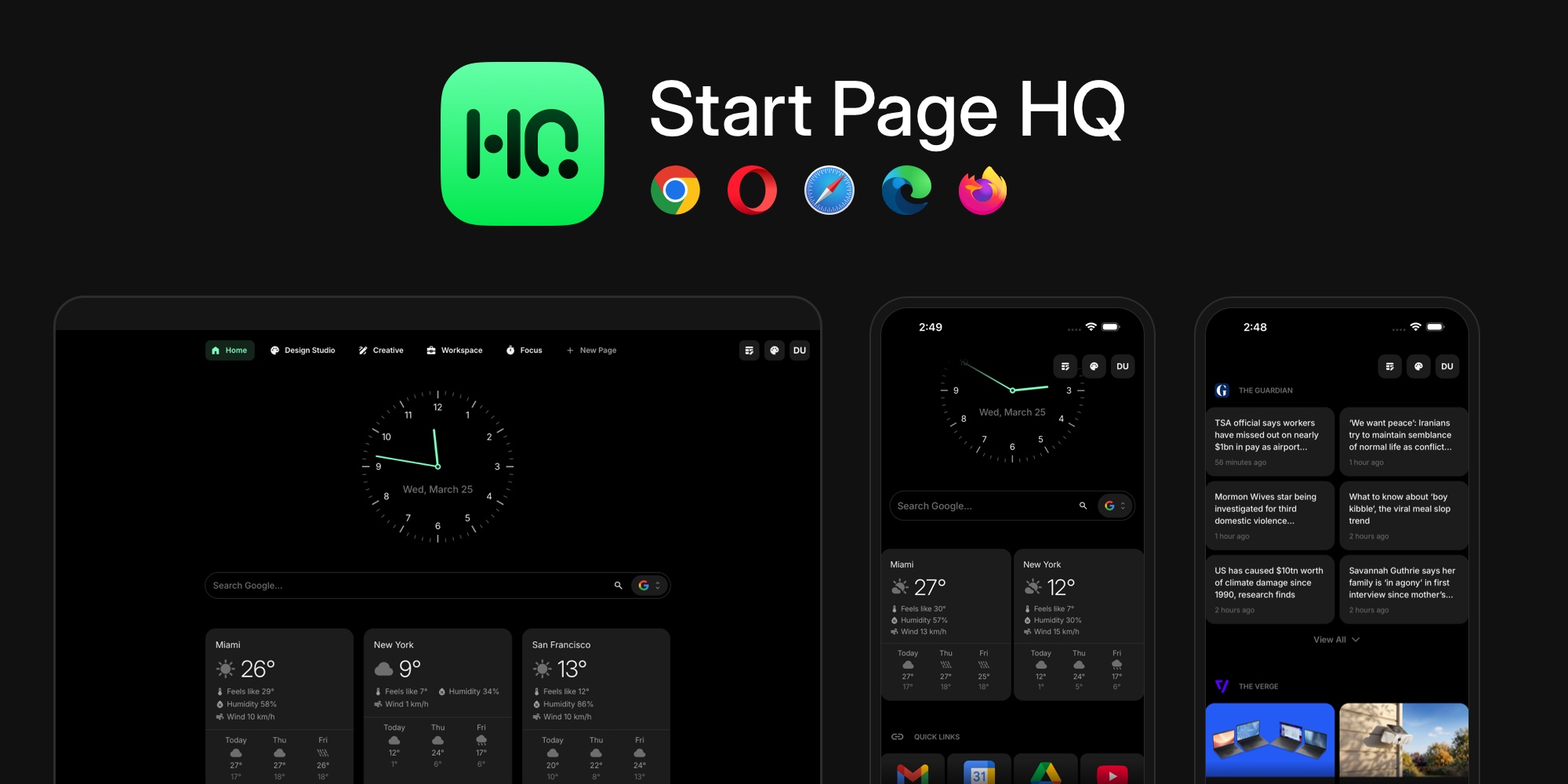
Introducing Start Page HQ: Your Browser New Tab, But Actually Useful
We open a browser dozens of times a day. On laptops, phones, tablets, at home, at work, between meetings. It is the one tool that follows us across every device. And yet the first thing we see when a new tab opens is usually nothing - a blank page, a search bar, maybe a grid of faded thumbnails.
That never made sense to us. So we built Start Page HQ: your browser's new tab, but actually useful, across every device.
#Where It Started
The idea came out of a painfully familiar workflow. We spend our days juggling multiple projects, services, and tools: GitHub, Cloudflare, Stripe, Google Analytics, App Store Connect, Open Collective, our own product dashboards, plus the usual flood of news, notes, and calendars. All of it scattered across a MacBook, a phone, a PC, and different browsers on each.
We tried speed-dial extensions. We tried bookmark managers. We tried bending Notion into a launchpad. None of it worked. Extensions were tied to one browser. Apps were an extra layer on top of what was already open. Nothing was truly everywhere.
But the browser was. Always.
#From Speed Dial To Dashboard
The first version was simple: links, grouped, synced across devices. That alone felt like a quiet upgrade. But we kept noticing moments where we would open a new tab, go somewhere to check one thing, and close it again. A news site. A weather forecast. A quick note. A todo list.
Why leave the tab at all?
So we added widgets. Then more widgets. Today Start Page HQ has a growing library of them: links, news feeds, weather, world clocks, notes, todos, calendars, stopwatches, currency converters, AI assistants, Stripe sales, uptime monitors, and more. Each one answers a question you would otherwise open another tab for.
#Pages As Spaces
The real unlock was treating pages like spaces. Each page is its own mode of work or life, with its own mix of widgets.
Here is how one of us actually uses it day to day:
- Work - links to our products, services, developer tools, GitHub repos, and a live Stripe sales widget
- News - RSS feeds, news summaries, and podcasts, all in one glance
- Collections - pages of design inspiration and SaaS directories worth browsing
- Tools - a translator, an AI image generator, and a markdown editor for quick jobs
- Video Production - YouTube channel links, a YouTube feed, and a quick note with ready-to-copy ffmpeg commands
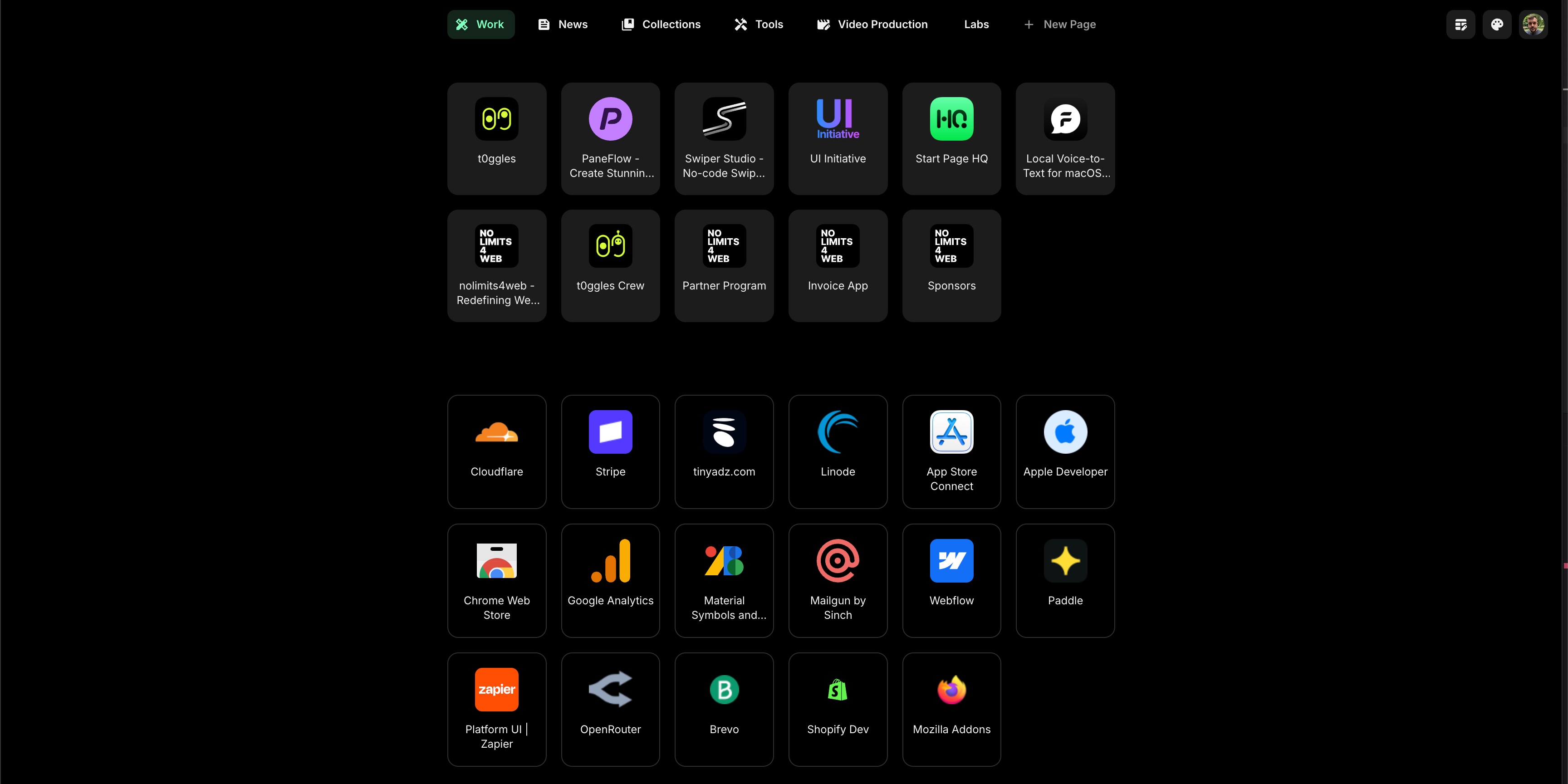
One browser, five different contexts. No app switching, no searching, no re-opening the same bookmarks on a different device.
#What Makes It Different
We looked hard for something like this before building it. The closest tools each solve a slice of the problem:
- Momentum gives you a pretty photo and a quote, but no real widgets and no cross-device setup.
- Notion or Obsidian can be bent into a dashboard, but they are note-first tools. Anything else feels like a workaround.
- Browser bookmarks and built-in speed dials are static, limited, and hard to organize.
- Raindrop and Start.me are link managers, not dashboards.
Start Page HQ is what happens when you treat the new tab as first-class real estate: fully customizable, widget-driven, and synced to wherever you happen to open a browser next.
#Launch Offer
To celebrate the launch we ran a promo: 50% off until May 31, 2026. That window has since closed. It applied to all paid plans, and anyone who subscribed while it was running keeps the discounted rate for as long as their subscription stays active.
Current pricing is on the pricing section, and there is now a free plan to start on - one page of widgets with cross-device sync, no credit card.
#Try It Out
The fastest way to get a feel for Start Page HQ is to start on the free plan: 1 page, 8 widgets, sync across every browser and device, no credit card. There is also a live demo, pre-populated with pages and widgets, if you would rather look around without an account.
We are just getting started. If there is a widget, workflow, or integration you would love to see, tell us - a big part of what goes on the roadmap comes straight from the people using it.