
Tabliss vs Bonjourr: Which Should You Pick?
Both are free, open-source, privacy-first new-tab pages — and they make different trade-offs. Here is how Tabliss and Bonjourr actually compare on widgets, browser support, design, and day-to-day fit.
Pick Tabliss if you want the broadest catalog of small, modular widgets you can arrange in three layout zones, you only use Chrome, Firefox, or Edge, and you like a flexible kit you assemble yourself. Pick Bonjourr if you use Safari or iOS, you want a more polished, iOS-inspired aesthetic, and you want a built-in Pomodoro, analog clock, and a working web version at bonjourr.fr — without giving up the open-source, no-account, local-only privacy model. Both are free, GPL-3.0, and store your settings locally with no telemetry.
At a Glance
A line-by-line look at how Tabliss and Bonjourr stack up.
| Feature | Tabliss | Bonjourr |
|---|---|---|
| Pricing | Free forever | Free forever |
| Open source | Yes | Yes |
| License | GPL-3.0 | GPL-3.0 |
| Account required | No | No |
| Chrome | Yes | Yes |
| Firefox | Yes | Yes |
| Edge | Yes | Yes |
| Safari | No | Yes |
| iOS app | No | Yes |
| Hosted web app | No | bonjourr.fr |
| Cross-device sync | No | No |
| Local-only storage | Yes | Yes |
| Manual export / import | Yes | Yes |
| Widget / module count | ~20 small widgets | ~12 modules |
| Layout zones | Top / center / bottom | Single column |
| Custom backgrounds | Yes | Yes |
| Unsplash backgrounds | Yes | Yes |
| GIPHY backgrounds | Yes | No |
| Analog clock | No | Yes |
| Pomodoro timer | No | Yes |
| Notes / checkboxes | Todo only | Notes + checkboxes |
| Custom CSS | Limited | Yes |
| Custom emoji favicon | No | Yes |
| Multi-page dashboards | No | No |
Feature by Feature
How each product handles the things that actually matter day to day.
Design Philosophy
Tabliss leans toolkit. You get three layout zones (top, center, bottom), about twenty small widgets, and a wide range of clock styles, backgrounds, and search providers, and you mix and match. The default page is calm; the customized page can be quite dense if you want it. Bonjourr leans curated. The aesthetic is explicitly iOS-inspired — Apple-style fonts, rounded settings panels, soft transitions — and the layout is a single, opinionated column. Both look beautiful out of the box; Tabliss rewards tinkering, Bonjourr rewards leaving it alone.
Widgets and Modules
Tabliss has the wider catalog: clock (digital, analog, binary, plain text), greeting, weather, todo, quick links, search, quotes, RSS, Google Translate, and more — around twenty modules in total, each individually toggleable per layout zone. Bonjourr ships a tighter set — clock (digital and analog with multiple faces), greeting, search bar (multi-engine), quick links, weather, notes, checkboxes, quotes, and a built-in Pomodoro timer — about a dozen modules, all wired into the same column. If you want a kitchen-sink page you can shape, Tabliss wins. If you want a curated dashboard with a real focus timer baked in, Bonjourr wins.
Browser and Platform Support
This is the biggest practical difference. Tabliss runs as a browser extension on Chrome, Firefox, and Edge — there is no Safari extension and no mobile app. Bonjourr runs on all four major desktop browsers (Chrome, Firefox, Edge, Safari), publishes a real iOS app on the App Store, and runs as a hosted web app at bonjourr.fr that you can use anywhere a browser does. If you live in Safari on macOS or use an iPhone, Bonjourr is effectively the only one of the two that works. If you only use Chrome or Firefox, both are fine.
Privacy and Open Source
Both are GPL-3.0 open-source projects with no account system and no analytics, and both store every setting in your browser locally. Neither sells, syncs, or sends your data anywhere. Bonjourr explicitly states a "no generative AI" position and runs as plain TypeScript and CSS with minimal dependencies; the Bonjourr APIs (used for things like weather and quotes) can be self-hosted via a separate repository. Tabliss takes the same privacy posture, has been around longer, and is funded by donations and volunteer work. On privacy and openness, the two are effectively tied.
Sync and Backup
Neither product offers cross-device sync. Both are local-first by design: settings live in the browser you set them up in, and switching browsers, profiles, or laptops means rebuilding your page. Both support manual JSON export and import for backups, so you can copy a setup between devices if you do it by hand. If true, automatic, sign-in-and-it-just-shows-up sync is a hard requirement, neither Tabliss nor Bonjourr is going to deliver it without you self-hosting something.
Customization Depth
Tabliss gives you per-zone widget choice, a wide range of clock and background options, and a small amount of styling control. Bonjourr goes further on visual customization: custom CSS, custom fonts, custom emoji favicon, light and dark theming, multilingual interface, and finer-grained typography control. For a designer who wants to make the new tab feel like an extension of their own taste, Bonjourr has more knobs. For a tinkerer who wants more functional widgets in more places, Tabliss does.
Development Activity and Community
Both are actively maintained. Bonjourr has been on a fast release cadence — 60+ releases on GitHub, the most recent being v22.1.0 in April 2026 — with a small team of two independent developers and around 1.9k GitHub stars. Tabliss has been around since 2018, with a slower but steady release cadence and an established user base in the calm-new-tab segment. Neither project is going anywhere.
Pricing
Tabliss is free forever with no paid tier — every feature is unlocked, and there are no upsells. The project is funded by donations and volunteer work, and stays small and minimal by choice. Bonjourr is also free forever with no paid tier. The project is GPL-3.0 open source, maintained by two independent developers, and the hosted web version at bonjourr.fr is free to use without an account. The optional Bonjourr APIs (used for weather and quote backends) can be self-hosted from a separate repository if you want to avoid relying on the project's public endpoints. Net: cost is not a deciding factor between these two — both are genuinely free, open source, and built on a "no ads, no subscriptions, no data mining" promise. The decision comes down to platform support, design, and which widget set you actually want.
Which One Should You Pick?
Specific use cases, not vague verdicts.
Choose Tabliss If
Free, open-source new-tab page with a wide catalog of small, mix-and-match widgets.
- You want the widest catalog of small widgets and three layout zones to arrange them in.
- You only use Chrome, Firefox, or Edge — no Safari and no iOS in your day-to-day.
- You like a toolkit you assemble yourself rather than an opinionated default.
- You want GIPHY animated backgrounds, multiple clock styles, and per-zone widget control.
- You value a project that has been around for years and stays deliberately small.
Choose Bonjourr If
Free, open-source, iOS-inspired start page with broad browser support and a built-in Pomodoro.
- You use Safari on macOS or an iPhone — Bonjourr is the only one of these two that works there.
- You want a built-in Pomodoro timer and analog clock without installing extra extensions.
- You like an iOS-inspired, design-led aesthetic and want custom CSS, custom fonts, and a custom emoji favicon.
- You want a hosted web version (bonjourr.fr) you can open from any browser, including locked-down work machines.
- You prefer a curated, single-column dashboard you mostly leave alone after setup.
Start Page HQ
If you came here because you want the calm, privacy-first feel of Tabliss or Bonjourr but you also want sync across devices, multi-page dashboards, and the productivity layer (Kanban, AI, RSS, dev tools) that neither extension was built for, both will leave you wanting.
Start Page HQ is a customizable start page with 63+ widgets, multi-page dashboards, a hosted web app at startpagehq.com, native Safari support on macOS, iPadOS, and iOS, and cross-device sync included in every plan. You can keep the same calm, single-page feel — clock, weather, daily quote, links, Pomodoro, and a wallpaper behind it, either one of 29 built in on any plan or, on a paid plan, your own image — and then build separate pages for work, news, and dev tools once you need them. It has a free plan — 1 page, 8 widgets, sync included — and a free public demo that needs no signup at all.
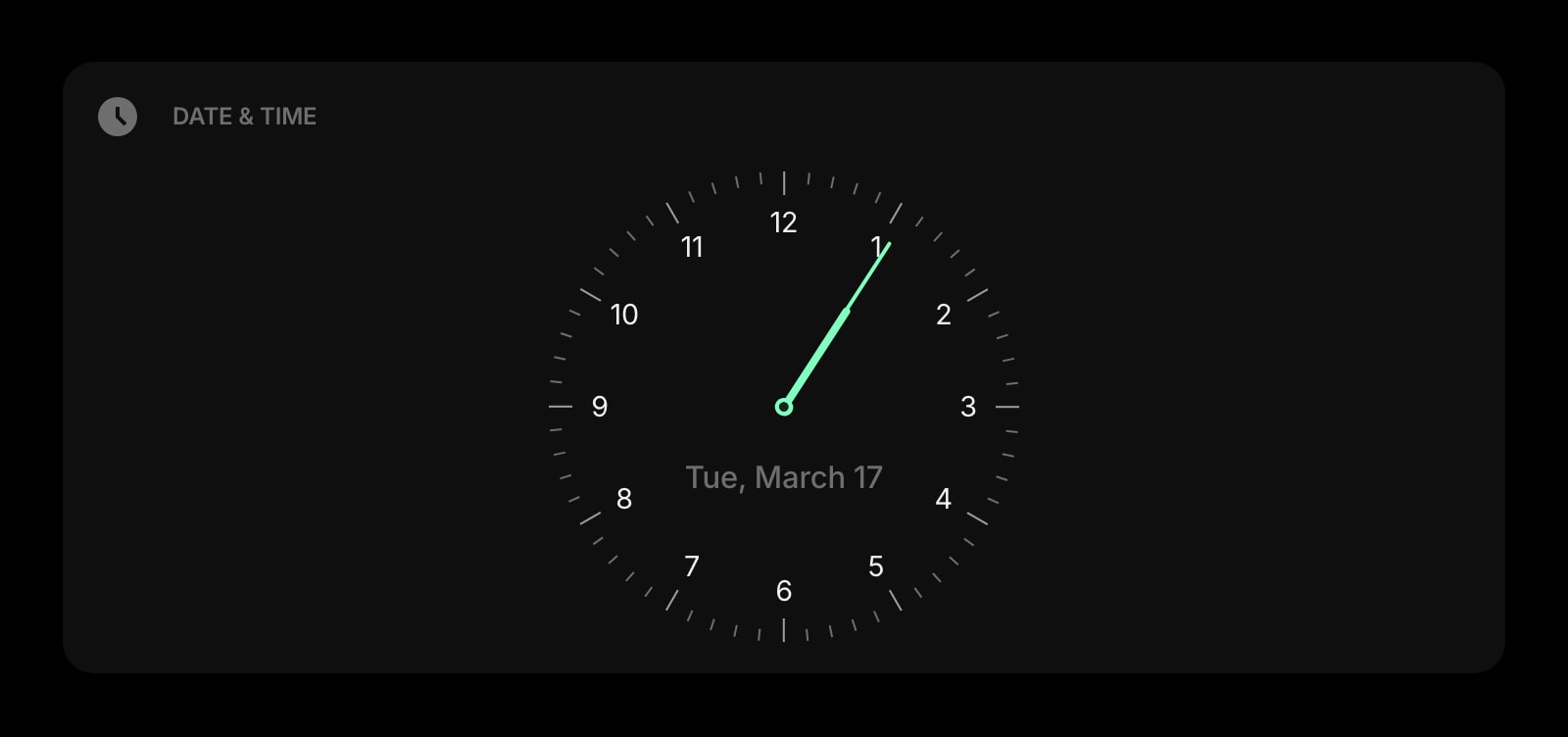
Date & Time
A clean, customizable clock and date display — the same calm, focused look both Tabliss and Bonjourr center their pages on.
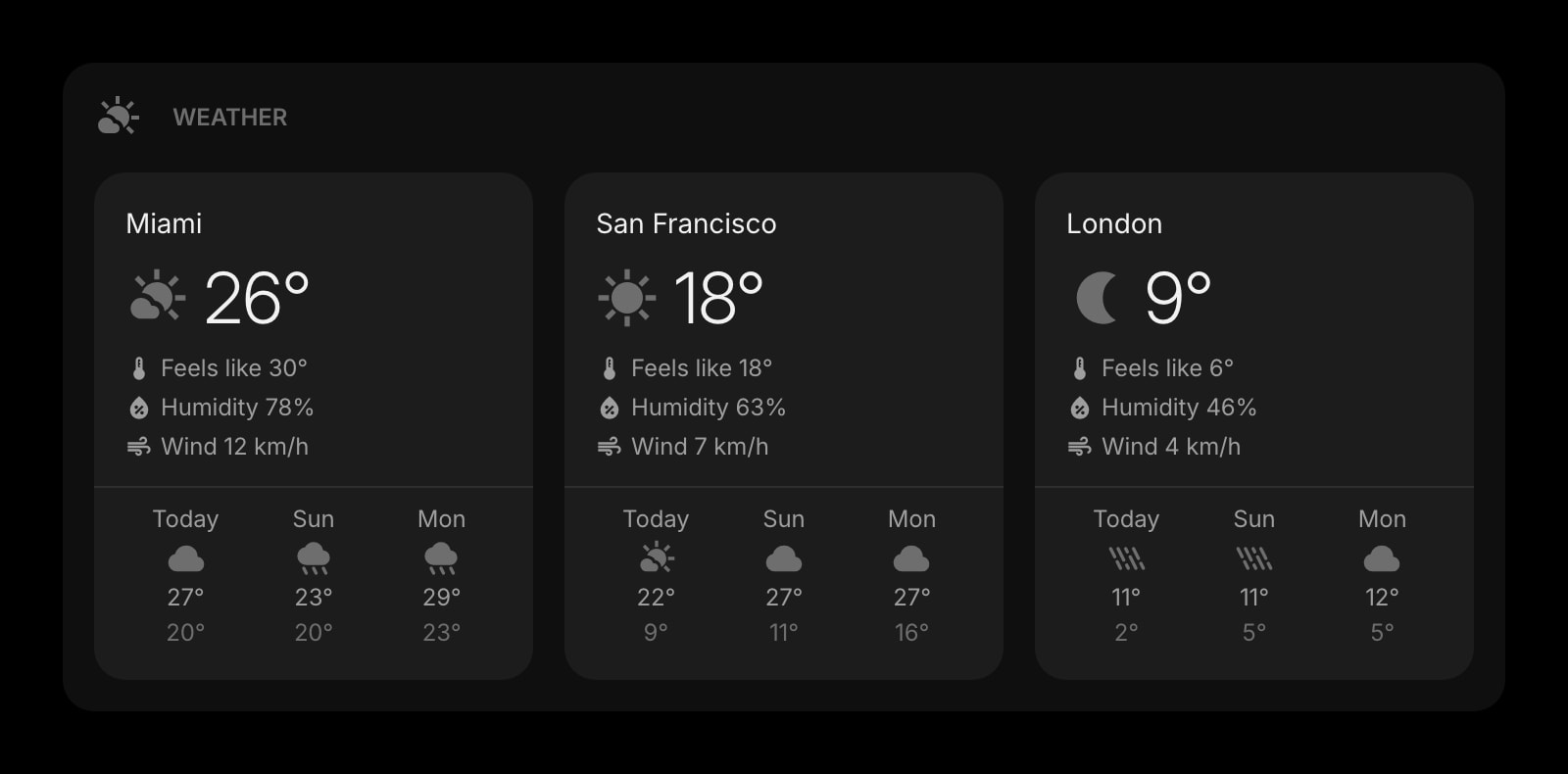
Weather
Current conditions and forecasts for the locations you care about, refreshed automatically across all your devices.
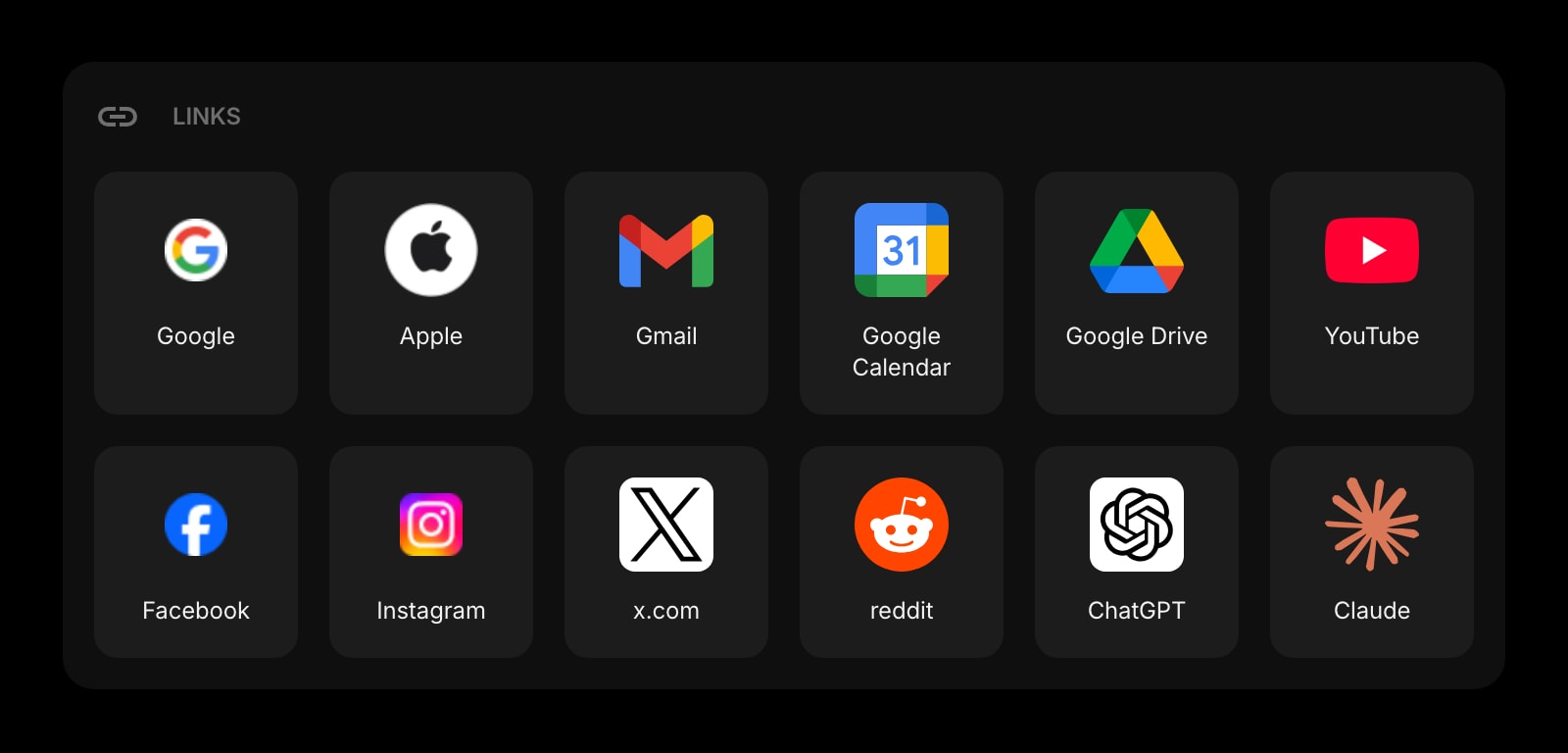
Links
Organize your most-used sites into clean, customizable groups — more flexible than Tabliss quick links or Bonjourr quick links.
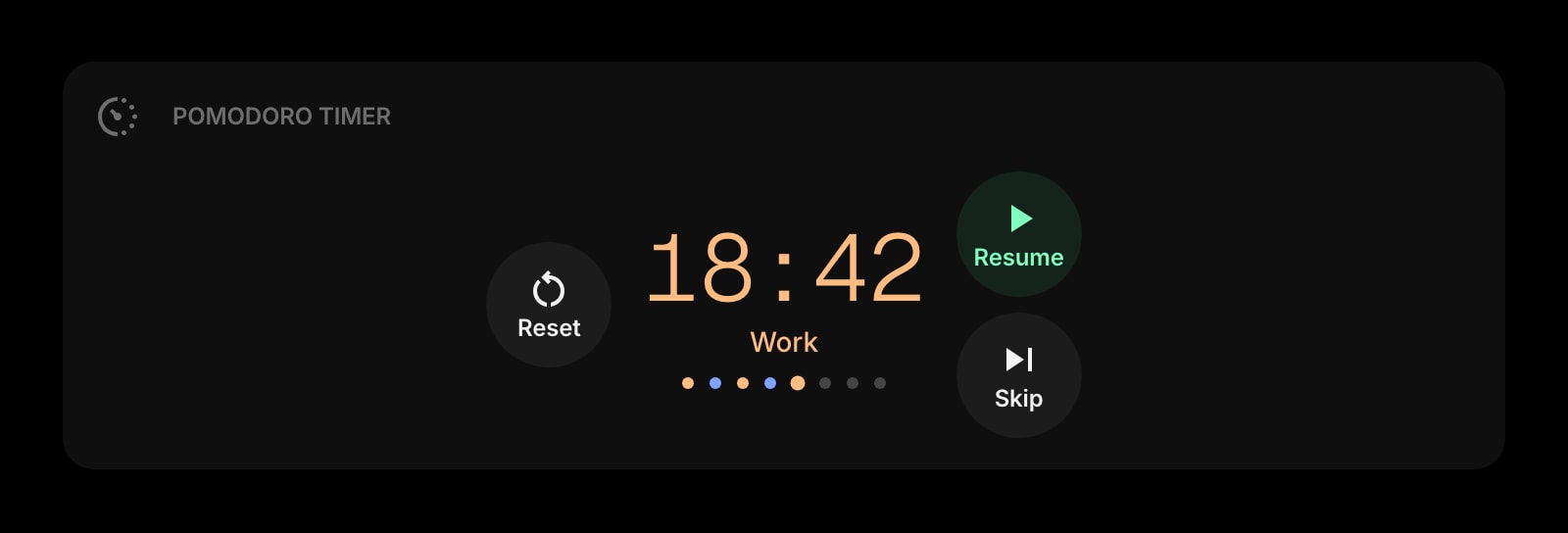
Pomodoro Timer
A real focus timer built into the start page — sessions, breaks, and history, no extra app required.
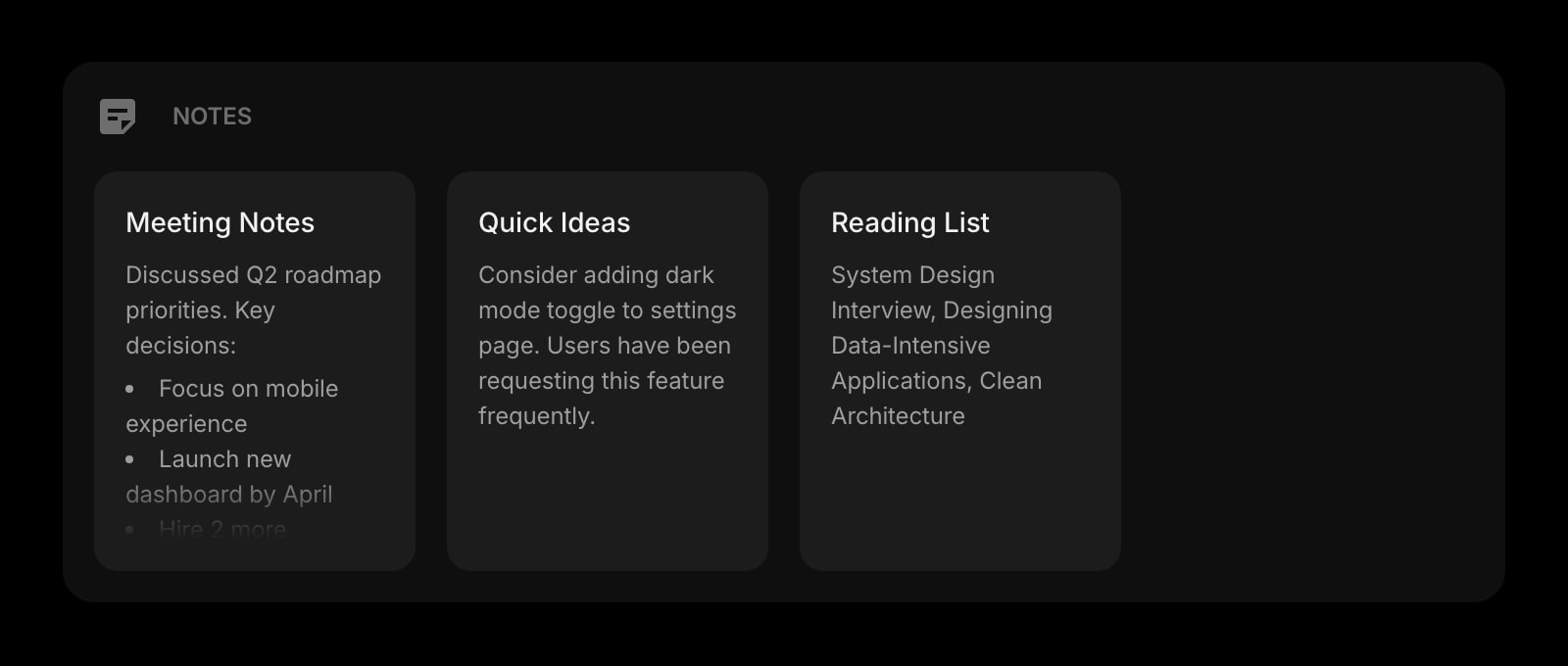
Notes
A board of notes that lives next to your weather, todo, and links — instead of bouncing to a separate tab to jot something down.
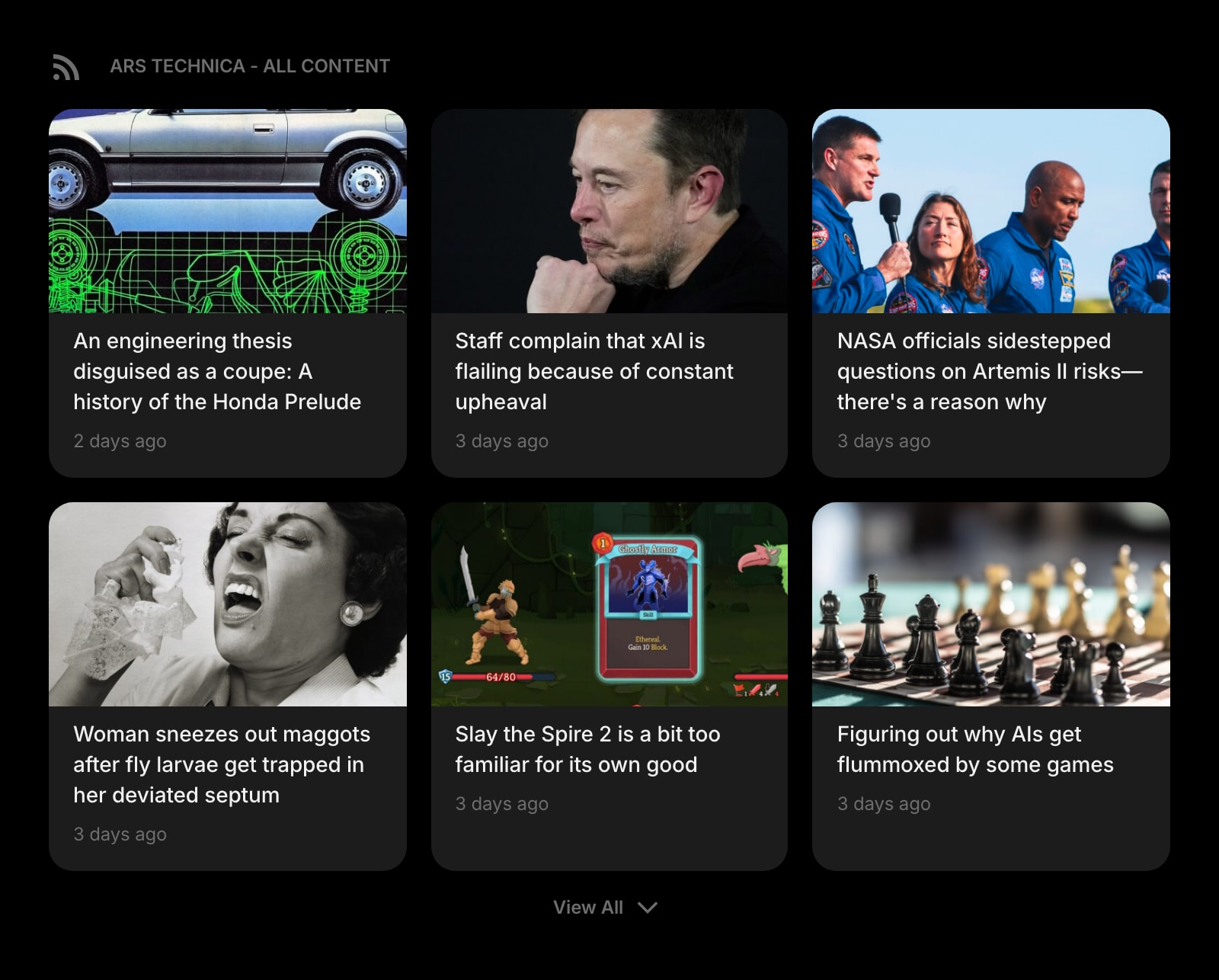
Feed
Follow RSS feeds, blogs, and publications right next to your tasks and clock — a layer neither Tabliss nor Bonjourr really commits to.
Frequently Asked Questions
Both are excellent here, with the same posture: open source under GPL-3.0, no account, no analytics, settings stored locally in your browser, and an explicit "no ads, no subscriptions, no data mining" promise. The difference is style and platform reach. Tabliss is a flexible toolkit with three layout zones and about twenty small widgets. Bonjourr is more curated, more iOS-inspired, has a built-in Pomodoro and analog clock, and supports Safari and iOS. Either one will give you a calm, private new tab.
Bonjourr does. It ships a Safari extension for macOS and a real iOS app on the App Store, plus a hosted web version at bonjourr.fr that runs in any browser. Tabliss does not have a Safari extension or an iOS app, and there is no Tabliss web app — it only runs as a Chrome, Firefox, or Edge extension. If Safari or iOS is part of your daily setup, Bonjourr is effectively the only choice between these two.
No, neither does. Both Tabliss and Bonjourr are local-first by design and store settings in your browser. Switching browsers, browser profiles, or laptops means rebuilding your page. Both products support manual JSON export and import, so you can move a setup between devices if you do it by hand. There is no sign-in-and-it-just-appears sync in either product without self-hosting infrastructure.
Yes. Both are free forever, GPL-3.0 open source, with no paid tier and no upsells. Bonjourr can be self-hosted (the project even publishes a separate "Bonjourr APIs" repo if you want to host the weather and quote backends yourself). Tabliss is donation-funded and volunteer-maintained. There is genuinely no premium gate on either product.
It depends on what you mean. Tabliss is more functionally customizable — three layout zones, more widgets, a wider catalog of clock and background options, and per-zone control over what appears where. Bonjourr is more visually customizable — custom CSS, custom fonts, custom emoji favicon, multilingual interface, multiple analog clock faces, and finer typography control. If you want to build a busier page, Tabliss. If you want to make a single-column page feel like yours, Bonjourr.
Most browsers only let one extension control the new tab page, so you would have to switch one off to let the other take over. You can install both, but only one will render the new tab at any given time. You can keep the other for a backup setup or use the Bonjourr web app at bonjourr.fr in a separate window if you want both side by side.
The Verdict
Both are some of the best things in the open-source new-tab world: free, GPL-3.0, no account, no telemetry, and beautiful out of the box. Pick Tabliss if you want a wider catalog of small widgets, three layout zones, and you only need Chrome, Firefox, or Edge. Pick Bonjourr if you use Safari or iOS, you want a more iOS-inspired aesthetic with deeper visual customization, or you specifically want a built-in Pomodoro and analog clock without bolting on extensions. If neither feels quite right — for example, you want the same calm, privacy-respecting feel but with cross-device sync, multi-page dashboards, and the productivity and dev tools layer neither was built for — Start Page HQ is worth a look.