
Momentum vs New Tab Widgets: Which Should You Pick?
Both replace your new tab page — but one is a calm, opinionated default and the other is a deep, free-placement widget kit. Here is how Momentum and New Tab Widgets actually compare on widgets, layout, browsers, and pricing.
Pick Momentum if you want a polished, opinionated daily tab built around a single "main focus" prompt, a clean photo, and a tight set of widgets you mostly leave alone. Pick New Tab Widgets if you want one of the deepest widget catalogs in the category (67+ widgets including stocks, Spotify, Gmail, and Google Calendar), free-placement of widgets anywhere on the page, and per-page wallpapers — and you primarily live in Chrome. Momentum is the curated, low-effort calm tab; New Tab Widgets is the configurable, kitchen-sink dashboard.
At a Glance
A line-by-line look at how Momentum and New Tab Widgets stack up.
| Feature | Momentum | New Tab Widgets |
|---|---|---|
| Pricing | Free + Plus (~$3.33/mo) | Free / $4.99/mo / $179.99 lifetime |
| Free tier | Yes (limited) | Yes (10 widgets, 1 page) |
| Lifetime plan | No | $179.99 (capped at 20 seats) |
| Account required | For Plus / sync | For sync / Pro |
| Chrome | Yes | Yes |
| Firefox | Yes | No |
| Edge | Yes | No |
| Safari | Yes | No |
| Hosted web app | No | app.newtabwidgets.com |
| Cross-device sync | Plus tier | Pro tier |
| Multi-page dashboards | No | Yes |
| Widget / integration count | ~6 core | 67+ |
| Free-placement layout (drag anywhere) | No | Yes |
| Per-page wallpapers | No | Yes |
| Custom CSS | No | Yes |
| Daily focus prompt | Yes | No |
| Daily quote / mantra | Yes | Via widget |
| Pomodoro / focus timer | Plus tier | Yes |
| Task integrations (Asana, Todoist) | Plus tier | No |
| Stocks widget | No | Yes |
| Spotify widget | No | Yes |
| Gmail widget | No | Yes |
| Google Calendar | No | Yes |
| iFrame embed widget | No | Yes |
Feature by Feature
How each product handles the things that actually matter day to day.
Default Experience
Momentum is opinionated out of the box. Open a new tab and you get a single full-bleed photo, a big clock, your name, a daily focus prompt, and a quote — everything else is tucked into a sidebar so the page stays calm. The product is designed to make a decision for you. New Tab Widgets is the opposite: the default page is mostly empty space, and you build it up by dragging widgets onto a free-form canvas wherever you want them. If you want to open a tab and have it already feel calm and focused, Momentum is the faster path. If you want to design your own dashboard, New Tab Widgets gives you the canvas.
Widget Catalog and Integrations
New Tab Widgets has the deeper catalog by a wide margin — 67+ widgets including stocks, Spotify, Gmail, Google Calendar, sticky notes, RSS, weather, clocks, world clocks, countdowns, currency, web clipper, and an iFrame embed widget that lets you drop any URL into a tile. Momentum keeps a tighter, opinionated set: focus prompt, todo, weather, links, quotes, and (on Plus) Pomodoro, soundscapes, world clocks, countdowns, and integrations with Asana, Todoist, ClickUp, and similar task apps. If "more widgets, more integrations" is the deciding factor, New Tab Widgets wins. If a tight, curated set feels like a feature, Momentum wins.
Layout and Customization
New Tab Widgets uses a free-placement layout: drag any widget anywhere on the page, resize it, and overlap it however you want. It also supports per-page wallpapers, custom CSS, and multi-page dashboards, so power users can build several themed pages (Work, News, Personal) with different backgrounds and widget sets. Momentum is single-page by design and the layout is fixed: the photo is the background, the clock and focus sit in the center, the sidebar holds your widgets. You customize content, not arrangement. Momentum gives you a beautiful default; New Tab Widgets gives you a canvas.
Productivity and Focus Features
Both products take productivity seriously, in different ways. Momentum is built around a single daily focus prompt that sits front and center every morning, plus a todo, plus (on Plus) Pomodoro, focus mode with a site blocker, autofocus, soundscapes, metrics on how you spend your day, and integrations with Asana, Todoist, and ClickUp. New Tab Widgets ships its own Pomodoro, todo, sticky notes, and a web clipper out of the box, plus an iFrame widget you can point at a Notion page or Google Doc to keep that workflow inside the new tab. If you want the new tab to actively push you toward one focus, Momentum is the stronger choice. If you want the new tab to be a place you actually do work, New Tab Widgets is.
Browser and Platform Support
This is the biggest practical split. Momentum is available as a real new-tab extension on Chrome, Firefox, Safari, and Edge — including macOS Safari and the broader desktop browser set. New Tab Widgets ships only a Chrome extension; users on Firefox, Safari, or Edge fall back to the hosted web app at app.newtabwidgets.com, which works as a website you bookmark but not as an actual new-tab page replacement. If you live in Safari on macOS or want a Firefox new-tab, Momentum is the only one of these two that actually replaces the new tab there. If you only use Chrome, both work.
Pricing Model
Both have a free tier and paid upgrade, but the shape is different. Momentum free covers the core experience (photo, clock, focus, quote, weather, todo, links). Momentum Plus runs about $3.33/month or $40/year and adds Pomodoro, focus mode, soundscapes, world clocks, countdowns, custom mantras and photos, task-app integrations, metrics, and cross-device sync. New Tab Widgets free is generous on the catalog side (10 widgets on 1 page), then unlocks more pages, more widgets per page, and cross-device sync on the Pro tier at $4.99/month — with a $179.99 one-time lifetime plan that is capped at 20 seats globally. Net: Momentum has the lower monthly upgrade price; New Tab Widgets has the only one-time path of the two, but at a much higher up-front number and with a hard seat cap.
Sync, Backup, and Data Portability
Momentum syncs settings across devices through your account on the Plus tier. New Tab Widgets syncs across devices on its Pro tier and uses the hosted web app at app.newtabwidgets.com as the central store. Neither product offers a deep, third-party-hostable backup model — both are commercial SaaS-backed products where your setup lives in their account system once you turn sync on. If sign-in-and-it-just-shows-up sync is a hard requirement, both deliver it on the paid tier; if you want a fully local, no-account model, neither of these two is a great fit.
Pricing
Momentum has a generous free tier covering the core experience: photo, clock, focus prompt, quote, weather, todo, and links. Momentum Plus runs about $3.33/month or $40/year (sometimes promoted around $0.10/day) and adds Pomodoro, focus mode, soundscapes, world clocks, countdowns, custom mantras and photos, task-app integrations (Asana, Todoist, ClickUp), metrics, and cross-device sync. New Tab Widgets has a free tier capped at 10 widgets on 1 page, with no signup required to try it. The Pro tier runs $4.99/month and unlocks more widgets per page, more pages, and cross-device sync. There is also a $179.99 one-time Lifetime plan, but the Lifetime plan is capped at 20 seats globally — once those seats are sold, the option closes. Net: if you want the cheapest monthly upgrade and you only need a polished daily tab, Momentum Plus is the lower number. If you want a one-time payment and you can grab a Lifetime seat before the cap, New Tab Widgets is the only one of the two with a true one-time path. If "free, useful, no signup" is the goal, New Tab Widgets free is more generous on the widget side; Momentum free is more generous on the daily-focus side.
Which One Should You Pick?
Specific use cases, not vague verdicts.
Choose Momentum If
Curated, calm new-tab dashboard built around a daily focus prompt and a beautiful background.
- You want a polished, opinionated default — open a tab and instantly feel calm and focused.
- You like the daily "main focus" prompt and want it front and center every morning.
- You use Safari, Firefox, or Edge — New Tab Widgets only ships a real new-tab extension on Chrome.
- You will pay for Plus for Pomodoro, soundscapes, task-app integrations, and cross-device sync.
- You prefer a curated low-effort experience over building a layout from parts.
Choose New Tab Widgets If
Deep widget catalog (67+) with free-placement layout and per-page wallpapers, Chrome-first.
- You want one of the deepest widget catalogs in the category (67+ widgets, including stocks, Spotify, Gmail, and Google Calendar).
- You want free-placement layout — drag widgets anywhere on the page, resize and overlap them.
- You want multiple pages with different per-page wallpapers and widget sets (Work, News, Personal).
- You only use Chrome and a Chrome-only new-tab extension is fine.
- You want a one-time Lifetime plan and you can grab a seat before the 20-seat cap closes.
Start Page HQ
If you came here because you want native new-tab support across Chrome, Firefox, Safari, and Edge — plus AI and developer widgets neither product really commits to — both Momentum and New Tab Widgets will leave you wanting.
Start Page HQ is a customizable start page with 63+ widgets, multi-page dashboards, native extensions for Chrome, Firefox, Safari, and Edge, a hosted web app at startpagehq.com, and cross-device sync included in every plan — not gated to a Plus or Pro tier. You can keep the calm Momentum-style aesthetic on one page (clock, weather, daily quote, focus, links, and a wallpaper behind it — 29 built in on any plan, or upload your own on a paid one) and use other pages for news, dev tools, and AI workflows neither extension was built for. It has a free plan of its own — 1 page, 8 widgets, sync included — plus a free public demo that needs no signup, and the lifetime plan is $48 one-time with no seat cap. If your team wants the same new tab, Teams adds shared workspaces with editor or viewer access per person, at $4 per seat per month (or $40 per seat per year, minimum 2 seats).
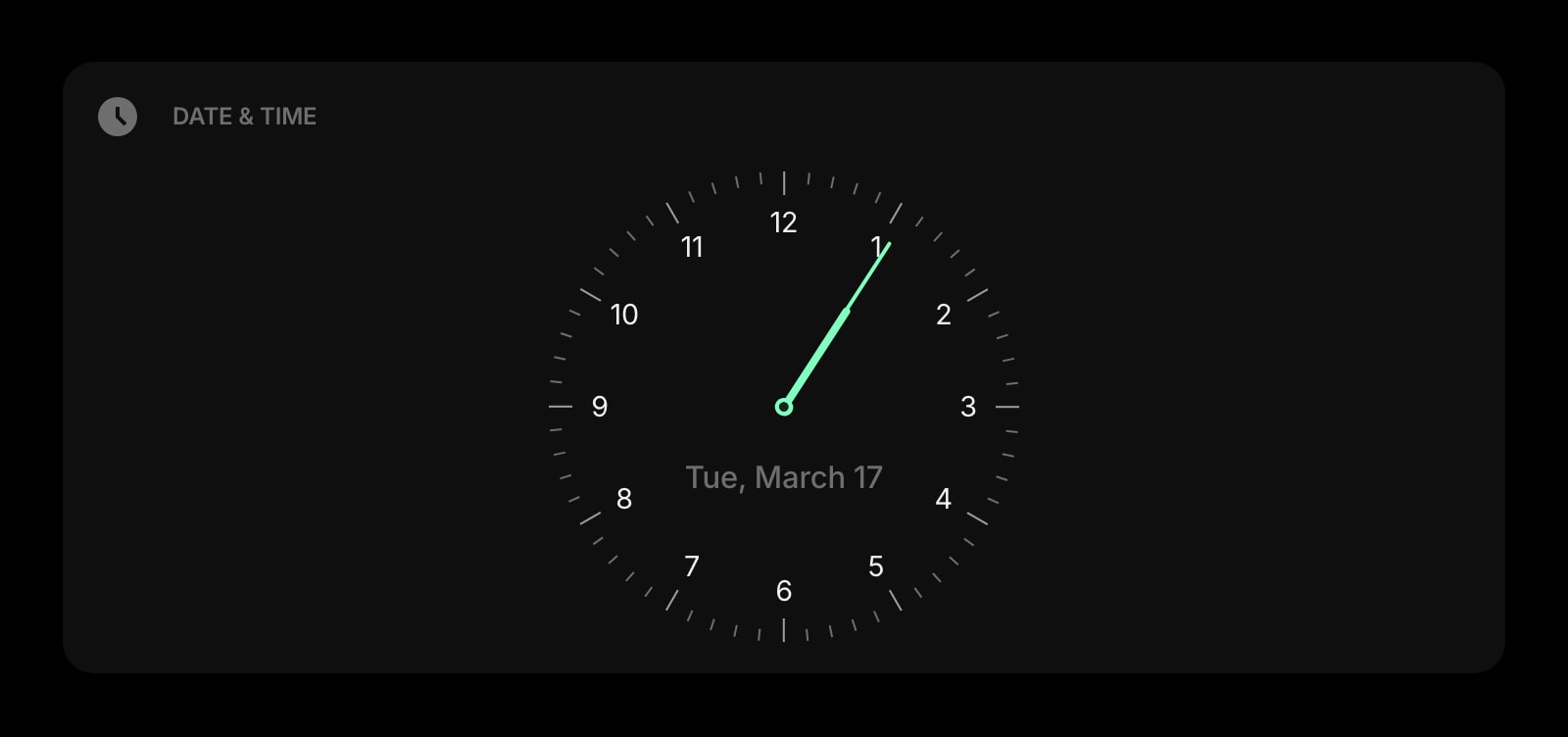
Date & Time
Big, clean clock and date for the top of your start page — exactly what Momentum puts front and center.
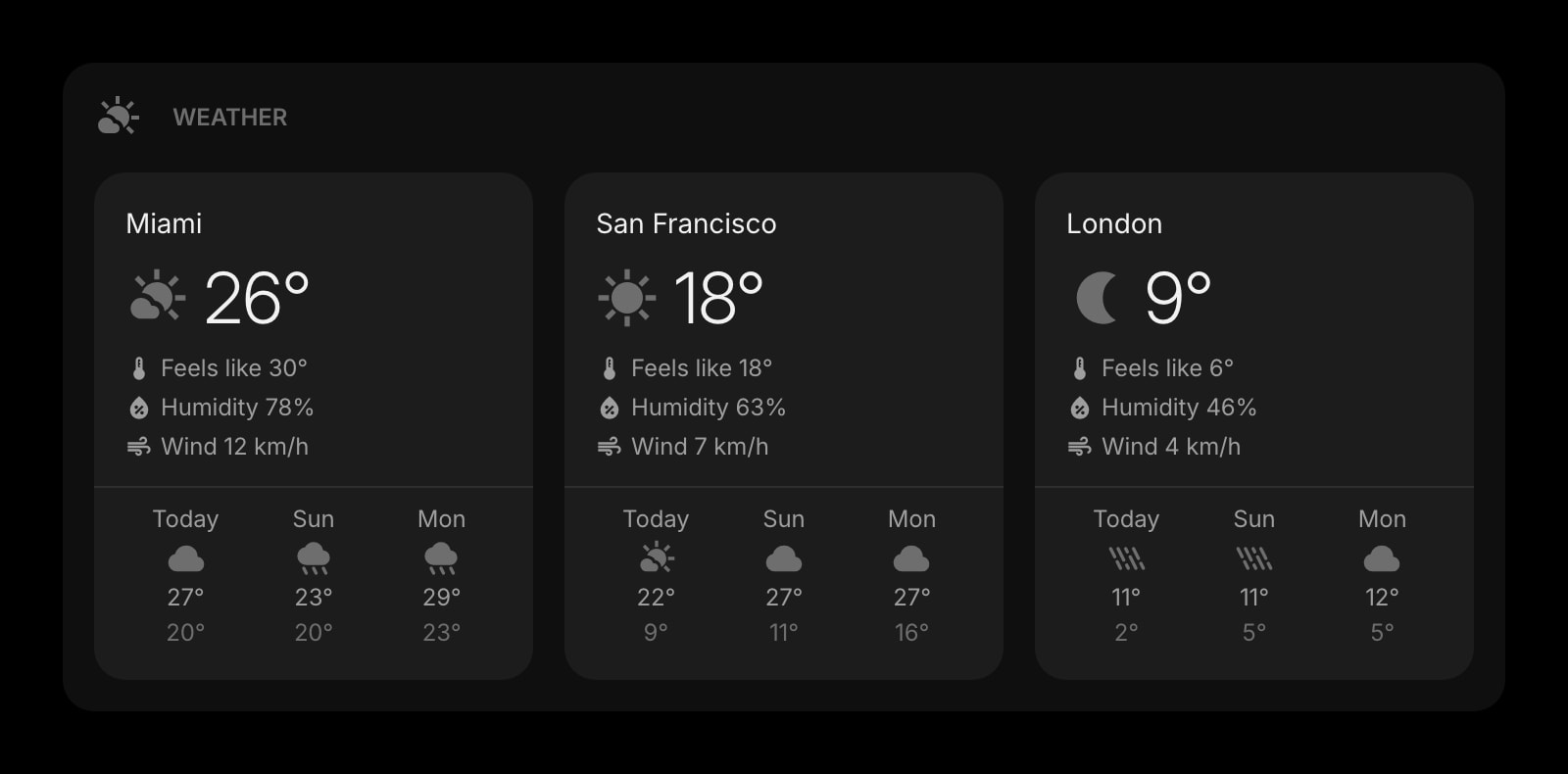
Weather
Current conditions and forecasts for the locations you care about, refreshed automatically across all your devices.
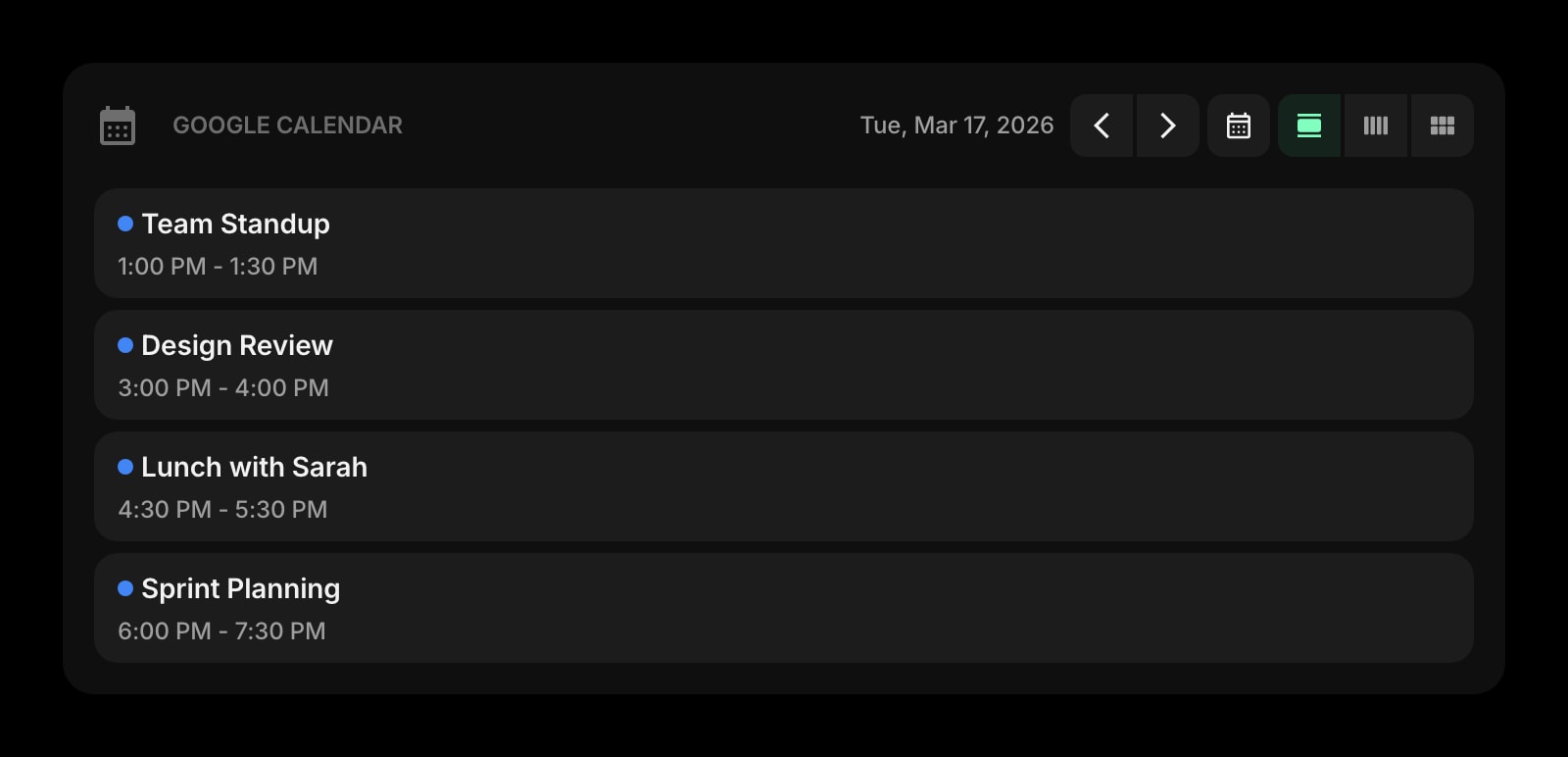
Google Calendar
Today and upcoming events from any Google Calendar — one of the integrations New Tab Widgets does ship and Momentum gates behind Plus.
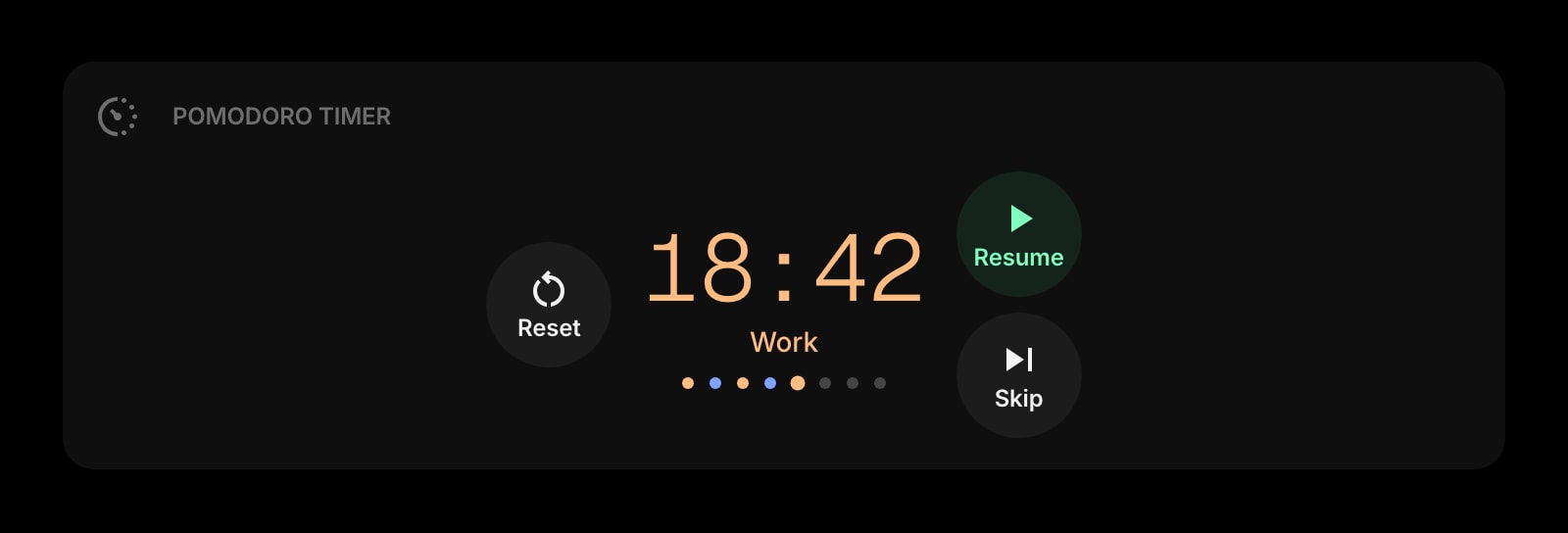
Pomodoro Timer
A real focus timer built into the start page — sessions, breaks, and history, no Plus tier or Pro tier required.
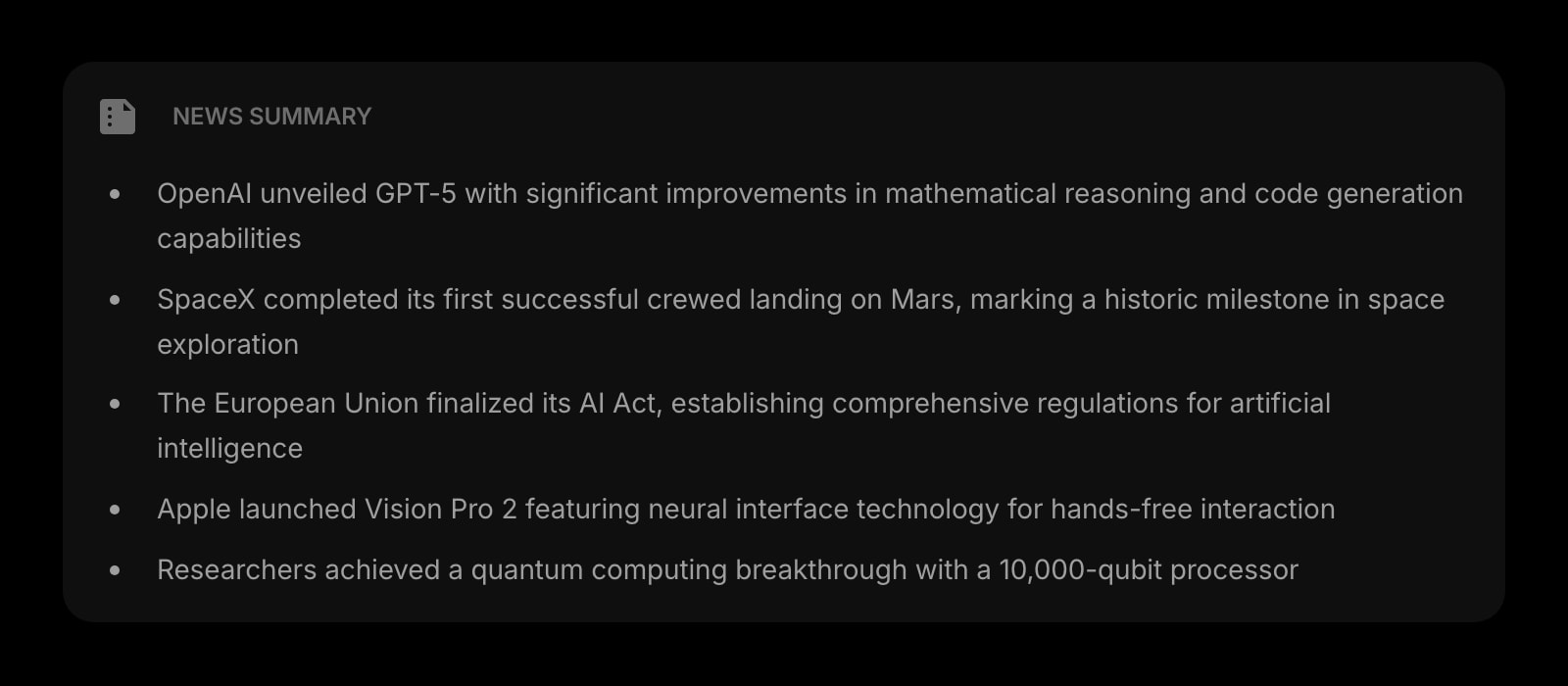
News Summary
A daily AI-summarized news brief on the start page itself — a category neither Momentum nor New Tab Widgets ships.
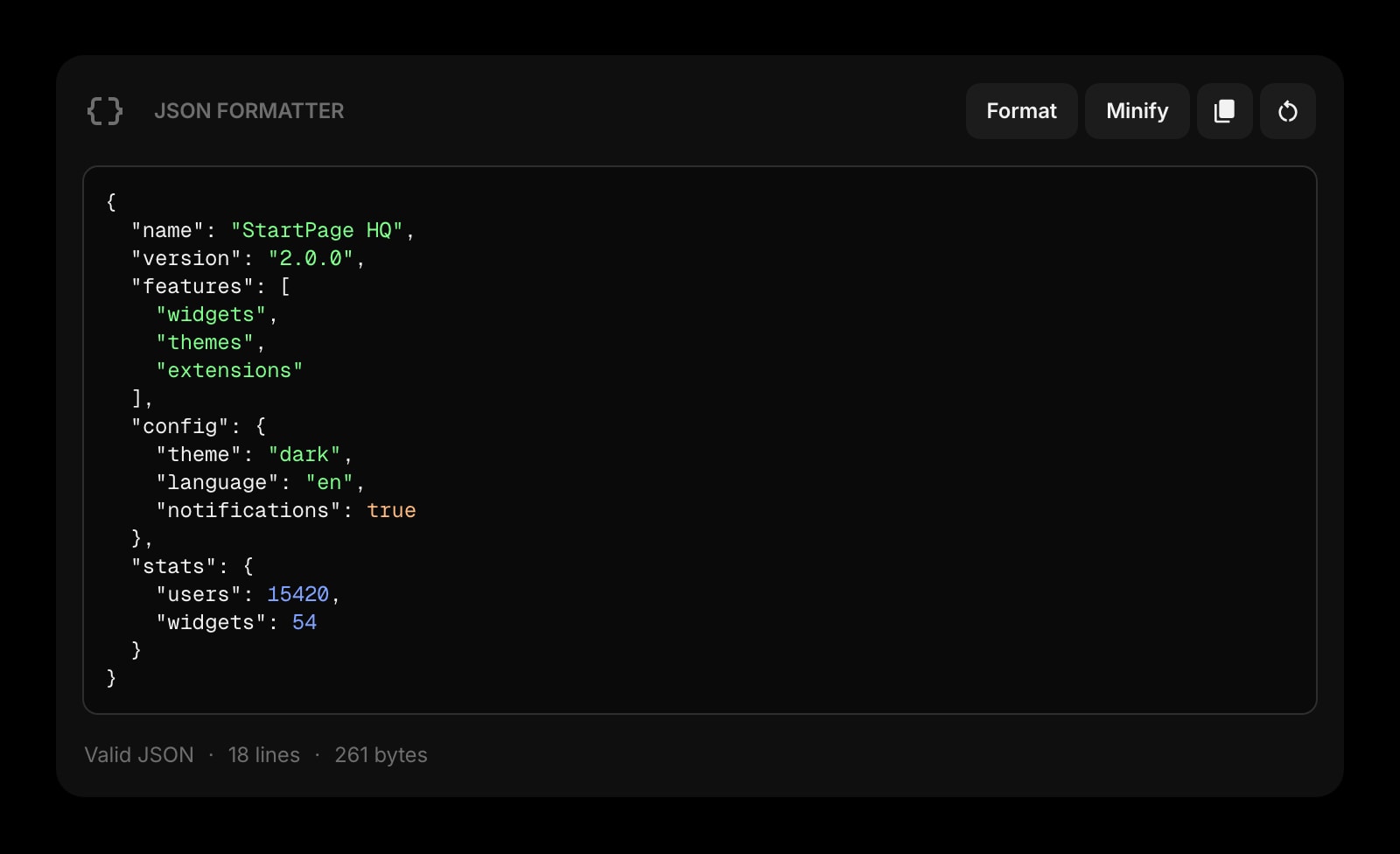
JSON Formatter
Format, validate, and inspect JSON without leaving the new tab — one of a dozen developer tools neither product covers.
Frequently Asked Questions
Momentum does. It ships real new-tab extensions on Chrome, Firefox, Safari, and Edge, including macOS Safari. New Tab Widgets ships only a Chrome extension; on Firefox, Safari, and Edge you have to fall back to the hosted web app at app.newtabwidgets.com, which works as a website you bookmark but does not actually replace the new tab page. If Safari, Firefox, or Edge is part of your daily setup, Momentum is the only one of these two that gives you a real new-tab replacement there.
New Tab Widgets, by a wide margin. The catalog is 67+ widgets including stocks, Spotify, Gmail, Google Calendar, sticky notes, RSS, world clocks, countdowns, currency, a web clipper, and an iFrame embed widget you can point at any URL. Momentum keeps a tighter, opinionated set — focus, todo, weather, links, quotes — and adds Pomodoro, soundscapes, world clocks, countdowns, and task-app integrations only on the paid Plus tier. If raw widget count is the deciding factor, New Tab Widgets wins.
In New Tab Widgets, yes — it uses a free-placement layout where every widget can be dragged anywhere on the canvas, resized, and overlapped, with custom CSS supported on top. In Momentum, no — the layout is fixed (background photo, central clock and focus prompt, sidebar widgets), and you customize content rather than arrangement. If pixel-level placement matters to you, New Tab Widgets has the edge.
New Tab Widgets supports multi-page dashboards: build separate pages for Work, News, and Personal with different per-page wallpapers and widget sets, and switch between them. Momentum is single-page by design — one tab, one layout, one photo at a time. If you want context-switching across multiple themed pages, New Tab Widgets is the only one of these two that does it.
Momentum: free tier + Momentum Plus at about $3.33/month or $40/year, no lifetime option. New Tab Widgets: free tier (10 widgets on 1 page), Pro at $4.99/month, and a $179.99 one-time Lifetime — but Lifetime is capped at 20 seats globally. If you want the cheapest monthly upgrade, Momentum Plus is the lower number. If you want a one-time payment and a Lifetime seat is still available, New Tab Widgets is the only one with that option. If "free with most things unlocked" is the goal, New Tab Widgets free is more generous on the catalog side; Momentum free is more generous on the daily-focus side.
Both products sync across devices on their paid tier — Momentum on Plus, New Tab Widgets on Pro. Neither offers cross-device sync on the free tier, and neither is a fully local, no-account product (both are commercial SaaS-backed extensions where the cloud account holds your setup once you turn sync on).
The Verdict
Both are good at what they set out to do, and they set out to do different things. Pick Momentum if you want an opinionated, polished daily tab built around a single focus prompt and a beautiful background, you use Safari, Firefox, or Edge, and you are open to paying $3.33/month for Plus. Pick New Tab Widgets if you want one of the deepest widget catalogs in the category, free-placement of widgets anywhere on the page, multiple pages with per-page wallpapers, and you primarily live in Chrome. If neither feels quite right — for example, you want native new-tab extensions on every browser, multi-page dashboards, and a productivity layer that includes AI and developer tools without a Plus or Pro upsell — Start Page HQ is worth a look.