What's New in Start Page HQ 1.3.0: Drag & Drop, Undo Delete, Collection Export, and More
Start Page HQ 1.3.0 is out, and it brings a long list of upgrades to the dashboard. Drag-and-drop now works for both Links and Collection widgets, Collections can be exported to Markdown, CSV, or JSON, and a new undo toast saves you from accidentally deleted widgets. We also rolled the highlights of a few smaller releases into this post, so you can catch up on everything you might have missed.
#Drag And Drop Links Onto Widgets
You can now drag a link, a bookmark, or any URL from the browser directly onto a Links or Collection widget. Each dropped item appears immediately with a preloader, then fills in with the page title, icon, and preview image once the metadata is fetched.
Collections accept images too. Drop an image file from your desktop or drag an image straight off a web page, and it will be uploaded to our CDN and added as a Collection item. URL-based images are re-hosted server-side to avoid CORS issues, so it just works.
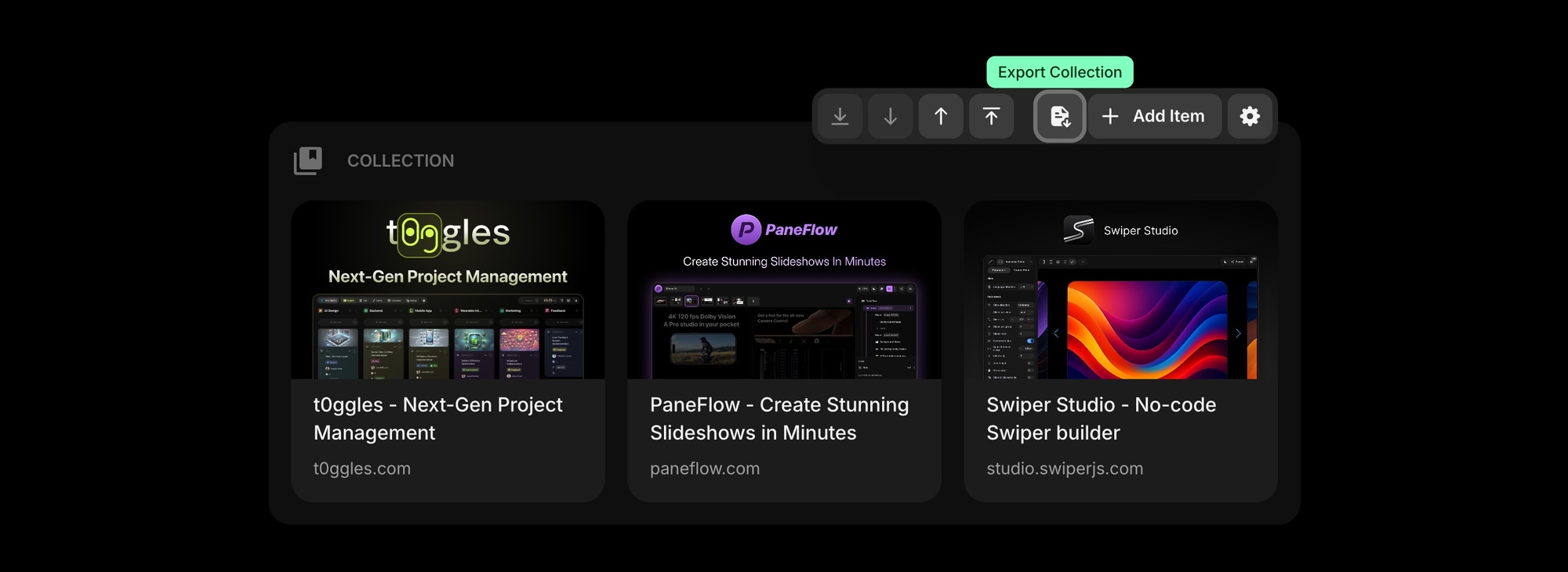
#Export Collections To Markdown, CSV, JSON, Or Text
The Collection widget now has an Export button in its context menu. Pick the format you want and the file downloads immediately - no extra confirmation step.
- Text for quick plain-text lists
- Markdown for sharing in docs, READMEs, or notes
- CSV for spreadsheets and reports
- JSON for moving data between tools or scripts
#Move Widgets To Top Or Bottom In Edit Mode
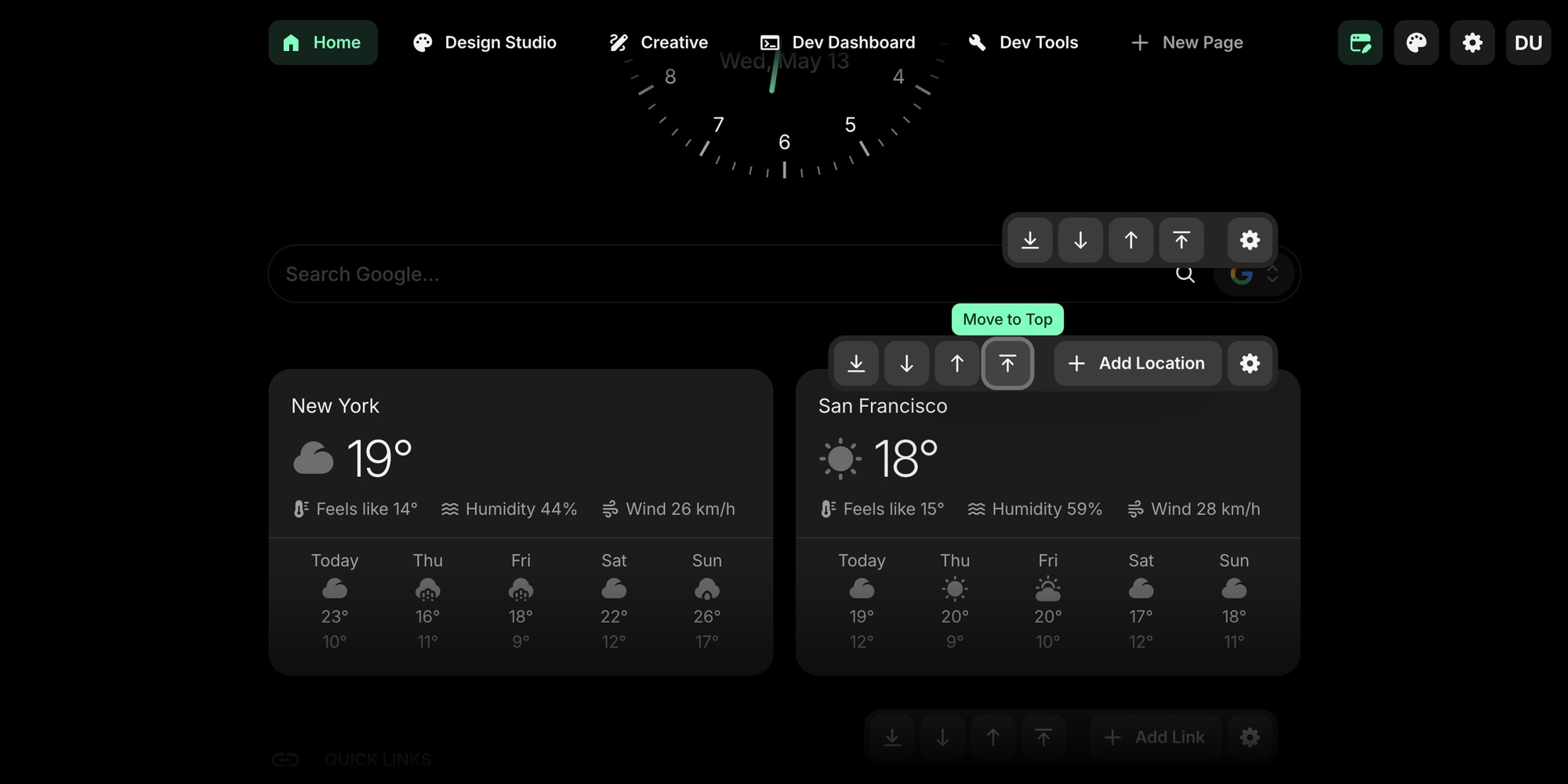
Reordering long pages used to mean dragging a widget through every other widget on the way. In 1.3.0, the widget context menu in Edit Mode has new "Move to Top" and "Move to Bottom" actions, with smooth reorder animations.
#Customizable "View All" Threshold
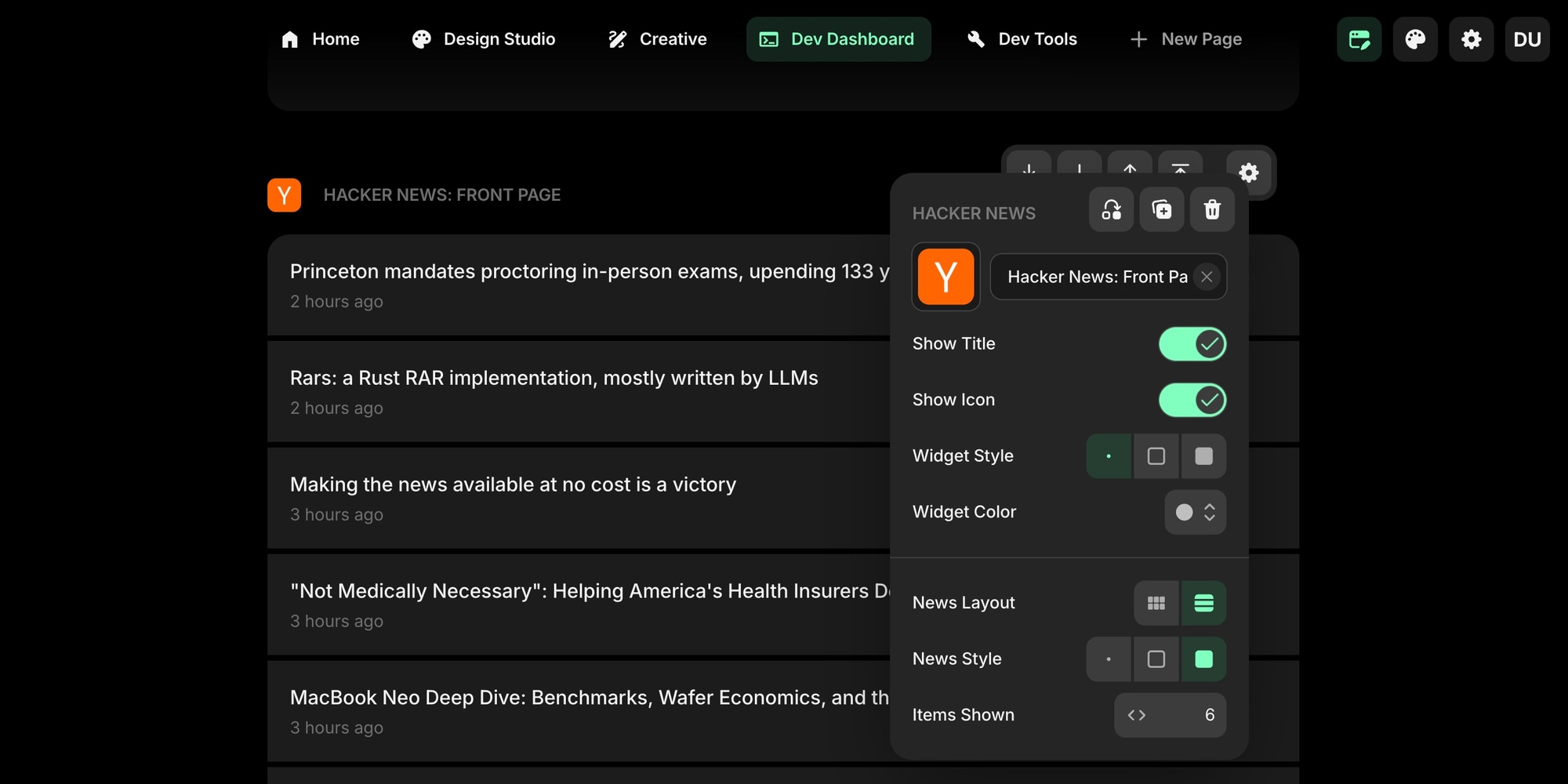
Feed-style widgets (Feed, News, Podcasts, GitHub Releases, Hacker News, Subreddit, Substack, YouTube Channel) and the Collection widget now let you customize the "View All" threshold per widget. Show fewer items by default to keep things compact, or raise the limit when you want everything visible at a glance.
#Hide Unwanted Units In Unit Converter
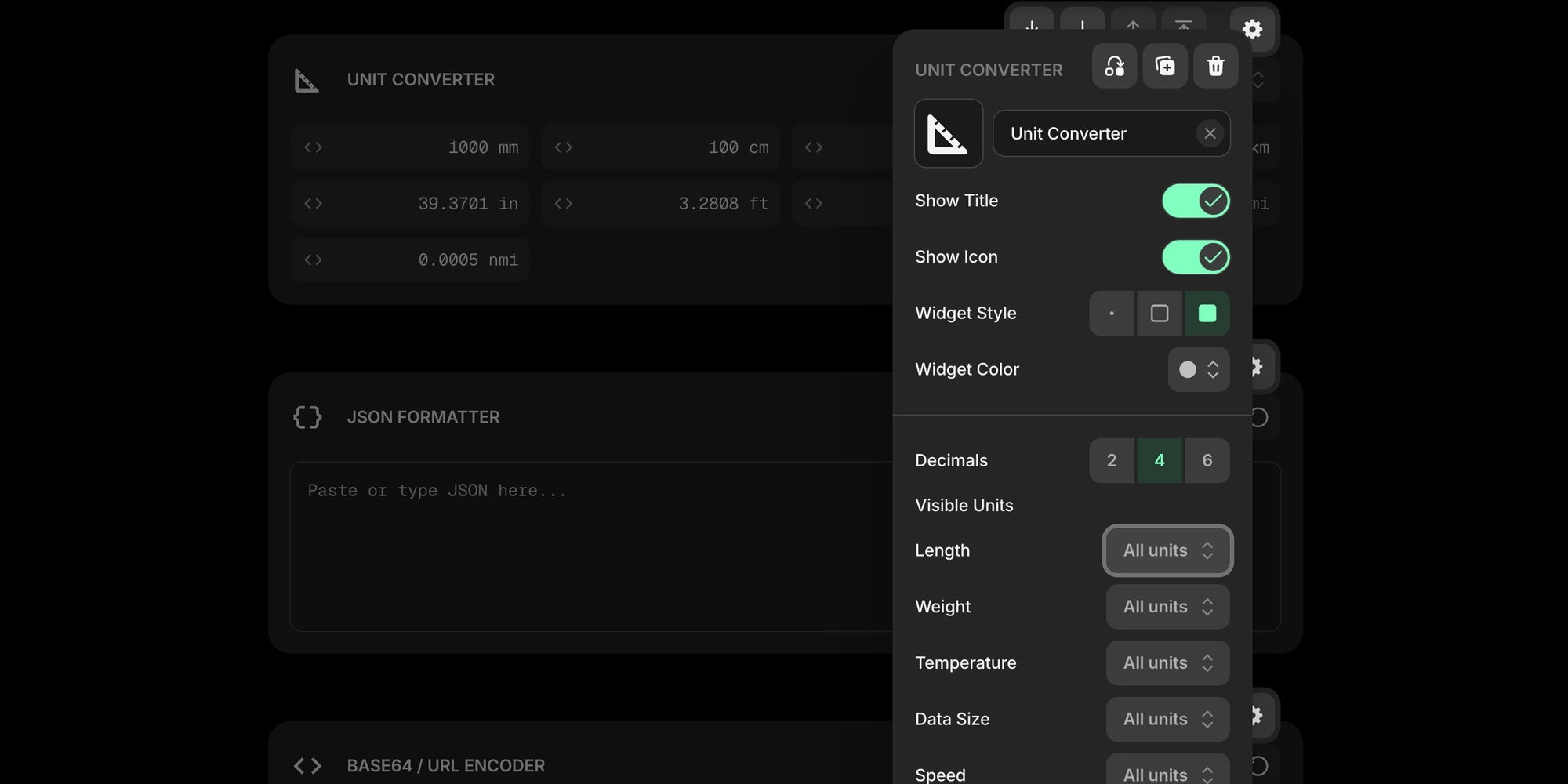
The Unit Converter widget can now hide unit fields you never use. Open the widget settings, pick which units you want visible for each category (length, weight, temperature, etc.), and the others stay out of your way.
#Undo Widget Delete
Accidentally deleted a widget? After deletion, a toast appears in the corner with an Undo button. Click it within a few seconds and the widget comes back exactly as it was - settings, content, and position intact.
#Image Compression: Batch Mode And More Formats
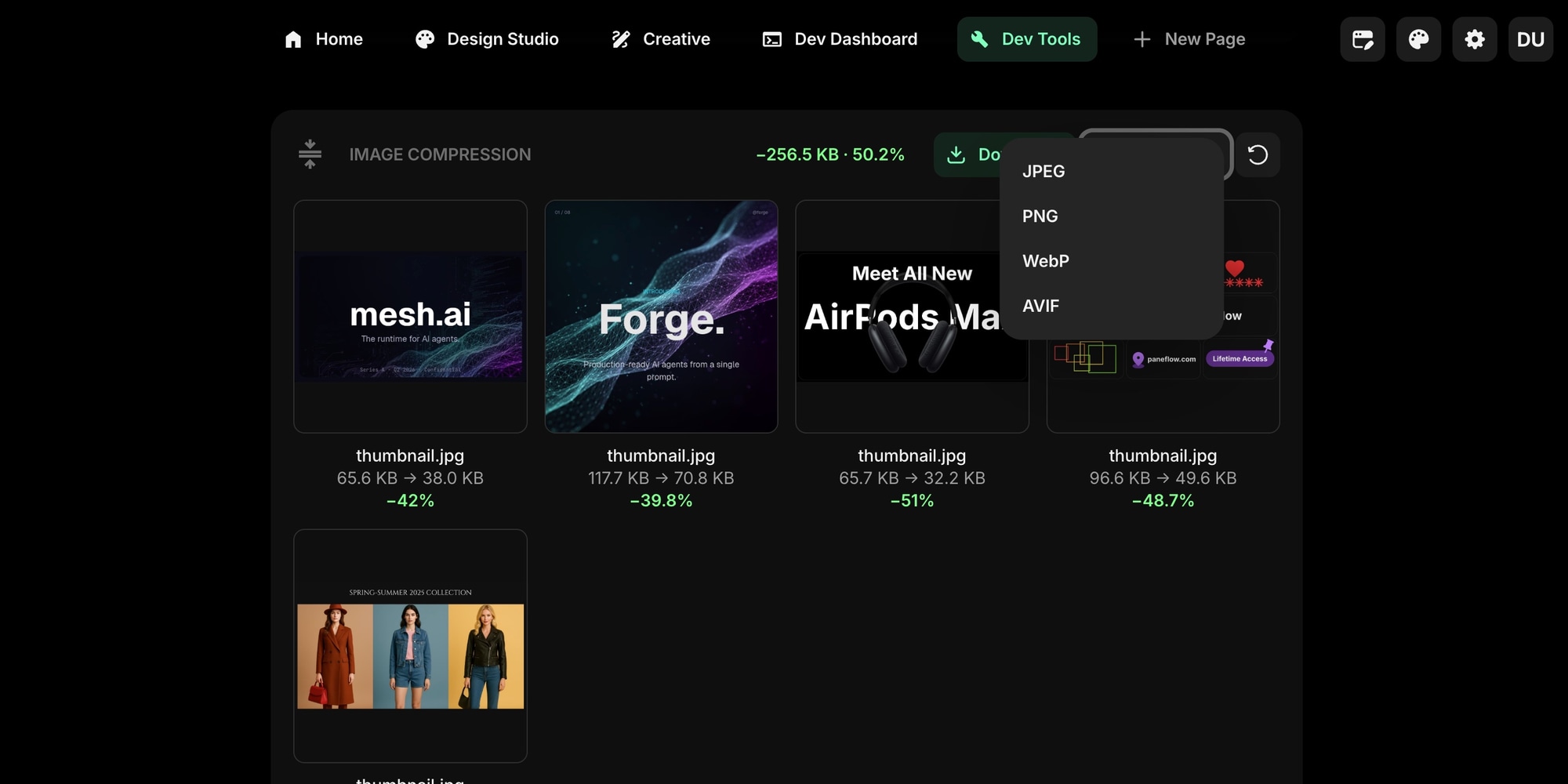
The Image Compression widget got a serious upgrade. You can now drop multiple images at once and compress them in a single batch. Each image gets its own preview tile with size before and after, and the whole set can be downloaded as a single ZIP.
Export targets expanded too. Convert between JPEG, PNG, WebP, AVIF, and SVG without leaving the page, with full quality and dimension control.
#GPT Image 2 In The AI Image Widget
The AI Image widget gained a new model: GPT Image 2. Pick it from the model selector and generate higher-fidelity images alongside the other models already available.
#Preserve URL Path Case For Saved Links
A small but important fix. URLs with case-sensitive paths (for example https://example.org/MyPage/Test) are now saved exactly as you enter them. Previously the entire URL was lowercased, which could break links pointing to case-sensitive routes. Per RFC 3986, only scheme and host are case-insensitive - path, query, and fragment are now preserved as-is.
This applies to Links and Collection widgets, the rich text link tool, and the worker URL endpoint.
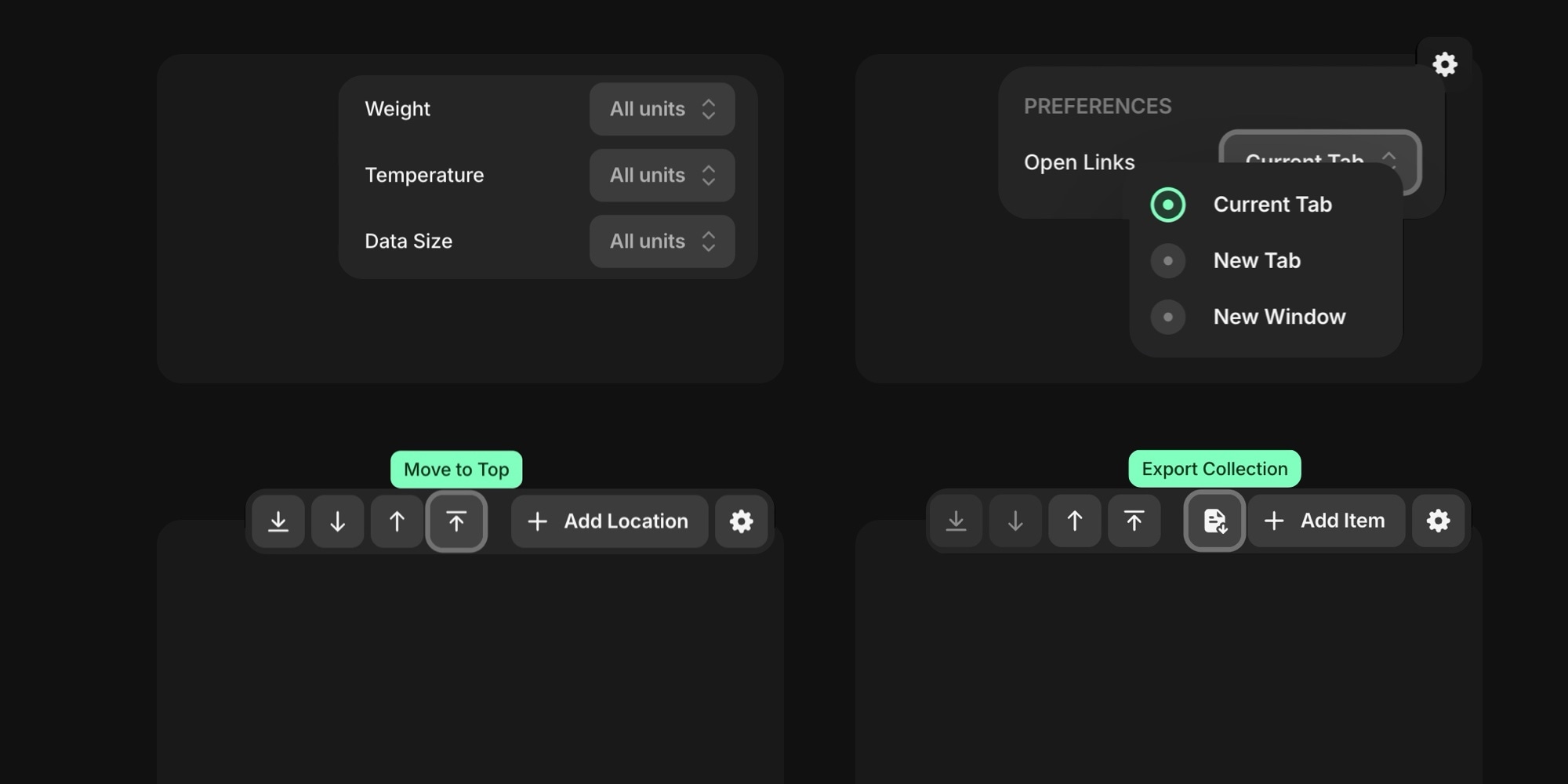
#Choose How Links Open
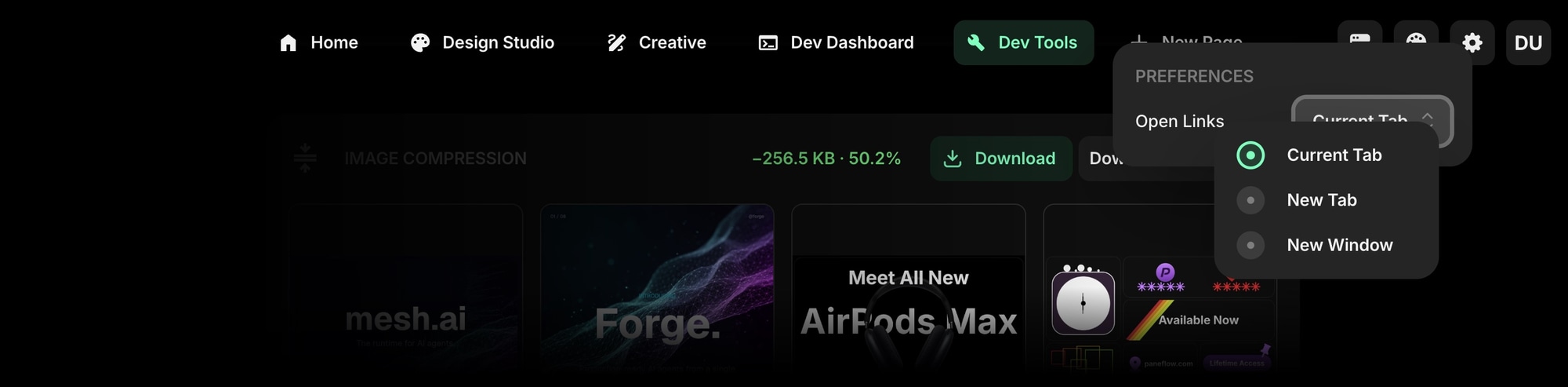
If you use the Start Page HQ browser extension, you can now set a global preference for how links open from the dashboard:
- Current Tab - replace the start page
- New Tab - open in a fresh tab and keep the start page where it is
- New Window - open in a separate window
The setting lives in the dashboard settings panel.
#Try It Out
All of this is live now. Open your dashboard to start using the new features, or start for free if you do not have an account yet.
If there is a widget, workflow, or integration you would love to see next, tell us - a big part of what goes on the roadmap comes straight from the people using Start Page HQ every day.