

Looking for an Audacity Alternative?
Audacity is the legendary free, open-source multi-track audio editor — podcasts, music, voiceovers, archival cleanup, you name it. Start Page HQ is the audio editor widget that lives on every new tab — quick trims and edits without opening a desktop app.
What People Love About Audacity
Before we get into where Start Page HQ goes further, credit where it's due.
- Free and open source under the GPL, with desktop builds for Windows, macOS, and Linux that have powered podcasts and demos for decades.
- Multi-track recording and editing with a deep effects library — EQ, noise reduction, compression, reverb, and more.
- Spectrogram view and label tracks for serious audio cleanup and analysis.
- A massive community library of plug-ins and tutorials covering every imaginable workflow.
- No account, no subscription, no nag screens — install and edit.
Where Start Page HQ Goes Further
Specific differences, not vague claims.
Browser-Based, No Install
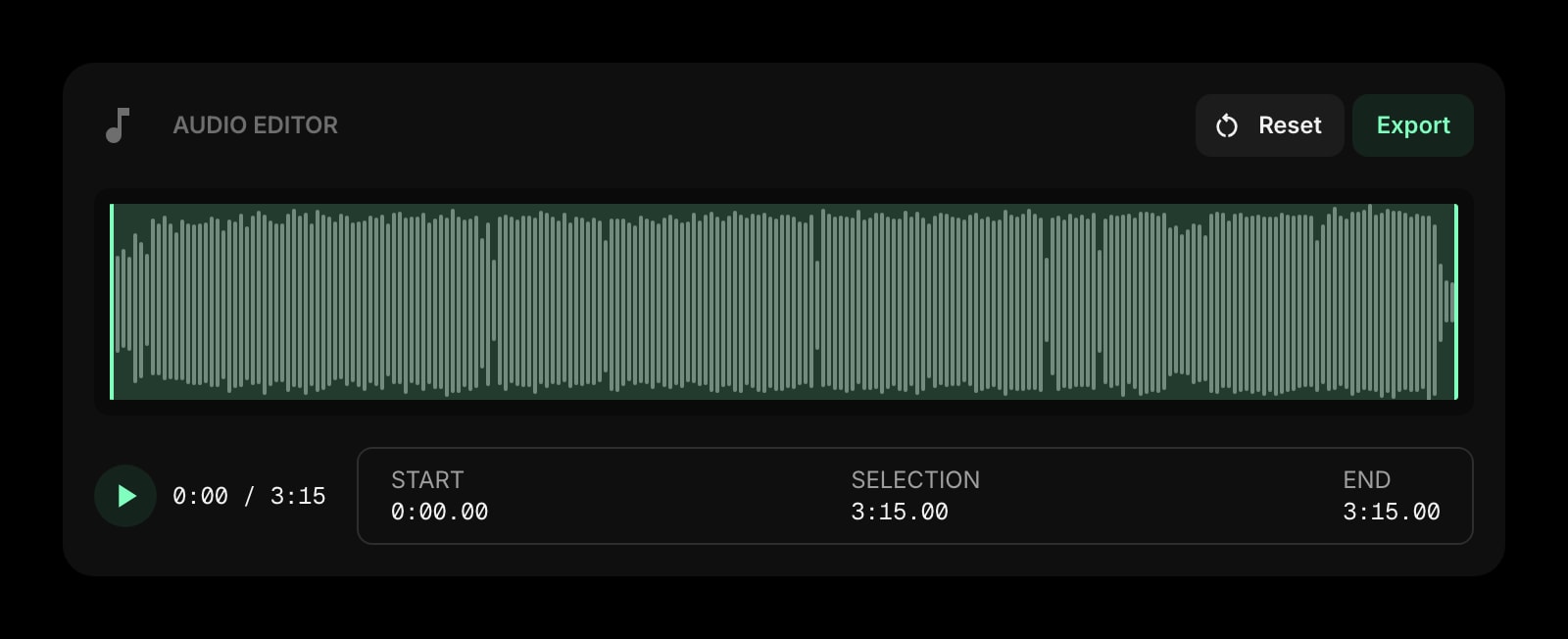
Audacity is a desktop app you have to download, install, and update. Start Page HQ's Audio Editor widget runs in the browser — open a new tab, drop in an audio file, trim, export.
Lives on Every New Tab
Audacity is a separate program you only open when you remember it. Start Page HQ ships an Audio Editor widget that's already there every time you open a new tab — perfect for quick trims of voice memos, meeting recordings, or audio clips.
Sits Alongside 63+ Other Widgets
Audacity is a single-purpose tool. Start Page HQ pairs the Audio Editor widget with notes, todos, calendar, news, RSS, AI tools, and 63+ more — one dashboard, one tab.
Multi-Page Dashboards
Build a "Podcast" page with Audio Editor, Podcast widget, and Notes. Build a separate "Personal" page with weather, todos, and feeds. Switch between them with a click.
Native Browser Extensions
Install on Chrome, Firefox, Safari, or Edge to make Start Page HQ — and the Audio Editor — open with every new tab.
Cross-Device Sync Built In
Dashboard layout syncs across every browser and device automatically on every plan, free included. Trim something on your laptop, finish it on a different machine.
Side-by-Side Comparison
An honest line-by-line look at how the two stack up.
| Feature | Audacity | Start Page HQ |
|---|---|---|
| Pricing | Free, open source | Free plan; $4/mo, $24/yr, $48 LTD |
| Free tier | Yes, full product | 1 page, 8 widgets |
| Open source | GPL | No |
| Multi-track recording | Yes | No |
| Effects (EQ, compression, noise reduction) | Yes | No |
| Spectrogram view | Yes | No |
| Plug-in ecosystem | Yes | No |
| Trim audio | Yes | Yes |
| Cut and fade effects | Yes | No |
| Export to MP3 / WAV | Yes | Yes |
| Browser-based, no install | No | Yes |
| Lives on every new tab | No | Yes |
| Chrome / Firefox / Safari / Edge | No | Yes |
| Native browser extensions | No | Yes |
| Cross-device sync | No | Included |
| Multi-page dashboards | No | Yes |
| Notes, todos, RSS, weather alongside | No | Yes |
Widgets That Replace Audacity
Drop these onto your dashboard and you've covered Audacity's core features — plus a lot more.
Frequently Asked Questions
No, and we will not pretend otherwise. Audacity is a serious multi-track DAW with effects, plug-ins, and decades of audio engineering depth. The Audio Editor widget is for quick trims and exports — voice memos, meeting clips, podcast intros that don't need a full DAW. Use Audacity for serious audio production; use the widget for the 80% of small jobs that interrupt the flow when you have to open a desktop app.
No. The widget handles single-track trims. For layered audio with multiple tracks, effects chains, and mixing, keep Audacity.
No. The widget focuses on the core trim/cut/fade workflow without an effects library. Audacity's effects depth remains the right tool for cleanup work.
Audacity is free and open source with no strings attached, and Start Page HQ has a free plan of its own — 1 page with up to 8 widgets, 55 of the 63 widget types including the Audio Editor, cross-device sync, every browser extension, and 50 one-time AI credits. Extra pages, the 8 premium widgets, and uploads need a paid plan: $4/month, $24/year, or $48 one-time. The demo at startpagehq.com/demo needs no signup and unlocks every widget.
Yes. Start Page HQ has native extensions for Chrome, Firefox, Safari, and Edge, plus a hosted web app at startpagehq.com that works in any modern browser. Audacity itself is a desktop app — Start Page HQ runs entirely in the browser.
Yes — most users do. Audacity stays installed for full DAW work; the Audio Editor widget handles quick trims that come up while you are doing everything else.
Ready to Try Start Page HQ?
Start free — 1 page, 8 widgets, sync across devices, no credit card. Or open the live demo first, no signup needed.